Online screen recorder
Screen, window or tab with sound and your mic, saved as MP4 or WebM.
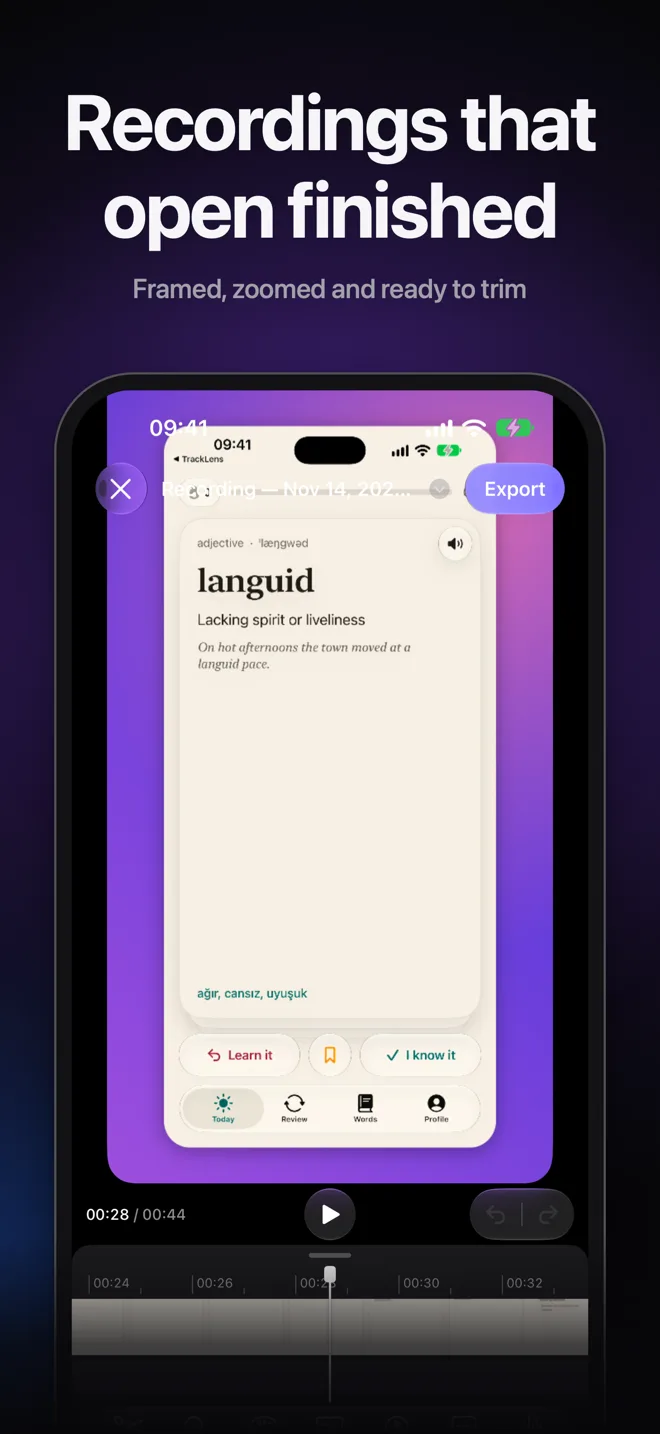
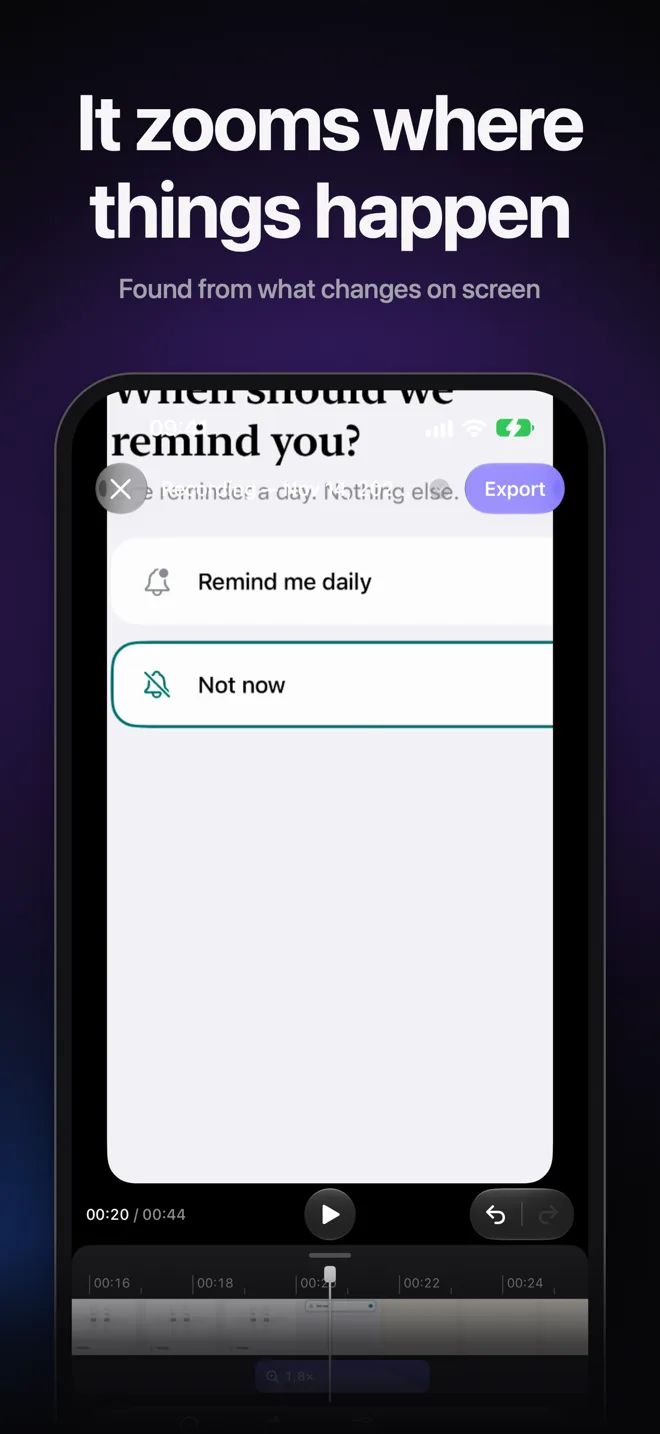
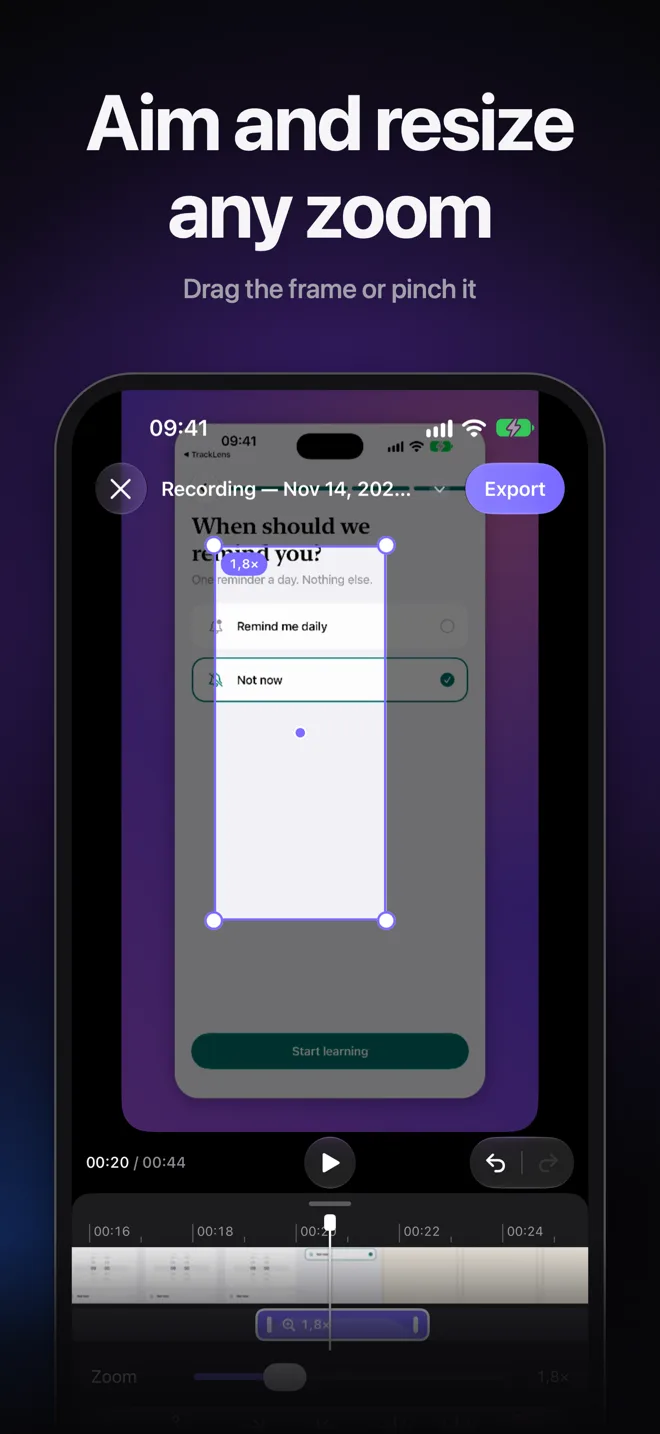
TrackLens: Screen RecorderThe free online screen recorder captures a screen, a window or a browser tab on your computer, with your microphone, and saves MP4 or WebM with no watermark. TrackLens records iPhone, iPad and Mac screens, then opens the recording already zoomed where things happen and framed on a background, ready to trim.
| Free tool | TrackLens | |
|---|---|---|
| Runs on | A computer browser | iPhone, iPad and Mac |
| Records | Screen, window or tab | The device screen; on Mac a display, a window or an area you draw |
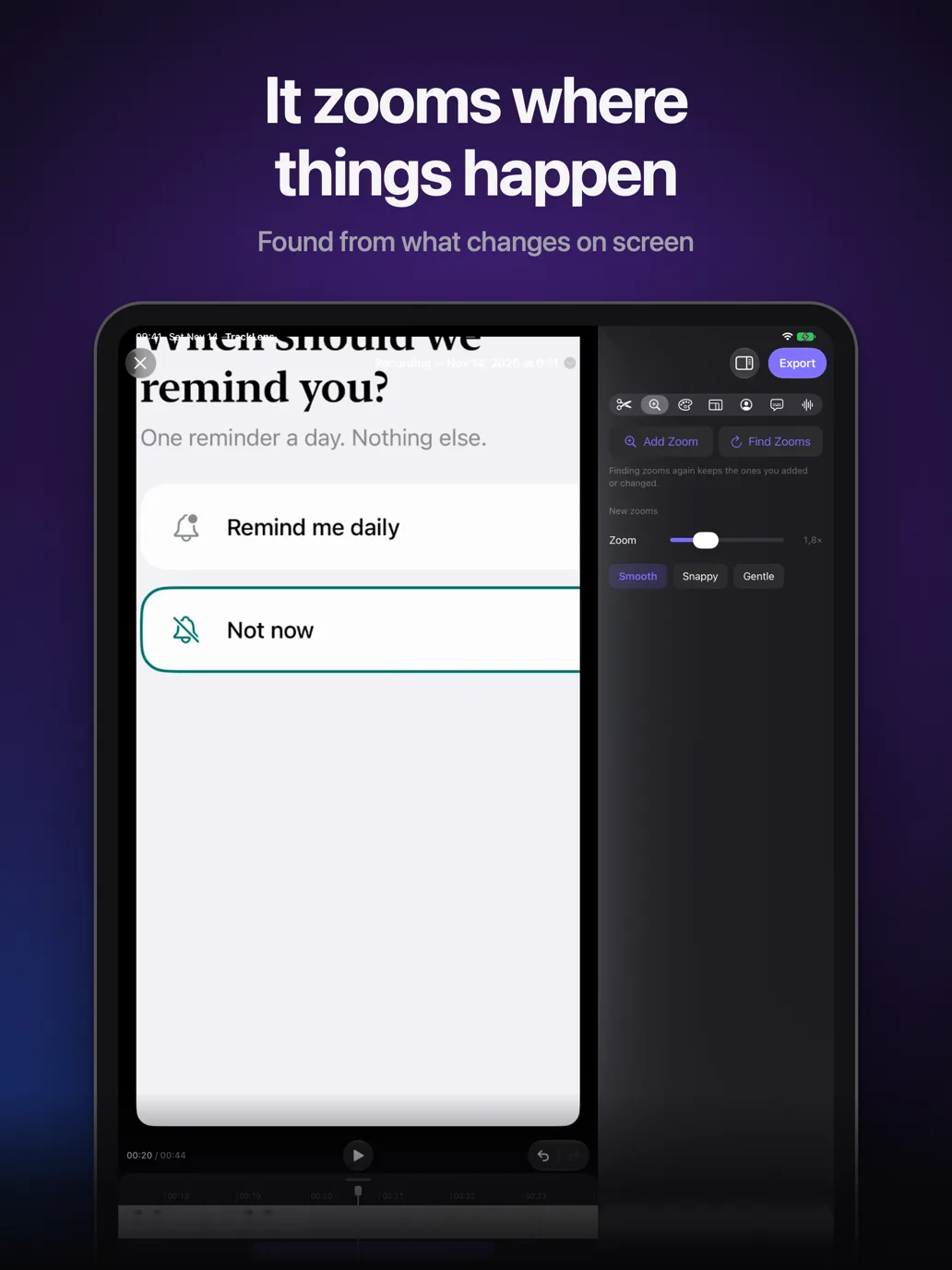
| Editing | None, you get the raw file | Automatic zooms, backgrounds, camera layouts and a timeline |
| Captions | No | Transcribed on the device on iOS 26 and macOS 26 |
| Output | MP4 or WebM, no watermark | Up to 4K at 60 fps in four shapes, or GIF |
| Price | Free, no sign-up | Free download; free exports up to 1080p carry a small mark, TrackLens Pro removes it |
The free recorder is enough for a quick capture on a computer that you will send as it is.
Get TrackLens when you record an iPhone or iPad app, or when the video needs zooms, framing and cuts before anyone sees it.
Screens from the current version on the App Store.
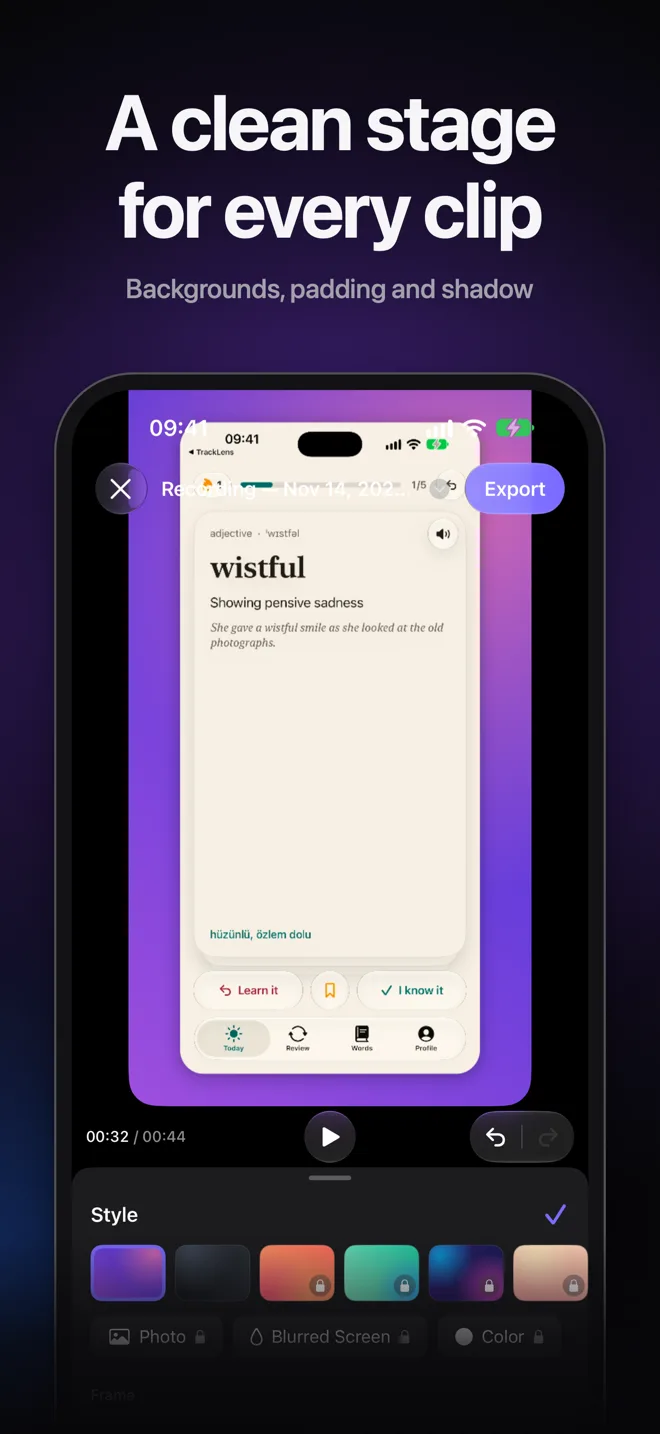
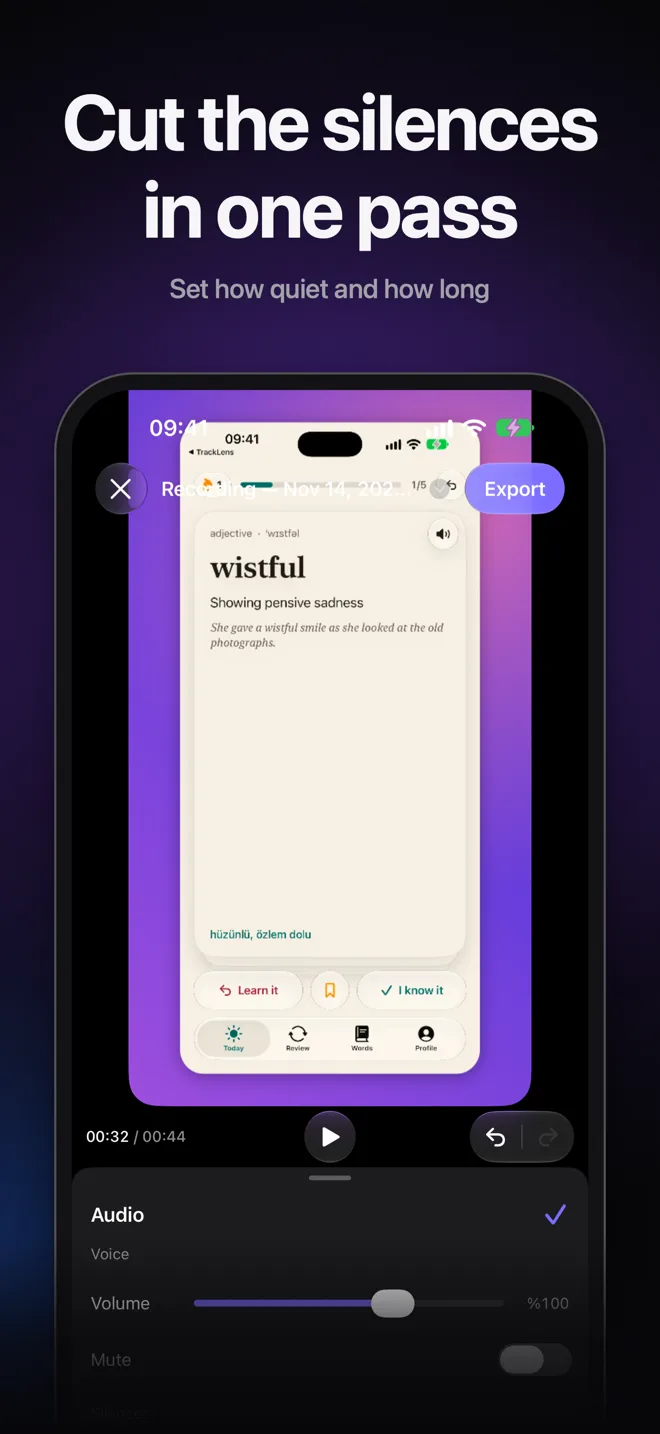
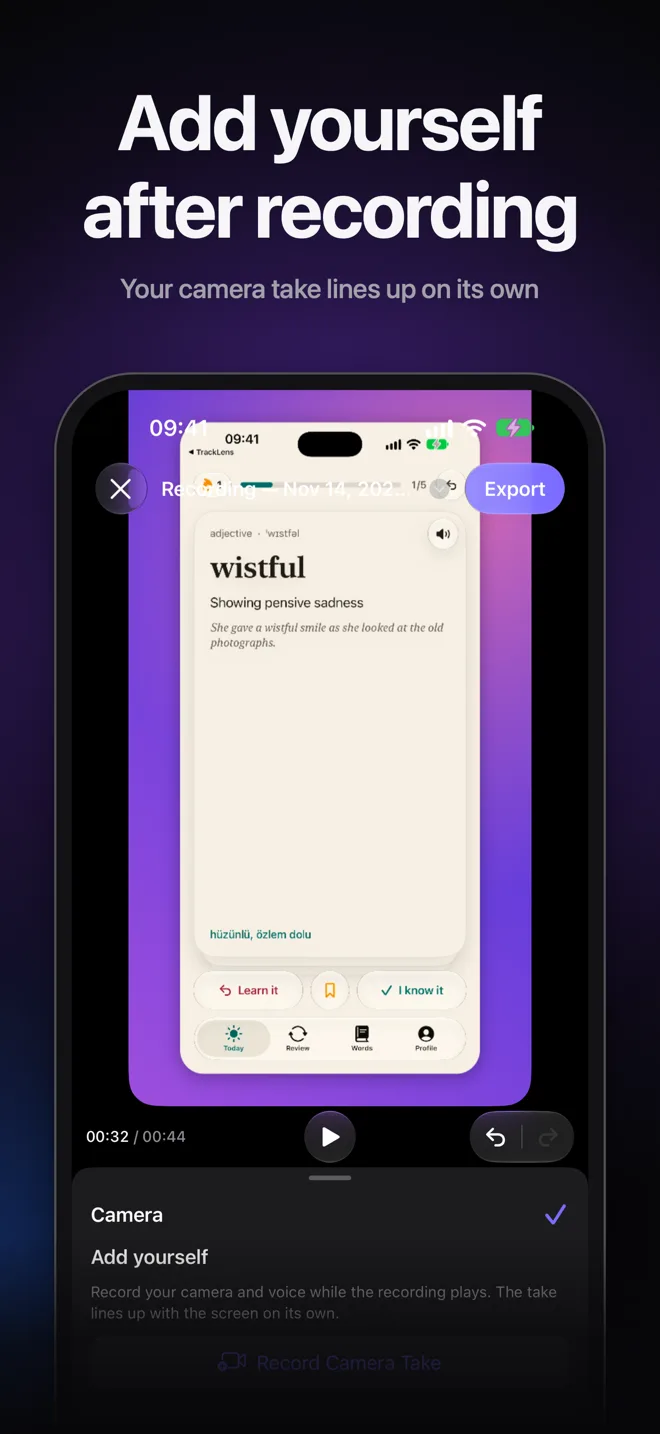
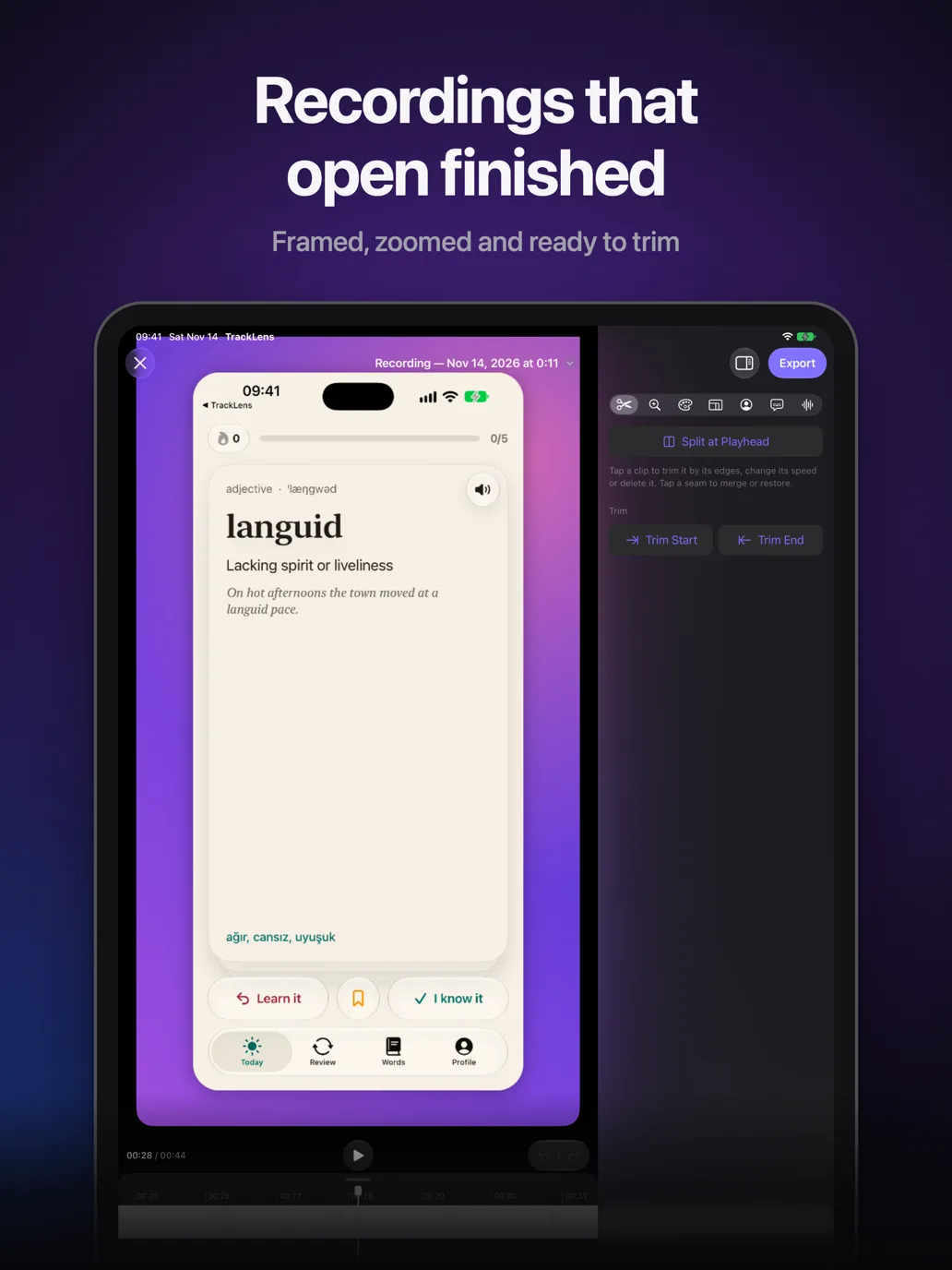
They run in your browser, with no sign-up.
Screen, window or tab with sound and your mic, saved as MP4 or WebM.
Turns a few seconds of video into a looping GIF.
Cuts the start and end off an MP4 or MOV without re-encoding.
Checks your microphone level before you record.
Only Chrome and Edge share a tab's sound, and you have to tick the share audio option in their dialog. Safari and Firefox record the microphone only.
No. The file is made by your browser and downloads as MP4 or WebM without a mark.
Open the recording in the video to GIF tool, choose the start and end, the width, frame rate and speed, and save the GIF.
Touch and hold Screen Recording in Control Center, turn the microphone on, choose TrackLens and start the broadcast, or tap Record in the app.
No. Recordings, transcripts and projects stay on your device, and there is no sign-in.
Record, present and edit