Most video tools re-encode your clip. These copy it.
Free online video tools that run in your browser. Trim, rotate, mute and clean metadata by rewriting the file’s index, so every frame stays exactly as it was. GIFs, stills and crops when you need pixels. Nothing is uploaded.






- Resolution
- 1,920 × 8002.40:1
- Frame rate
- 24 fps
- Bitrate
- 6.2 Mbps
- Codec
- VP8
Sample: Tears of Steel, 1080p WebM. Drop your own clip and these numbers become yours.
Full reportPick the job your clip needs
Cut and fix, without re-encoding
- Trim videoCut the start and end of an MP4 or MOV in seconds, at full quality
- Rotate videoFix a sideways or upside-down video instantly, with no quality loss
- Remove audio from videoTake the sound track out completely and keep the picture untouched
- Remove video metadataDelete location, device and date tags before you share a clip
Record your screen
Frames, GIFs and sound
- Video compressorShrink a video to 20 MB for Discord, 25 MB for Gmail or any size you set
- Video to GIFPick a few seconds, set size and frame rate, get a looping GIF
- Video to JPG framesSave a frame every second, or every frame of a clip, as JPG or PNG in a ZIP
- Thumbnail and frame grabberStep frame by frame and save the exact one at full resolution
- Extract audio from videoKeep only the sound: M4A at the original quality, or WAV
- Crop videoDraw the frame, or pick 9:16, 1:1 or 16:9, and record the cropped video





Check and calculate
Plan a timelapse
Copied when it can be, encoded when it must
Trimming, rotating, muting and cleaning metadata only rewrite the file’s index, so they take seconds and keep every frame exactly. Cropping and GIFs change the picture, so the browser draws and encodes it.
| Tool | How | Quality |
|---|---|---|
| Trim video | Frames copied, index rewritten | Identical |
| Rotate video | Orientation flag rewritten | Identical |
| Remove audio | Sound track left out | Identical |
| Remove metadata | Tags and dates left out | Identical |
| Extract audio, M4A | Sound copied into its own file | Identical |
| Crop video | Played and recorded in real time | Re-encoded at a high bitrate |
| Video to GIF | Frames read and reduced to 256 colours | GIF limits |
Which tool for which job
Start from what you want to end up with. Tools that only rewrite the file’s index keep the picture untouched; tools that change pixels encode it again.
| You want | Use |
|---|---|
| A shorter clip, same quality | Trim video |
| A 9:16 clip for Reels, TikTok or Shorts | Crop video |
| A short loop for chat | Video to GIF |
| The sound as its own file | Extract audio |
| A sideways video the right way up | Rotate video |
| A silent copy | Remove audio |
| One exact still | Video thumbnail grabber |
| Many stills at once | Video to JPG |
| Resolution, frame rate, bitrate | Resolution checker |
| Location and dates out before sharing | Remove metadata |
Numbers worth knowing
Reels: Instagram accepts any aspect ratio from 1.91:1 to 9:16, at least 30 fps and 720 pixels, says its help centre.
Shorts: YouTube files a square or vertical video of up to three minutes as a Short.
GIF: at most 256 colours per palette and frame delays in hundredths of a second, by the GIF89a specification; there is no sound.
WAV: 48 kHz stereo at 16 bits is 192,000 bytes a second, about 11.5 MB a minute.
Smaller files: compressing means encoding every frame again, slow in a browser tab. On iPhone, Lean does it with the phone’s own encoder: compress video for WhatsApp.
The cuts in between, on iPhone
These pages cut the ends of a clip. QuellCut cuts the pauses inside it: on iPhone and iPad it removes silence, long pauses and filler words from video and audio, so a talking-head video, podcast or lecture comes out as a tight jump-cut edit.

QuellCut - Silence Remover
Import a clip, pick a mode such as Podcast, Interview, Vlog or Tutorial, check each cut and export.

- Marks every pause on the waveform; you check each cut on the timeline before export.
- Makes 9:16 Shorts and Reels of 15, 30 or 60 seconds from the strongest moments.
- Exports video to Photos, or audio as M4A, MP3 or WAV; sends the edit to Final Cut Pro or DaVinci Resolve.
- Detection, editing and export run on the device. Free to edit and preview, with 3 exports a month; QuellCut Pro removes the limit.
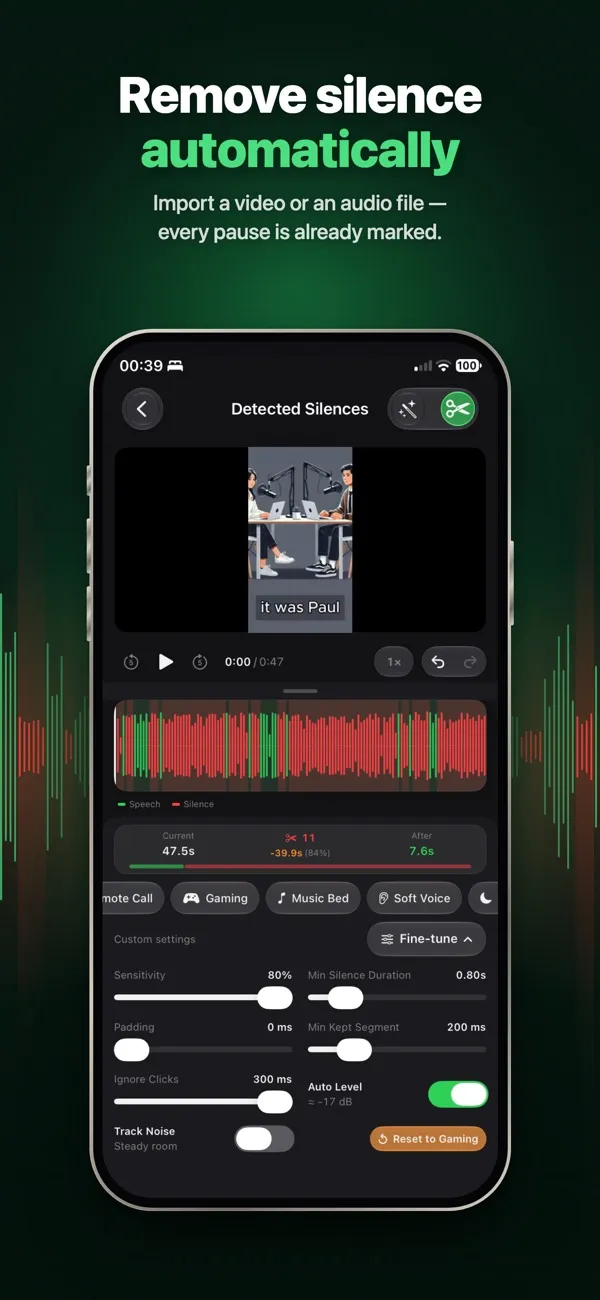
01 Silences 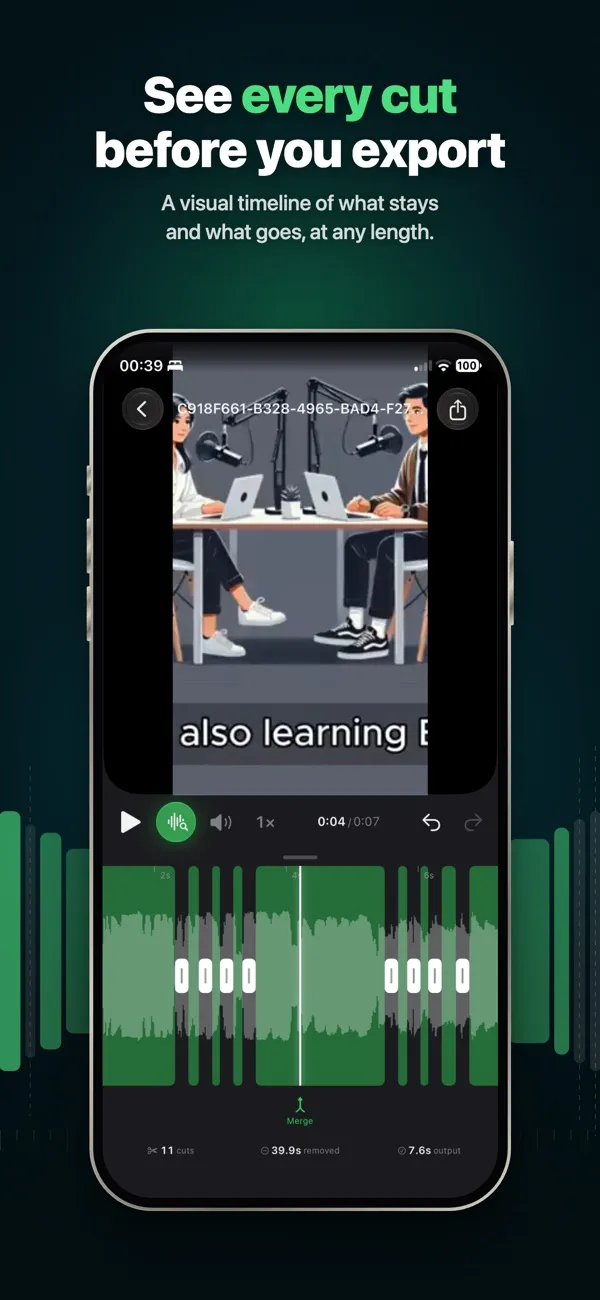
02 Timeline 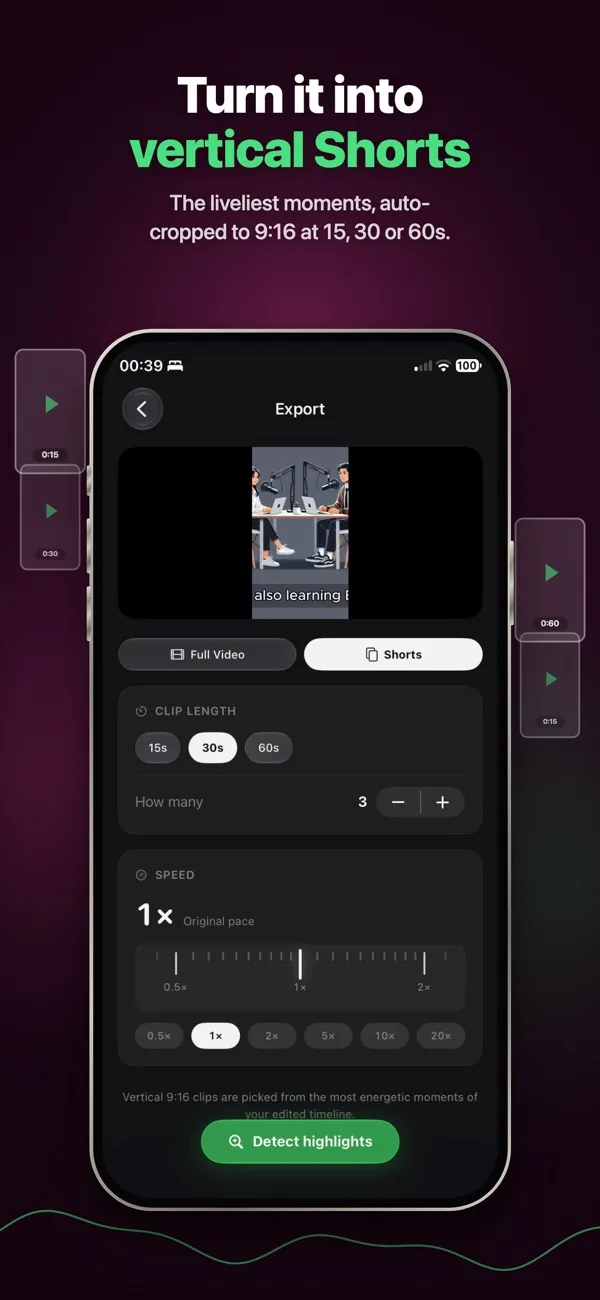
03 Shorts
More video apps for iPhone
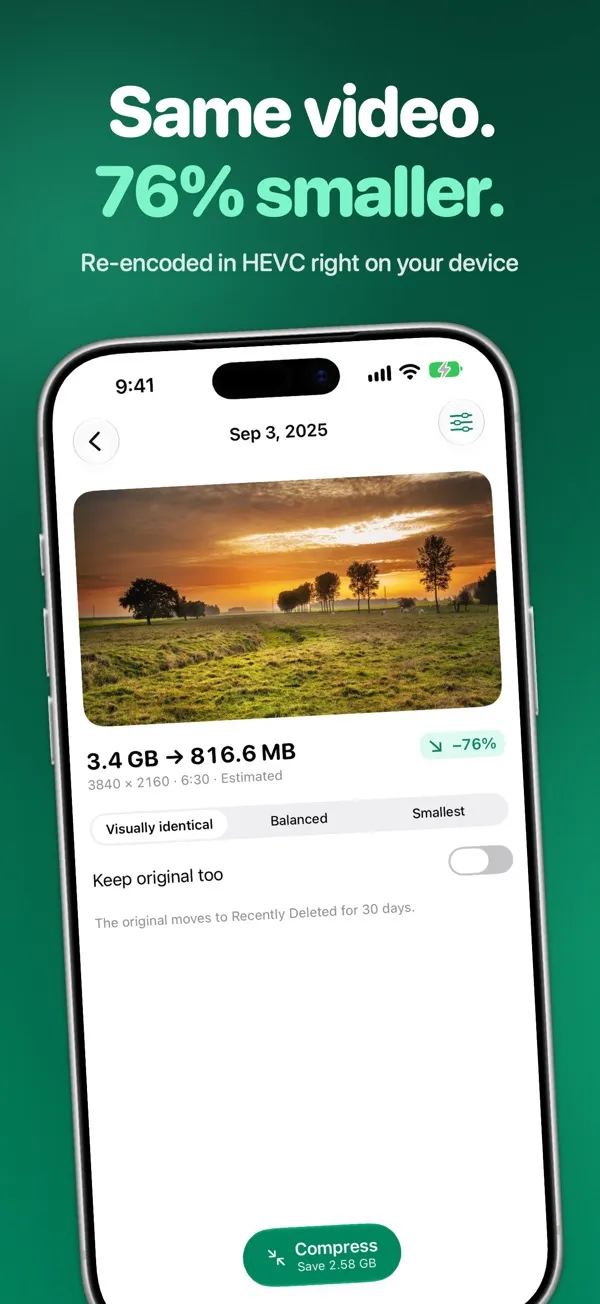

Lean: Video & Photo Compressor
Lean finds the biggest videos on your iPhone, re-encodes them to HEVC on the device and puts the smaller copy back with its date and location.

TrackLens: Screen Recorder
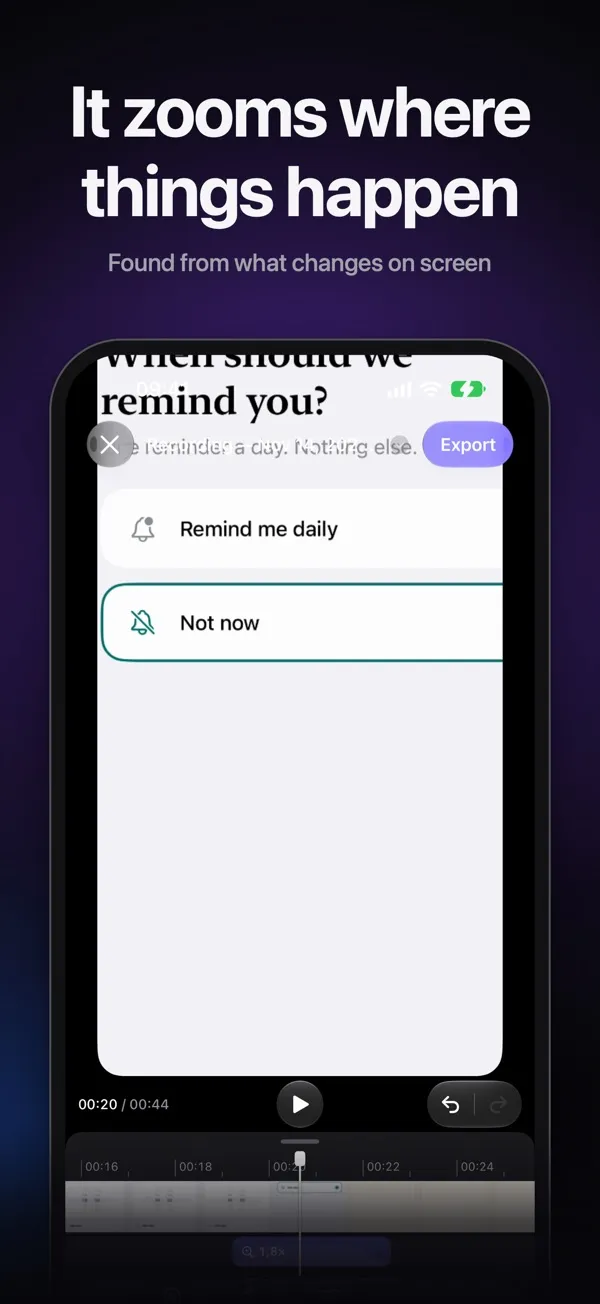
TrackLens records your iPhone or iPad screen, zooms in where it changes and exports video up to 4K or an animated GIF.

Cue: Teleprompter That Listens
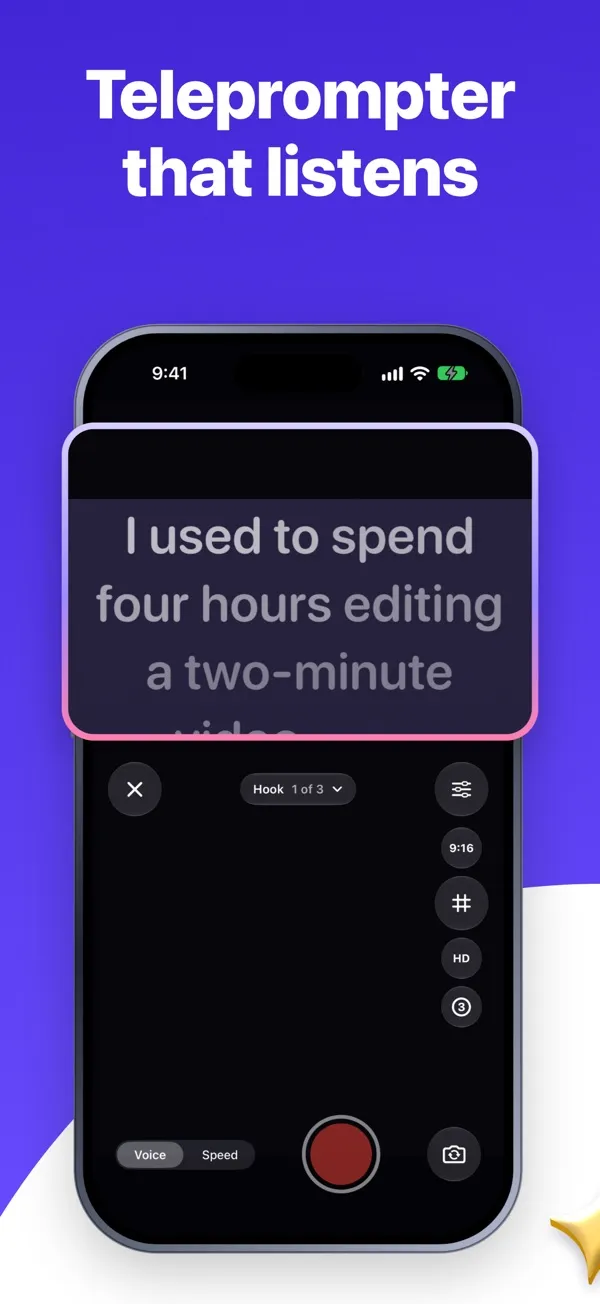
Cue is a teleprompter that scrolls as you speak and keeps the line you are reading under the camera, so you look at the lens.
Questions people ask
Are these video tools really free?
Yes. There is no account, no watermark and no limit on how often you use them.
Is my video uploaded anywhere?
No. Every tool reads the file in your browser and writes the result there. The page counts visits and button presses without cookies; it never sees your video.
Which files work?
MP4, MOV and M4V work everywhere. Tools that play the video, such as GIF, frames and crop, also take WebM and anything else your browser can play.
Is there a file size limit?
No upload, no upload limit. Trim, rotate, mute and metadata read only the parts they need, so multi-gigabyte files work. GIF and frames are limited by your device’s memory.
Do they work on iPhone and Android?
Yes, in Safari and Chrome. Crop records in real time, so keep the tab open while it runs.
Which tools keep the full quality?
Trim, rotate, remove audio, remove metadata and the M4A audio copy keep every frame and sample exactly. Crop and GIF change the picture, so they encode it again.
How do I make a vertical video for Reels or Shorts?
Trim the clip first, then crop it to 9:16. A 1920 × 1080 video gives 608 × 1080; a 4K video gives 1216 × 2160.
Can I compress a video here?
No. Compression encodes every frame again, which is slow in a browser tab. On iPhone, Lean re-encodes videos to HEVC on the device and keeps the date and location.