Your photo says more than it shows
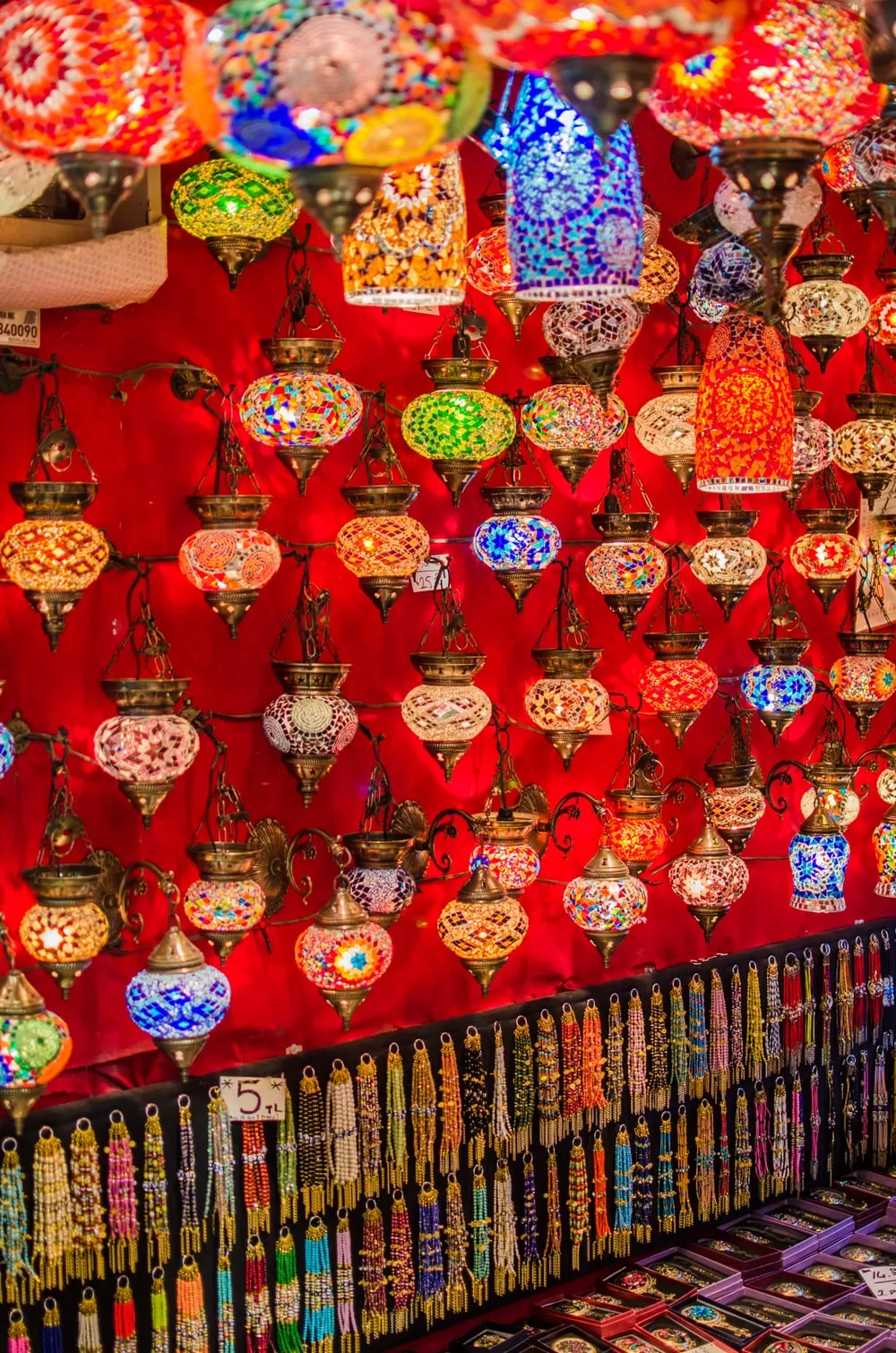
Free image tools that never upload: resize, crop and convert it here. Drop one in and see what it carries: its size, its DPI, the camera, the time and the place it was taken.

- Pixels
- 1600 × 1125
- DPI
- 240
- Camera
- Canon EOS 7D
- Taken
- 2010-06-24 20:03:18
- Location
- yes, GPS
- Main colours
Read on your device. Nothing is sent anywhere.
Every tool, one table
Every card shows what the tool made from the two photos on this page.
Size and shape
For forms, prints and profile pictures
- Image resizerPixels, percent, or cm and inches at a DPI; one image or a batch
- Crop imageDrag a box, lock a ratio, or crop to a circle
- Rotate and flipQuarter turns, mirror, and straighten up to 45°
- Social media sizesYouTube, X, LinkedIn, Facebook, Pinterest and link previews
- Passport photo35×45 mm, 2×2 in, 50×60 mm at 300 DPI, with a print sheet
Formats
When a file will not open or is too heavy
Inside the file: DPI and EXIF
What a photo says about where and how it was taken
Colour
From a photo to a colour code, and colours that read
- Color picker from imageHEX, RGB and HSL of any pixel, with a loupe
- Palette from image3 to 12 main colours, CSS and a palette PNG
- Color converterHEX, RGB, HSL, HSB, OKLCH and CMYK, with transparency
- Contrast checkerWCAG AA and AAA ratio, with the nearest colours that pass
- CSS gradient generatorLinear, radial or conic; copy the CSS or save a PNG
Combine and split
Many photos into one, or one photo into many
Your iPhone holds thousands more

Lean: Video & Photo Compressor
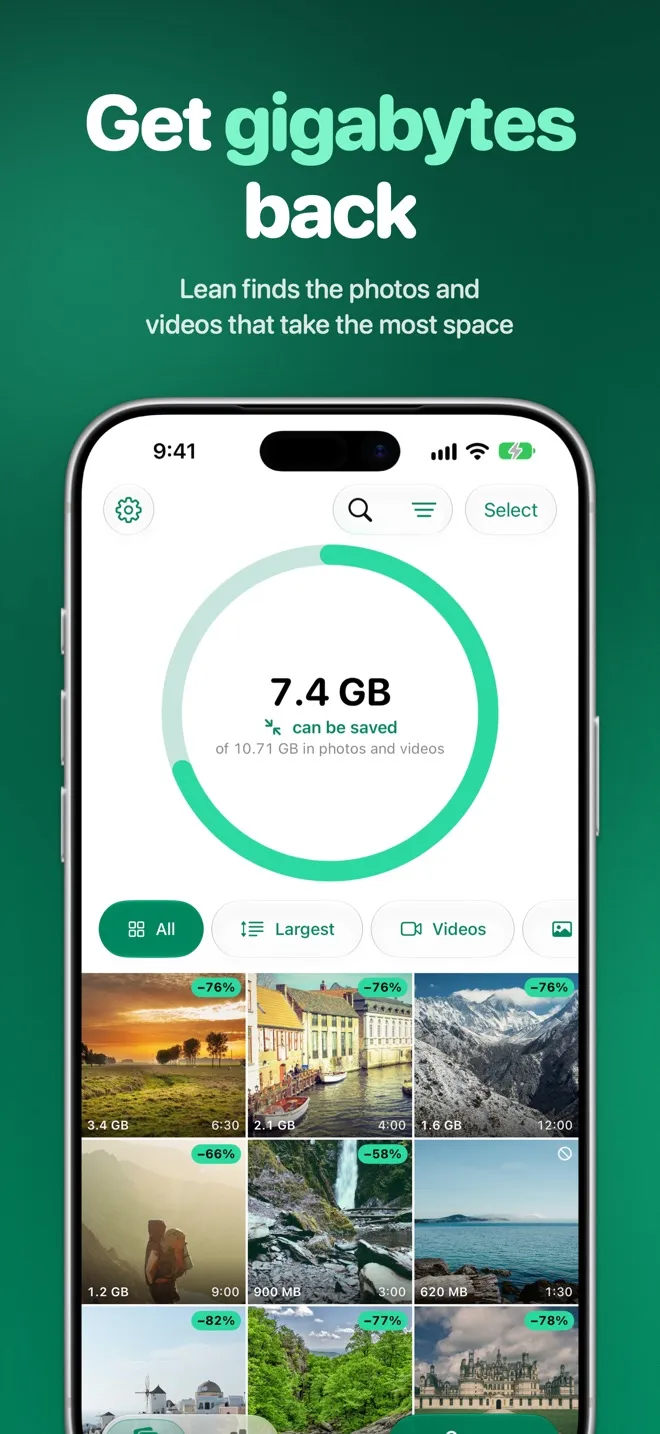
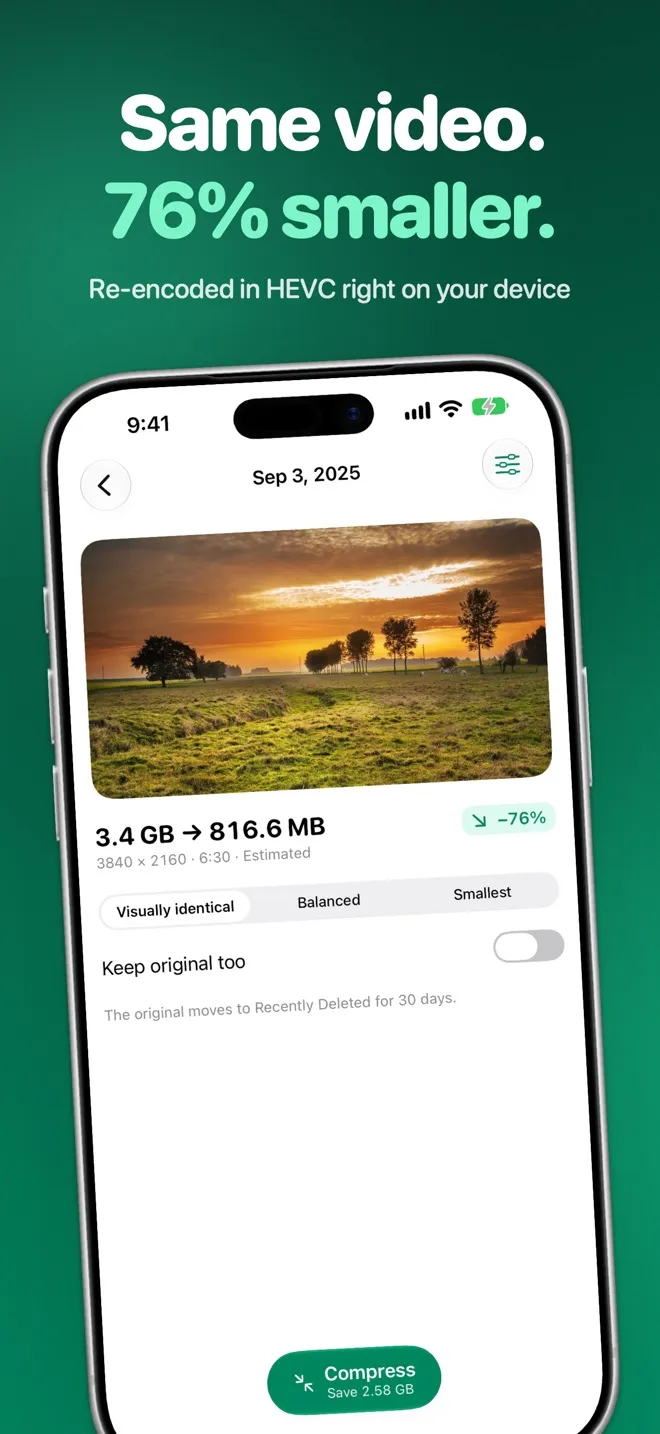
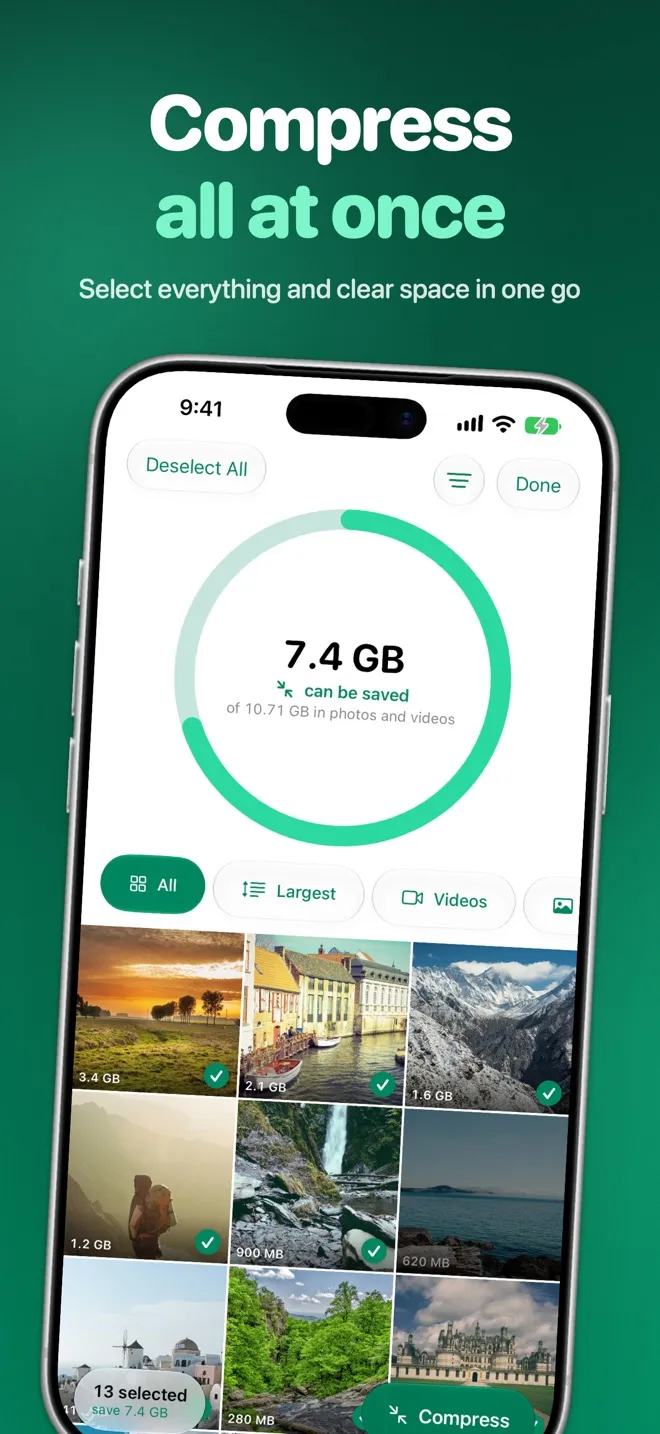
Lean does the same on your iPhone: it finds the largest photos and videos and compresses them on the device, keeping dates, places and albums.

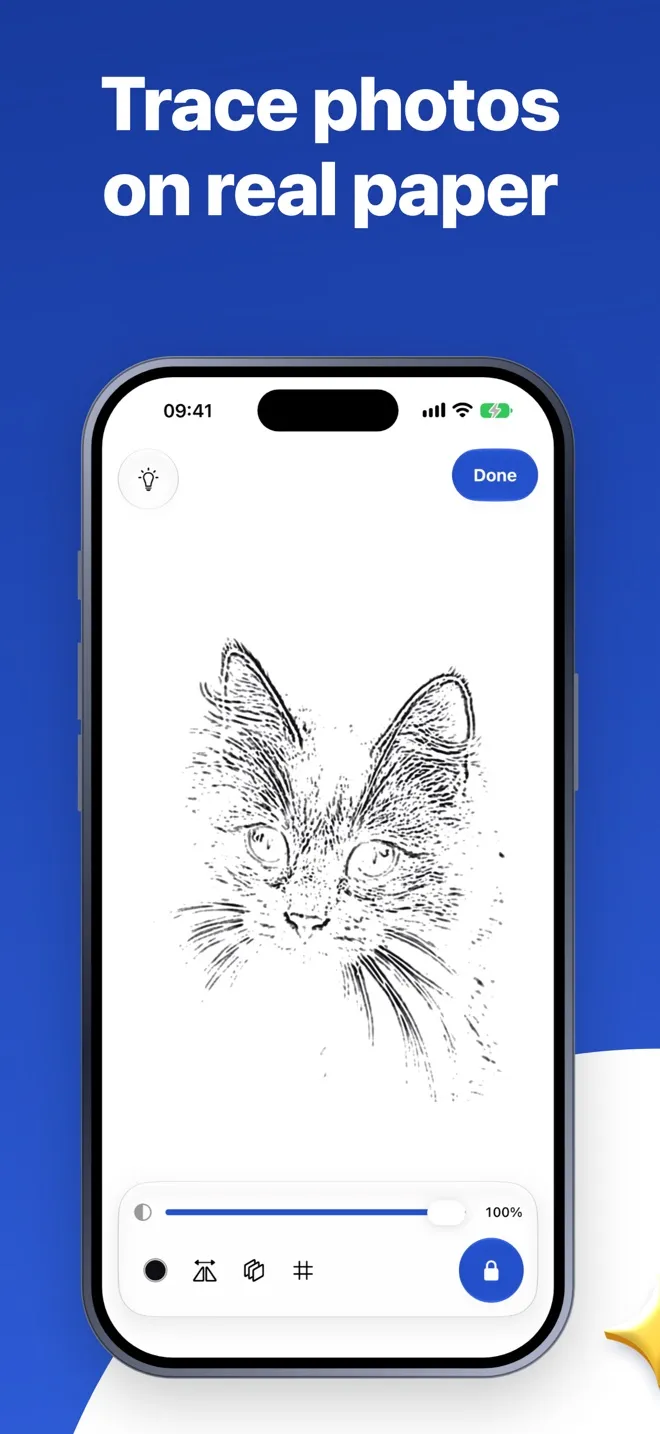
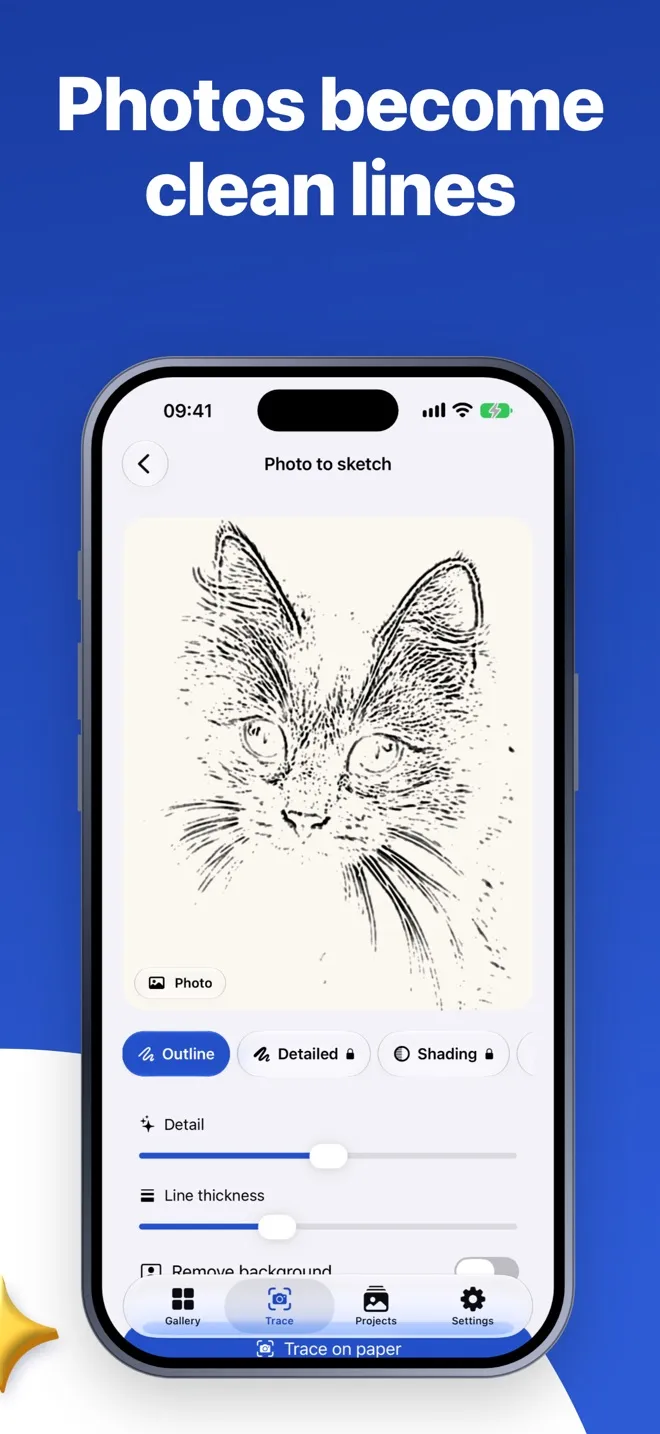
Rather draw it than print it

Traceline: Light Box Trace
Traceline turns a photo into clean line art on your iPhone and shows it on your paper through the camera, so you can trace it by hand.
Looking for something else
Questions people ask
Are these image tools really free?
Yes. There is no account, no watermark and no limit beyond what your device can handle.
Are my images uploaded to a server?
No. Every tool opens, edits and saves your images inside your browser.
Which formats can I open?
JPG, PNG, WebP, GIF and AVIF in every current browser, and HEIC in Safari. Tools that save files offer JPG, PNG and, where the browser supports it, WebP.
Do the tools work on a phone?
Yes. Every tool works with touch, and files can be chosen from the photo library.
Where do the photos on this page come from?
Both are from Wikimedia Commons under Creative Commons licences, credited at the bottom of the page. The sample buttons on the tool pages load the same files, with their camera data left in.