Free diagram maker Get the diagram out of your head
A free diagram maker for flowcharts, Mermaid code, timelines, SWOT, fishbone, Venn diagrams, decision trees and org charts. Type a list or drag shapes, then download PNG, SVG or PDF. No sign-up, nothing uploaded.
- .png
- .svg
- Mermaid
Every picture here was drawn by the tool it opens
Type a list or drag shapes and the diagram redraws as you go. Download PNG, SVG or PDF, or print it.
No tool matches that. Clear the field to see all of them.
Draw on a canvas
Type it, get the diagram
- Mermaid live editorMermaid code in, diagram out, with export and share linkscode → .svg .png .pdf
- Decision tree makerOptions as an indented list, with expected values worked outoutline → tree + expected value
- Org chart makerType your team or paste name, title and manager from a sheetlist or sheet → chart
- Timeline makerOne event per line, spaced evenly or by real datesone line per event → timeline
Analysis templates
Print and export
Which diagram fits the job
Most diagram questions are one of a few jobs: show steps, show time, sort causes, weigh a decision or explain a structure. Pick the job, and the table names the tool that draws it.
| You want to | Use |
|---|---|
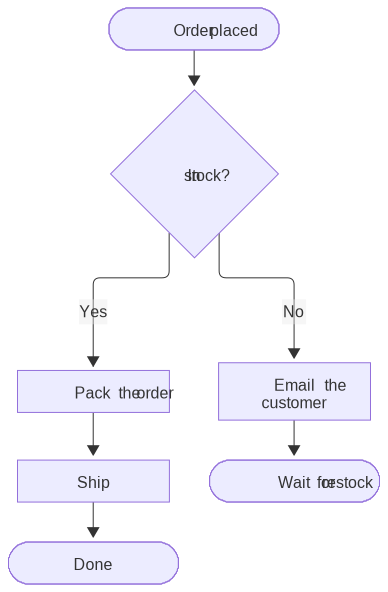
| Show the steps of a process and where it branches | Flowchart maker |
| Keep a diagram as text in a README, wiki or notes app | Mermaid live editor |
| Put events in order, or to scale by their dates | Timeline maker |
| Find the causes behind one problem | Fishbone diagram maker |
| Weigh a business, a project or yourself before a plan | SWOT analysis template |
| Compare options with chances and payoffs | Decision tree maker |
| Show what two or three groups share | Venn diagram maker |
| Show who reports to whom | Org chart maker |
| Sort a head full of tasks before drawing anything | Brain dump organizer |
| Print a large mind map on one page or as a poster | Mind map to PDF |
Where these diagrams come from
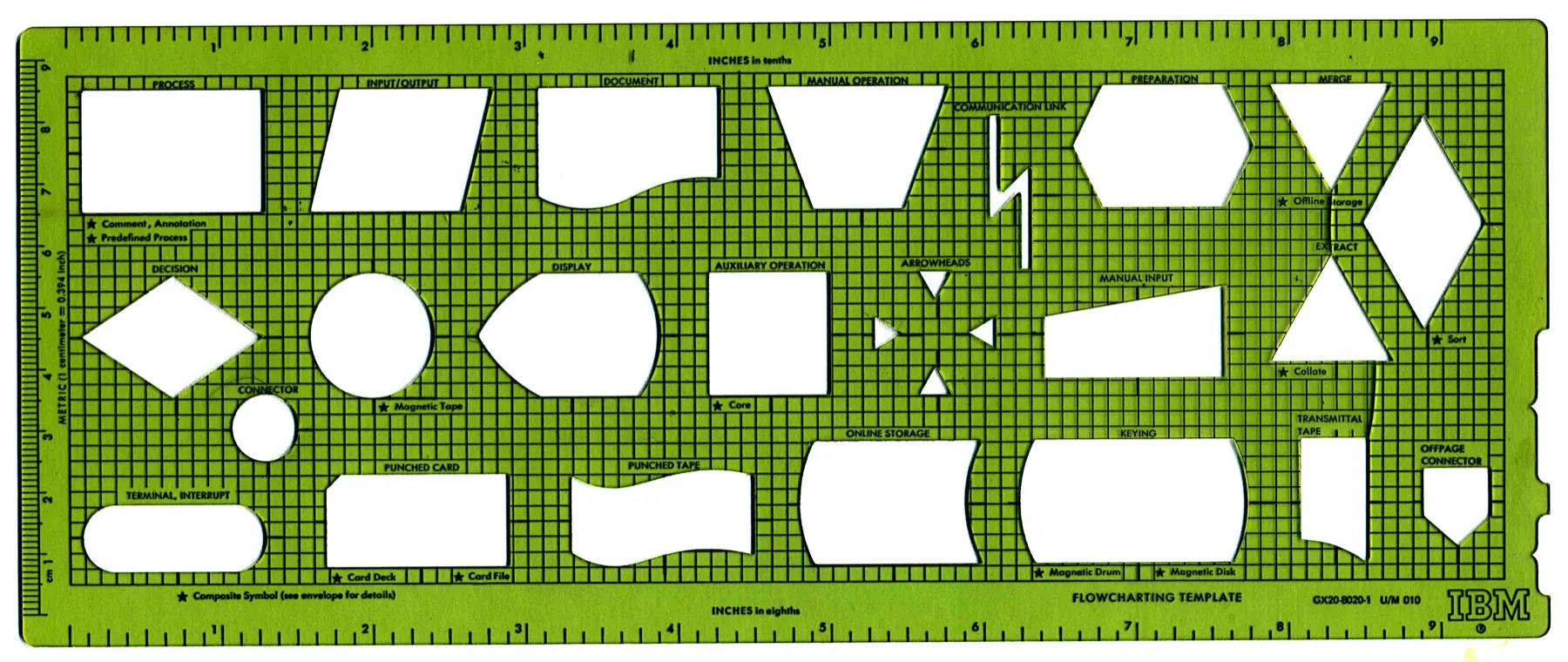
Flowchart symbols are standardised. ISO 5807, published in 1985 and last confirmed by ISO in 2019, defines the shapes; the flowchart maker uses its five everyday ones.
The fishbone is a quality tool. It is named after Kaoru Ishikawa, and the American Society for Quality counts it among the seven basic quality tools.
Mermaid is drawn inside GitHub. Since 14 February 2022, a mermaid code block in a Markdown file on GitHub appears as a diagram.
SWOT has a second step. Heinz Weihrich’s TOWS matrix (1982) pairs the four boxes to turn a list into strategies; the SWOT page shows how.
Looking for a mind map?
Mena’s own site has free mind map and concept map makers that run in the browser too.
Your diagrams, on your own canvas
These tools make one diagram at a time and keep it in one browser. Mena is where your maps and charts can live together, with everything you made them from, on your iPhone, iPad and Mac.

Mena: Mind Map & Concept Map
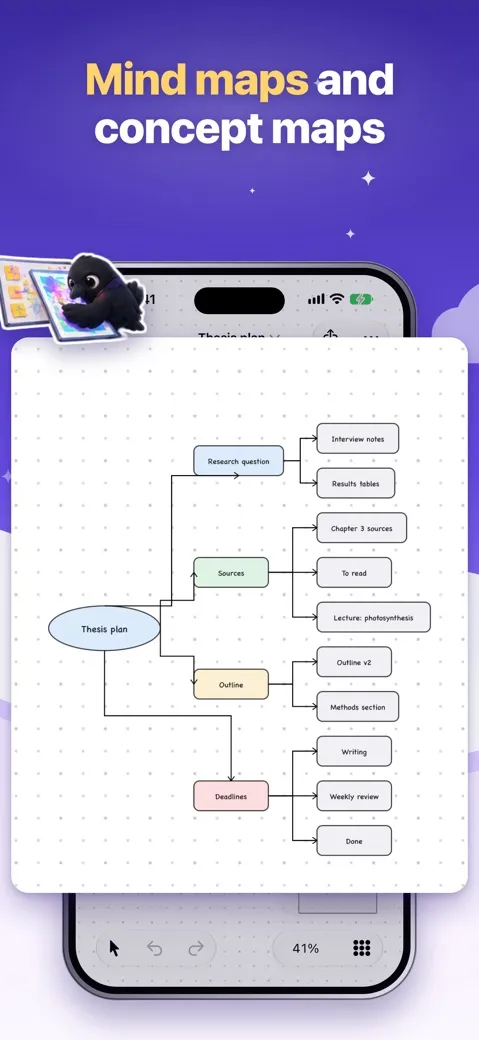
Mena is an infinite canvas for iPhone, iPad and Mac: mind maps, concept maps and flowcharts with shapes and connectors, next to your notes and PDFs, synced through your private iCloud with no account.

- Sticky notes, shapes and connectors for mind maps and flowcharts, plus frames, tables and 19 polygon shapes.
- With Apple Pencil, Draw to Shape snaps a rough sketch into a clean shape.
- Draw a frame around a map and it becomes a slide you can present or export as a PDF.
- Turn a deck board into FSRS flashcards, or generate cards from your notes on the device, for exam revision.
Mind maps and concept maps 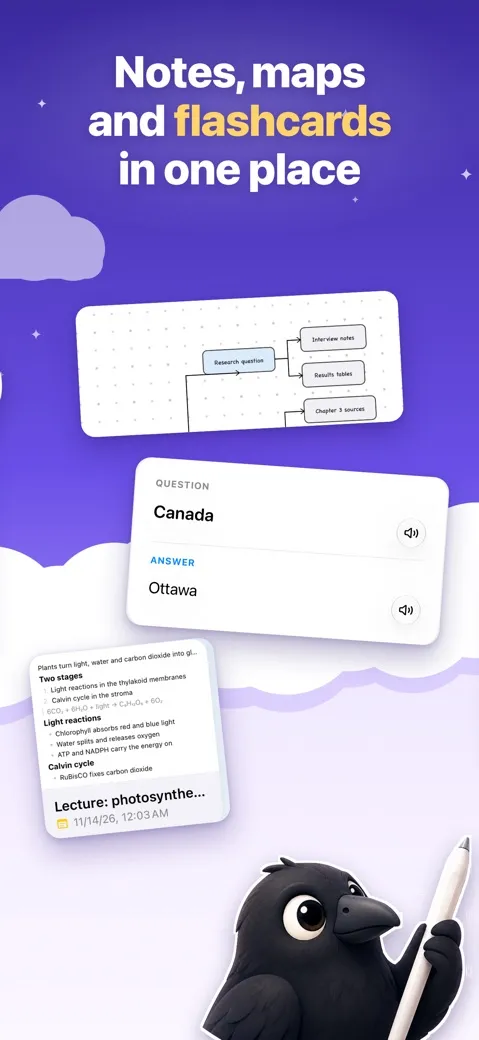
Notes, maps and flashcards in one place 
All your work in one library
Questions people ask
Are these diagram tools free?
Yes. Every tool and every export (PNG, SVG and PDF) is free, with no account, no watermark and no limit on how many diagrams you make.
Is what I type uploaded anywhere?
No. The diagrams are drawn by your browser, and your work is saved only in this browser’s storage on this device. Clearing your browser data removes it, so download anything you want to keep.
Which format should I download?
PNG for slides, documents and chat. SVG when you want to edit the diagram in a vector app or keep it sharp at any size. PDF for printing; it holds a high-resolution image sized to the diagram.
Do the tools work on a phone?
Yes. The text-based tools work well on a phone. The flowchart maker works by touch too, but a bigger screen is easier for large charts.
Which tool should I use for a process, and which for a problem?
A process with steps and decisions is a flowchart. A problem whose causes you need to find is a fishbone diagram. A situation you need to weigh before planning is a SWOT analysis.
Can I make a mind map here?
Not on this site. Mena’s own site has a free mind map maker and a concept map maker that run in the browser, and the Mena app builds them on iPhone, iPad and Mac. If you already have a mind map image, Mind map to PDF prints it on one page or as a poster.