Free PDF tools Your PDF goes nowhere. The work comes to it.
18 free PDF tools that run inside this tab: merge, split, compress, convert, number and lock. No upload, no account, no watermark.
No PDF at hand? Use the Wright brothers’ 1906 patent
Every tool, shown on a real document
No tool matches that. Clear the field to see all of them.
Combine, split and arrange pages
- Merge PDFJoin several PDFs into one, in the order you set
- Split PDFEvery page, every few pages or your own ranges as separate files
- Remove pages from PDFClick the pages you do not want and save the rest
- Extract pages from PDFPick the pages you need and get them as a new PDF
- Reorder PDF pagesDrag pages into a new order, turn or drop them, then save
- Rotate PDFTurn every page or only the sideways ones, and keep it saved
Convert to and from images and text
- PDF to JPGEach page as a JPG at the resolution you choose
- PDF to PNGSharp, lossless PNG pages, with a transparent background if you want
- JPG to PDFPhotos and scans into one PDF, A4, Letter or the photo’s own size
- PDF to textCopy the text out of a PDF, page by page, or save it as .txt
- Extract images from PDFThe photos inside a PDF at their original size, JPEGs untouched
Shrink, stamp, lock and inspect
- Compress PDFShrink the photos inside and see the real before and after size
- Add page numbers to PDFSix positions, “Page 1 of 9” or plain, starting from any number
- Watermark PDFStamp CONFIDENTIAL, DRAFT or your own words across every page
- Crop PDFTrim white margins by drawing the box once for every page
- Password protect PDFLock a PDF with a password using AES-256, or limit printing and copying
- Unlock PDFTake the password off a PDF you can open and save a copy without it
- PDF metadata viewer and editorSee author, dates, software and page sizes; change or clear them
Which PDF tool for which job
Most PDF jobs come down to a few: put files together, take pages out, make the file smaller, or turn it into images and back. Start from what you need to end up with.
| You need | Use |
|---|---|
| One file from several PDFs | Merge PDF |
| Several files from one PDF | Split PDF |
| A few pages as a new PDF | Extract pages |
| A smaller file for email or an upload form | Compress PDF |
| Pages as images for a post or a slide | PDF to JPG |
| Photos or scans as one PDF | JPG to PDF |
| Sideways pages fixed for good | Rotate PDF |
| The words of a PDF as plain text | PDF to text |
| A password on the file | Password protect PDF |
What each kind of tool does to your file
Page tools copy, they do not redraw. Merge, split, extract, remove, reorder and rotate move whole page objects from one file into another, so text stays selectable and photos keep their quality. A turn is saved as the page’s /Rotate value, which the PDF standard sets in steps of 90 degrees (ISO 32000-1, Table 30), so a sideways scan stays fixed in every reader.
Size comes from images. Text and fonts inside a PDF are already compressed, so Compress PDF works on the photos and scans. A text-only file barely shrinks, and the tool says so rather than hand back a bigger file. Gmail and Outlook.com both stop at 25 MB per attachment.
Scans have no text. A scanned page is a picture of paper. PDF to text finds no text layer in it, and these tools do not run text recognition.
Passwords stay yours. Tools that change a PDF need an unlocked copy. Unlock PDF removes a password only when you type it, and Password protect PDF writes AES-256 encryption.
Listen to your PDFs on iPhone
When the file is ready, the reading comes next. VoxPage opens PDF, EPUB and Word files and reads them out loud, marking each sentence on the page while it is spoken.

VoxPage: Read Aloud PDF Reader
VoxPage reads PDFs aloud on iPhone and iPad and marks each sentence as it is spoken. No account, and your documents stay on the device.

- Scanned PDFs and photographed pages go through text recognition on the iPhone or iPad first.
- 32 languages, 14 of them with natural Studio voices that run on the device, Turkish included.
- Keeps playing in the background, with Lock Screen controls, a sleep timer and Up Next.
- No sign-up. Documents, notes and listening history stay on your device.
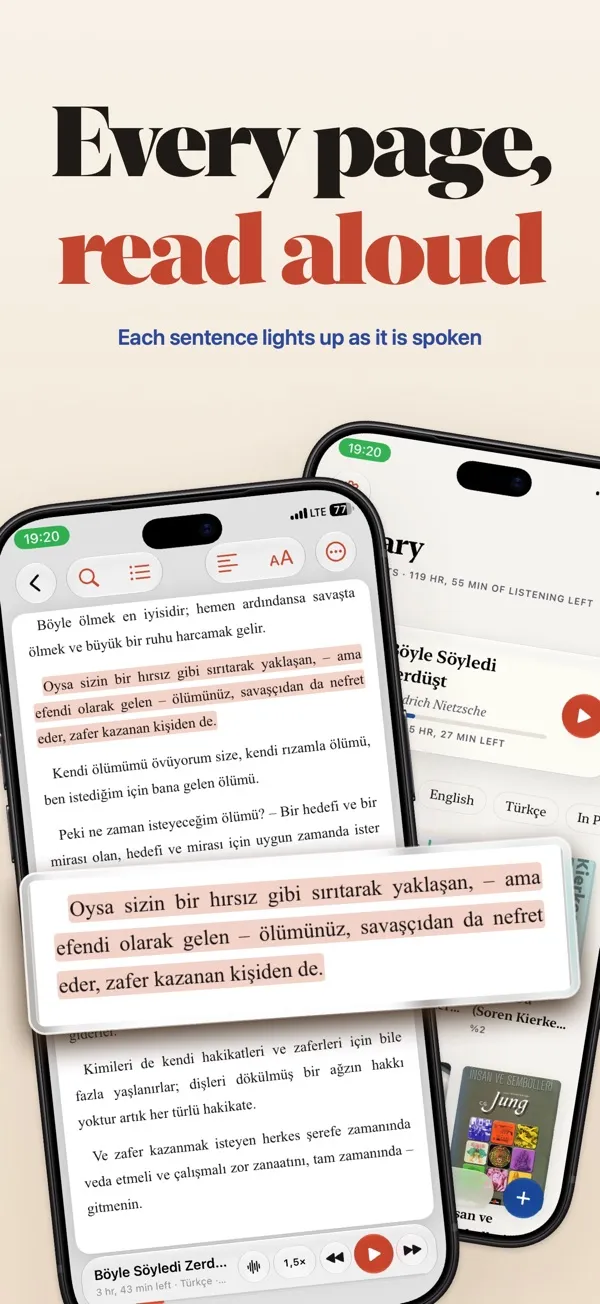
Fig. 1 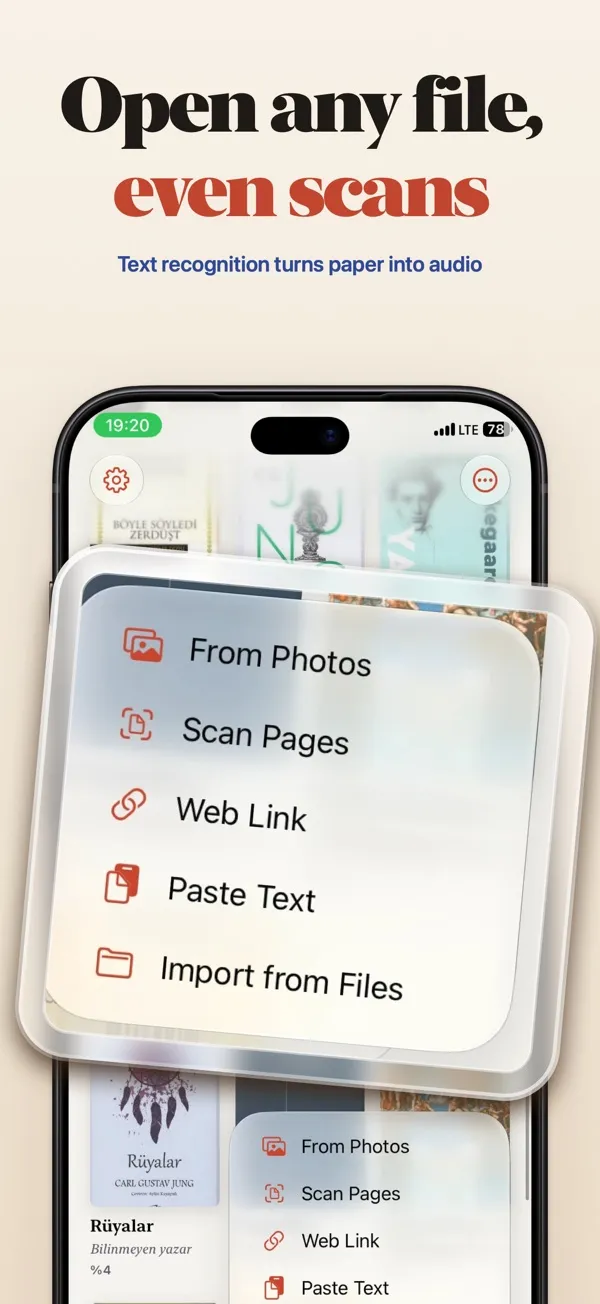
Fig. 2 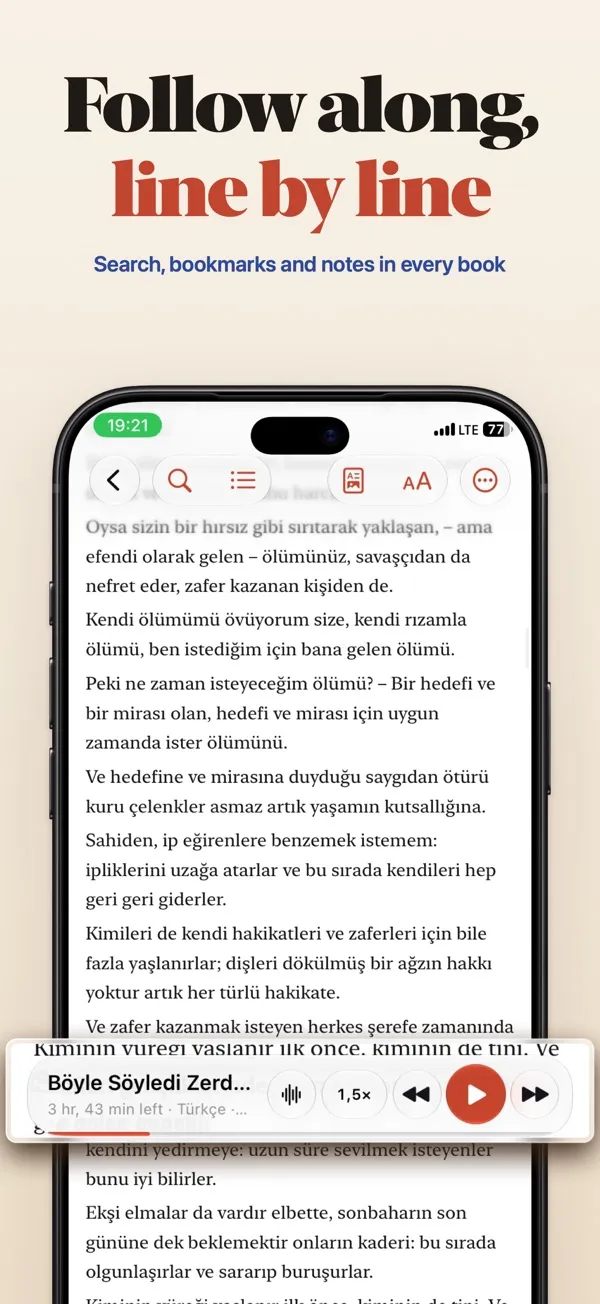
Fig. 3
More apps for what you do with PDFs
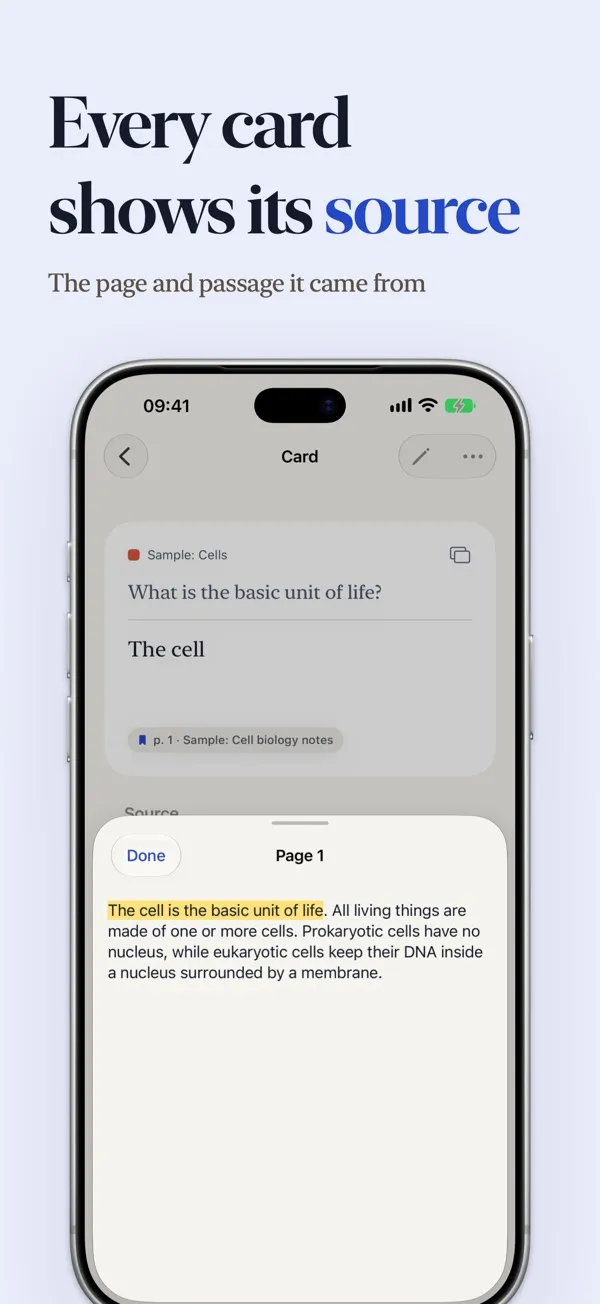

Studyink: Cards With Sources
Studying from a PDF? Studyink turns its pages into flashcards, and every card opens the passage it came from.
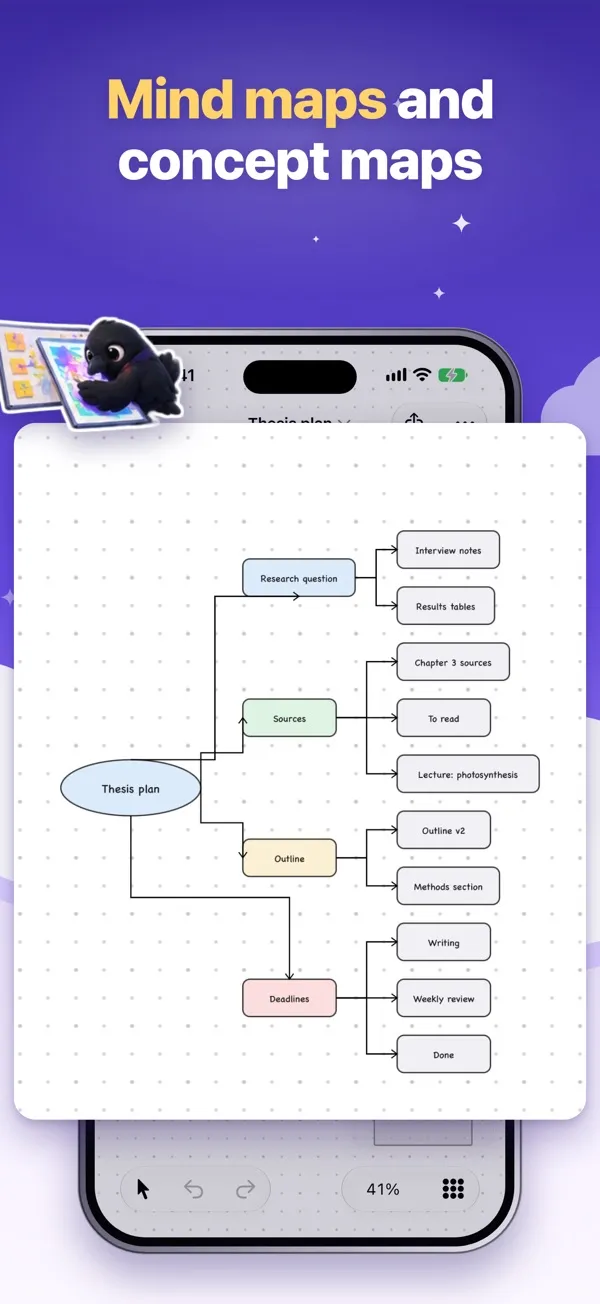

Mena: Mind Map & Concept Map
Gathering PDFs and images for a project? Mena puts them on one infinite canvas with sticky notes and mind maps.
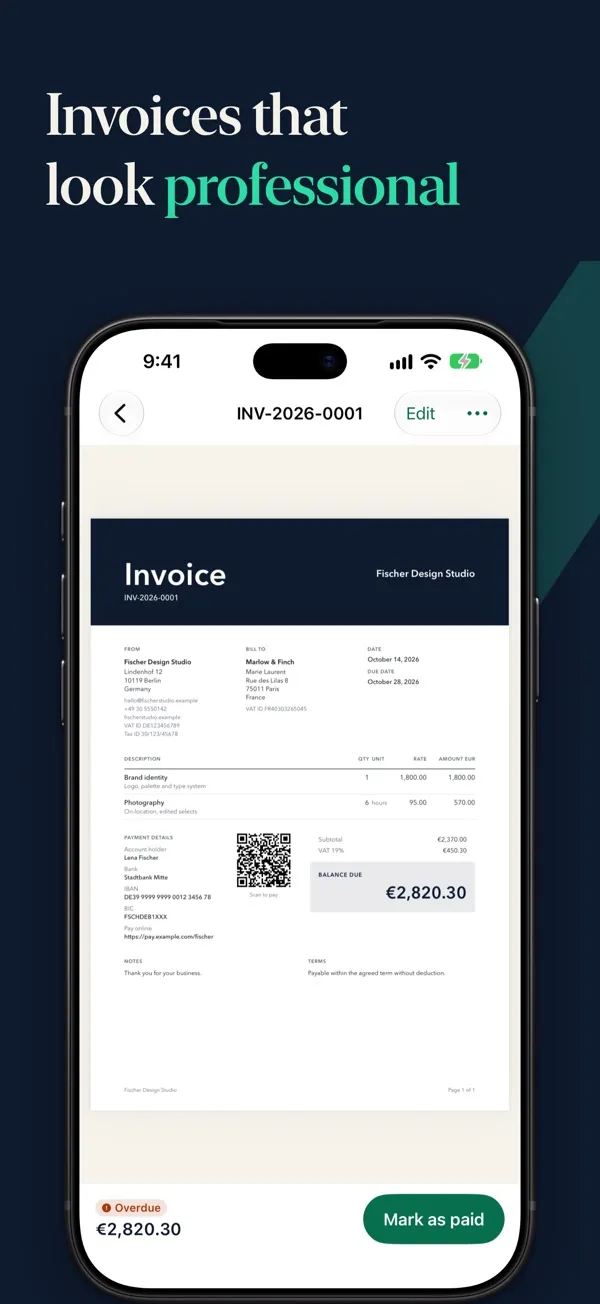

Paidly: Invoice Maker
Sending invoices as PDFs? Paidly lays out invoices, estimates and receipts on iPhone, iPad and Mac, and tracks what is paid.
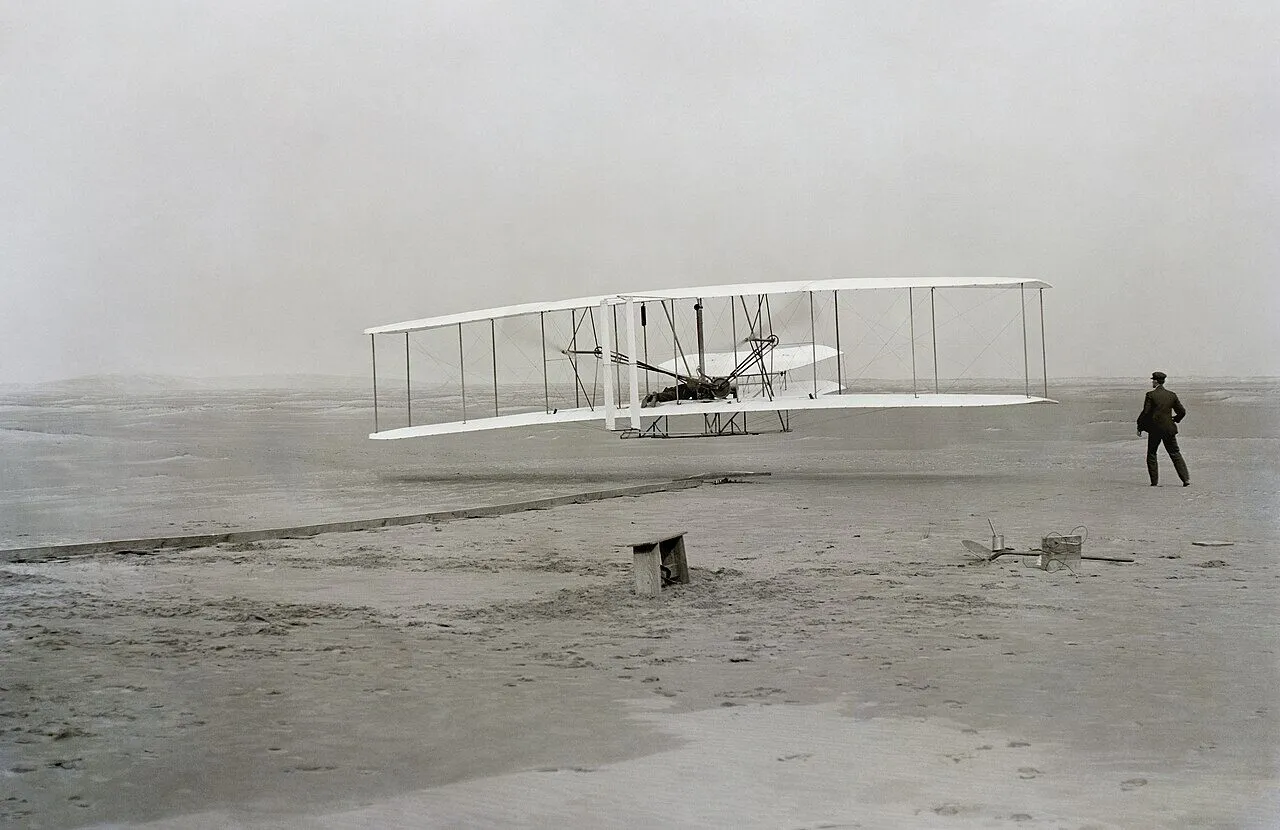
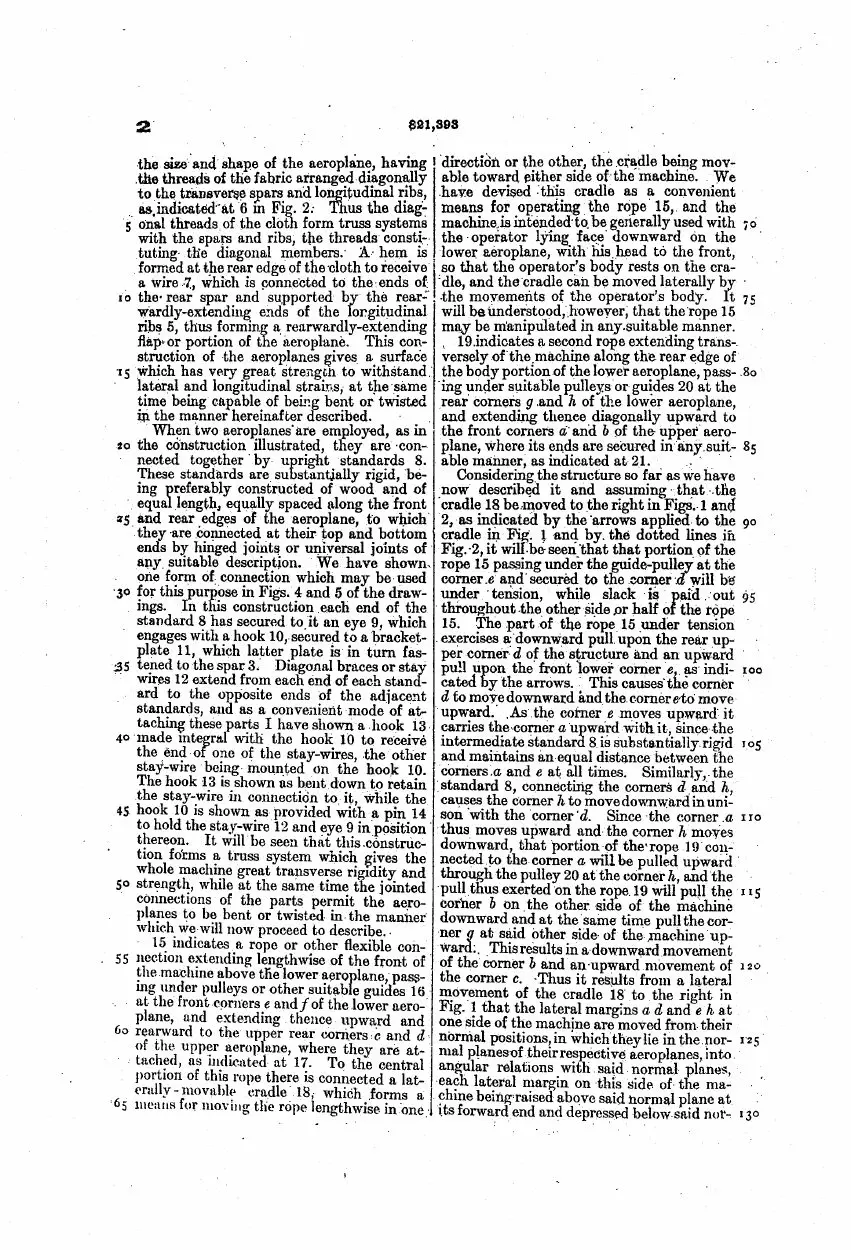
Why there is a flying machine on every page
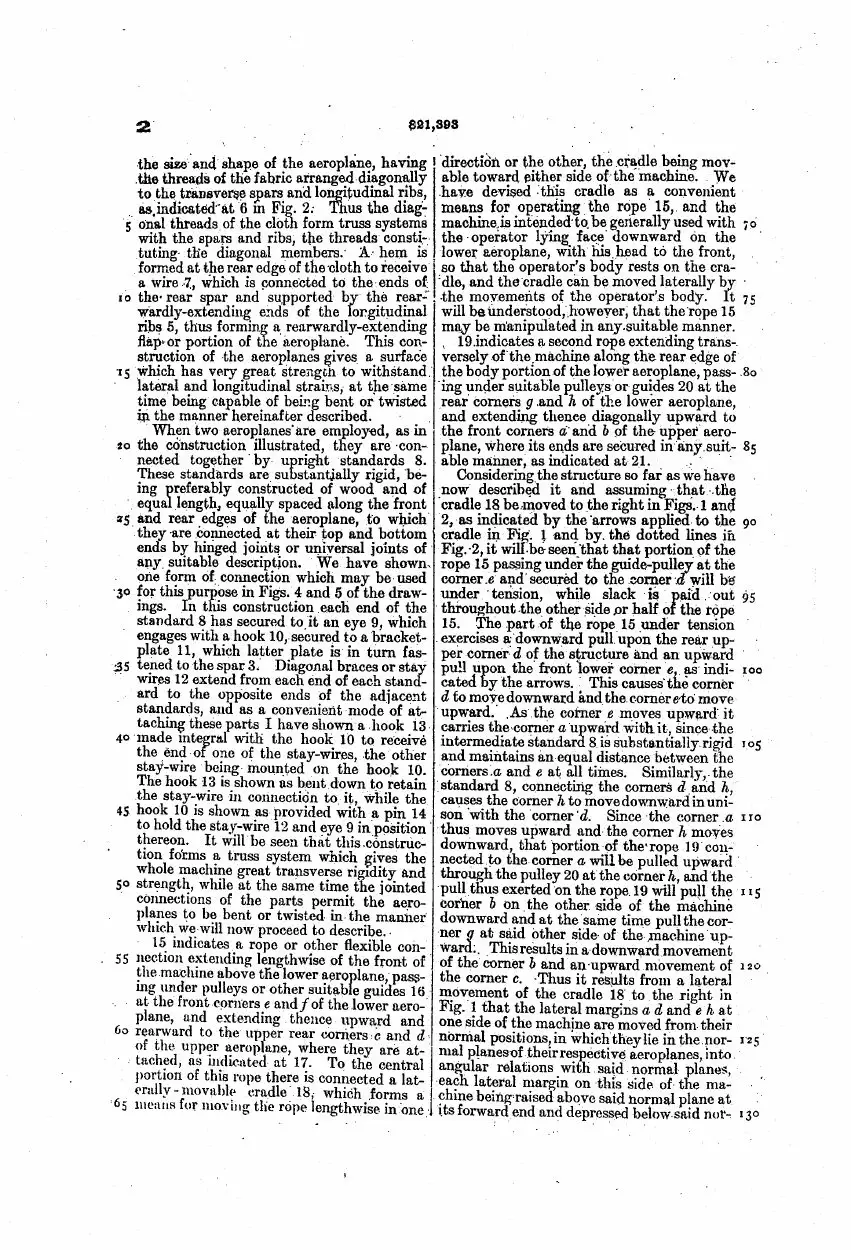
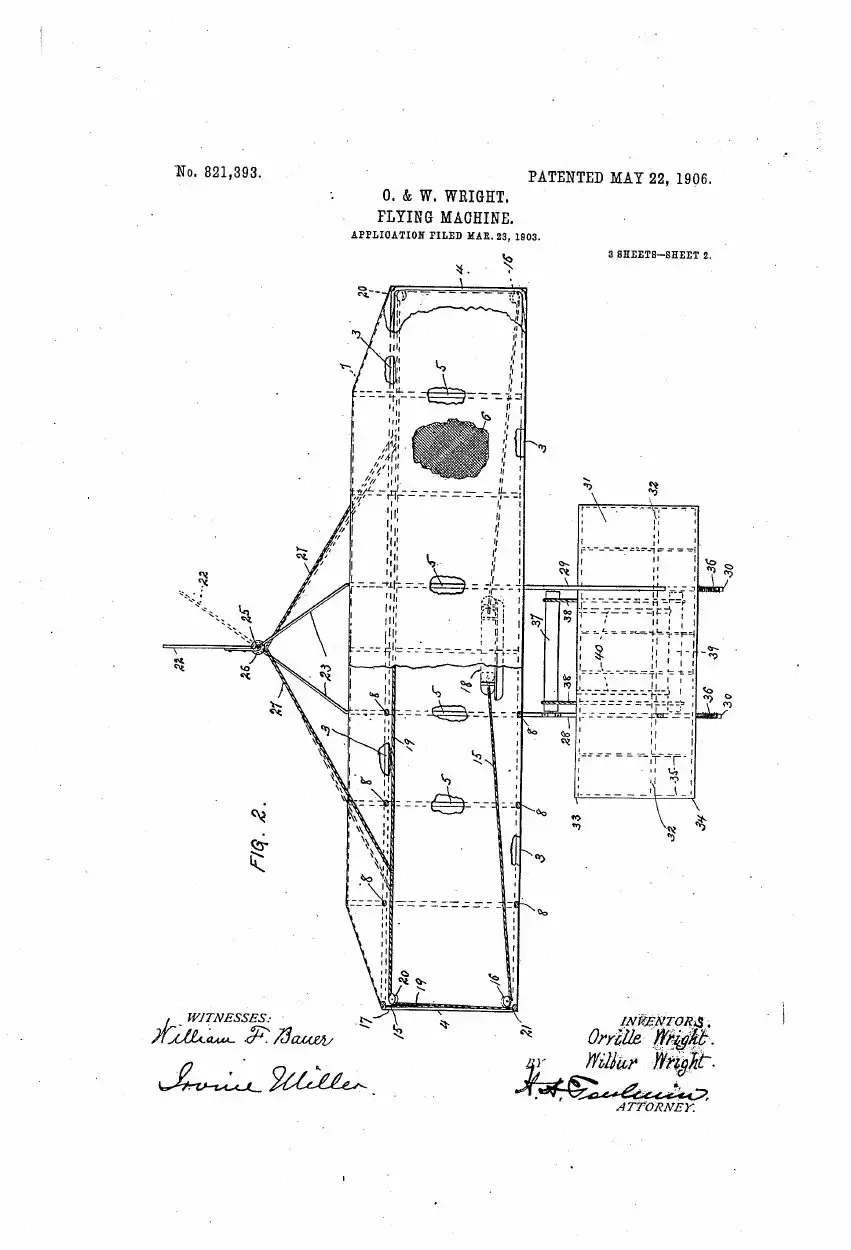
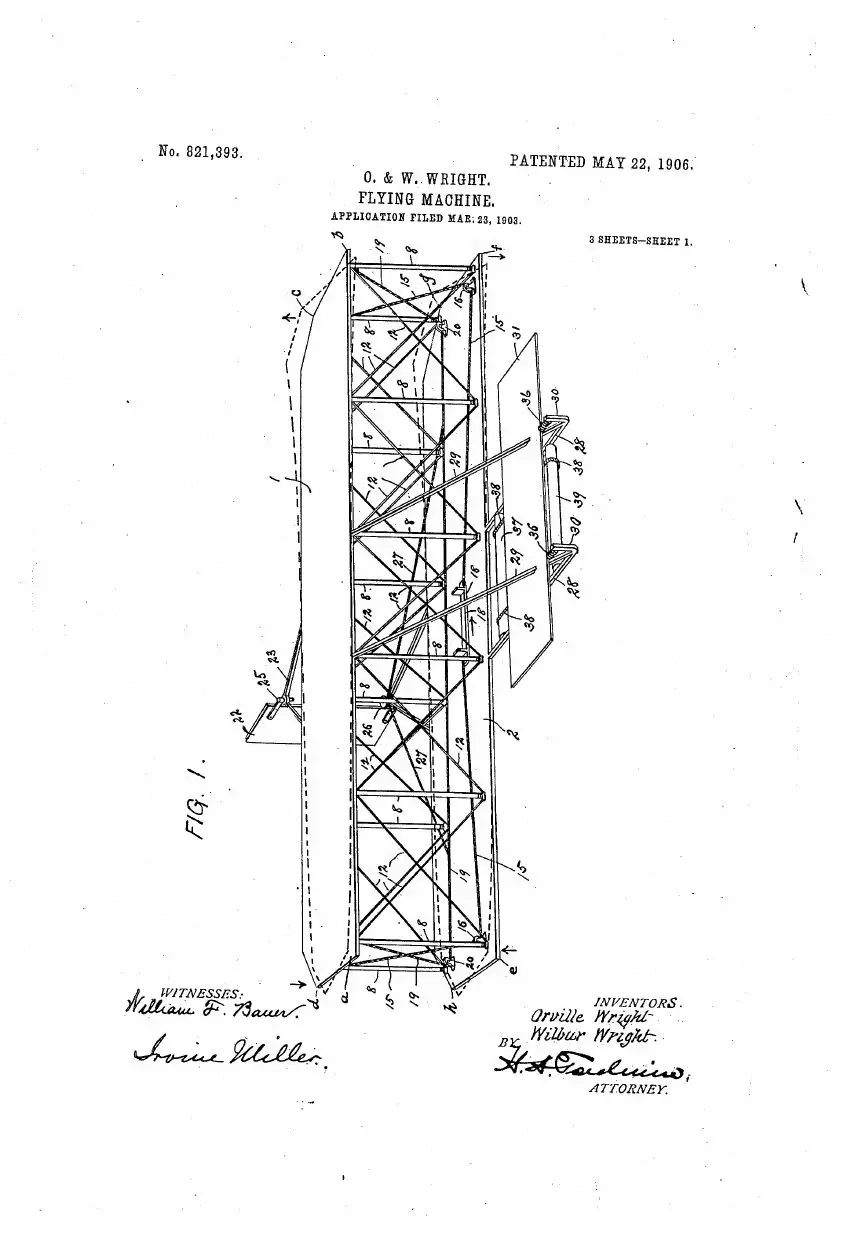
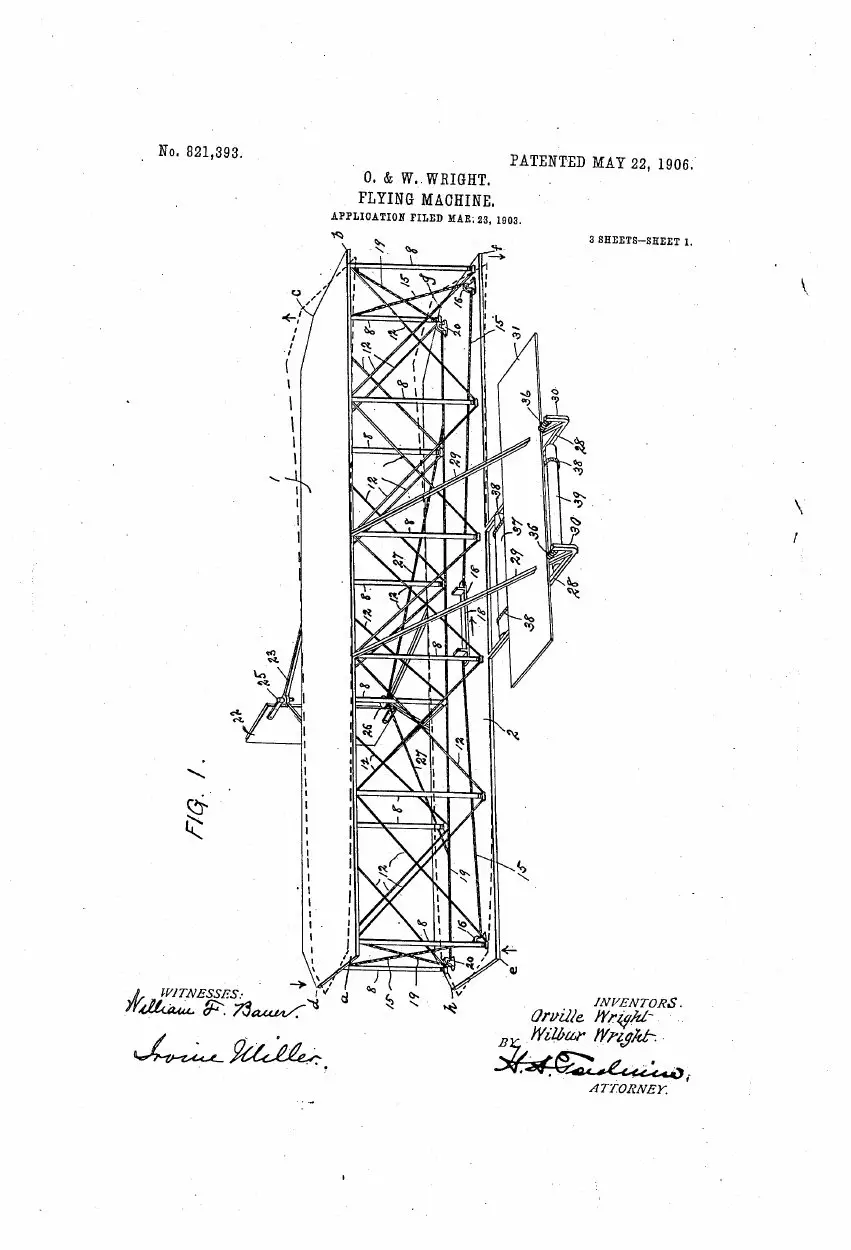
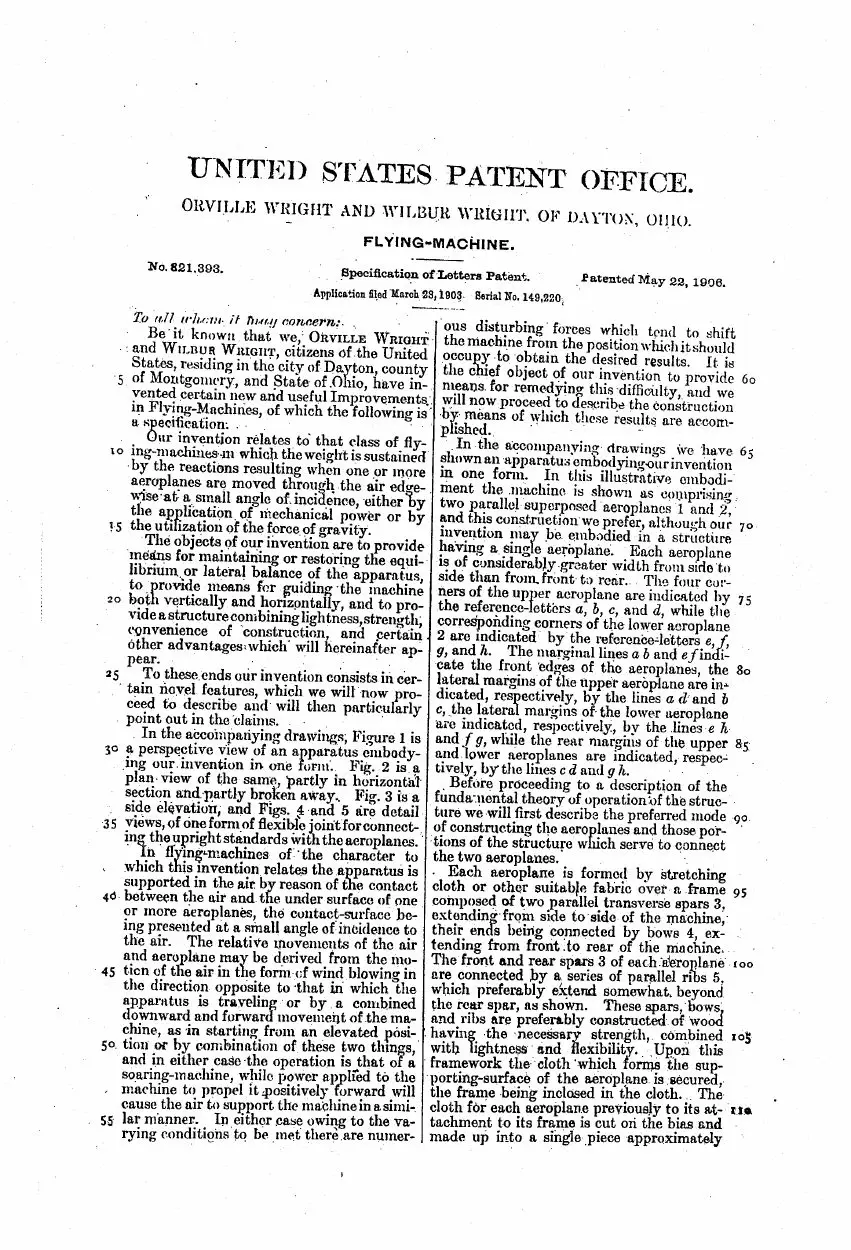
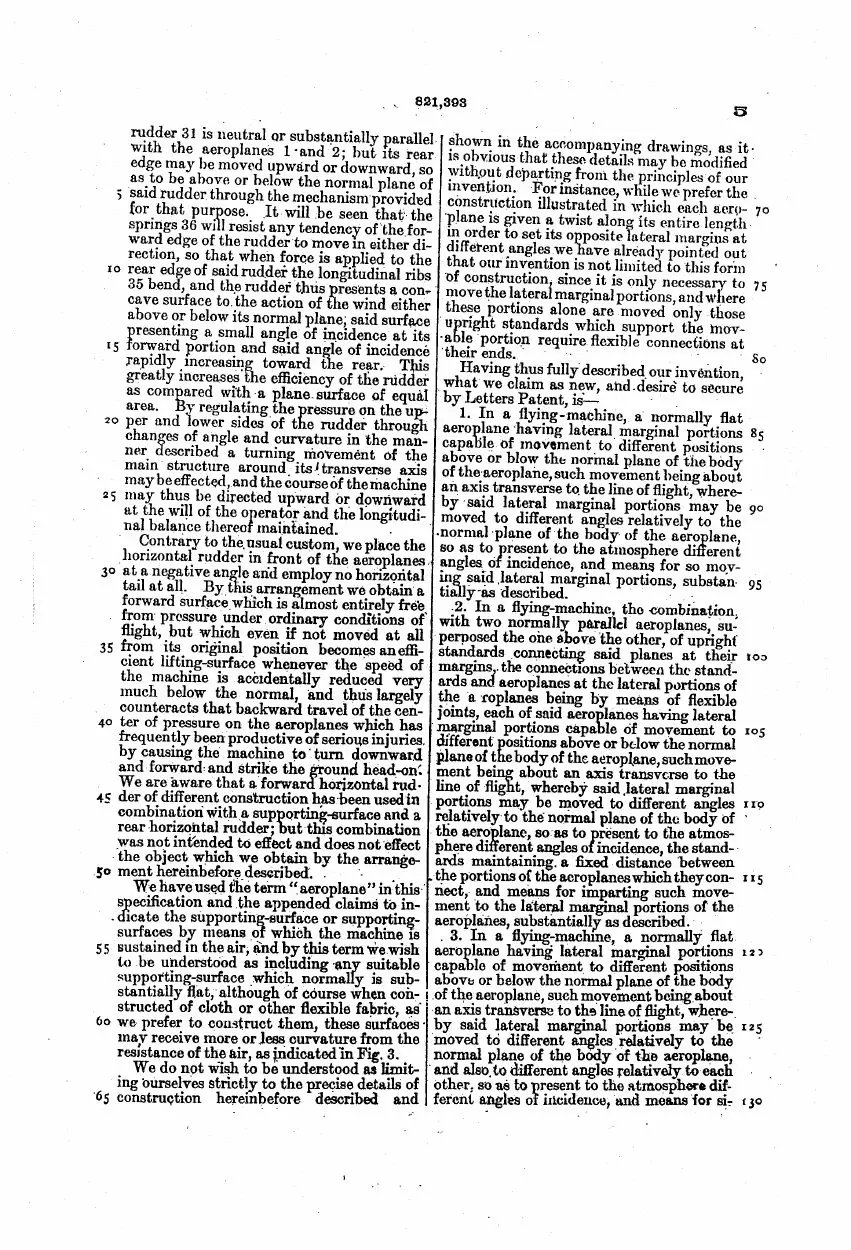
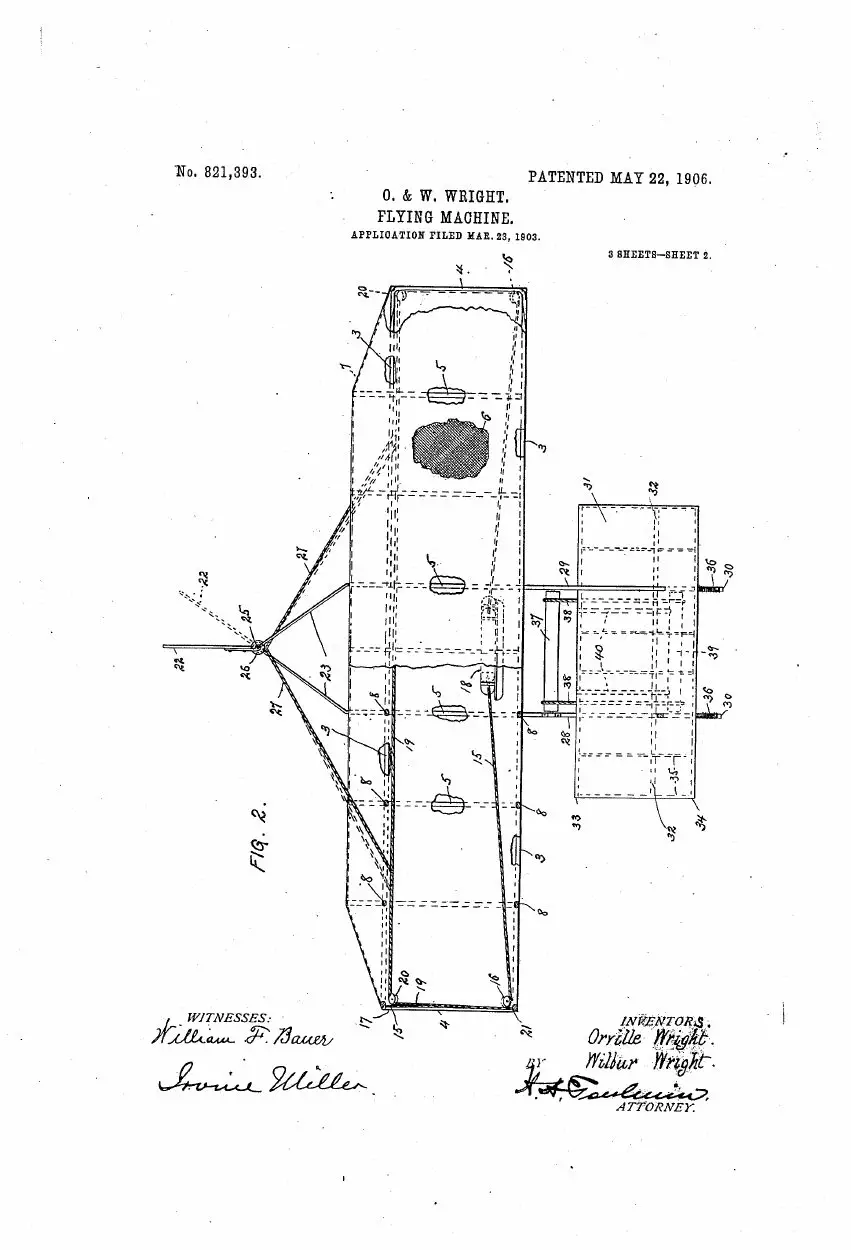
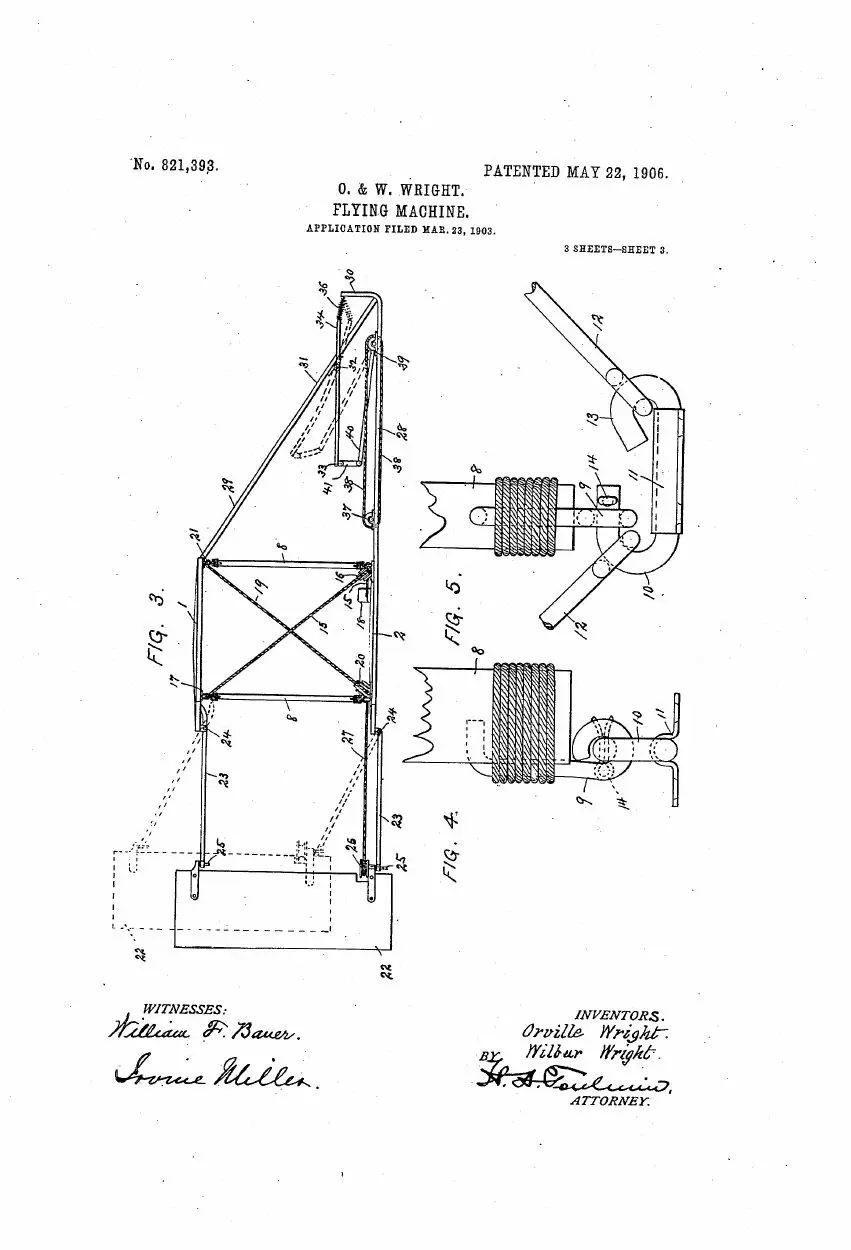
Every preview on this site is a real PDF: the patent Orville and Wilbur Wright filed for their flying machine on 23 March 1903 and were granted on 22 May 1906. Ten scanned pages, three of them drawings, now in the public domain.
No PDF at hand? Most tools here can open it for you with one tap. Merge the drawings with the specification, number the pages, stamp it CONFIDENTIAL or turn sheet 1 until the plane flies level. It is a scan, so PDF to text finds no text layer in it: that is how scanned PDFs behave, and the tool says so.
Your PDF stays on your device
Most free PDF sites send your file to their server, process it there and send it back. These tools do the work inside your browser with two open-source libraries, Mozilla’s PDF.js and pdf-lib. The file is read from your disk into the page and the result is handed straight back to you.
There is no upload, no account and no copy kept anywhere. That matters for contracts, payslips, medical letters and anything else you would rather not hand to a stranger’s server.
Questions people ask
Are these PDF tools really free?
Yes. There is no sign-up, no daily limit and no watermark added to your files.
Is my PDF uploaded anywhere?
No. Every tool runs in your browser. The page loads once, then your file is read and changed on your own device.
Do the tools work on a phone?
Yes, in Safari on iPhone and in Chrome on Android. Very large files or high resolutions can run out of memory on a phone; a laptop handles them better.
Can I edit a password-protected PDF?
Converting and reading tools ask for the password to open the file. Tools that change the PDF need an unprotected copy: take the password off first with Unlock PDF, using the file’s own password.
How large can my PDF be?
There is no fixed limit; it depends on your device’s memory. Files of a few hundred pages work on a laptop.
Which tool makes a PDF smaller?
Compress PDF. It shrinks the photos inside the file; for a scan, its Pages as images mode gives the smallest result.
Do these tools lower the quality of my PDF?
Page tools such as merge, split and rotate copy pages without redrawing them, so nothing changes. Only Compress PDF and the image converters change pixels, and they show you the result first.
Can I edit the text of a PDF here?
No. These tools work on pages, size, images and metadata. They add page numbers and watermarks, but they do not change the words already on a page.