The drawing is already in your photo
Free tools for artists and letterers: pull clean lines out of a photo, print it across sheets, rule your practice paper or marble a sheet. Thirteen of them, all running in your browser.
Free · No sign-up · Photos never leave your device
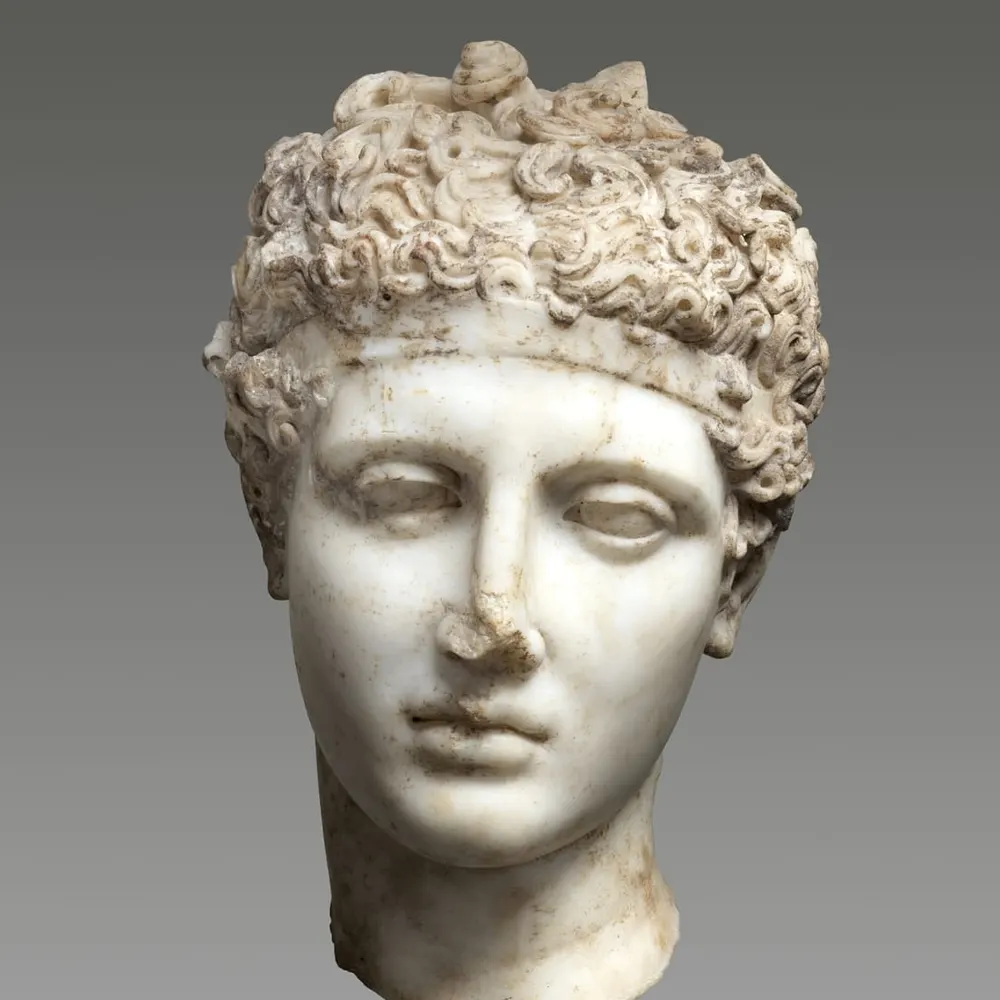
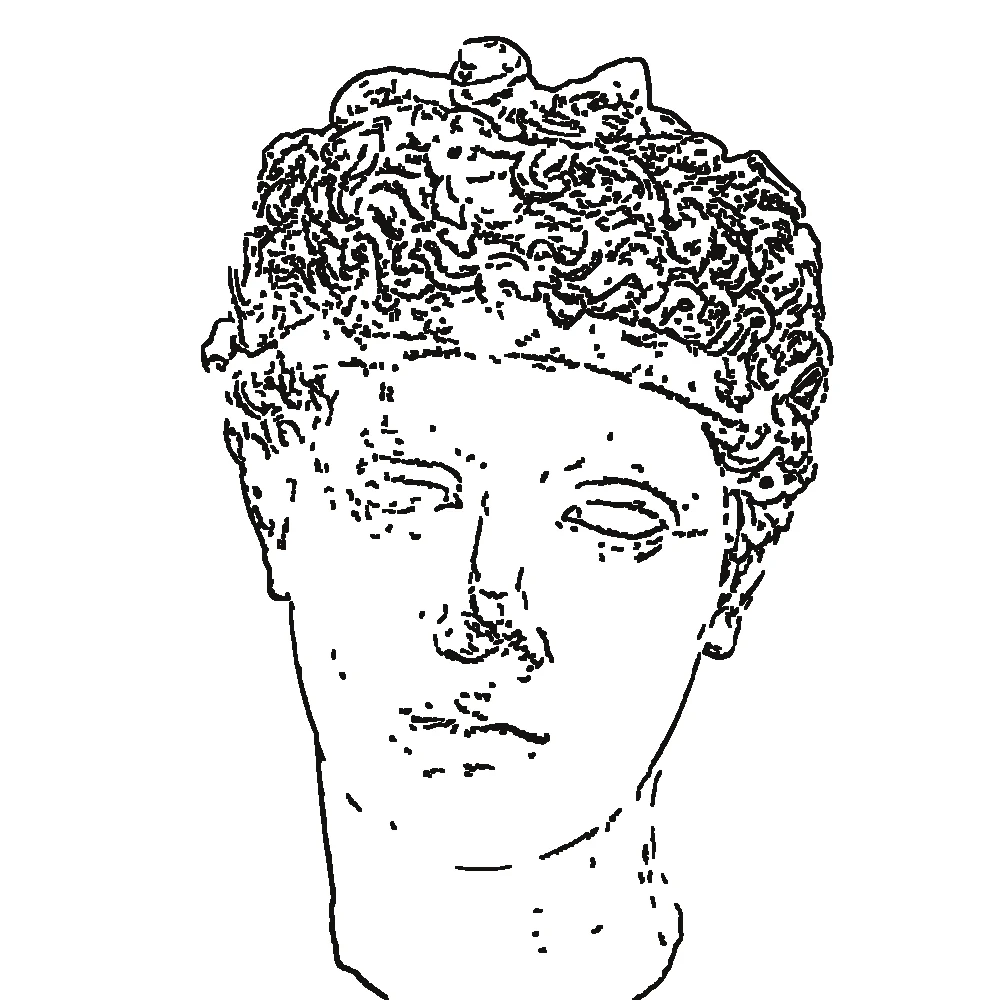
Drawing…
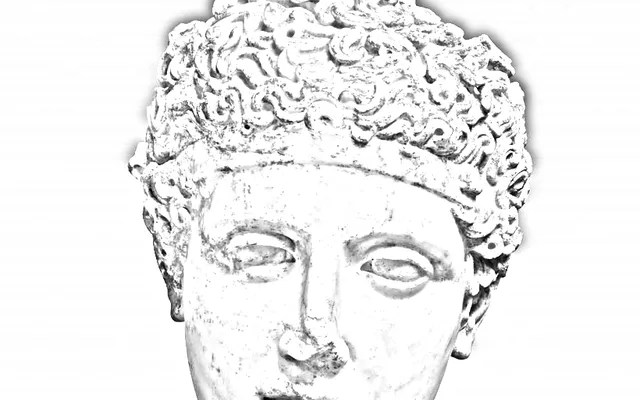
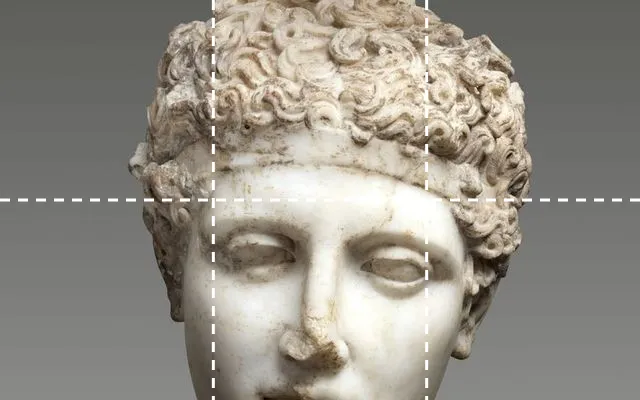
Marble head of an athlete, Roman, about 138–192 CE. The Met, CC0. Lines from the line art tool: ink style, line sensitivity 7.
Thirteen tools for the drawing table
Each preview is real output, made by that tool’s own code.
No tool matches that. Clear the field to see all of them.
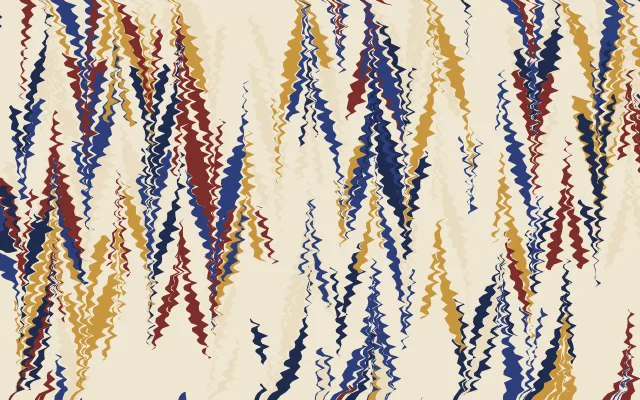
Marbling
Drawing and tracing
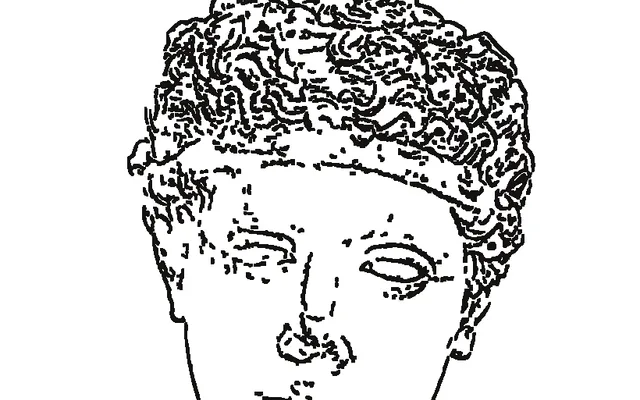
- Photo to line artOutline or ink lines with a transparent background
- Photo to pencil sketchGraphite or colour pencil, at full size
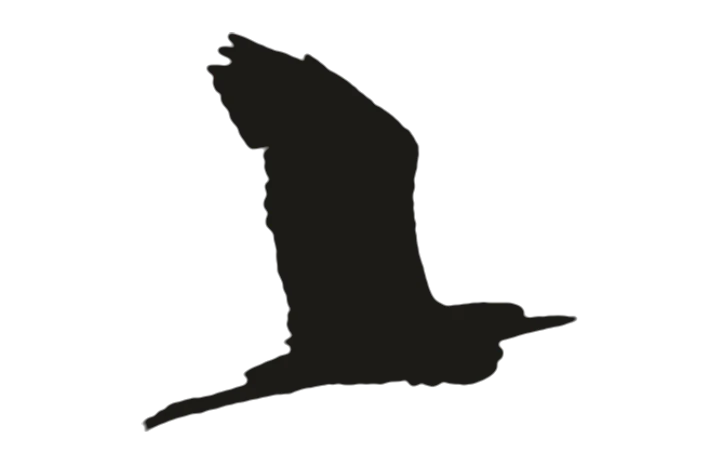
- Silhouette makerA solid shape in any colour from a photo on a plain background
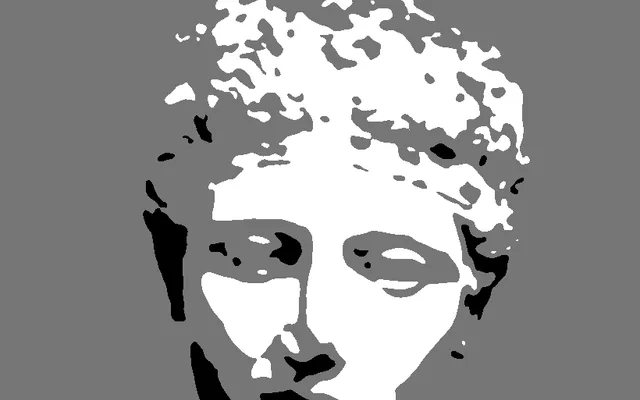
- Photo to stencilTwo to four tones, each layer as its own file
- Print an image on multiple pagesA poster or mural template over A4 or Letter sheets, as one PDF
- Scale drawing calculator1:n plans and models, or the factor to enlarge a drawing
Handwriting and calligraphy
- Handwriting paperDashed midline, four-line, ruled, Seyes and graph paper as PDF
- Tracing worksheet generatorA name, letters or sentences to trace, in print or cursive, as PDF
- Calligraphy guidelinesGuideline sheets in nib widths, with slant lines and a nib ladder
- Arabic letter formsIsolated, initial, medial and final forms, and how a word joins
- Signature generatorYour name in 14 script hands, as PNG or a practice sheet
Fonts and type
Then pick up the pencil
Line art on a screen is half the job. These iPhone and iPad apps, from the maker of these tools, carry it onto paper.

Traceline: Light Box Trace
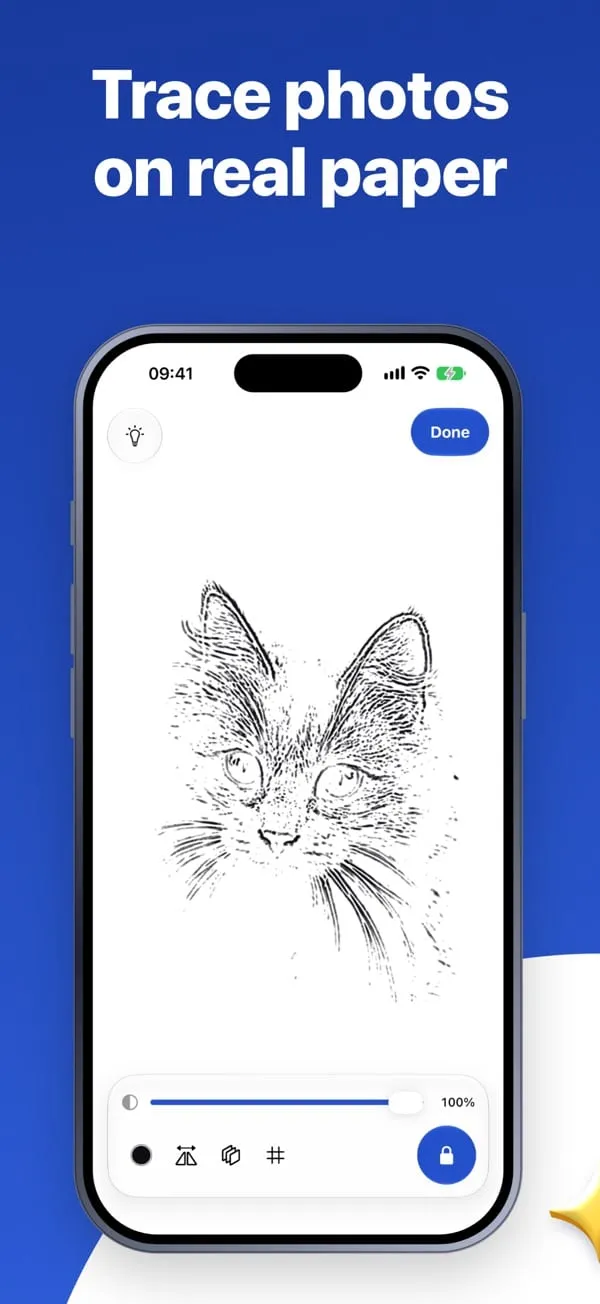
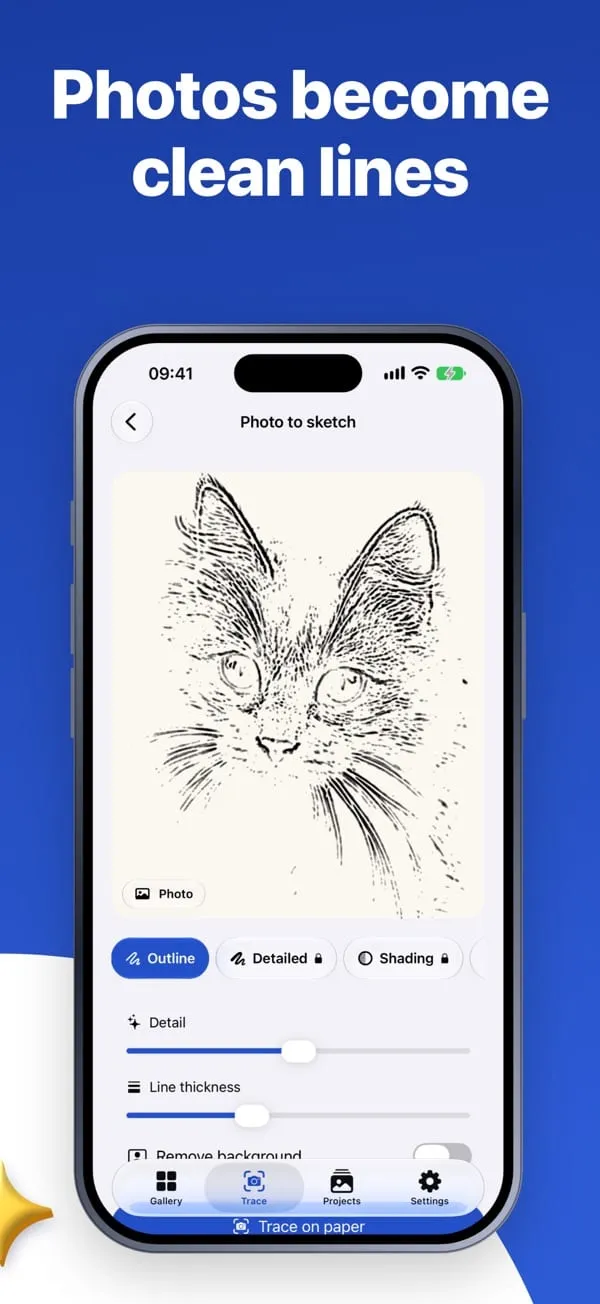
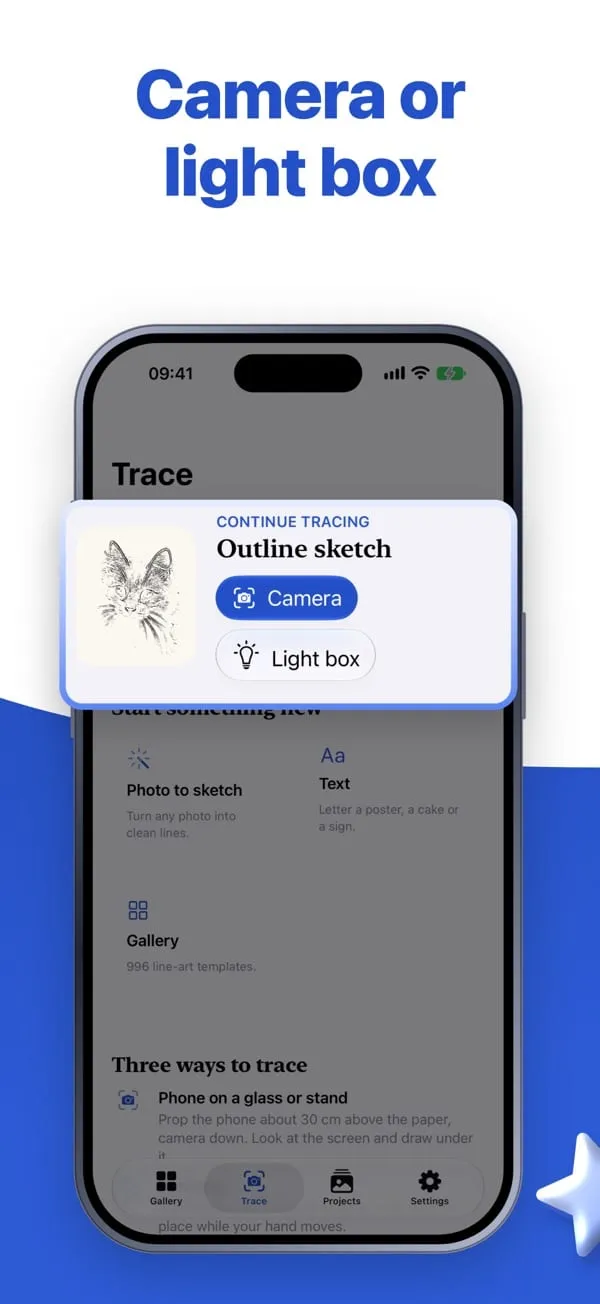
Traceline shows a drawing on your paper through the camera, or turns the screen into a light box, so you can trace it by hand.

- Prop your phone above a sheet of paper and the drawing appears on it through the camera
- Turns your photos into Outline, Detailed, Shading or Grid lines on your device
- Light box mode: lay thin paper on the screen and trace the glowing lines
- Nearly a thousand templates traced from public-domain ornament books
Goes withPhoto to line artPhoto to pencil sketchPrint an image on multiple pages

Handwriting & Stroke Order
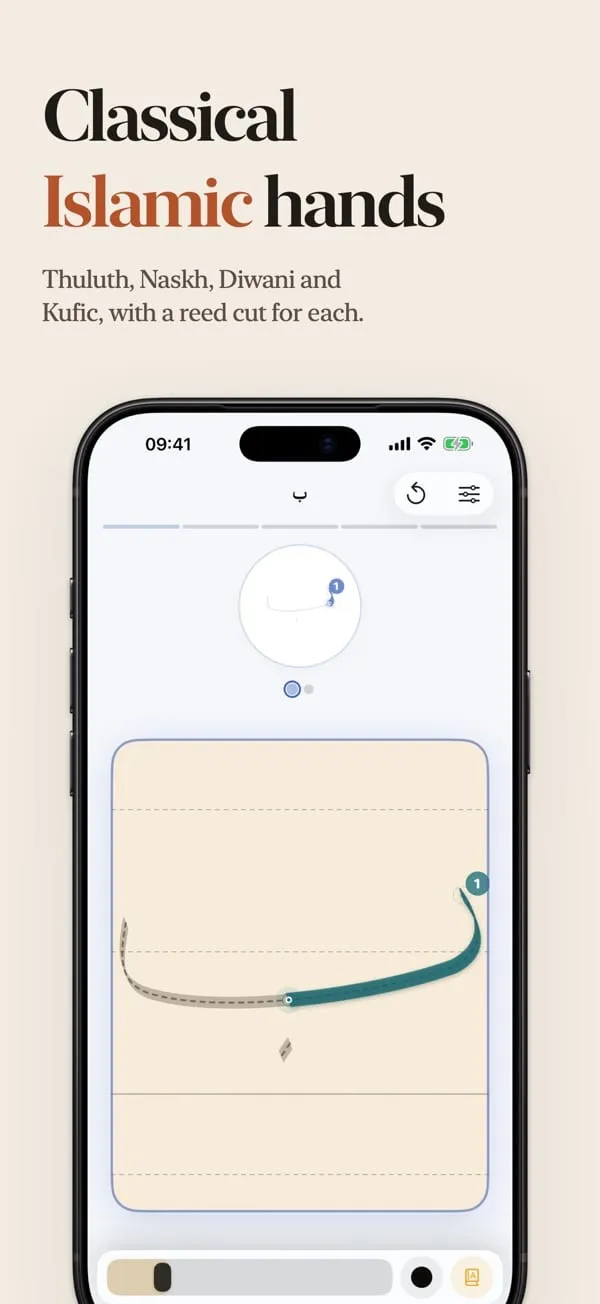
Meşk teaches the stroke order of every character in 139 writing systems and scores each stroke as you write.
Goes withCalligraphy guidelinesArabic letter formsHandwriting paper
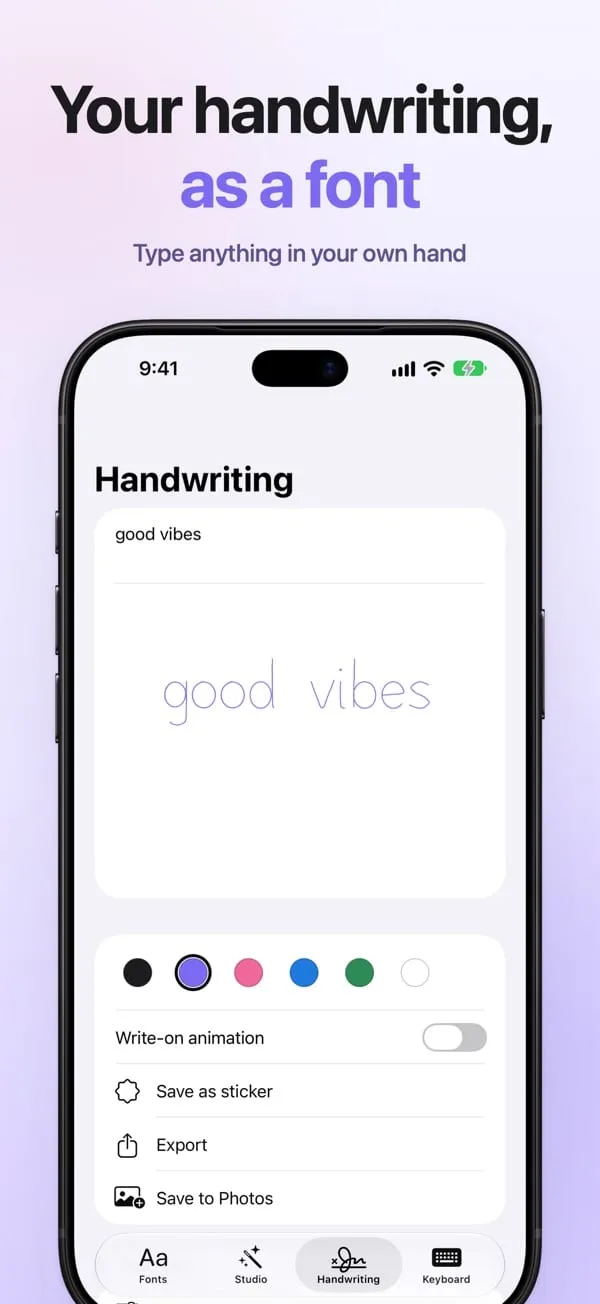

StarType: My Handwriting Font
StarType turns your own handwriting into a font: write each letter once, then type in your own hand.
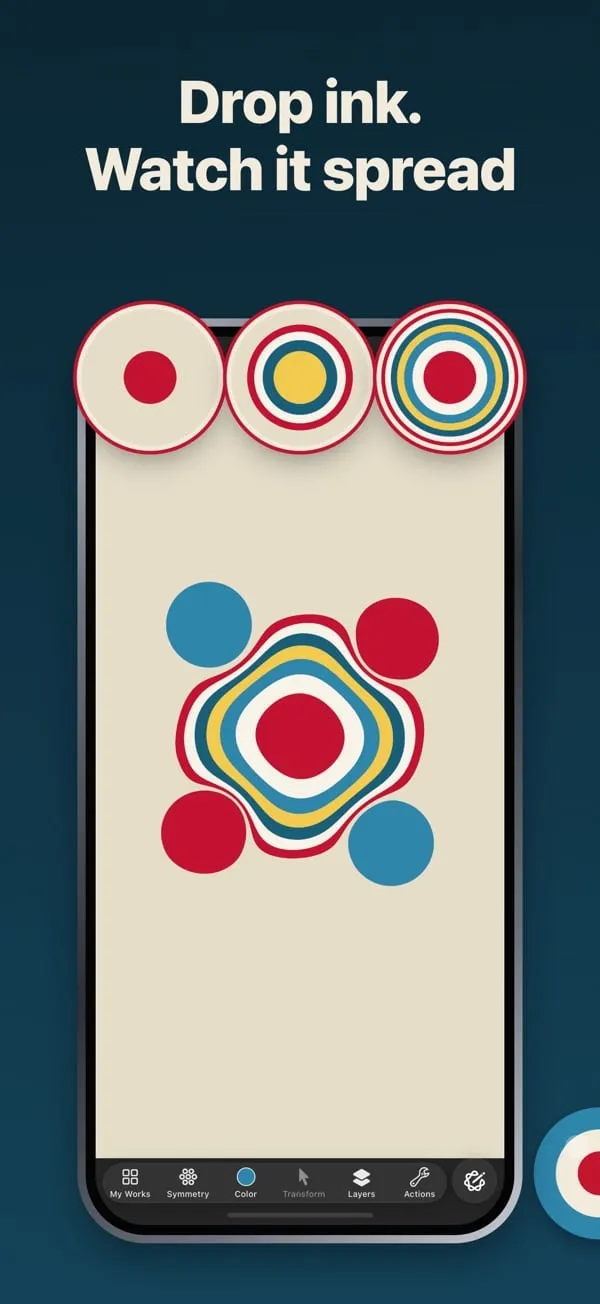

Ebru: Water & Paper Marbling
Ebru simulates the marbling bath in real time: drop ink, comb it and save the sheet at up to 4K.
Goes withMarbled paper generator
Which tool for which job
Find the job in the left column. Every tool is free and works on a phone; the PDF tools are easier on a larger screen.
| Your job | Tool | What you get |
|---|---|---|
| Trace a photo, or make a colouring page from it | Photo to line art | Black lines, PNG on white or transparent |
| Make a photo look drawn in pencil | Photo to pencil sketch | Graphite or colour pencil PNG |
| Cut a figure out as a flat shape | Silhouette maker | One-colour silhouette, transparent PNG |
| Spray paint, screen print or study values | Photo to stencil | Two or three tones, one PNG per layer |
| Print one picture large across sheets | Print an image on multiple pages | A4 or Letter PDF with overlaps and labels |
| Enlarge or reduce a drawing to a scale | Scale drawing calculator | Real sizes, factors and grid cells |
| Practise handwriting on ruled paper | Handwriting paper | Dashed-midline, cursive, ruled, Seyes or graph PDF |
| Rule guide lines for a calligraphy nib | Calligraphy guidelines | Nib-width ladders and slant lines, PDF |
| Learn how Arabic letters join | Arabic letter forms | Chart of beginning, middle and end forms, practice sheet |
| Design or practise a signature | Signature generator | 14 script styles, transparent PNG, practice sheet |
| Make marbled paper for a cover or a background | Marbled paper generator | PNG up to 3840 × 2160, or SVG |
| Look inside a font file | Font tester | Names, glyph count and a character map |
| Set sizes for a web type scale | Type scale calculator | rem steps and fluid clamp() CSS |
Three things that decide the result
Contrast, not colour. The photo tools turn every pixel grey first, with the BT.709 weights 0.2126 red, 0.7152 green and 0.0722 blue, then work on brightness alone. Two colours of the same brightness give no line between them, so a sharp photo in even light with a plain background gives the cleanest lines, sketches and silhouettes.
Print at 100%. The paper, guideline, poster and signature-sheet PDFs are drawn in millimetres on A4 (210 × 297 mm, ISO 216) or US Letter (215.9 × 279.4 mm). “Fit to page” shrinks every line and breaks the overlaps between poster pages; choose actual size, and the paper that is really in the printer.
Your files stay with you. Photos, fonts and names are processed in your browser and never uploaded. Photos larger than 2400 pixels on the long side are scaled to 2400 first, which keeps the photo tools quick on a phone.
Nearby in the network
To copy a photo by hand with a grid, the grid method generator on traceline.cihat.dev draws one over your reference. To marble by hand on screen, dropping ink and pulling the comb yourself, try the marbling simulator on tryebru.com. For letters to trace with their stroke order, the handwriting worksheet generator on trymeshk.com covers 139 writing systems. To see typed text as handwriting, startype.cihat.dev has a text to handwriting tool.
Questions people ask
Are these tools free?
Yes. There is no sign-up, no watermark and no limit on downloads.
Are my photos uploaded?
No. Every tool runs in your browser. Photos, names and fonts you load stay on your device.
Can I use what I make commercially?
Yes. Marbled sheets, drawings, stencils and printed sheets you make here are yours. Photos you load remain under their own rights.
Do they work on a phone?
Yes. Every tool works on a phone; the PDF and large image tools are easier on a larger screen.
How do I turn a photo into a drawing for free?
Use photo to line art for clean lines you can trace or colour, or photo to pencil sketch for shading. Both find the edges already in your photo on your device, with no AI and no upload.
Which paper sizes do the printable sheets use?
A4 and US Letter. The PDFs are drawn in millimetres, so print them at 100% (actual size) for the lines to come out at the size you set.