Free QR code generator and scanner QR codes that outlive the menu
Make a free QR code that never expires, scan one with your camera or from a screenshot, or make a barcode, with no sign-up. Each code is scanned back before you download it, so what you print is what people get.
Point your phone camera here
What are you printing?
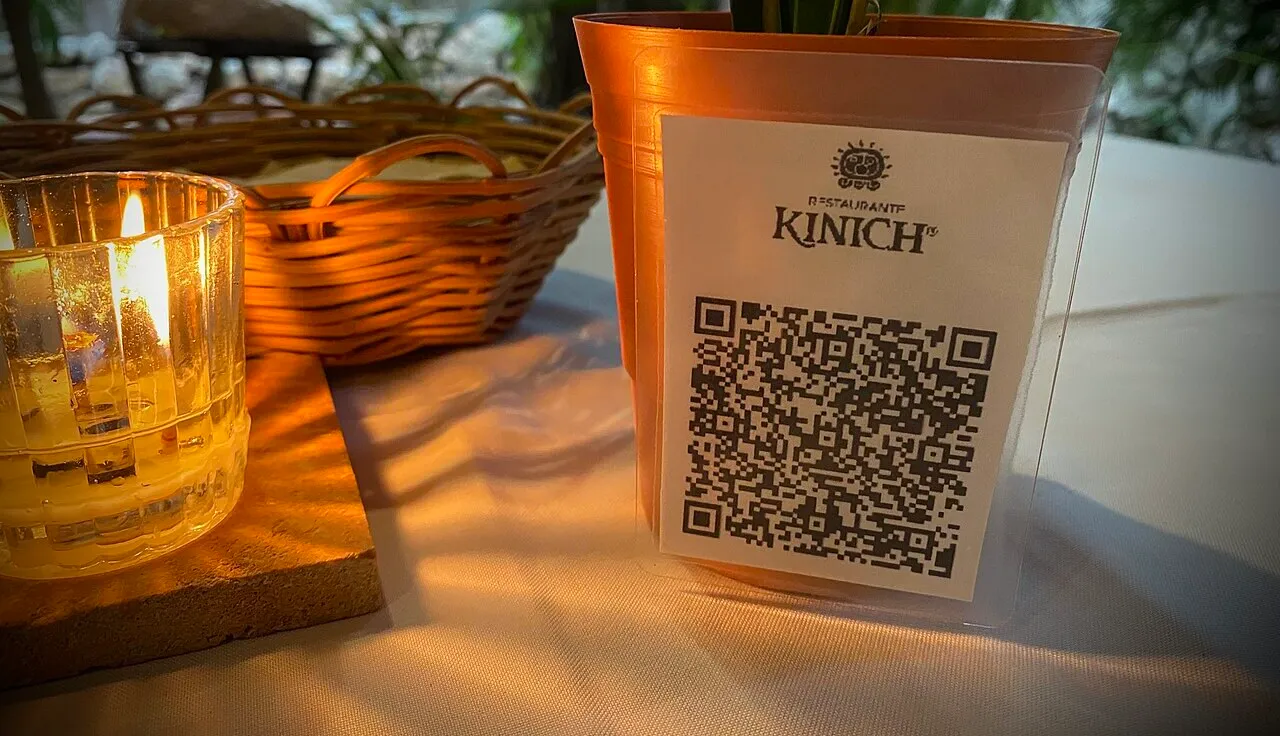
Each tool makes the code for one job. The small prints below are real codes made with them.
No tool matches that. Clear the field to see all of them.
Make a QR code
- QR code generatorFor menus, flyers and packaging: any link or text, checked before download
- QR code with logoYour café or shop logo in the middle, and it still scans
- Bulk QR code generatorTable numbers, stock labels, badges: up to 500 at once, as a ZIP
- Barcode generatorShelf and product labels in EAN-13, UPC-A, EAN-8 or Code 128
Codes that do something
- Wi-Fi QR codeA card for the counter, so guests join without asking for the password
- vCard contact QR codePrint it on your business card and you are saved as a contact
- Email QR codeFeedback cards and flyers that open an email, already addressed
- SMS QR codeRaffles and sign-ups: a text message, already typed
- Phone number QR codeDoor signs and delivery flyers: scan to call
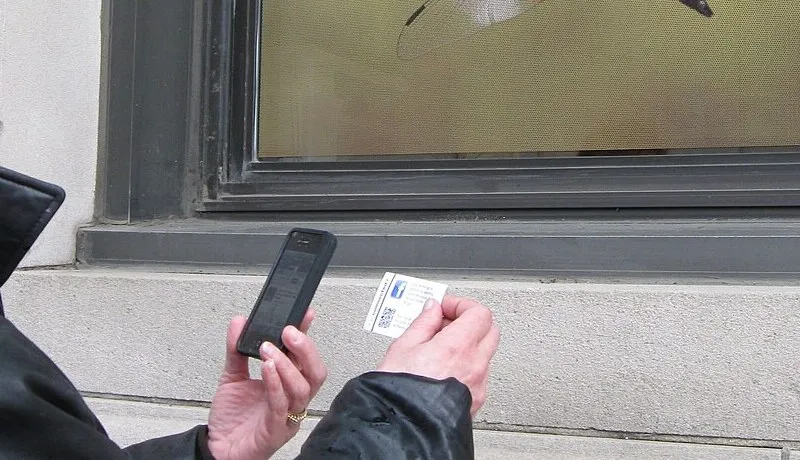
Read a code
Which tool for which job
Pick the tool by what should happen when someone points a phone at the code.
| You want to | Use |
|---|---|
| Put a link on a menu, flyer or package | QR code generator |
| Put your logo in the middle of the code | QR code with logo |
| Let guests join the Wi-Fi without the password | Wi-Fi QR code |
| Be saved as a contact from your business card | vCard QR code |
| Number many tables, badges or stock labels at once | Bulk QR codes |
| Label a product, shelf or box with a barcode | Barcode generator |
| Read a code with a laptop or phone camera | QR code scanner |
| Read a code in a screenshot, photo or PDF | Read QR from image |
QR codes, by the standard
1994, ISO/IEC 18004 since 2000. DENSO WAVE released the QR code in 1994 and waived its patent for codes that follow the standard.
21 to 177 modules a side. Forty versions, each four modules wider per side than the one before.
7%, 15%, 25% or 30%. The share of codewords that error correction levels L, M, Q and H can restore.
A four-module margin. The blank quiet zone a code needs on every side so a camera can find it.
Up to 2,953 bytes. The most one code holds, at version 40 and level L.
Why a printed code here never stops working
Every code made here is static. This is what that means next to the dynamic codes many QR sites sell.
| Static (this site) | Dynamic | |
|---|---|---|
| Where the content lives | Inside the pattern | On the provider’s server |
| Stops working when | Never, while the print is readable | The plan or trial ends |
| Edit after printing | No | Yes |
| Scan counts | No | Yes |
| Account | None | Usually required |
Printing labels on iPhone
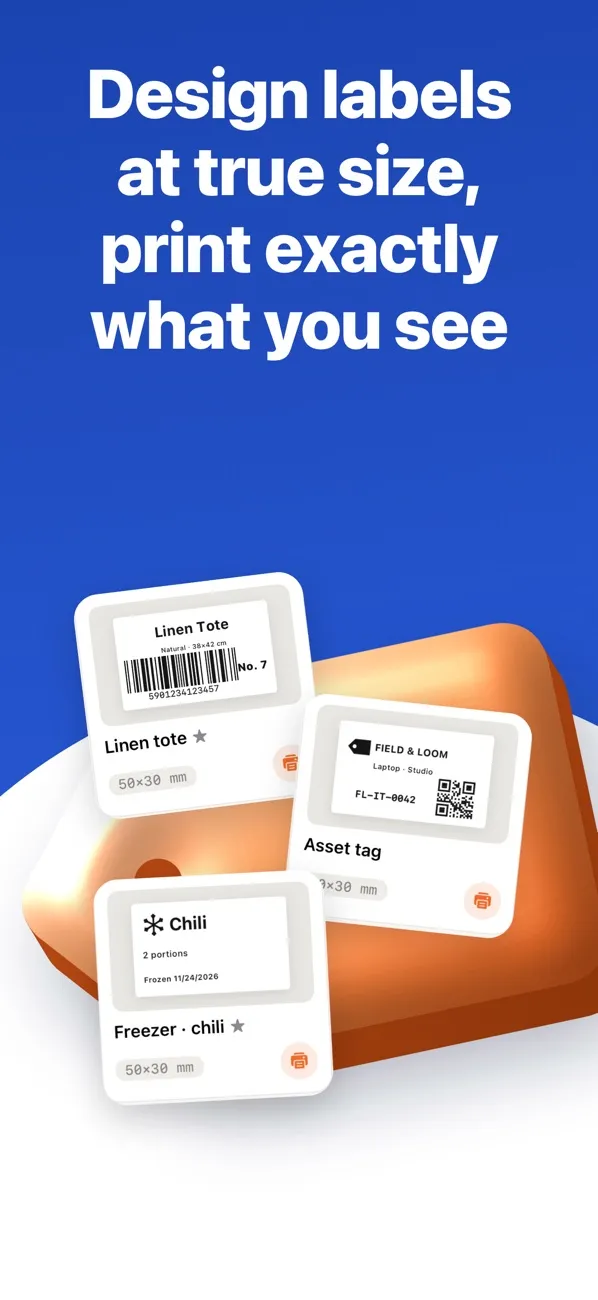
Labelsmith draws a label at its real size in millimetres and shows the exact black and white dots your label printer will make before you print.

Labelsmith: Exact-Size Labels
Labelsmith designs labels at their real size on iPhone and prints them, barcodes and QR codes included, on Bluetooth label printers or AirPrint.

- Code 128, EAN-13, EAN-8, UPC-A, Code 39, ITF-14, QR, Data Matrix, PDF417 and Aztec, with the data and check digit checked as you type.
- Bars snapped to whole printer dots, so thin bars do not blur.
- NIIMBOT and Phomemo Bluetooth label printers, plus any AirPrint printer. No account and no server.
Real size 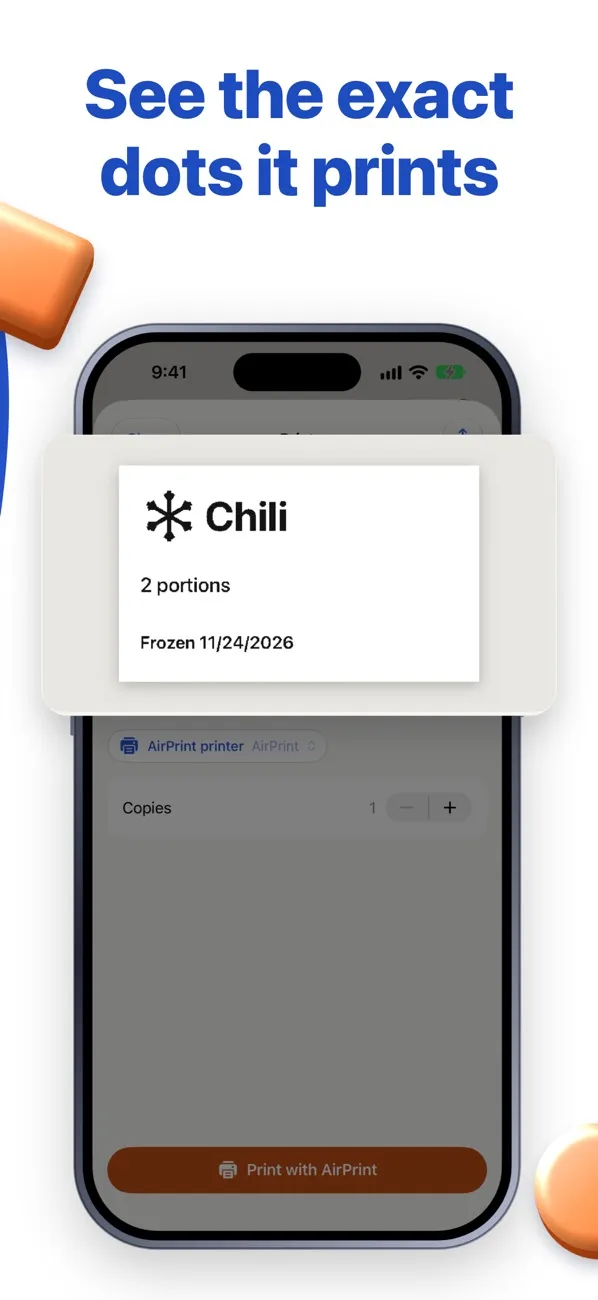
The dots it prints 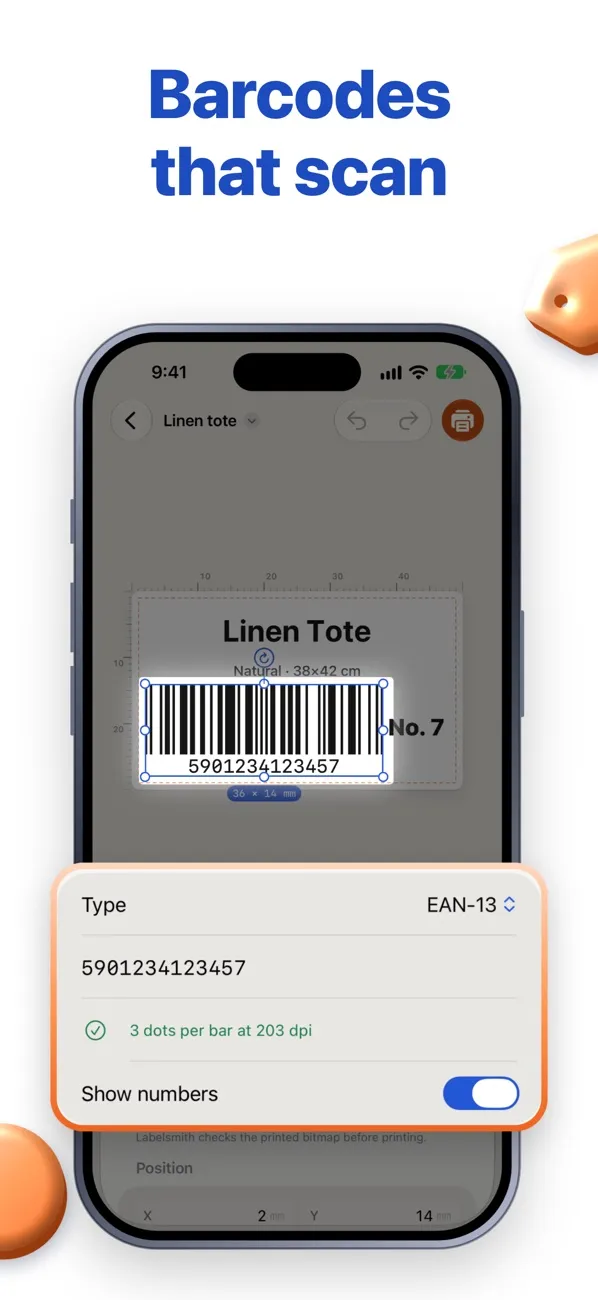
Checked barcodes
Questions people ask
Are these QR tools free?
Yes, with no account, watermark or limit on downloads. Everything runs in your browser.
Do the codes expire?
No. They are static codes, so the content is in the pattern and nothing depends on this site staying online.
Is anything I type uploaded?
No. Codes are drawn and checked in your browser, and the scanner reads camera frames and images on your device.
How do I know a code will scan?
Each code is decoded again with jsQR, an open-source reader, at two sizes and compared byte for byte with your input. Downloads unlock only when both match.
What is the difference between a QR code and a barcode?
A barcode such as EAN-13 holds a short number in one row of bars, read by a scan line across it. A QR code stores data in two directions, up to 2,953 bytes, and a phone camera reads it from any angle. Tills scan barcodes; QR codes carry links, Wi-Fi details and contacts.
Who invented the QR code?
DENSO WAVE, then a division of DENSO CORPORATION, released it in 1994. QR stands for Quick Response, and the code has been the international standard ISO/IEC 18004 since June 2000.