Free text tools How long is your text, really?
Thirteen free text tools that work inside this tab: count words and characters, hear text read aloud, dictate, fix capitals and compare drafts. Paste your text below and the counts start as you type.
- words
- 28
- characters
- 150
- to read
- 0:07
This browser has no voice for reading aloud.
What do you want to do with it?
Thirteen tools for one page of text. Each preview below is real output from that tool.
Listen and dictate
Hear your text, or speak it onto the page
Count
For word limits, captions and text messages
Change the text
Fix capitals, swap words, spell out amounts
Lines and lists
Compare two drafts and tidy up lists
Generate
Placeholder text and blank characters
Fancy text and fonts
Cursive font generator
Script and bold script letters to copy and paste
Bold text generator
Bold serif and sans letters for apps with no B button
Italic text generator
Slanted serif and sans letters, plain or bold
Small text generator
Small caps, tiny superscript and subscript letters
Upside down text generator
Flip text so it reads with the phone turned over
Strikethrough text generator
Struck, underlined and overlined text to paste
Bubble text generator
Letters in circles, dark bubbles, squares and brackets
Zalgo text generator
Creepy glitch text with an intensity slider
Aesthetic font generator
Vaporwave full width, spaced letters and ꧁ wings ꧂
Which text tool for which job
Most text jobs start from a limit or a problem: too many words, a field that cuts you off, capitals typed by mistake, two drafts that differ somewhere. Start from what you need to end up with.
| You need | Use |
|---|---|
| An essay or an application under its word limit | Word counter |
| A post, a text message or a form field under its character cap | Character counter |
| A text read out loud to you | Text to speech |
| Words on the page without typing them | Speech to text |
| Caps lock text, a shouty heading or a list of names fixed | Case converter |
| One word changed everywhere in a document | Find and replace |
| What changed between two drafts | Text compare |
| A list with every entry once | Remove duplicate lines |
| A list in A to Z order | Sort lines |
| An amount written out for a cheque or a contract | Number to words |
| Filler text for a layout | Lorem ipsum generator |
What the counts and voices rest on
A word is what Unicode says it is. The counters split text with the word rules your browser uses for editing (Unicode text segmentation), so they work for English, Turkish or Spanish alike. Word processors treat dashes, clock times and web addresses a little differently, so a count here can be one or two away from Word or Google Docs.
Reading time uses 238 words a minute. That is the average silent reading rate for English non-fiction across 190 studies (Brysbaert, 2019). Speaking time uses 130 words a minute, a relaxed presentation pace.
One emoji can cost four. An emoji is one character on screen, two on X, two UTF-16 units in a web form and four bytes in UTF-8. In a text message it switches the whole message from 160 to 70 characters.
Turkish has four i’s. i, İ, ı and I. The case converter applies the Turkish mappings of the Unicode standard, so “istanbul” becomes “İSTANBUL”, not “ISTANBUL”.
Voices are local or online. Text to speech uses the voices in your browser. Each voice tells the page whether it runs on your device; the rest are marked online, because the browser maker’s servers produce them.
Listen to whole documents on iPhone
Text to speech here reads what you paste. VoxPage takes the whole file: open a PDF, an EPUB or a Word file, press play, and it reads it out loud while marking each sentence on the page.

VoxPage: Read Aloud PDF Reader
VoxPage reads PDF, EPUB and Word files aloud on iPhone and iPad and marks each sentence on the page as it is spoken. No account; documents stay on the device.

- Fourteen of its 32 languages have natural Studio voices that run on the iPhone or iPad itself. The Turkish voice ships inside the app.
- Scanned PDFs and photographed pages go through text recognition on the device first.
- Keeps playing in the background, with Lock Screen controls, a sleep timer and Up Next.
- No sign-up and no cloud. Documents, notes and listening history stay on your device.
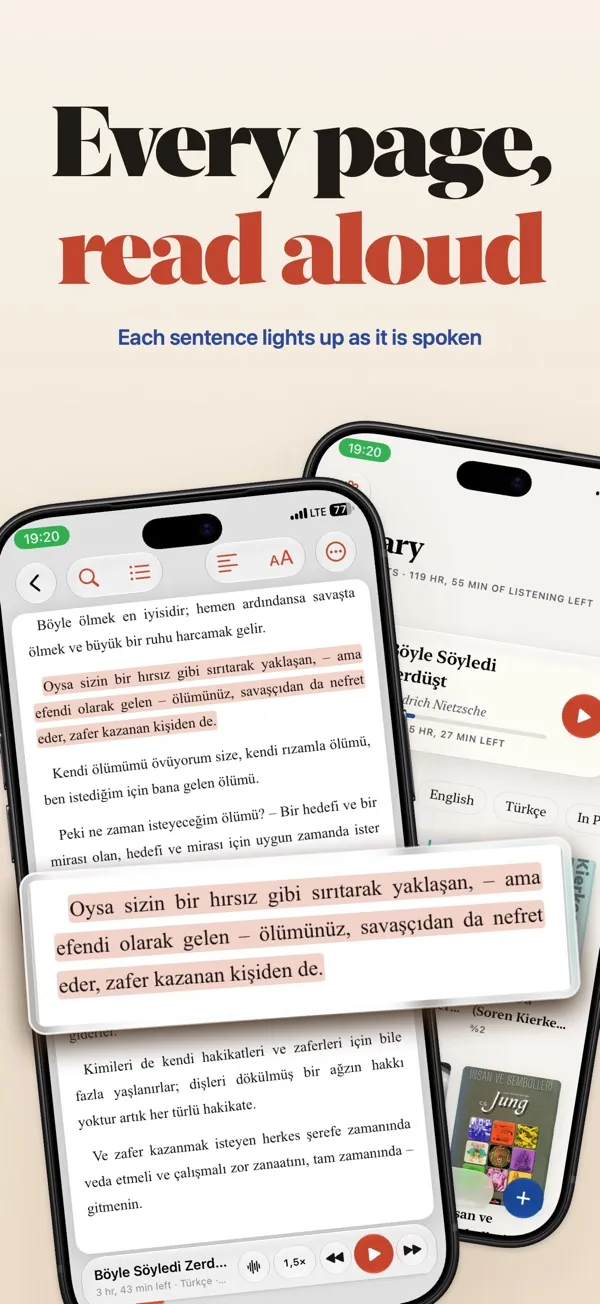
Each sentence lights up as it is spoken 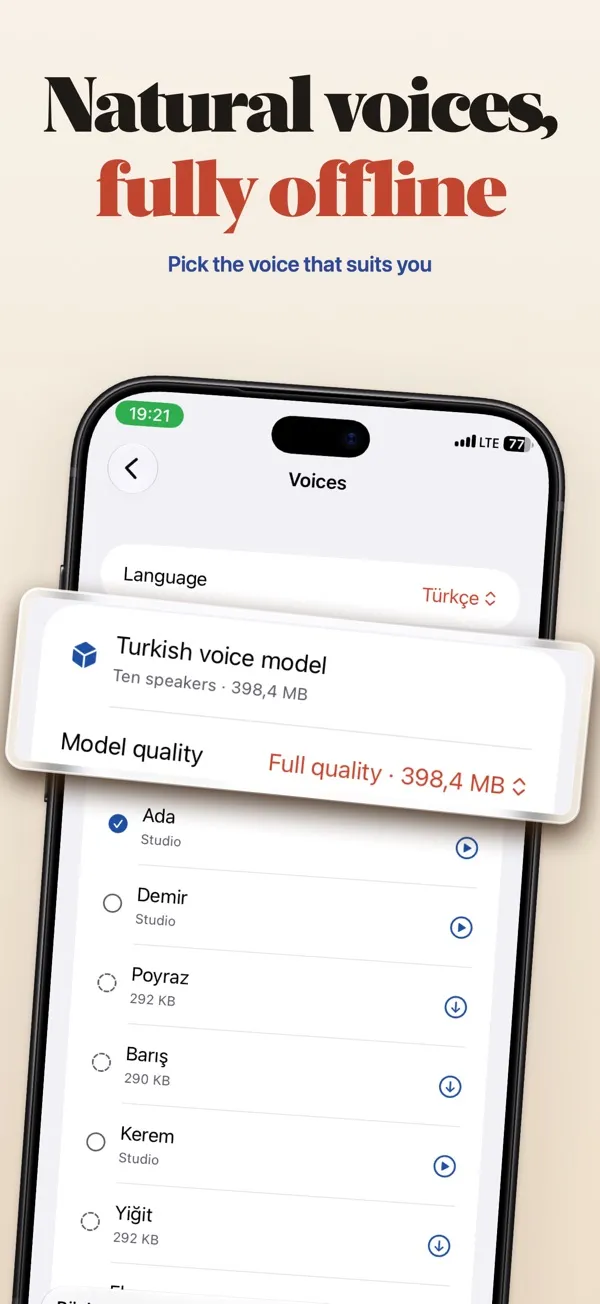
Studio voices that run on the device 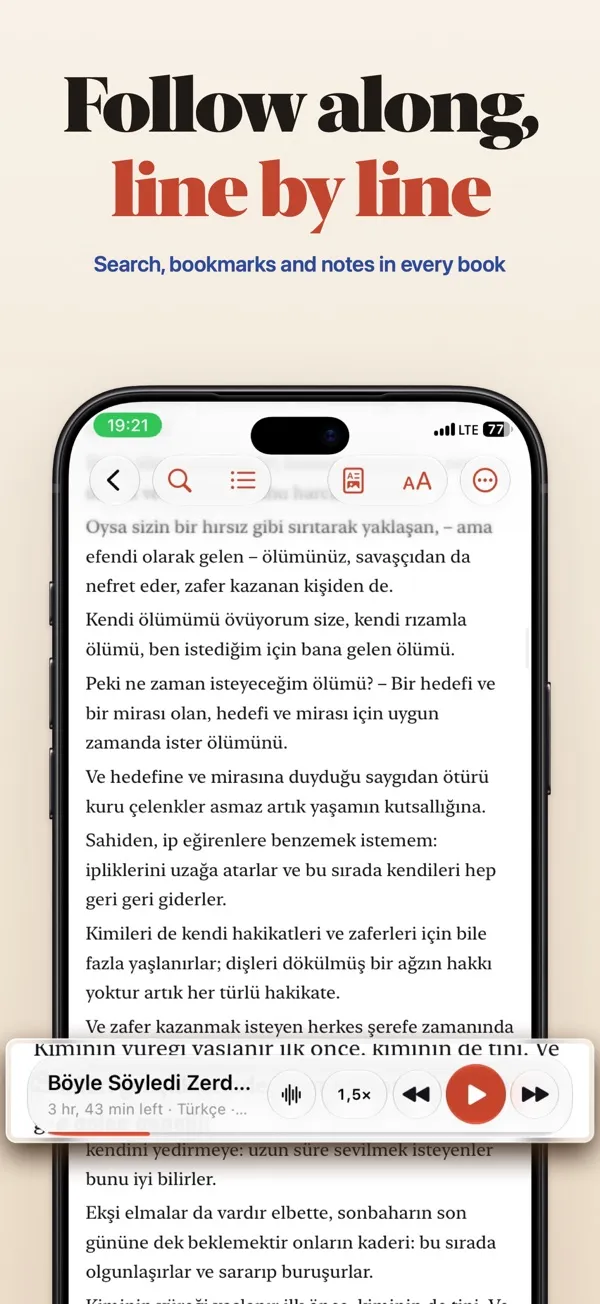
Follow the page line by line
Two more for people who write
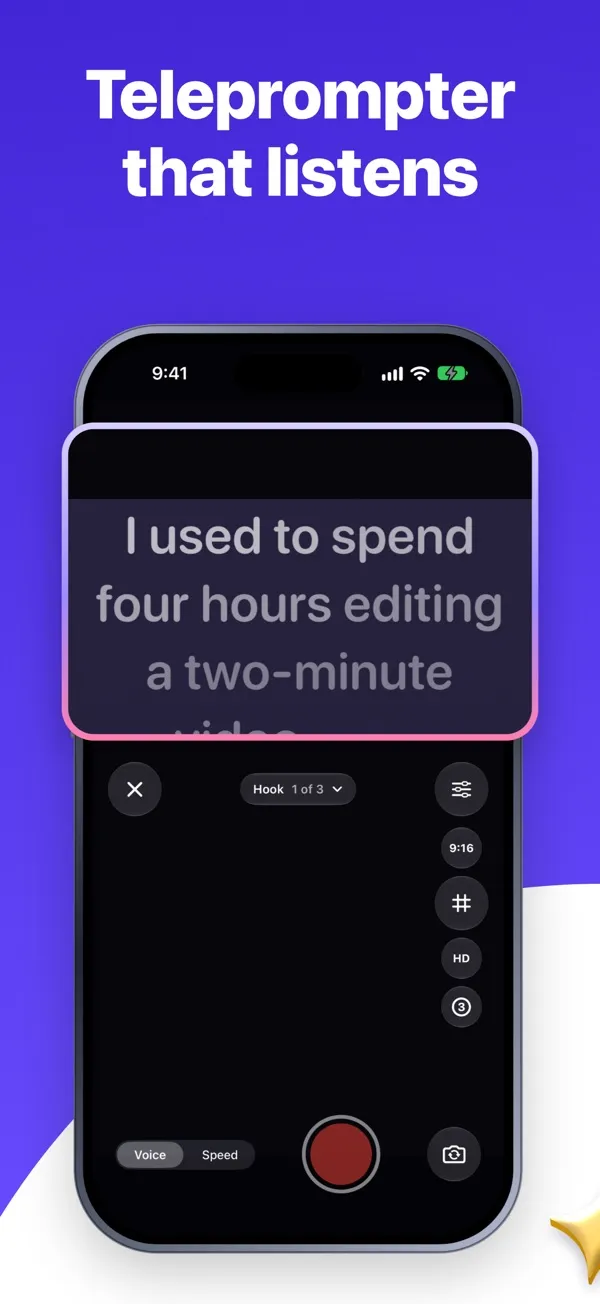

Cue: Teleprompter That Listens
Reading a script to camera? Cue is a teleprompter that listens: it scrolls as you speak, recognized on your device, and keeps your line right under the lens.
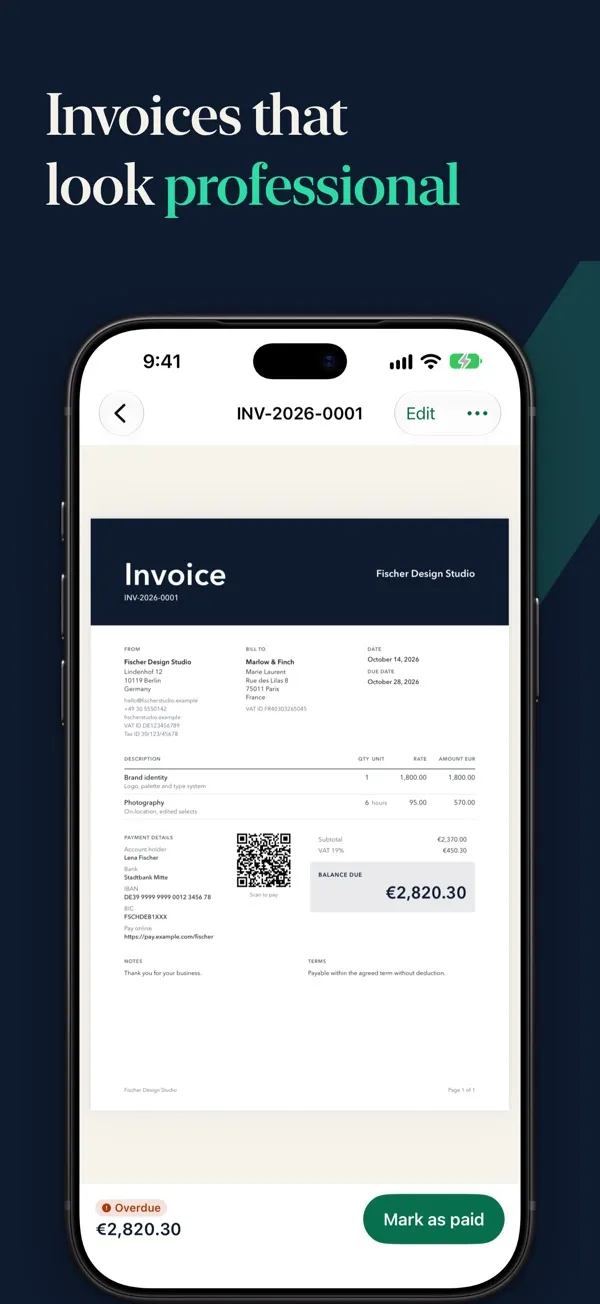

Paidly: Invoice Maker
Writing invoices and quotes? Paidly lays out invoices, estimates and receipts on iPhone, iPad and Mac, and does the arithmetic with every total traceable.
Also on the network
These text tools live on sister sites, each with its own page.
- Word frequency counterstudy.cihat.dev
- Reading time calculatorstudy.cihat.dev
- Speech time calculatorspeak.cihat.dev
- Fancy fonts for Instagraminstagram.cihat.dev
- Text to handwritingstartype.cihat.dev
Questions people ask
Are these tools free?
Yes. Every tool is free, with no account, no watermark and no limit set by the site.
Is my text uploaded?
No. Counting, converting, comparing and sorting all happen in your browser. Two features depend on your browser’s own services: voices marked online in text to speech, and speech to text, which the browser sends to its maker. Both pages say so before you use them.
Do the tools handle Turkish?
Yes. Case conversion knows dotted and dotless i, sorting follows the Turkish alphabet, and number to words writes Turkish lira amounts for cheques.
Do they work on a phone?
Yes. Every page works in Safari and Chrome on phones and tablets.