Photo to line art
Outline or ink lines from a photo, with adjustable detail, as a PNG.
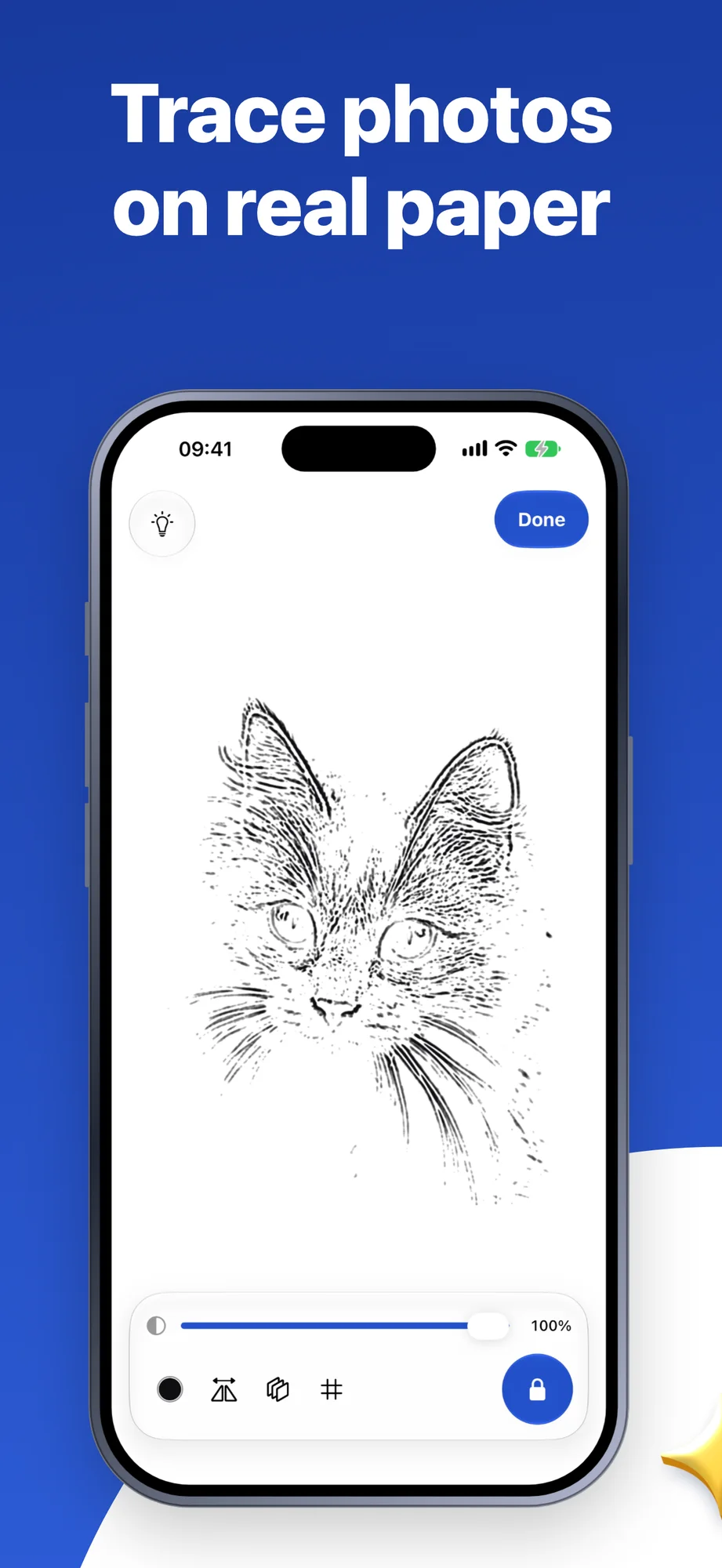
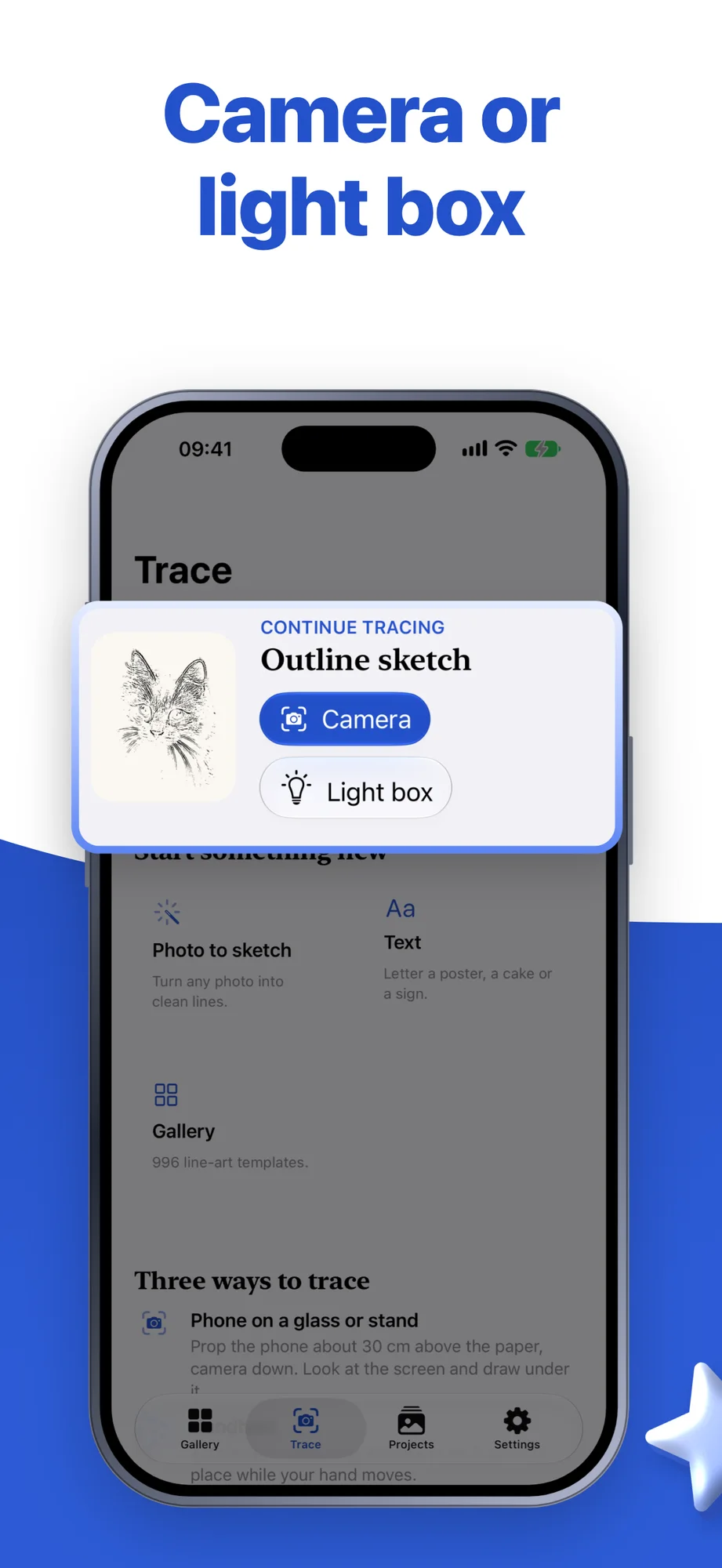
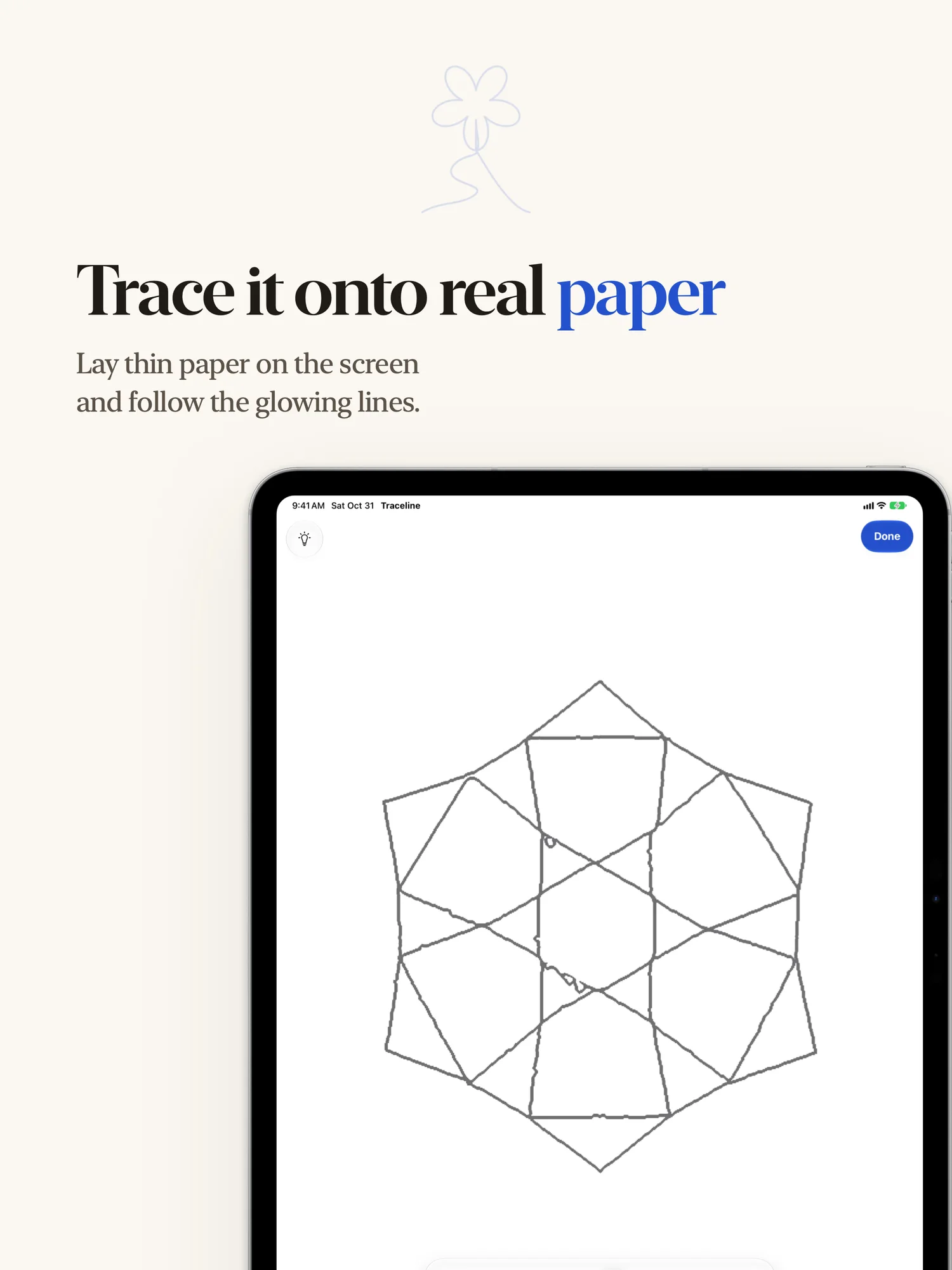
Traceline: Light Box TraceThe free photo to line art converter turns a picture into outline or ink lines on your device and saves a PNG. Traceline, for iPhone and iPad, takes the next step. It shows the drawing on your paper through the camera, or under thin paper on a light box screen, ready to trace in pencil.
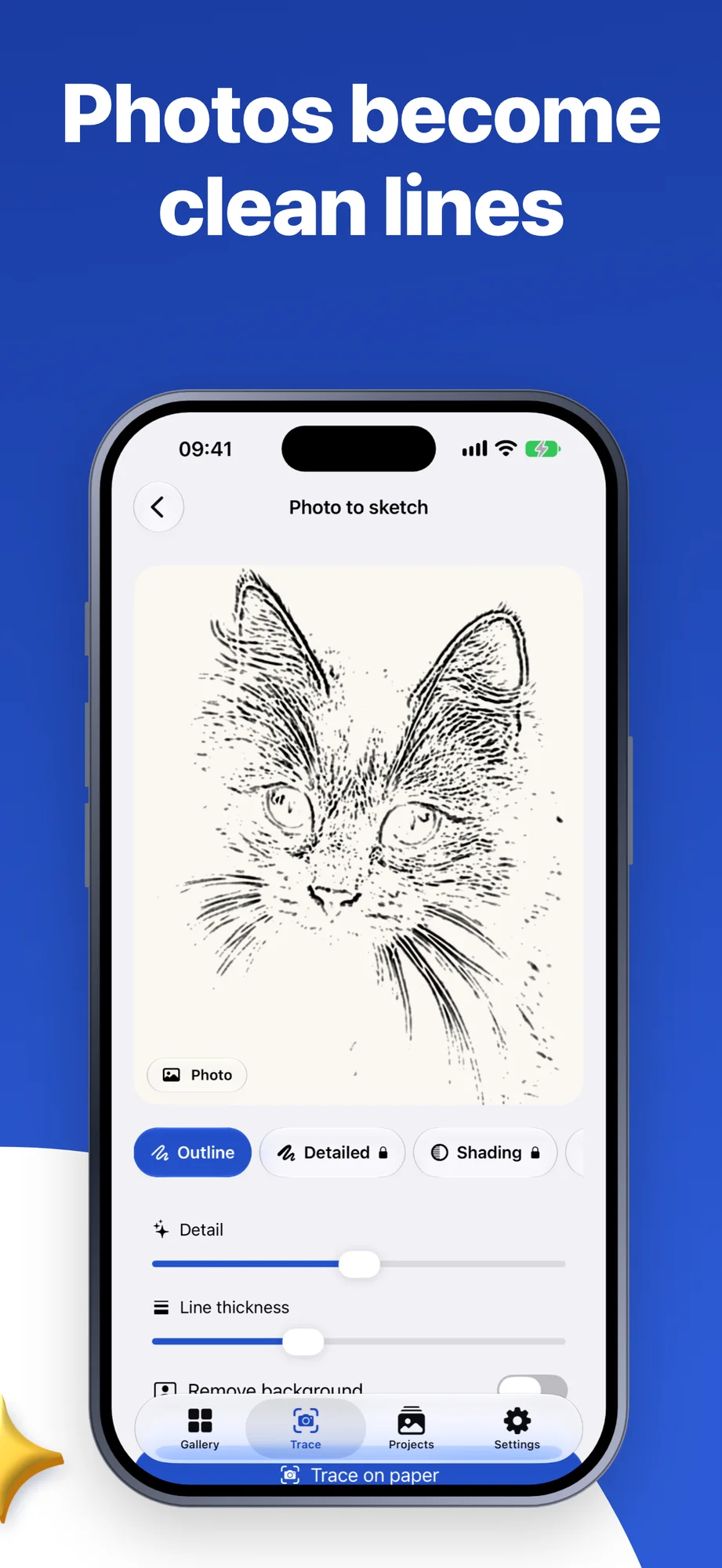
| Free tool | Traceline | |
|---|---|---|
| Runs on | Any browser | iPhone and iPad |
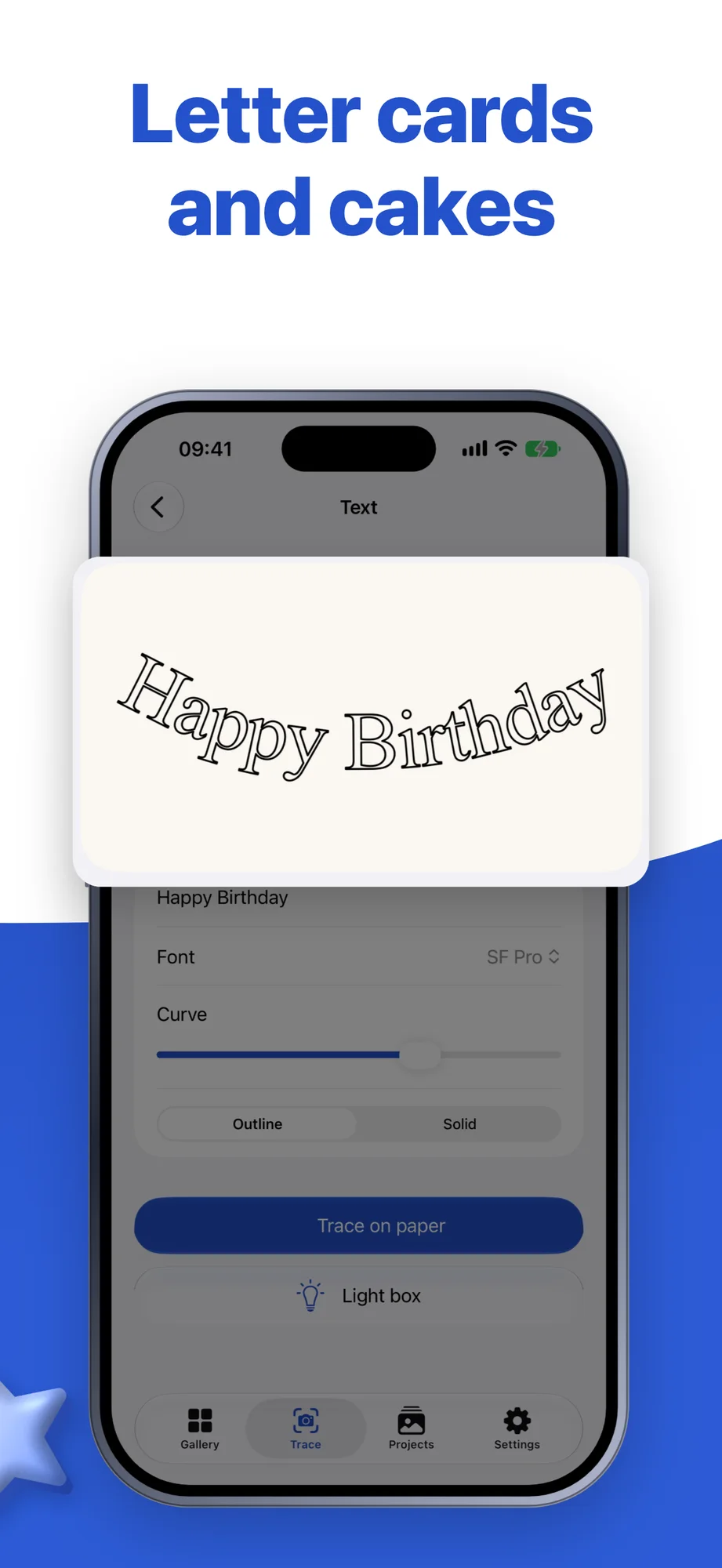
| Makes | A line art PNG from a photo | Line art in four styles, 996 templates and lettering |
| Getting it on paper | Print the PNG | Camera overlay, handheld AR or a light box |
| Privacy | Nothing uploaded | No account; camera frames and photos processed on the device |
| Price | Free | Free download; Traceline Pro adds every template, all sketch styles, AR, step mode and lettering |
Use the free converter when you want a colouring page, a stencil base or an outline to print.
Get Traceline when you want to draw the picture by hand on real paper and need the lines in front of you while you work.
Screens from the current version on the App Store.
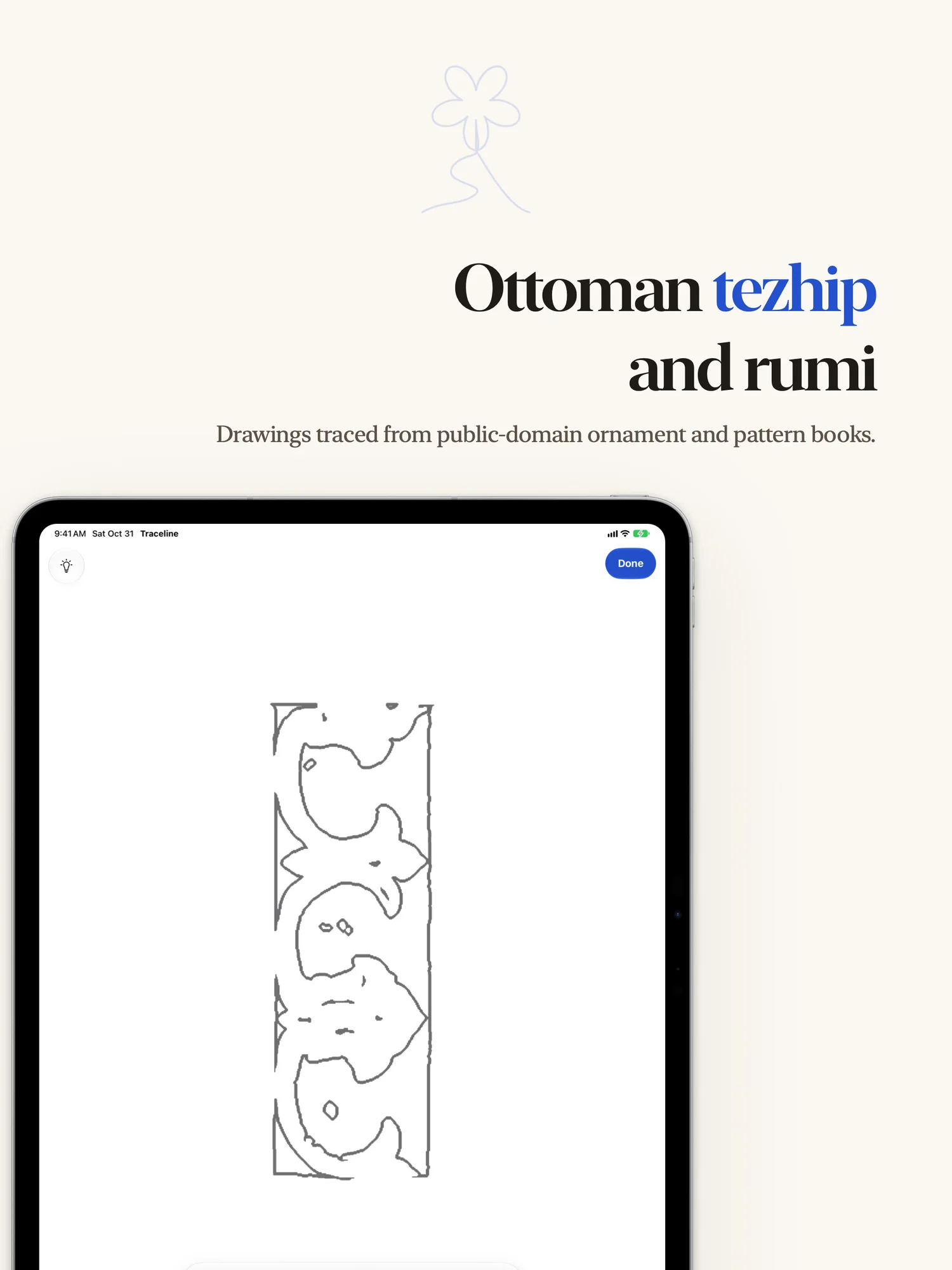
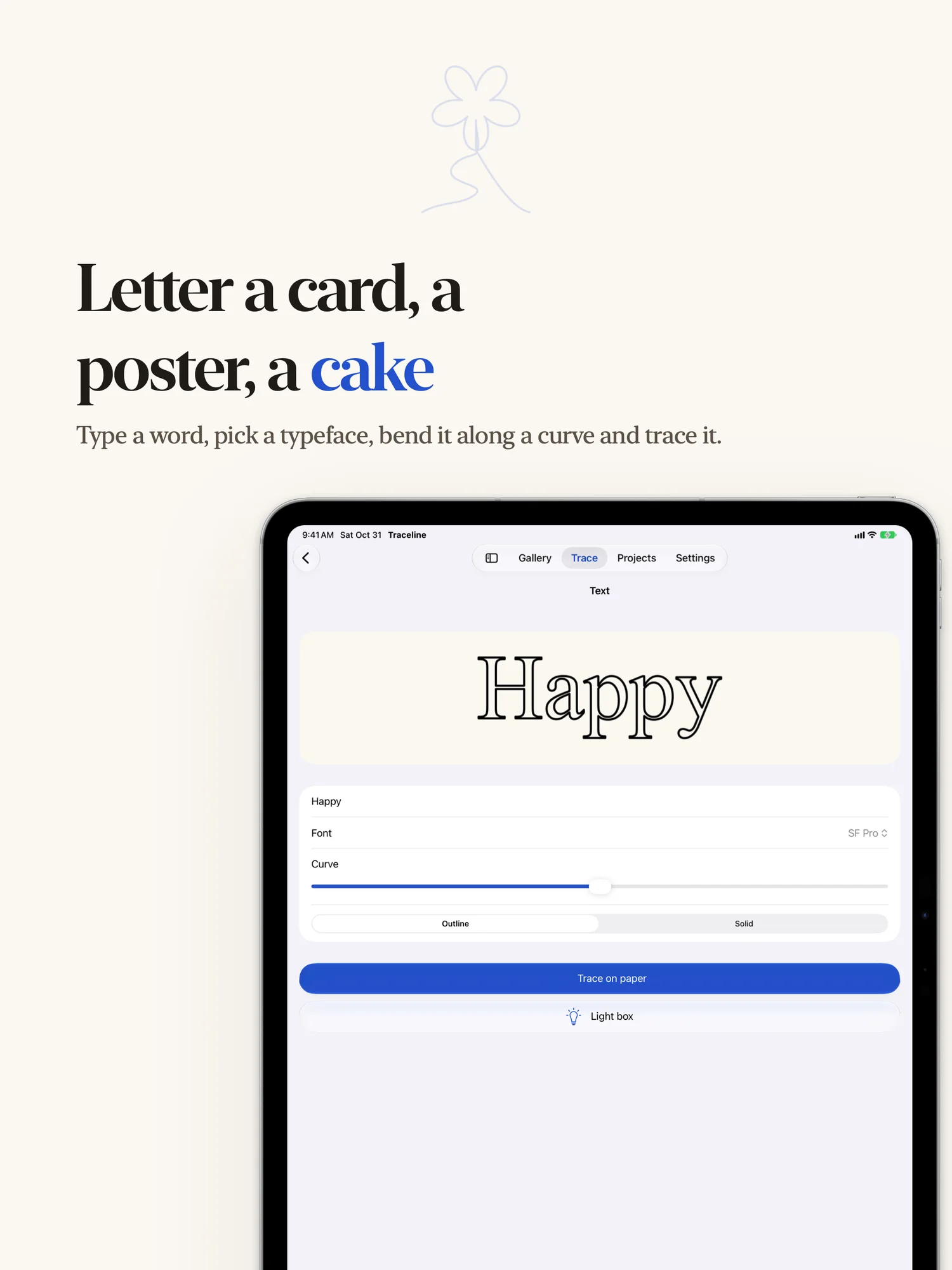
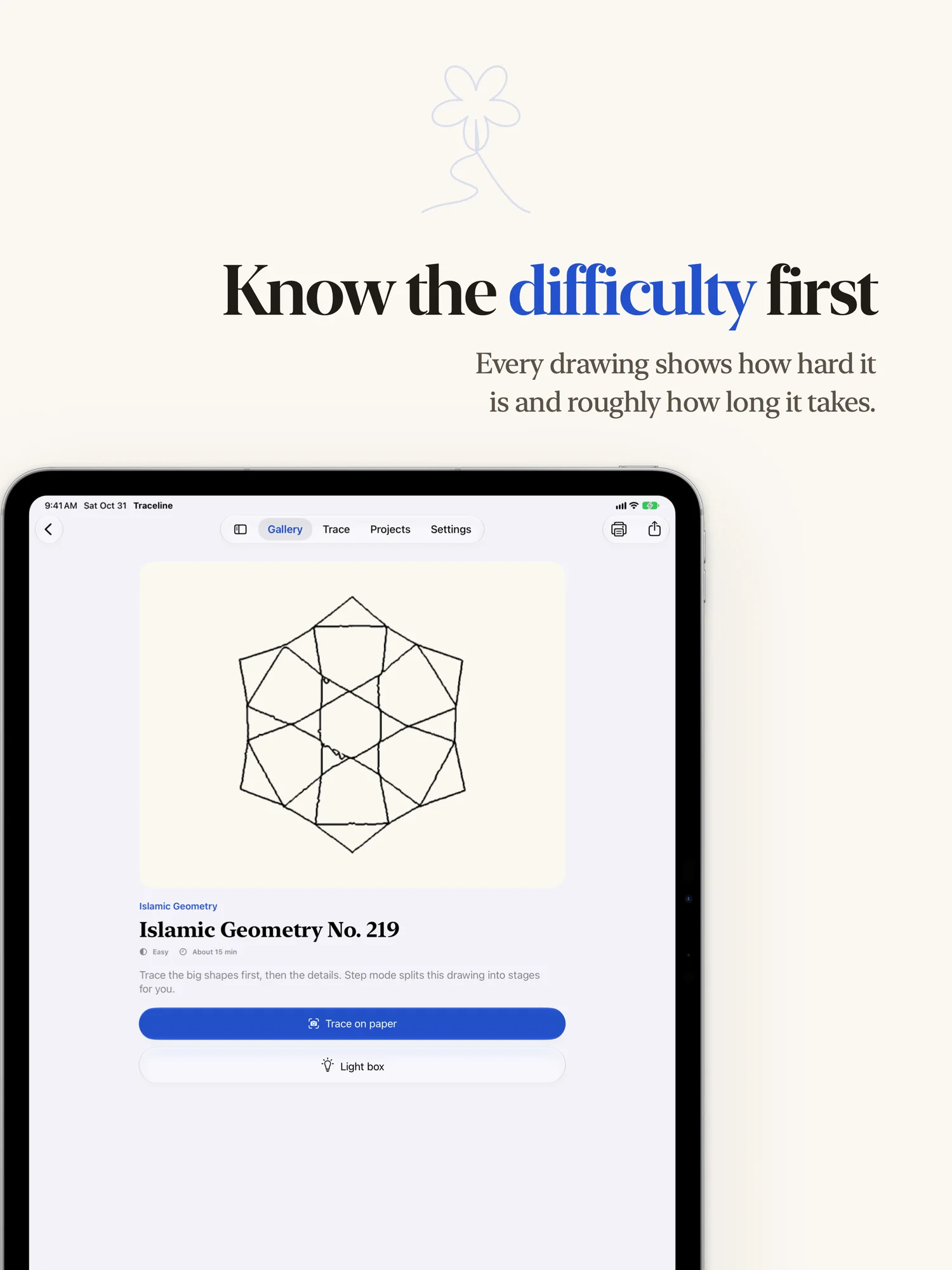
They run in your browser, with no sign-up.
Outline or ink lines from a photo, with adjustable detail, as a PNG.
Graphite or colour pencil sketch from a photo, as a full-size PNG.
Splits a picture across A4 or Letter pages for a large tracing guide.
Real sizes to a scale drawing and back, with grid cell sizes.
A 2, 3 or 4 tone stencil, with every layer as its own PNG.
Outline uses the Canny edge detector. The photo is turned grey and softened so texture does not count as an edge, and the sharpest changes in brightness are kept as thin lines.
No. The converter runs in your browser and the image stays on your device.
Split it across A4 or Letter pages with the free print an image on multiple pages tool, which adds overlap for gluing and page labels in one PDF.
No. A stand, or a glass holding the phone above the paper, is the steadiest way, and handheld AR keeps the drawing on the paper while you hold the phone. The light box needs no camera at all.
Ten templates, the Outline sketch style, tracing on a stand, the light box and a watermarked timelapse. Traceline Pro opens every template, all four sketch styles, step mode, handheld AR, lettering and timelapse without the watermark.
Draw and make