 Graphics & Design
iOS
Ebru: Water & Paper Marbling
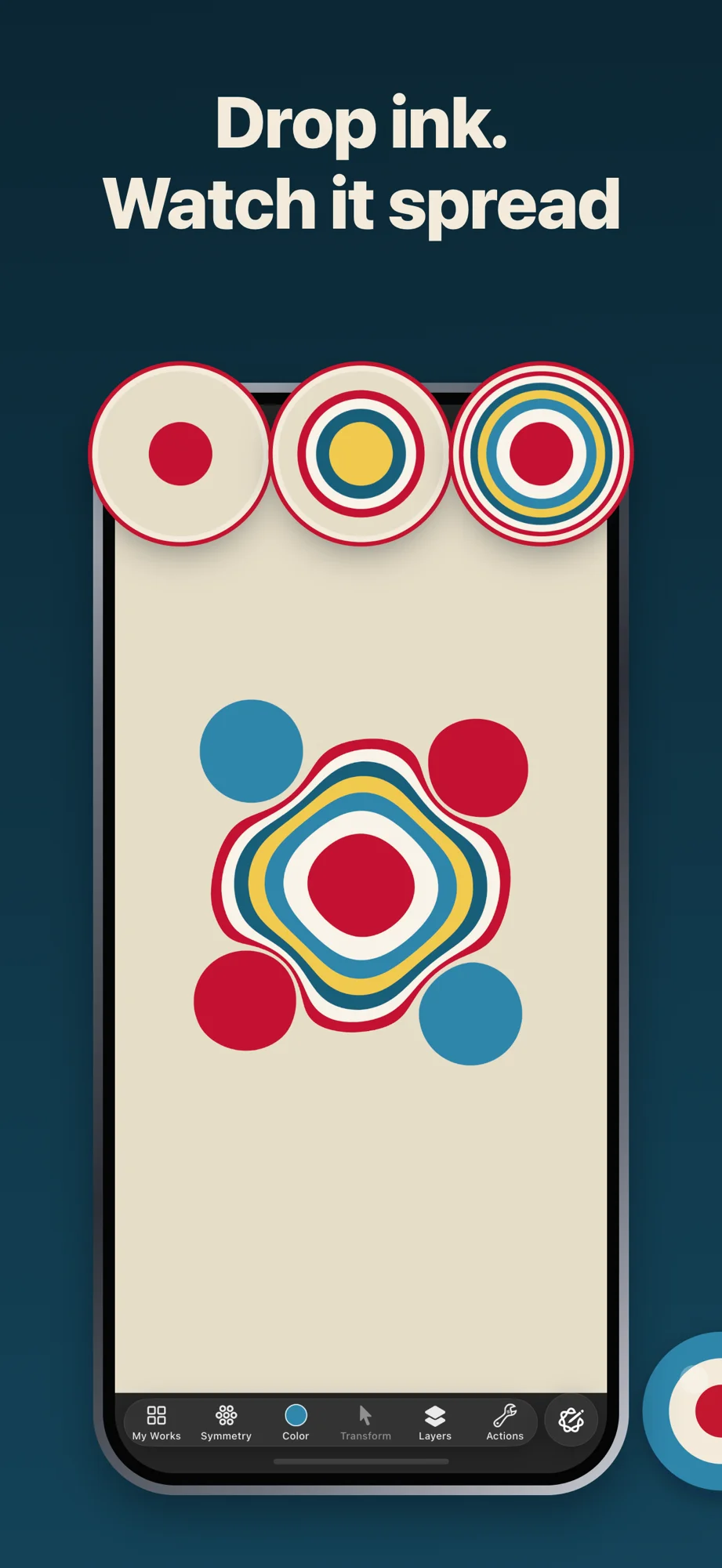
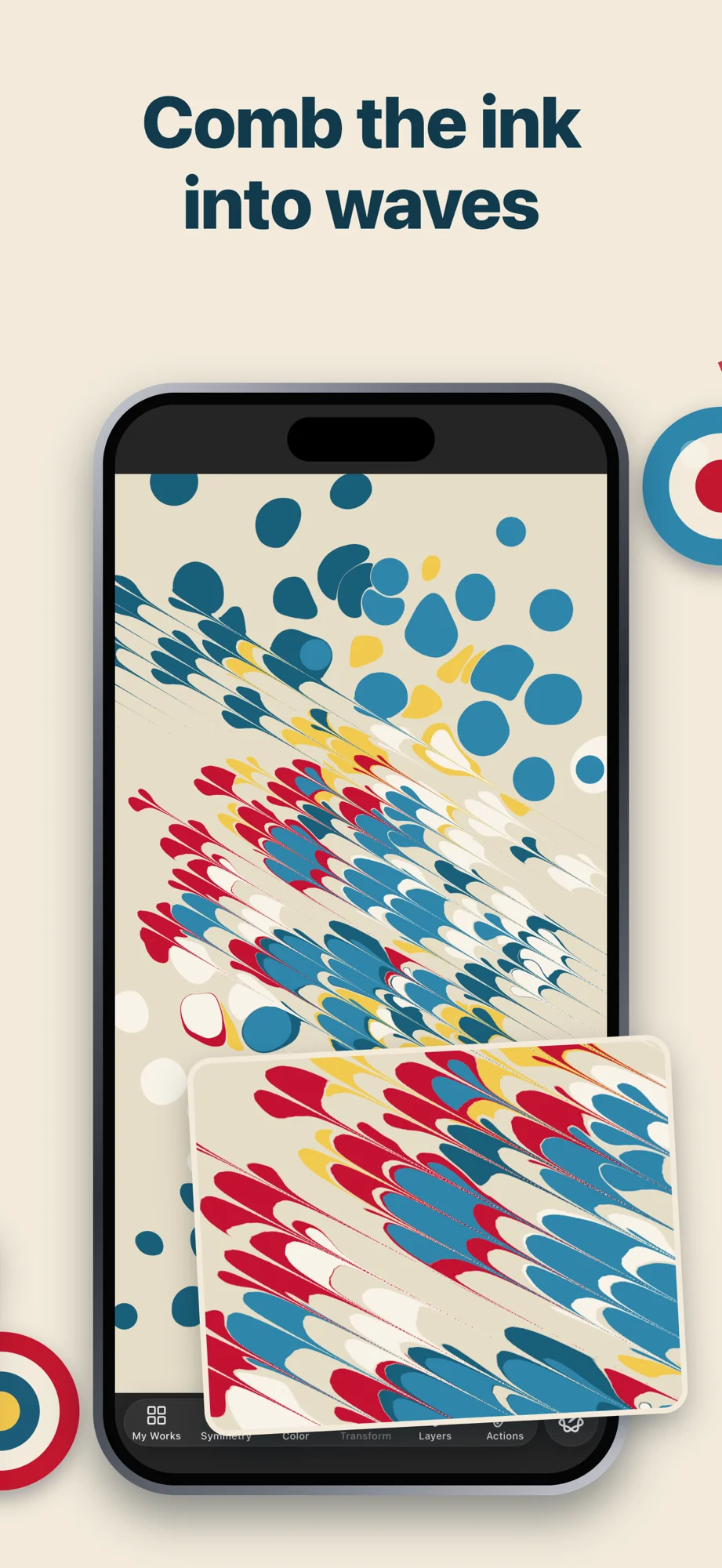
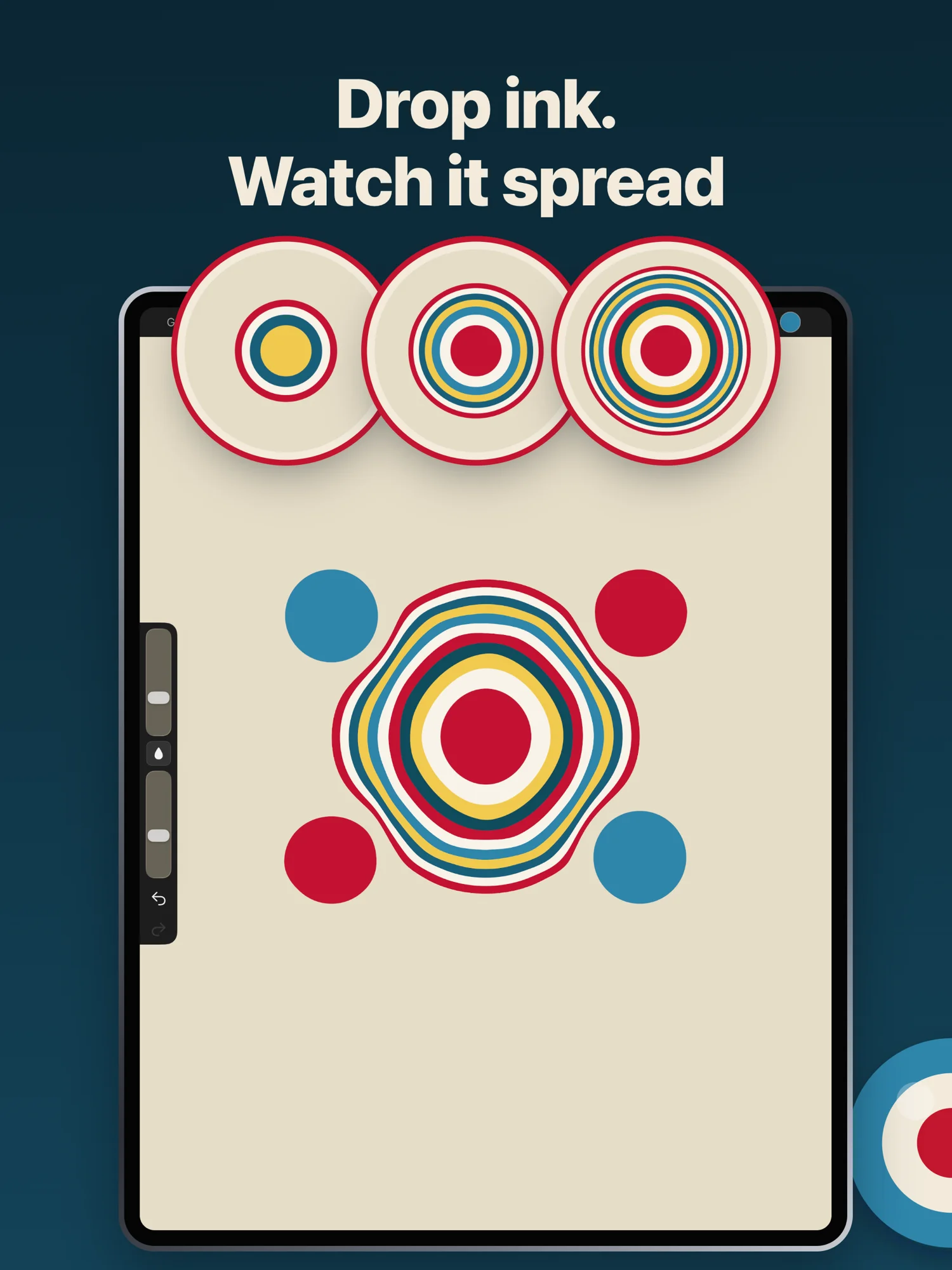
Drop ink on water and comb it into patterns the way Ottoman marblers have for five centuries. Ebru simulates the marbling bath in real time: every new drop pushes the colors already floating there, and every comb drags the whole pattern along with it.

On the iPhone
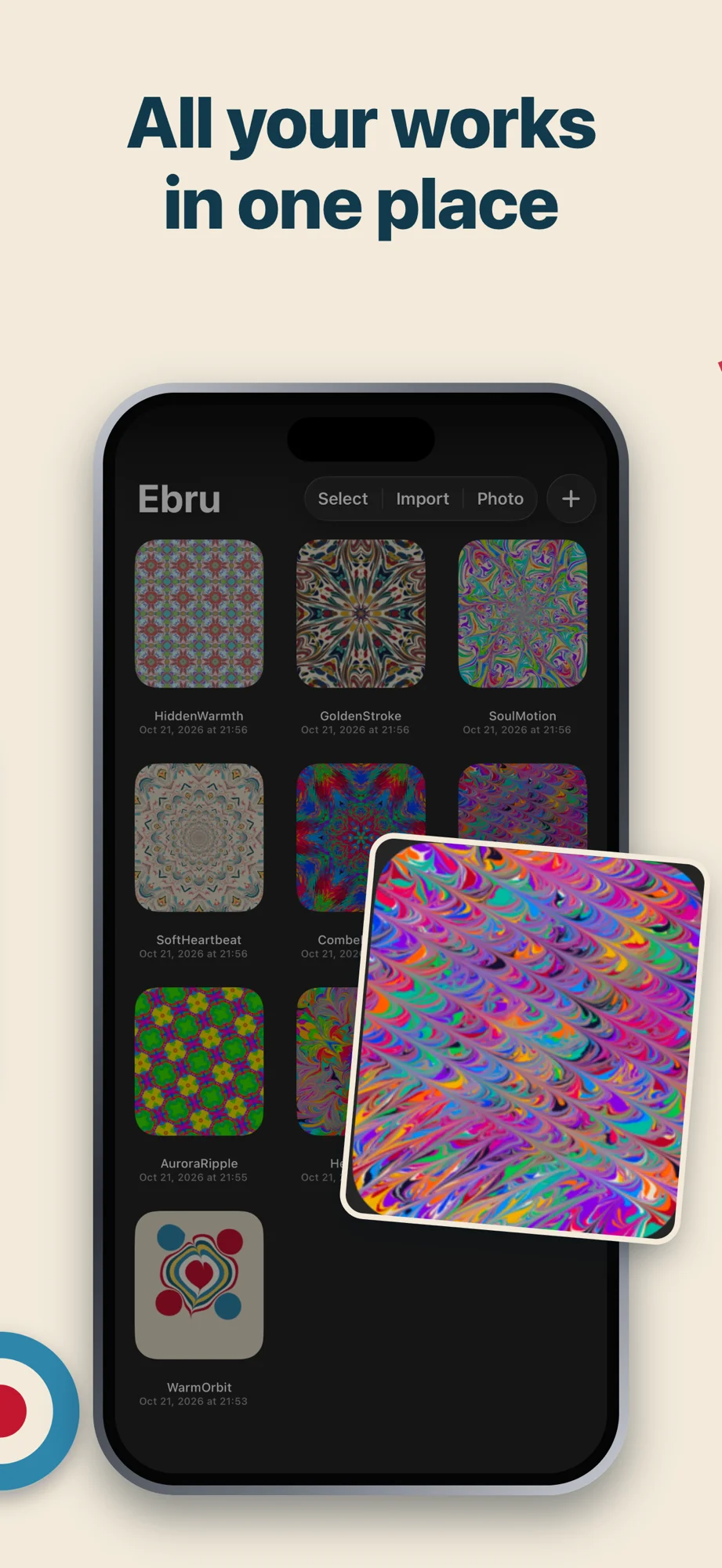
Screens from the current version on the App Store.
Ebru at a glance
Relaxing Fluid Art & Ink Hobby.
- A real-time marbling bath where each drop pushes the colors already floating
- Battal, single, leaf and sprinkle drops, plus styluses, rakes and combs
- Classical figures: Tide, Shawl, Nightingale Nest, Tulip, Peacock, Tornado and more
- Layer groups with their own opacity, blend mode and clipping
How it works
Ebru, from first tap to finished.
Lay the ground
Start a work and drop ink on the bath: Battal splatter, single drops, leaf drops or sprinkles. Each new drop pushes the colors already floating there.
Shape the pattern
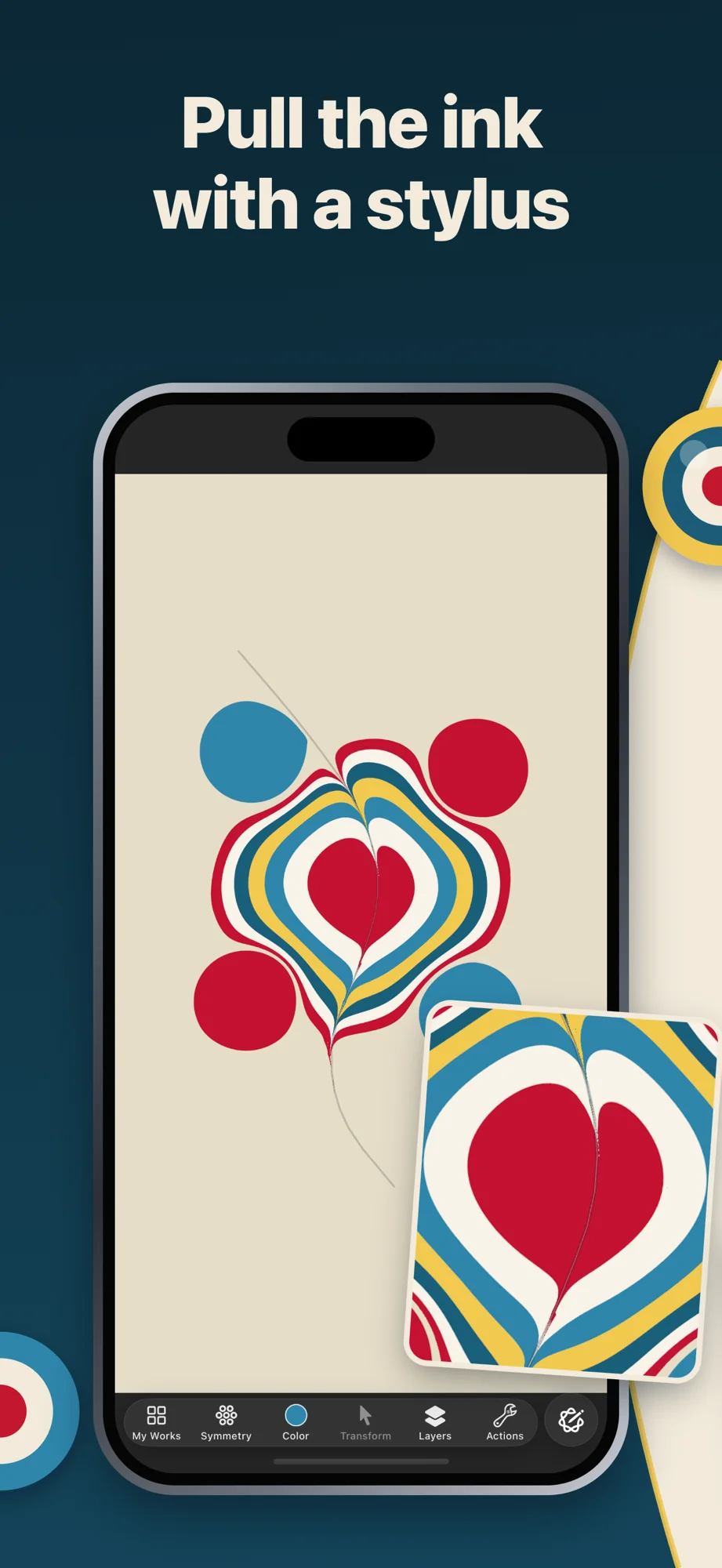
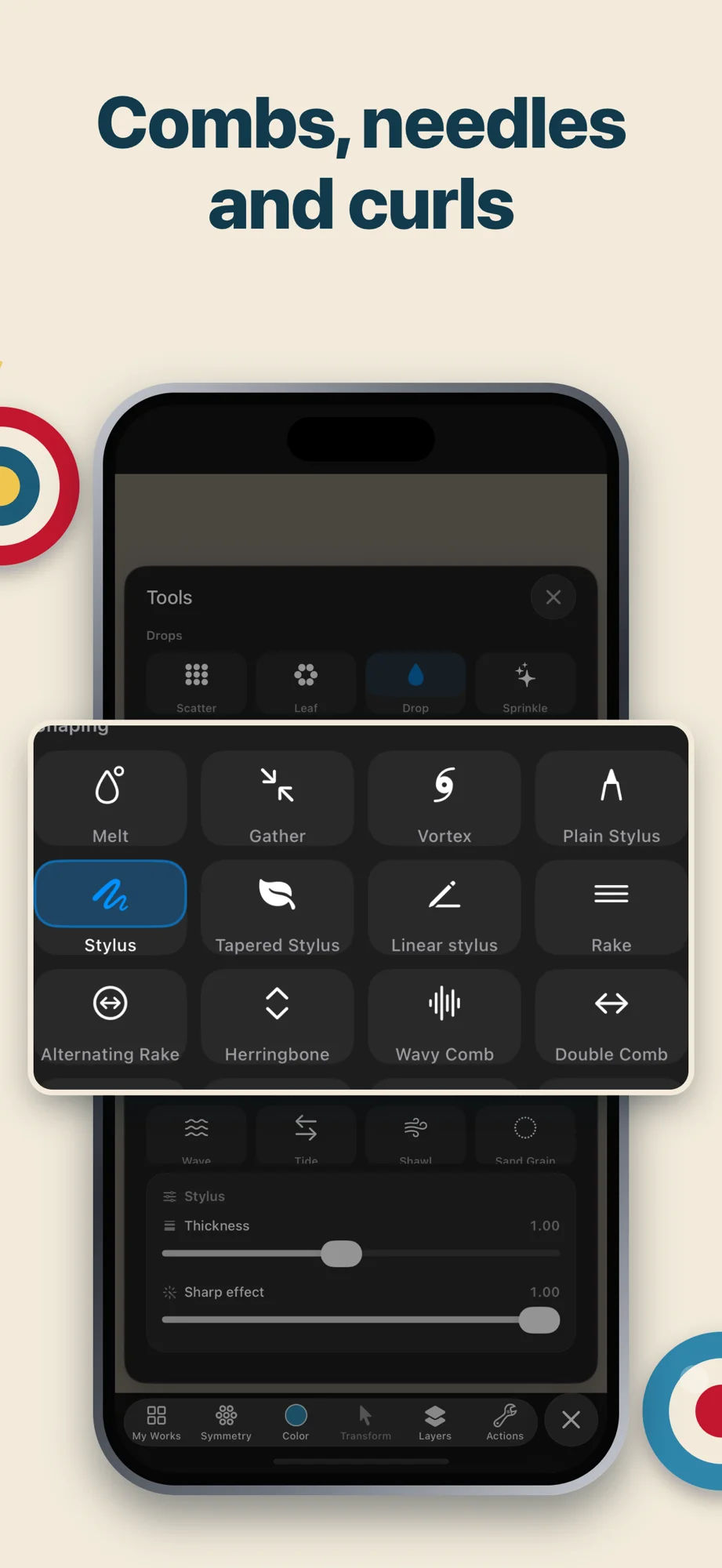
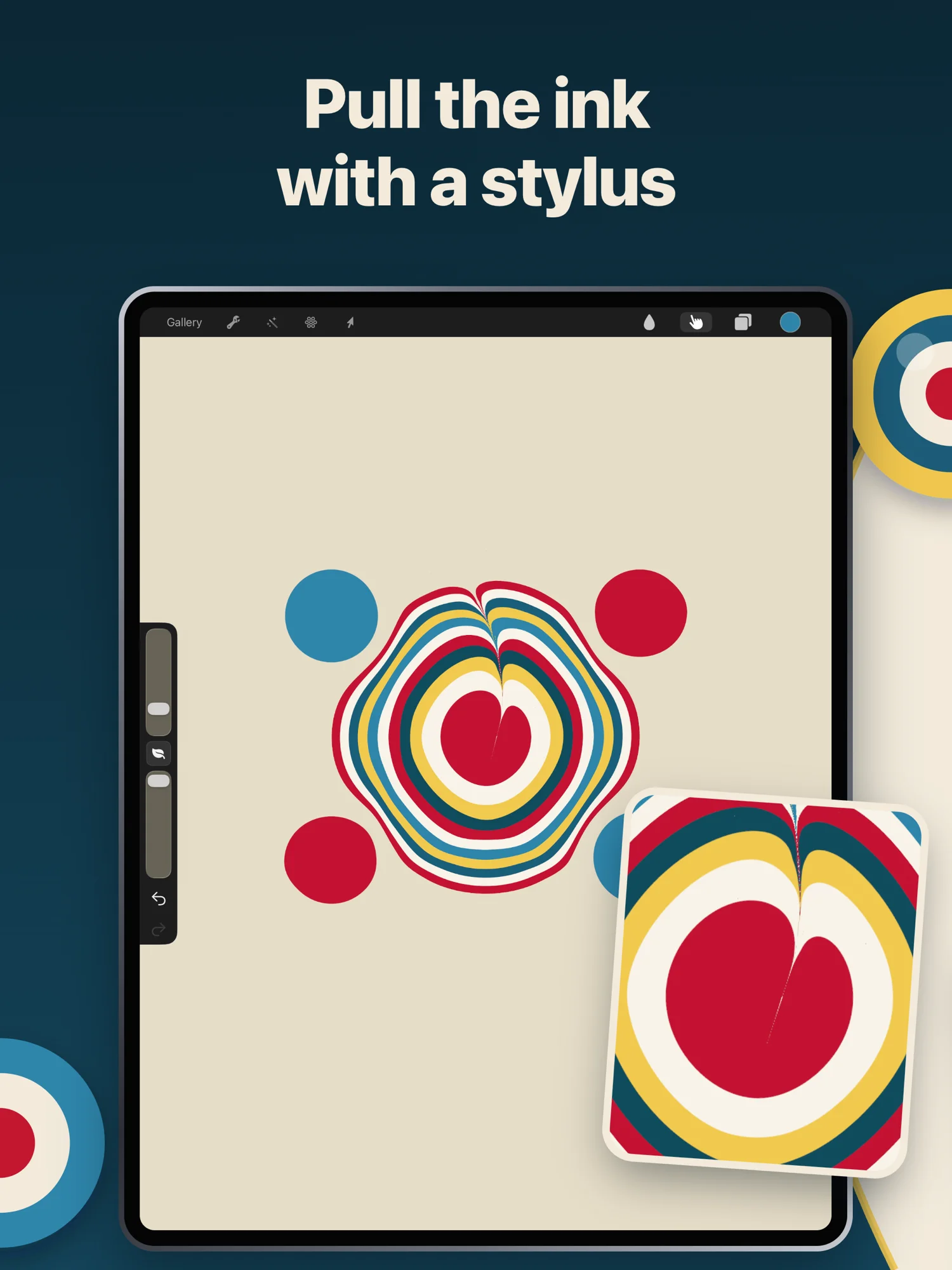
Draw through the ink with a stylus, a rake or a comb, or with a classical figure such as Tide, Shawl or Nightingale Nest. Every pass drags the whole pattern with it. Each tool keeps its own settings in Tool Studio.
Build it up
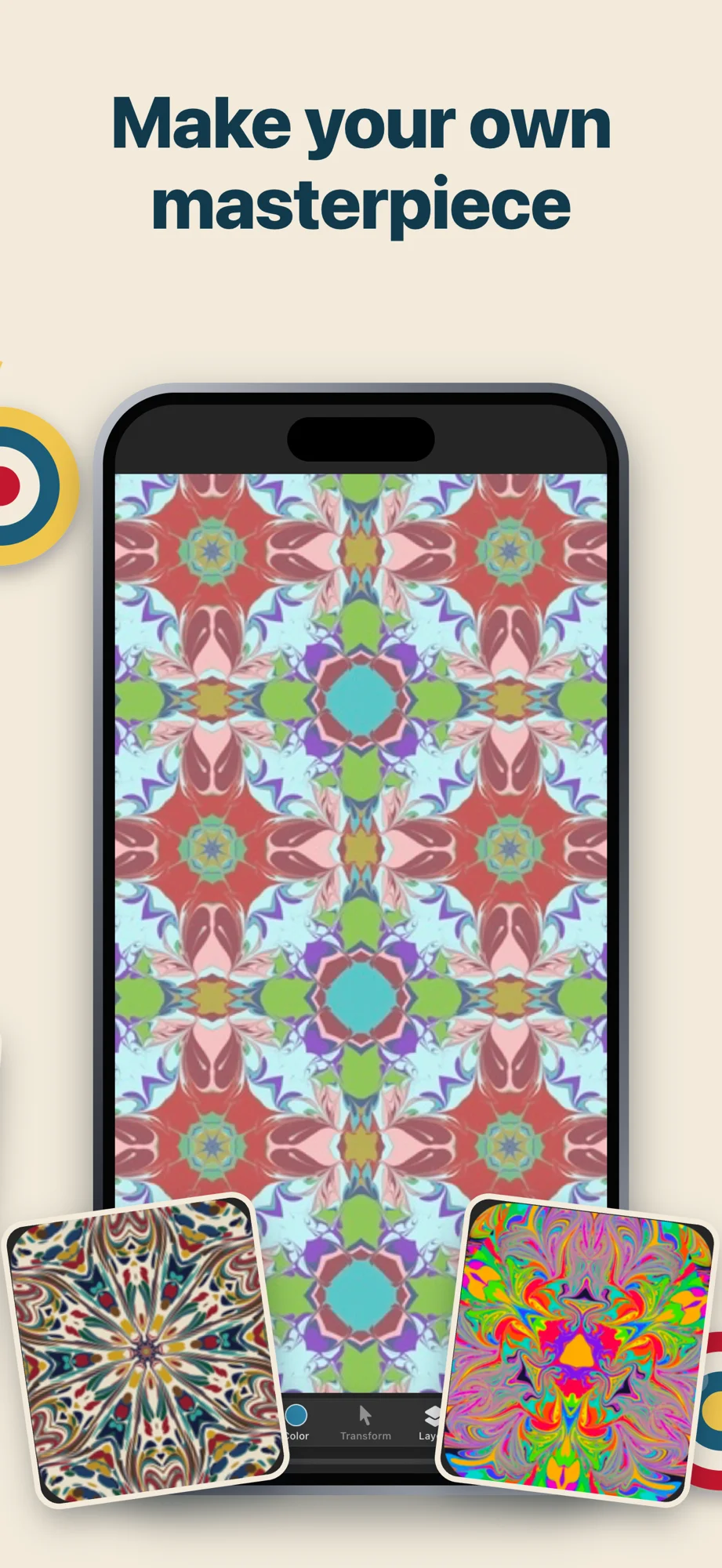
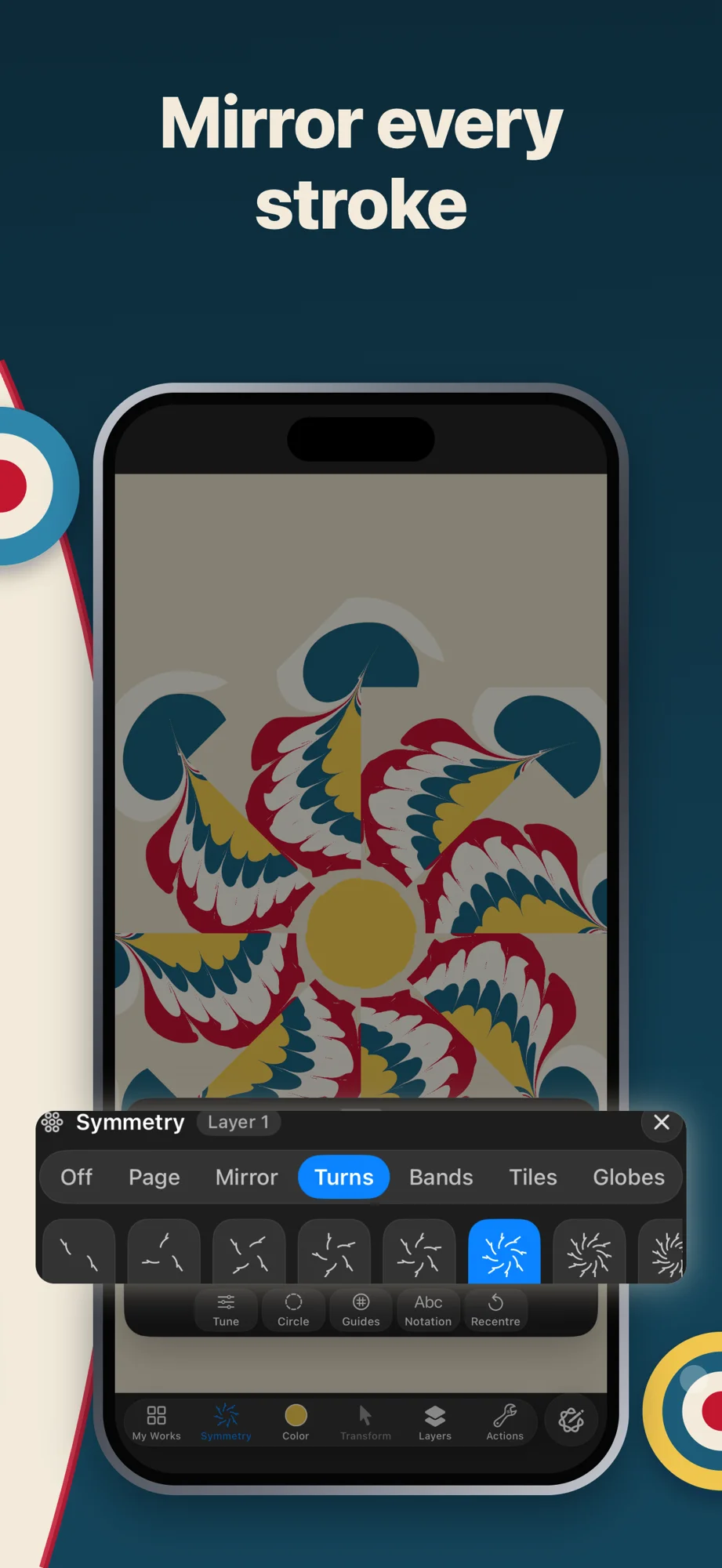
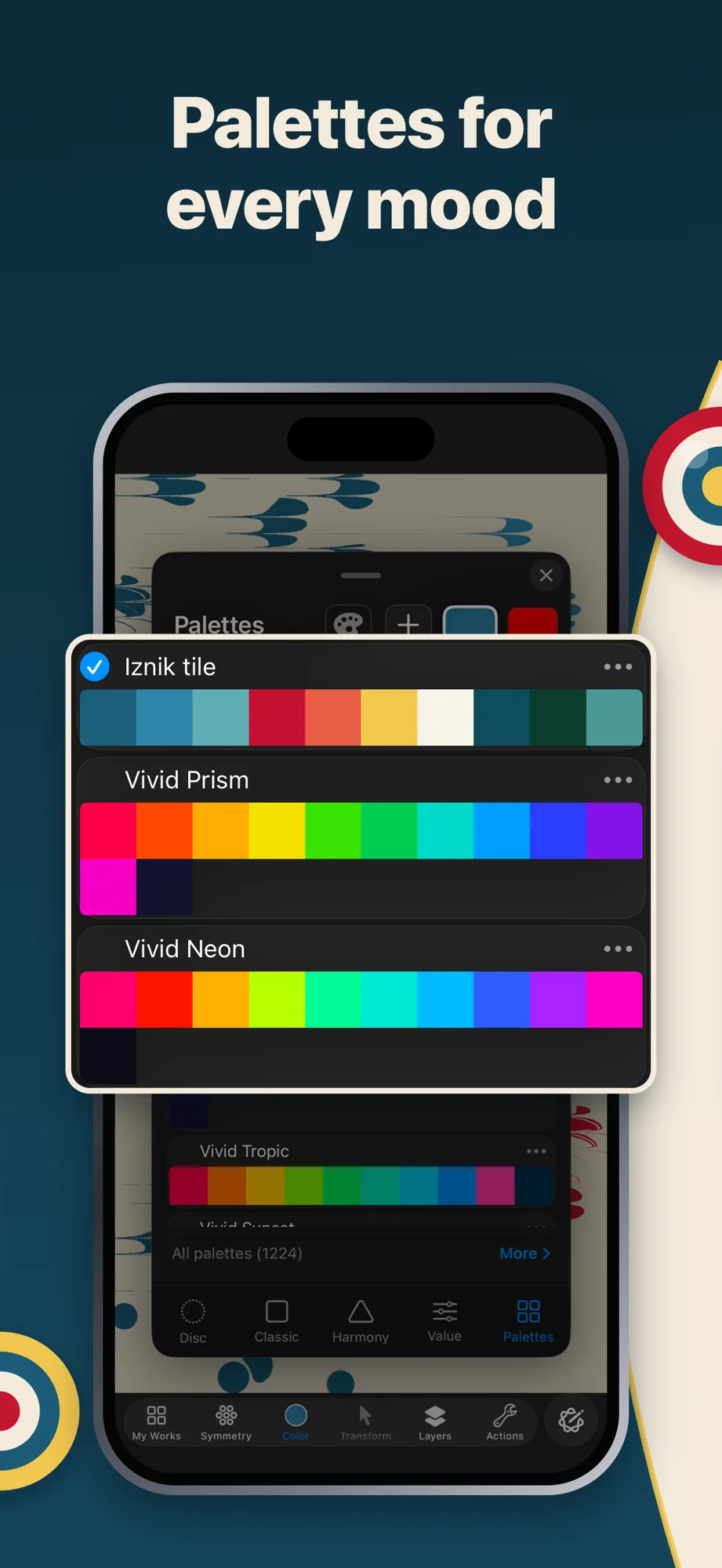
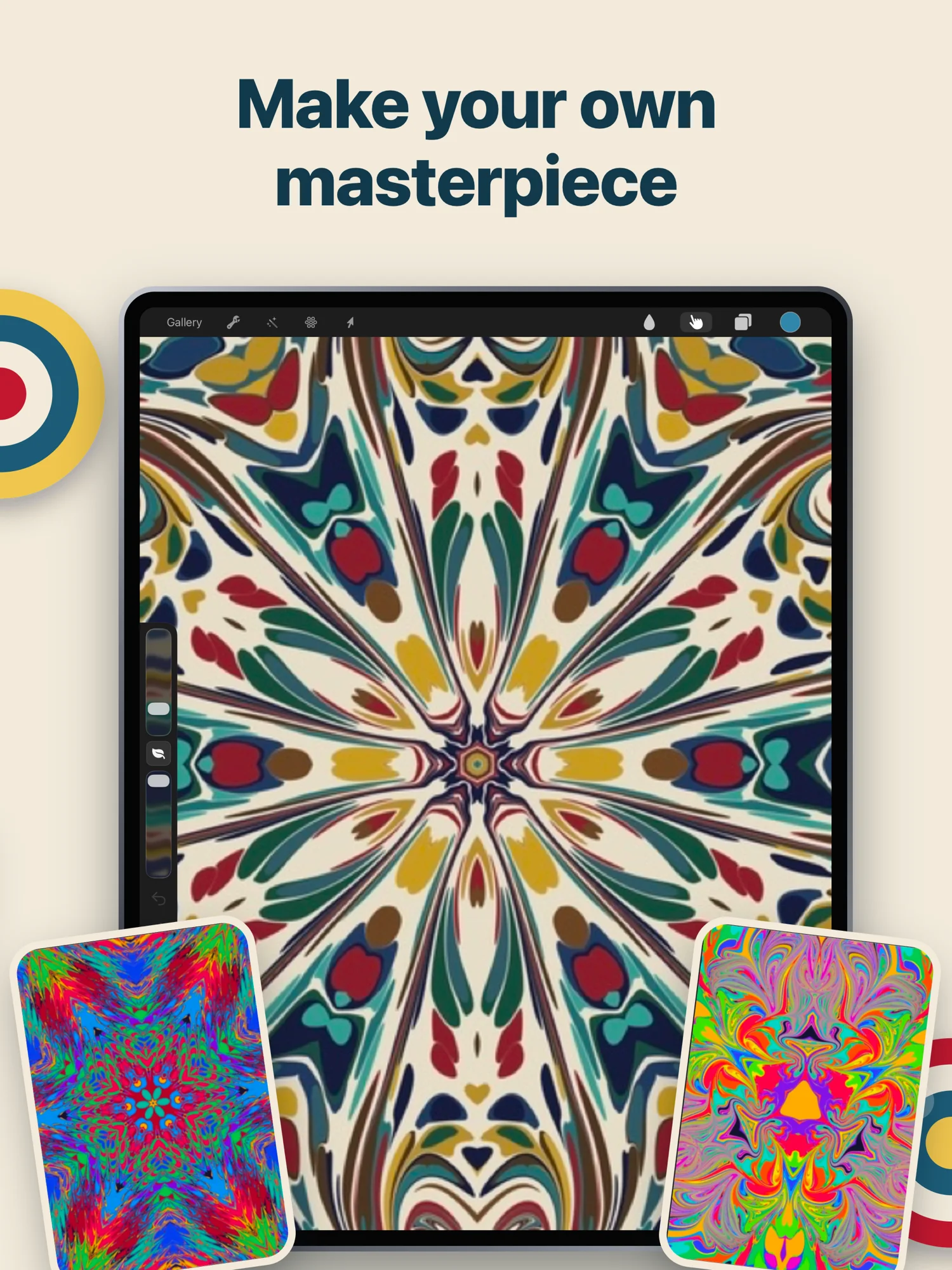
Add layers, gather them into groups and clip one to the layer below. Mirror, rotation, tiling and spiral folds turn one gesture into a mandala, and palettes come from Iznik tiles, manuscripts and miniatures, or from a photo.
Keep your work
Ebru saves every step as you go, and works travel between iPad and iPhone through your own iCloud. Save PNG or JPEG to Photos at up to 4K, or share the .ebru file and open it again later.
On the iPad
The same app with room to spread out.
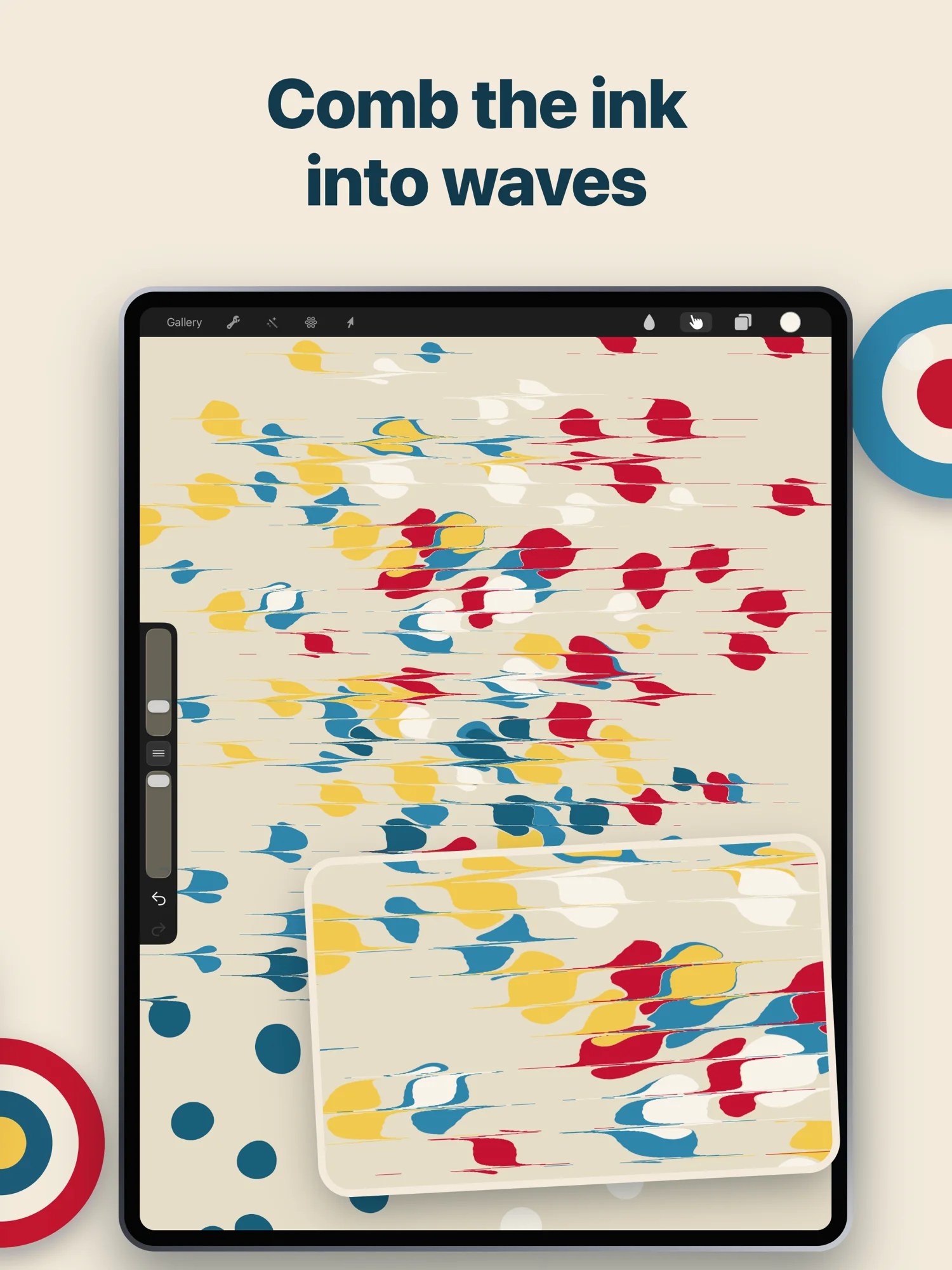
What it does
- A real-time marbling bath where each drop pushes the colors already floating
- Battal, single, leaf and sprinkle drops, plus styluses, rakes and combs
- Classical figures: Tide, Shawl, Nightingale Nest, Tulip, Peacock, Tornado and more
- Layer groups with their own opacity, blend mode and clipping
- Mirror, rotation, tiling and spiral symmetry folds
- Palettes from Iznik tiles and manuscripts, or sampled from a photo
- Apple Pencil pressure, tilt, hover, double-tap and squeeze at 120 Hz
- iCloud sync between iPad and iPhone, 4K PNG or JPEG export, .ebru files
Tools of the craft
Battal splatter, single drops, leaf drops and sprinkles lay the ground. Styluses, rakes, combs and the classical figures shape it: Tide, Shawl, Nightingale Nest, Tulip, Bloom, Peacock, Bird Wing, Thistle, Fan Comb, French Curl, Tornado and more. Each tool keeps its own settings in Tool Studio.
Ebru pro
The ink tools, the needles, the combs and Tide are open to everyone. Ebru Pro, a single in-app purchase, adds every other shaping tool: the remaining combs, sweeps and waves, the rings and grains, and the classical figures. If you downloaded Ebru before version 3.8, Ebru Pro is already yours.
Layers that stay organized
Gather layers into groups, collapse them, and give a group its own opacity and blend mode. Clip a layer to the one below it so new ink lands only inside that shape. Undo names the exact step it takes back.
Symmetry
Mirror, rotation, tiling and spiral folds turn a single gesture into a mandala.
Color
Palettes drawn from Iznik tiles, manuscripts and miniatures, or one taken from a photo you pick.
Text, photos and adjustments
Place a photo or a line of text on its own layer, and grade any layer with curves, blur and gradient maps.
Apple pencil
Pressure, tilt, hover, double-tap and squeeze, at 120 Hz on ProMotion displays.
Your works
Auto-save keeps every step. Works travel through your own iCloud between iPad and iPhone. Save PNG or JPEG to Photos at up to 4K, or share the .ebru file and reopen it later.
Privacy
Your art stays on your devices and in your own iCloud. The camera opens only when you take a palette from a photo, and that photo never leaves the device.
Who it is for
People drawn to traditional marbling
Practice the classical figures of Turkish paper marbling, from Battal to Tulip, without a tray of water or a stack of paper.
Apple Pencil artists
Pressure, tilt, hover, double-tap and squeeze, at 120 Hz on ProMotion displays, so a drop or a comb answers to how you hold the pencil.
Anyone looking for a quiet hobby
Drop ink and comb it at your own pace. Undo names each step it takes back, and Start over can be undone too, so trying something costs nothing.
Guides and resources
More on tryebru.com, the Ebru website.
Questions
Is this real marbling or a filter?
A real-time bath: every drop pushes the colors already floating, and every comb drags the whole pattern. The classical figures, such as Tide, Shawl, Nightingale Nest, Tulip, Peacock and Tornado, are made the way they are made in water.
What is free, and what does Ebru Pro add?
Ebru is free to download. The ink tools, the needles, the combs and Tide are open to everyone. Ebru Pro, a single in-app purchase, adds every other shaping tool: the remaining combs, sweeps and waves, the rings and grains, and the classical figures. Each locked tool can be tried once, for 3 strokes on your own canvas. Anyone who downloaded Ebru before version 3.8 already has Pro.
What does Apple Pencil add?
Pressure, tilt, hover, double-tap and squeeze at 120 Hz, so a drop or a comb responds to how you hold the pencil. Ebru also works with your finger on iPhone and iPad.
Can I undo, or start again?
Yes. Undo names the exact step it takes back, and Redo brings it back. Start over clears the bath and can itself be undone. On iPhone these sit in a small bar at the top of the canvas; on iPad, Undo and Redo are at the bottom of the tool rail and Start over is in the top bar.
What can I export?
PNG or JPEG at up to 4K, saved to Photos, and the .ebru file, which you can share and open again later. Auto-save keeps every step, and iCloud keeps your works in sync between iPad and iPhone.
Do I need an account, and where is my art kept?
No account is needed. Your art stays on your devices and in your own iCloud. The camera opens only when you take a palette from a photo, and that photo never leaves the device. Ebru runs on iPhone and iPad with iOS 17 or later.
Related apps
More from drawing and craft.



Ebru on the App Store
Relaxing Fluid Art & Ink Hobby.