 Graphics & Design
iOS and macOS
Traceline: Light Box Trace
Prop your phone above a sheet of paper and the drawing appears on it. Follow the lines with your pencil, and a portrait, a lettering piece or an Ottoman ornament takes shape under your hand.
On the iPhone
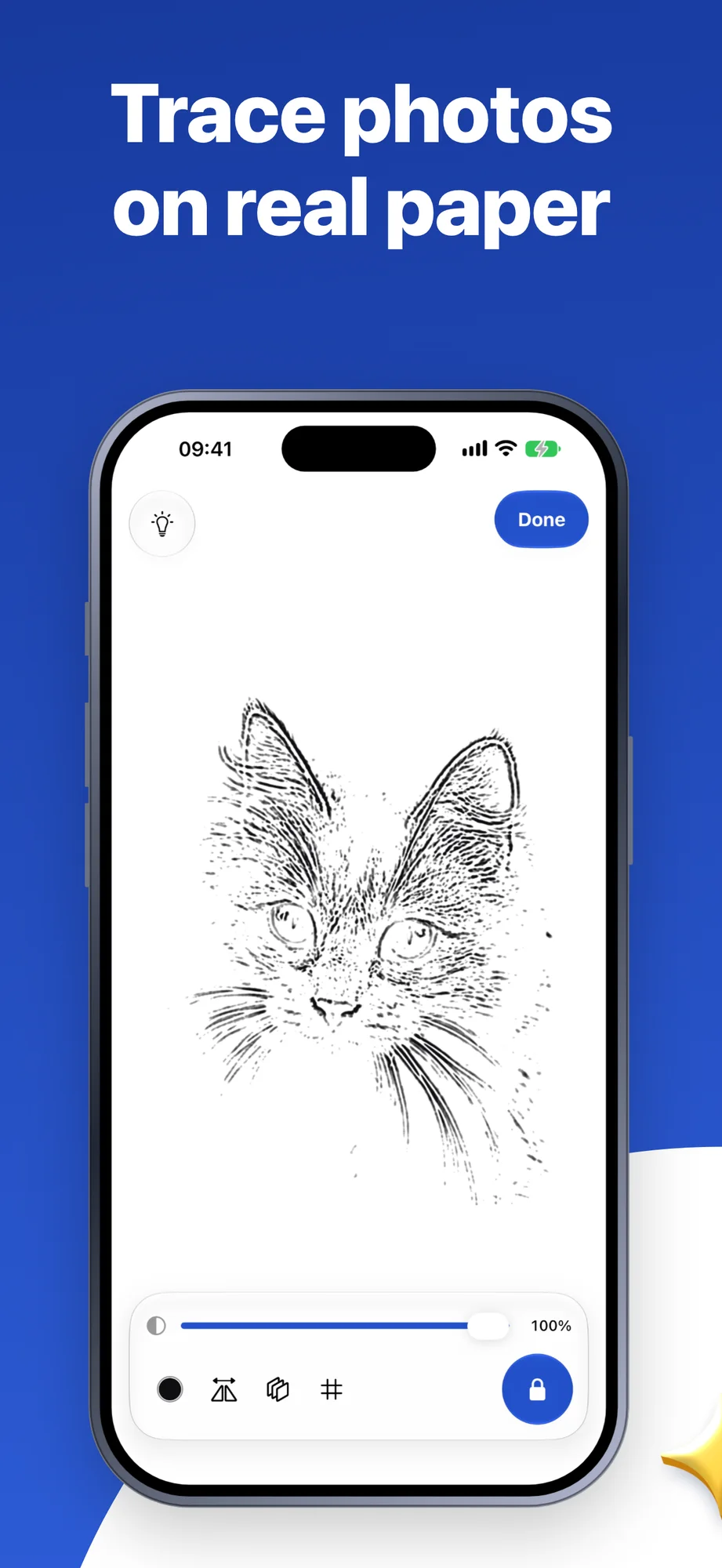
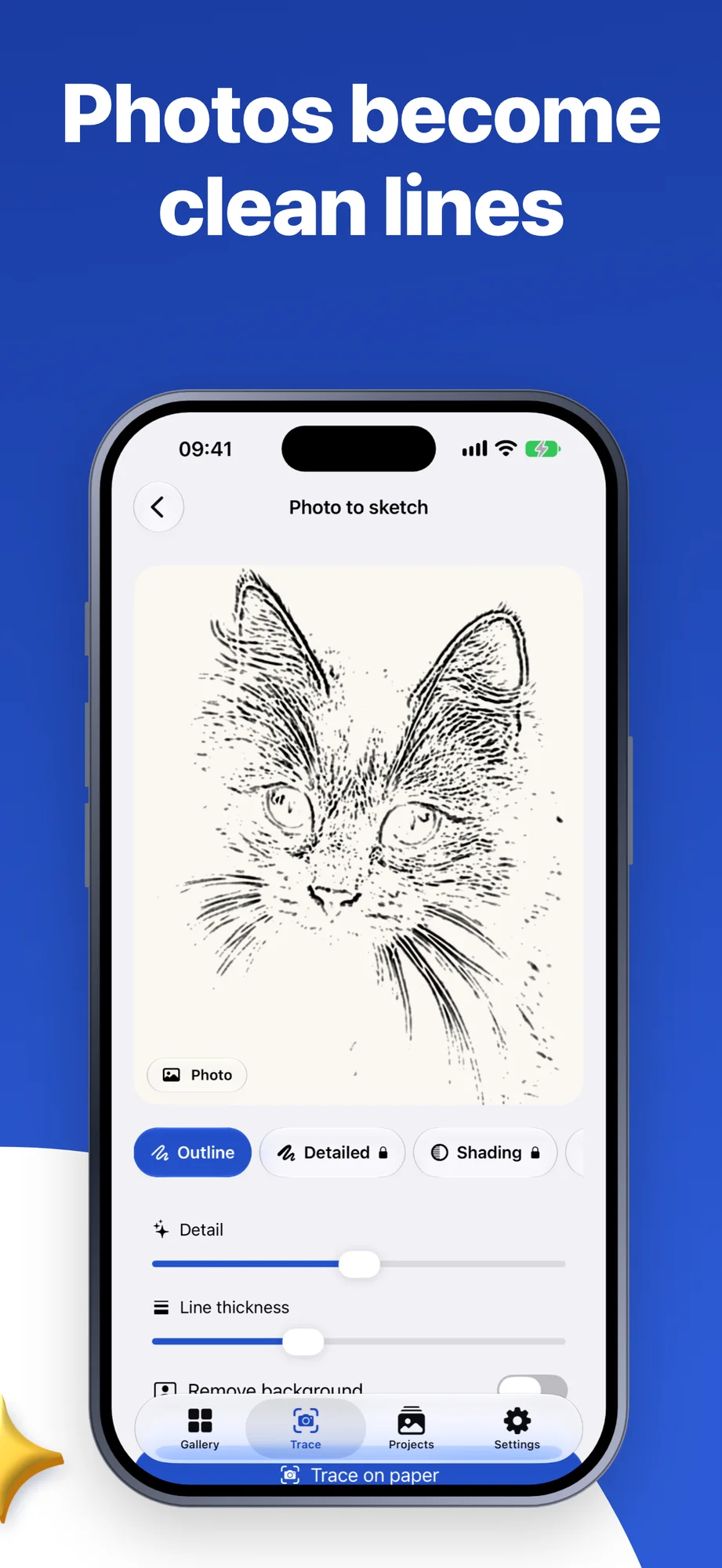
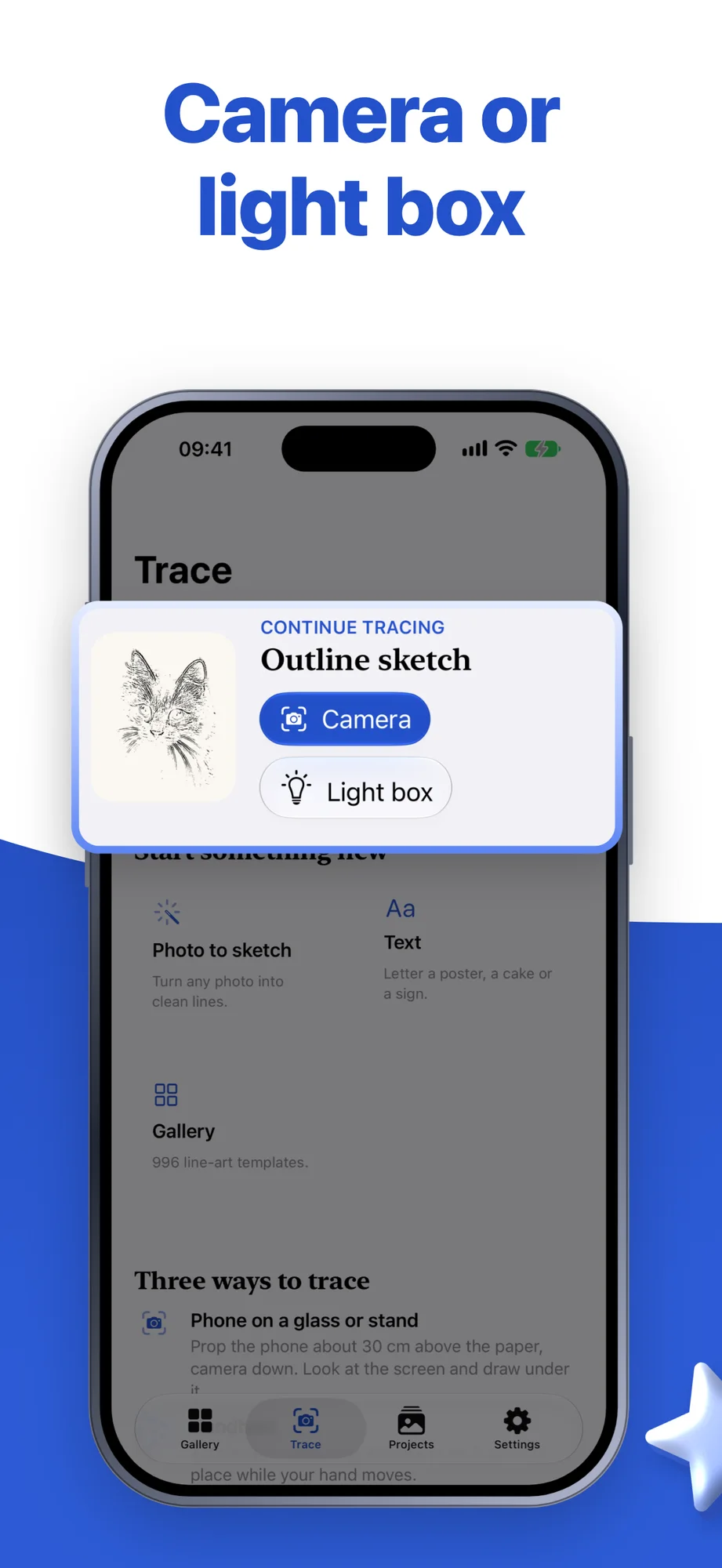
Screens from the current version on the App Store.
Traceline at a glance
AR Drawing on Tracing Paper.
- Trace on paper through the camera, with the phone on a stand
- Handheld AR pins the drawing to the paper
- Light box: trace thin paper laid on the glowing screen
- Photo to sketch in four styles, with background removal

How it works
Traceline, from first tap to finished.
Pick something to trace
Choose one of 996 line drawings traced from public-domain pattern books, each with its difficulty and about how long it takes. Or turn your own photo into a sketch, or type a word and bend it along a curve.
Put the drawing on your paper
Prop the phone on a stand or a glass above the paper, and the drawing appears on it through the camera. Handheld AR pins it to the paper instead. With the light box, you lay thin paper on the screen and trace the glowing lines.
Place it and lock it
Move, scale, rotate or flip the drawing and set its opacity and line color. Then lock it, so a stray touch never shifts it; hold the lock badge to unlock. Step mode shows the big shapes first and the details last.
Keep what you made
Record a timelapse while you draw. You get a short video cropped to the paper, with a before and after reveal at the end. The finished piece goes to Projects with its photo and timelapse.
On the iPad
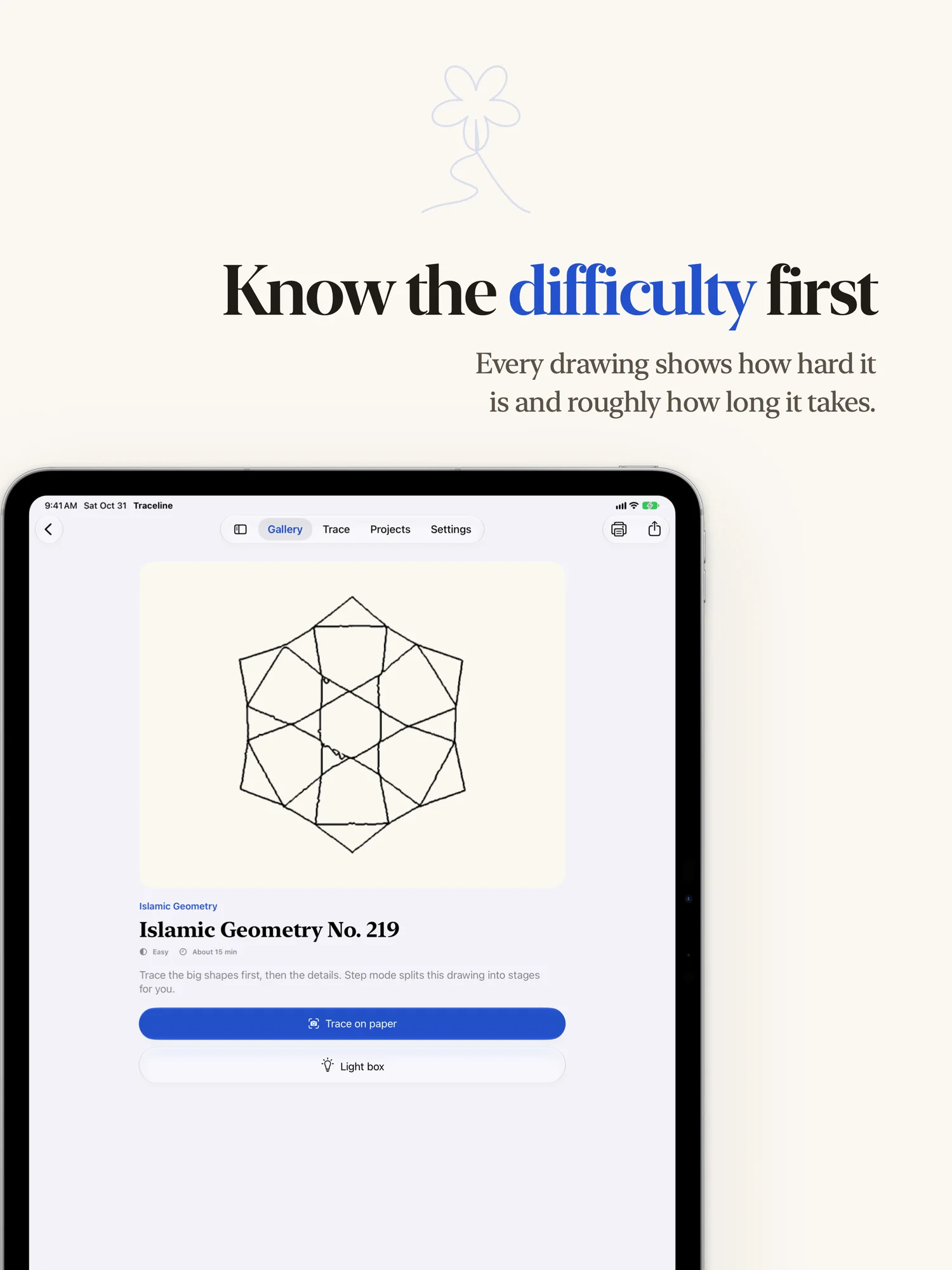
The same app with room to spread out.
What it does
- Trace on paper through the camera, with the phone on a stand
- Handheld AR pins the drawing to the paper
- Light box: trace thin paper laid on the glowing screen
- Photo to sketch in four styles, with background removal
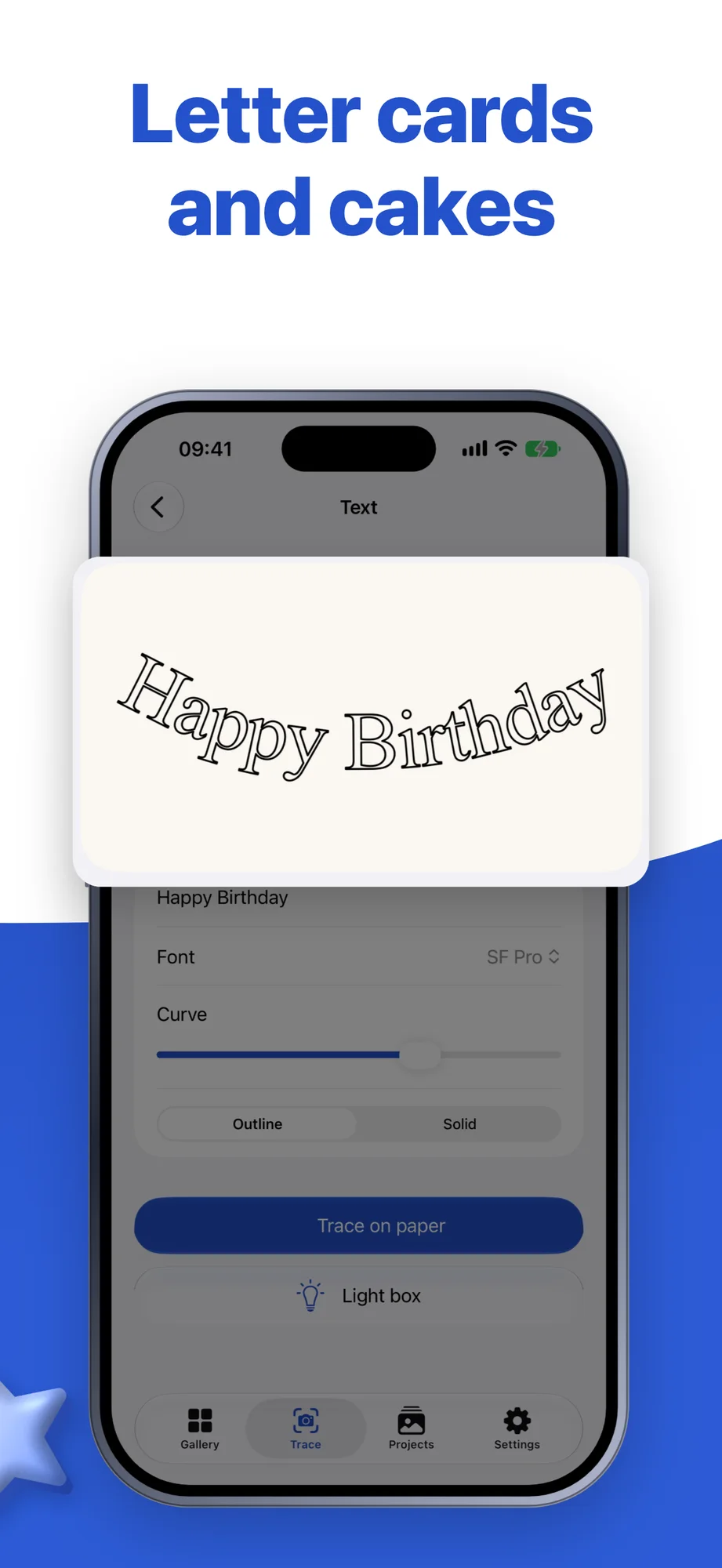
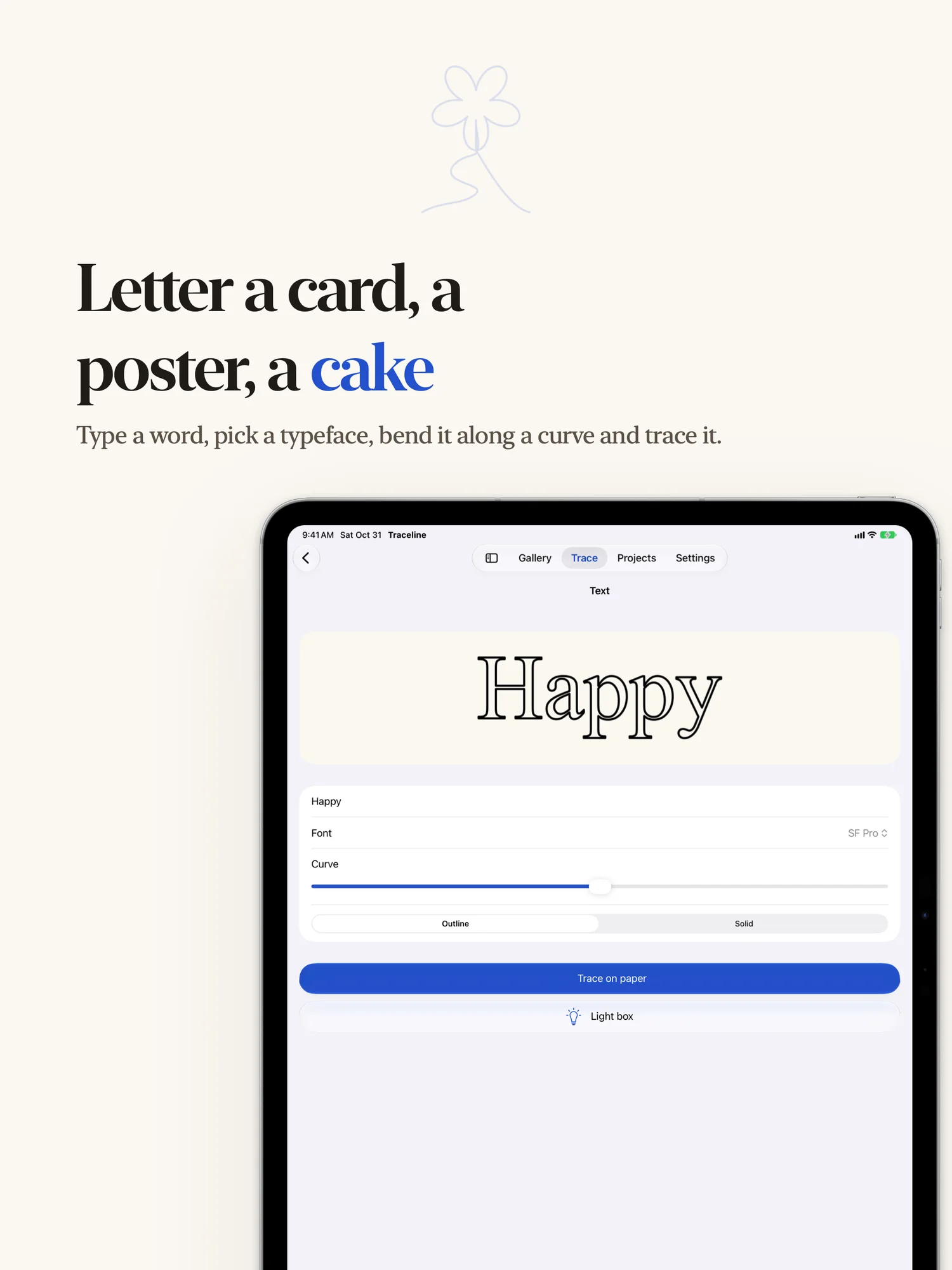
- Lettering: type a word, pick a typeface, bend it along a curve
- 996 line-art templates in 13 collections from public-domain pattern books
- Lock against stray touches, and step mode for big shapes first
- Timelapse cropped to the paper, with a before and after reveal
- No account; camera frames and photos are processed on your device
Trace on paper
Pick a template or a photo and see it over your paper through the camera. Set the line opacity, move, scale, rotate or mirror it, then lock the screen so a stray touch never shifts the drawing. Hold the lock badge to unlock.
Handheld with ar
On iPhone and iPad, AR pins the drawing to the paper's surface, so it stays in place even when you hold the phone in your hand.
Light box
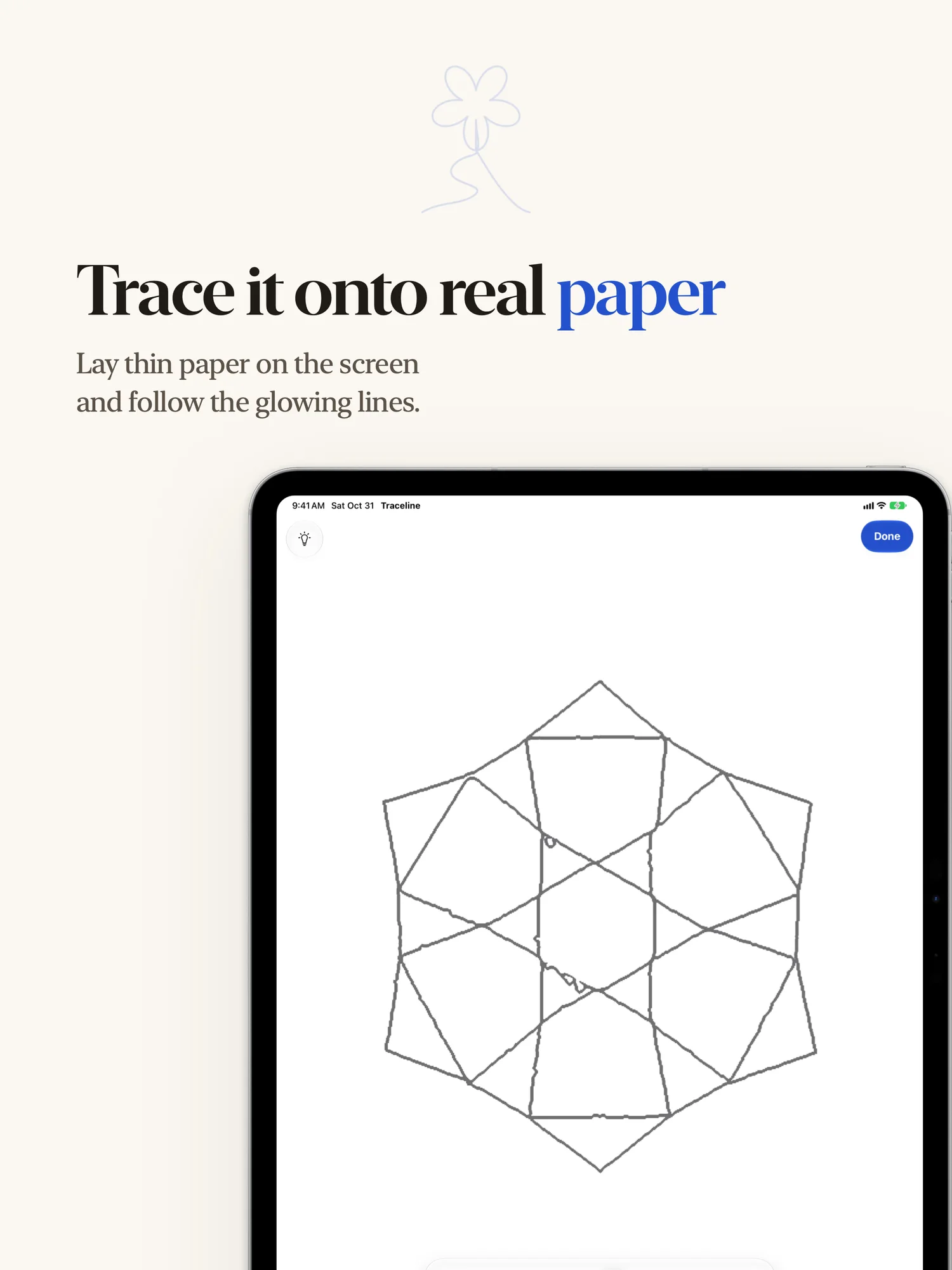
Lay thin paper on the screen and trace the glowing lines. Brightness goes up while the light box is on, and the camera is not needed.
Your photos as sketches
Turn any photo into clean line art on your device: Outline, Detailed, Shading or Grid, with adjustable detail and line weight. Remove the background to keep only the subject.
Templates from pattern books
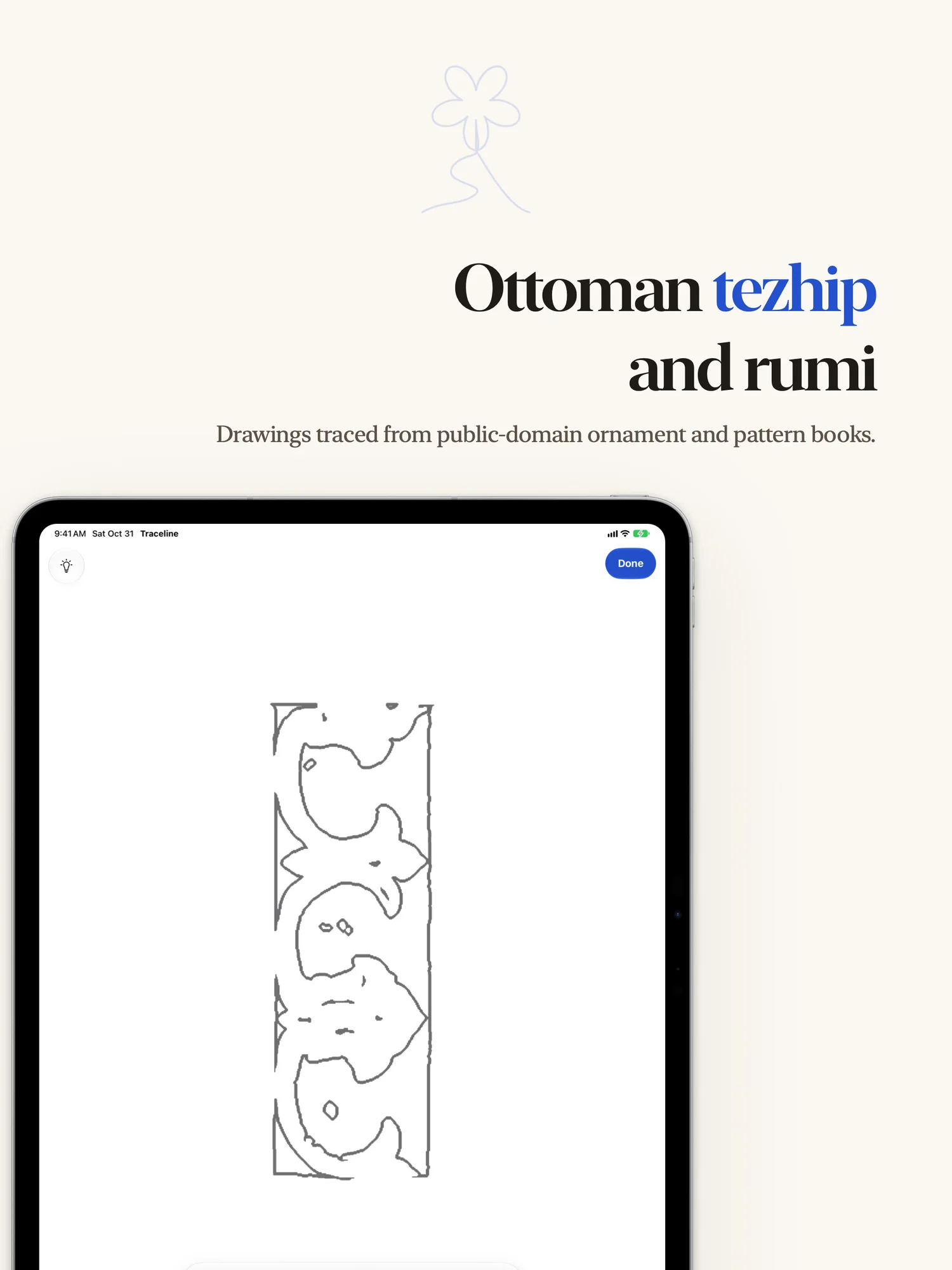
Nearly a thousand line drawings traced from public-domain ornament books: tezhip and rumi scrolls, Islamic star and girih geometry, moresque and Cairo plates, borders, rosettes, Celtic knots, Gothic tracery, Renaissance and Baroque ornament, Byzantine and East Asian motifs. Each one shows its difficulty and roughly how long it takes.
Step by step
Step mode splits a drawing into stages, so you trace the big shapes first and the details last.
Lettering
Type a word, choose a typeface, bend it along a curve and trace it for a poster, a card or a cake.
Timelapse
Record your session and get a short video of the drawing coming together, cropped to the paper, with a before and after reveal at the end.
Also in traceline
- Projects keep your finished pieces with a photo and the timelapse
- Share an image from Photos or Safari straight into Traceline (iPhone and iPad)
- Template of the day widget, a Live Activity timer and a Control Center button (iOS 18 and later)
- Works on iPhone and iPad, in light and dark mode
Traceline needs no account. Camera frames and photos are processed on your device.
Who it is for
Anyone copying a photo onto paper
Turn a portrait or a pet photo into clean lines on your device, remove the background to keep only the subject, and trace it.
Lettering and card makers
Type a word, choose a font, bend it along a curve and trace it in outline or solid letters for a poster, a card or a cake.
People who love ornament
Tezhip and rumi scrolls, girih geometry, Celtic knots and Gothic tracery, with step mode for the detailed pieces.
Free in your browser
Try the idea first, no install needed.
Guides and resources
More on traceline.cihat.dev, the Traceline website.
Questions
Do I need a stand to trace with Traceline?
No. A stand, or a glass holding the phone above the paper, is the steadiest way. Handheld AR on iPhone and iPad pins the drawing to the paper, so it stays in place while you hold the phone. The light box needs no camera: lay thin paper on the screen and trace the glowing lines, with the brightness turned up.
Can it turn a photo into something traceable?
Yes. Photo to sketch turns any photo into clean lines on your device, in four styles: Outline, Detailed, Shading and Grid. You can set the detail and the line weight, remove the background to keep only the subject, and print a paper copy.
What templates are there?
996 line drawings in 13 collections, traced from public-domain ornament books: tezhip and rumi, Islamic geometry, moresque, panels, rosettes, borders, Celtic knots, Gothic, Renaissance, Baroque and Rococo, classical, Byzantine and East Asian. Each one shows its difficulty and about how long it takes.
What is free, and what does Traceline Pro add?
Ten templates, the Outline sketch style, tracing on a stand, the light box and timelapse with a watermark are free. Traceline Pro opens every template, all four sketch styles, step mode, handheld AR, lettering and timelapse without the watermark, as a weekly plan with a 3-day free trial, a yearly plan or a one-time lifetime purchase.
Do my photos leave the device?
No. Camera frames and photos are processed on your device, and there is no account. Traceline runs on iPhone and iPad with iOS 17 or later, in 14 languages.
Can I send a picture straight to Traceline?
Yes. Share an image from Photos or Safari to Traceline and it opens in Photo to sketch. Siri and the Shortcuts app can continue your last drawing or open the light box. On iOS 18 and later there is also a Template of the day widget, a Live Activity timer and a Control Center button.
Related apps
More from drawing and craft.

Traceline on the App Store
AR Drawing on Tracing Paper.