 Productivity
iOS
Labelsmith: Exact-Size Labels
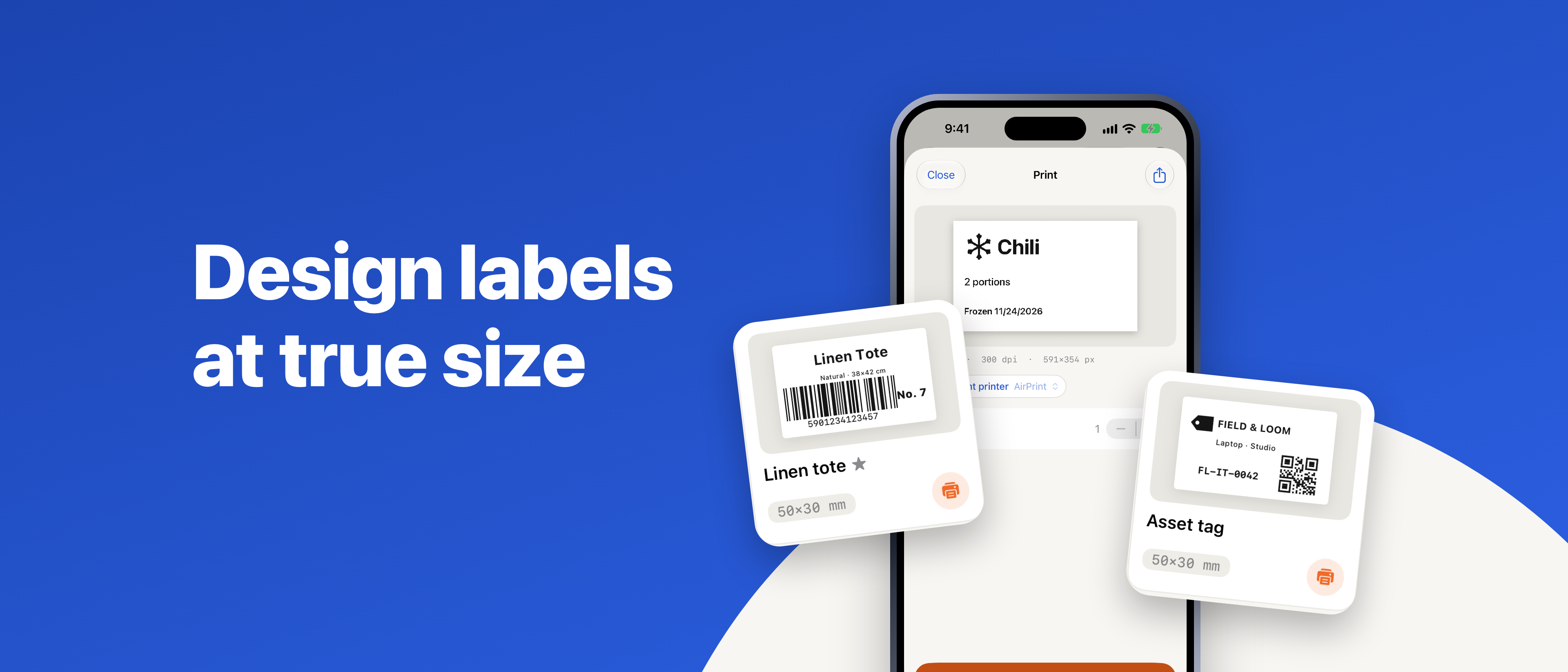
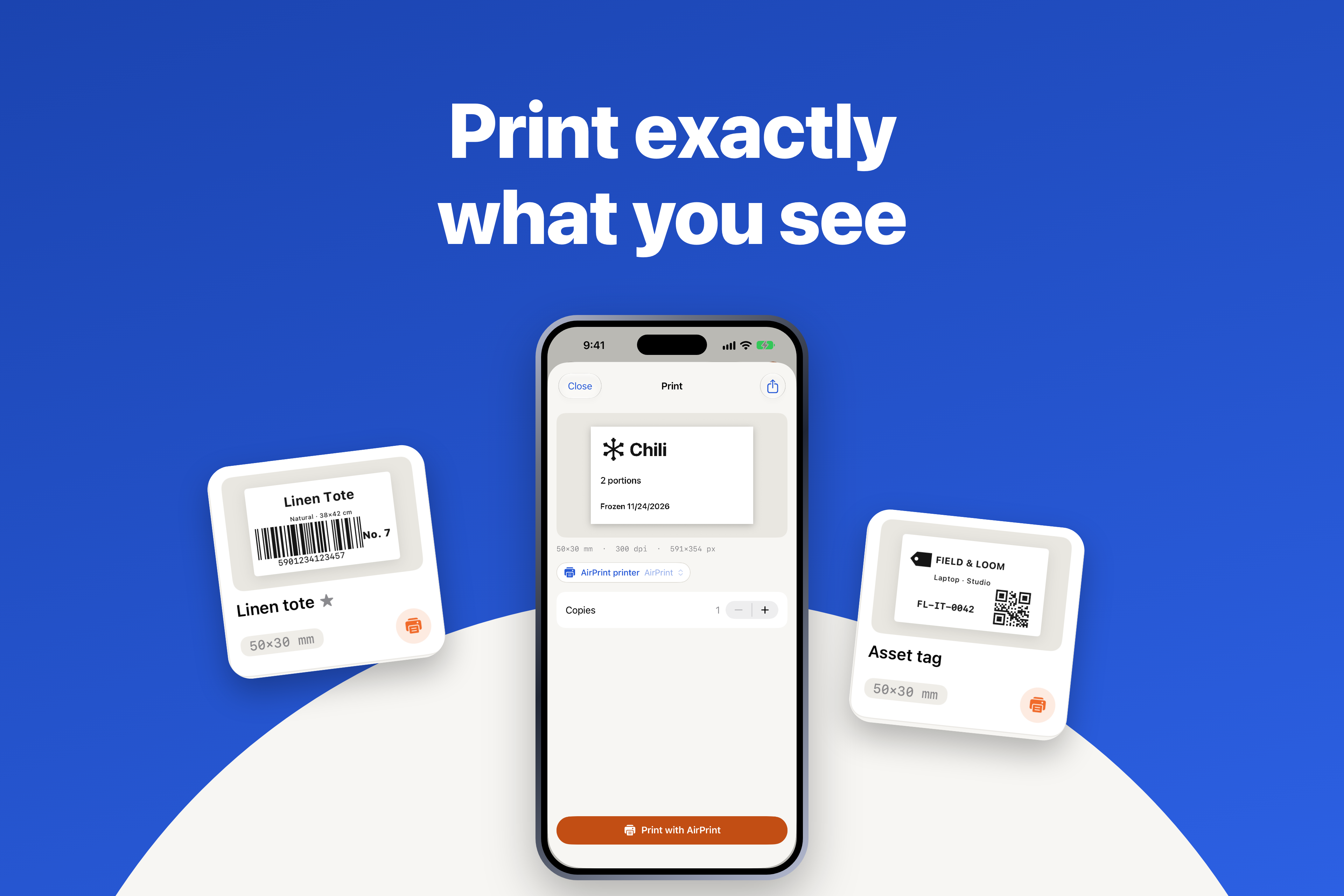
Labelsmith draws your label at its real size in millimeters, turns it into the same black and white dots your printer makes, and shows you that bitmap before you print. What you see in the preview is exactly what comes out of the printer.
Labelsmith at a glance
Thermal label maker & printer.
- Labels drawn at their real size in millimeters or inches
- Print preview is the exact 1-bit bitmap the printer receives
- Code 128, EAN, UPC, Code 39, ITF-14, QR, Data Matrix, PDF417 and Aztec, snapped to whole printer dots
- Photos and logos with threshold, Floyd–Steinberg, Atkinson or ordered dithering

How it works
Labelsmith, from first tap to finished.
Pick a size or a template
Start from your roll size in millimeters or inches, or from one of 215 templates for jars, freezer bags, boxes, cables, files, shop tags and shipping labels.
Design at real size
Add text, shapes, icons, images and barcodes on a canvas with rulers and snapping. Labelsmith checks barcode data and check digits as you type.
See the exact dots
The print preview is the 1-bit bitmap at your printer's resolution, the same one that is sent to the printer. Barcode bars snap to whole dots so they scan.
Print or export
Print on a Bluetooth LE label printer or any AirPrint printer, run a CSV batch, or export the label as PDF or PNG.
What it does
- Labels drawn at their real size in millimeters or inches
- Print preview is the exact 1-bit bitmap the printer receives
- Code 128, EAN, UPC, Code 39, ITF-14, QR, Data Matrix, PDF417 and Aztec, snapped to whole printer dots
- Photos and logos with threshold, Floyd–Steinberg, Atkinson or ordered dithering
- 40 templates for pantry, freezer, storage, cables, files, shop, asset and shipping labels
- CSV batch printing with {variables} and serial numbers
- Shipping label PDFs and images fitted to 4×6 in or 100×150 mm
- Bluetooth LE label printers from NIIMBOT and Phomemo, plus AirPrint
- PDF and PNG export, and Shortcuts actions to print
- No account and no server; designs stay on your device
Design on a canvas with rulers and snapping: text in any system font, shapes, lines, frames and icons. Rotate for tape direction, see the margins the print head can't reach, undo anything.
Barcodes that scan. Code 128, EAN-13, EAN-8, UPC-A, Code 39, ITF-14, QR, Data Matrix, PDF417 and Aztec. Labelsmith checks the data and the check digit as you type, and snaps every bar to whole printer dots, so thin bars don't blur.
Photos and logos are converted with your choice of threshold, Floyd–Steinberg, Atkinson or ordered dithering. Text and barcodes always stay sharp.
40 templates: pantry jars, spice tins, freezer bags with dates, storage boxes, cable flags, file folders, shop tags, product labels, asset tags, address labels, name badges, garden markers, school items, moving boxes, shipping and return labels.
Batch printing. Import a CSV file, map its columns to {variables} in your design, preview every row and print a range. Serial numbers count up on their own.
Shipping labels. Open a shipping label PDF or image, crop it and fit it to 4×6 in or 100×150 mm. The file stays on your device.
Printers. Bluetooth LE label printers from NIIMBOT (D11, D110, D101, B21, B1, B3S, B18) and Phomemo (M110, M120, M220, M02, T02, D30, D35, Q30, PM241-BT), plus any AirPrint printer. Every Bluetooth printer driver is marked experimental in the app until it has been tested on that model. Labelsmith respects printers that require original label rolls. Brand names describe compatibility only; Labelsmith is not affiliated with or endorsed by these manufacturers.
Also: a print queue with retry, density and offset saved per printer, PDF and PNG export, and Shortcuts actions to print a design or a line of text. Runs on iPhone and iPad, and on Mac as an iPad app.
No account and no server. Designs are files on your device.
Labelsmith Pro adds images, batch and shipping printing, serial numbers and variables, every template and more than one printer. Text, shapes, icons and barcodes work without it.
Who it is for
Home organizing
Pantry jars, spice tins, freezer bags with dates, storage and moving boxes, garden markers and school items.
Small shops and sellers
Product labels and shop tags with barcodes, serial numbers from a CSV file, and shipping labels fitted to 4×6 in or 100×150 mm.
Offices and IT
Asset tags, cable flags, file folders, address labels and name badges, printed in batches from a spreadsheet.
Free in your browser
Try the idea first, no install needed.
Guides and resources
Questions
Which printers does Labelsmith work with?
Bluetooth LE label printers from NIIMBOT (D11, D110, D101, B21, B1, B3S, B18) and Phomemo (M110, M120, M220, M02, T02, D30, D35, Q30, PM241-BT), plus any AirPrint printer. Every Bluetooth printer driver is marked experimental in the app until it has been tested on that model. Labelsmith is not affiliated with or endorsed by these manufacturers.
Will the label look like the preview?
Yes. Labelsmith renders the label once, at your printer's resolution, and the preview shows that same black and white bitmap. Nothing is redrawn between the preview and the printer.
Does Labelsmith need an account or upload my labels?
No. There is no account and no server. Designs are files on your device, and the CSV files and shipping labels you open stay on it.
Which devices does it run on?
iPhone and iPad with iOS 17 or later, and Mac with Apple silicon as an iPad app.
What does Labelsmith Pro add?
Images, batch and shipping printing, serial numbers and variables, every template and more than one printer. Text, shapes, icons and barcodes work without it. Pro is a one-time lifetime purchase or a yearly subscription.
Related apps
More from drawing and craft.
Labelsmith on the App Store
Thermal label maker & printer.