Spirograph online
Ring, wheel and pen hole settings, up to three layers, SVG, PNG or PDF.
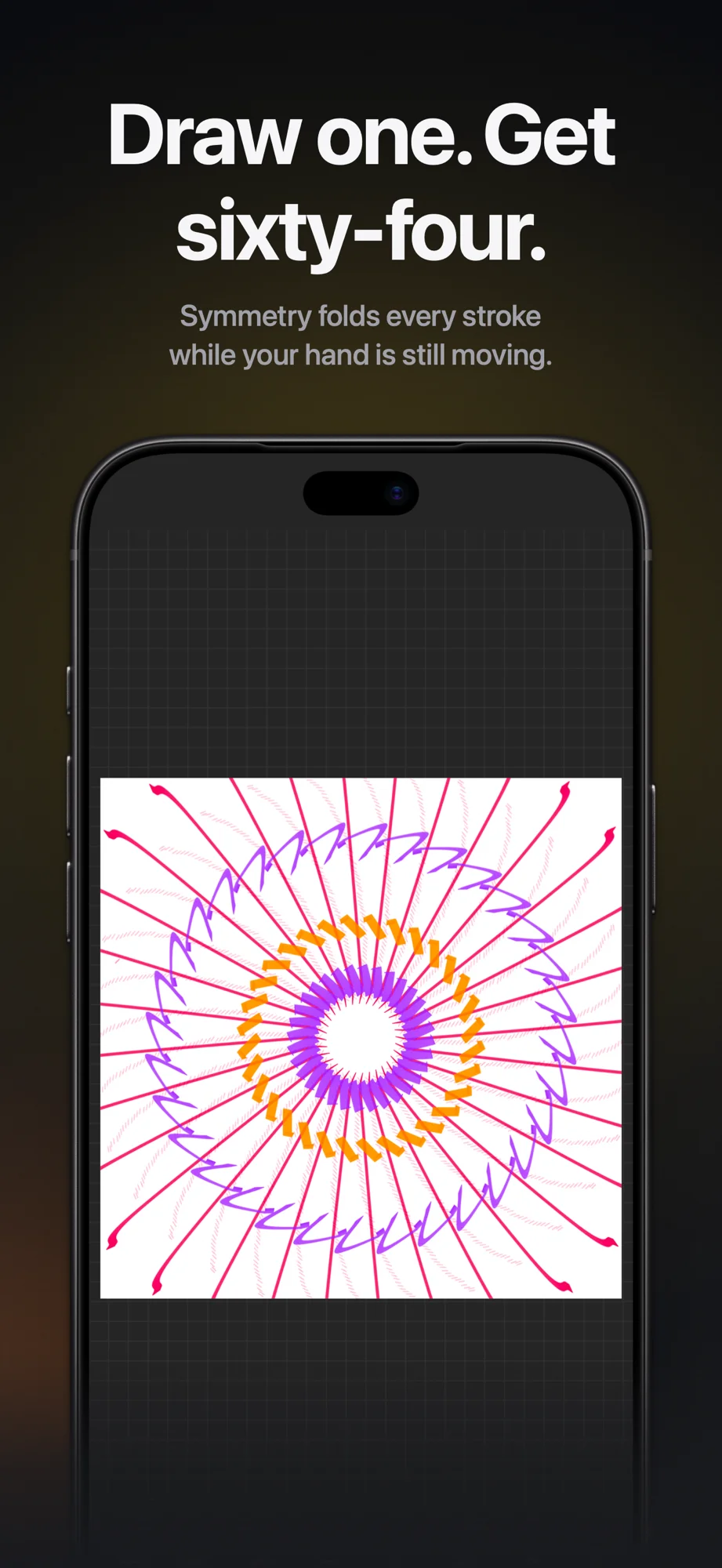
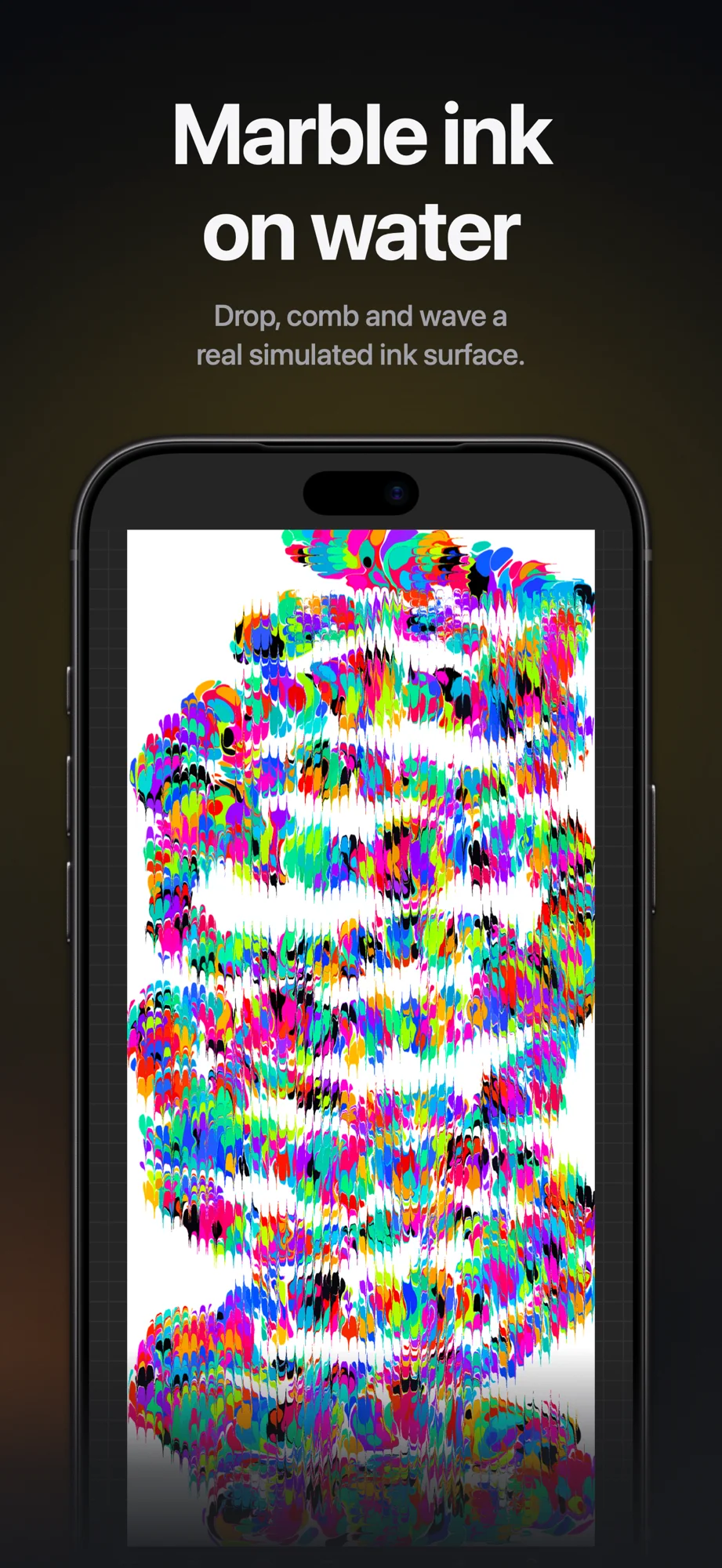
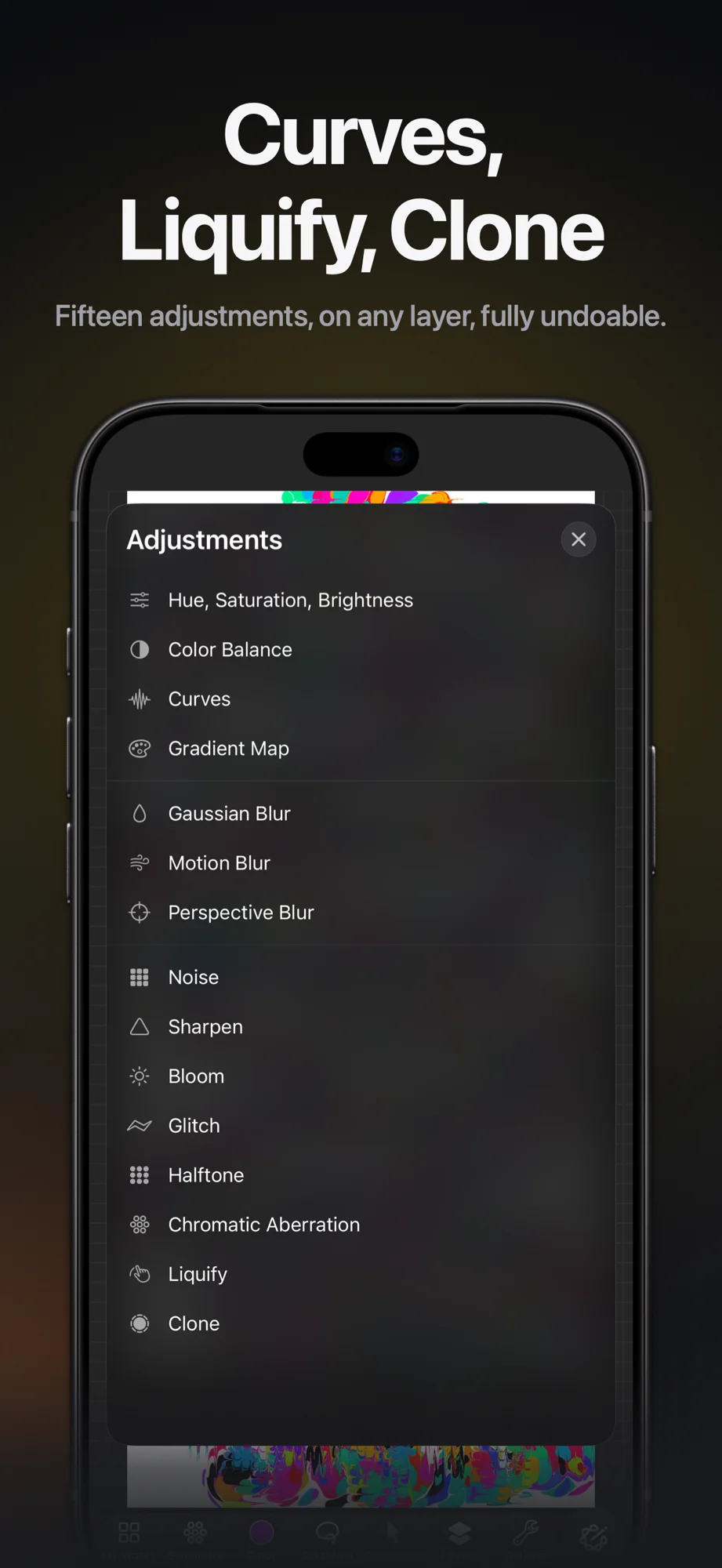
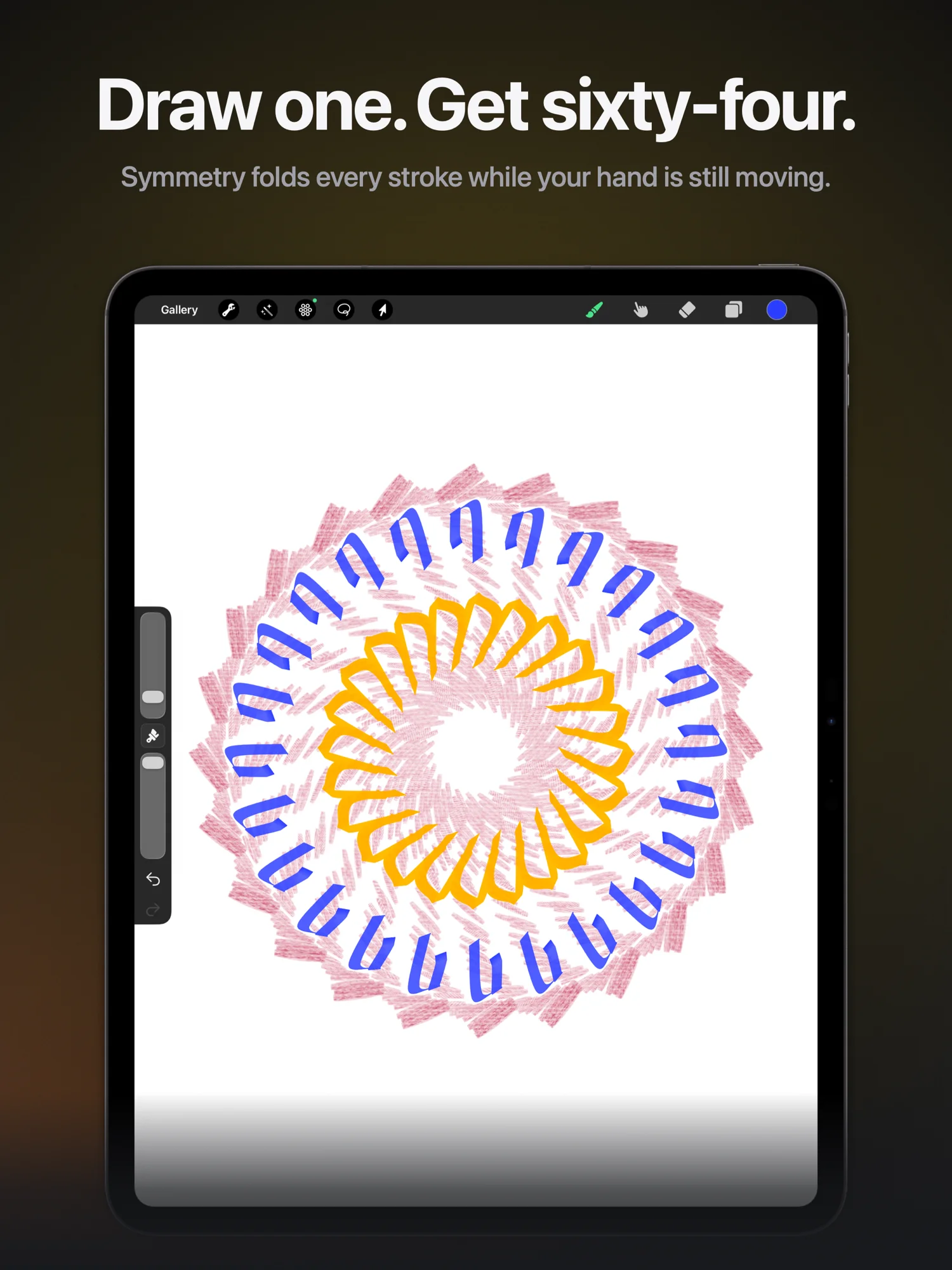
Mecmua: Mandala & KaleidoscopeThe free spirograph rolls a toothed wheel around a ring and draws the curve for you, in up to three coloured layers, ready as SVG, PNG or PDF. Mecmua, for iPad and iPhone, puts the pen in your hand. Each stroke you draw is mirrored live into a mandala of 2 to 64 parts or a repeating tiling.
| Free tool | Mecmua | |
|---|---|---|
| Runs on | Any browser | iPad and iPhone |
| How it draws | Exact gear curves from numbers | Your own strokes, mirrored live |
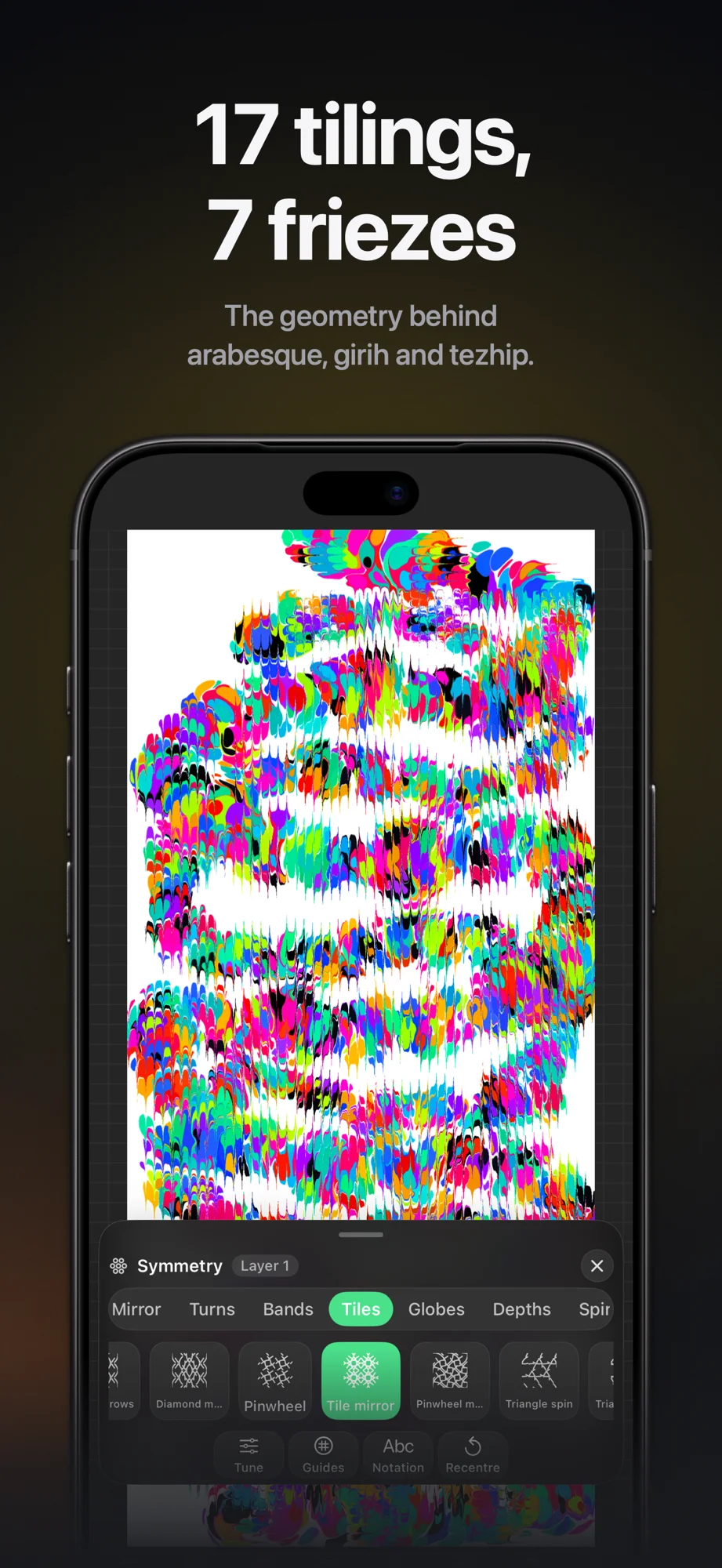
| Symmetry | Curves from a ring and a wheel | 2 to 64 mirrors, frieze groups and 17 tilings |
| Export | SVG, PNG or PDF | PNG up to 4K free; 8K, looping video and Live Photo with Unlimited |
| Price | Free, no sign-up | Free download; Mecmua Unlimited is yearly or a one-time purchase |
Use the free spirograph when you want a precise curve you can repeat, then print, colour, plot or engrave.
Get Mecmua when you want to draw the pattern yourself with a finger or Apple Pencil and paint it, while the mirrors do the repeating.
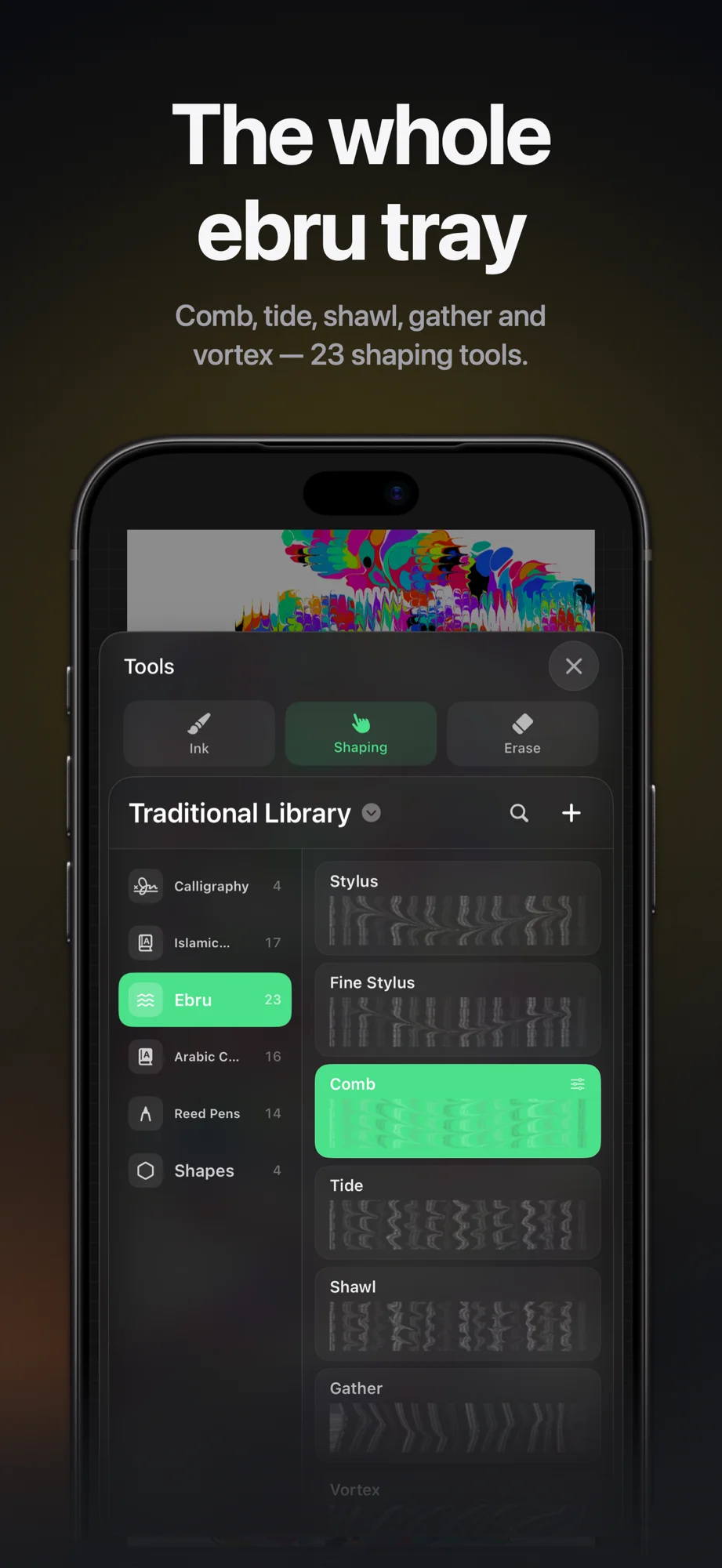
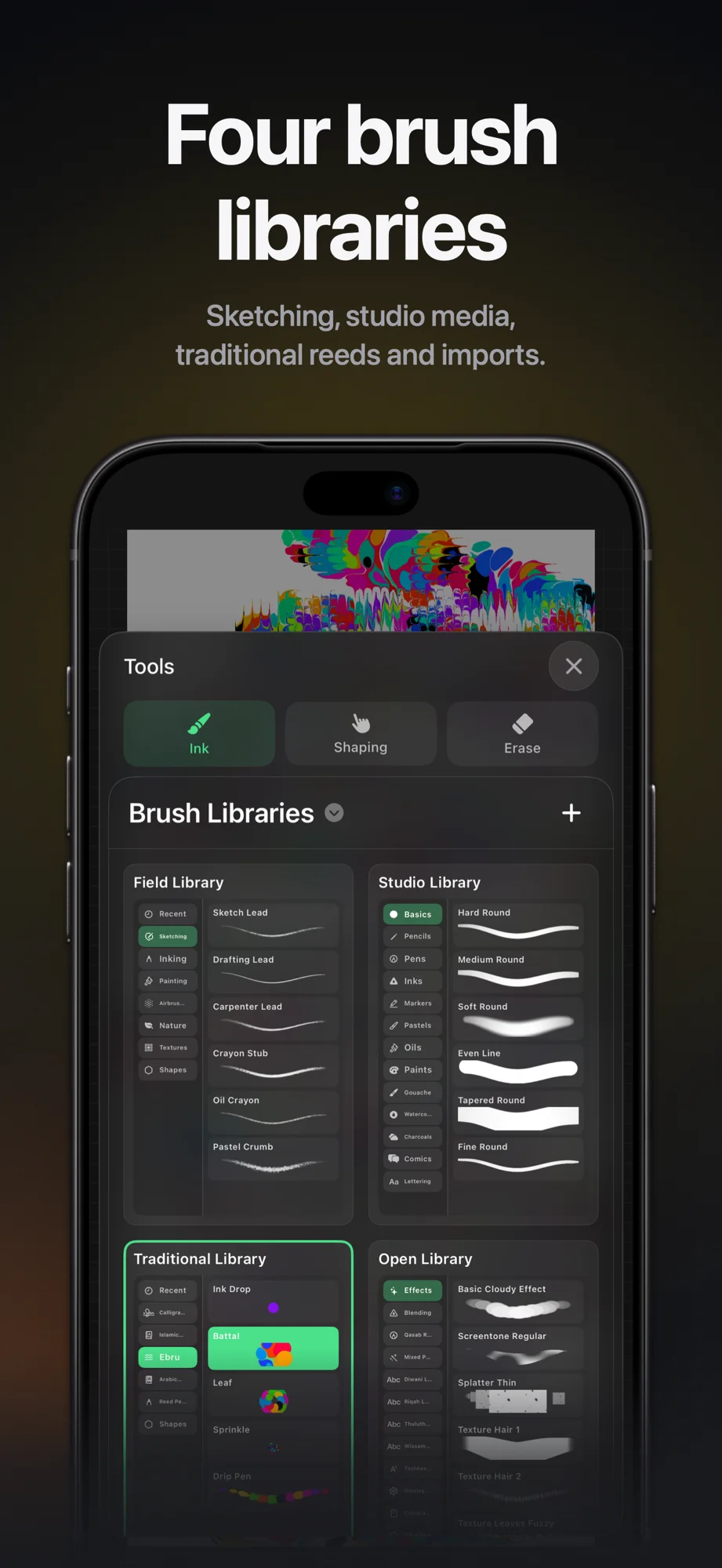
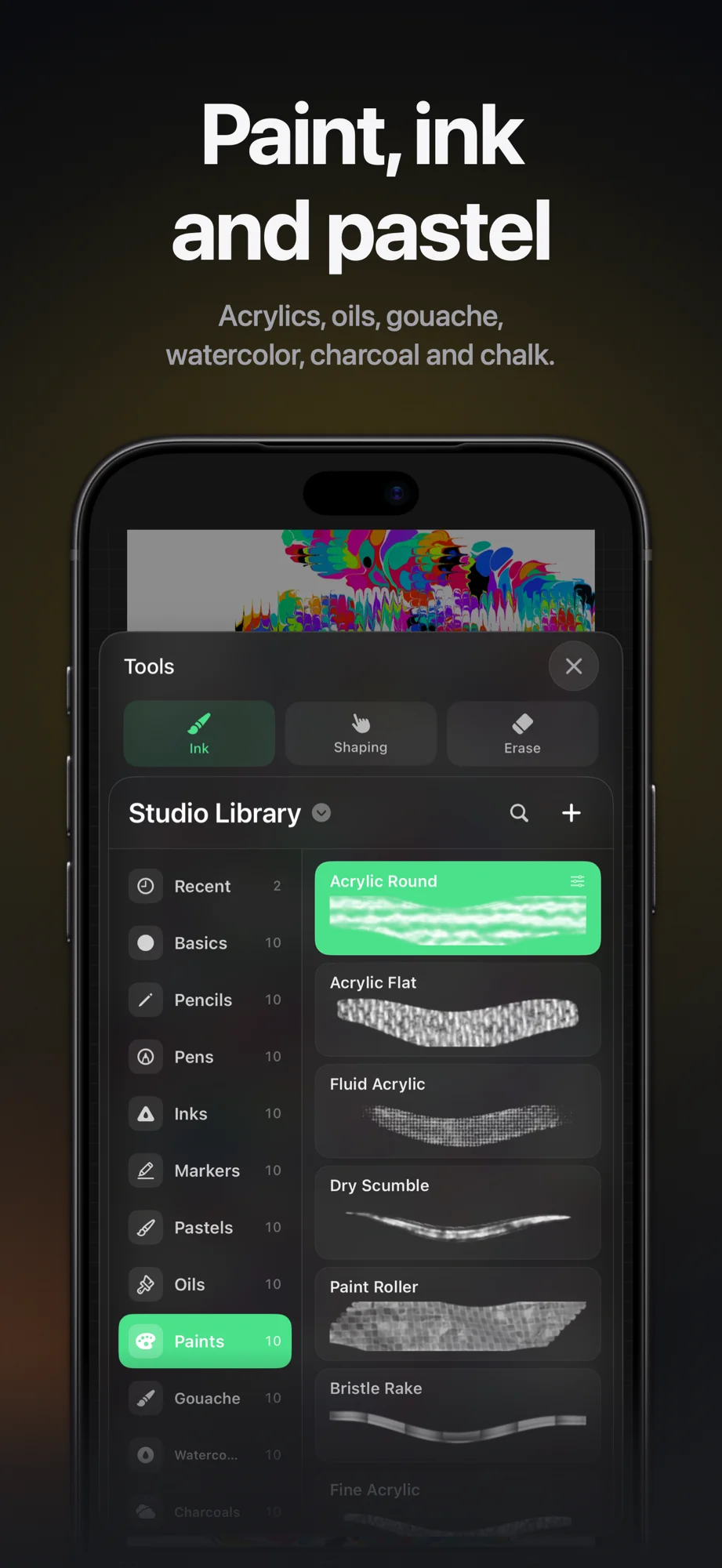
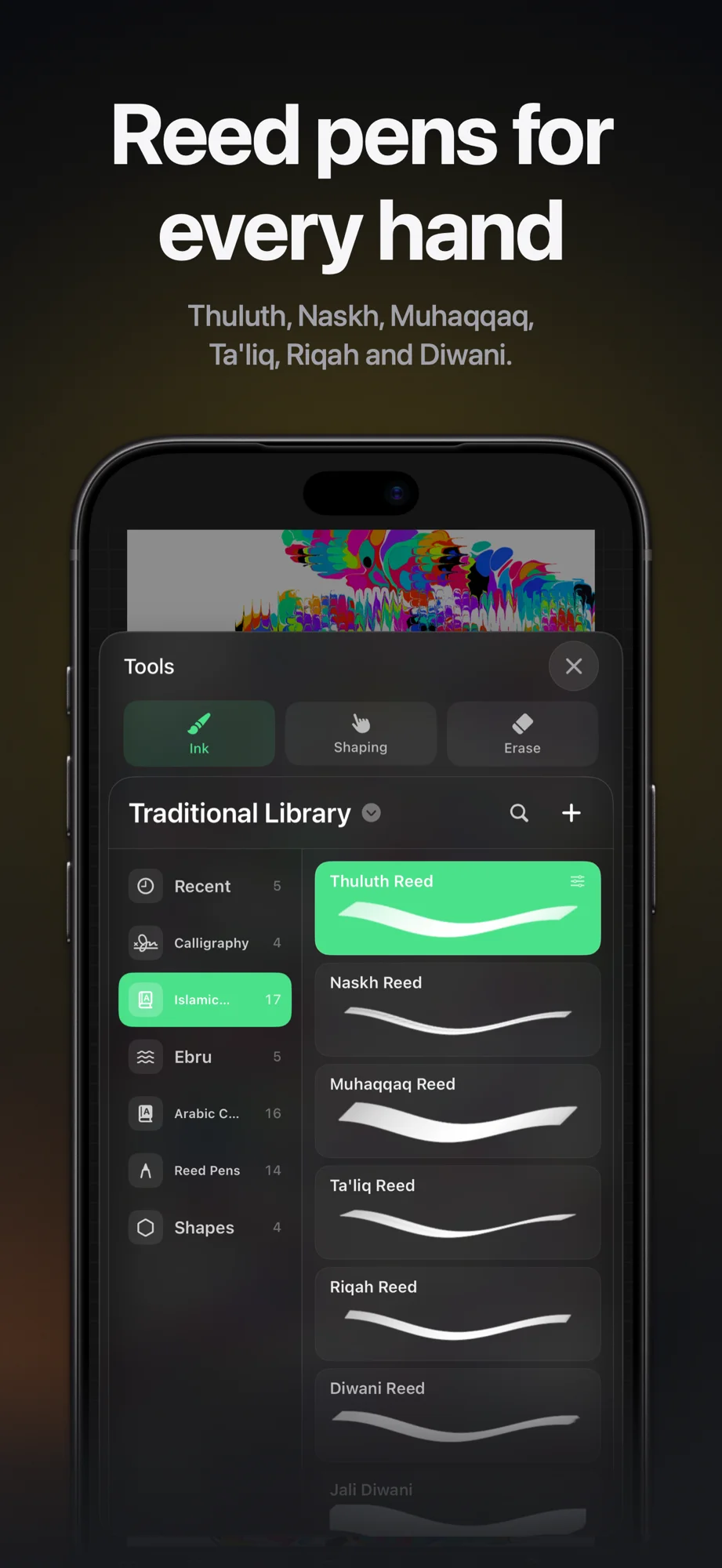
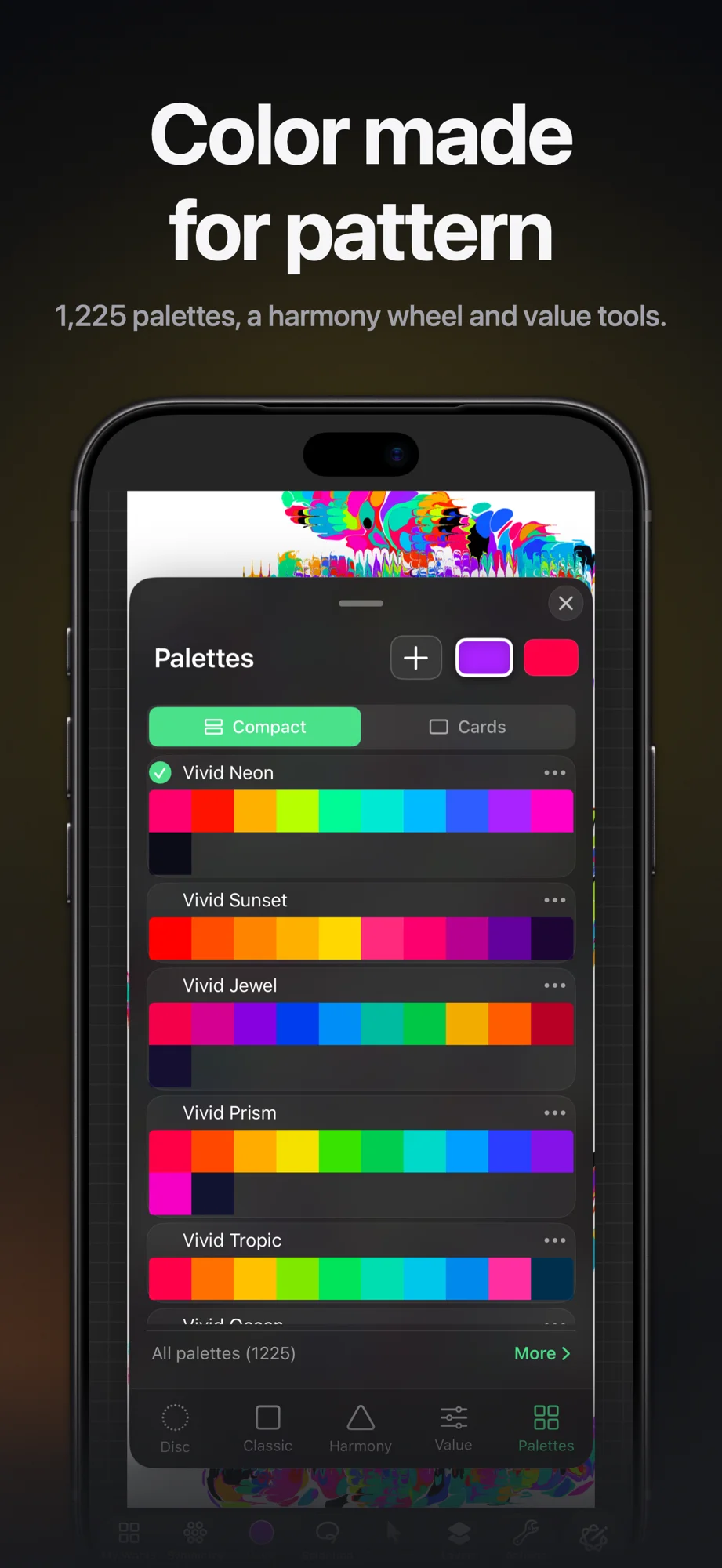
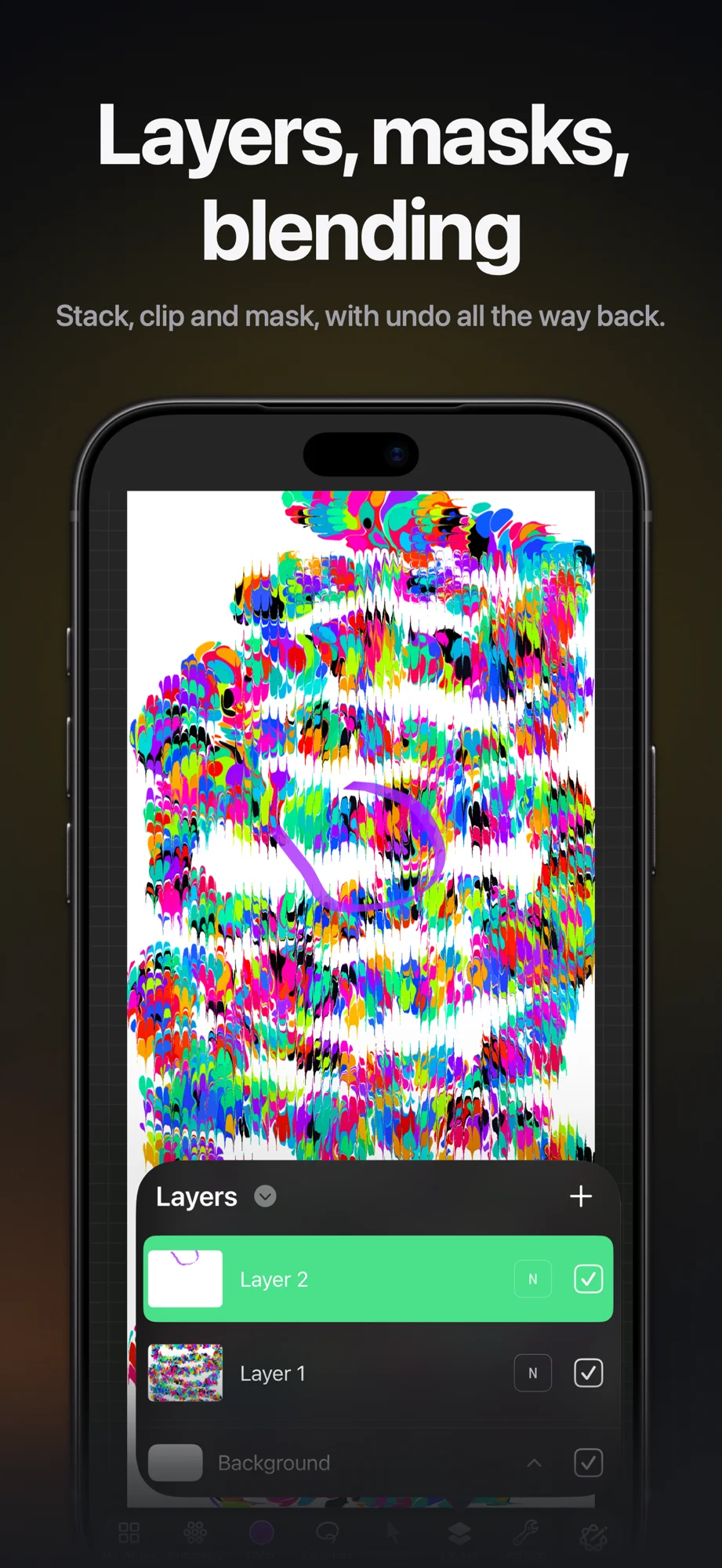
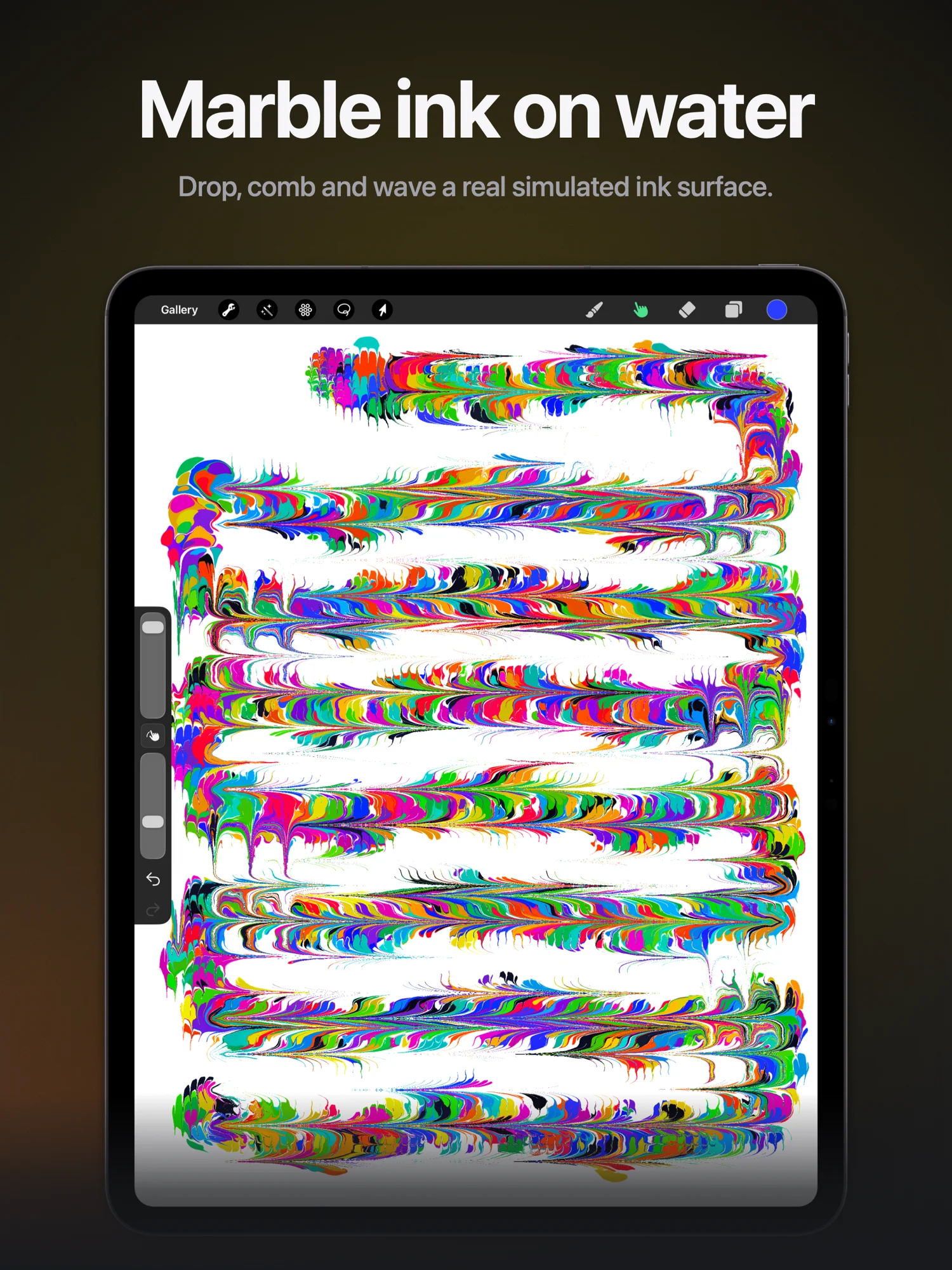
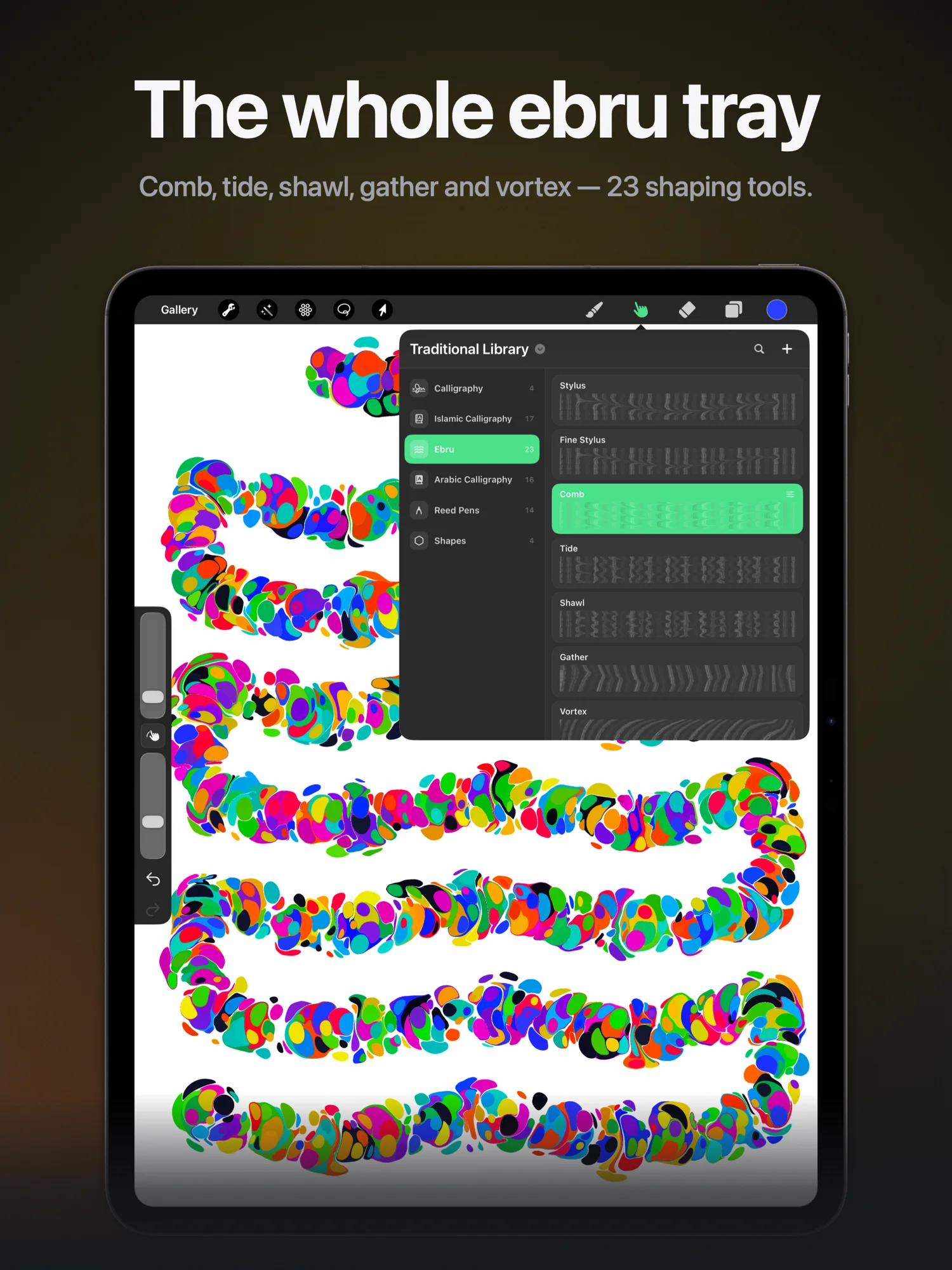
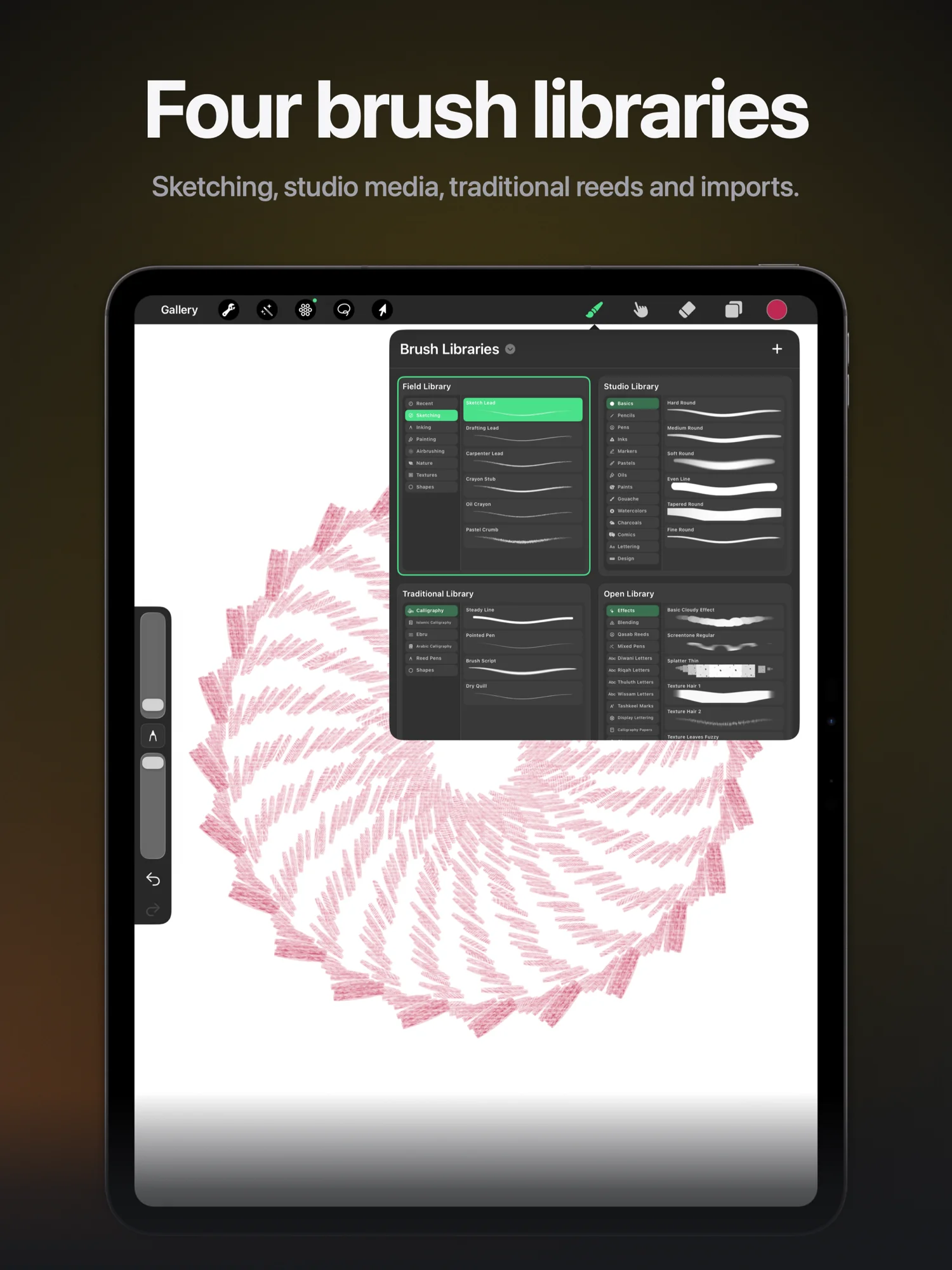
Screens from the current version on the App Store.
They run in your browser, with no sign-up.
Ring, wheel and pen hole settings, up to three layers, SVG, PNG or PDF.
Flower of Life, Seed of Life and Metatron's Cube with compass geometry.
Star patterns from a tiling of polygons, as SVG, PNG or PDF.
Six-fold snowflakes, a new one with every click, ready to cut.
Regular and semi-regular tilings bent into interlocking tiles.
A toothed wheel rolls around the inside or outside of a toothed ring while a pen in one of its holes draws. The tooth counts decide how many loops the curve makes before it closes.
Pick a ring and wheel that share fewer factors. A 105-tooth ring with a 48-tooth wheel shares a factor of 3, so the wheel goes round 16 times and draws 35 loops.
Yes. Download the SVG, which keeps the curve as vector lines for plotters and engravers.
A spirograph computes one curve from gear sizes. A mandala app such as Mecmua repeats whatever you draw around a centre, so the shape comes from your own hand.
No. Existing strokes fold again into the new symmetry, and the change is an ordinary undo step.
Neither. Nothing asks for an account and nothing is drawn onto your work.
Draw and make