Image resizer
Resize by pixels, percent or print size, one image or a batch.
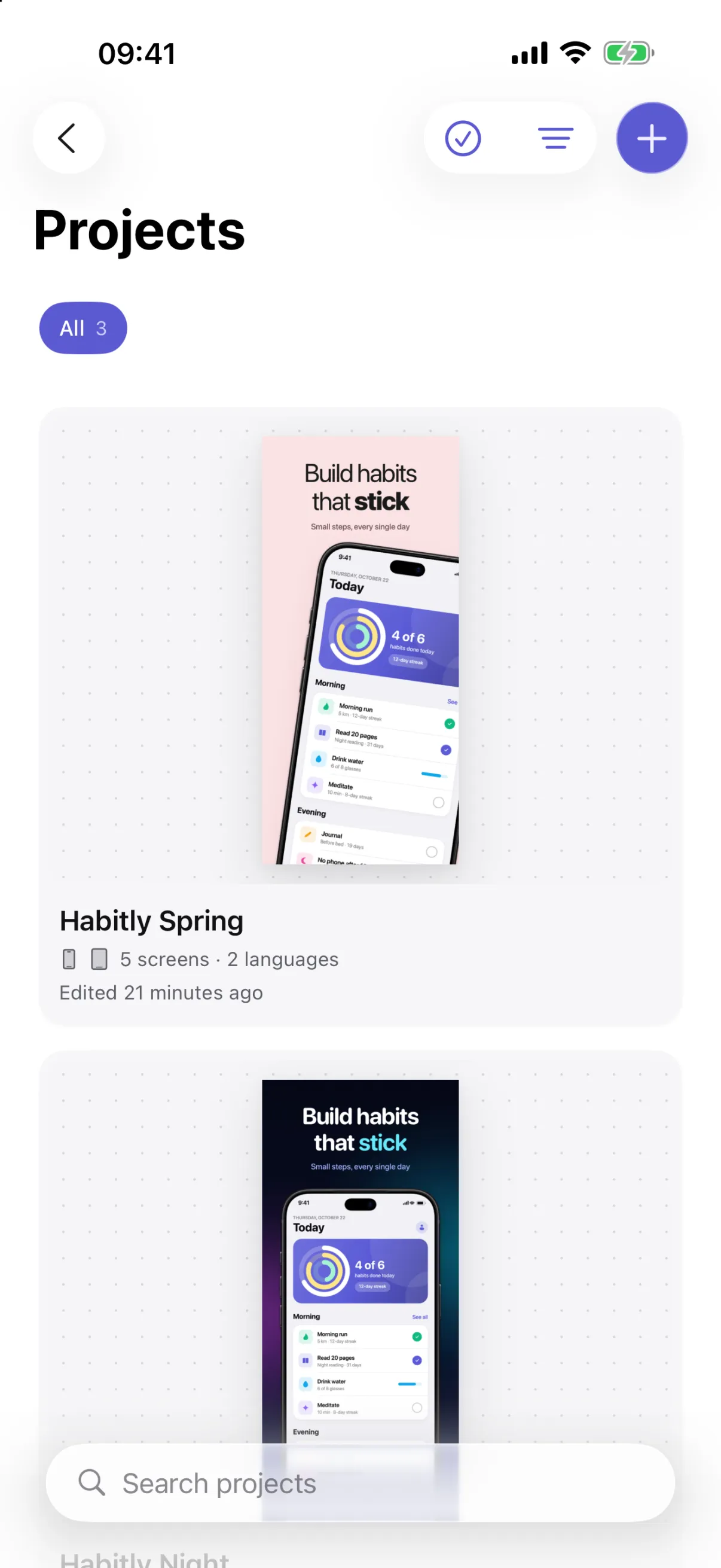
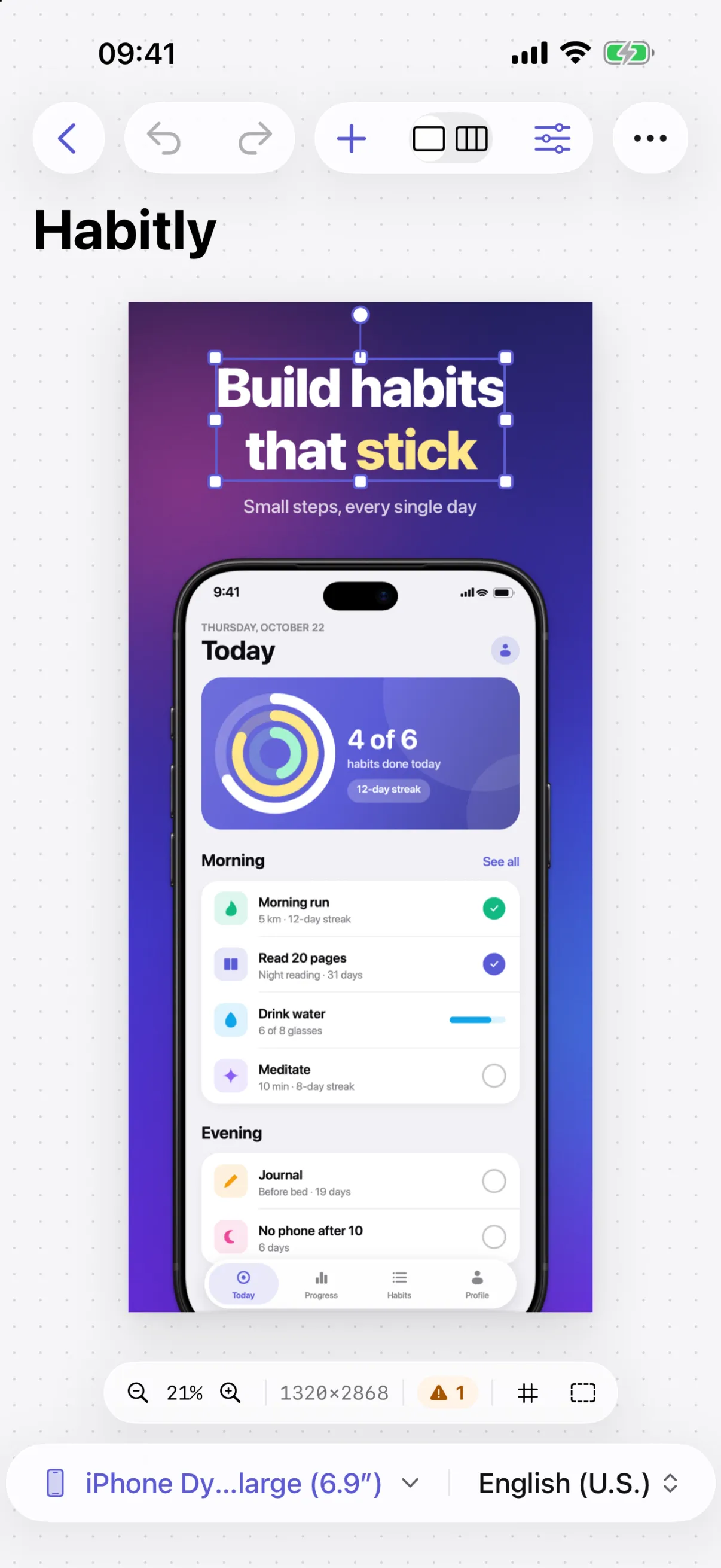
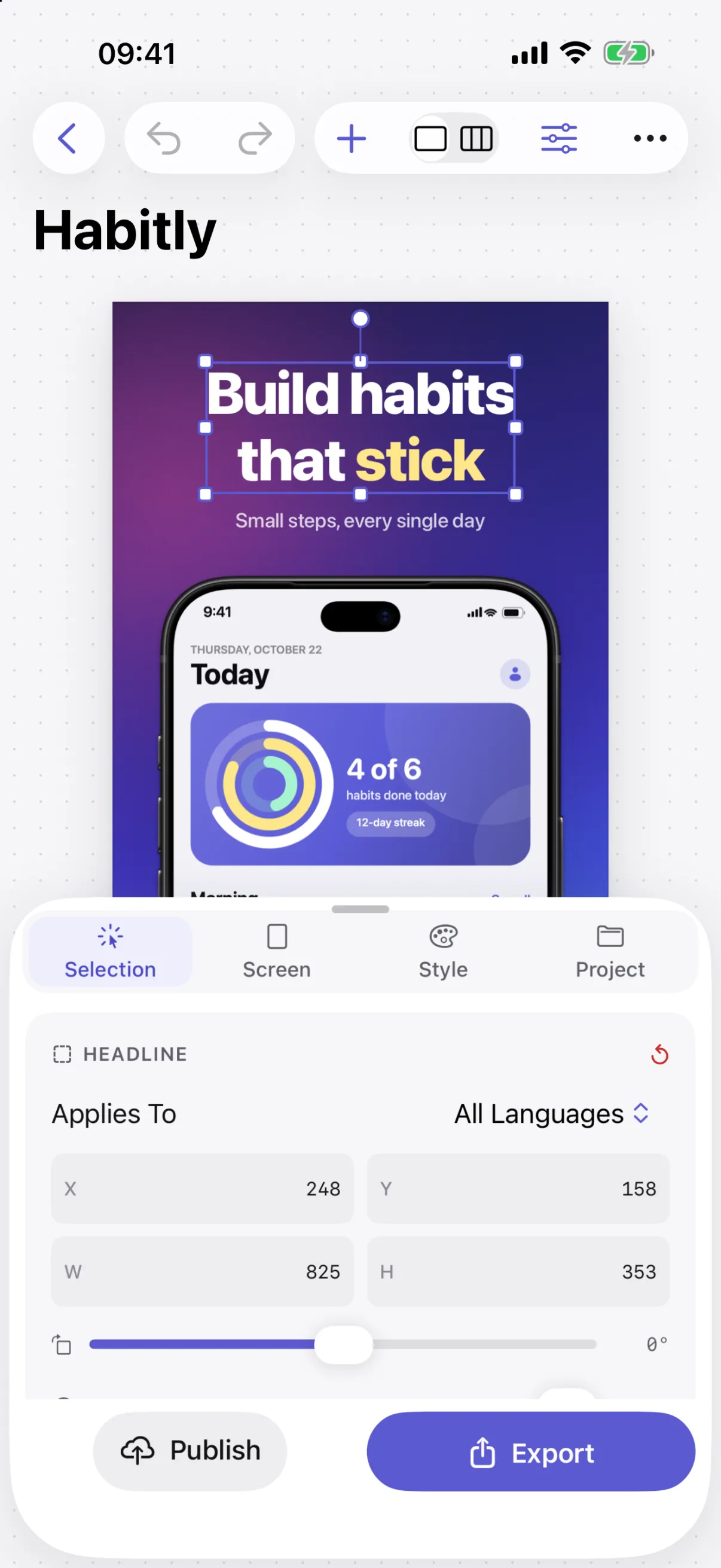
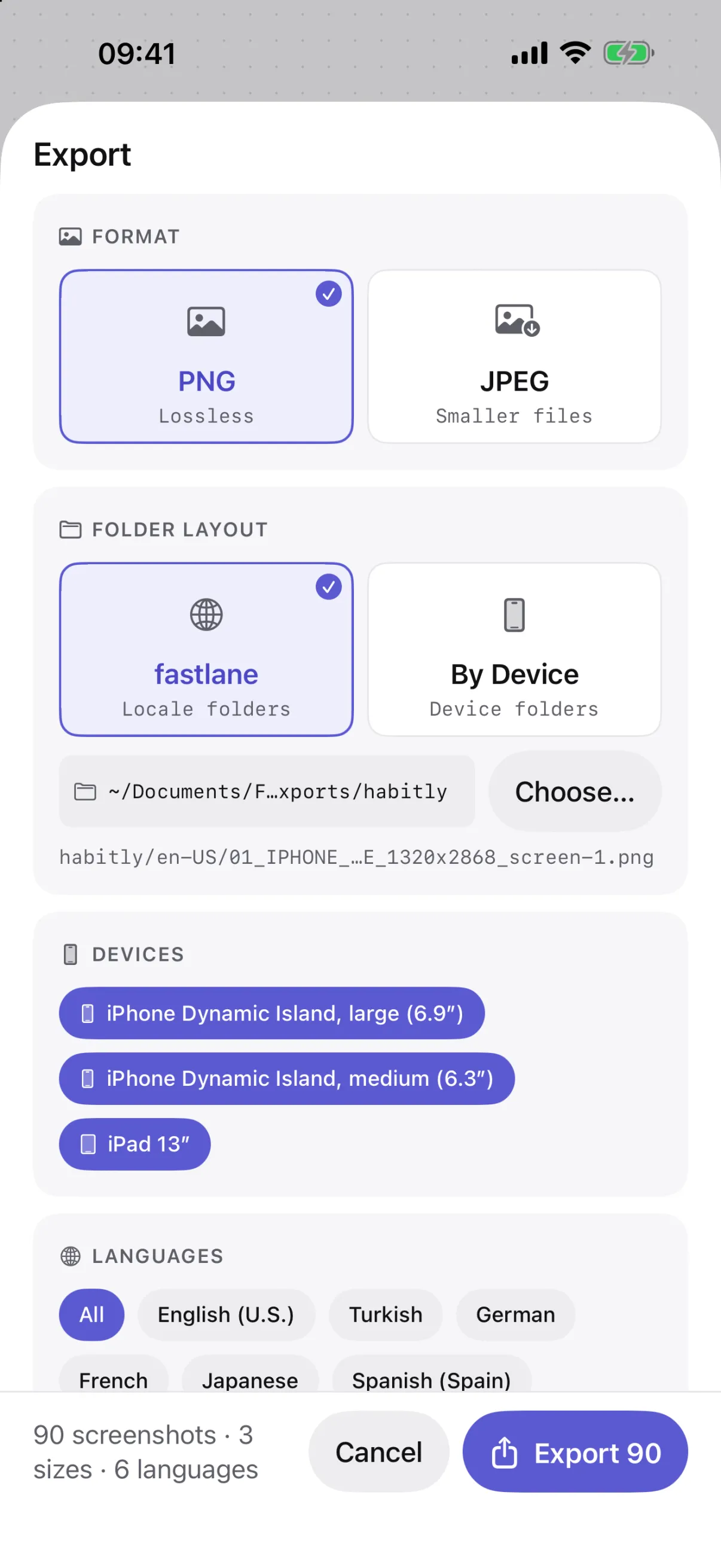
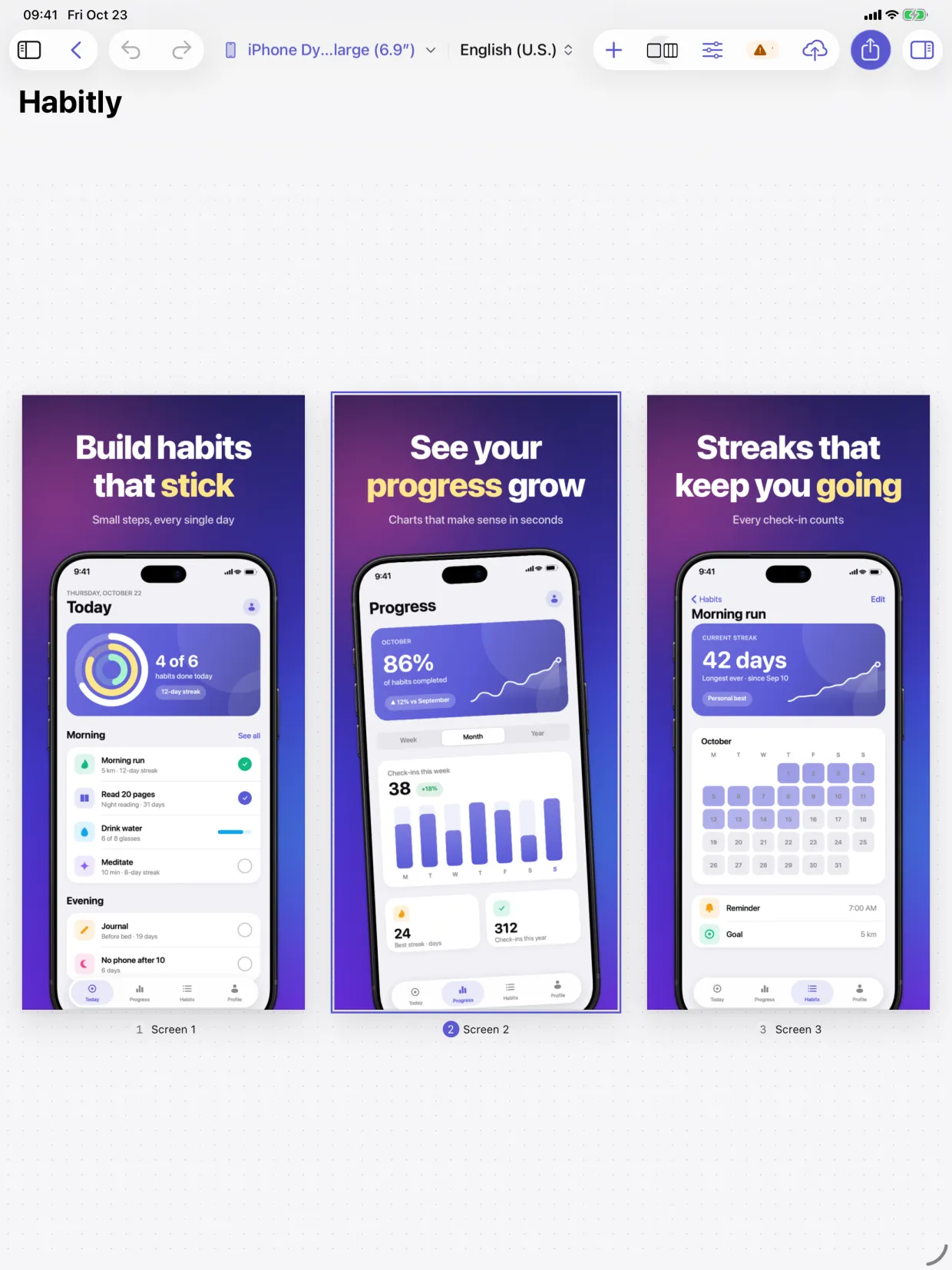
FrameKit: Store ScreenshotsThe free image resizer changes a screenshot to the exact width and height you type, one file or a whole folder, and saves JPG, PNG or WebP. FrameKit, for Mac, iPad and iPhone, starts from raw captures and builds the store set: device frames, one headline per screen, translations and exports at App Store sizes.
| Free tool | FrameKit | |
|---|---|---|
| Runs on | Any browser | Mac, iPad and iPhone |
| Input | Any image | Raw captures, each matched to a device |
| Sizes | The width and height you type | Exact App Store sizes per device, checked after writing |
| Design | Resizing only | Device frames, headlines, callouts and templates |
| Languages | None | A headline per App Store language, with an overflow check |
| Price | Free in the browser | Free download with the sample and one more project, two languages each; FrameKit Pro is monthly, yearly or a lifetime purchase |
Use the free resizer when you have a few screenshots that only need to hit a set pixel size or a smaller file.
Get FrameKit when you ship a full set with frames and headlines for several devices and languages, and want it exported or published in one pass.
Screens from the current version on the App Store.
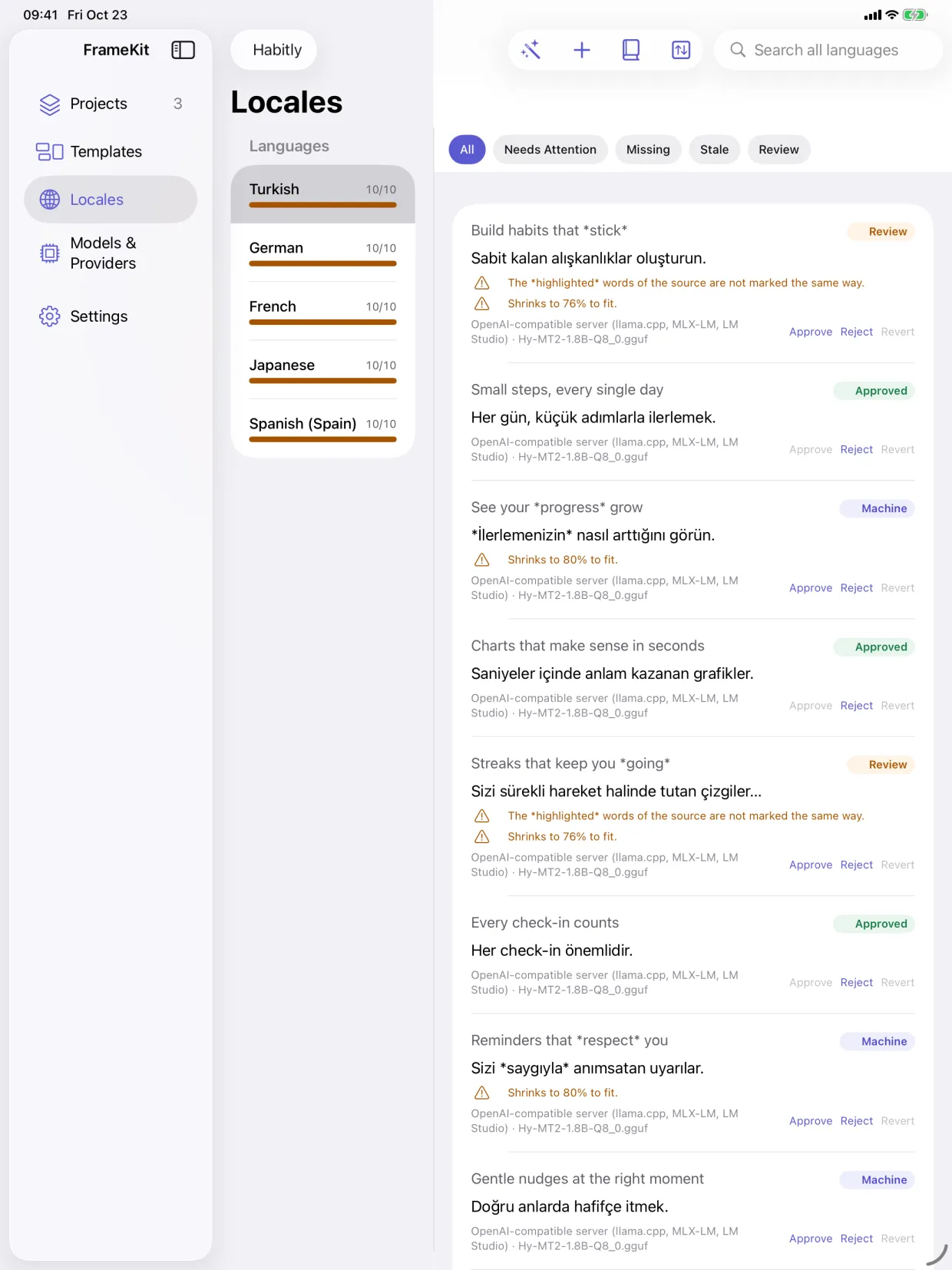
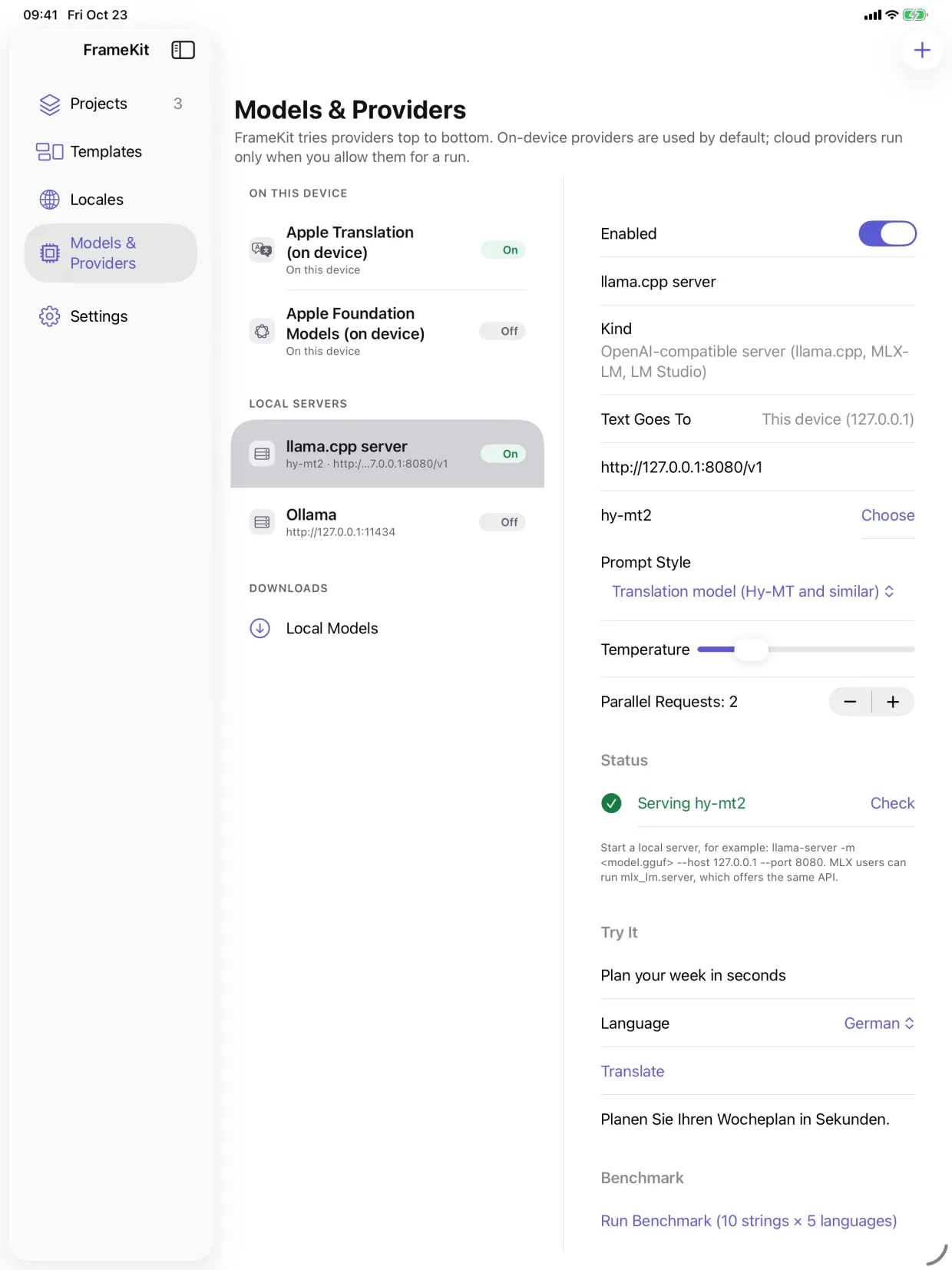
They run in your browser, with no sign-up.
Resize by pixels, percent or print size, one image or a batch.
Drag a box or type exact pixels, with locked ratios such as 16:9.
Converts many PNGs at once, with a background color for transparent areas.
Making it smaller keeps it sharp. Making it larger than the original forces the browser to invent pixels, so the result looks softer.
Yes. Drop many images, set one width, and each height follows that image's own proportions. Then download them all as a ZIP.
No. The image resizer opens the files on your device and resizes them there.
Yes. The free version keeps the sample project and one more, two languages per project, every device size and template, on-device translation, and exports without a watermark. FrameKit Pro adds unlimited projects, every App Store language and publishing to App Store Connect.
Not with Apple Translation or Apple Intelligence, which run on your device. Cloud providers such as Anthropic or OpenAI are a Pro option that uses your own API key, and text goes to them only after you allow that provider.
Draw and make
Free to download for iPhone and iPad and Mac.