Marbled paper generator
Battal, gel-git, combed and wave sheets as a PNG up to 4K or an SVG.
Ebru: Water & Paper MarblingThe free marbled paper generator builds a finished sheet for you: battal, gel-git, combed or wave patterns in your colors, saved as a PNG up to 4K or an SVG. Ebru, for iPhone and iPad, hands you the bath instead. You drop each color and drag the stylus or comb yourself, and every pass moves the whole pattern.
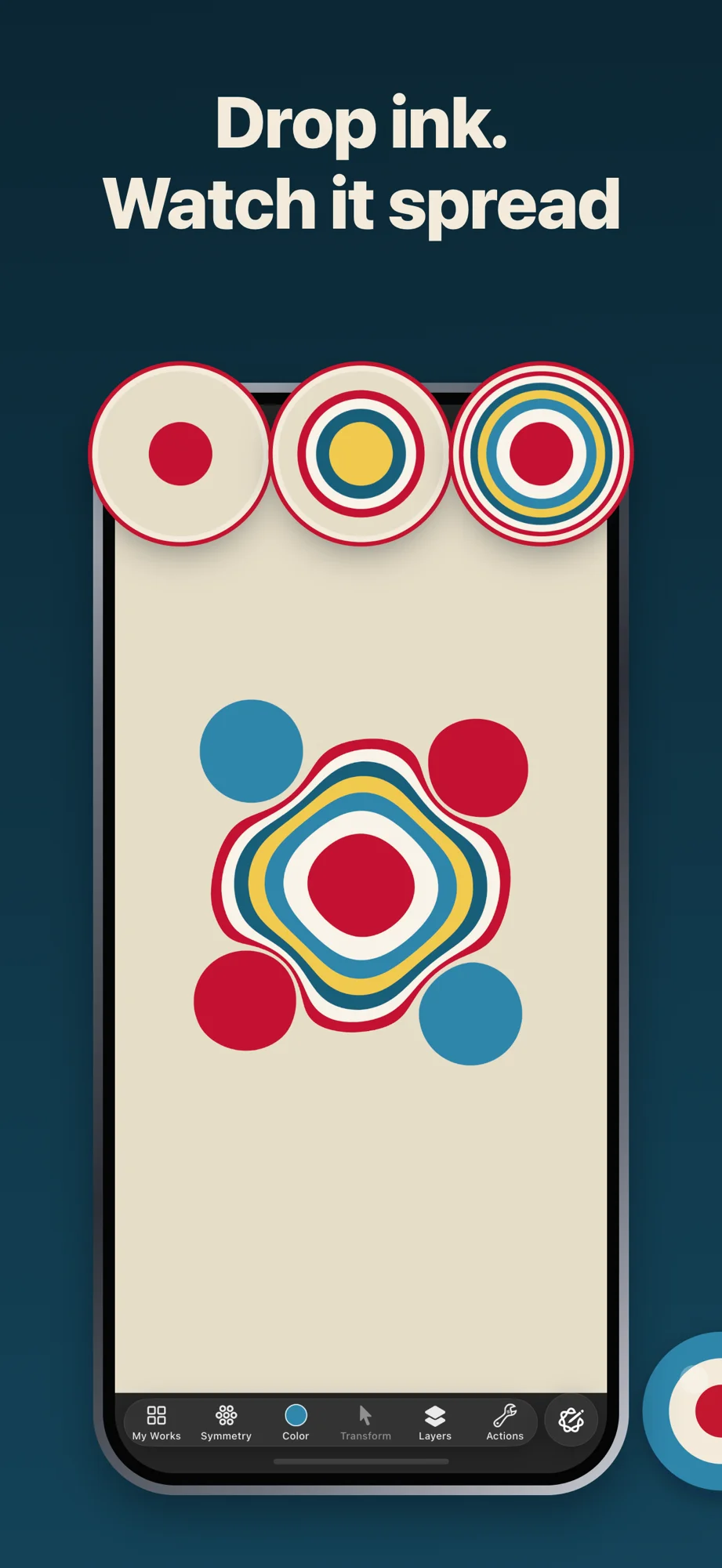
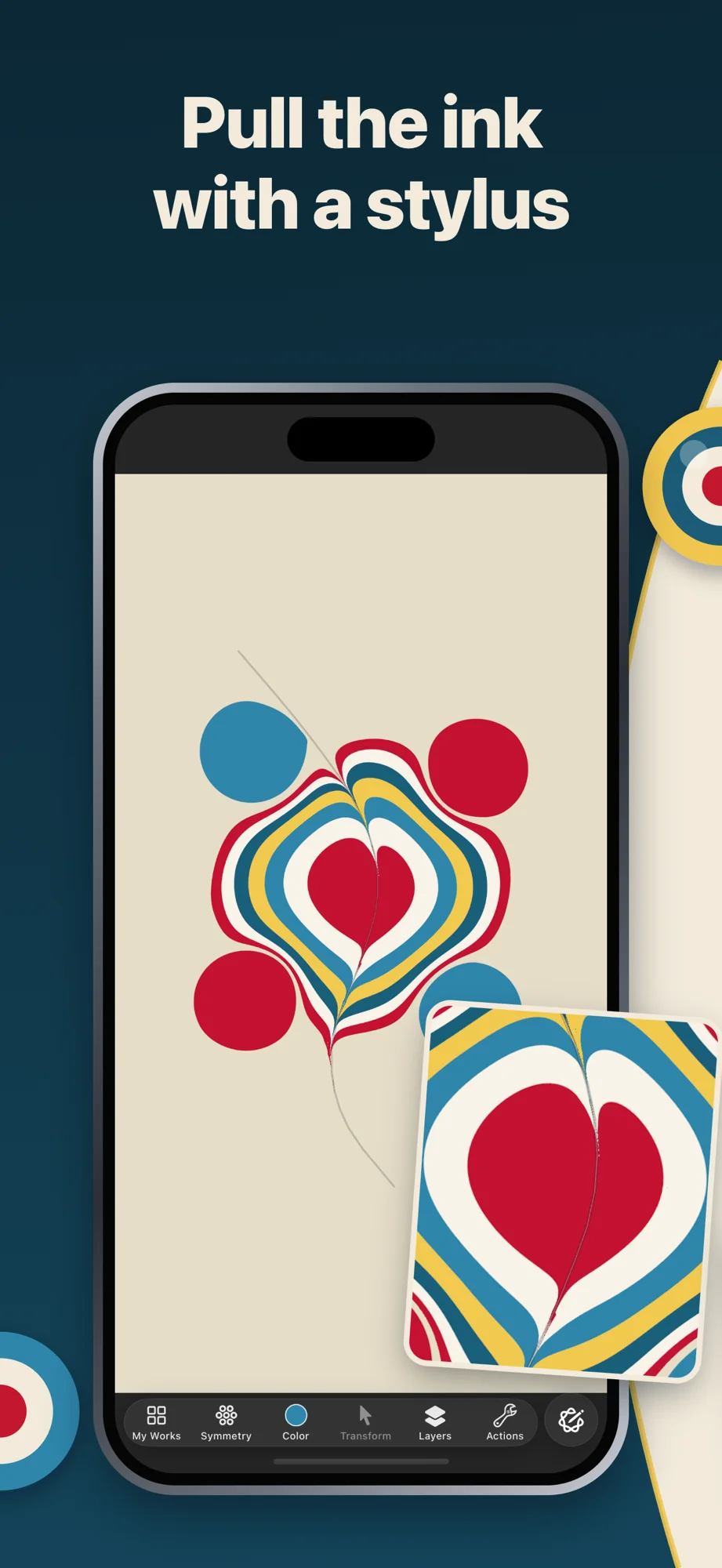
| Free tool | Ebru | |
|---|---|---|
| Runs on | Any browser | iPhone and iPad with iOS 17 or later |
| Who moves the ink | The generator, from your settings | You, drop by drop and pass by pass |
| Patterns | Battal, gel-git, combed and waves | Those, plus classical figures like Tide, Tulip and Peacock |
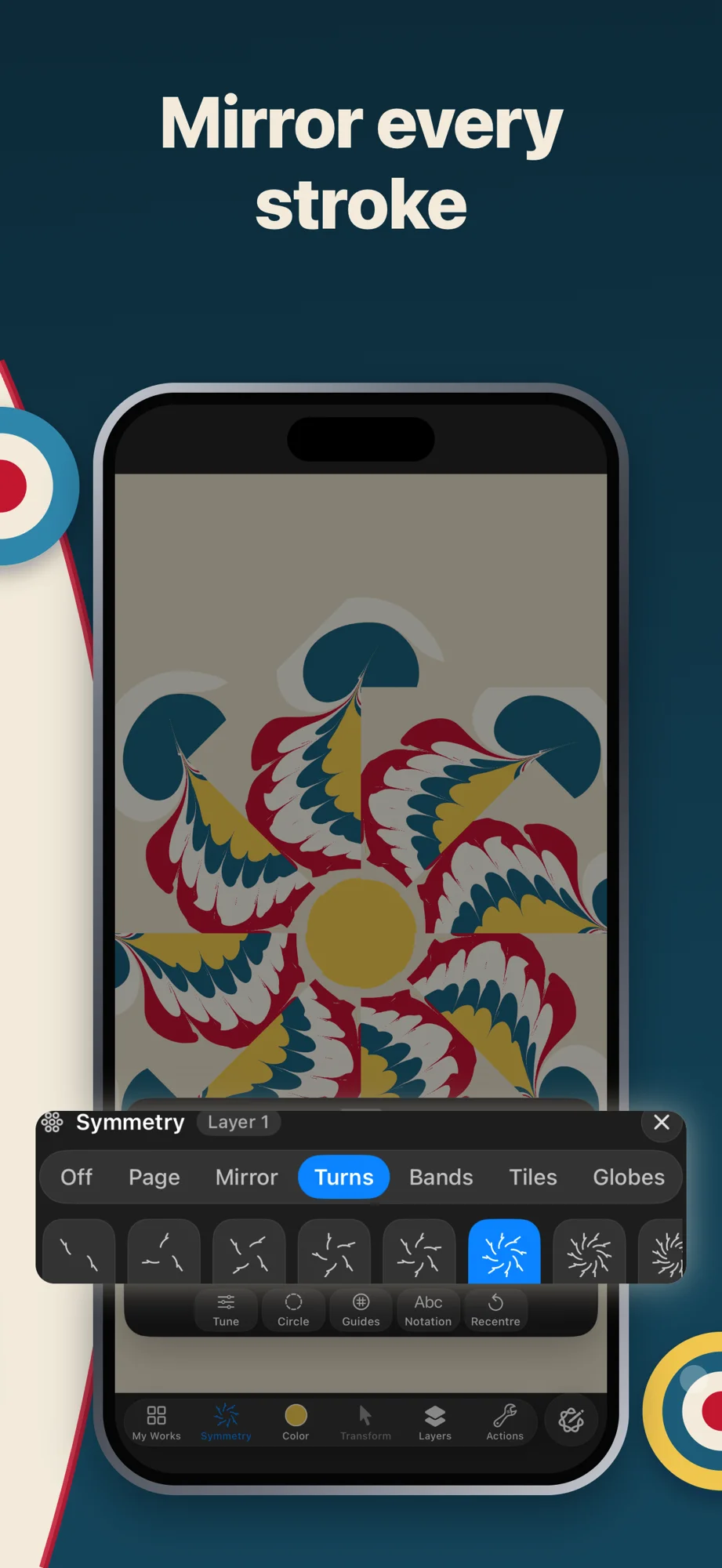
| Editing | New pattern, or a number to bring one back | Layers, groups, clipping, symmetry and named undo |
| Export | PNG up to 4K or SVG | PNG or JPEG up to 4K, and the .ebru file |
| Price | Free, no sign-up | Free download; Ebru Pro, a single in-app purchase, adds the classical figures and the other shaping tools |
Use the free generator when you need a marbled background, endpaper or wallpaper today and a sheet in your own colors will do.
Get Ebru when you want to make the pattern with your own hand, practice the classical figures, or build a work in layers with Apple Pencil.
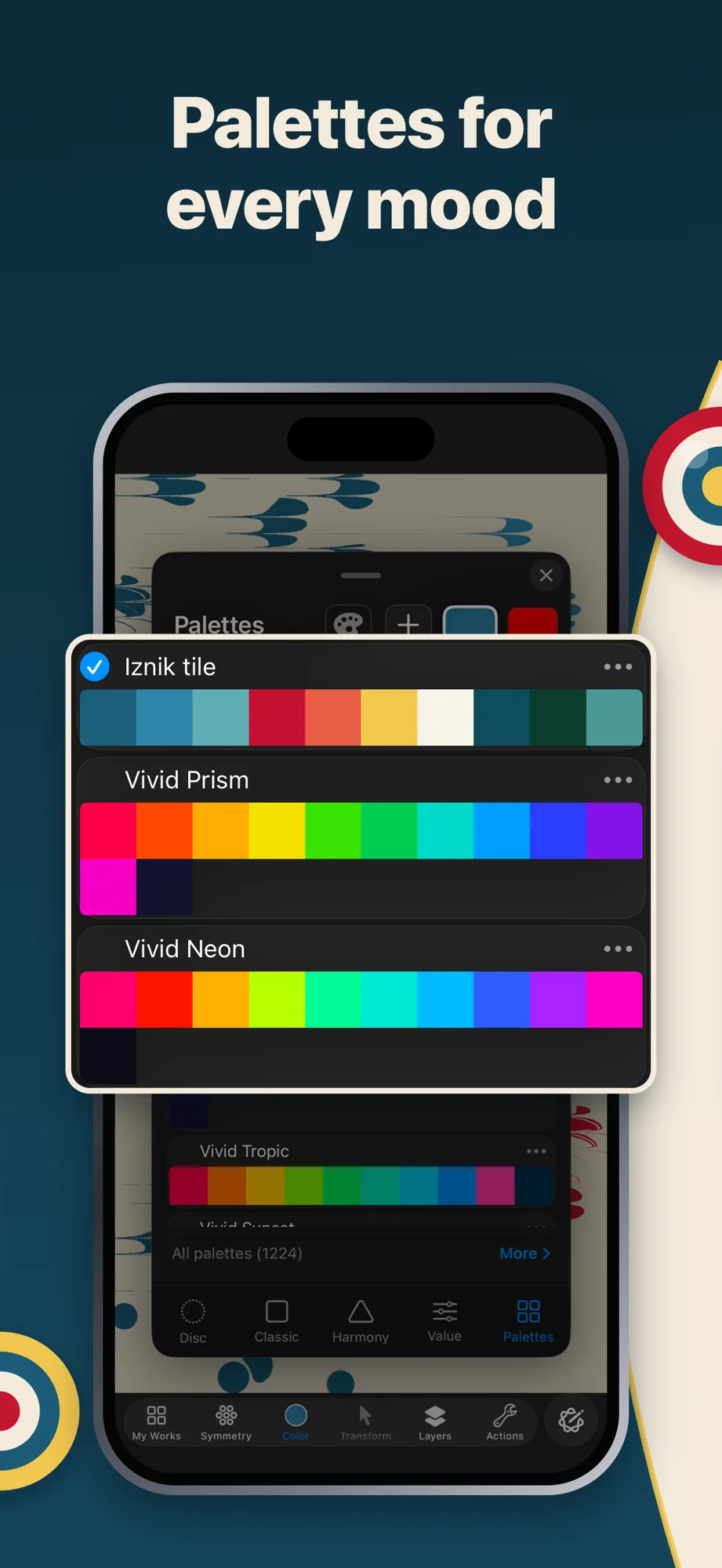
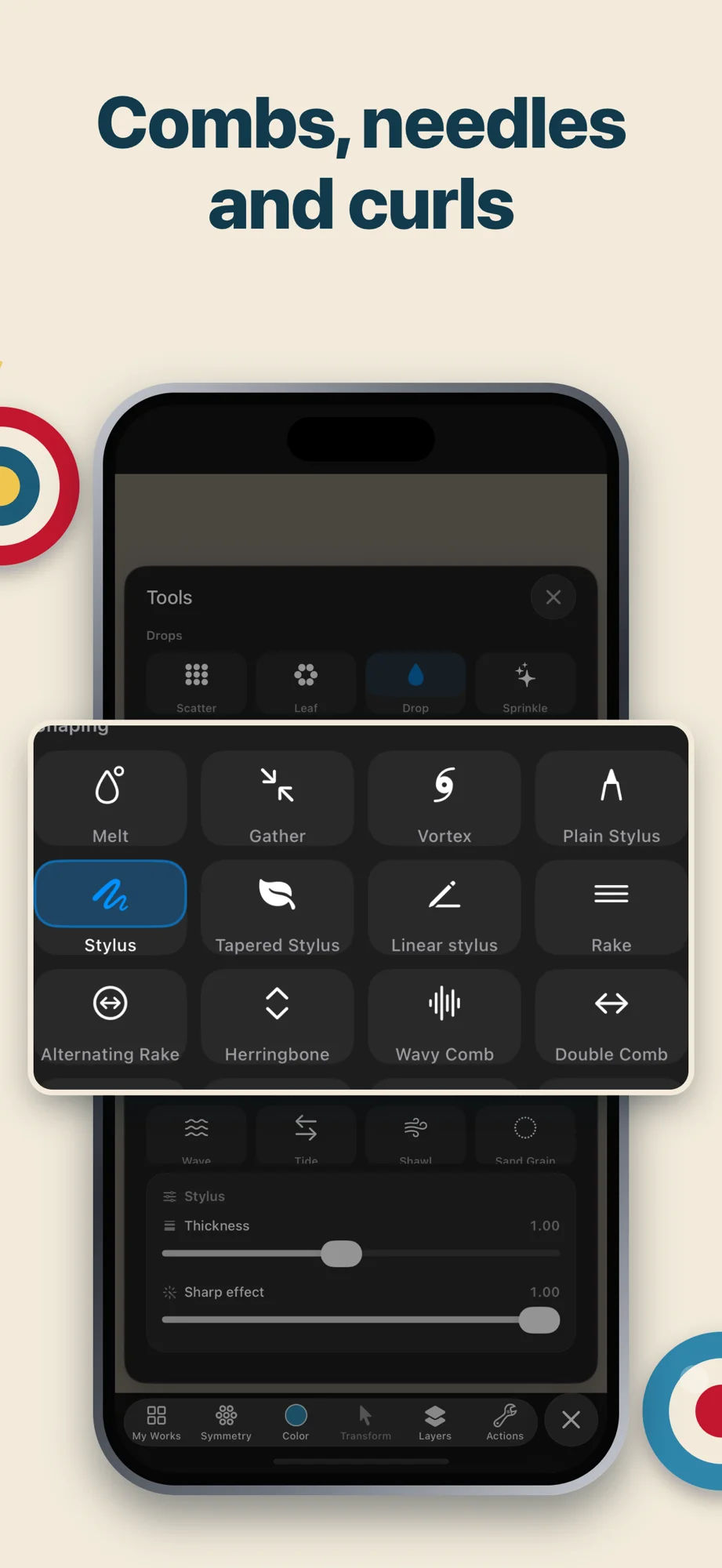
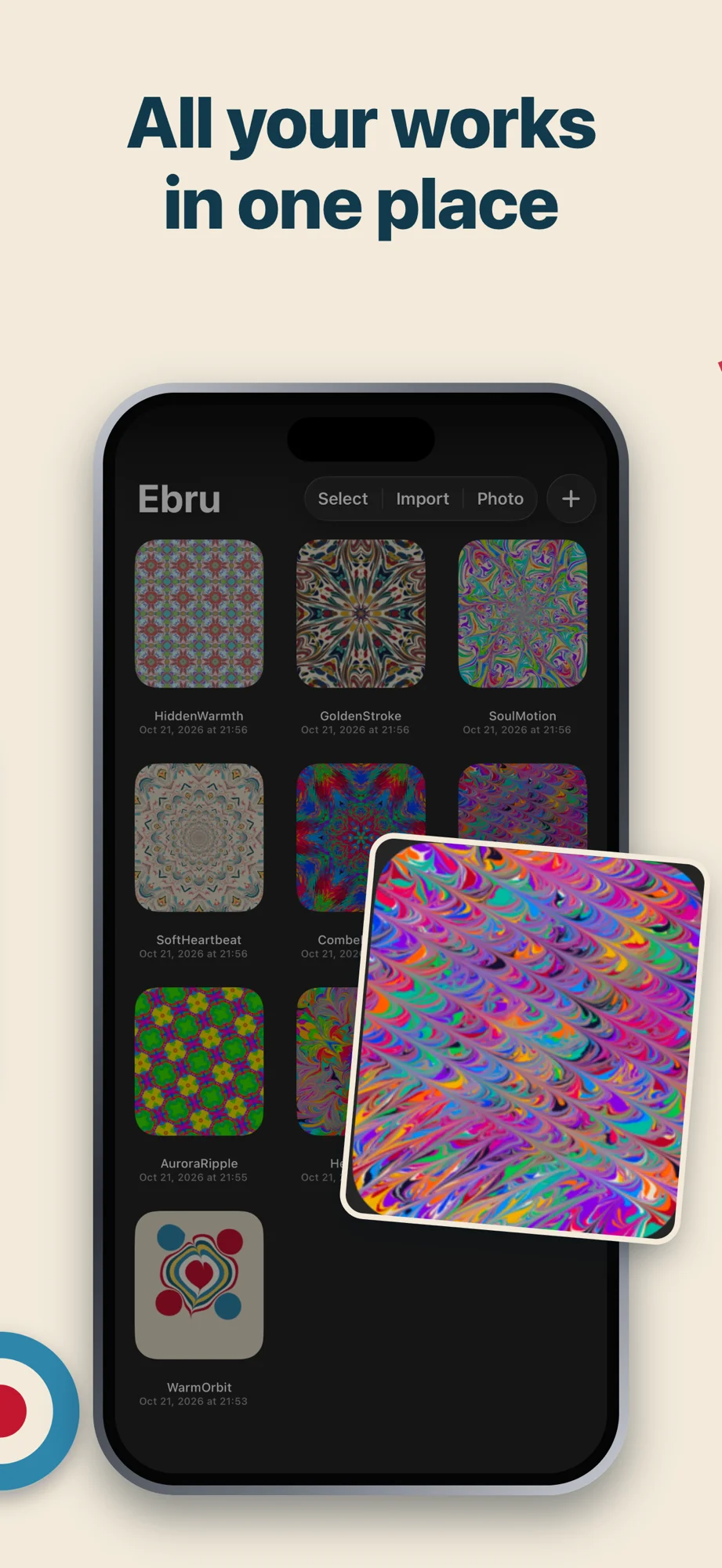
Screens from the current version on the App Store.
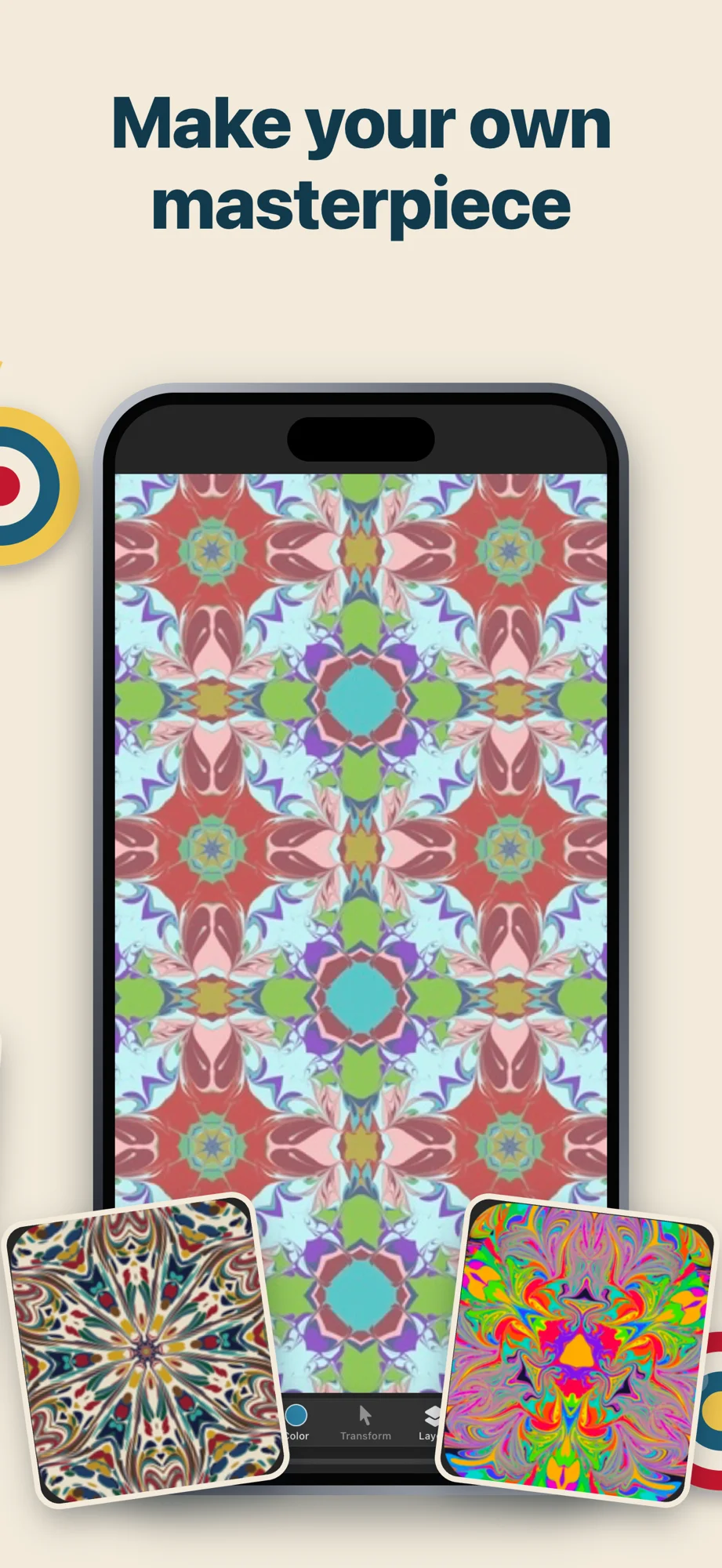
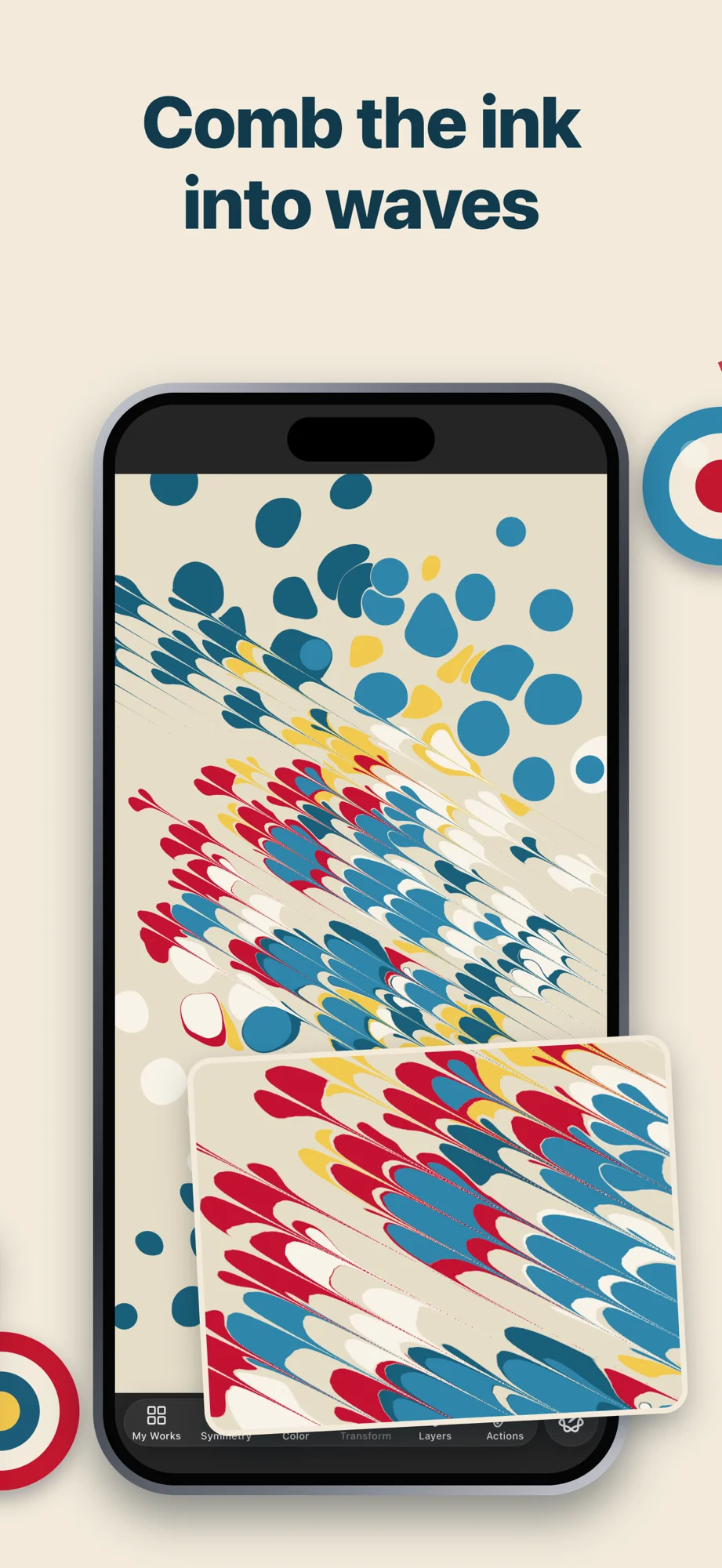
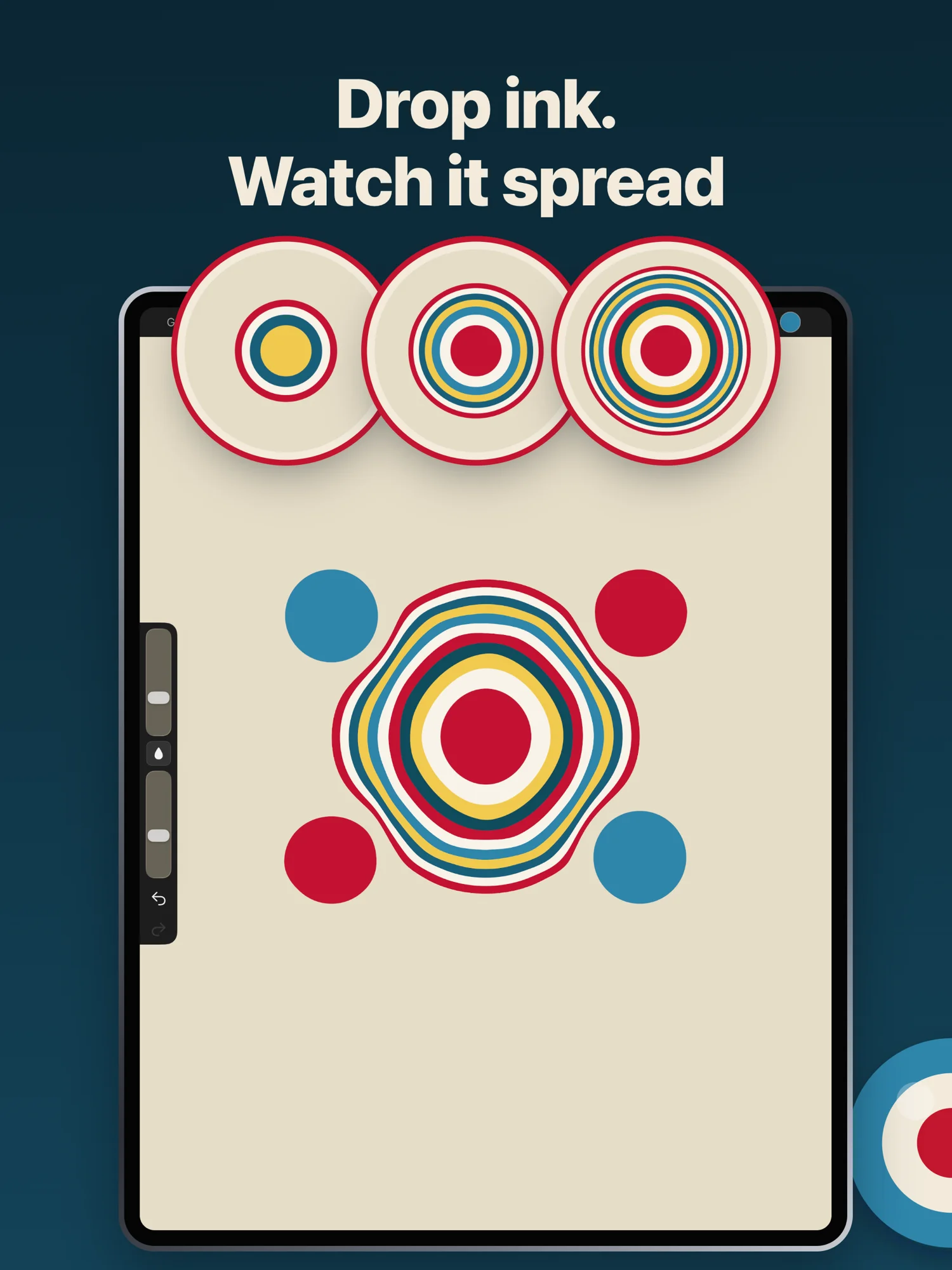
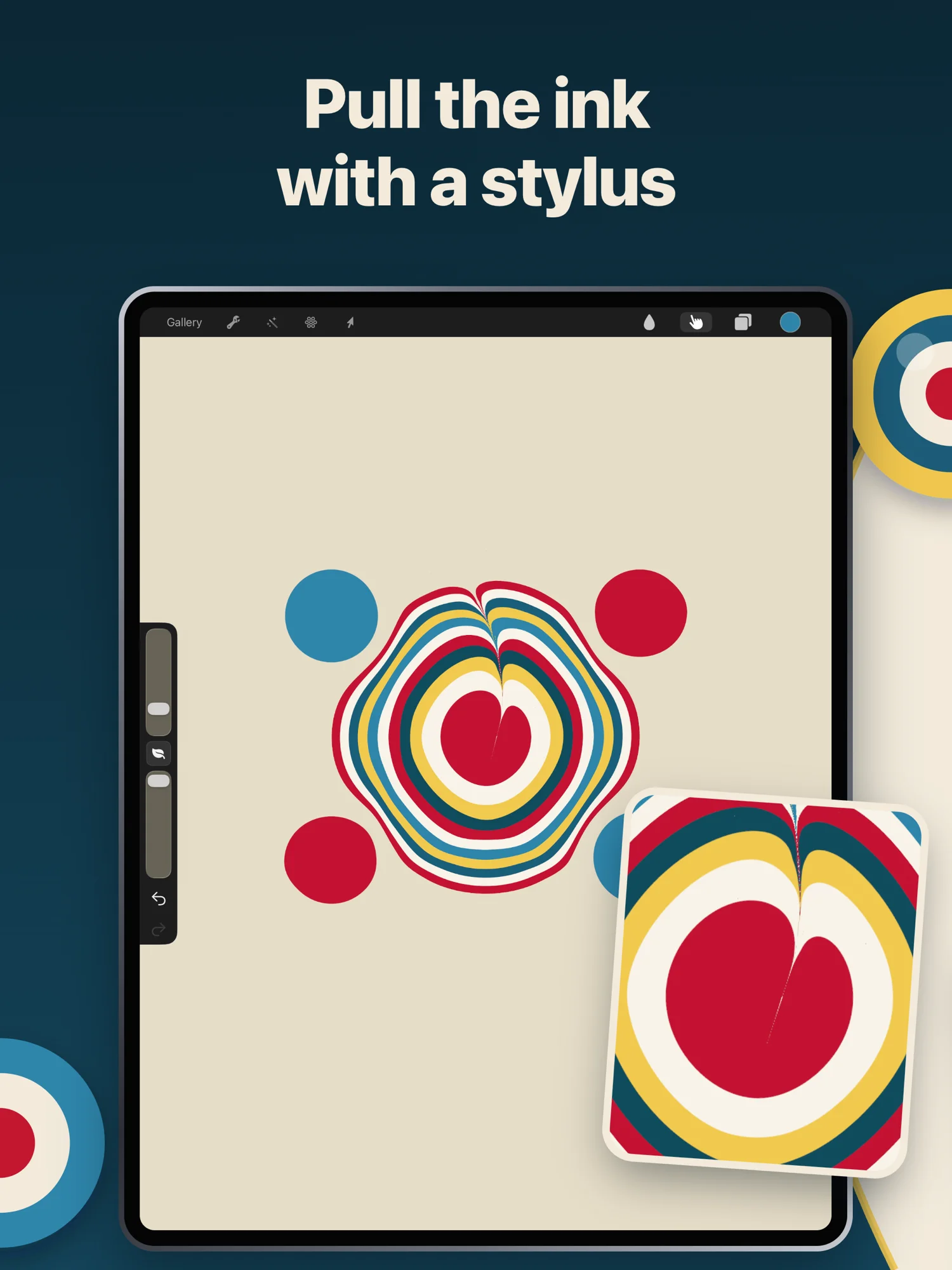
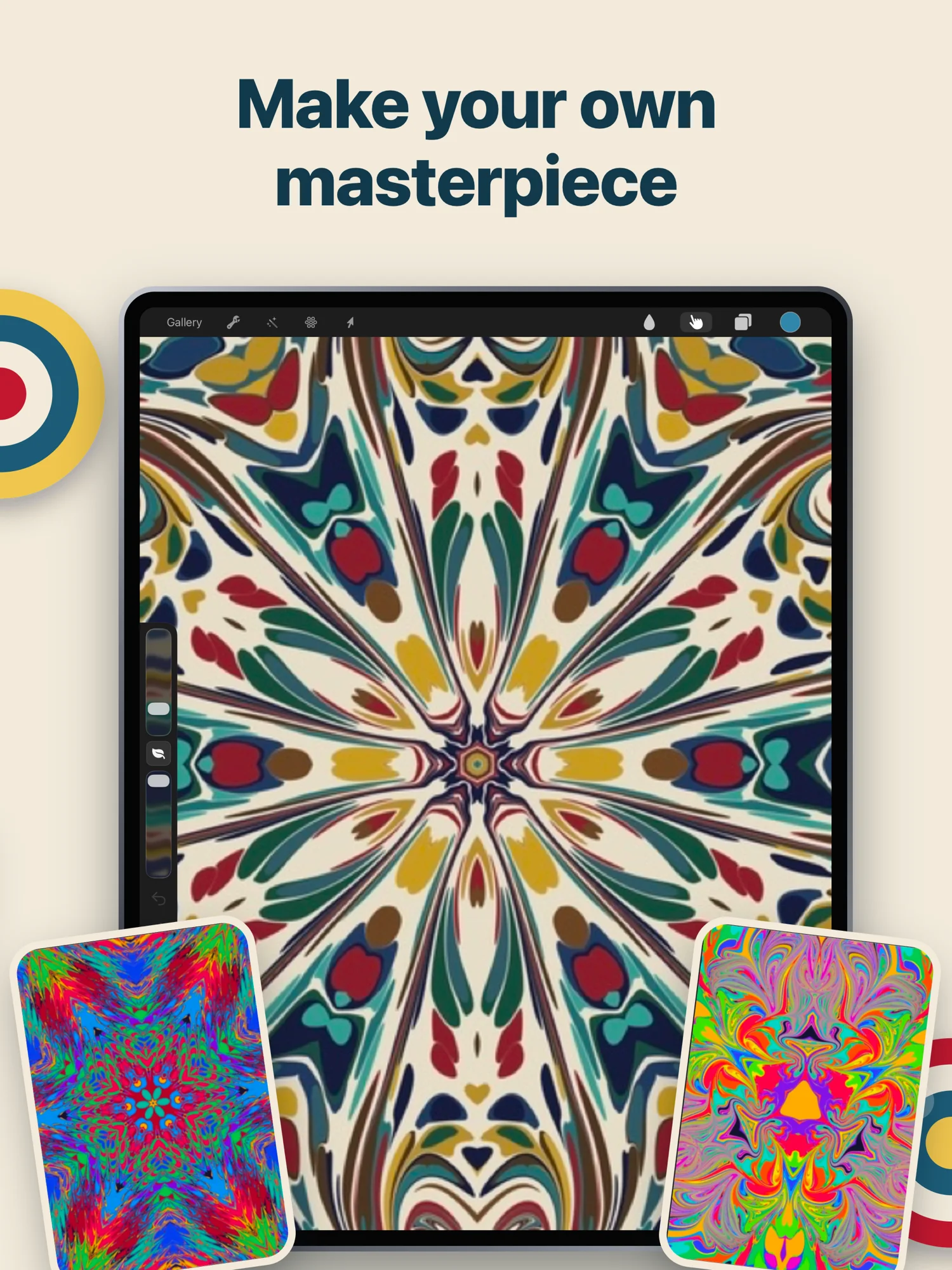
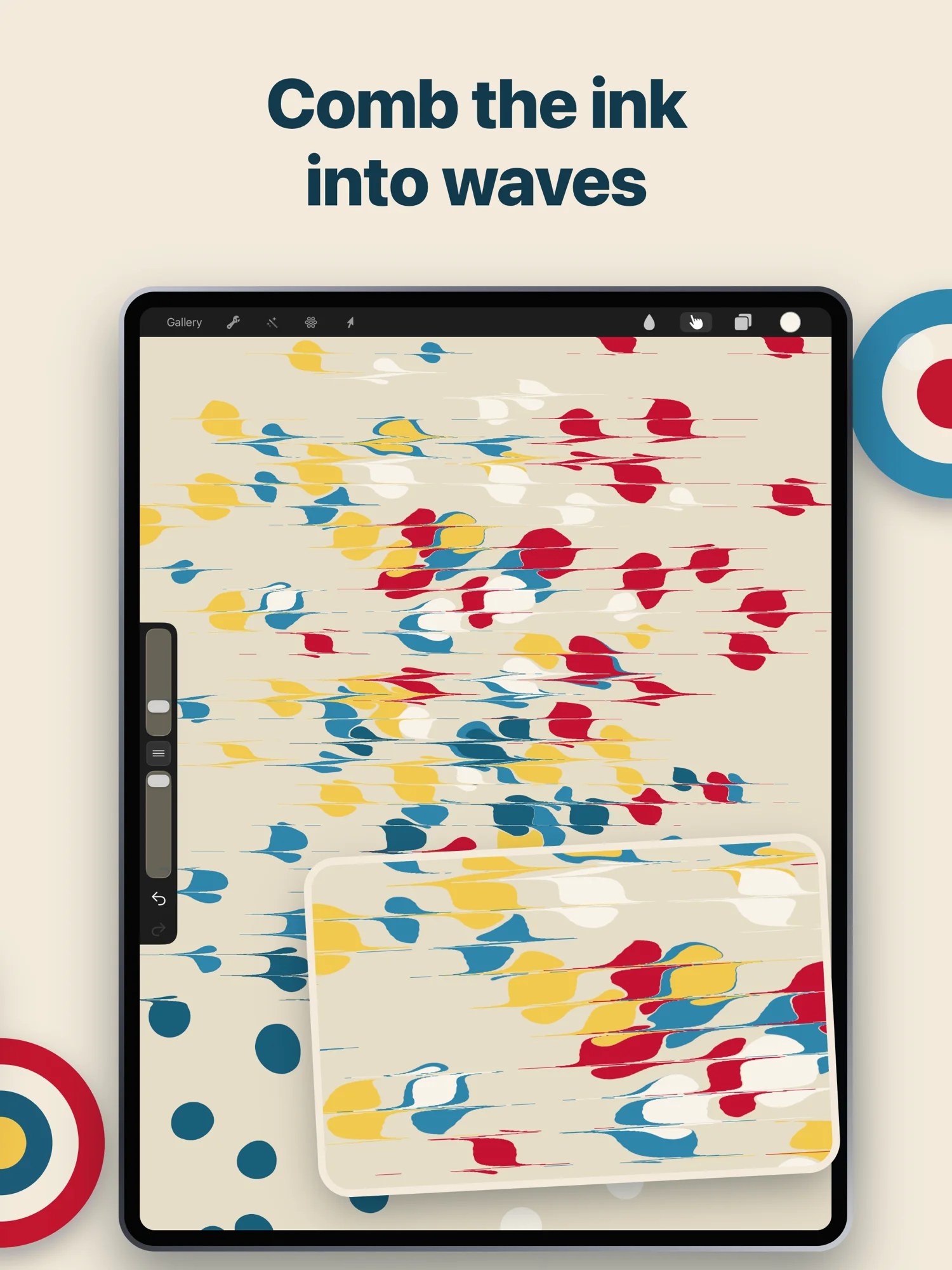
They run in your browser, with no sign-up.
Battal, gel-git, combed and wave sheets as a PNG up to 4K or an SVG.
Pulls 3 to 12 main colors out of any picture, with HEX and RGB codes.
Geometric star patterns from a polygon tiling, as SVG, PNG or PDF.
Cuts a wide image into 2 to 10 seamless carousel slides.
Yes. Every sheet is drawn on your device, nothing is uploaded, and the images are yours to use, including in commercial work.
Battal is drops only: the colors land on each other and press into stones. Gel-git starts from battal and adds a stylus drawn up and down across the sheet in parallel lines.
A4 at 2480 × 3508 pixels prints at 300 dpi, which is enough for endpapers, journal covers and scrapbook sheets. For anything larger, download the SVG and scale it.
It simulates the bath. Each drop pushes the ink already on the water and each comb drags the whole pattern, so the classical figures form the way they do in a tray.
The ink tools, the needles, the combs and Tide are free for everyone. Ebru Pro, a single in-app purchase, adds the remaining combs, sweeps, waves, rings, grains and the classical figures. Anyone who downloaded Ebru before version 3.8 already has it.
No. Ebru works with your finger on iPhone and iPad. Apple Pencil adds pressure, tilt, hover, double-tap and squeeze.
Draw and make