Text to speech
Paste text and hear it with your browser's voices, at the speed you pick.
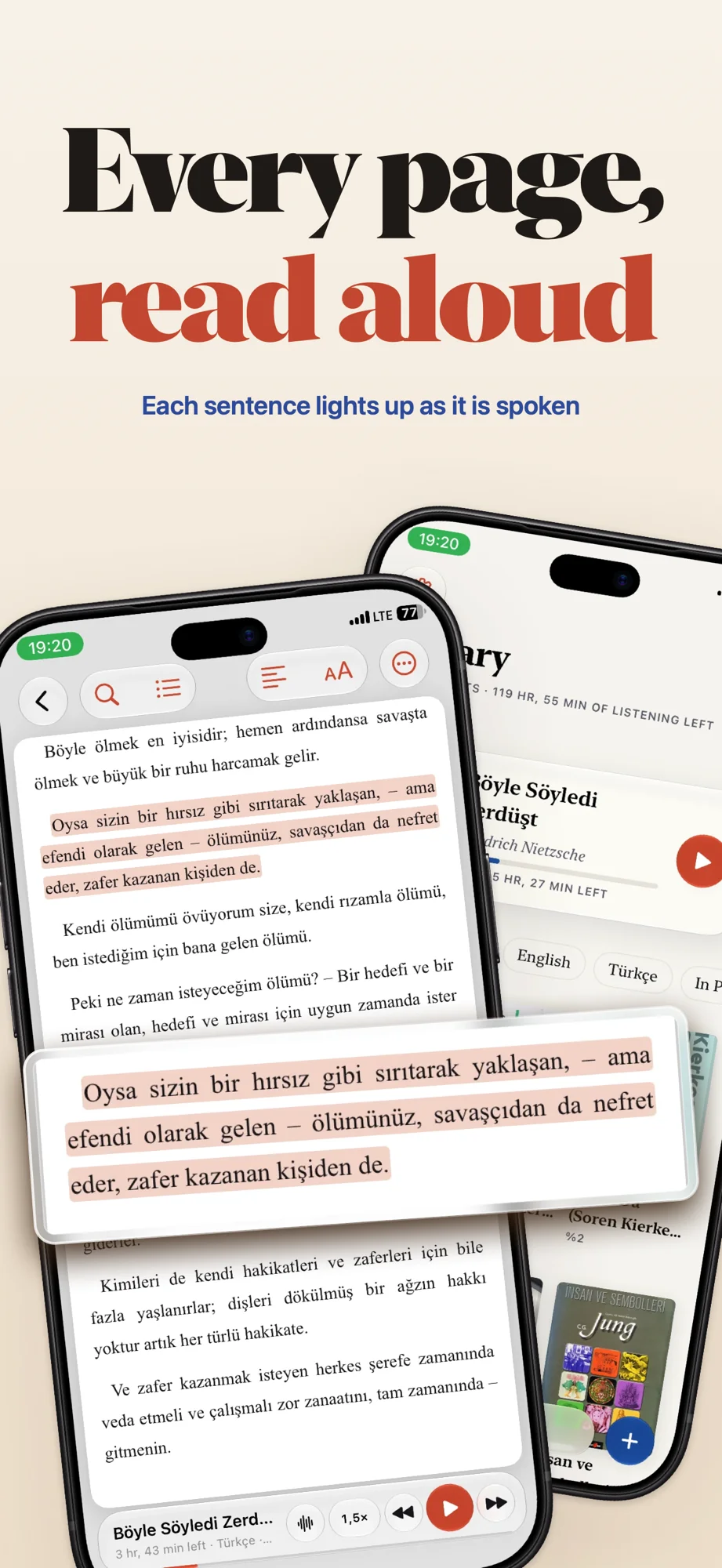
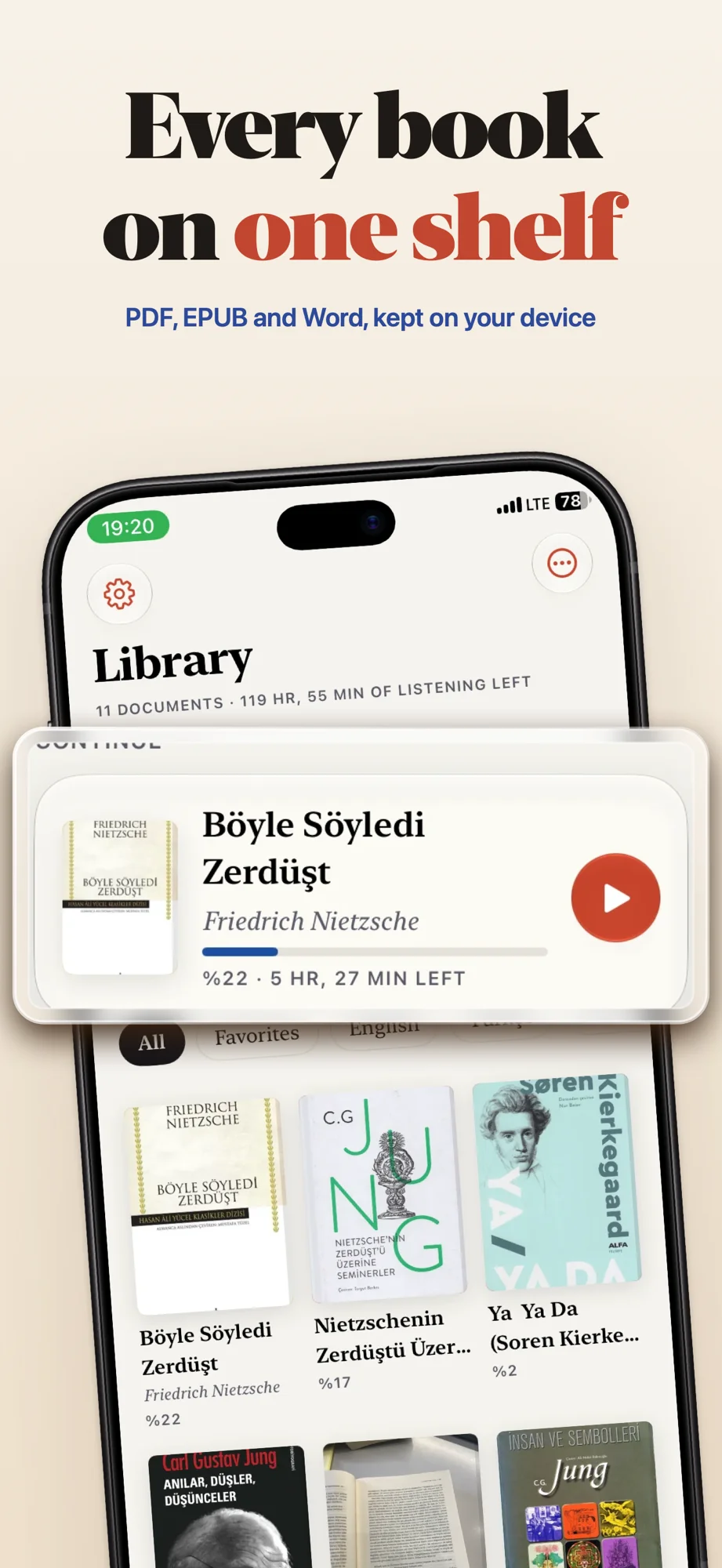
VoxPage: Read Aloud PDF ReaderThe free text to speech tool reads text you paste with the voices already in your browser, and marks each sentence as it goes. VoxPage, for iPhone and iPad, opens the whole document instead: PDF, EPUB, Word and more. It reads with natural voices that run on the device and remembers where you stopped.
| Free tool | VoxPage | |
|---|---|---|
| Runs on | Any browser | iPhone and iPad |
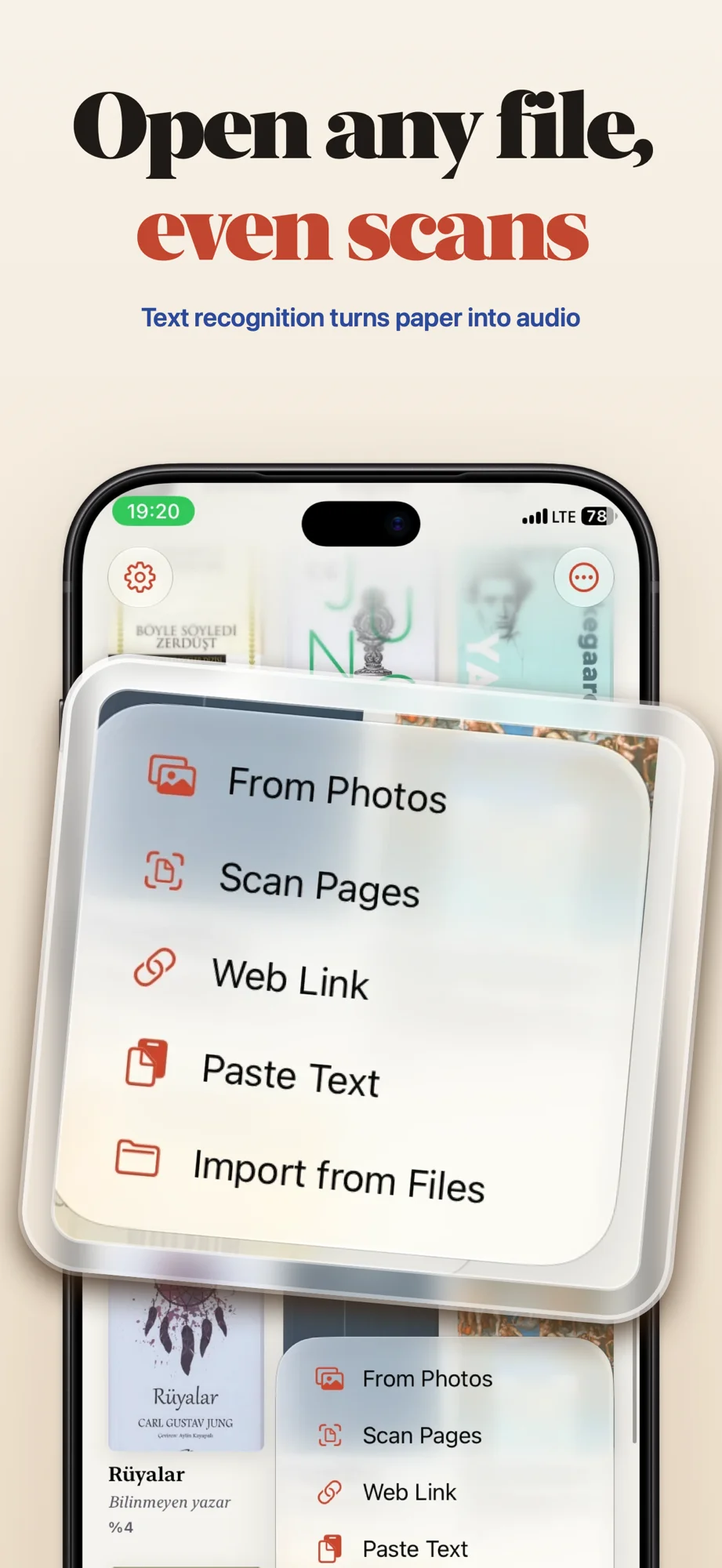
| Input | Text you paste or type | PDF, EPUB, Word, RTF, Markdown, HTML, web links and scans |
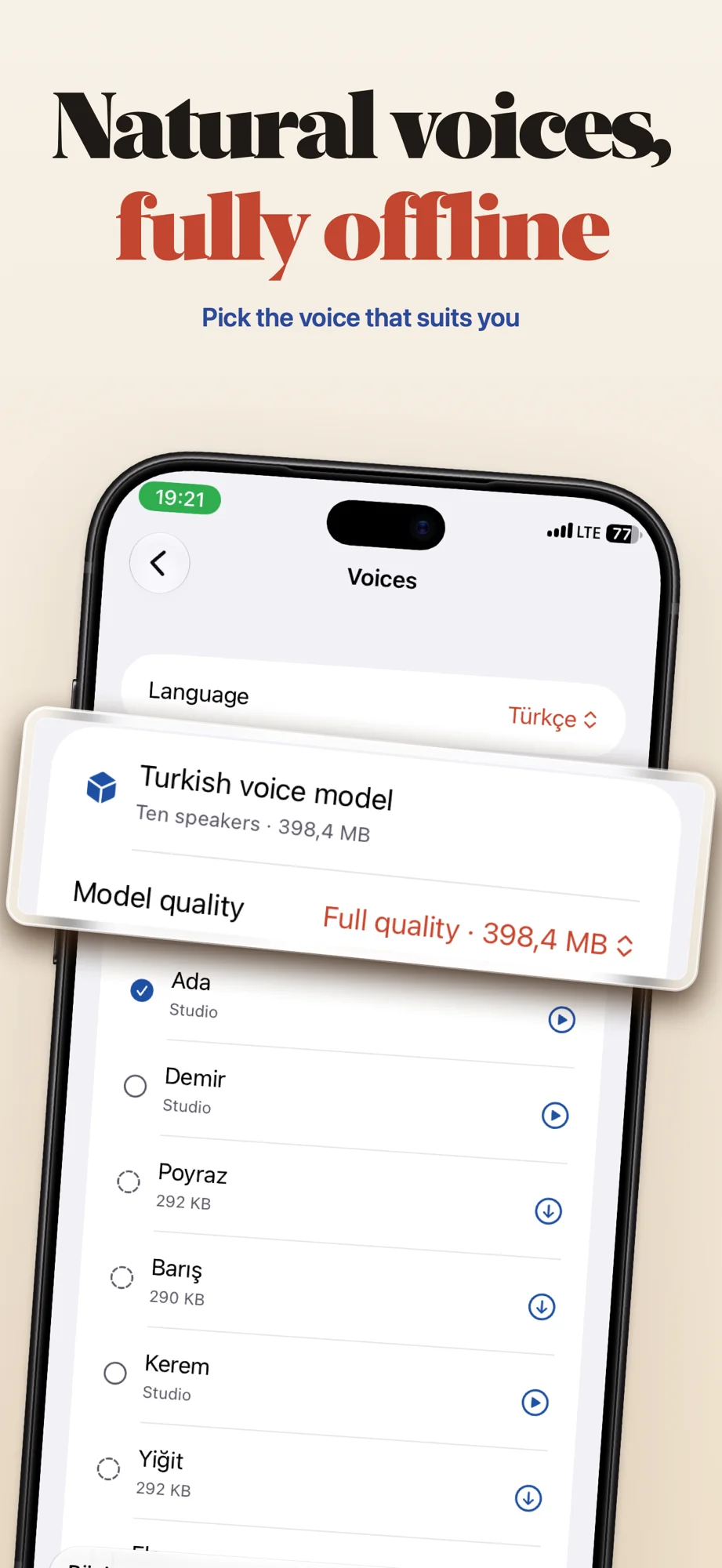
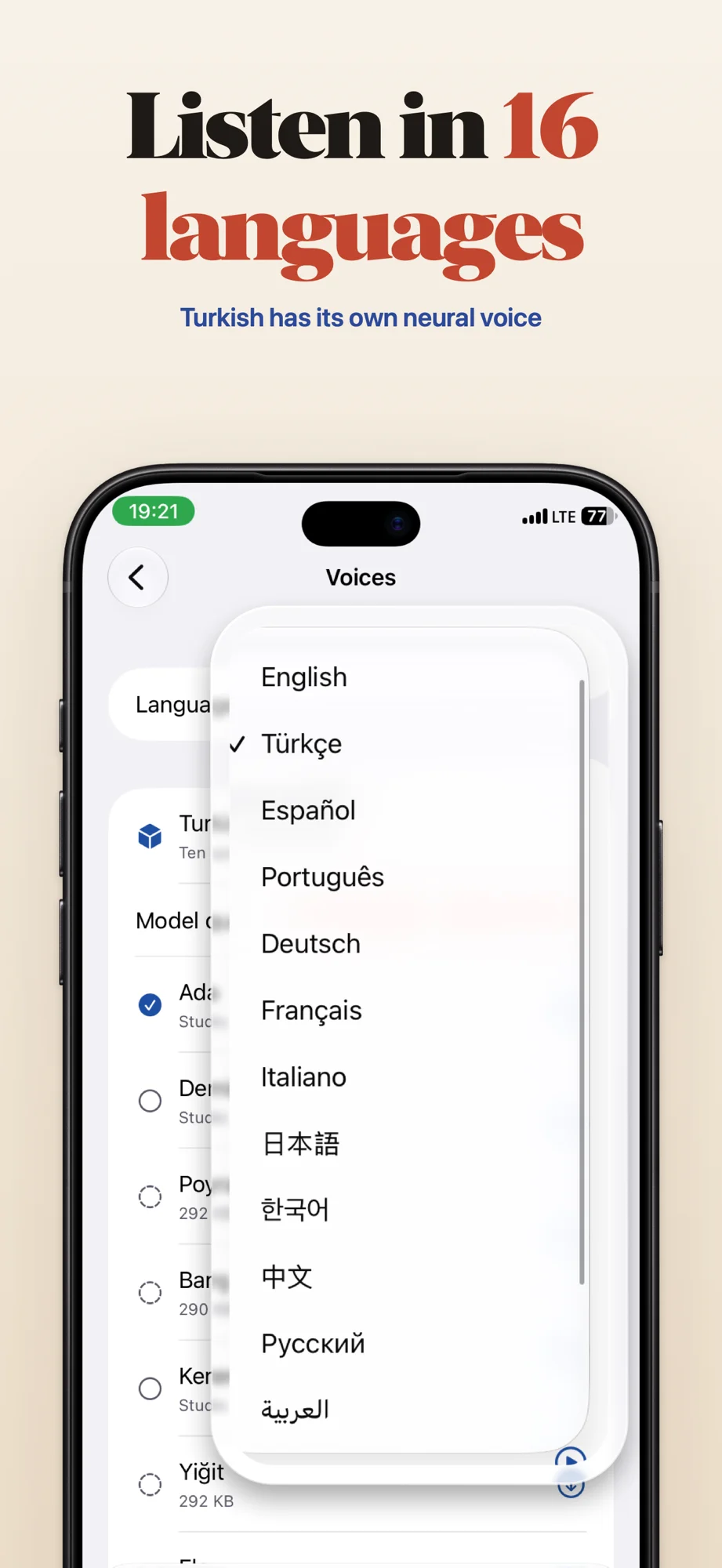
| Voices | Whatever your browser offers | Natural Studio voices on the device for 14 languages |
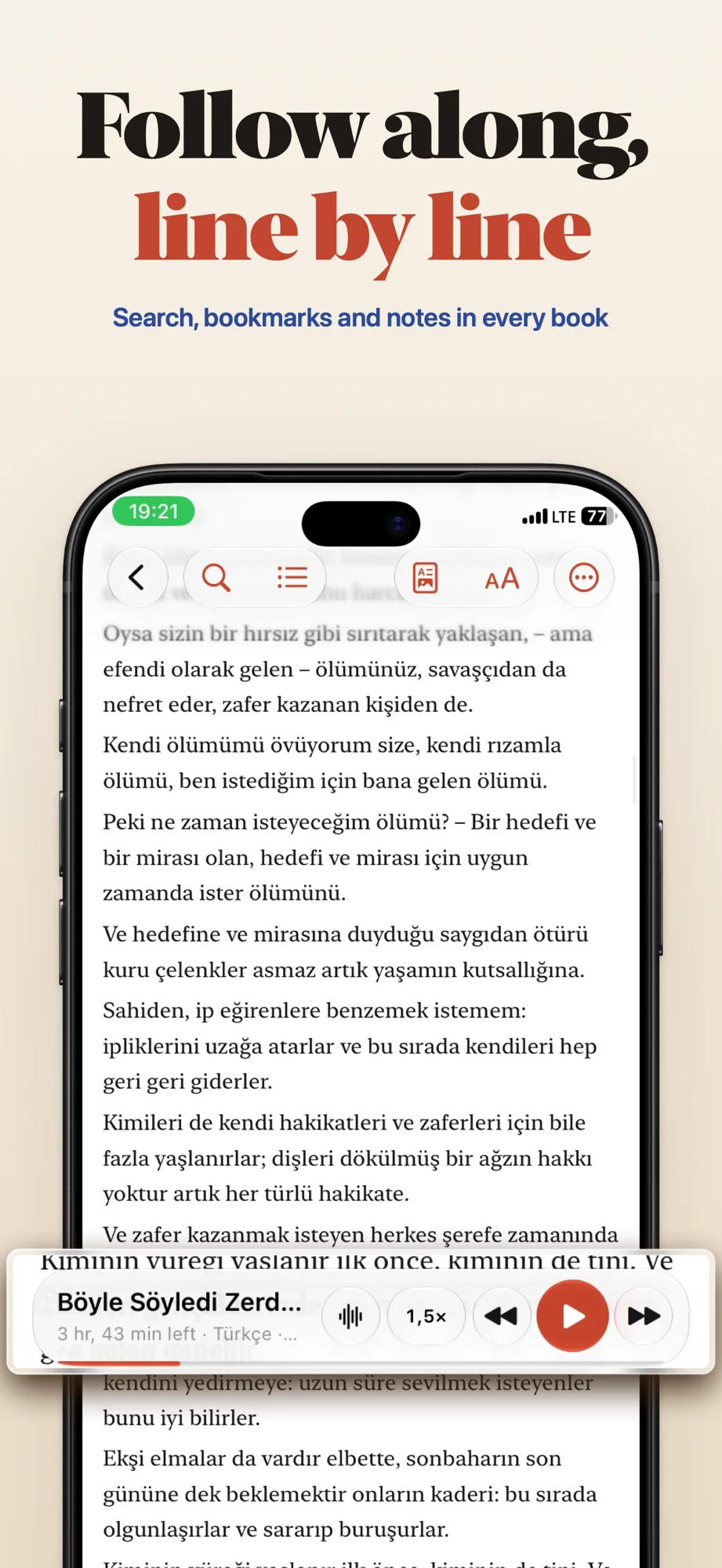
| Listening | On the open page | In the background, with Lock Screen controls and a sleep timer |
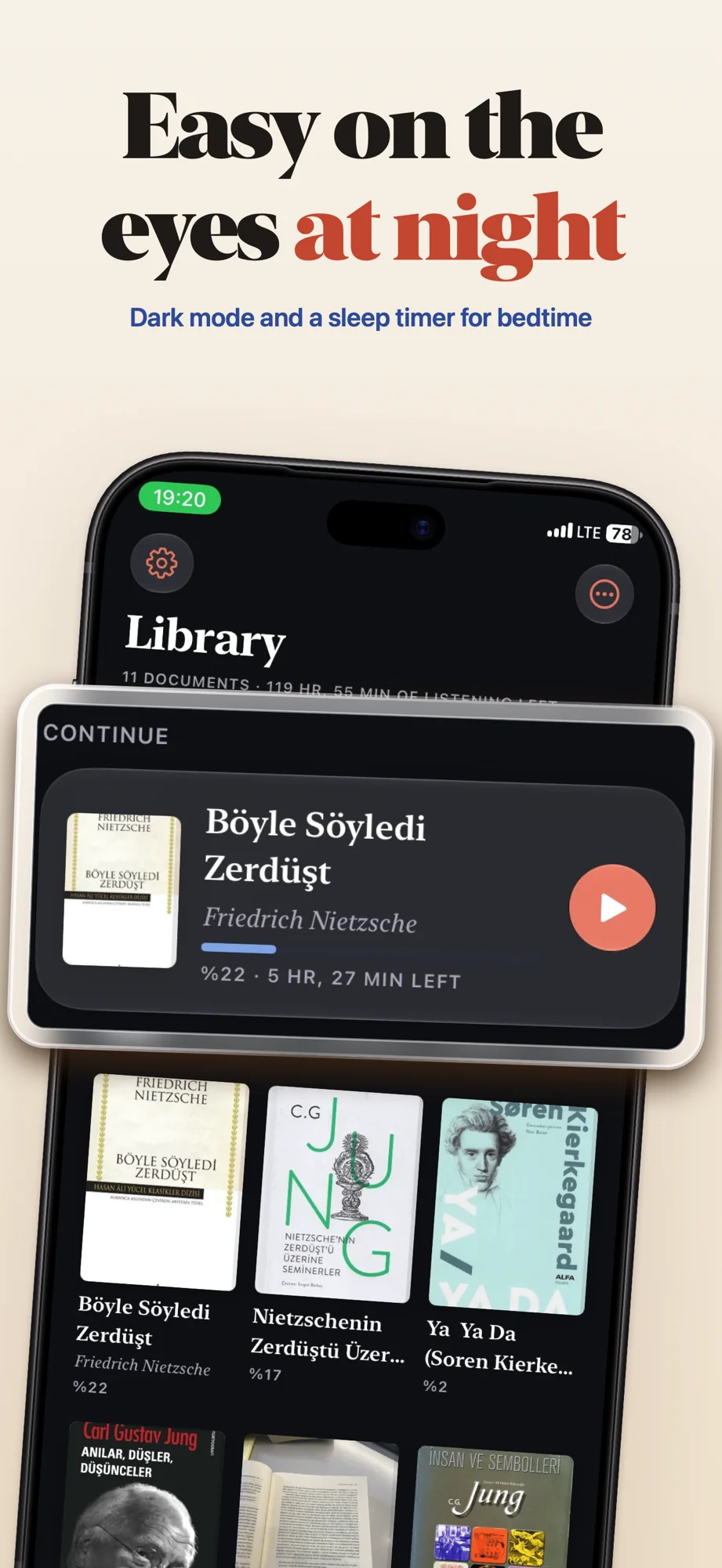
| Your place | Not kept | Saved per document, synced through your private iCloud |
| Price | Free, no sign-up | Free download with import and listening limits; VoxPage Premium removes them |
The free tool is enough for a paragraph, an email or a page of notes you want to hear once.
Get VoxPage when you want to listen to a whole PDF or book, with the screen off, and pick up later where you left off.
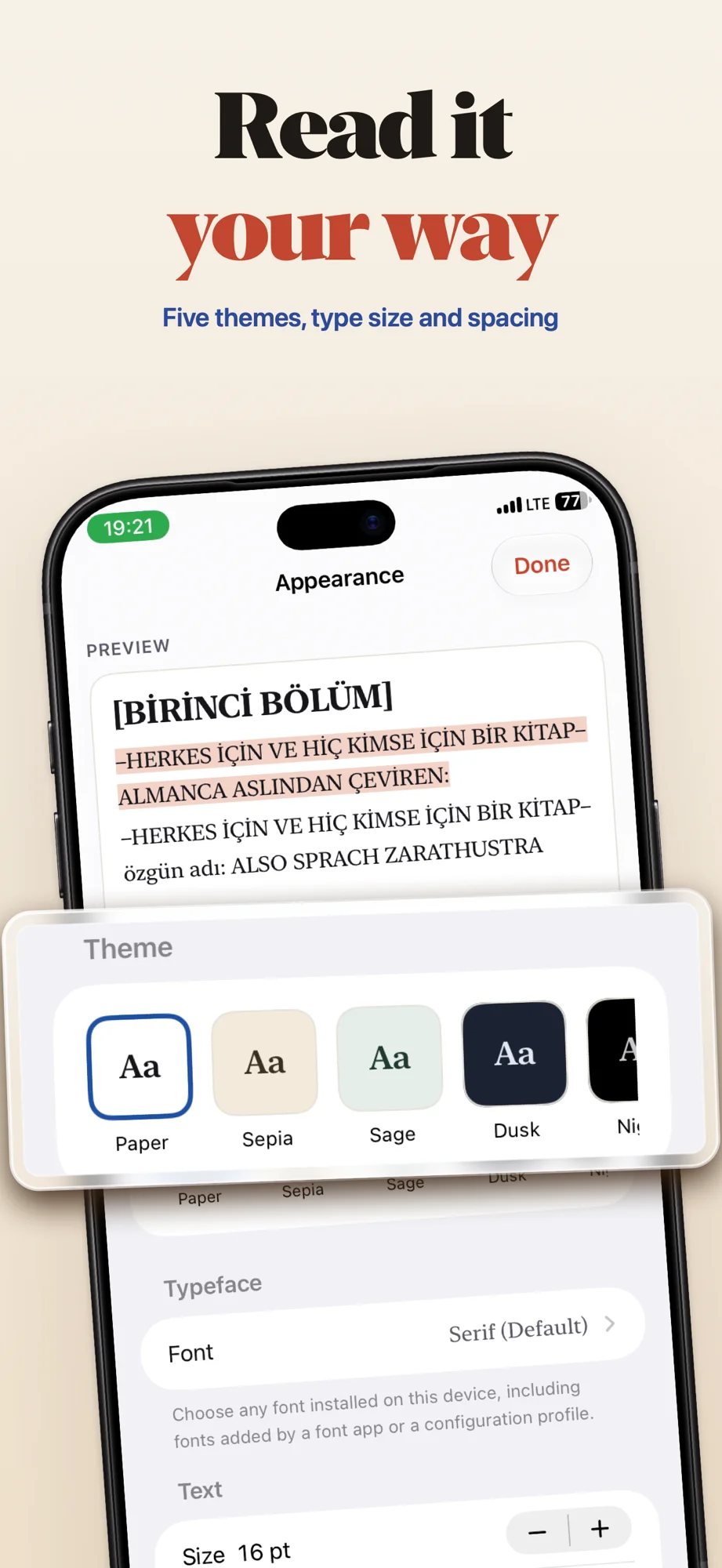
Screens from the current version on the App Store.
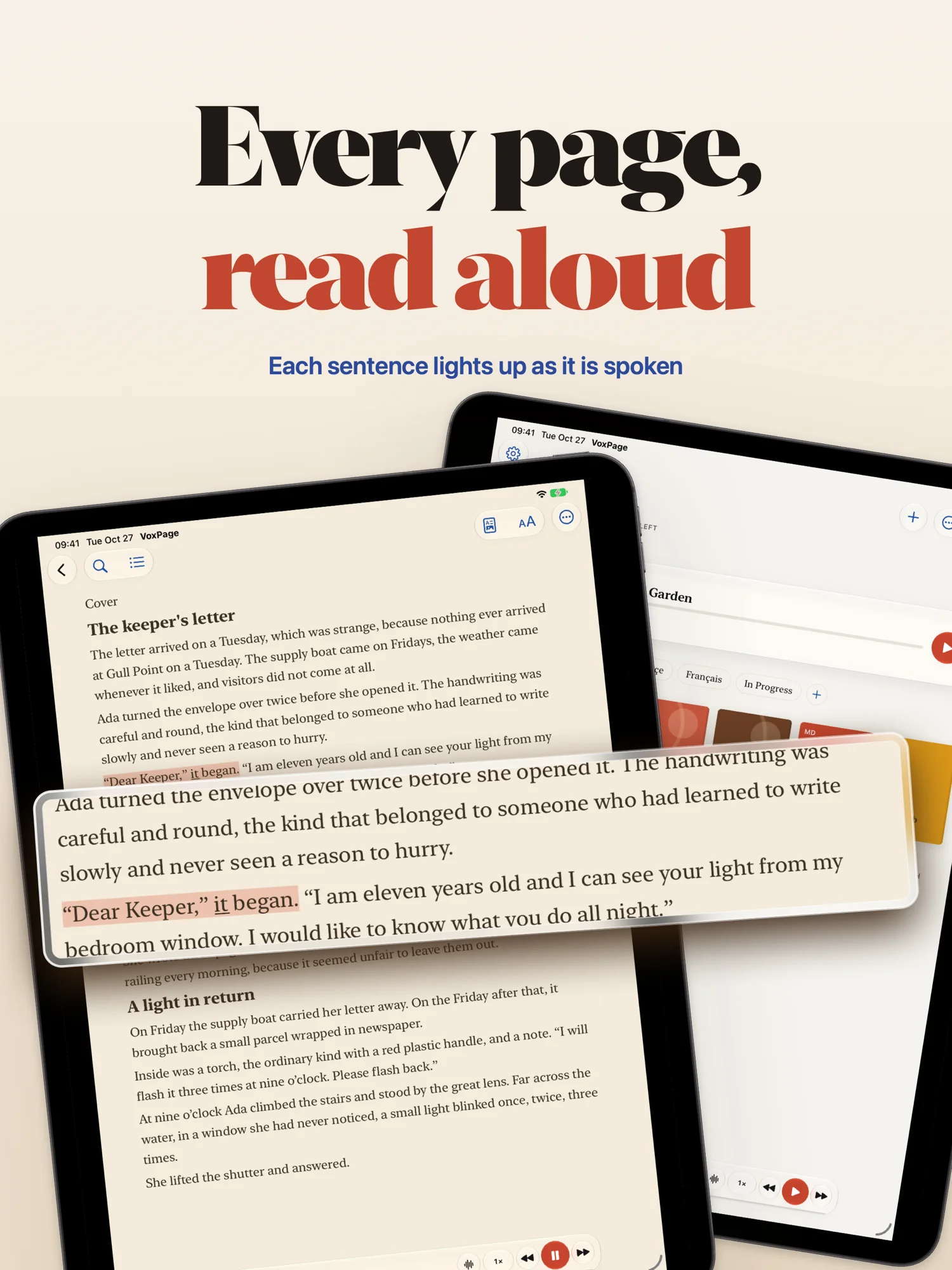
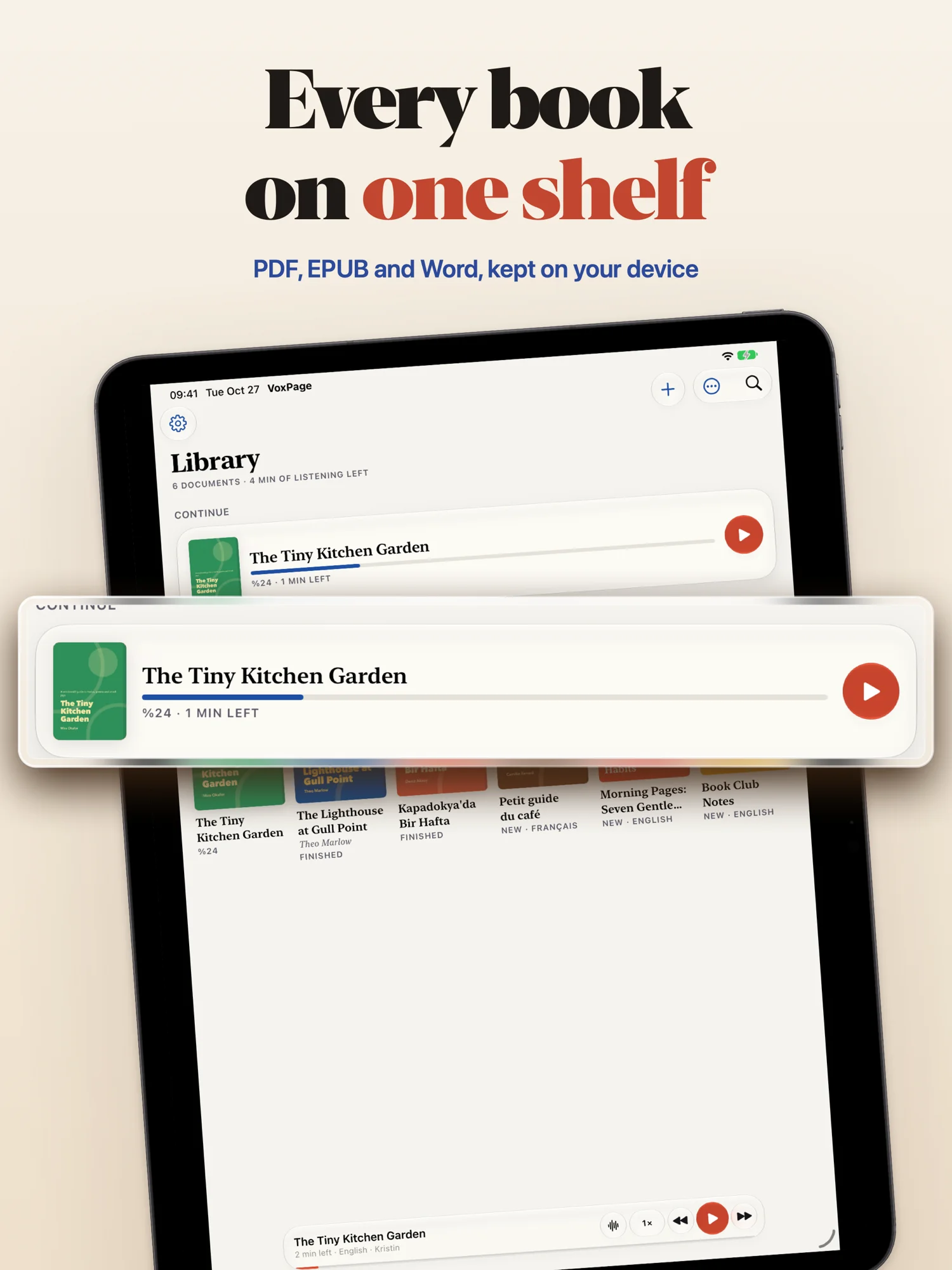
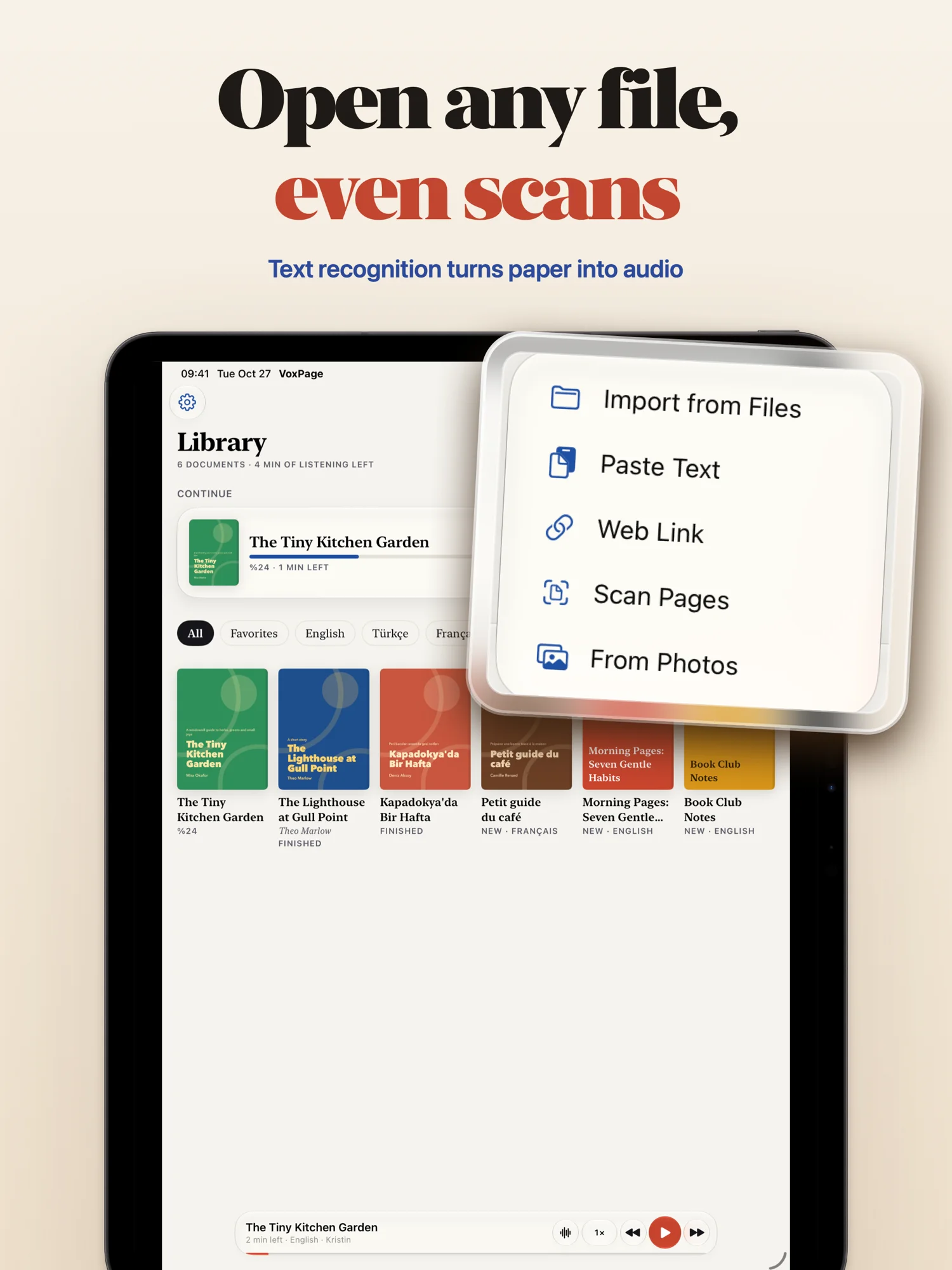
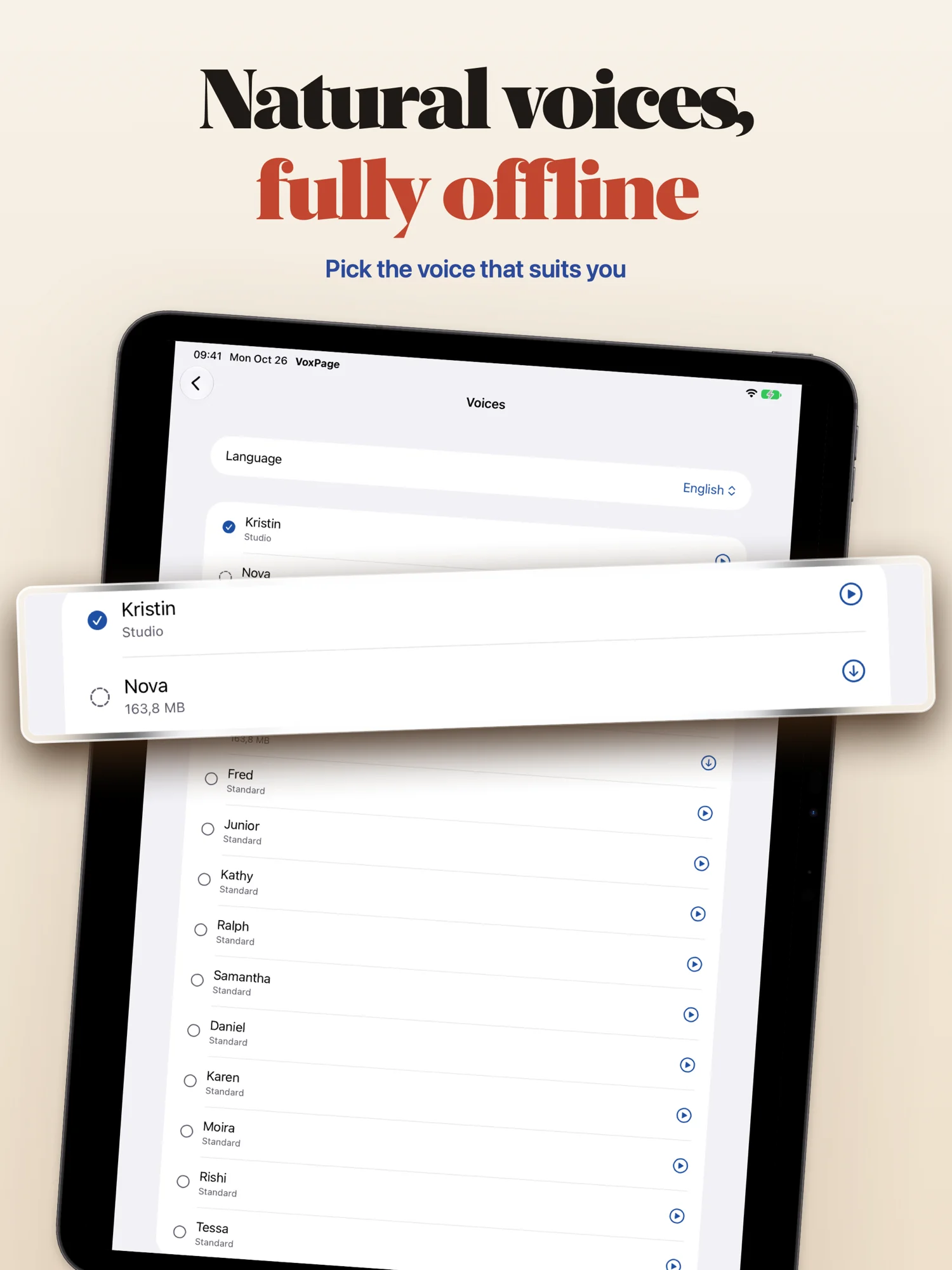
They run in your browser, with no sign-up.
Paste text and hear it with your browser's voices, at the speed you pick.
Gets the text out of a PDF page by page, as a copy or a .txt file.
How long a text takes to read at your words per minute.
Words, characters, sentences and reading time as you type.
Voices without the online mark run on your device. Voices marked online are generated on the browser maker's servers, so the text you play is sent to them.
Pull the text out with the PDF to text tool, then paste it into text to speech. That works for a few pages; for a long document an app that opens the PDF directly saves the copying.
The tool uses the voices your browser and system provide, and some are older or simpler than others. Try another voice in the list or a different browser.
Yes. Scanned PDFs, camera scans and photos of pages go through text recognition on the iPhone or iPad first, then are read like any other document.
No. Your library is stored on your device and syncs through your private iCloud to your other iPhone and iPad.
Record, present and edit