Online alarm clock
An alarm for a time or in so many minutes, with snooze, in your browser.
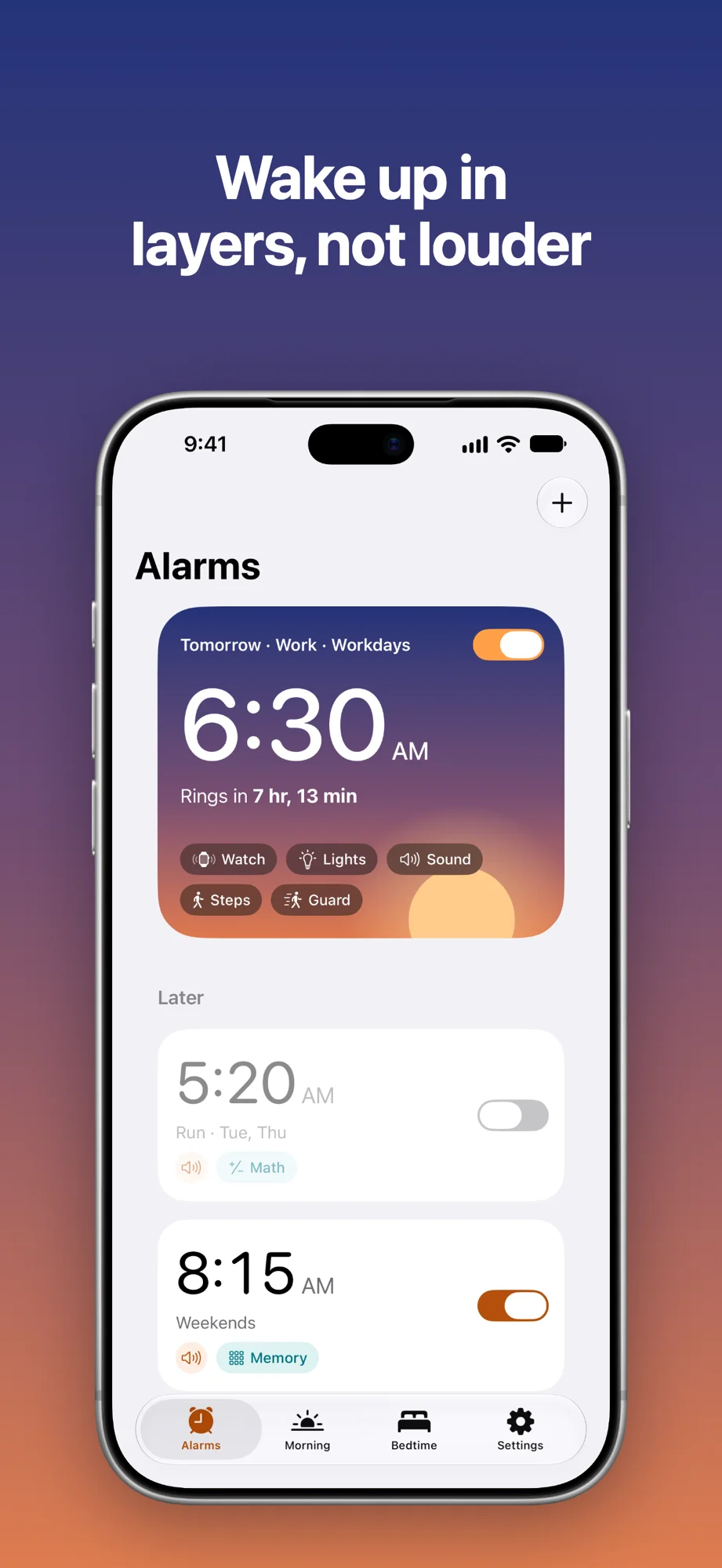
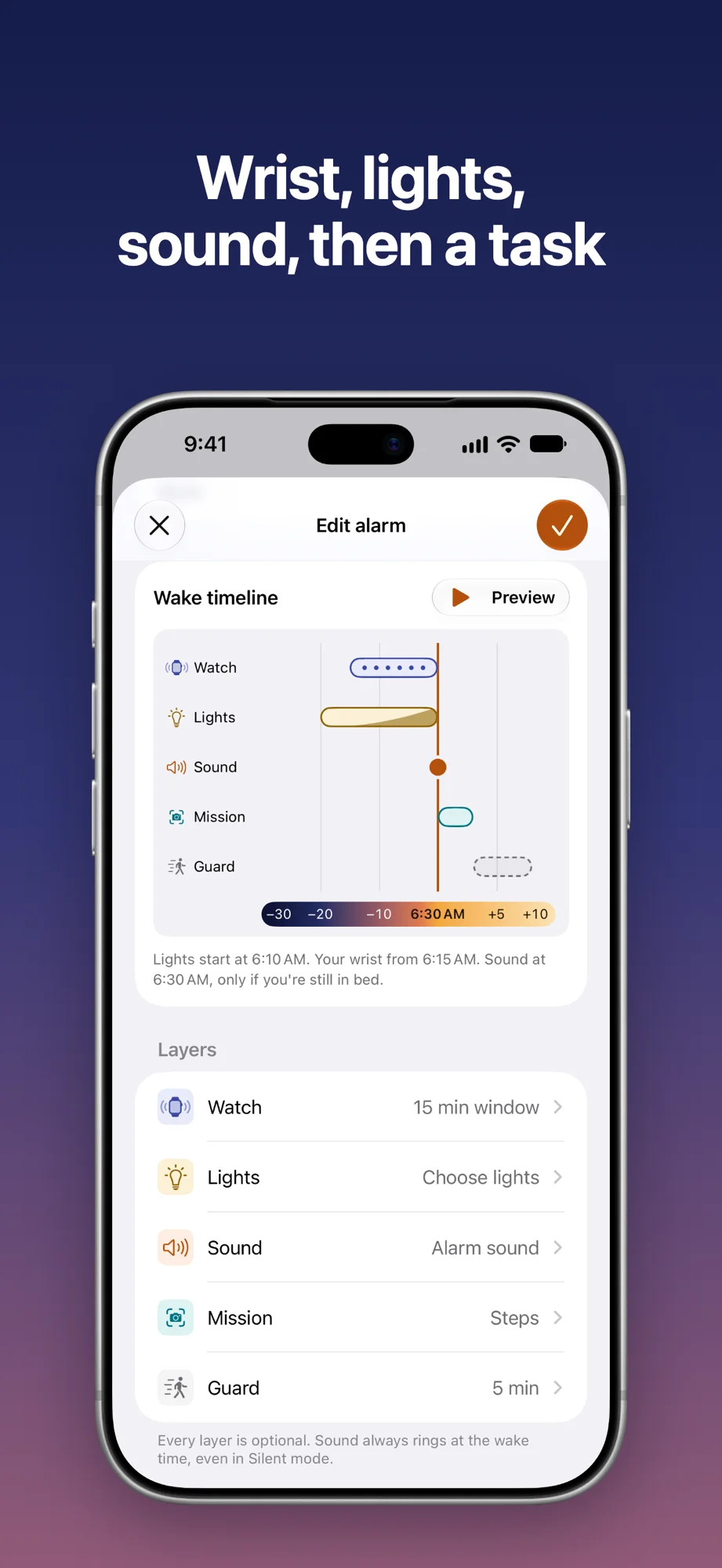
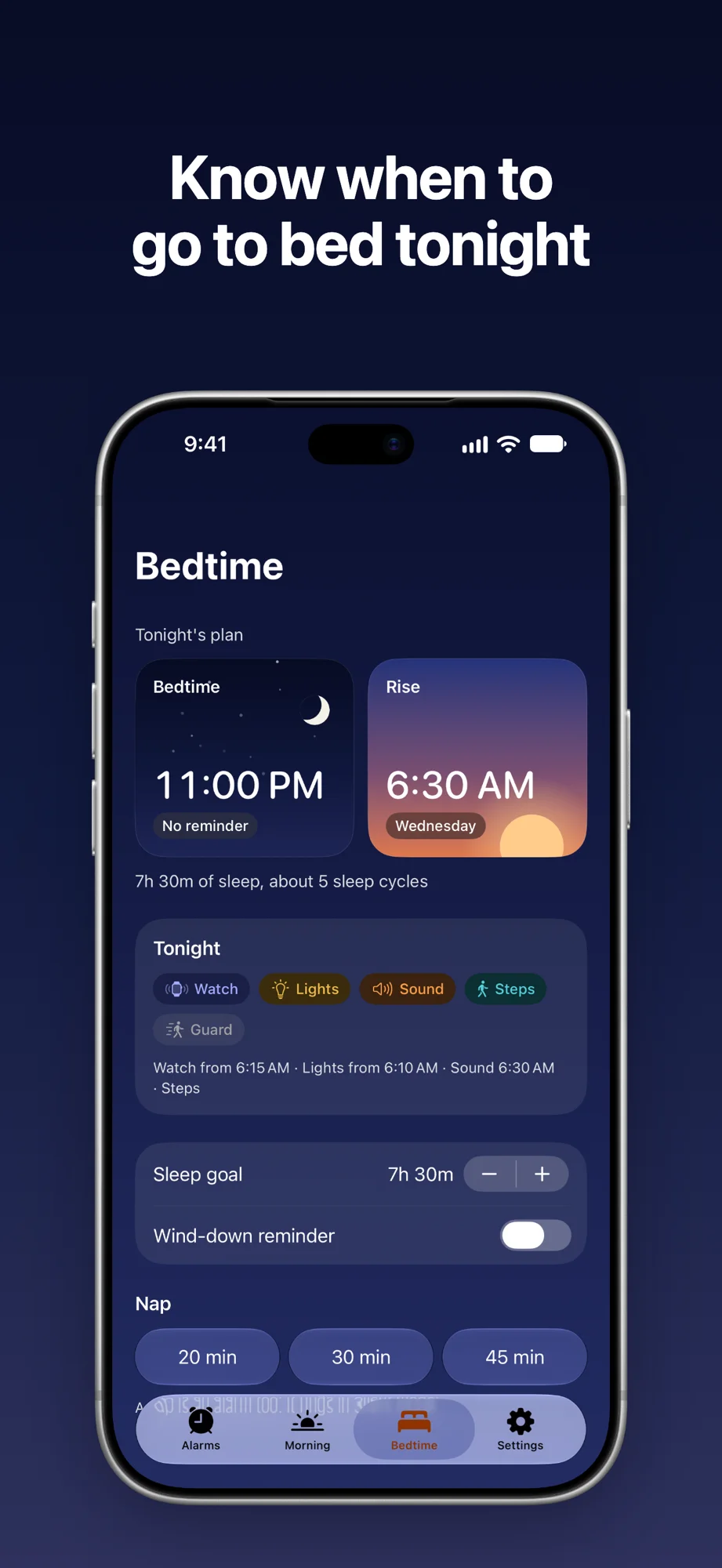
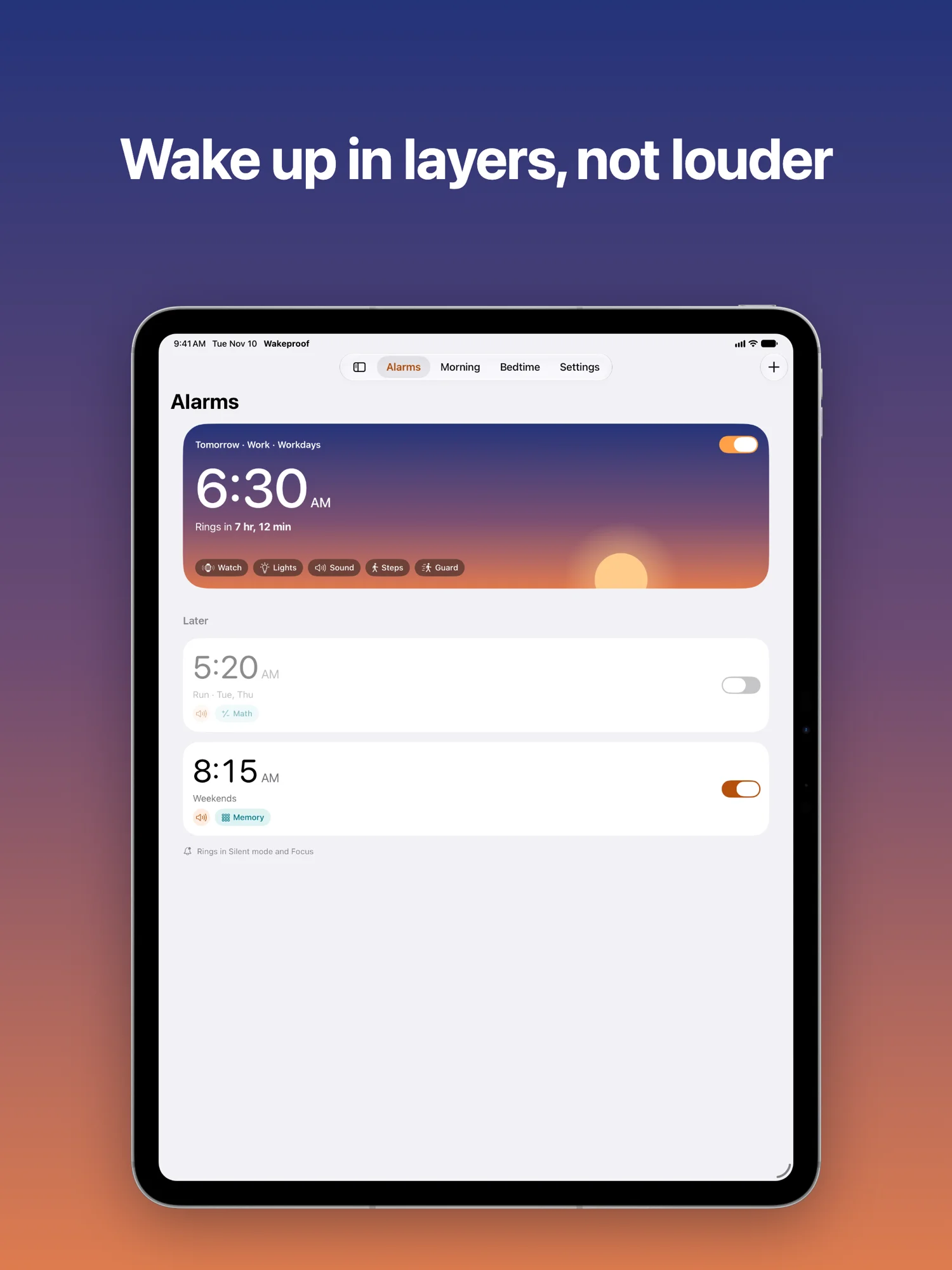
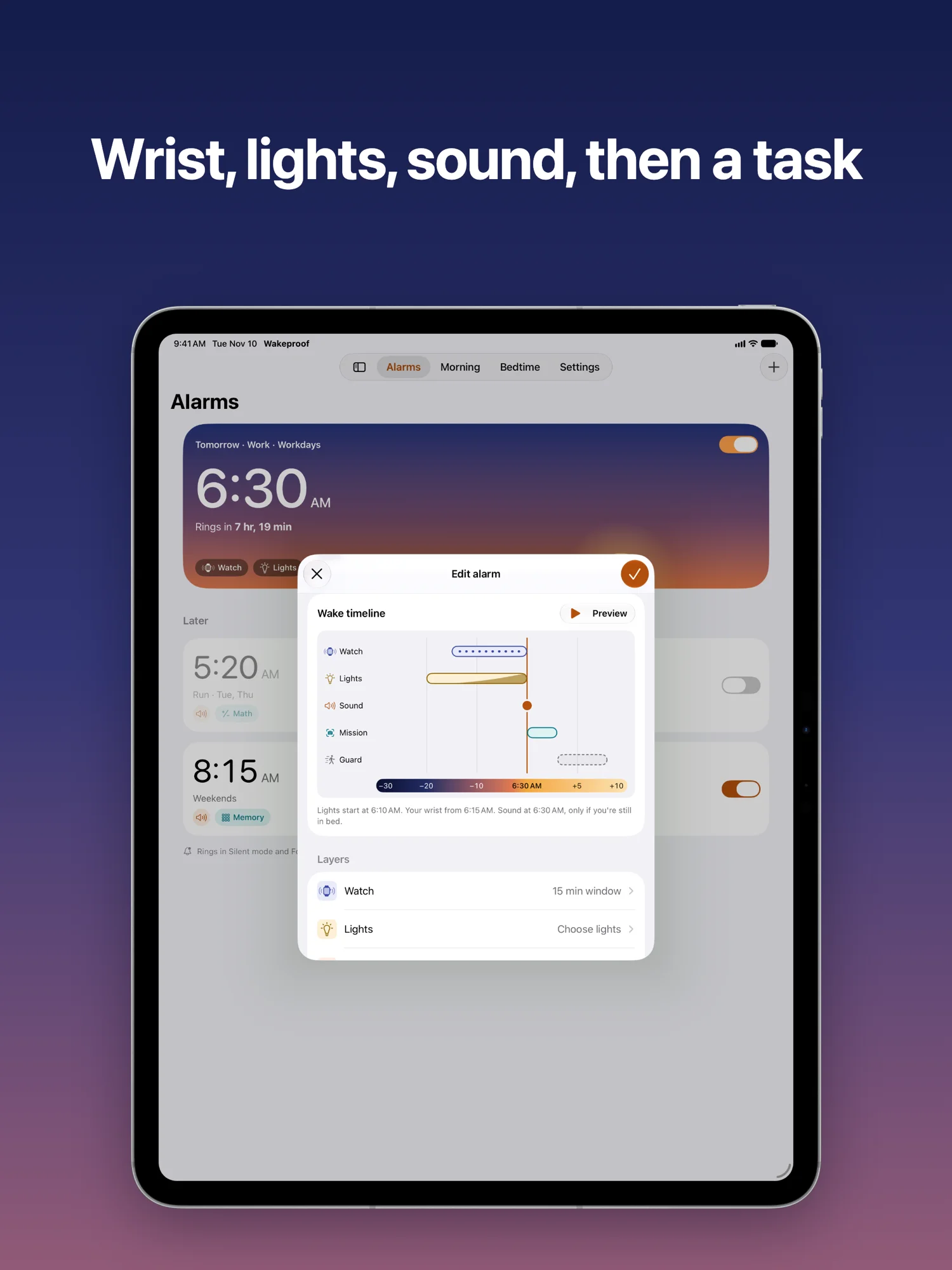
Stirwise: Wrist & Light AlarmThe free online alarm clock rings at a set time or after a few minutes, with a choice of sounds and a 5-minute snooze, while the tab stays open. Stirwise, for iPhone, builds each alarm as a timeline. Apple Watch taps come first, Home app lights brighten next, and the sound comes last.
| Free tool | Stirwise | |
|---|---|---|
| Runs on | Any browser, with the tab open and the device awake | iPhone, with Apple Watch and Home app lights as options |
| Wake-up | One sound at the alarm time | Wrist taps, then lights, then sound |
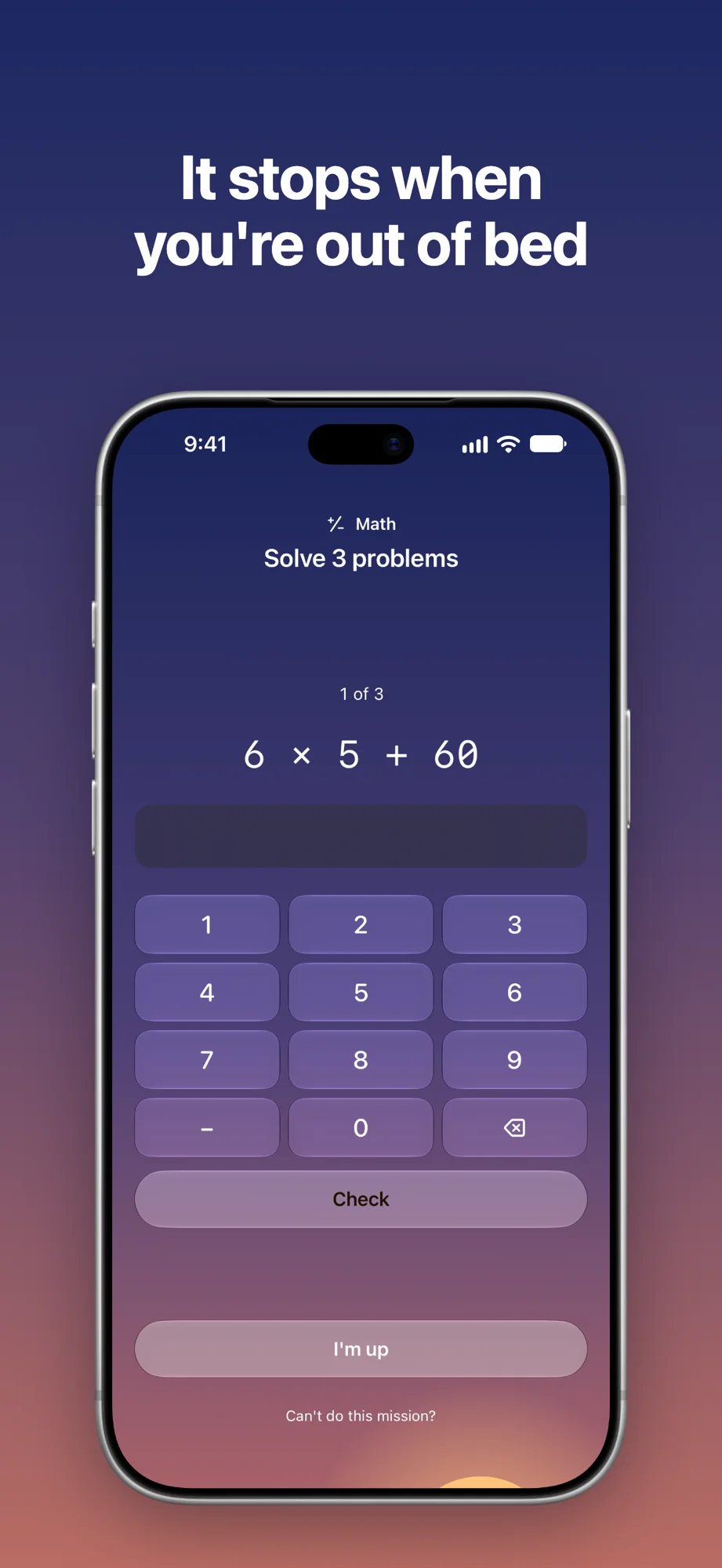
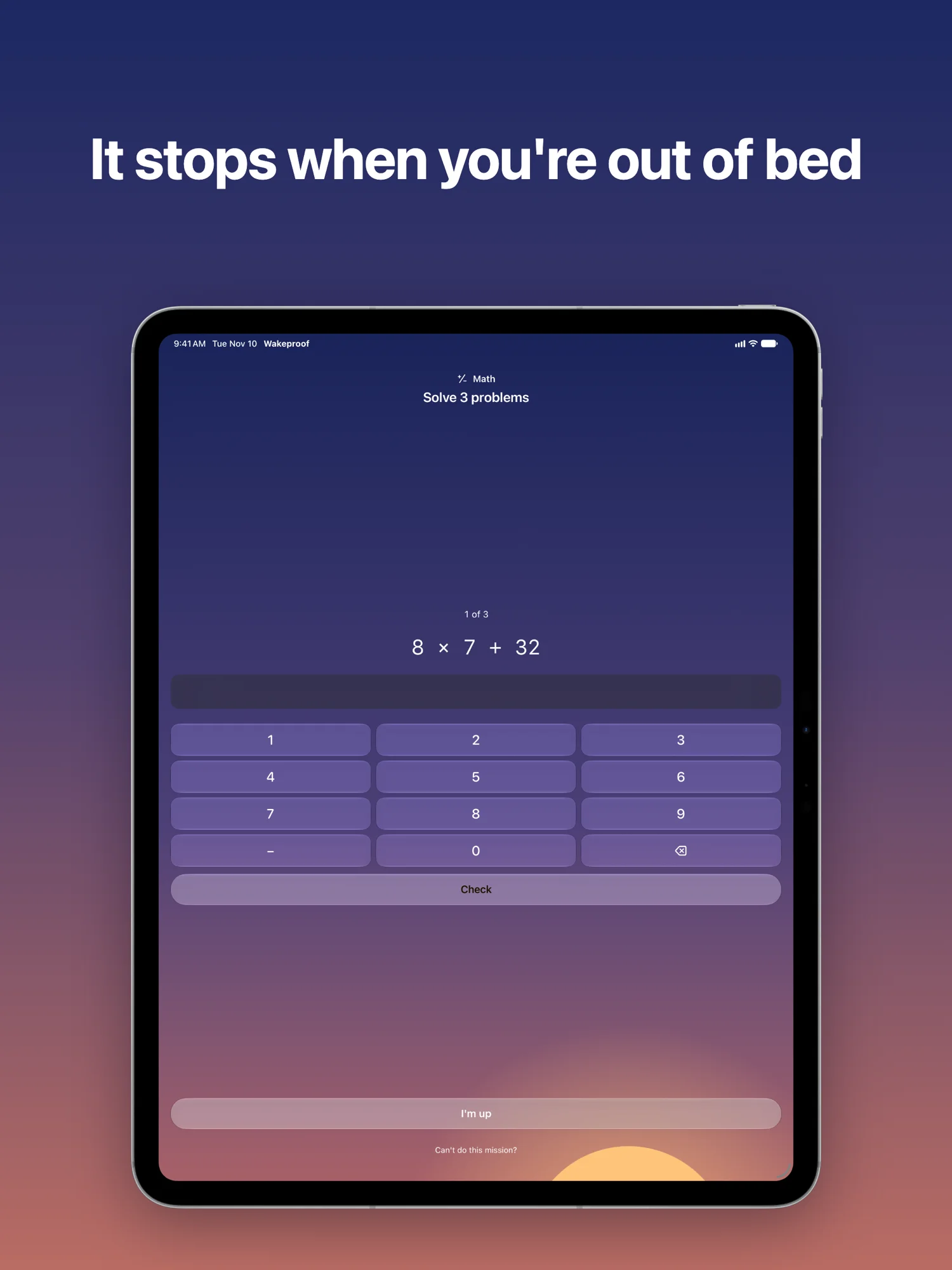
| Turning it off | Stop or snooze | A mission such as math, a photo spot, a barcode or steps |
| Snooze | Five minutes, any number of times | Up to three snoozes on your own rules |
| Price | Free, no sign-up | Free download; Stirwise Pro adds the Watch, Lights and Guard layers and more |
The free alarm clock is enough for a nap at your desk, a reminder in an hour or a wake-up when the laptop stays plugged in and open.
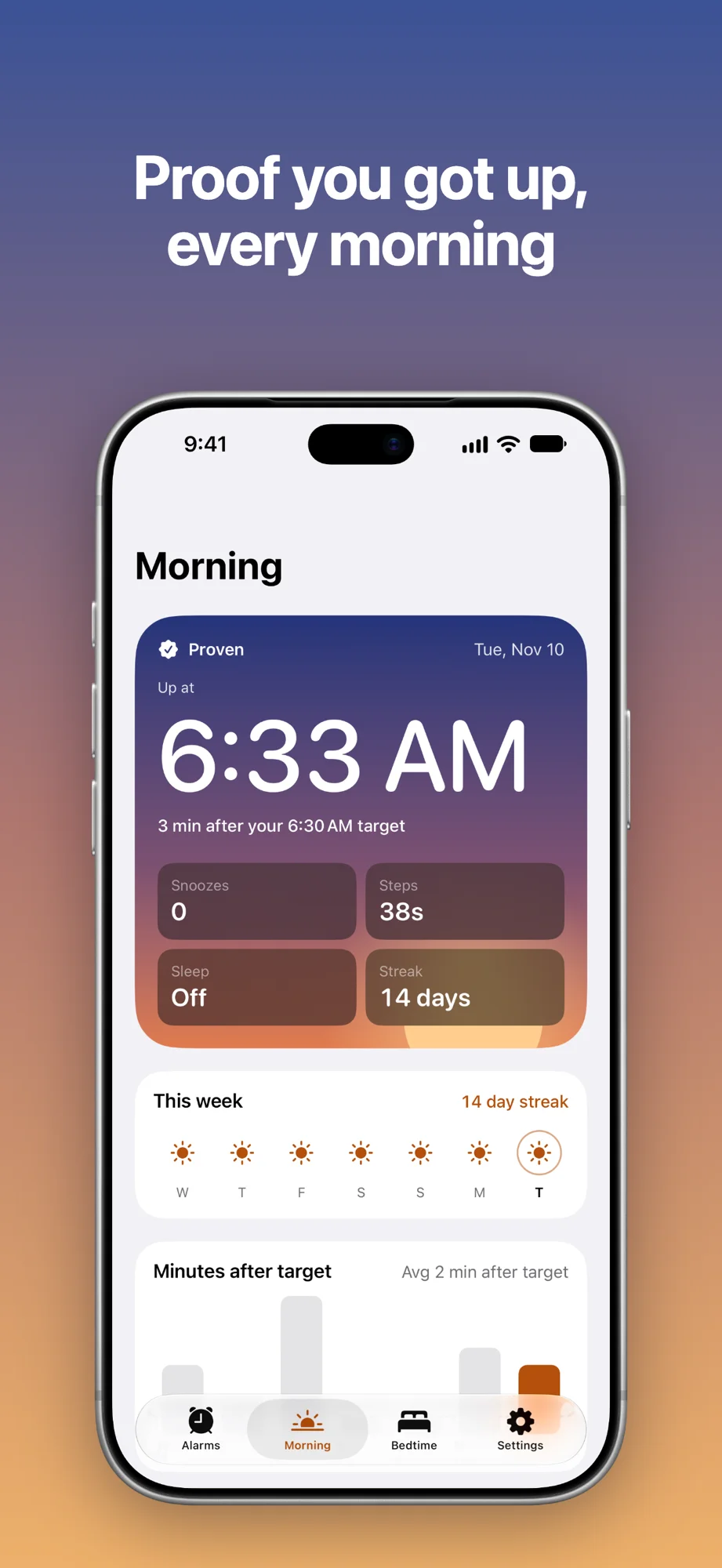
Get Stirwise when you share a bed, sleep through plain alarms or want to know you really got up.
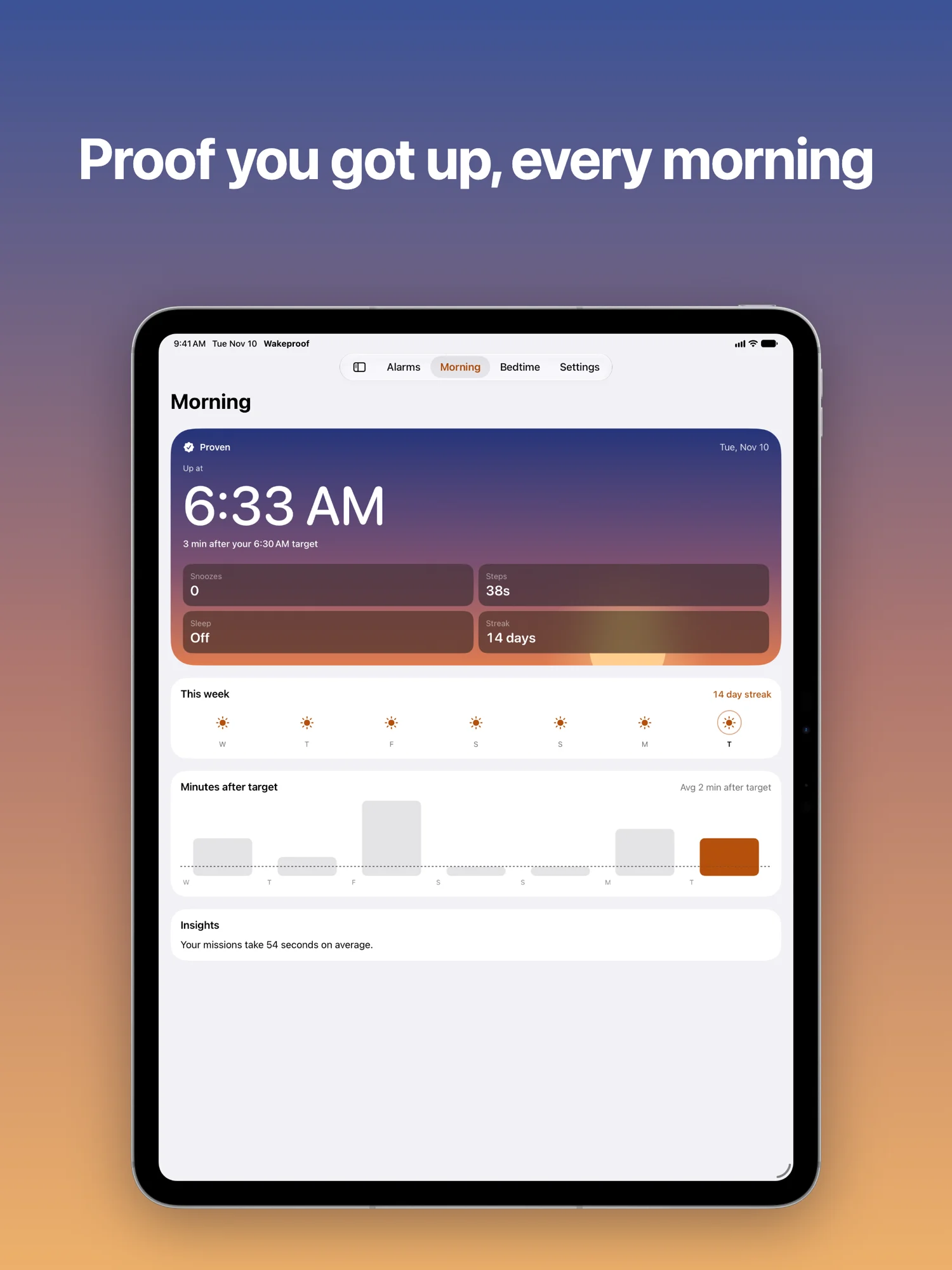
Screens from the current version on the App Store.
They run in your browser, with no sign-up.
An alarm for a time or in so many minutes, with snooze, in your browser.
When to go to bed or wake up to finish a full sleep cycle.
Sunrise, sunset and day length for any city and date.
Hours slept each night, the weekly average and your sleep debt.
No. A web page cannot ring once it is closed or the computer sleeps. Keep the tab open, plug the laptop in and keep it awake.
Browsers block sound from pages you have not touched. Setting an alarm or pressing Test sound counts, and after a reload one tap on the page is enough.
Use the free sleep calculator. It works out a wake-up time that ends a full sleep cycle from when you go to bed, with the cycle length shown.
No. The sound and the missions work on iPhone alone. The Watch layer needs a paired Apple Watch, and the Lights layer needs lights in the Home app.
The Watch, Lights and Guard layers, the five missions beyond Math, snooze rules and Morning insights. It comes as a monthly plan, a yearly plan with a one-week free trial, or a one-time lifetime purchase.
Plan, focus and wake up
Free to download for iPhone and iPad.