 Utilities
iOS and macOS
Lume Clock: Analog Bedside
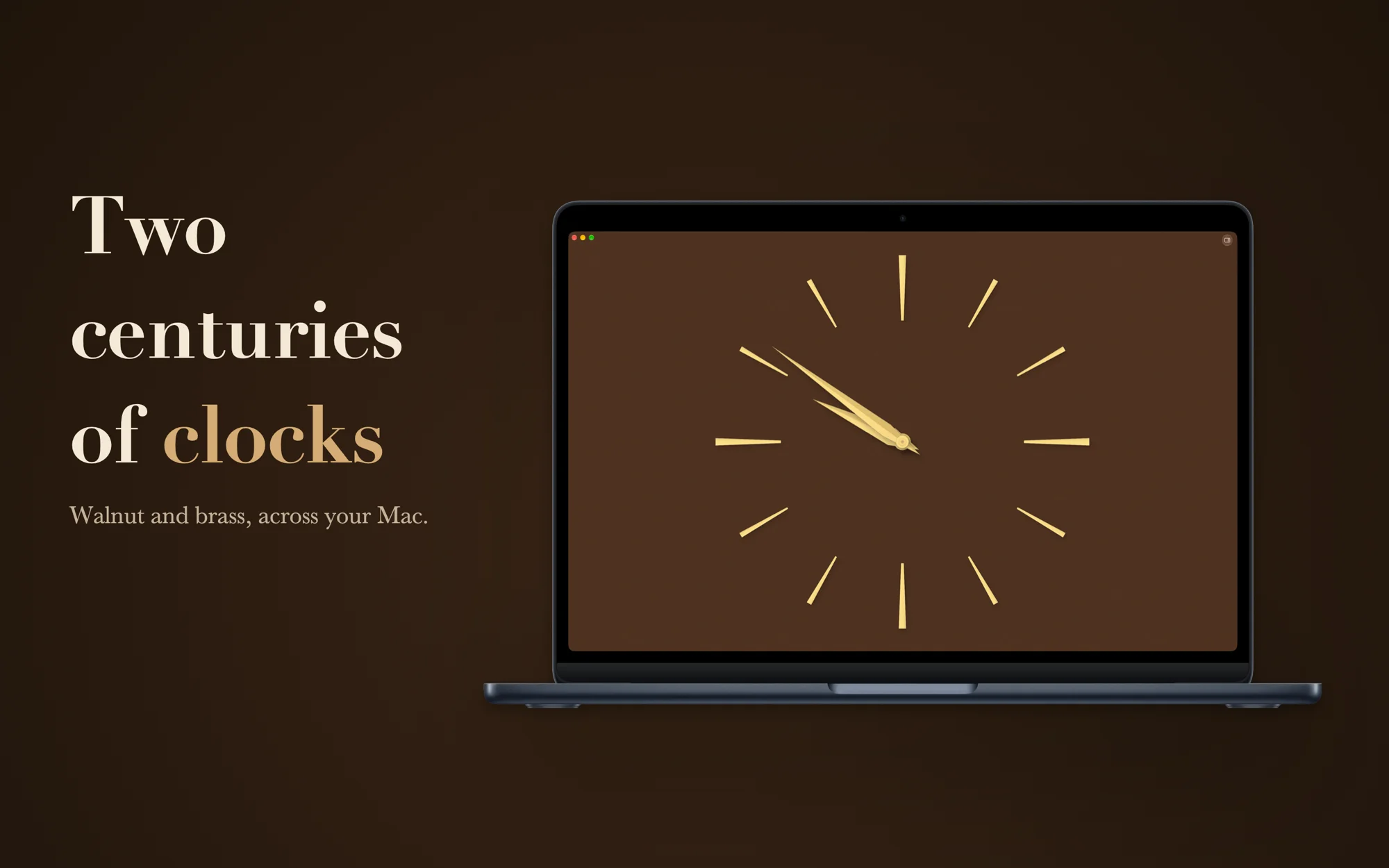
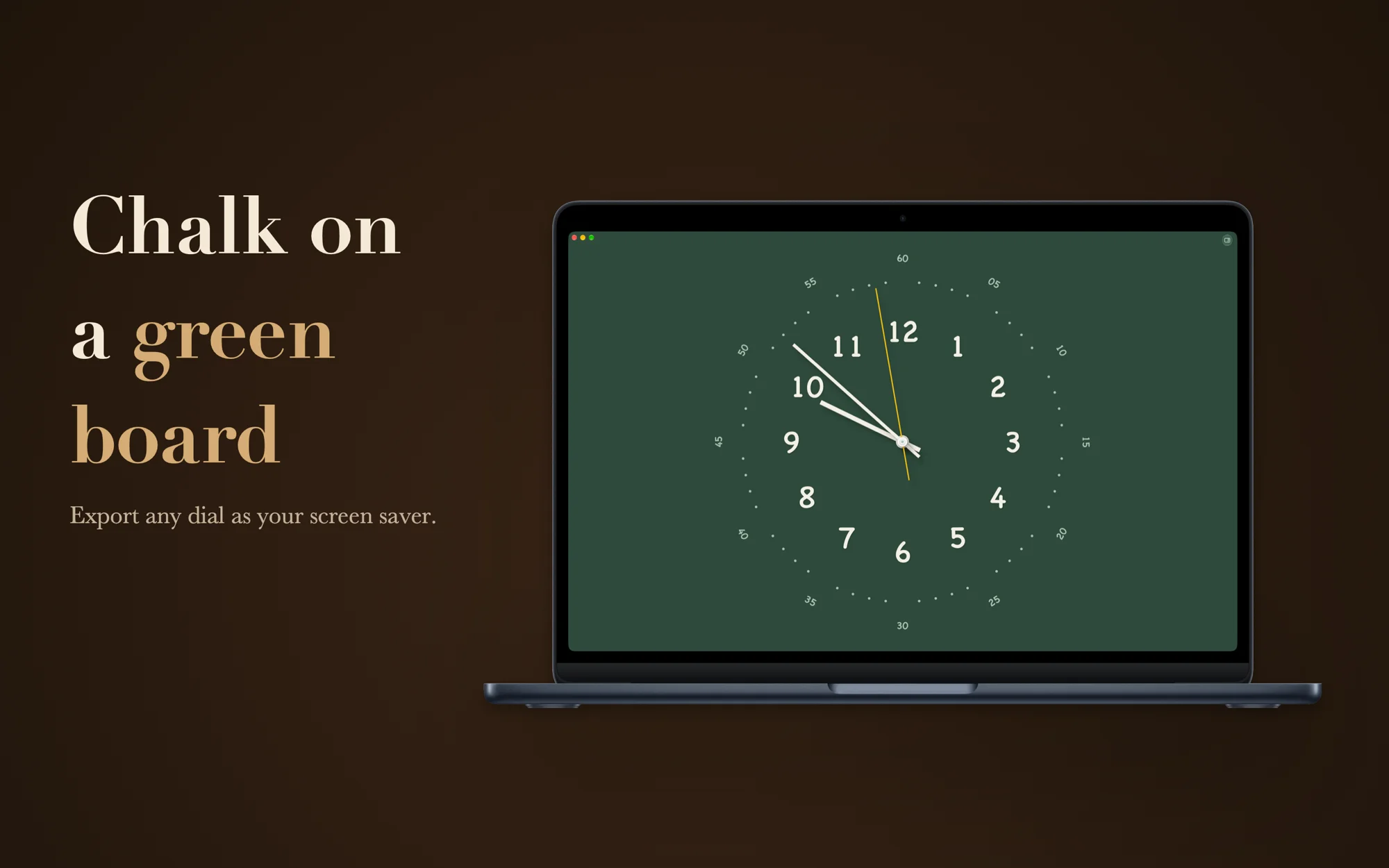
Keep a watch dial open on your Mac, or export it as a macOS screen saver for the moments you step away.
On the iPhone
Screens from the current version on the App Store.
Lume Clock at a glance
Flip & Desk Clock, Always On.
- A watch dial in a window or full screen on your Mac
- Export the current face as a macOS screen saver
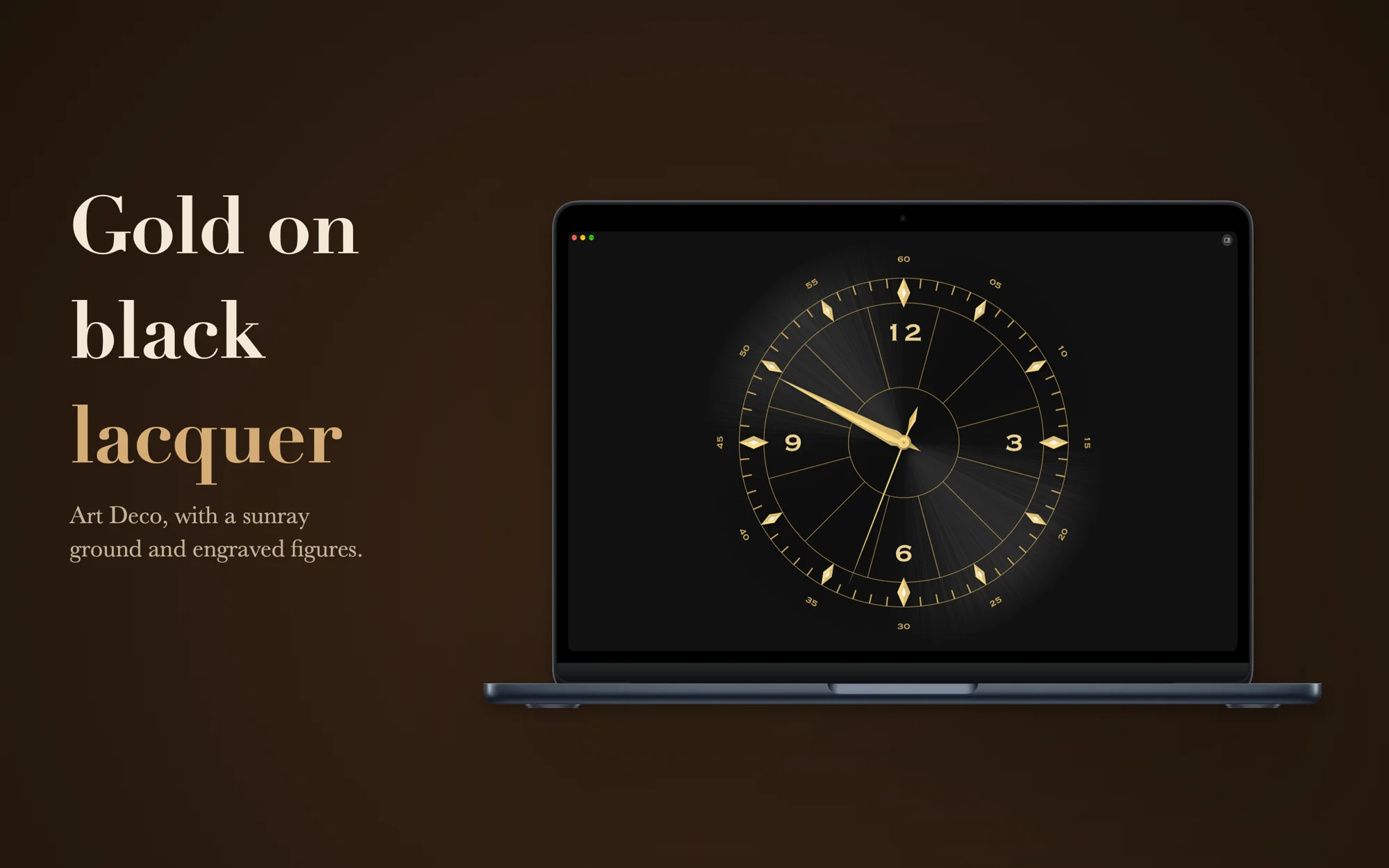
- Choose the dial, lume color, hands, metal, finish, markers and numerals
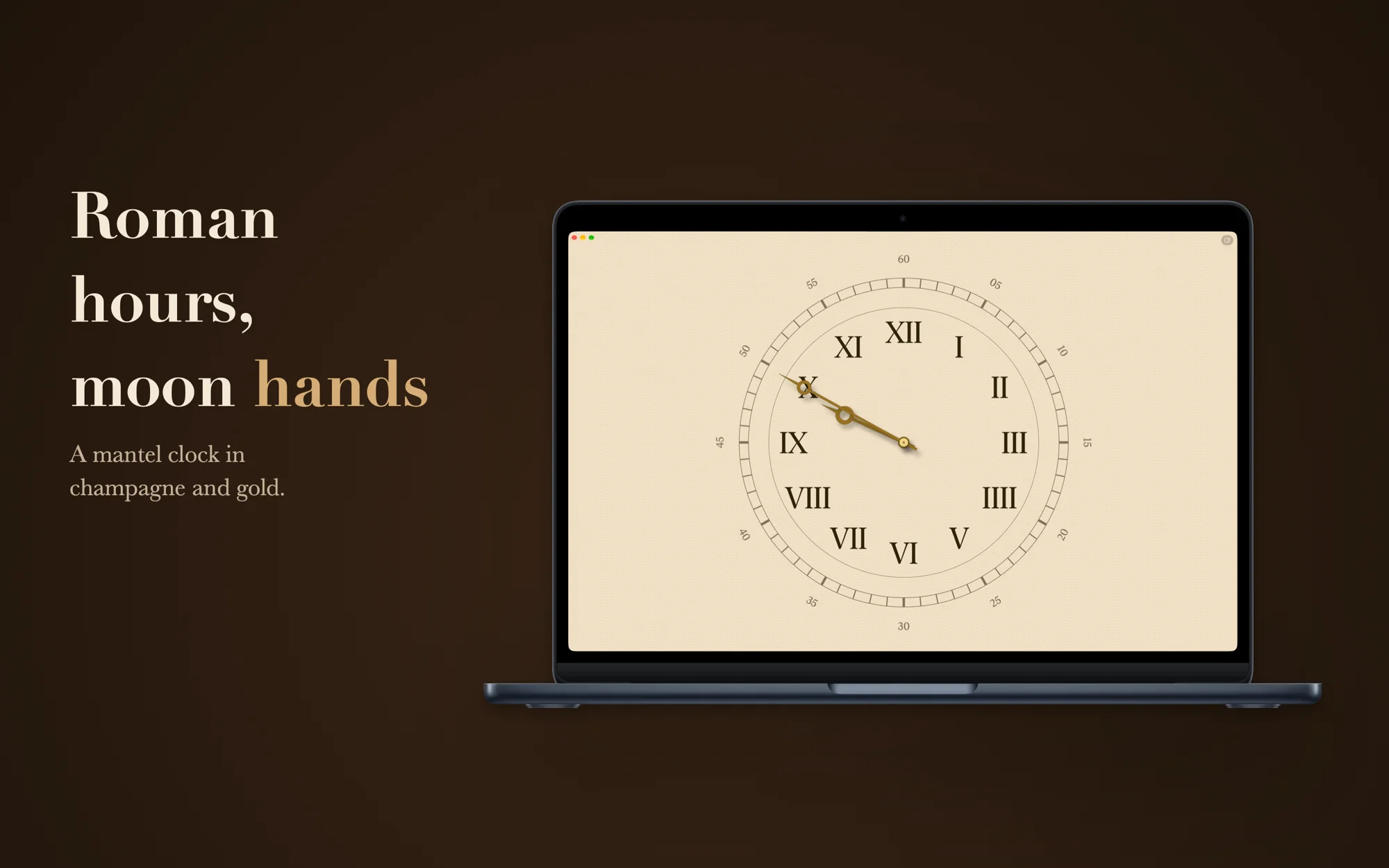
- Roman numerals and numerals from world scripts

How it works
Lume Clock, from first tap to finished.
Open the clock
Lume Clock opens straight to a watch dial in a window on your Mac. Resize it, take it full screen, or hide the controls and keep only the clock.
Build your face
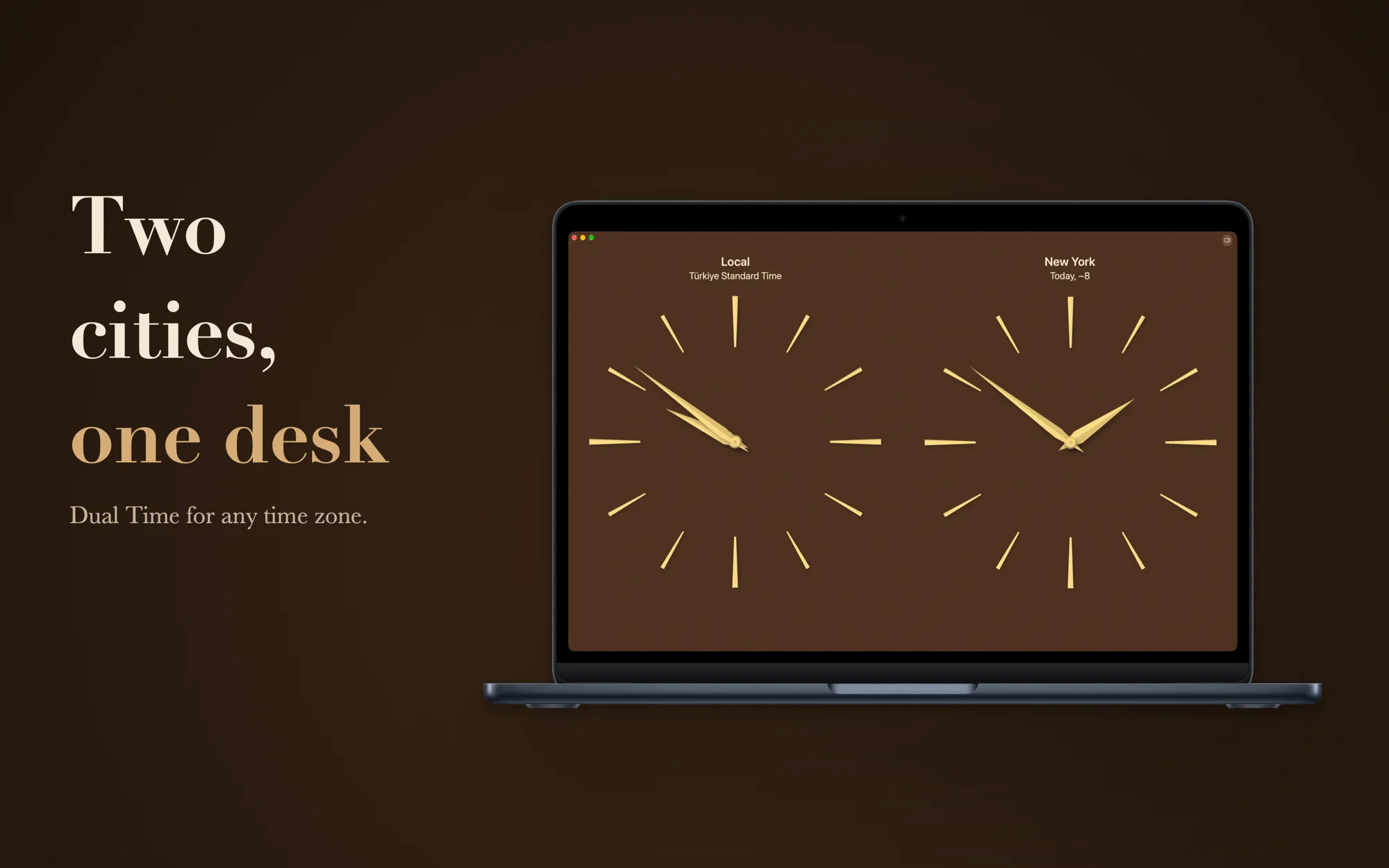
Pick a dial or a clock model, then set the hands, metal, finish, markers and numerals, including Roman and world scripts. Add a date window or a minute track, and show the time in any city.
Choose the movement
Quartz steps once a second, Mechanical beats 8 times a second like a 28,800 bph caliber, and Digital sweeps without a beat. Quartz and Mechanical each have their own ticking sound.
Make it your screen saver
Export Screensaver saves your current face, and you finish the install in System Settings. The menu bar icon brings the clock back or opens Screen Saver settings.
What it does
- A watch dial in a window or full screen on your Mac
- Export the current face as a macOS screen saver
- Choose the dial, lume color, hands, metal, finish, markers and numerals
- Roman numerals and numerals from world scripts
- Date window, minute track and the time in any city
- Quartz, Mechanical or Digital second hand, with ticking sounds
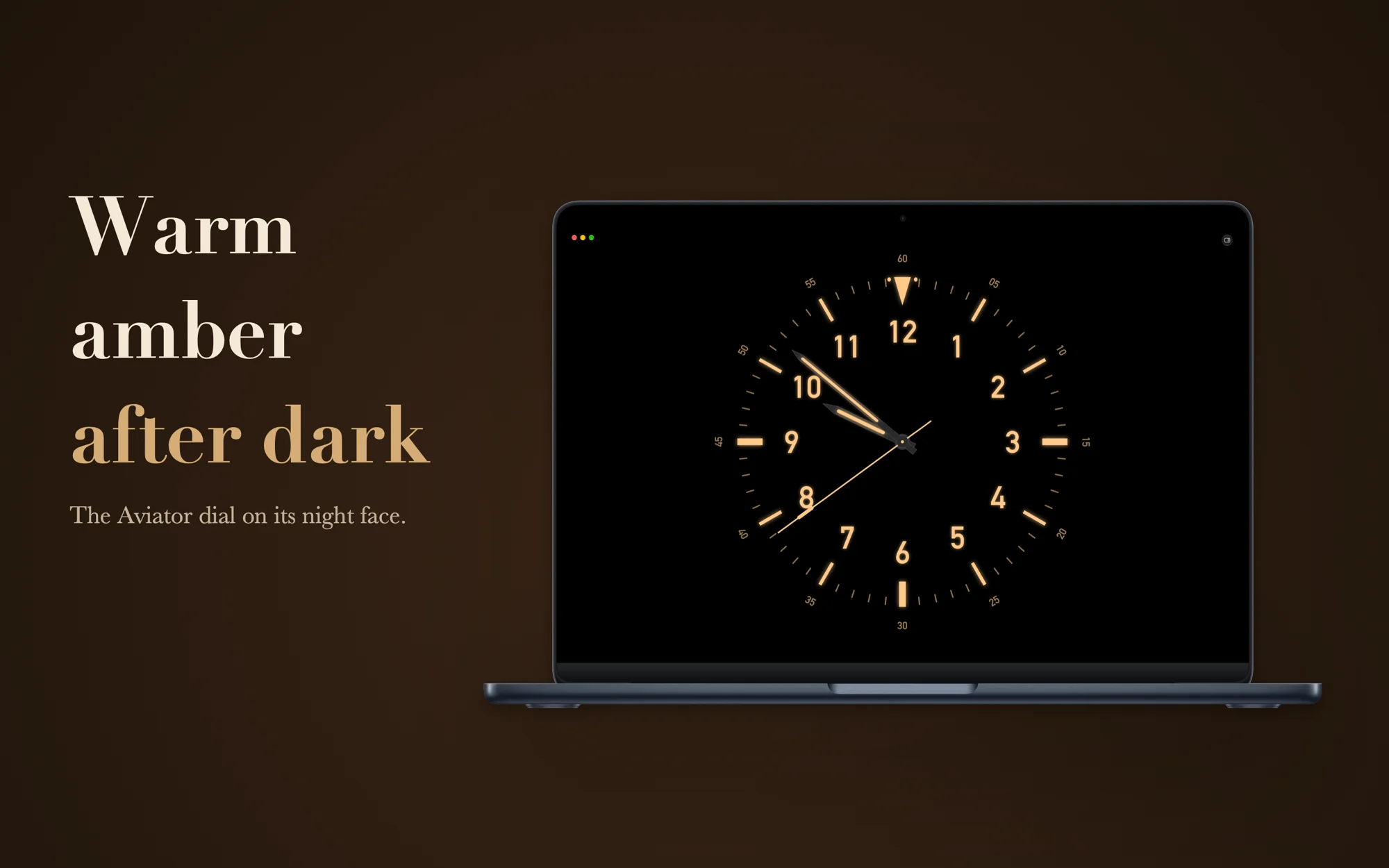
- Day, Night or your system appearance
- Menu bar icon to bring the clock back or open Screen Saver settings
- Free to use; Lume Clock Pro is a one-time purchase
Build the face you want: choose the dial, the lume color, the hands, metals, finishes, markers and numerals, including Roman and world scripts. Add a date window or a minute track, and show the time in any city.
Pick how the second hand moves
Quartz steps once a second
Mechanical beats 8 times a second, like a 28,800 bph caliber
Digital sweeps without a beat
Quartz and Mechanical each have their own ticking sound.
Export Screensaver saves your current face, and you finish the install in System Settings. The menu bar icon brings the clock back or opens Screen Saver settings.
The face follows Day, Night or your system appearance.
Some dials and options require Lume Clock Pro, a one-time in-app purchase.
Who it is for
Watch lovers
Divers, pilot and field watches, racing chronographs, dress watches and desk clocks are drawn like real watch parts, with a soft lume glow.
People who work at a Mac all day
A clock in its own window keeps the time in view beside your work, with a second clock for another city when you need one.
Anyone who wants a calmer screen saver
Your own dial takes over the screen when you step away, in the same Day or Night appearance as the clock.
Free in your browser
Try the idea first, no install needed.
Guides and resources
More on lumeclock.cihat.dev, the Lume Clock website.
- Full screen clock for studying: set it up on a laptop or tablet
- iPhone StandBy mode: how to turn it on, settings and fixes
- Analog Clock Online, Full Screen and Free
- Fliqlo Alternative in Your Browser, Free
- Flip Clock Online, Full Screen and Free
- How to use an old iPad as a clock (desk, wall or bedside)
- Desk Clock Online for a Spare Monitor or Tablet
- Lume Clock website
Questions
What does Lume Clock do on a Mac?
It keeps a watch dial open in a window or full screen, and exports that dial as a macOS screen saver. A menu bar icon brings the clock back or opens Screen Saver settings.
Does it tick?
If you want it to. Quartz and Mechanical movements each have their own ticking sound, a one-second step or a quick beat, and the Digital movement sweeps without a beat. Sound is part of Lume Clock Pro.
How do I set it as my screen saver?
Choose Export Screensaver to save your current face, then finish installing in System Settings. The screen saver follows the same appearance as the clock, and the menu bar icon opens Screen Saver settings when you want to change it.
Does it follow light and dark?
Yes. The face follows Day, Night or your system appearance. By day, lume colours only the second hand; in Night, the lume glows in the colour you chose.
What is free, and what does Lume Clock Pro add?
The clock, all three movements, Day and Night, and the screen saver export are free, with a first set of dials and lume colours. Lume Clock Pro, a one-time purchase, adds every dial and clock model, every lume colour, every hand, metal, finish and marker, numerals from around the world, movement sounds, time zones and a second clock. A Mac that first installed Lume Clock before version 1.3 keeps every feature from earlier versions.
Do I need an account or an internet connection?
No. Lume Clock works offline, with no account and no ads. If you turn on iCloud sync, your clock and settings stay the same on every device signed in to your iCloud account.
Related apps
More from home, car and work.


Lume Clock on the App Store
Flip & Desk Clock, Always On.