Visual timer
A coloured disc that shrinks as time runs out, full screen for class.
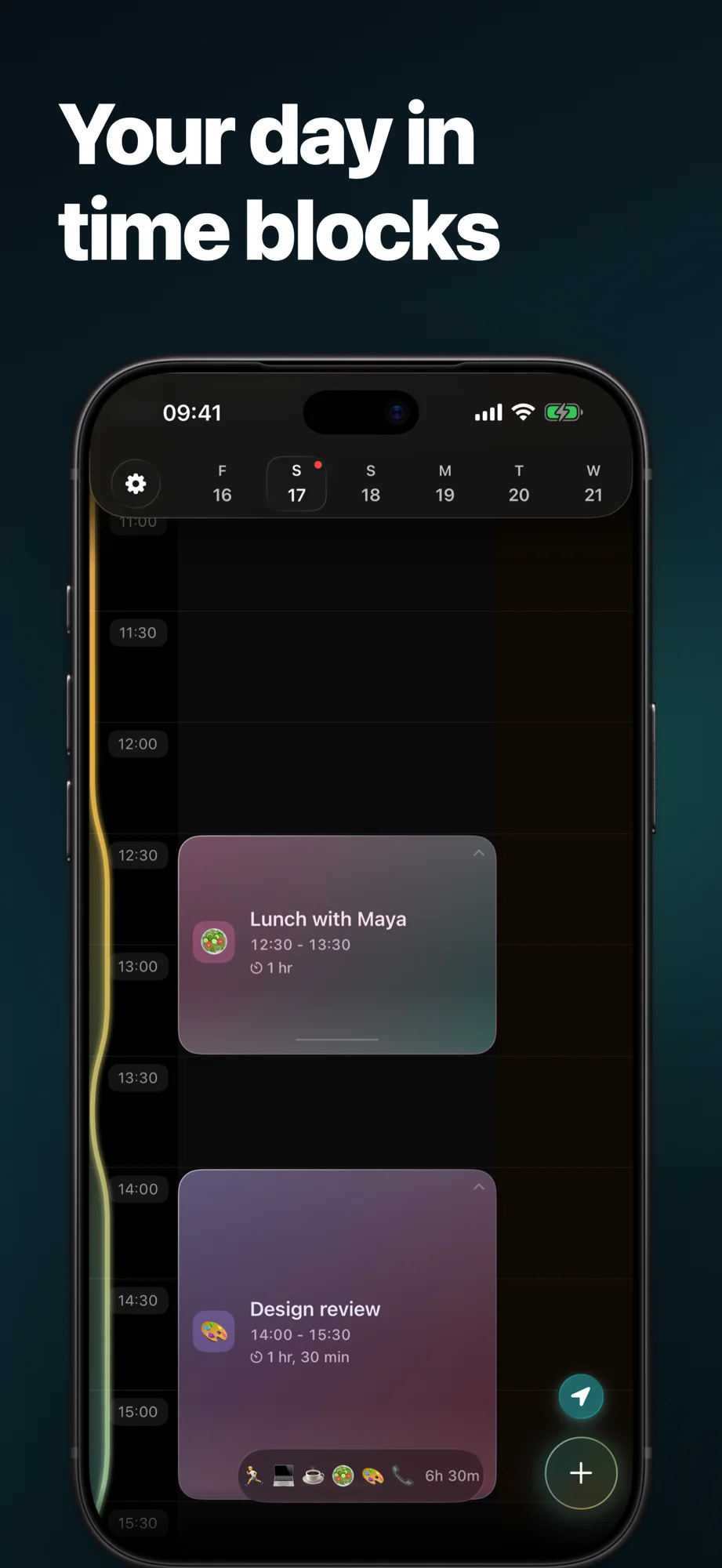
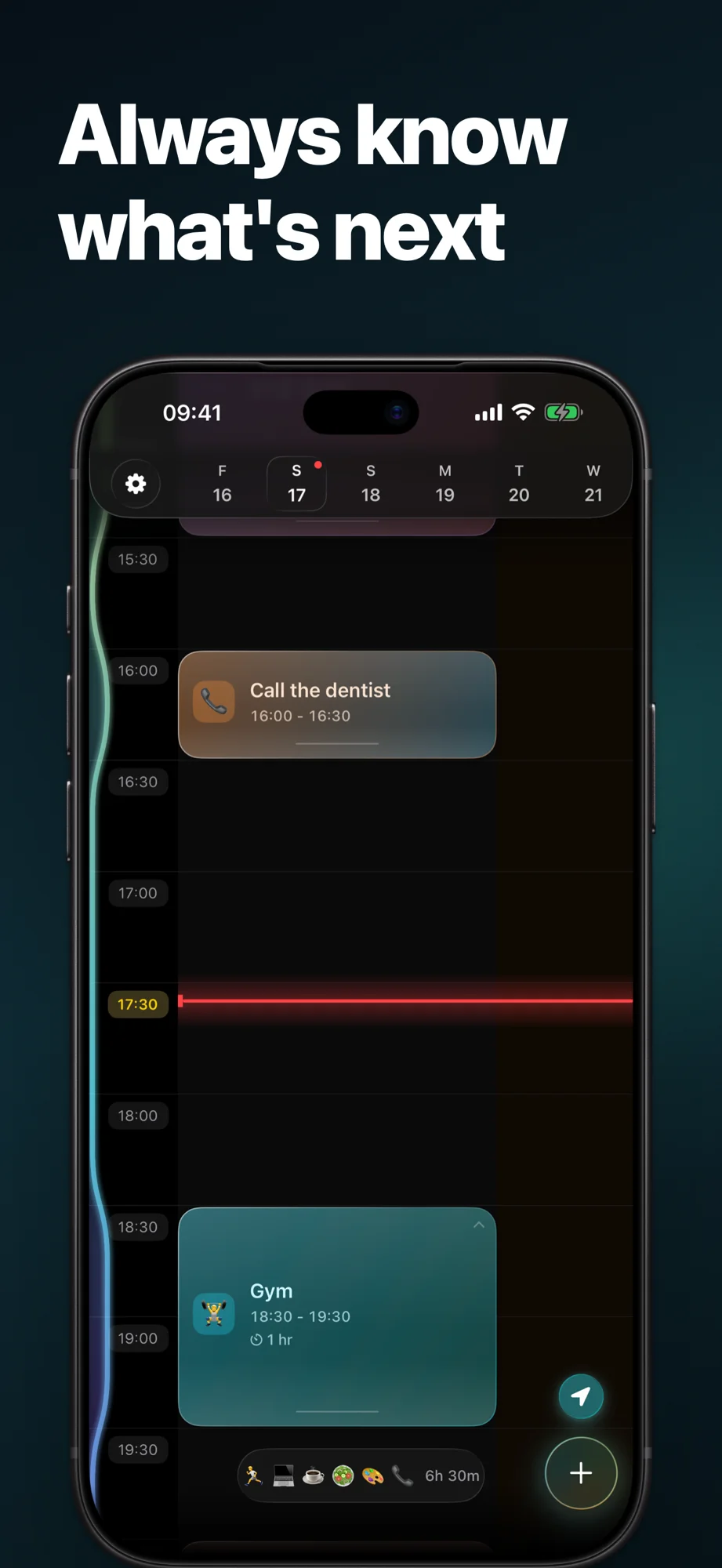
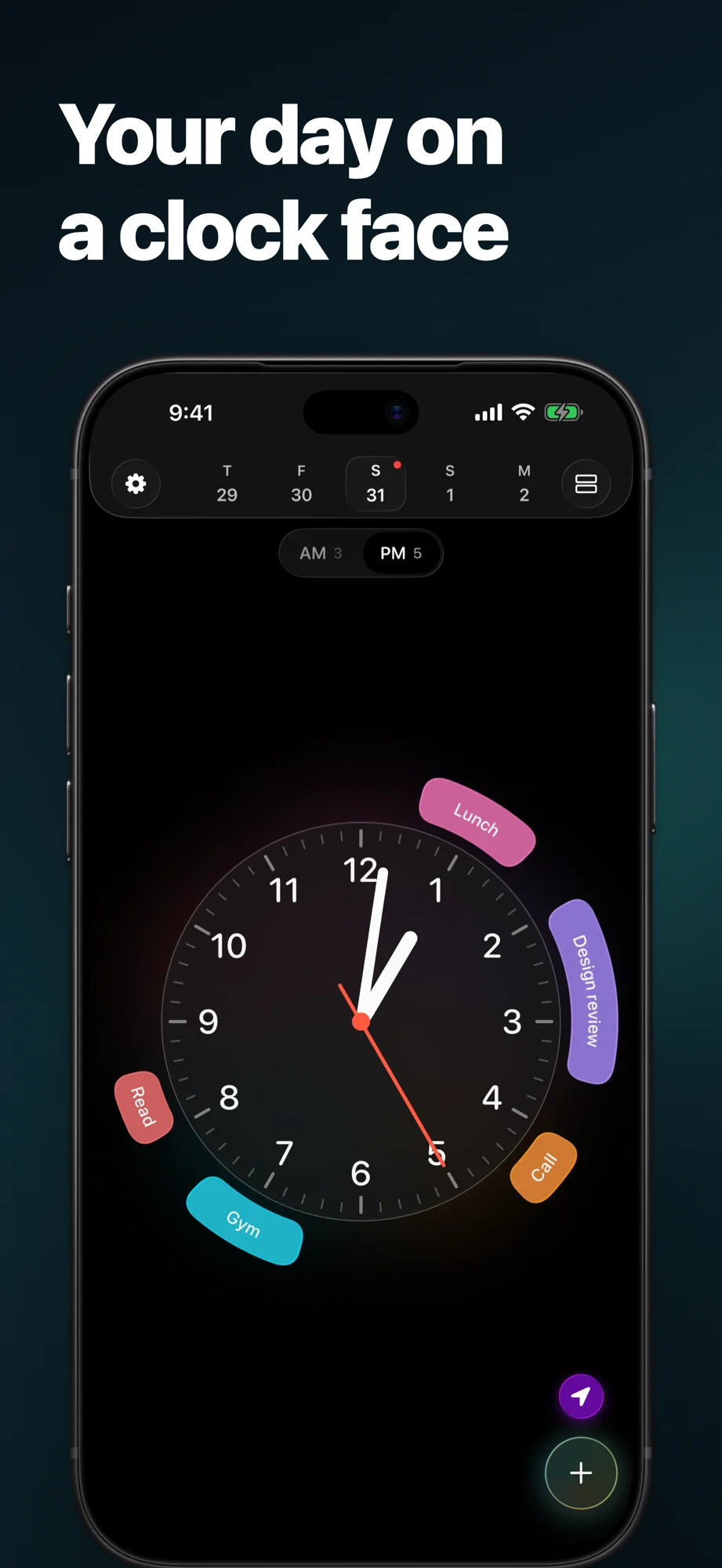
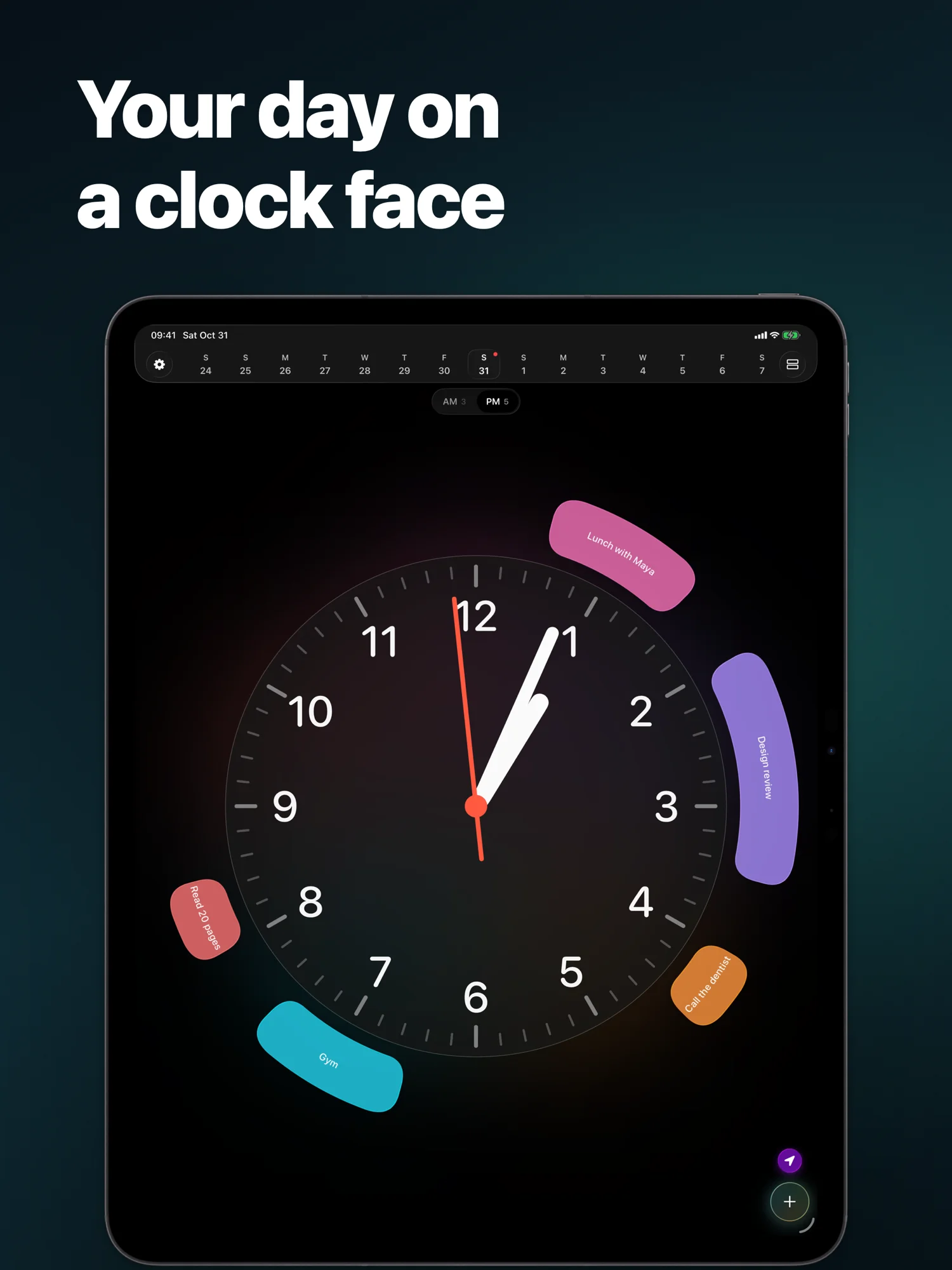
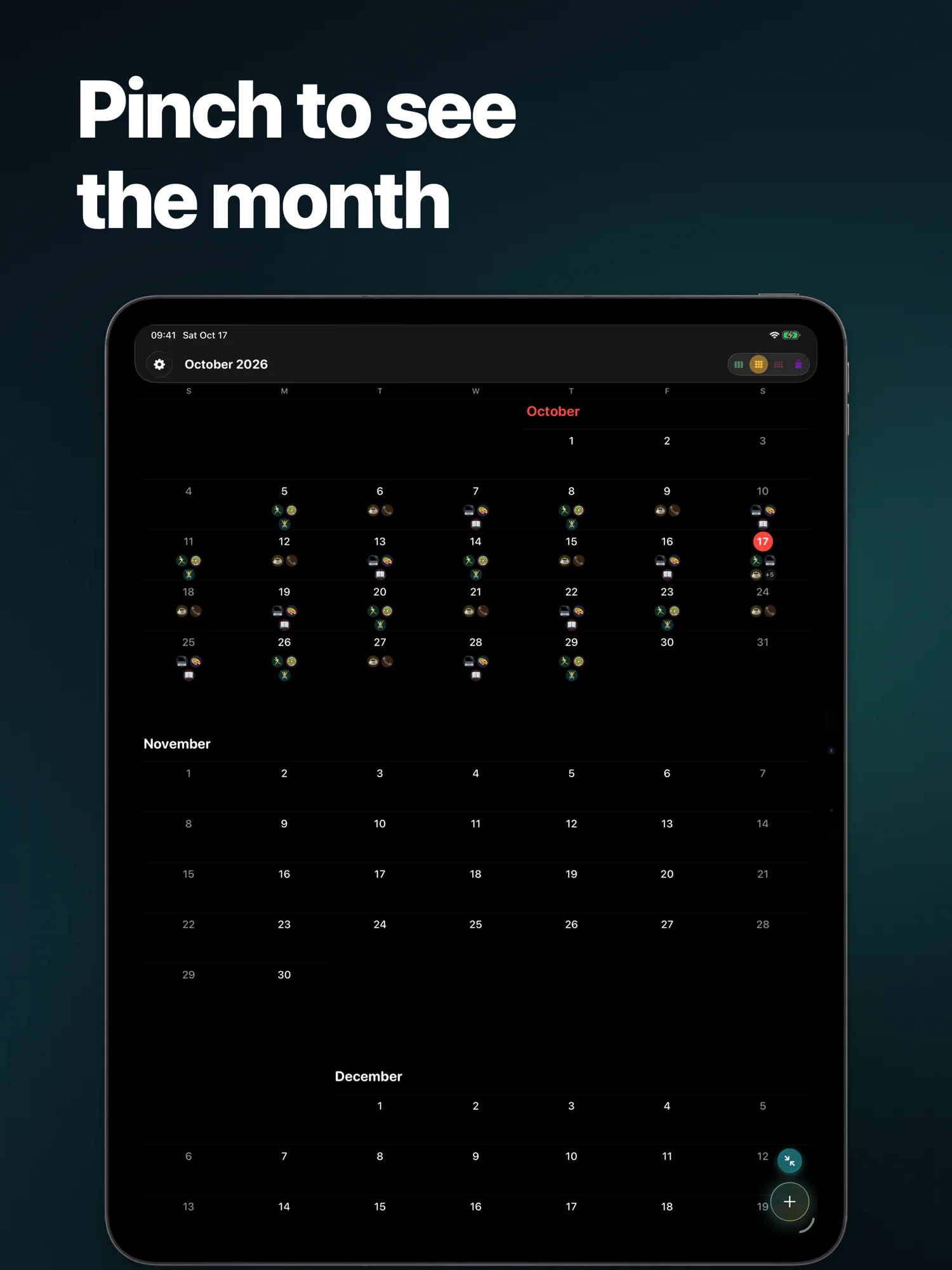
TaskCard: Visual Timer PlannerThe free visual timer shows time as a shrinking coloured disc, goes full screen for a class and chimes at the end. TaskCard, for iPhone and iPad, keeps a disc timer of 1 to 60 minutes that rings even with the app closed. It also lays the day out as color cards on a clock face or a time grid.
| Free tool | TaskCard | |
|---|---|---|
| Runs on | Any browser | iPhone and iPad |
| Timer | Faces up to 120 minutes, full screen | 1 to 60 minutes, rings with the app closed |
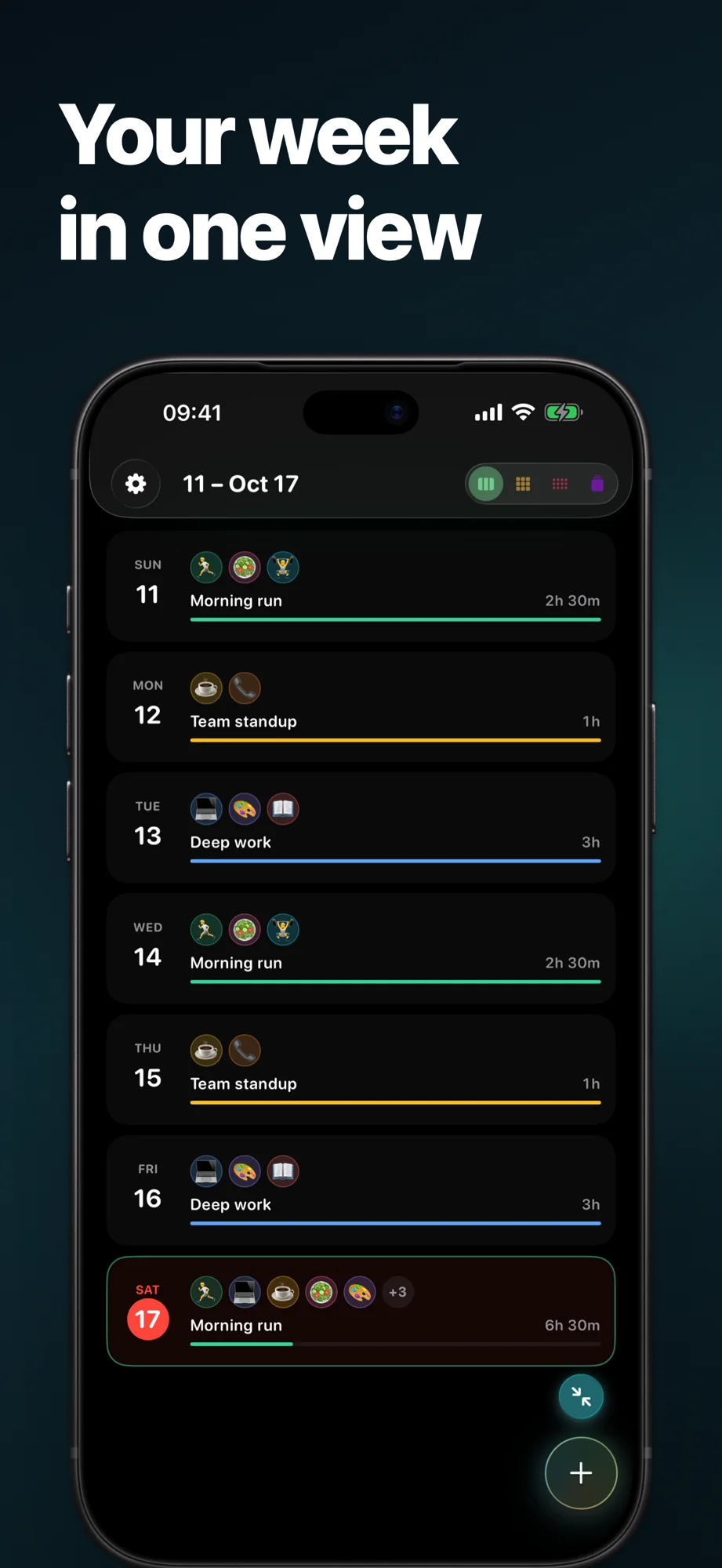
| Plans the day | No | Color cards on a time grid or a clock face |
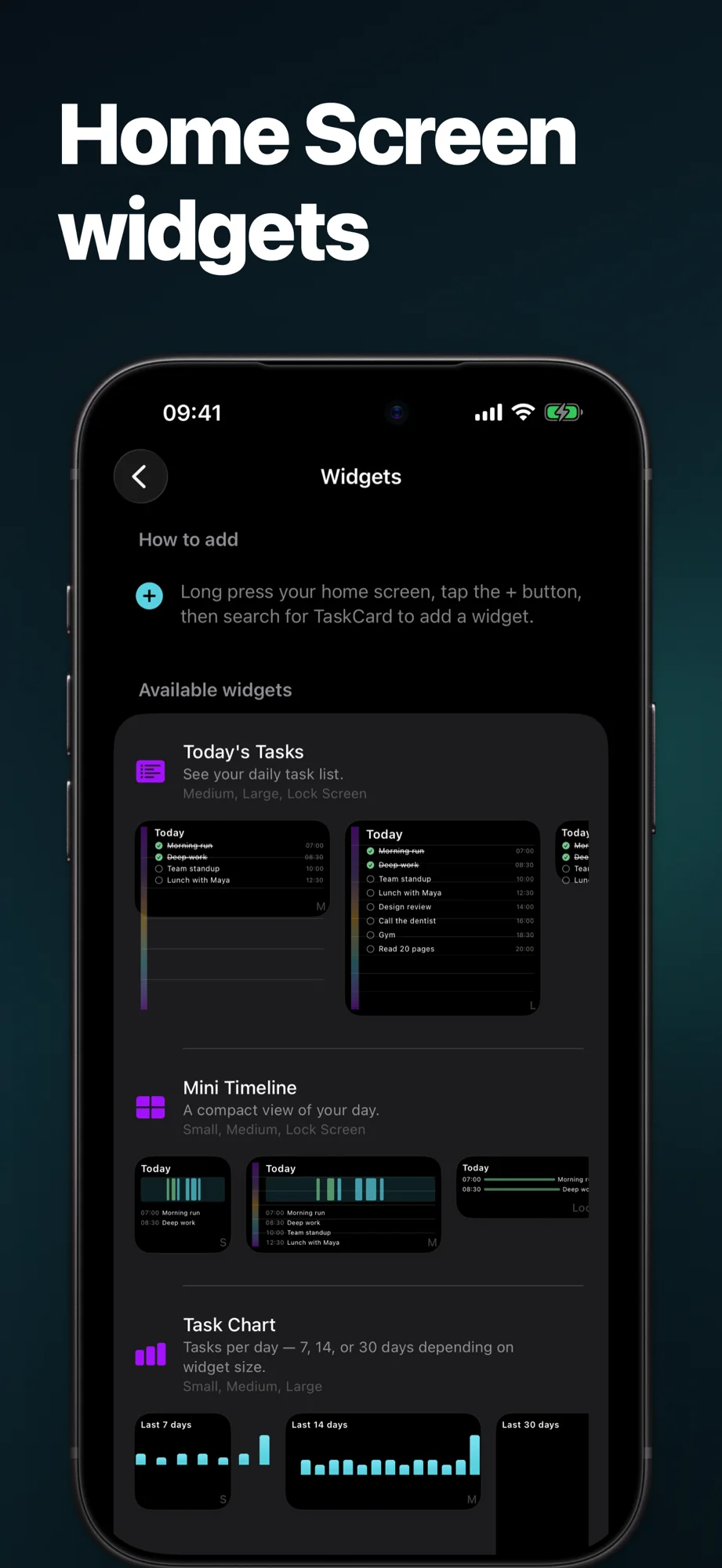
| Alerts | A chime from the open page | Notifications, an optional alarm, and a Live Activity with Pro |
| Sync | No | iCloud across iPhone and iPad |
| Price | Free, no sign-up | Free download; TaskCard Pro adds unlimited cards, widgets and the Live Activity |
Use the free visual timer on a classroom screen or a laptop when one countdown that everyone can see is all you need.
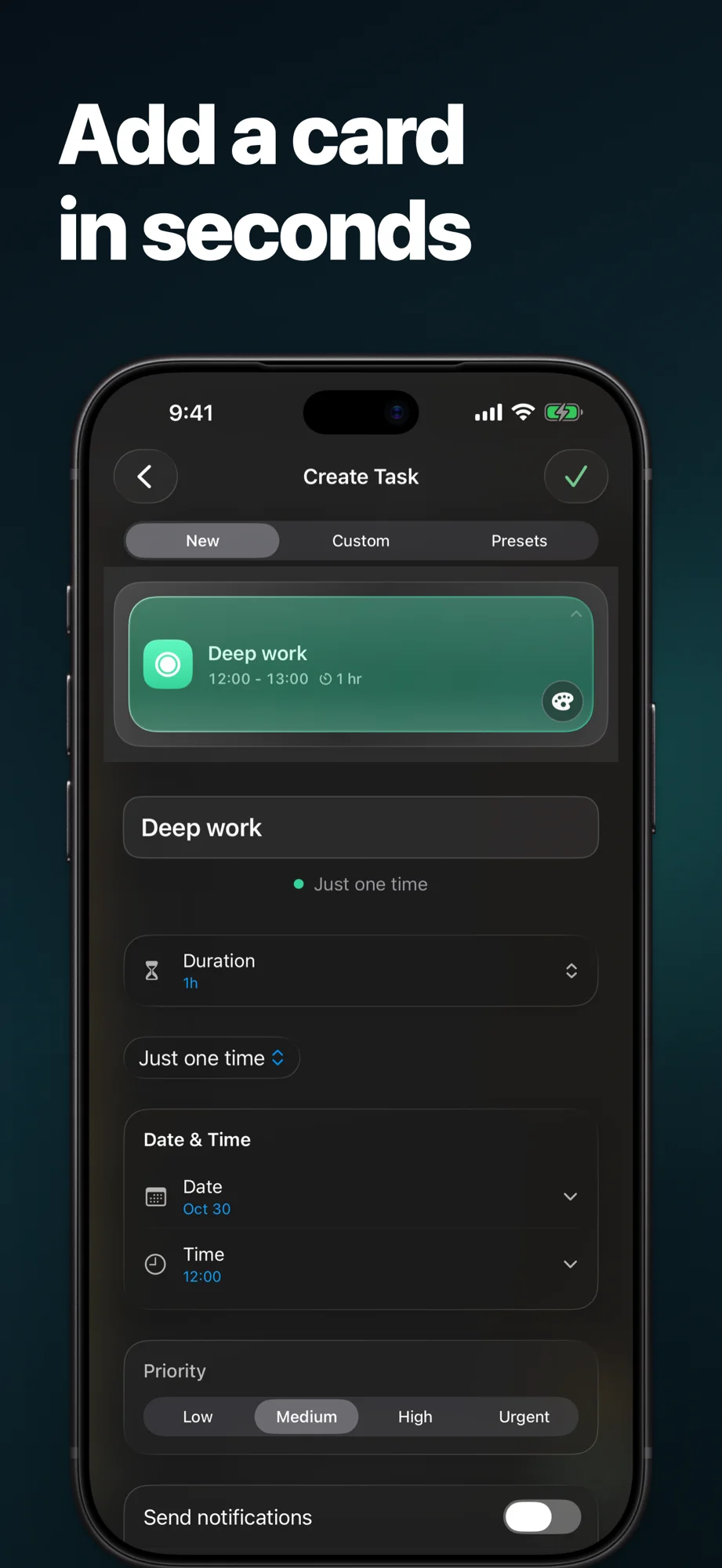
Get TaskCard when the timer is part of a routine and you want the rest of the day laid out, with a reminder as each block starts.
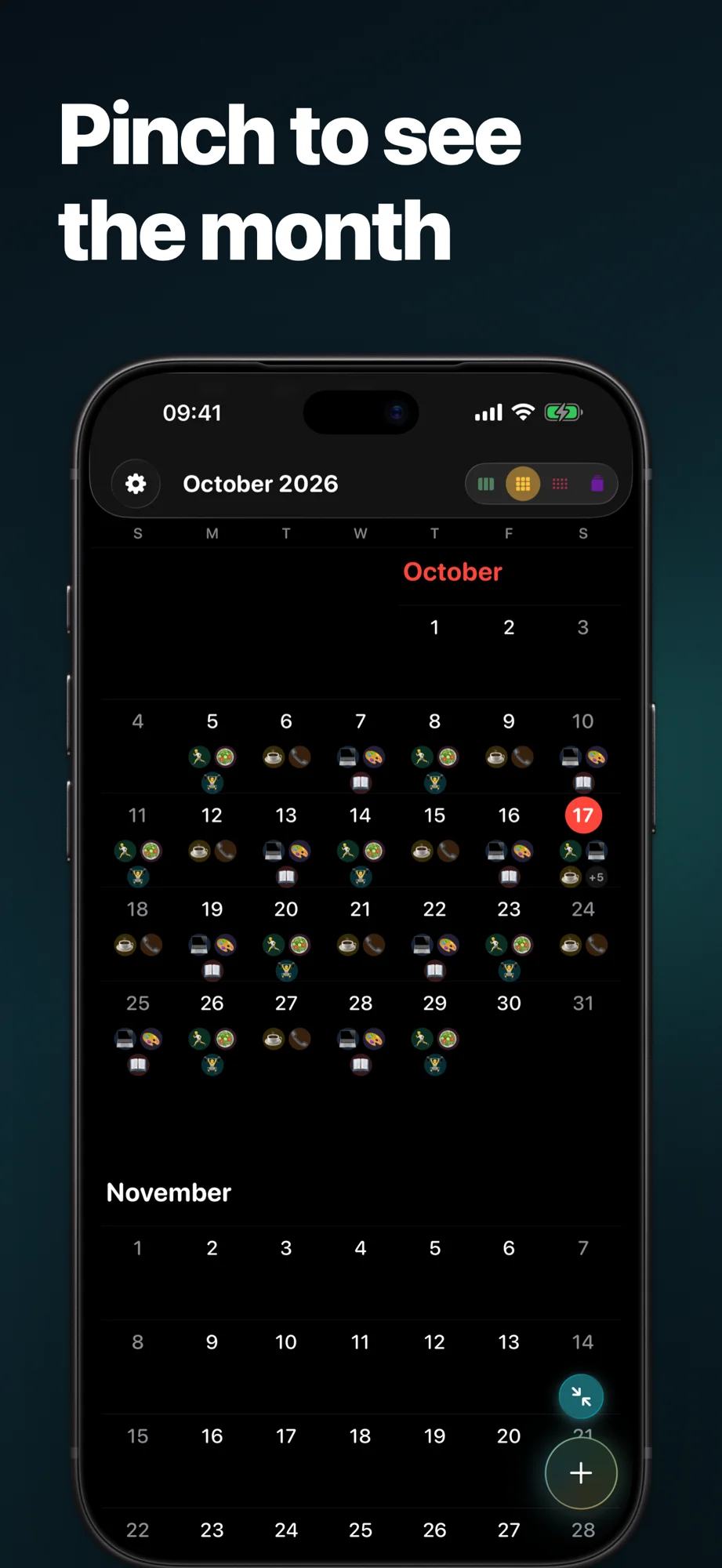
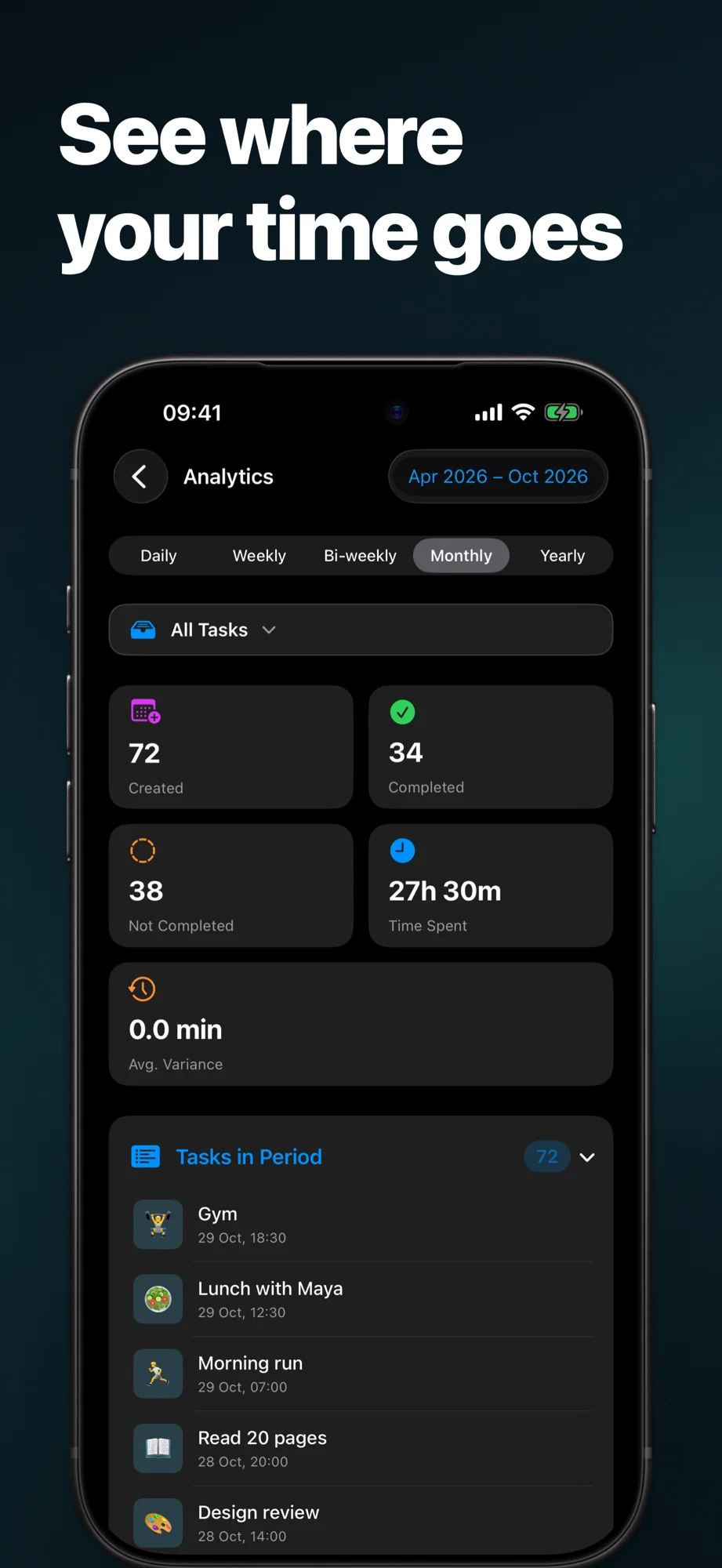
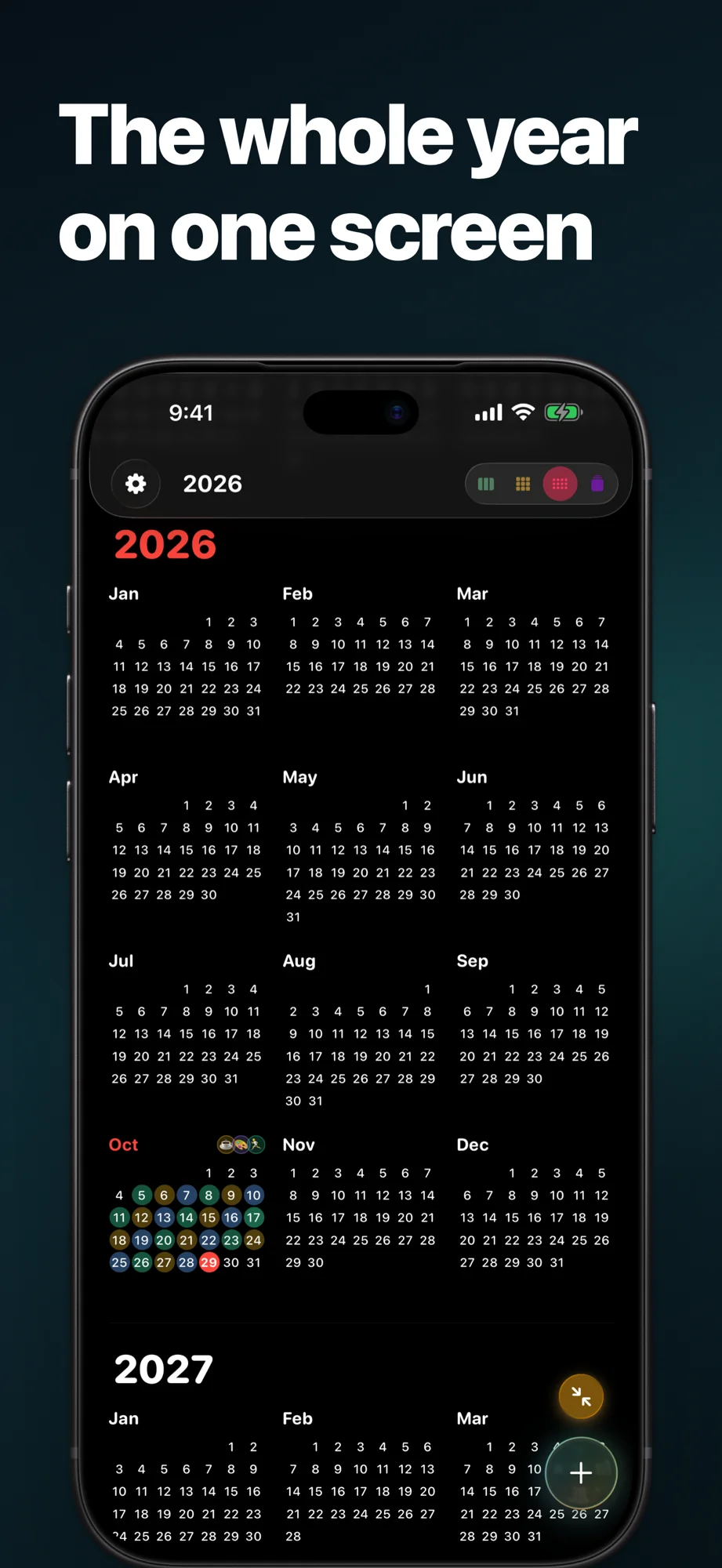
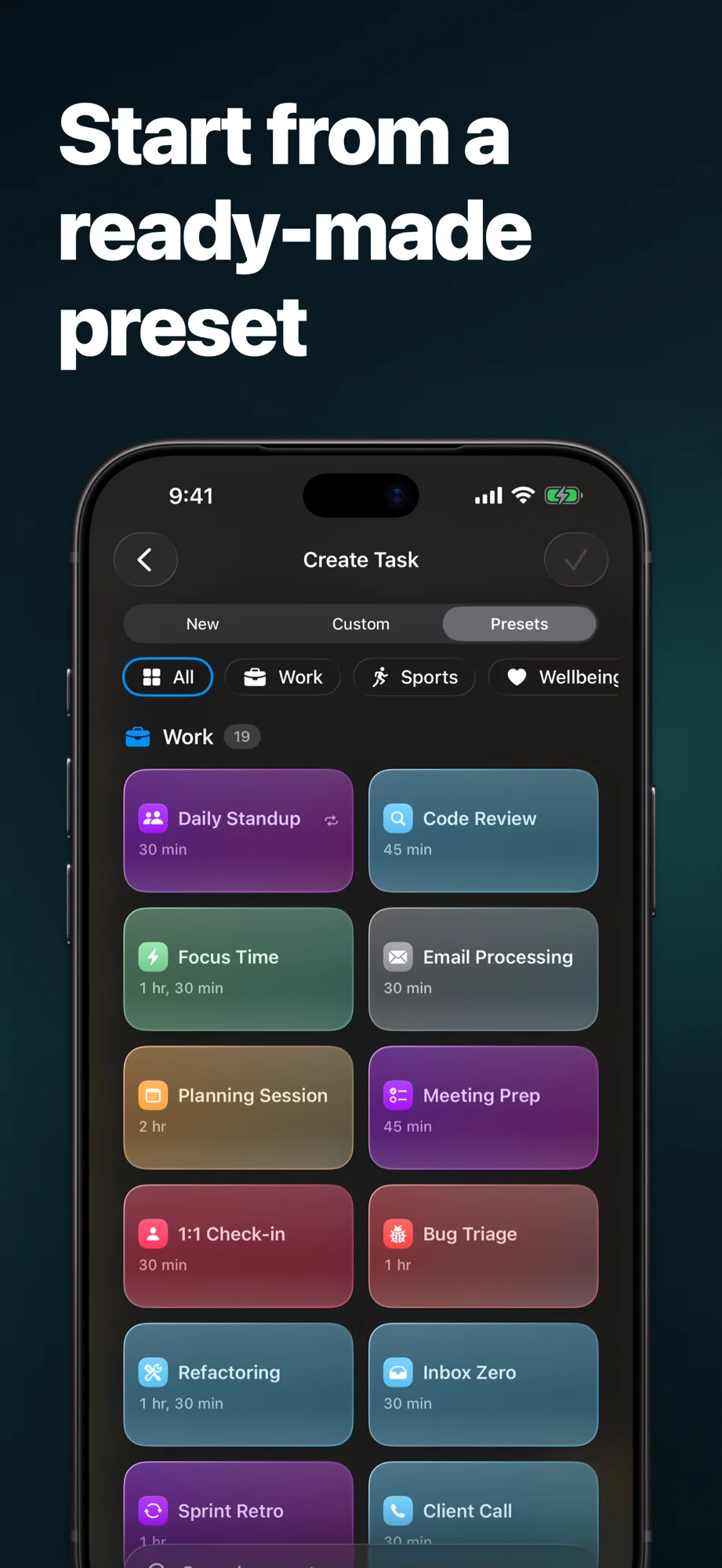
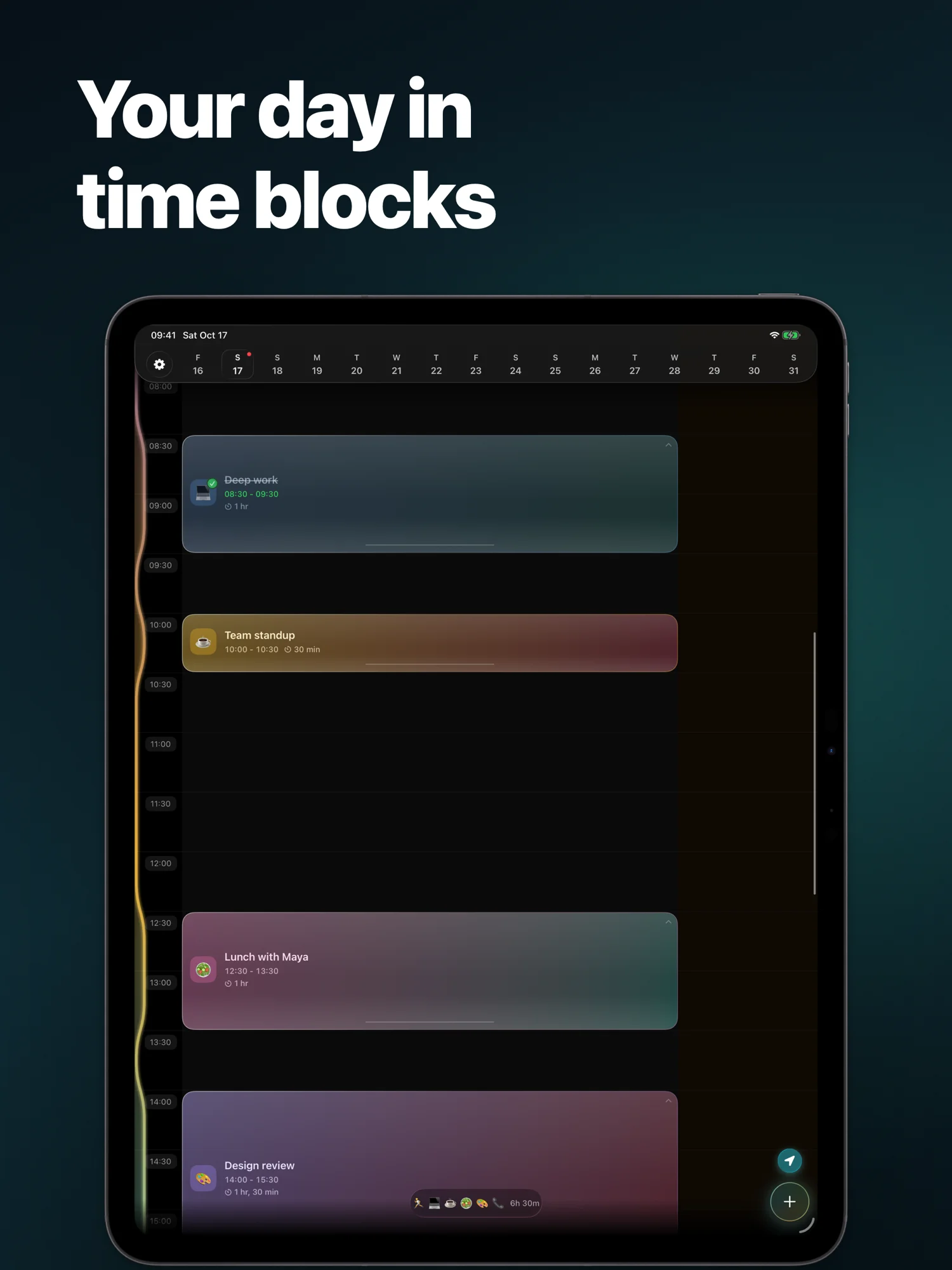
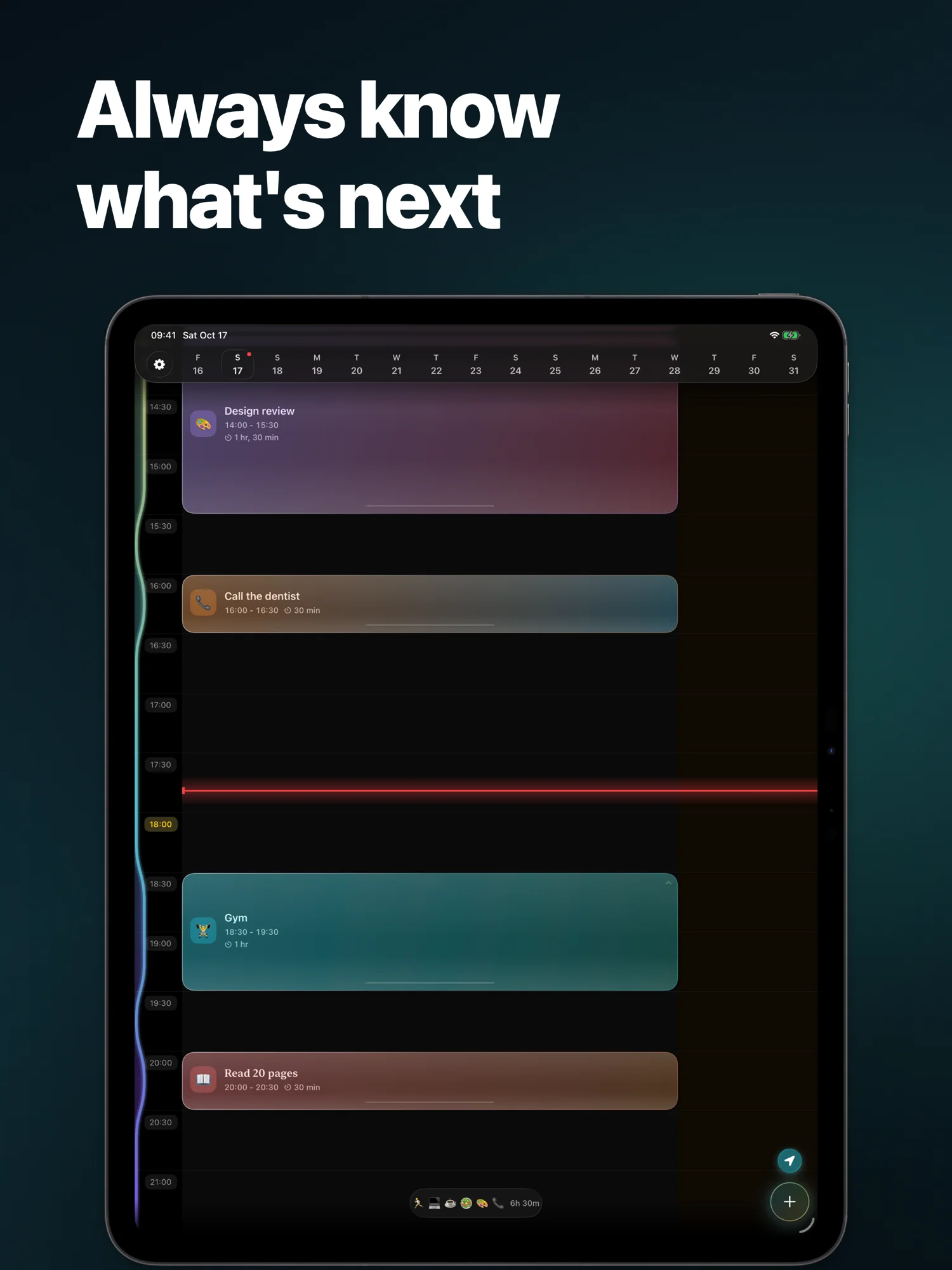
Screens from the current version on the App Store.
They run in your browser, with no sign-up.
A coloured disc that shrinks as time runs out, full screen for class.
Counts down minutes or to a date, full screen, with a sound at zero.
Focus rounds and breaks, with the clock time each round ends.
Picture cards with times for kids' routines, printable or as PNG.
A weekly timetable for school or work, printed or saved as PDF.
A timer that shows the time left as a coloured area that shrinks, so you can see how much remains without reading digits. It suits young children and anyone who finds clock time hard to judge.
The 60-minute face is the classic one. For a short task, a 10 or 15 minute face fills the whole disc, which makes the time left easier to see.
Yes. Press Full screen or F and the disc fills the screen. Tap the page once first so the browser allows the sound at the end.
Yes. It rings when time is up even with the app closed, and you can start it from a card to count down the time left in that task.
Yes, on iPhone and iPad. Touch and hold the clock face to open it full screen, and turn on Lock the screensaver so closing it takes a two-second hold.
It is a free download with a daily limit on cards, and reminders, alarms, iCloud sync and analytics are included. TaskCard Pro adds unlimited cards, widgets and the Live Activity countdown, monthly, yearly or as a lifetime purchase.
Plan, focus and wake up