Spaced repetition schedule
Topics and an exam date become a revision timetable with growing gaps.
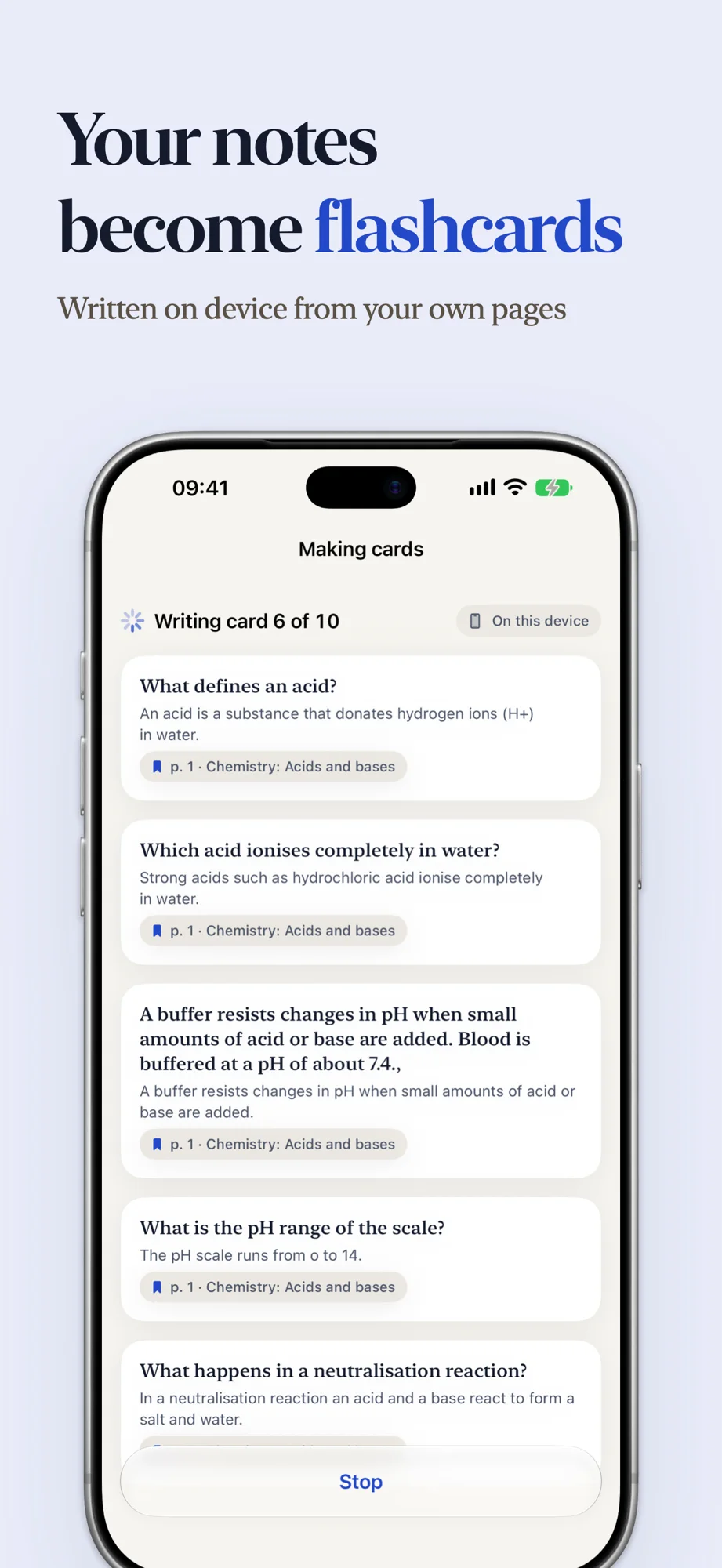
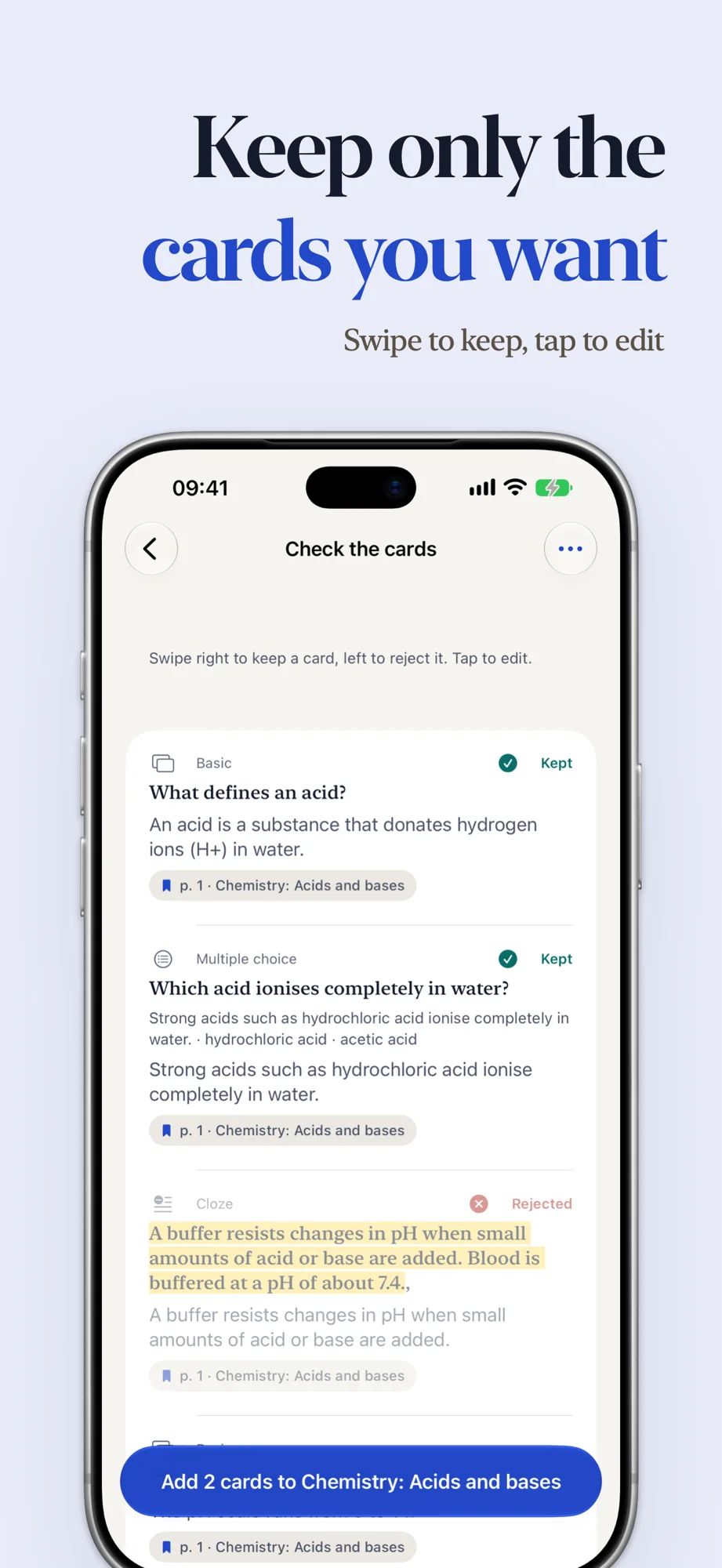
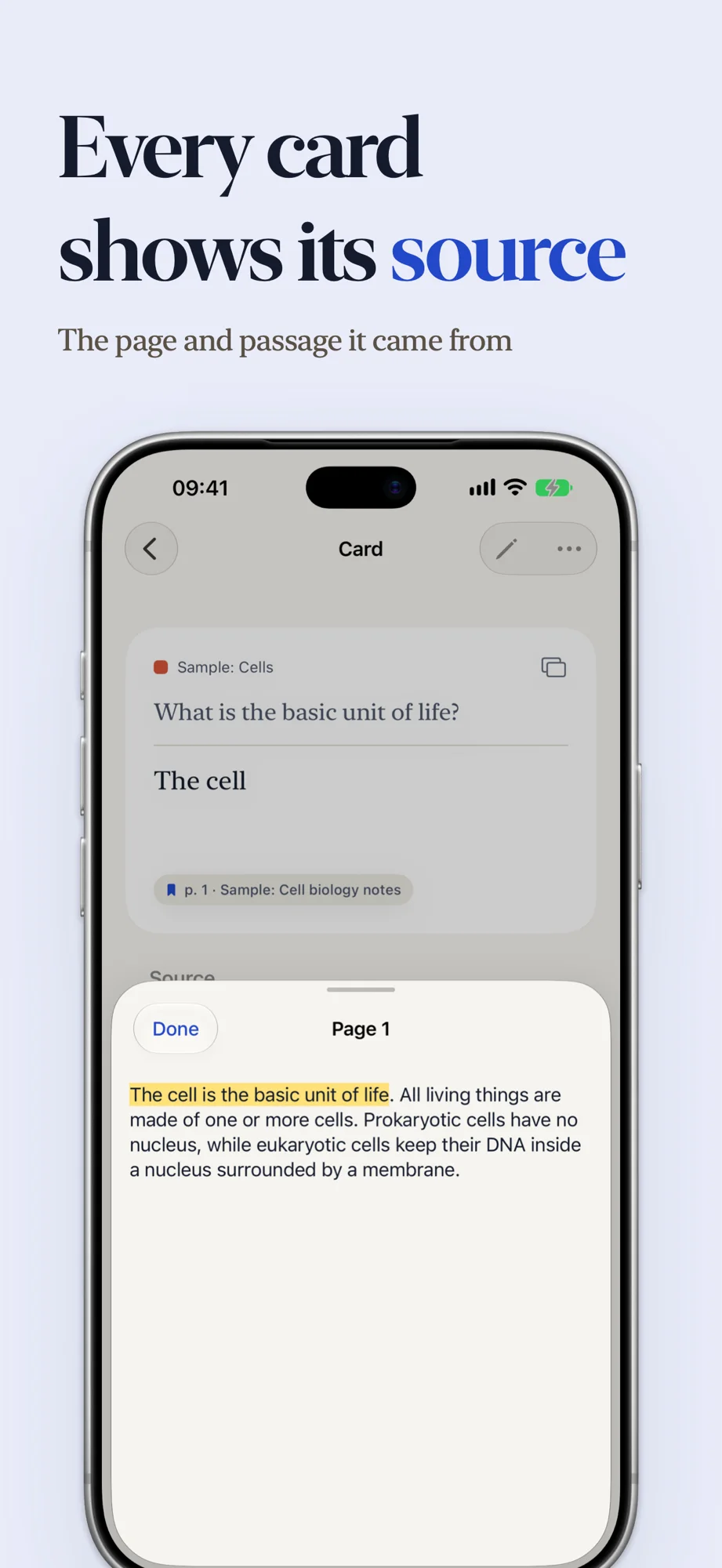
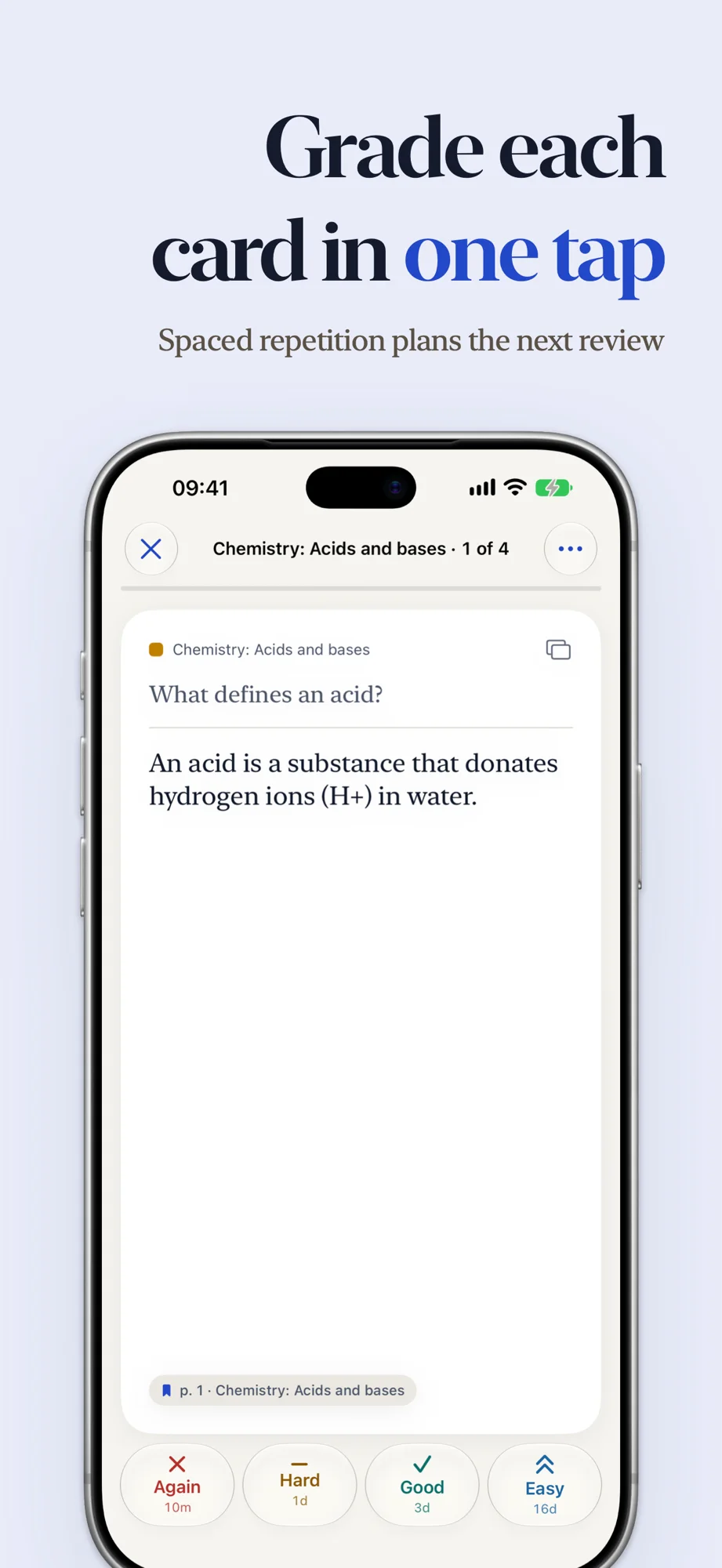
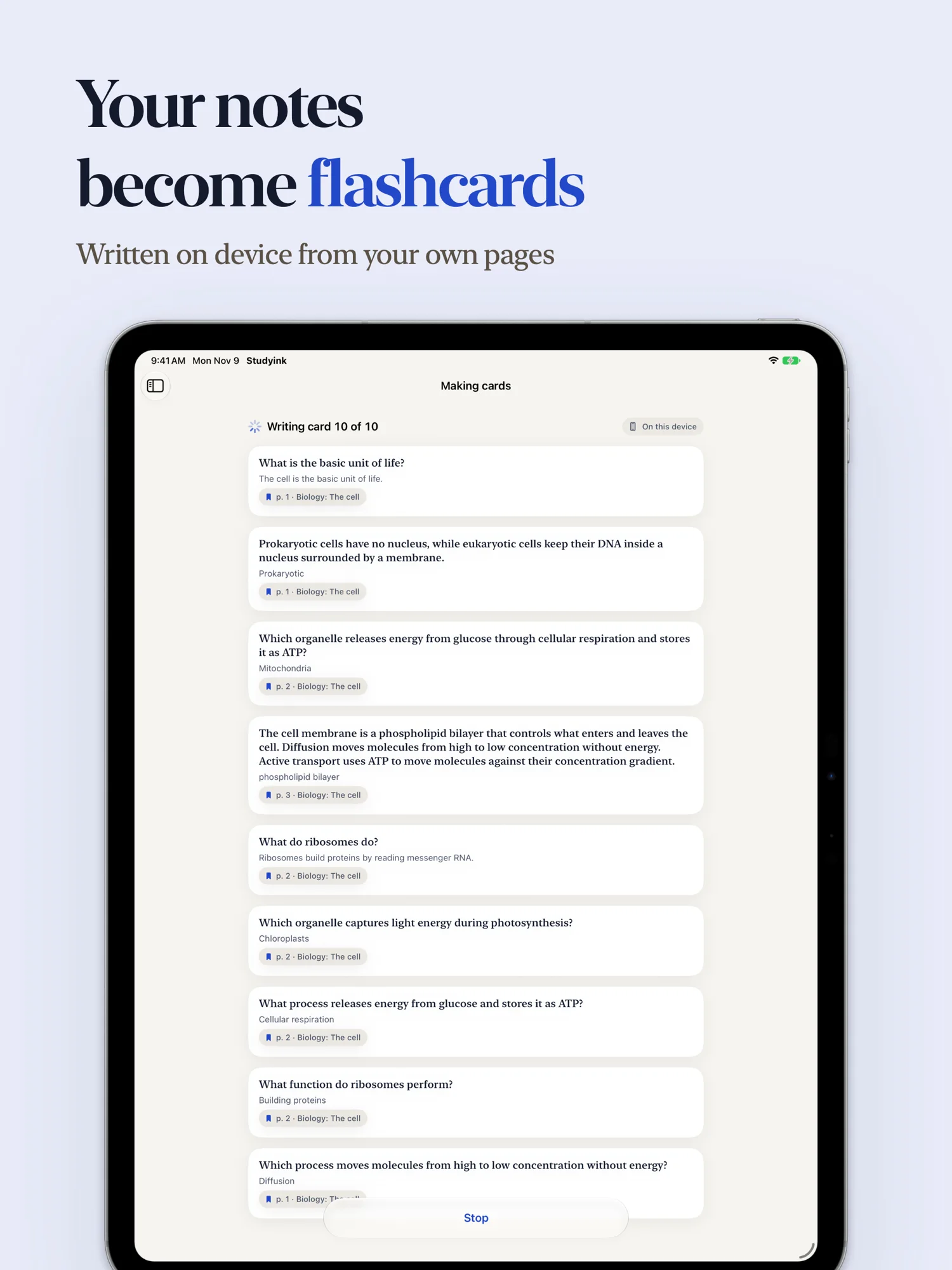
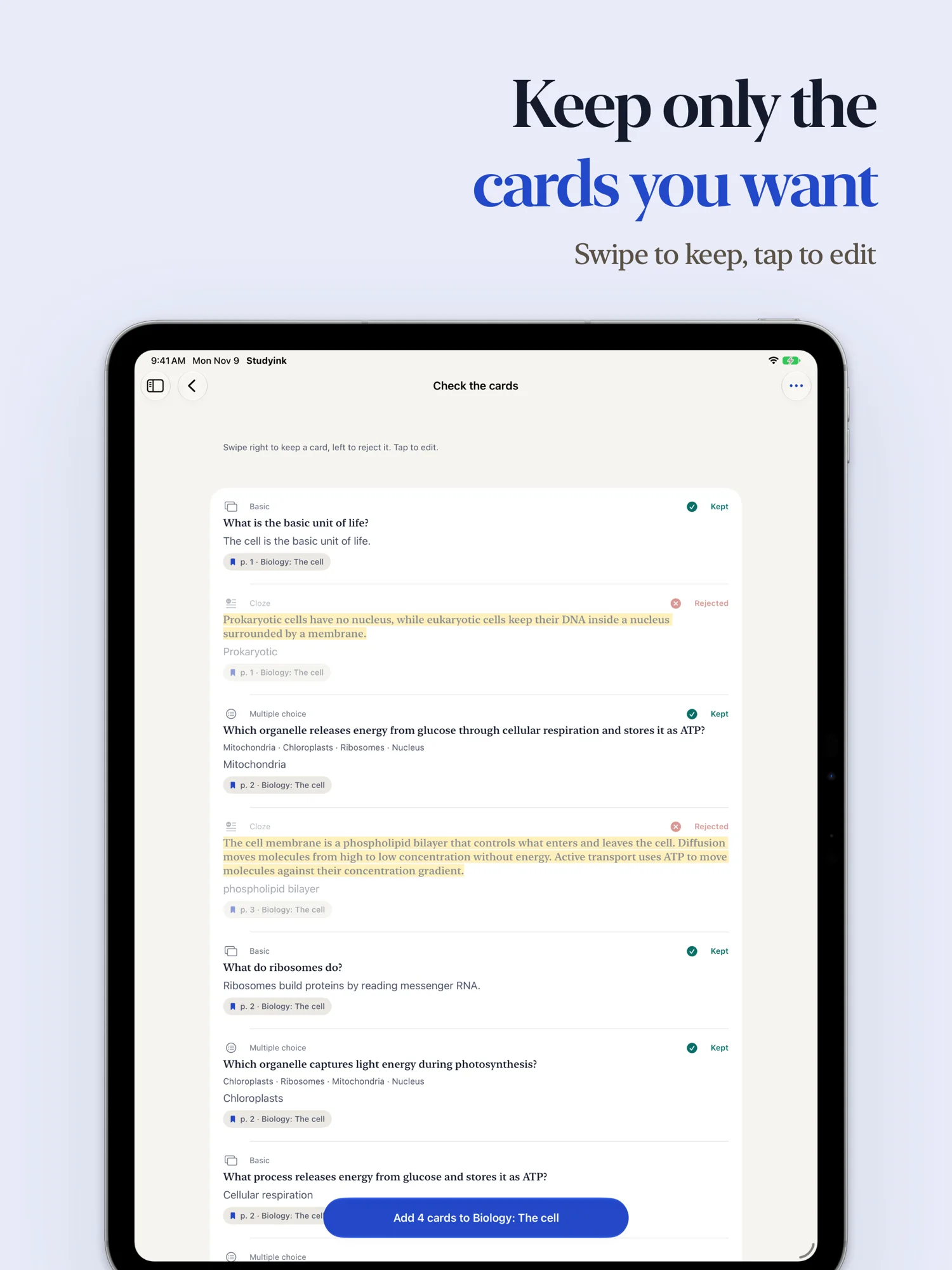
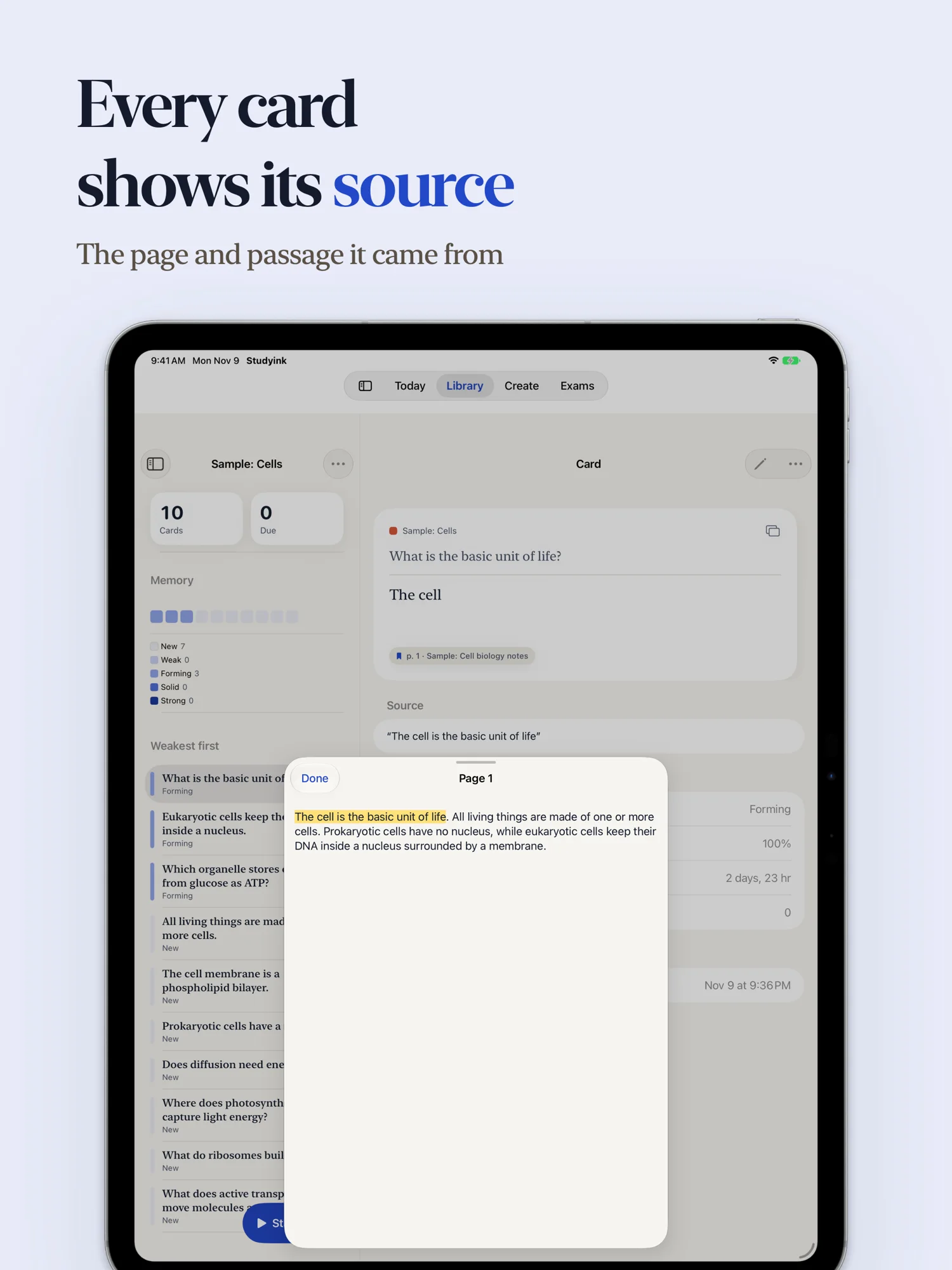
Studyink: Cards With SourcesThe free spaced repetition schedule takes your topics and an exam date and lays out a day-by-day timetable with growing gaps, ready for your calendar. Studyink, for iPhone and iPad, works at the level of single cards. It makes flashcards from your notes, links each to its source page and schedules every card with FSRS.
| Free tool | Studyink | |
|---|---|---|
| Runs on | Any browser | iPhone and iPad; card writing needs Apple Intelligence on iOS 26 or later |
| Schedules | Whole topics on fixed gaps you set | Each card, timed by FSRS from your answers |
| Study material | Your own list of topics | Cards made from your scans, PDFs and pasted text |
| Exam date | Fits reviews before it | Shows predicted recall on the day |
| Output | Calendar file, CSV or print | Decks that sync through your own iCloud |
| Price | Free, no sign-up | Free download with unlimited reviews and three card generations a week; Studyink Pro adds more |
Use the free schedule when you want a revision plan by chapter or lecture on your calendar.
Get Studyink when you want the cards themselves made from your notes and each one reviewed at the right time.
Screens from the current version on the App Store.
They run in your browser, with no sign-up.
Topics and an exam date become a revision timetable with growing gaps.
Turns terms and definitions into a multiple-choice or typed quiz.
Blanks words in a text for a worksheet, or exports Anki cloze cards.
APA, MLA, Chicago, Harvard and IEEE from a DOI or by hand.
An expanding series such as 1, 3, 7, 14 and 30 days is a common start. If the exam is close, shorten the gaps; if it is months away, the long gaps matter most.
Download the .ics file and open it. Apple Calendar imports it directly, and in Google Calendar you use Settings, then Import and export.
Close your notes and write or say what you remember, then check. Testing yourself does more for memory than reading the page again.
No. It uses the Apple Intelligence model on your device, and text recognition for scans runs on the device too. Without Apple Intelligence you can still write, import and review cards.
Yes. Import reads Anki .apkg packages, CSV files and plain text with a front and back on each line.
Read, write and study