Cursive font generator
Script, bold script and italic letters to copy into any bio.
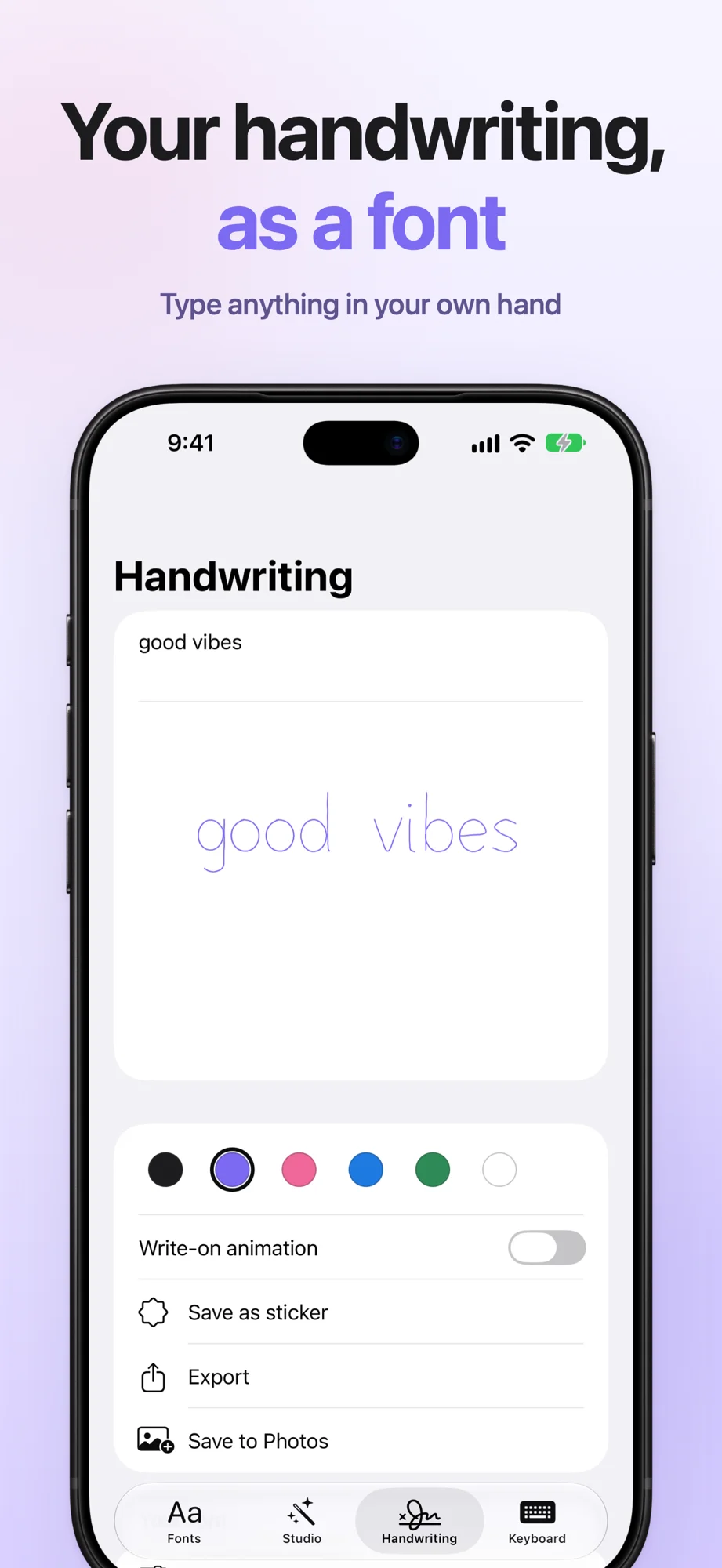
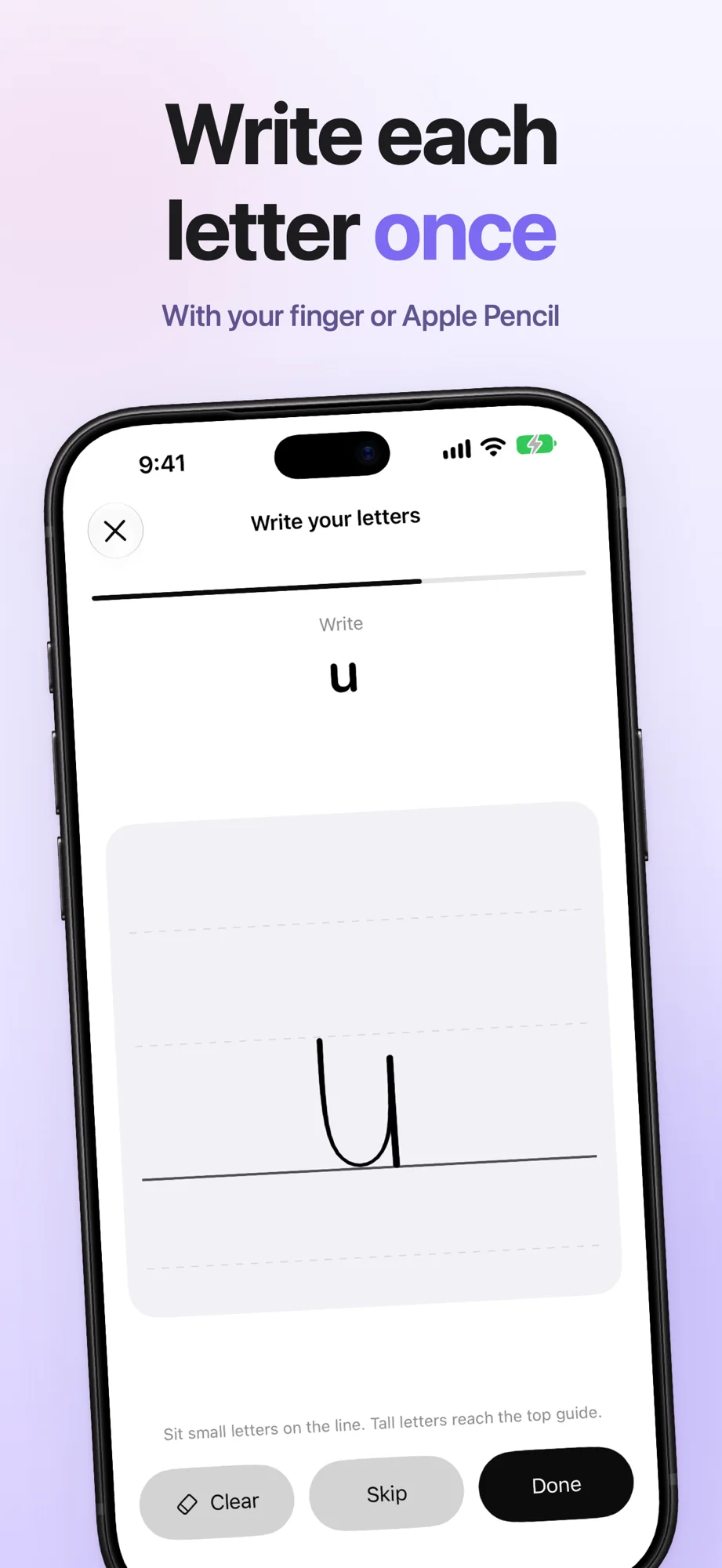
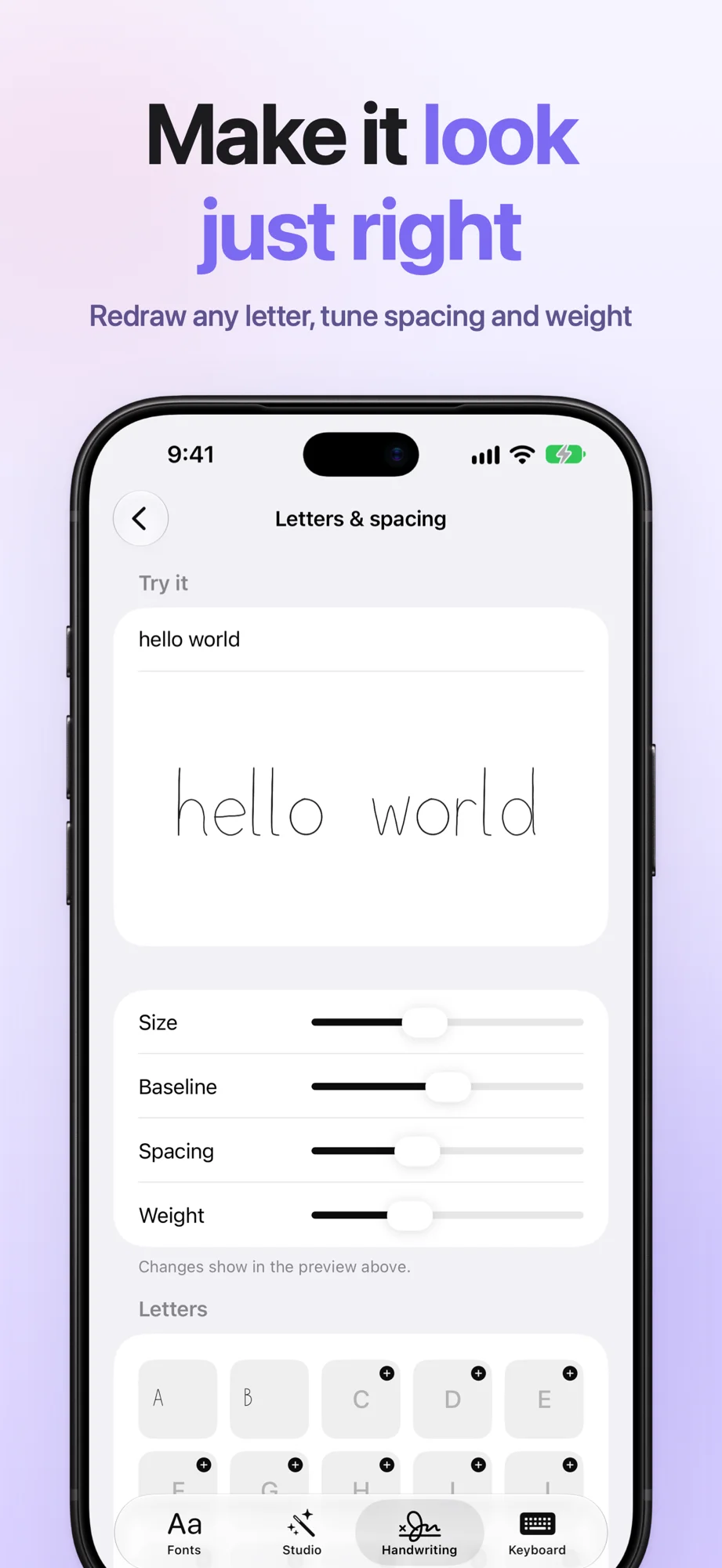
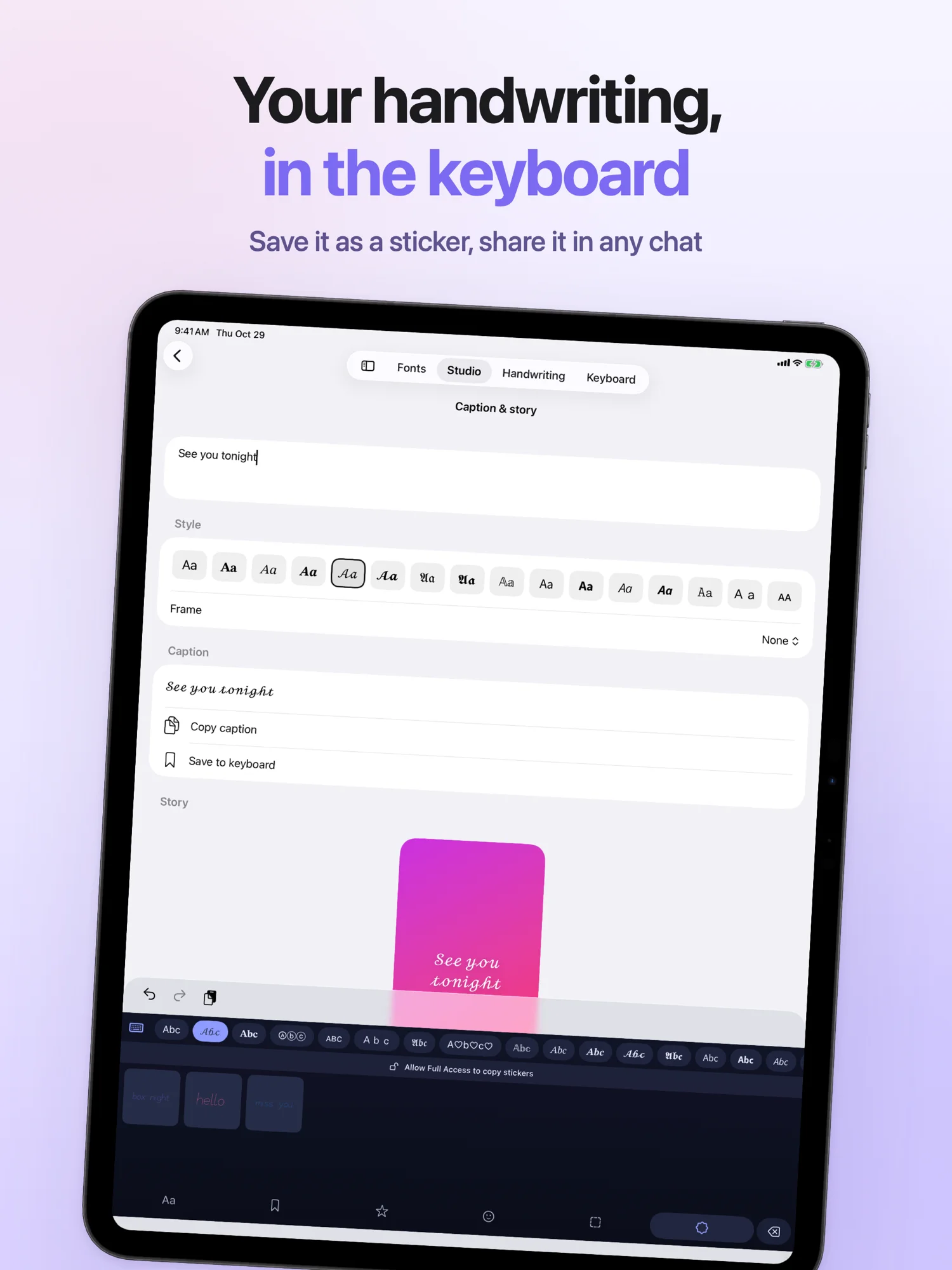
StarType: My Handwriting FontThe free cursive font generator swaps your letters for Unicode script characters you can copy into a bio or caption. It does not install a real font. StarType, for iPhone and iPad, makes one from your own handwriting: write each letter once, then type any word in your hand and save it as a sticker or image.
| Free tool | StarType | |
|---|---|---|
| Runs on | Any browser, phone or computer | iPhone and iPad with iOS 17 or later |
| Letters | Unicode script and italic styles | Your own handwriting, plus 100+ Unicode styles |
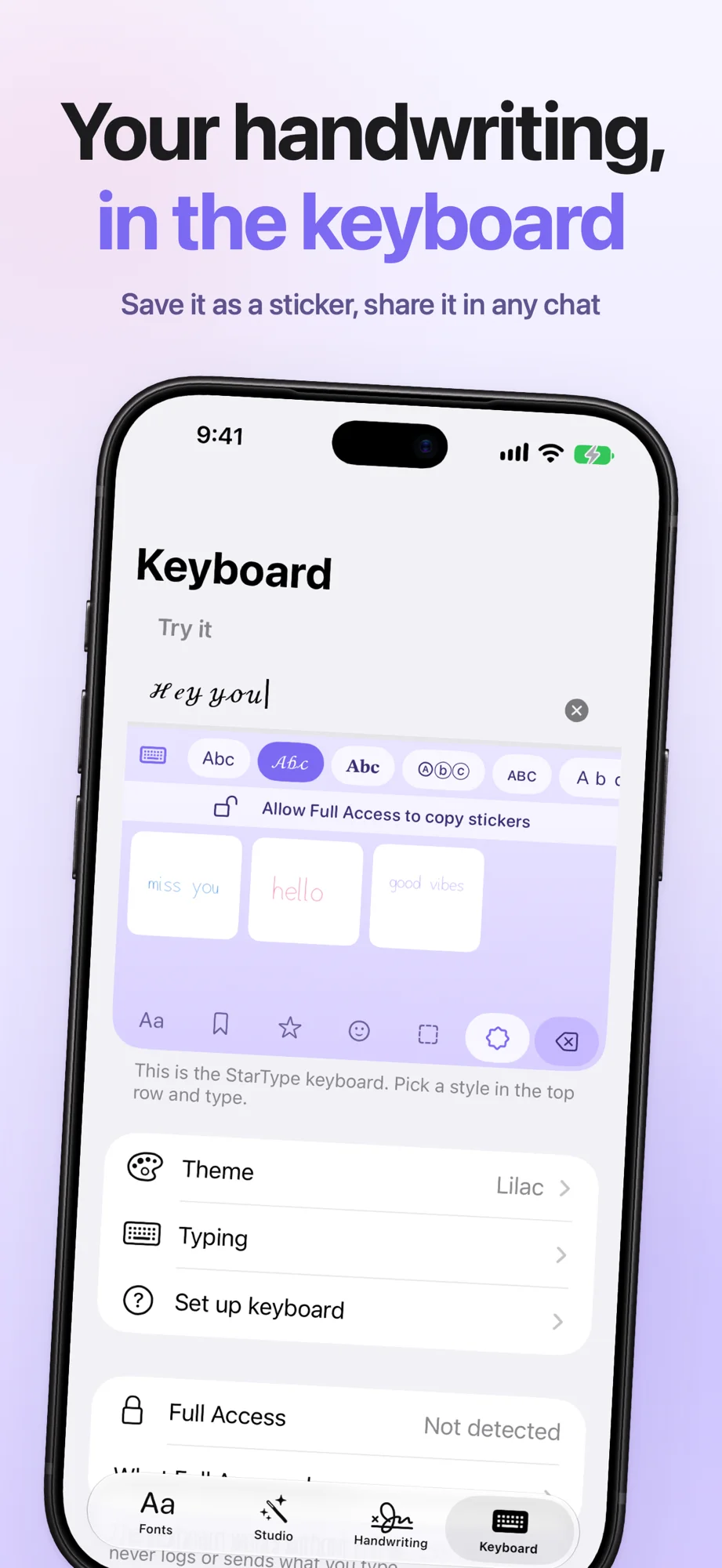
| How you use it | Copy from the page and paste | Type in any app with the StarType keyboard |
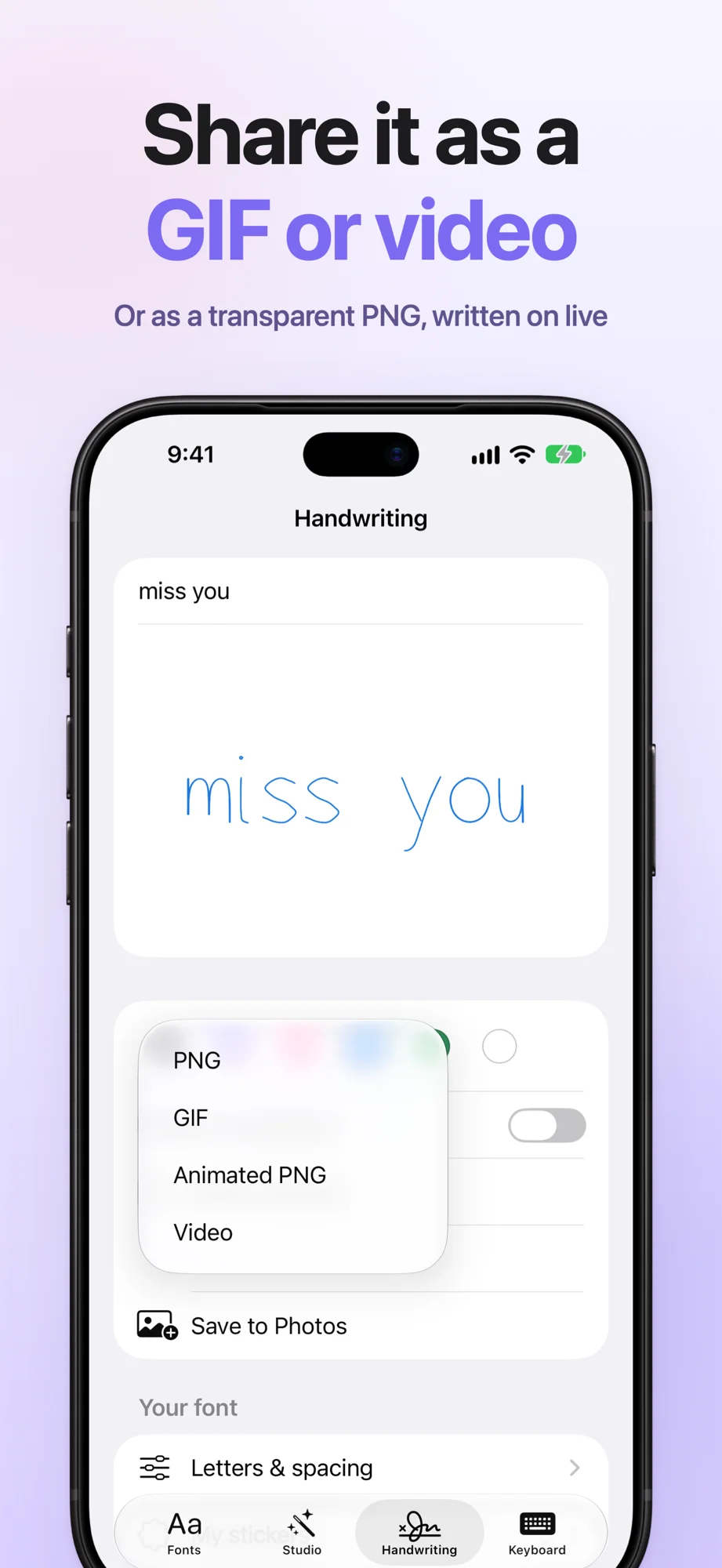
| Output | Text | Text, stickers, and with Pro a PNG, write-on GIF or video |
| Price | Free, no sign-up | Free download; StarType Pro adds every style, unlimited stickers and exports |
Use the free generator when you need one styled line for a bio or a post and copying it from a browser is fine.
Get StarType when you want words that look written by you, or styled letters on your phone's keyboard in every app.
Screens from the current version on the App Store.
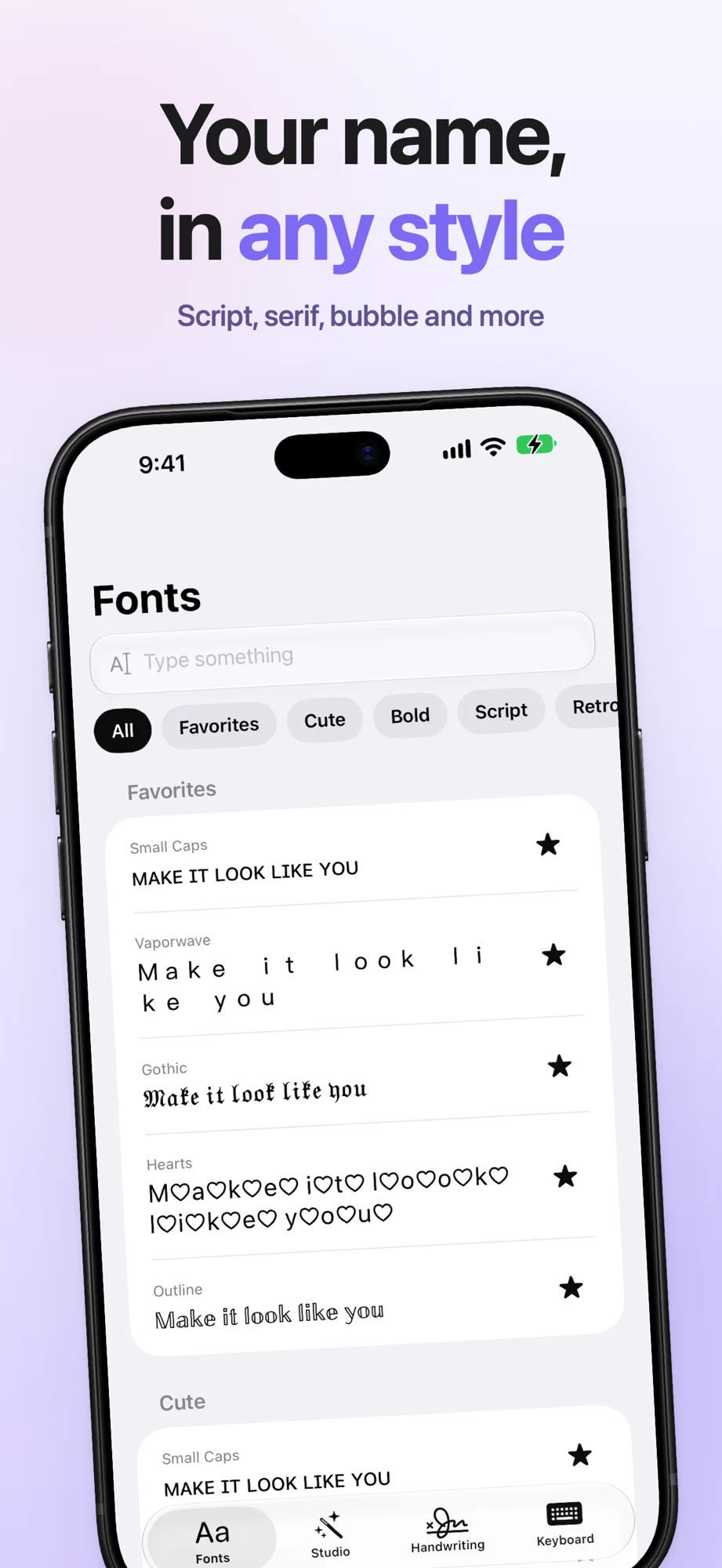
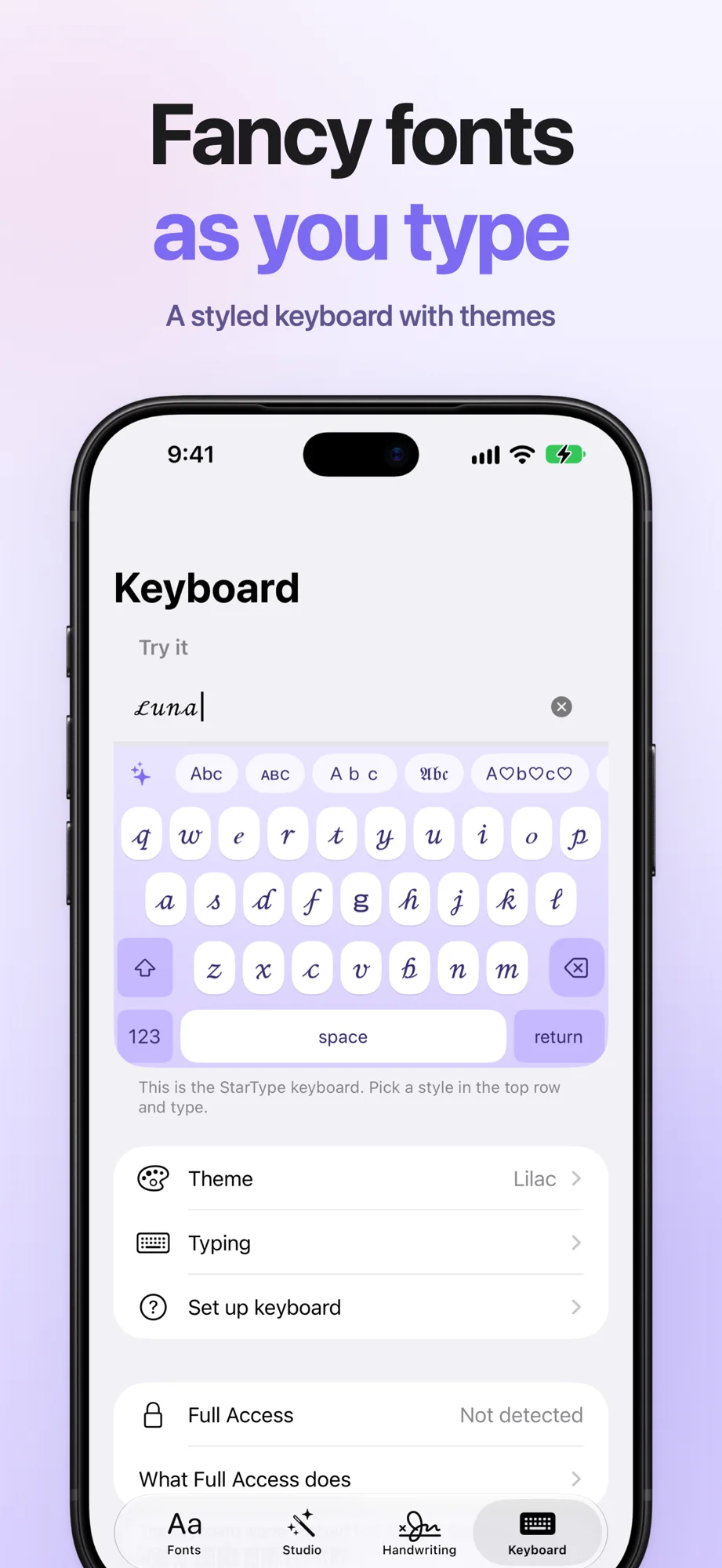
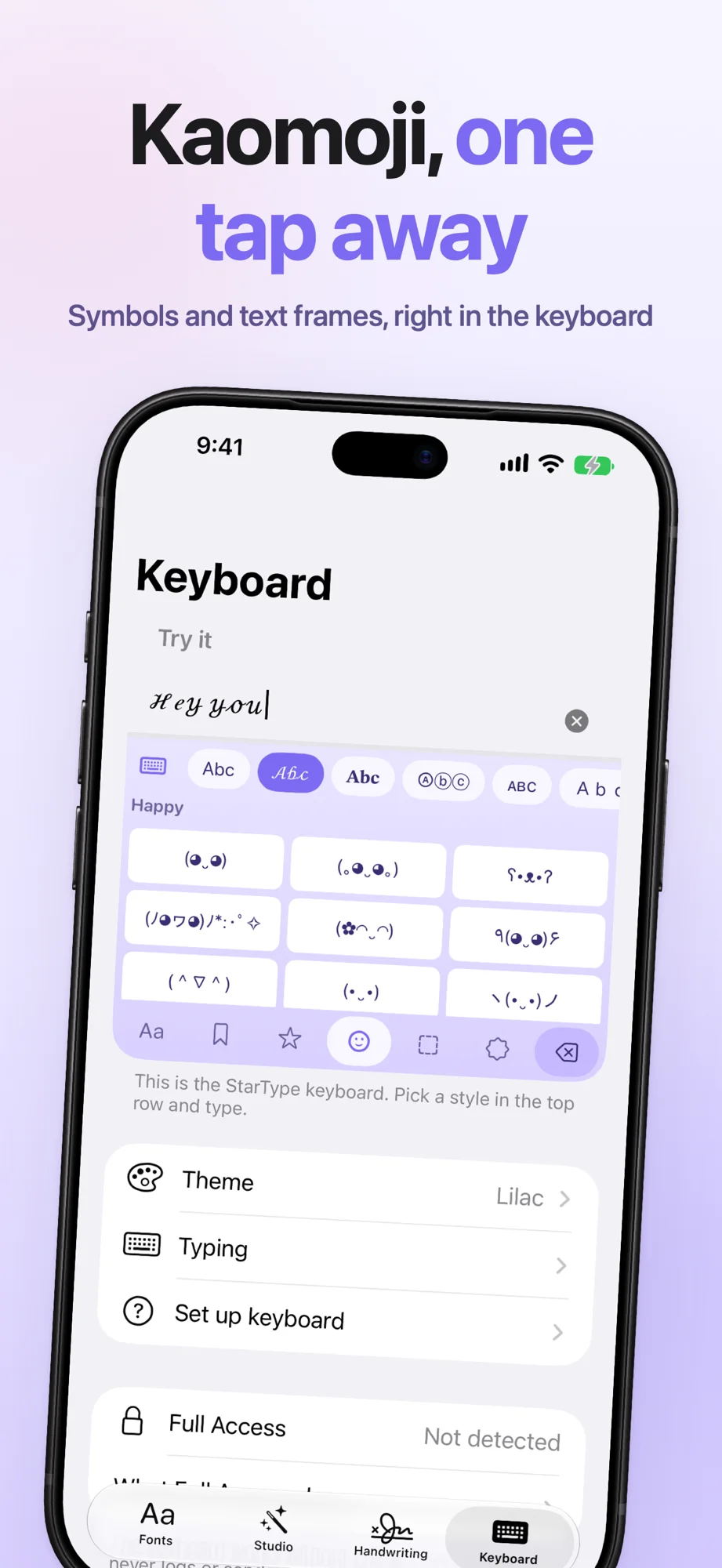
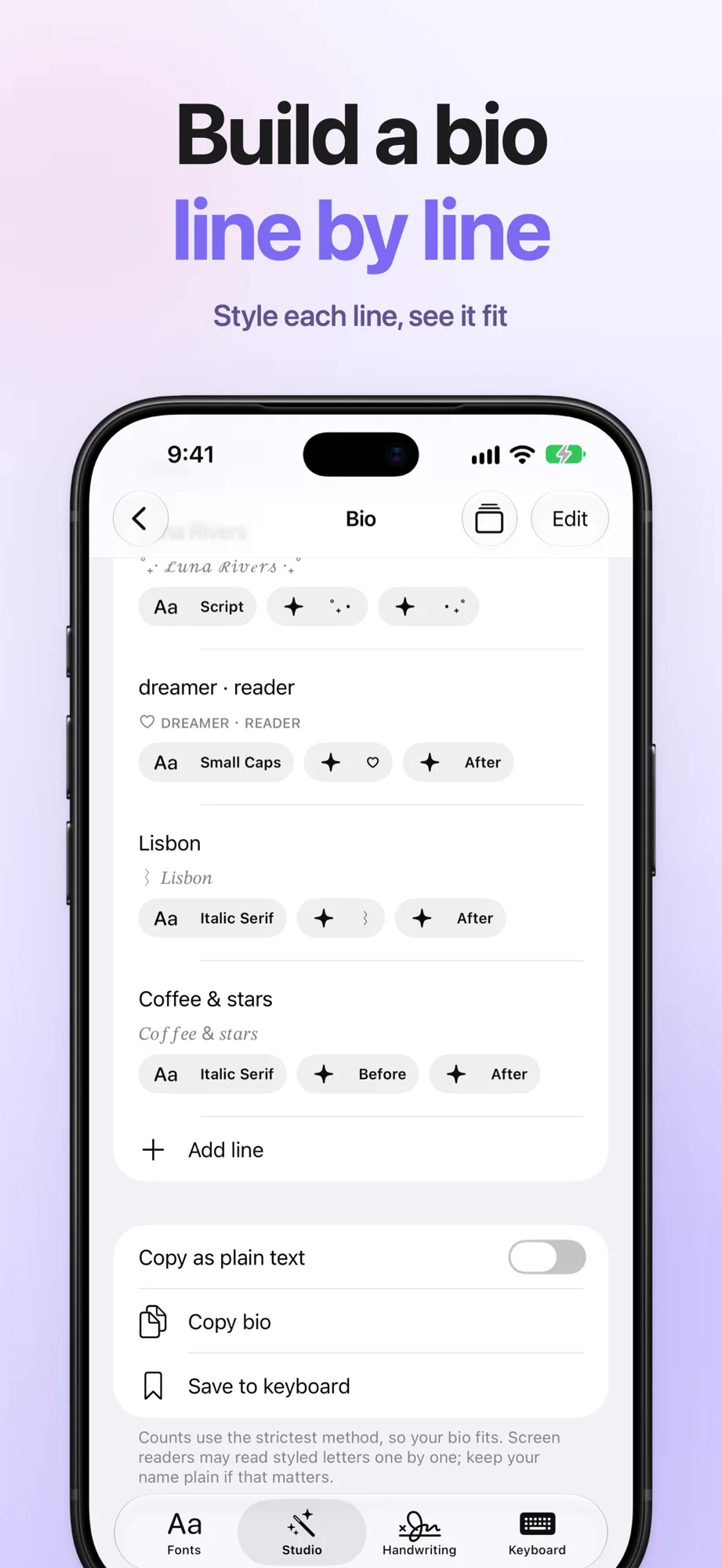
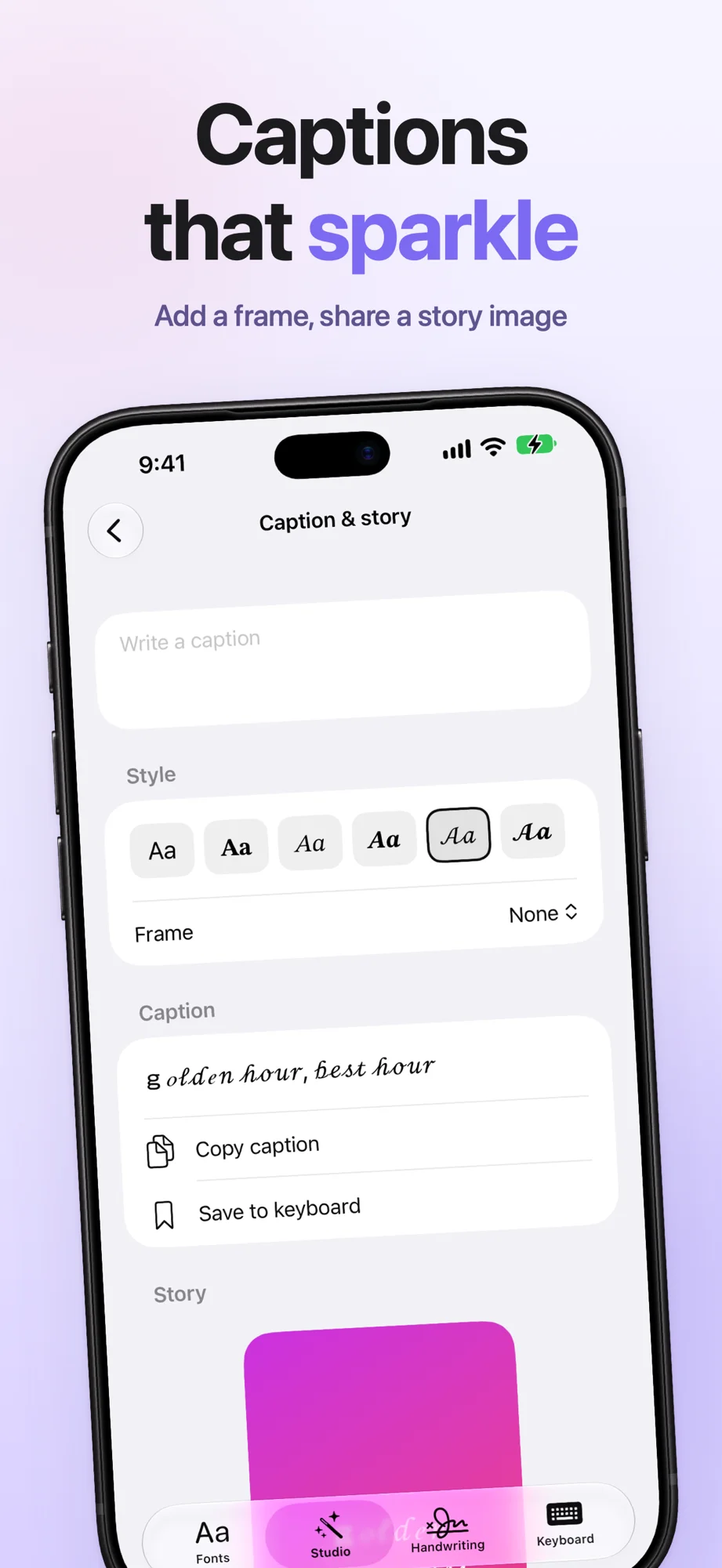
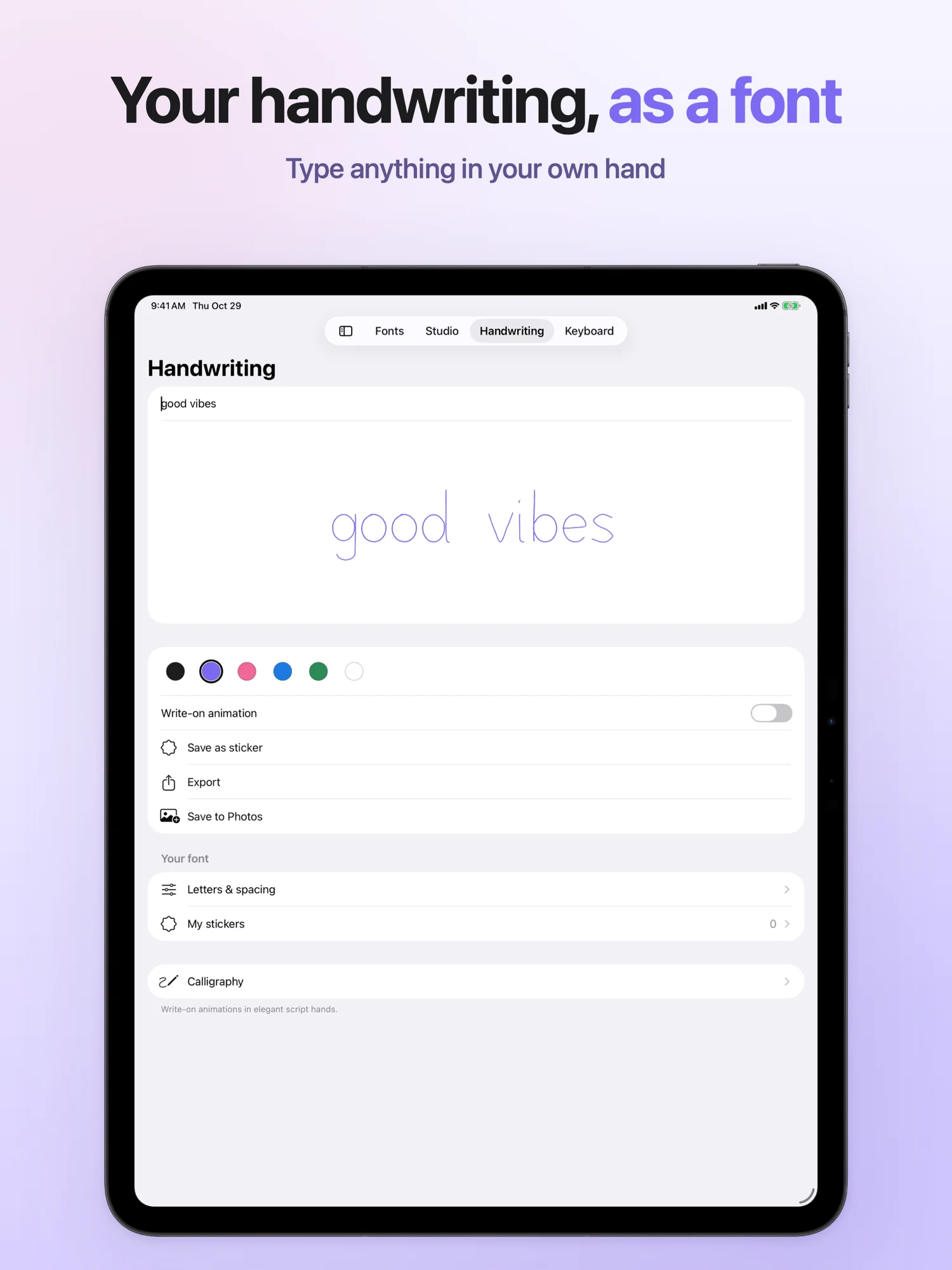
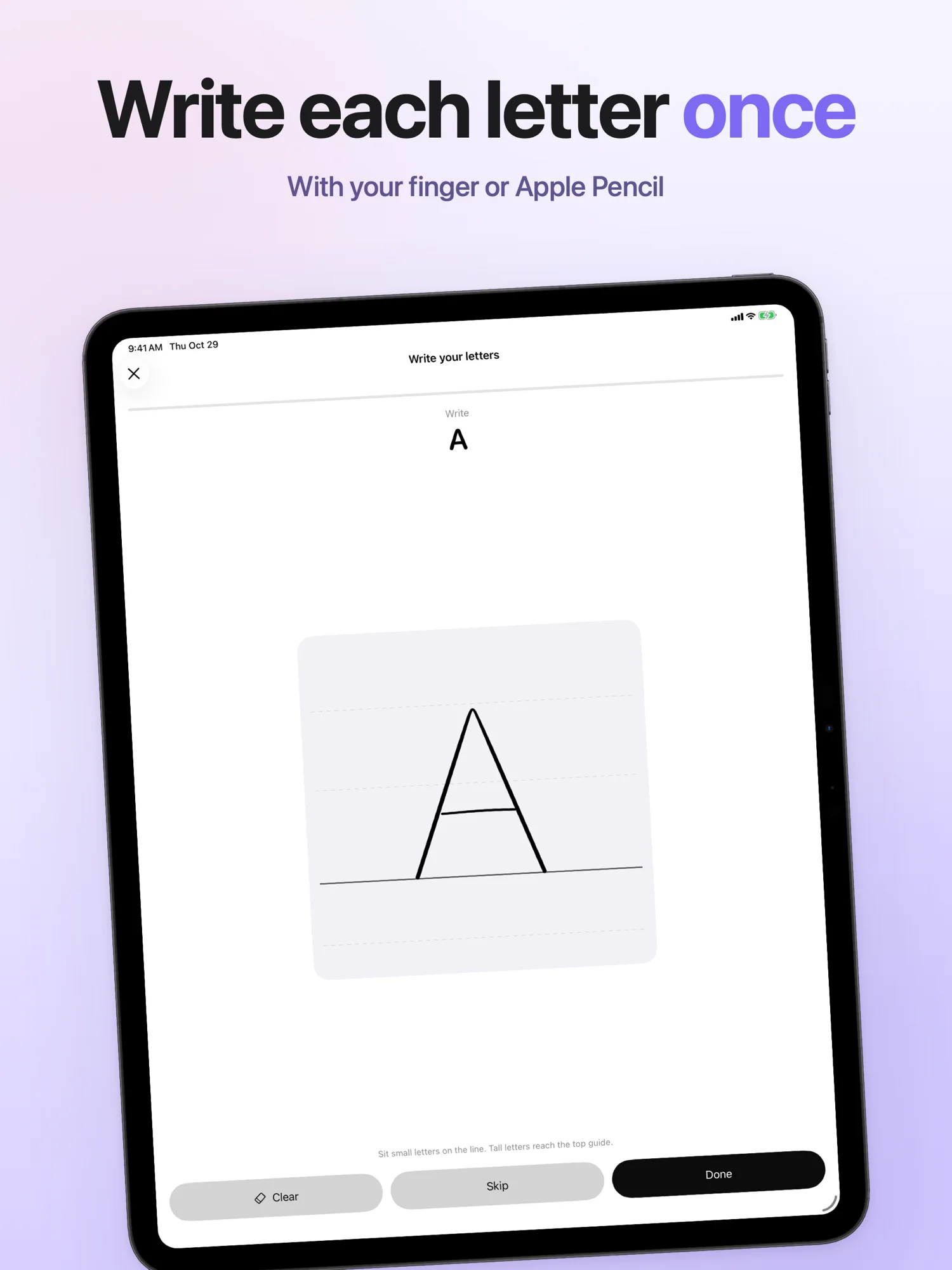
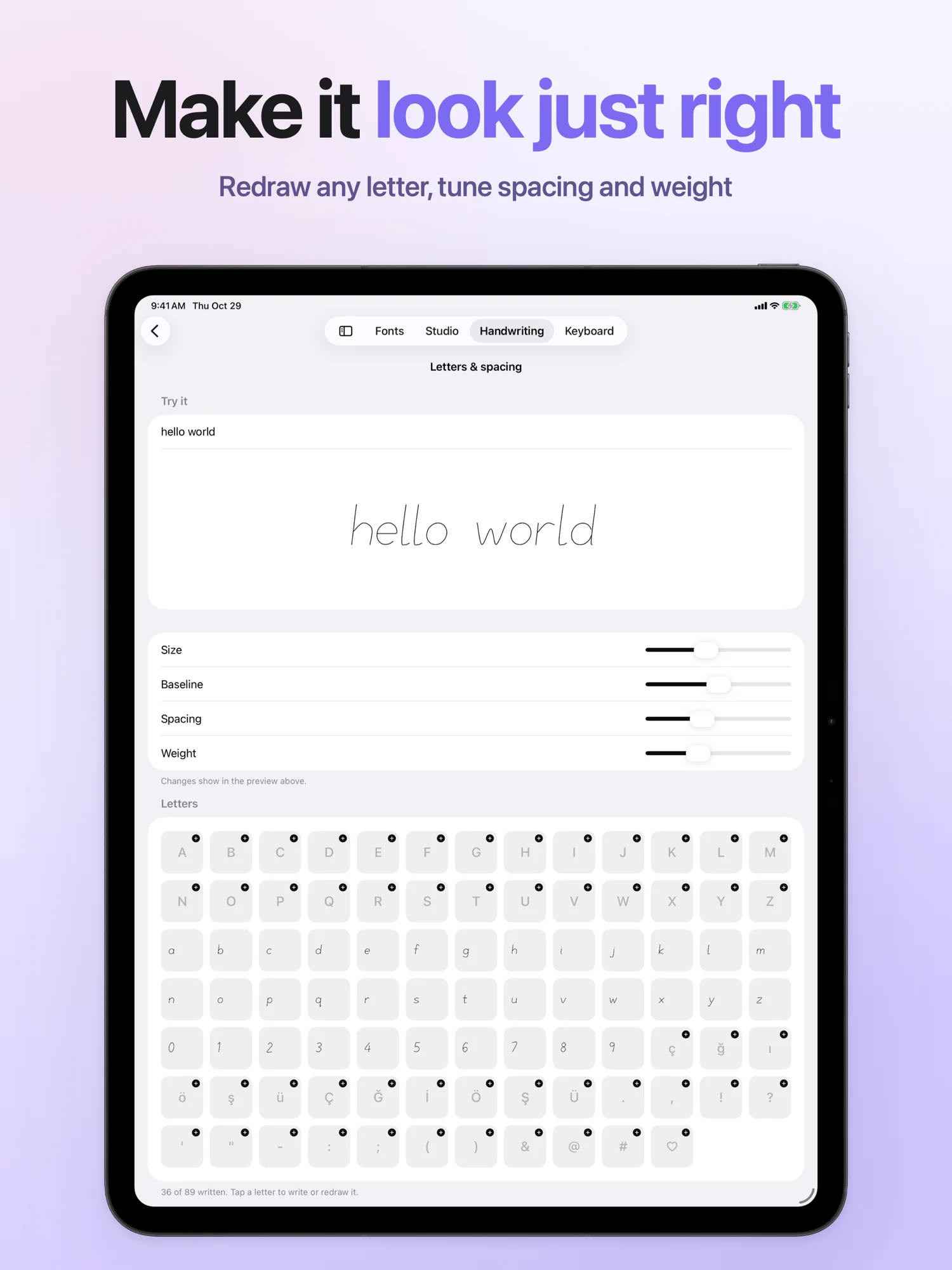
They run in your browser, with no sign-up.
Script, bold script and italic letters to copy into any bio.
Your name as a handwritten signature in 14 script fonts, as a transparent PNG.
Full width, spaced, bracketed and shaded letters to copy and paste.
Bold Unicode letters for apps that have no B button.
Circled, dark bubble and square letters for a bio or message.
No. It replaces each letter with a similar Unicode character, which is why the result pastes anywhere as plain text. The fonts on your device stay the same.
Unicode has script letters but no script digits, so the generator leaves numbers as they are.
Most phones and computers show them, since they are ordinary Unicode characters. Some screen readers read them letter by letter, so keep names and links plain.
Not as a font, because iOS keyboards cannot set a custom font inside another app. Your handwriting travels as an image instead: a sticker from the StarType keyboard, a transparent PNG, a write-on GIF or a video.
No. StarType never records or sends what you type, and nothing you write leaves your device. Typing and styling work without Full Access.
Your handwriting font, the free styles and themes, symbols, kaomoji, frames and up to 3 stickers. StarType Pro adds every style, unlimited stickers and GIF and video export, as a weekly or yearly plan or a lifetime purchase.
Read, write and study