Headphone test
Left and right, polarity, balance, bass and a 20 Hz to 20 kHz sweep.
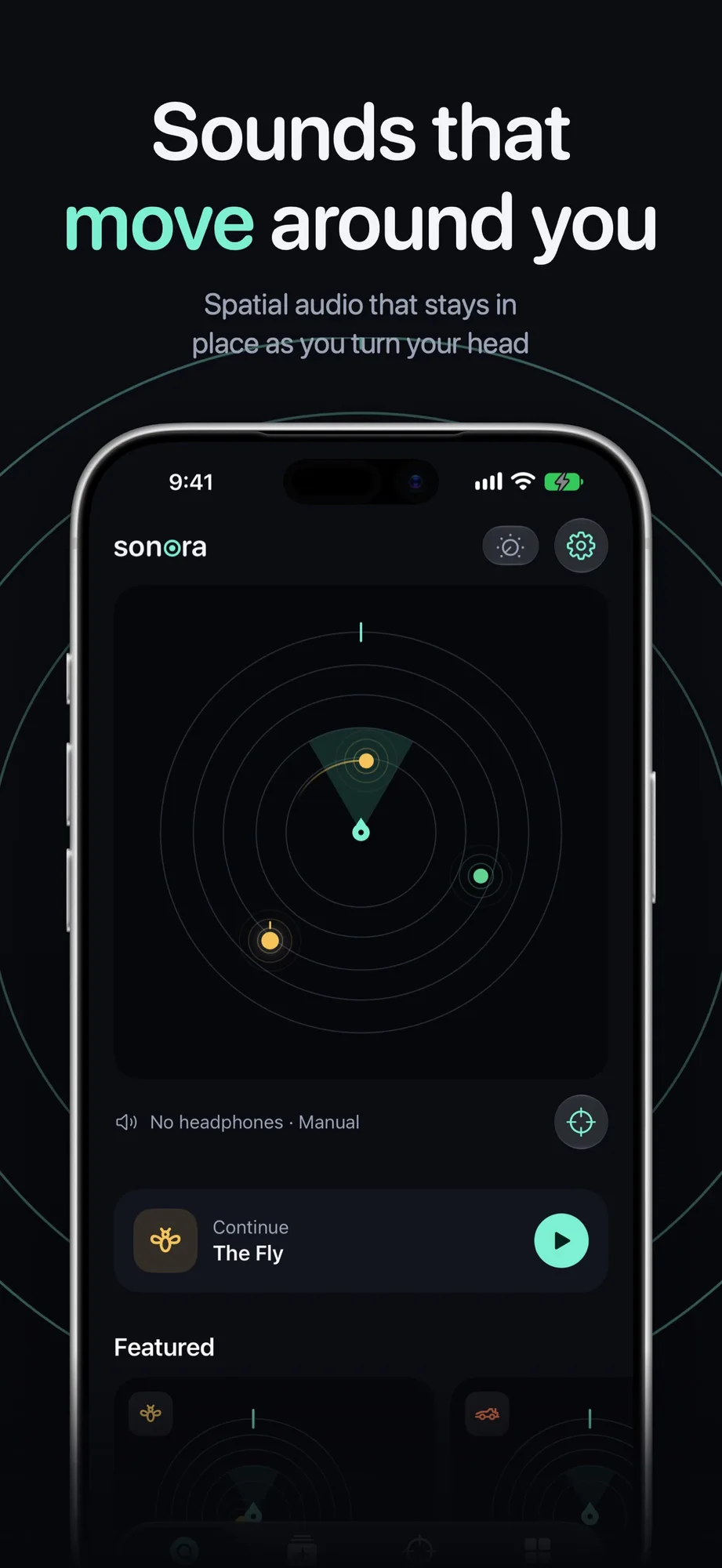
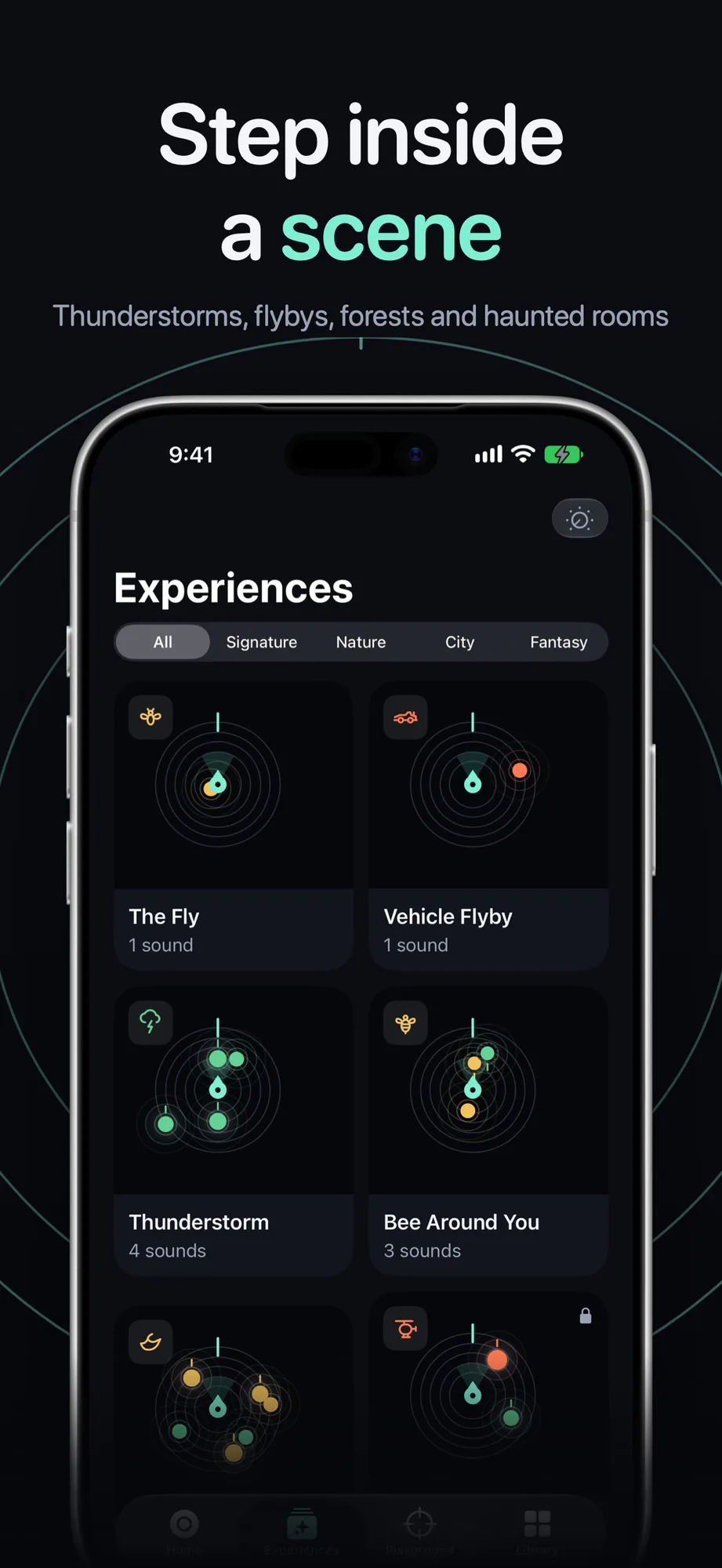
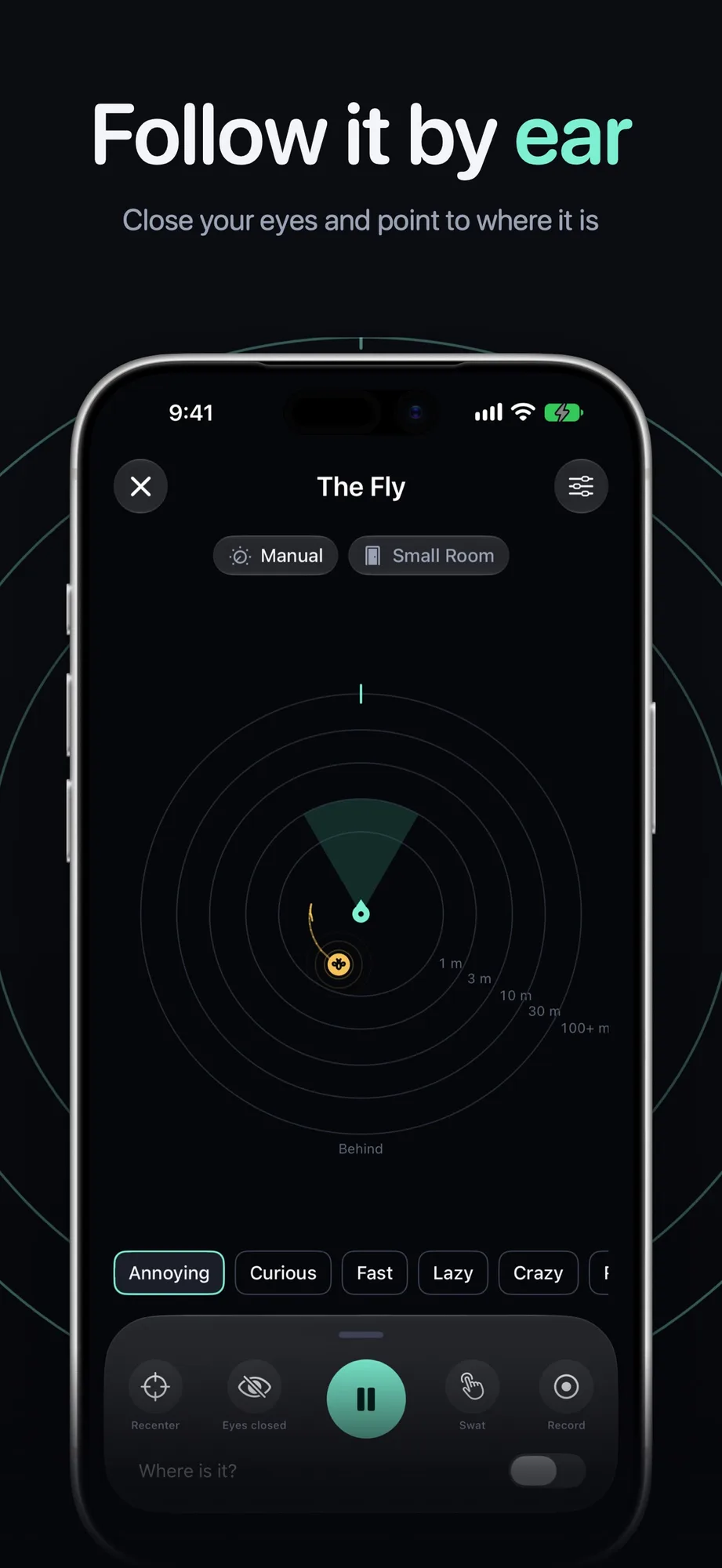
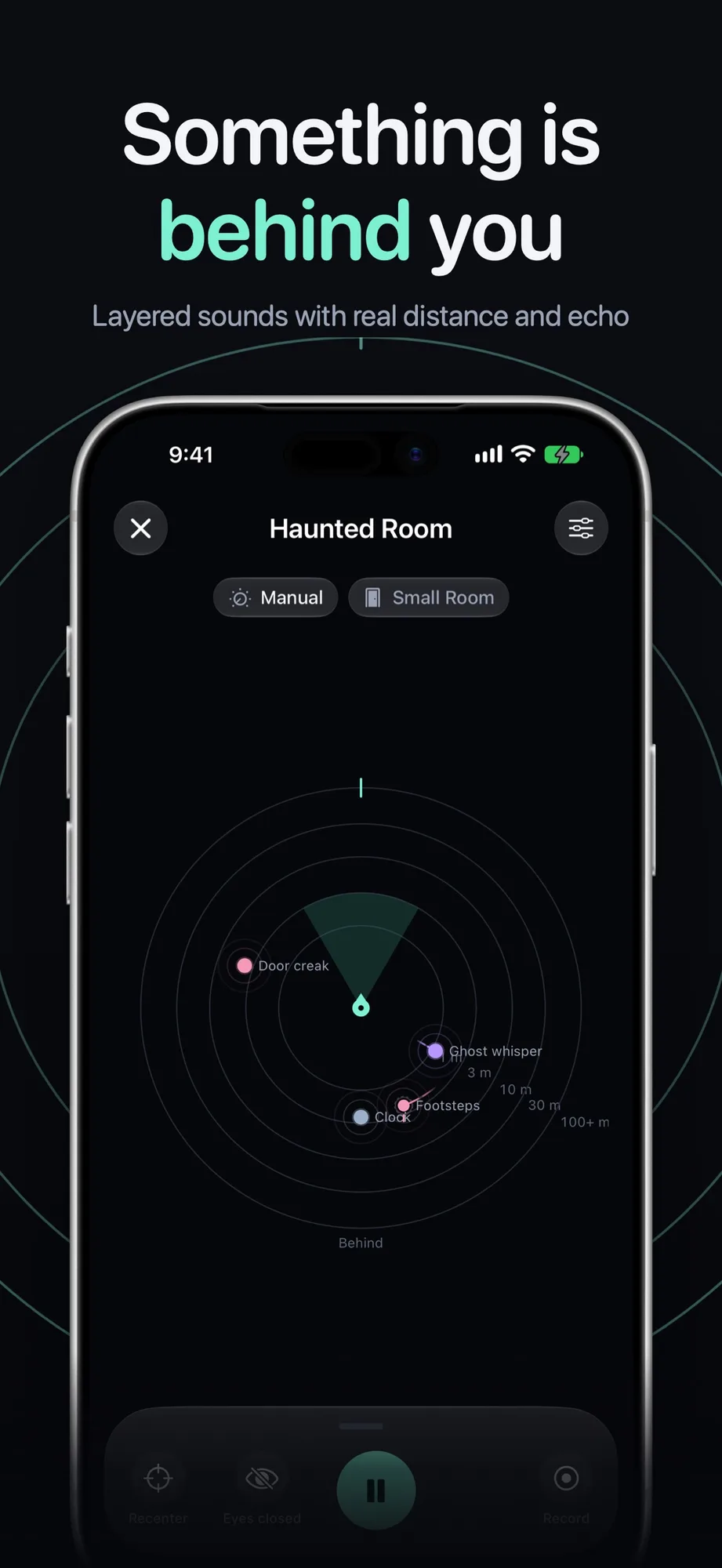
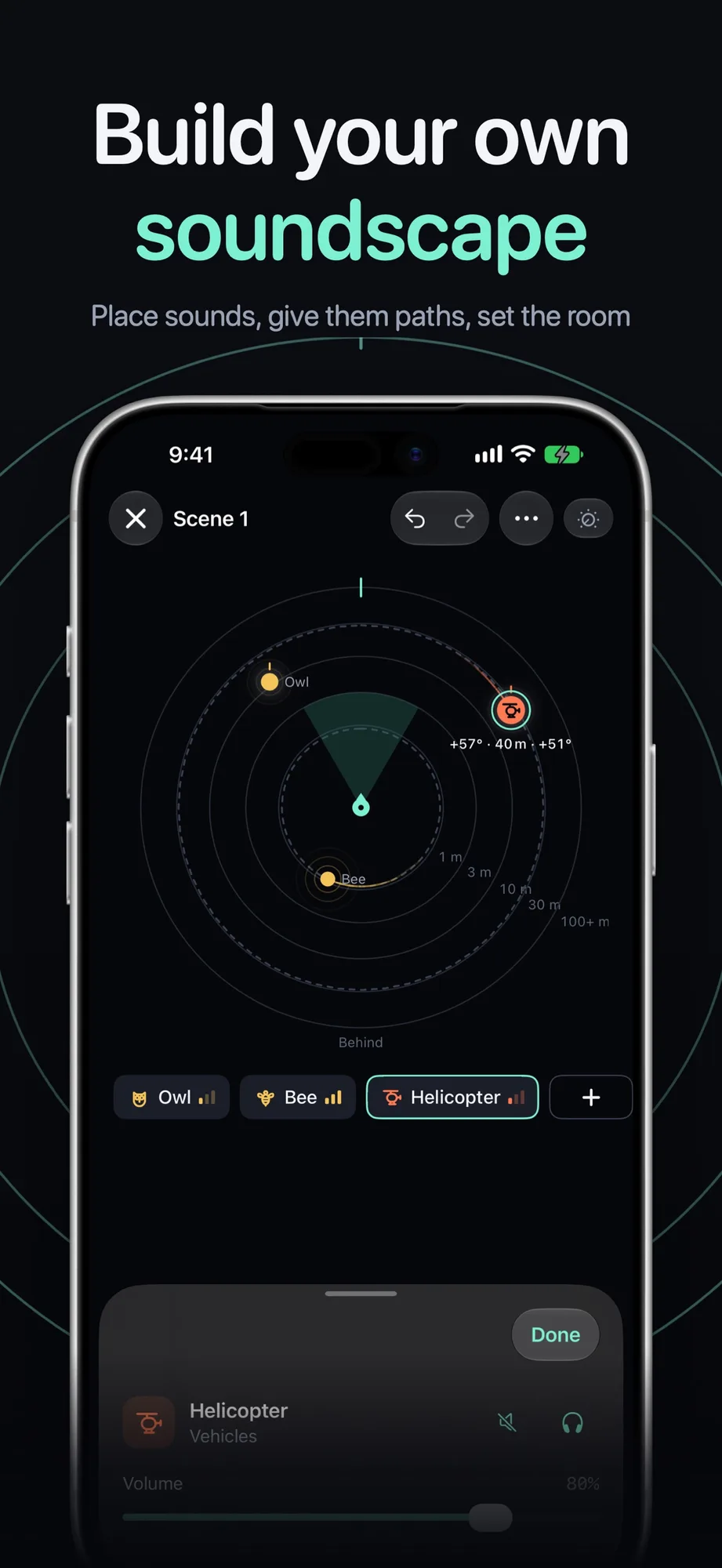
Sonora: Spatial SoundThe free headphone test checks the hardware: left and right channels, polarity, balance, bass and a 20 Hz to 20 kHz sweep, in any browser. Sonora, for iPhone and iPad, is for what comes after. It places synthesized sounds around your head and keeps them where they are when you turn.
| Free tool | Sonora | |
|---|---|---|
| Runs on | Any browser, phone or computer | iPhone and iPad with iOS 18 or later |
| Checks | Channels, polarity, balance, bass, frequency range | How well you place sounds around you |
| Head tracking | No | Supported headphones, iPhone motion or a dial |
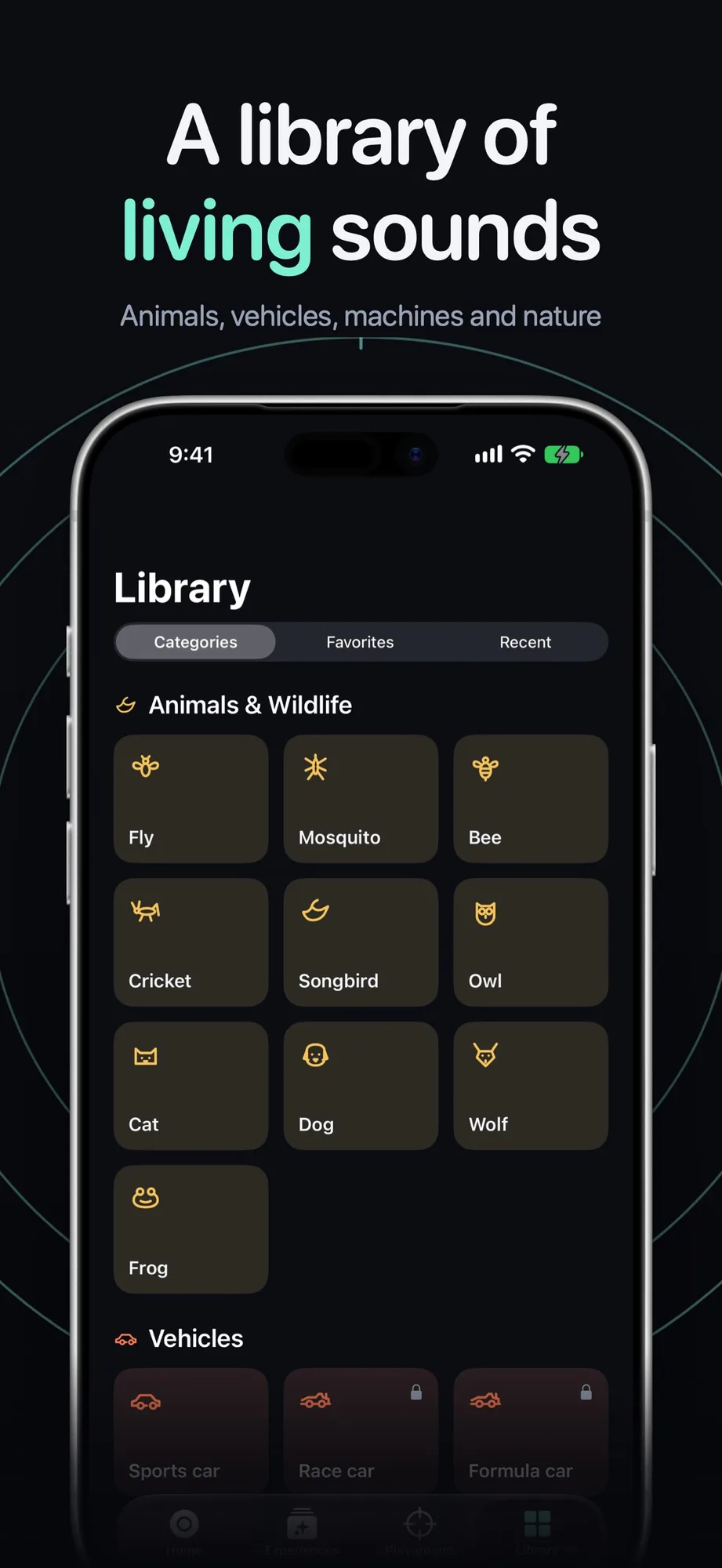
| Sounds | Test tones and a sweep | Animals, vehicles, nature and more, with rooms, echo and Doppler |
| Price | Free, no sign-up | Free download; Sonora Pro unlocks every experience and room |
Use the free test when a new pair arrives, when one side seems quiet, or when music sounds thin and you want to know why.
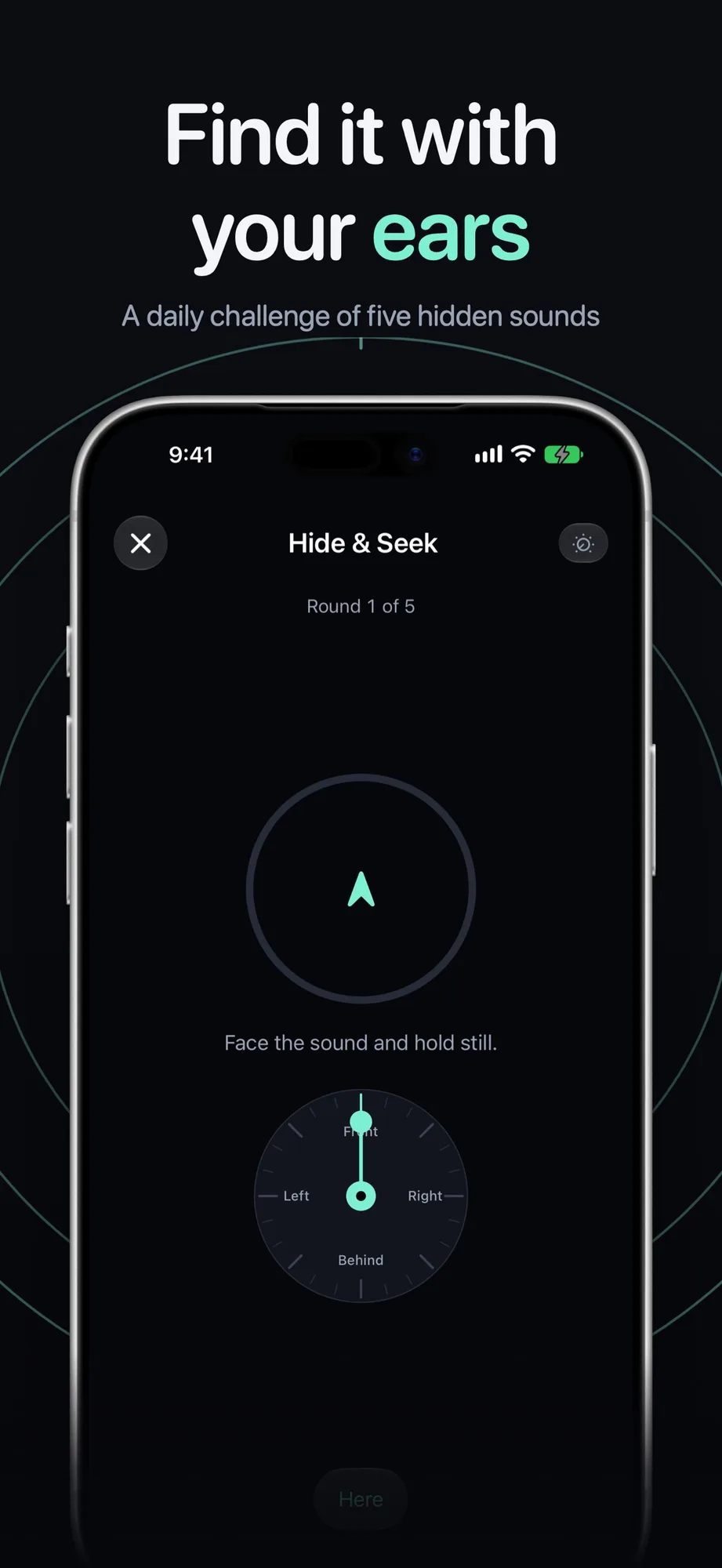
Get Sonora when the headphones are fine and you want to hear 3D sound, train how well you locate sounds, or build a scene and share it.
Screens from the current version on the App Store.
They run in your browser, with no sign-up.
Left and right, polarity, balance, bass and a 20 Hz to 20 kHz sweep.
Checks each speaker channel of a laptop, phone or sound system.
Plays any frequency from 20 Hz to 20 kHz and names the note.
Endless noise for sleep and focus, with a fade-out timer.
No. A headphone test checks the hardware: each channel, polarity and frequency range. A spatial audio test checks whether sound seems to come from places around you. Run the headphone test first, because a swapped or out-of-phase channel spoils any 3D effect.
No. Any headphones play Sonora in 3D. Headphones with head tracking let it follow your head; without them it can use your iPhone's motion or a dial.
Check the L and R marks on the earcups first. Then turn off spatial audio and other sound effects on your device, since they can move sound between the ears, and run the test again.
No. There is no account and no analytics. Motion data stays on the device and is used only to keep sounds in place, and every sound is synthesized on the device.
Every experience, sound and room, the harder Hide & Seek levels, unlimited scenes with up to 16 sounds each, scene sharing and binaural clips up to 3 minutes. Pro is a one-time purchase or a yearly subscription.
Tune, sing and listen