 Music
iOS
Sonora: Spatial Sound
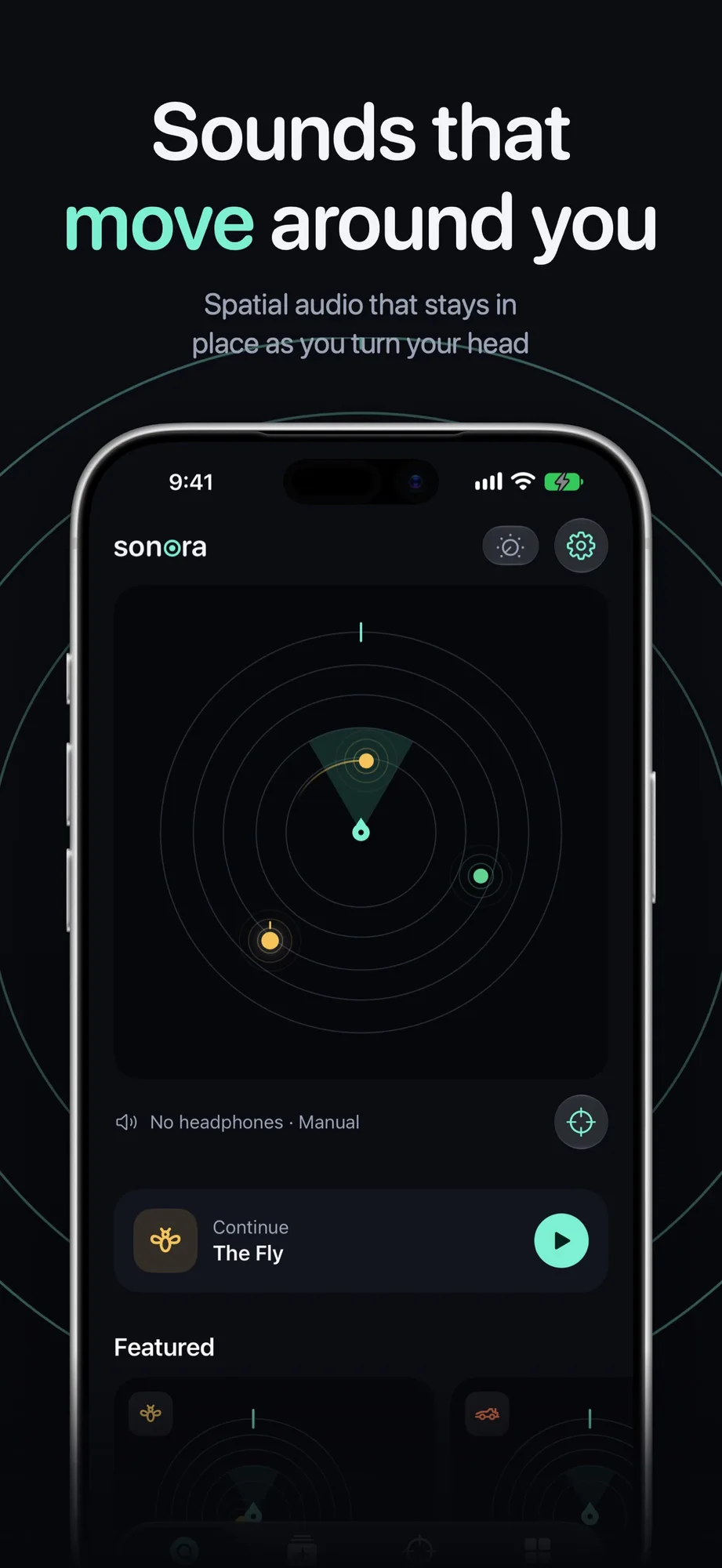
Sonora places sounds in the space around your head. A bee orbits you, a car passes from left to right, thunder rolls in from far away. Turn your head and every sound stays where it is, the way it would in a real room.
On the iPhone
Screens from the current version on the App Store.
How it works
Sonora, from first tap to finished.
Put on headphones
Any headphones play Sonora in 3D. With headphones that support head tracking, Sonora follows your head as you turn; without them it uses your iPhone's motion, or a dial you turn by hand.
Start an experience
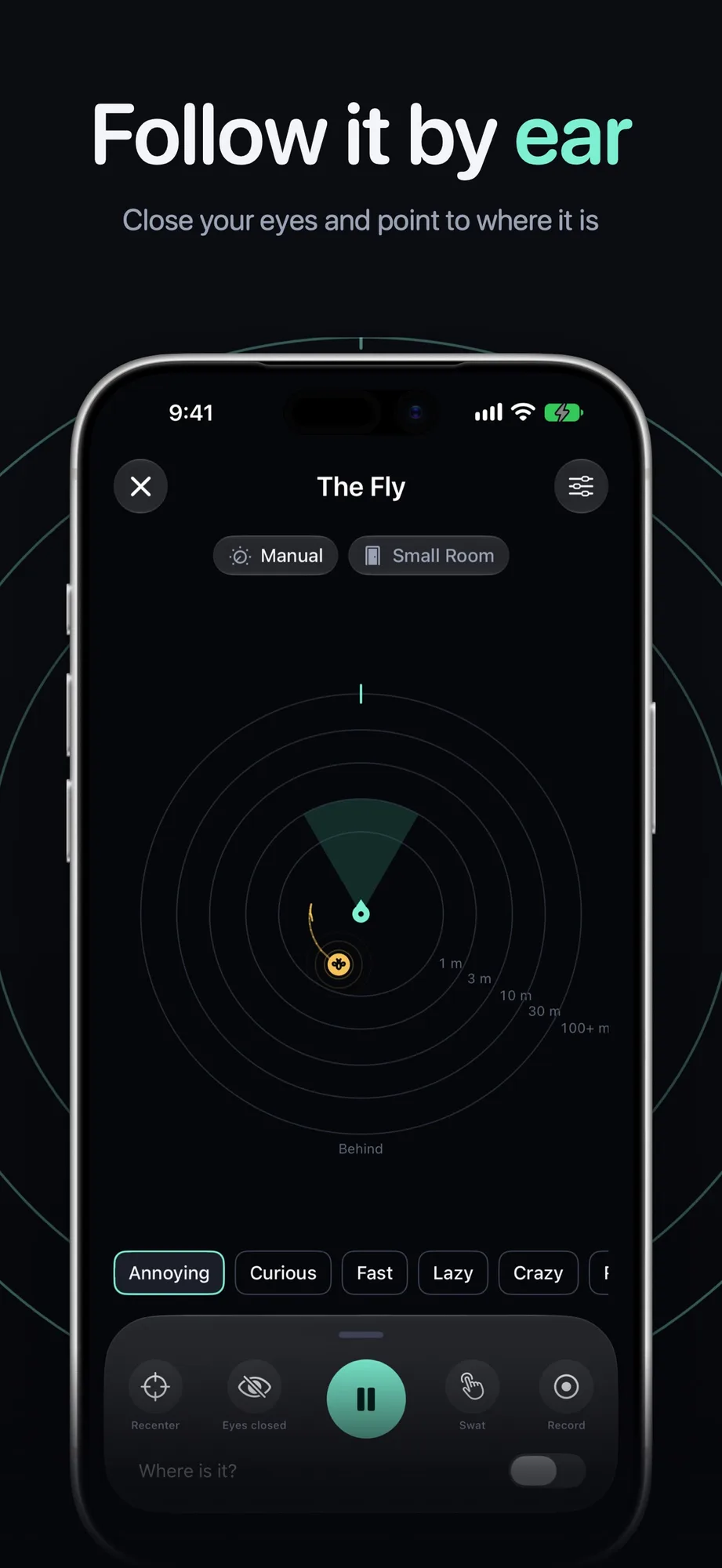
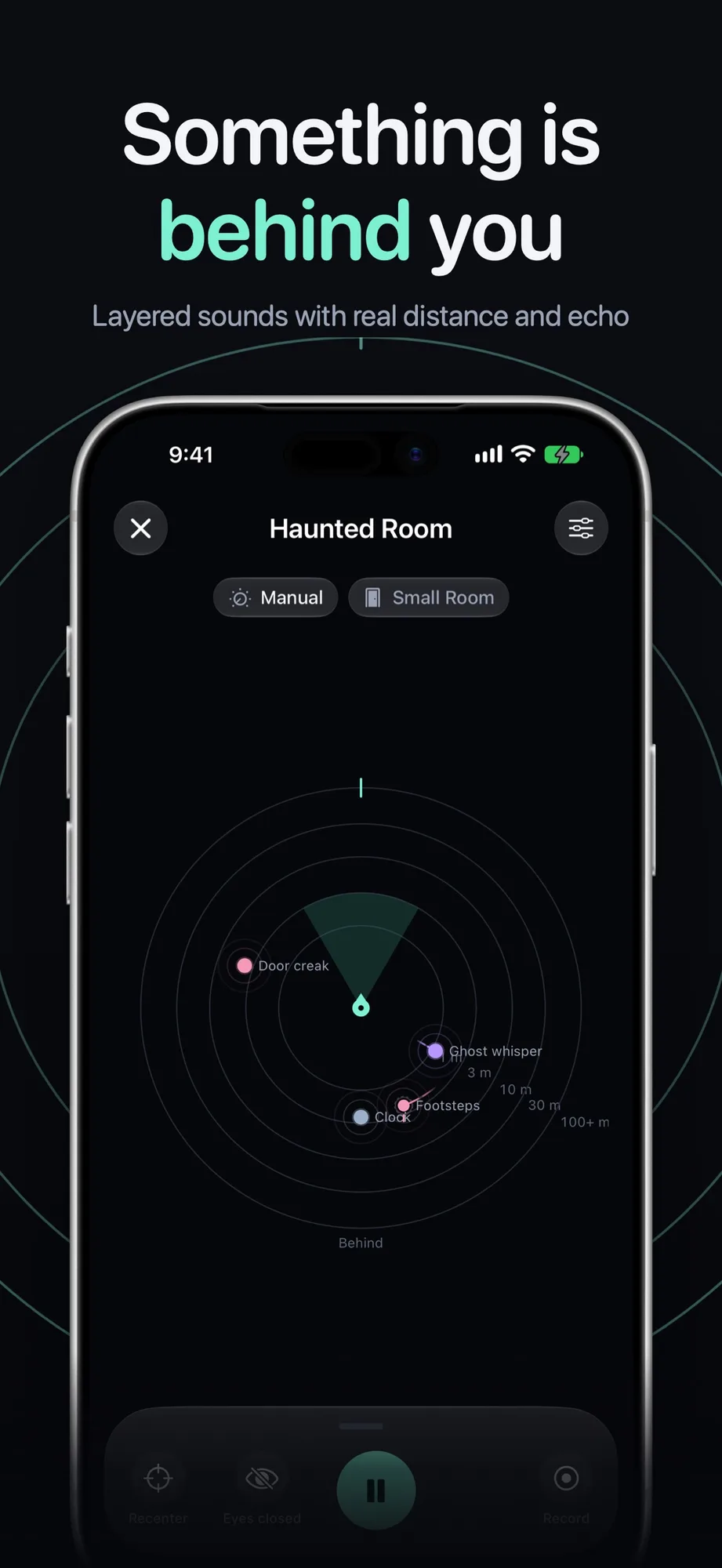
A fly circles your head, a car passes from left to right, thunder rolls in from far away. A live field shows where each sound is while you listen.
Build your own scene
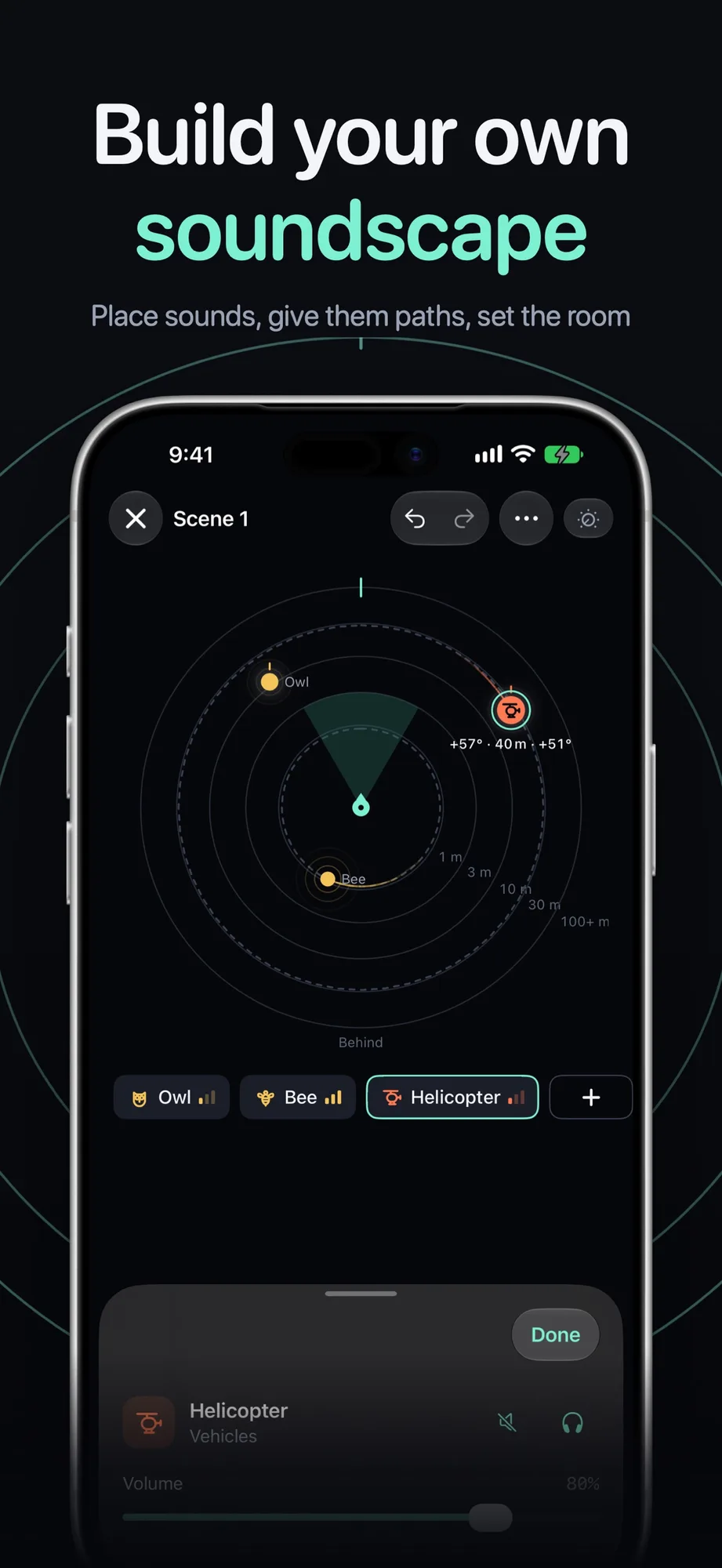
In the Playground, drop sounds anywhere on the field, give each one a path such as orbit, flyby or wander, and choose the room, from a small room to open outdoors.
Find the sound
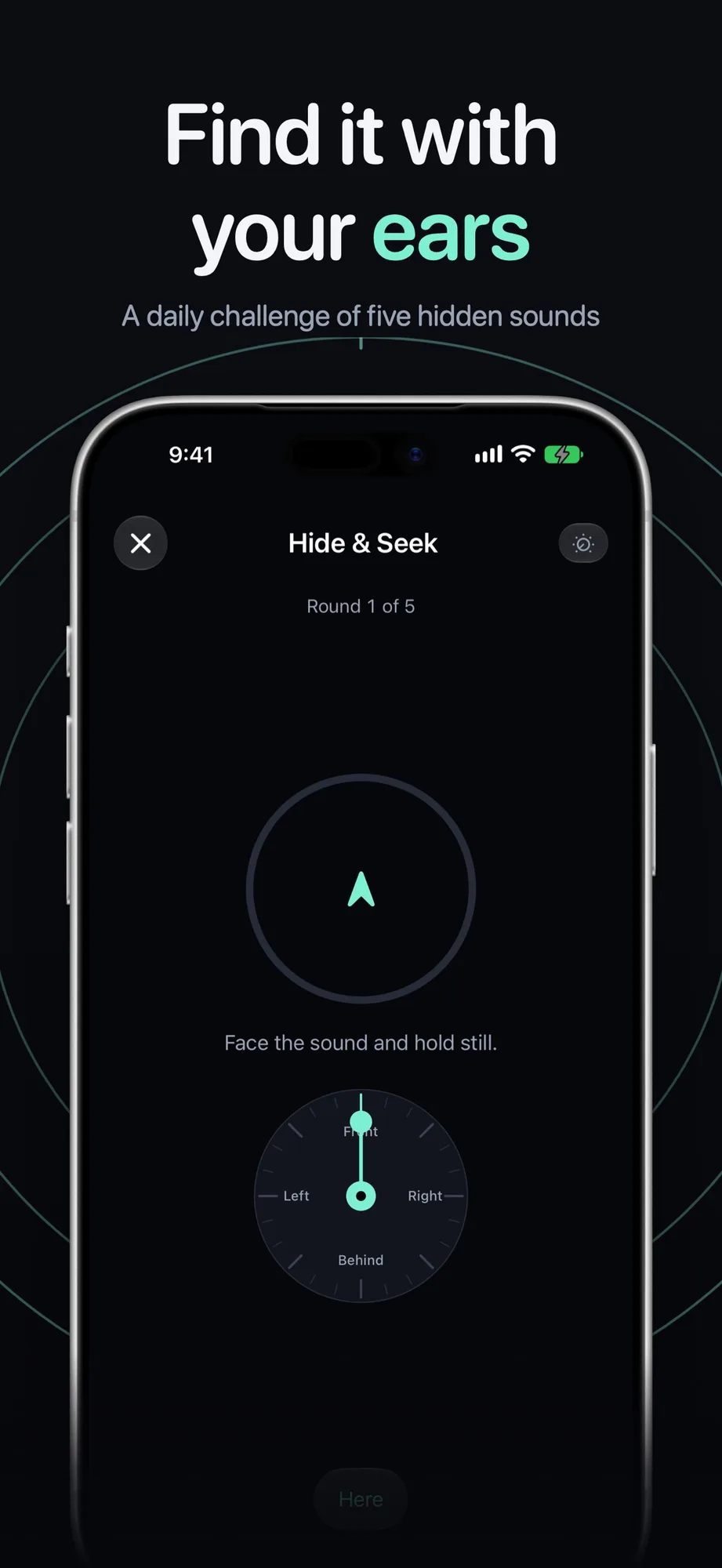
In Hide & Seek a sound plays somewhere around you. Turn to face it and hold still. A daily challenge of five sounds arrives every day, the same for everyone.
What it does
- Spatial audio that keeps every sound in place as you turn your head
- Head tracking from supported headphones, your iPhone's motion or a hand dial
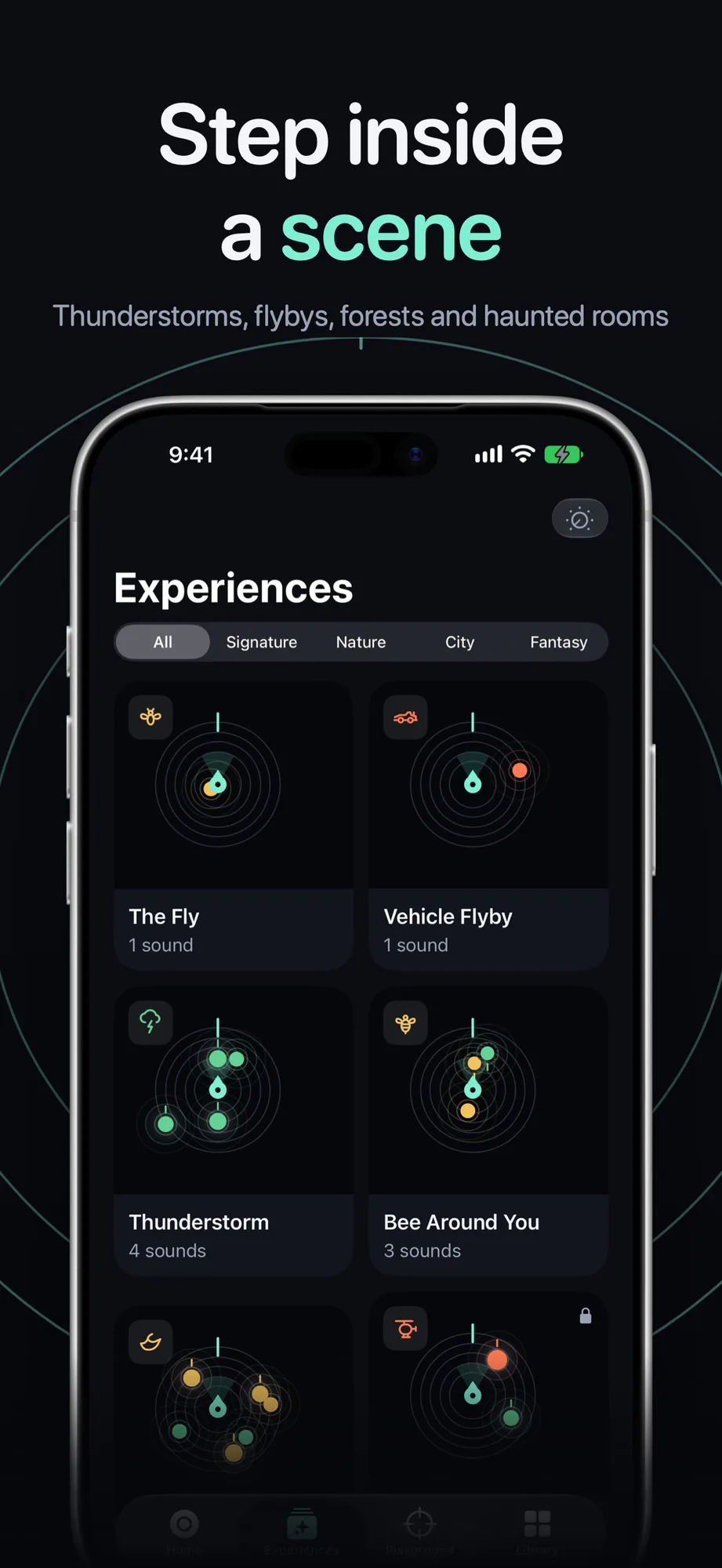
- Ready-made experiences: The Fly, Vehicle Flyby, Thunderstorm and more
- A Playground to place sounds and give each one a path
- Orbit, flyby, wander, follow, bounce and approach paths
- Rooms from a small room to open outdoors, with echo and Doppler
- Hide & Seek with a daily challenge of five sounds
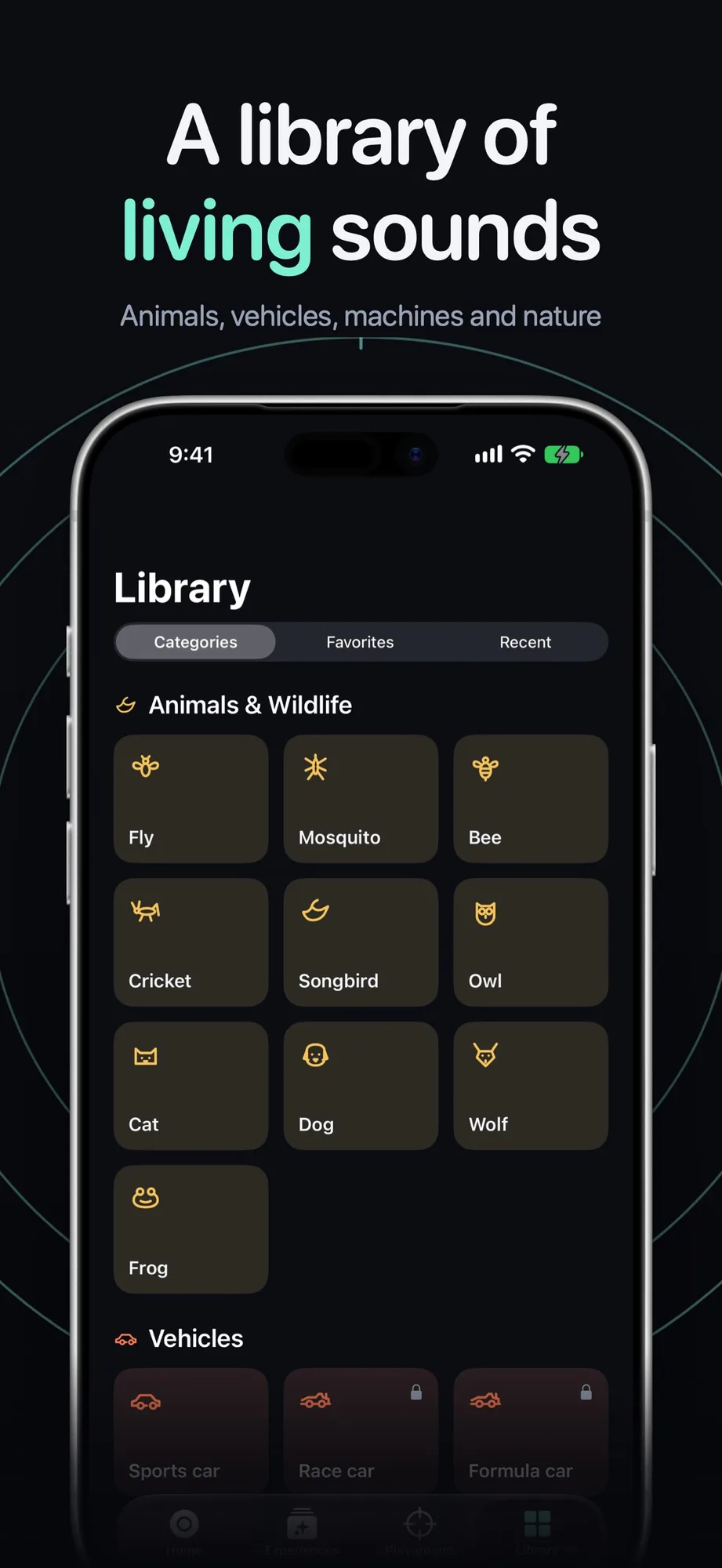
- A library of animals, vehicles, machines, nature and fantasy sounds, synthesized on device
- Binaural clips that play back in 3D on any headphones
- No account, no data collected, works offline
Start with ready-made experiences: The Fly, Vehicle Flyby, Thunderstorm, Bee Around You and Birds in the Forest. Each one shows its sounds on a live field, so you can see where they are while you listen. Close your eyes, point at the fly, then open them to check.
In the Playground you build your own scene. Pick sounds from the library, drop them anywhere on the field and give each one a path: orbit, flyby, wander, follow, bounce or approach. Set the room, from a small room to open outdoors, and adjust distance, height, echo and Doppler for every sound.
Hide & Seek plays a sound somewhere around you. Turn to face it and hold still. A new daily challenge of five sounds arrives every day, the same for everyone, with practice rounds for warming up.
The library holds animals, vehicles, machines, nature, fantasy and everyday sounds, all synthesized on your device. With headphones that support head tracking, Sonora follows your head as you turn; without them it can use your iPhone's motion, or a dial you turn by hand. Record a binaural clip of your scene and share it: it plays back in 3D on any pair of headphones.
Motion data stays on your device. Sonora has no account and collects no data.
Who it is for
People with new headphones
Hear what spatial audio and head tracking can do, with sounds that stay where they are when you turn.
Anyone who wants a soundscape
Rain, birds in the forest or a campfire placed around you, with the room, distance and echo set the way you like.
Curious listeners and players
Test how well you hear direction with Hide & Seek, then record a binaural clip and send it to a friend.
Free in your browser
Try the idea first, no install needed.
Sound localization test
Guess where a sound comes from, and see how close you were.
On sonora.cihat.dev
Guides and resources
More on sonora.cihat.dev, the Sonora website.
Questions
Do I need special headphones?
No. Any headphones play Sonora in 3D. Headphones with head tracking let it follow your head; without them it can use your iPhone's motion or a dial.
Does Sonora collect data?
No. There is no account and no analytics. Motion data is used on your device only, to keep sounds in place, and every sound is synthesized on the device.
Which devices does it run on?
iPhone and iPad with iOS 18 or later.
What does Sonora Pro add?
Every experience, sound and room, the harder Hide & Seek levels, unlimited scenes with up to 16 sounds each, scene sharing and binaural clips up to 3 minutes. Pro is a one-time lifetime purchase or a yearly subscription.
Related apps
More from sound and video.

Sonora on the App Store
Hear sounds move around you.
