Flowchart maker
Standard symbols joined by arrows, as PNG, SVG, PDF or Mermaid.
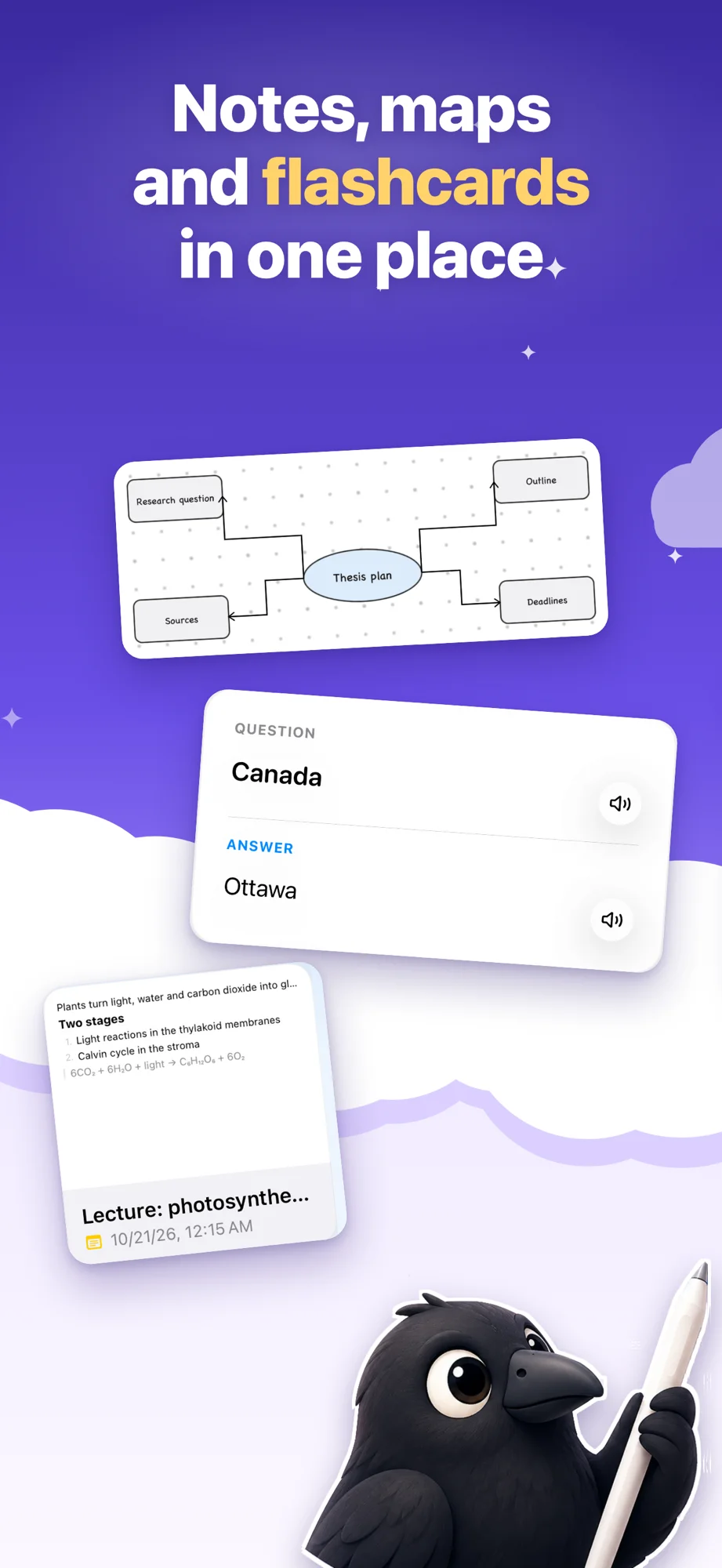
Mena: Mind Map & Concept MapThe free flowchart maker lets you place standard symbols, join them with arrows and download a PNG, SVG or PDF, all in the browser with no account. Mena, for iPhone, iPad and Mac, is where that thinking can stay: mind maps and concept maps on an infinite canvas, next to your notes and flashcards.
| Free tool | Mena | |
|---|---|---|
| Runs on | Any browser | iPhone, iPad and Mac |
| Made for | One flowchart at a time | Mind maps, concept maps, flowcharts, notes and study decks |
| Canvas | One chart, saved in this browser | Infinite boards synced through iCloud |
| Export | PNG, SVG, PDF or Mermaid text | Frames as slides in a PDF; decks as .apkg |
| Apple Pencil | No | Yes, with Draw to Shape |
| Price | Free, no sign-up | Free download with 3 boards, 3 notes, 3 documents and 5 decks; Mena Pro lifts the limits |
Use the free flowchart maker when you need one clean diagram for a document or a slide and want the file right away.
Get Mena when the chart belongs to something larger, such as a topic you are studying or a plan you keep adding to on several devices.
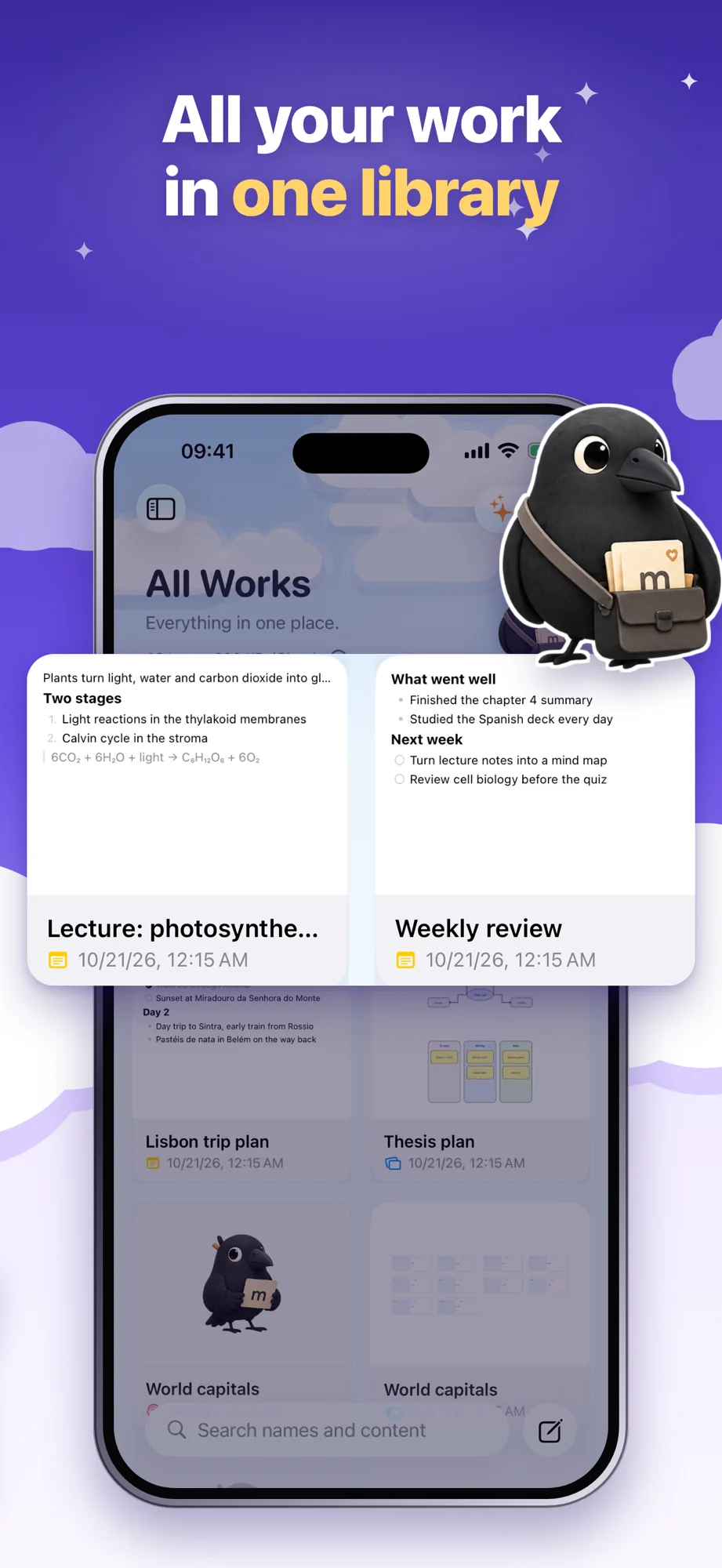
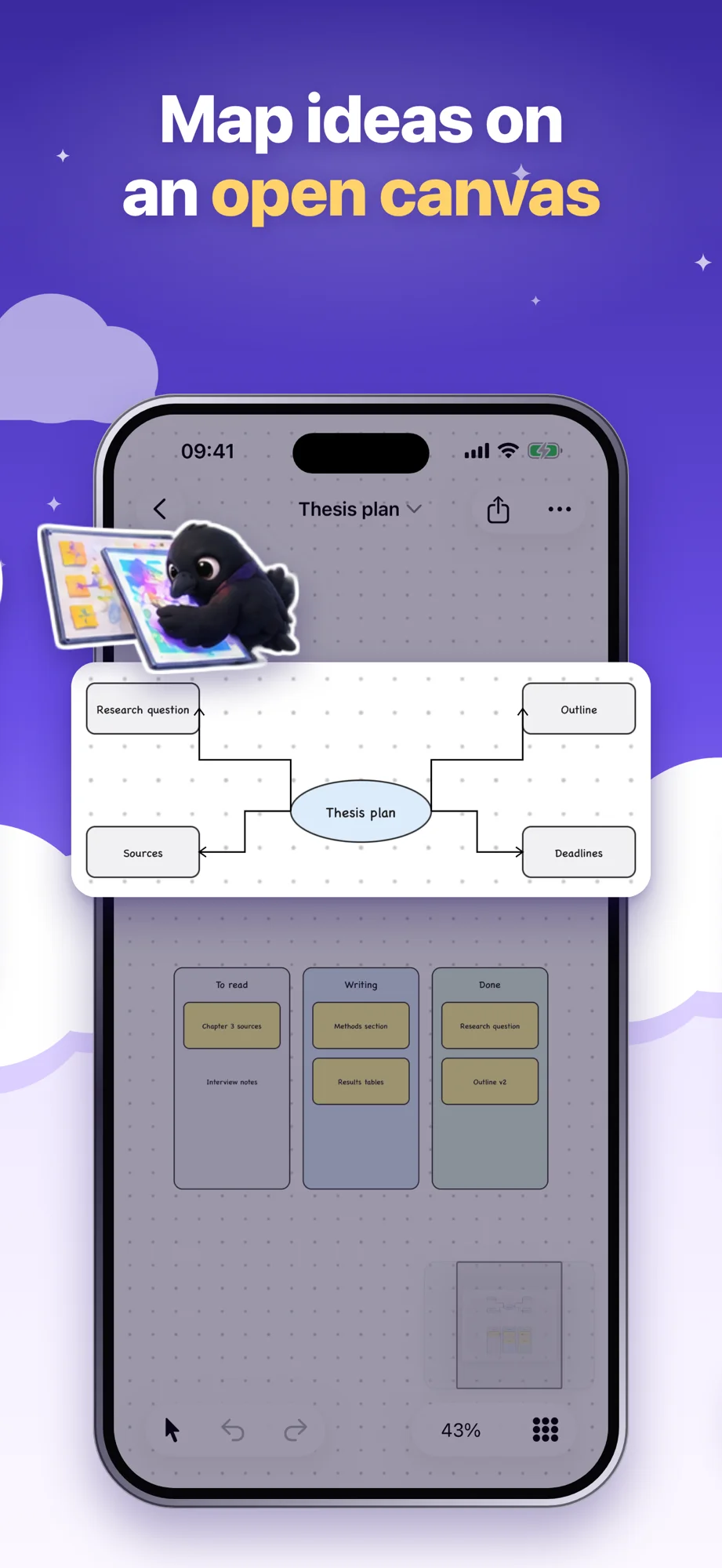
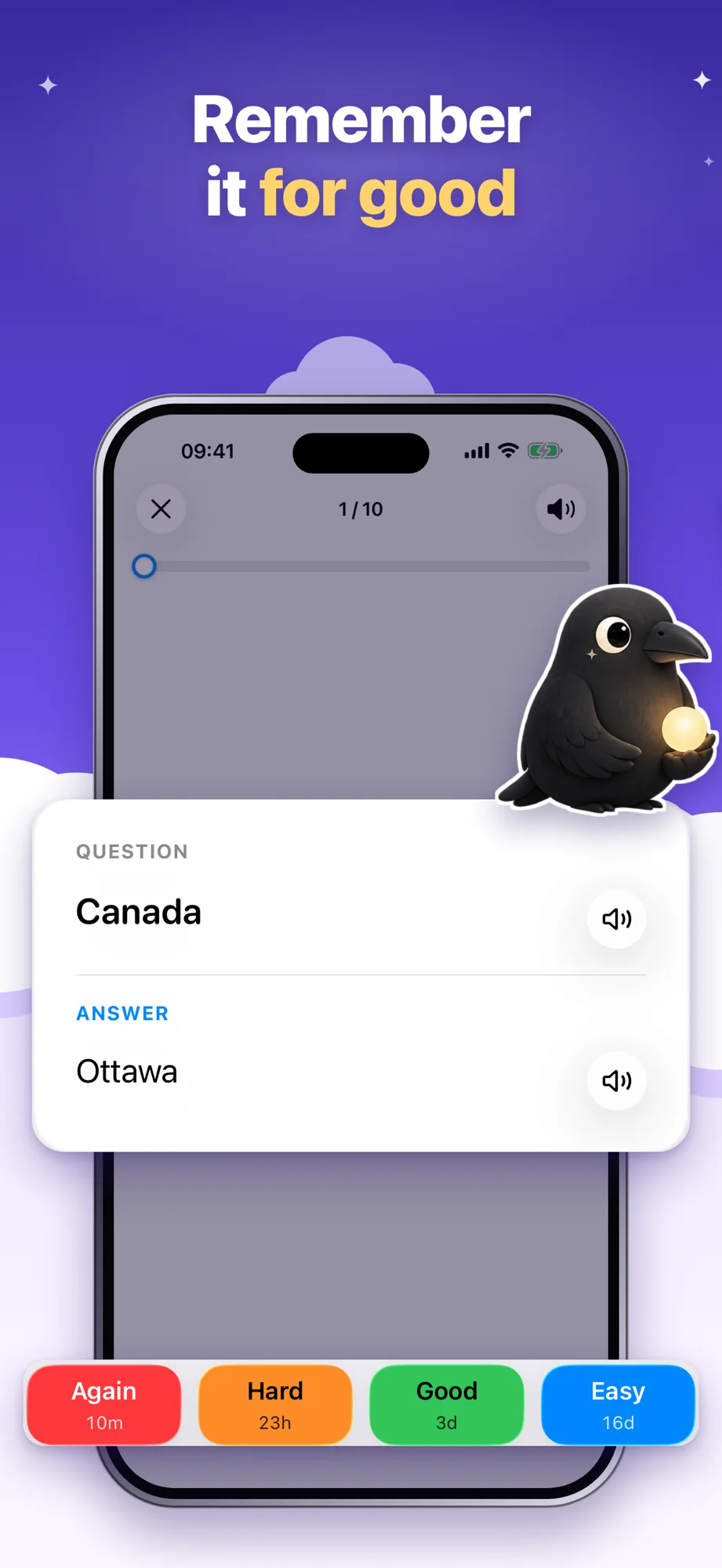
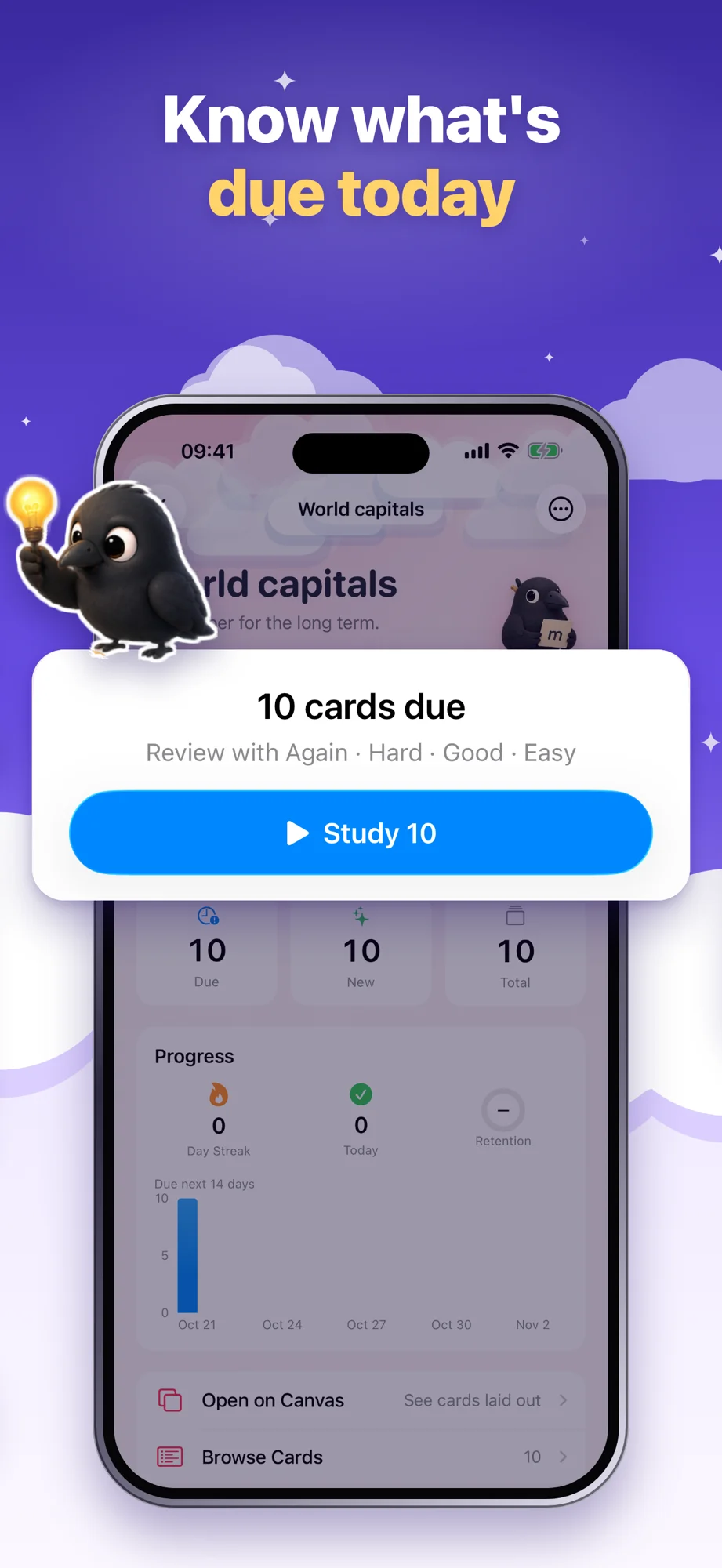
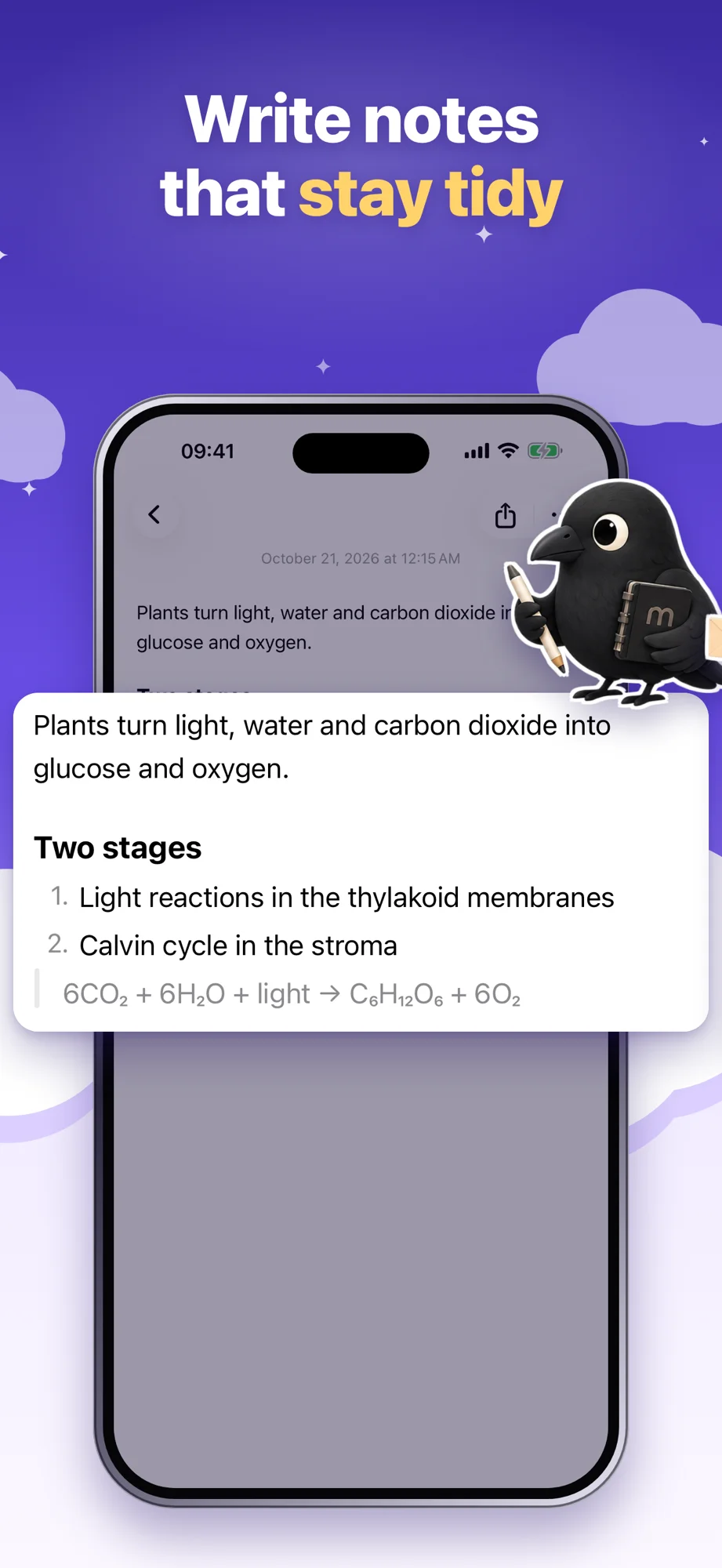
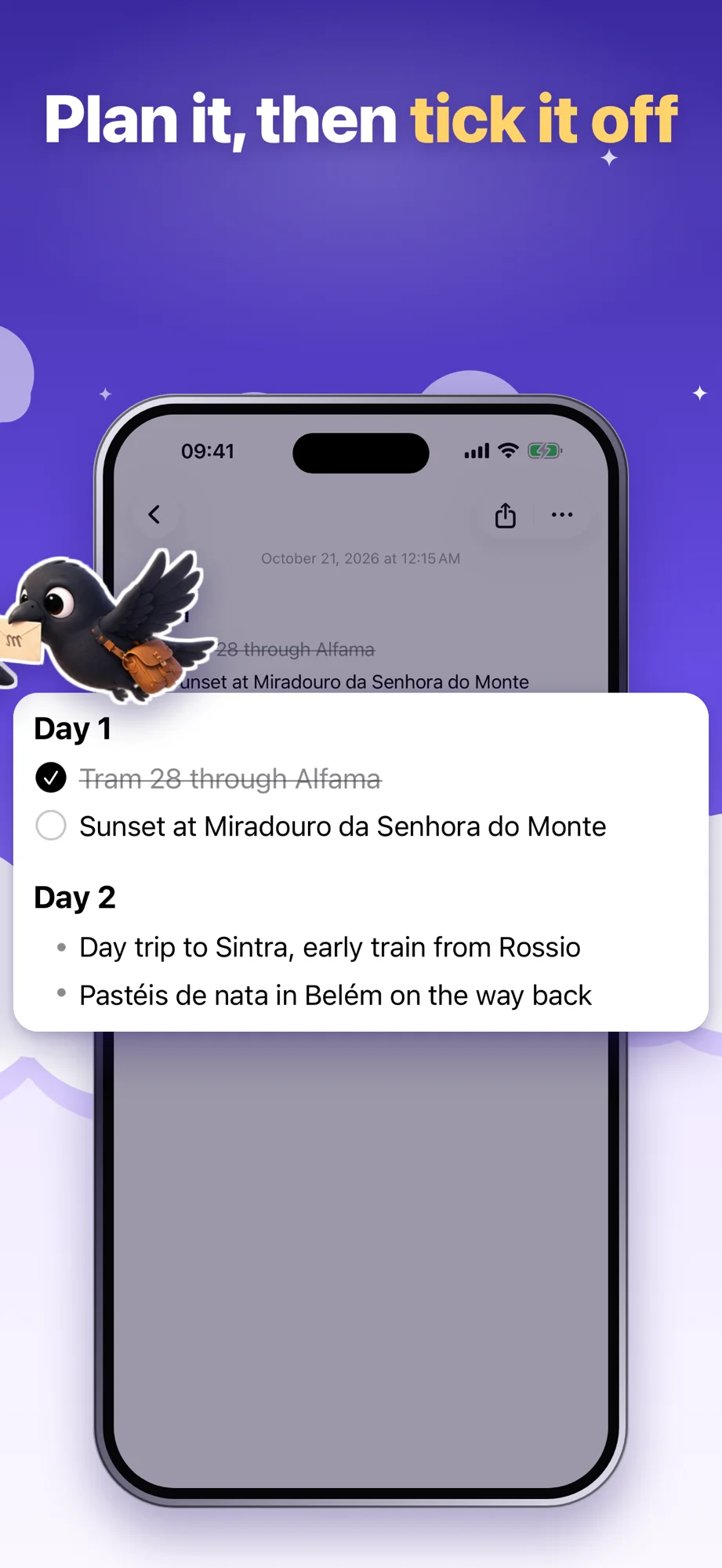
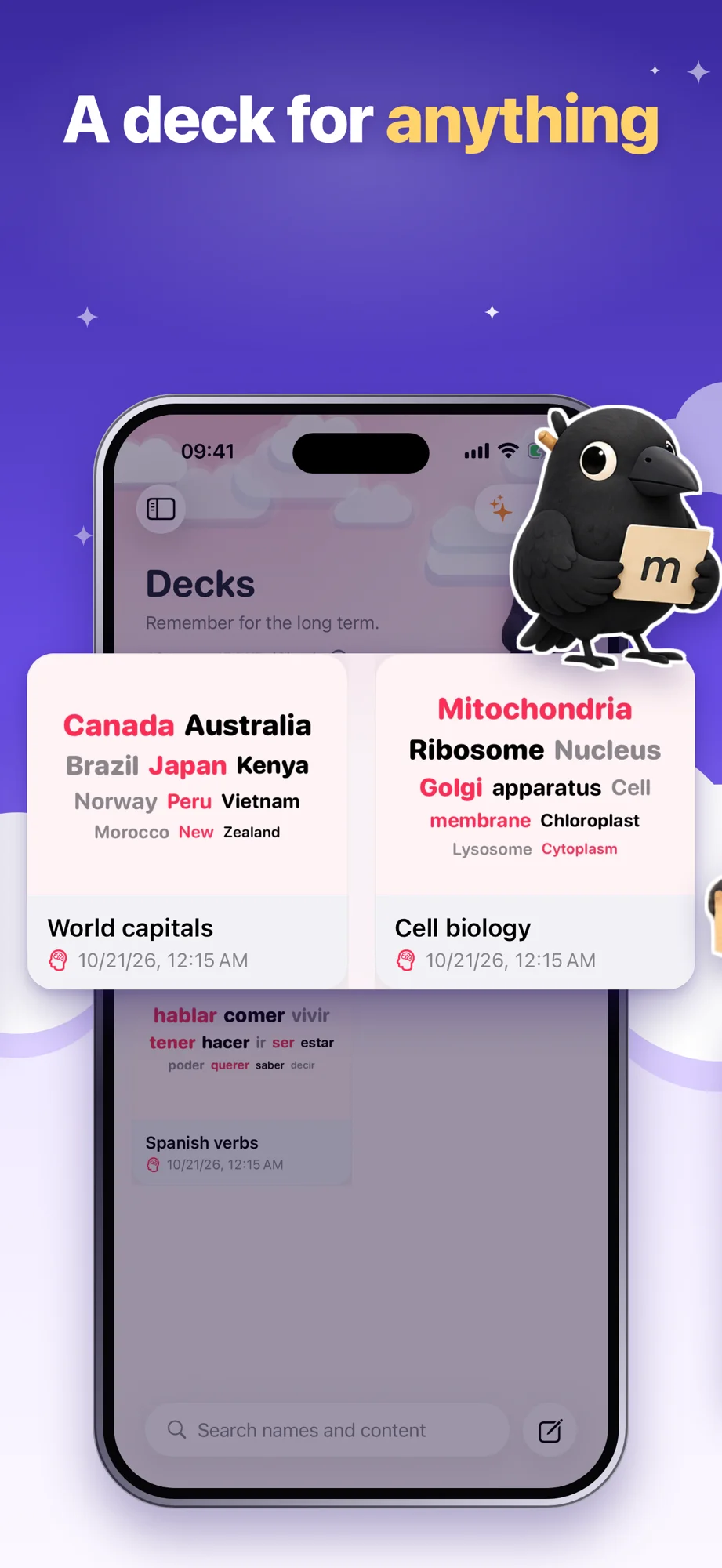
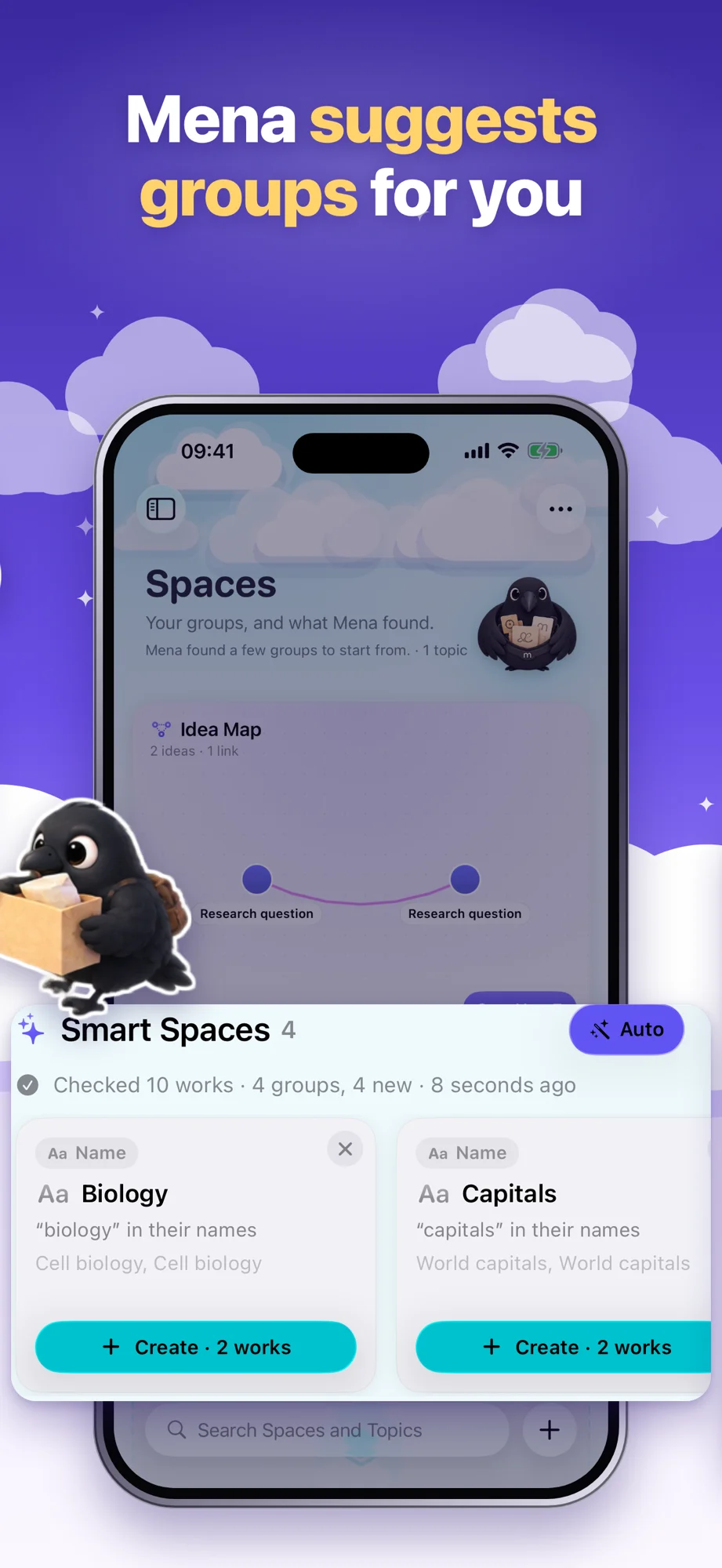
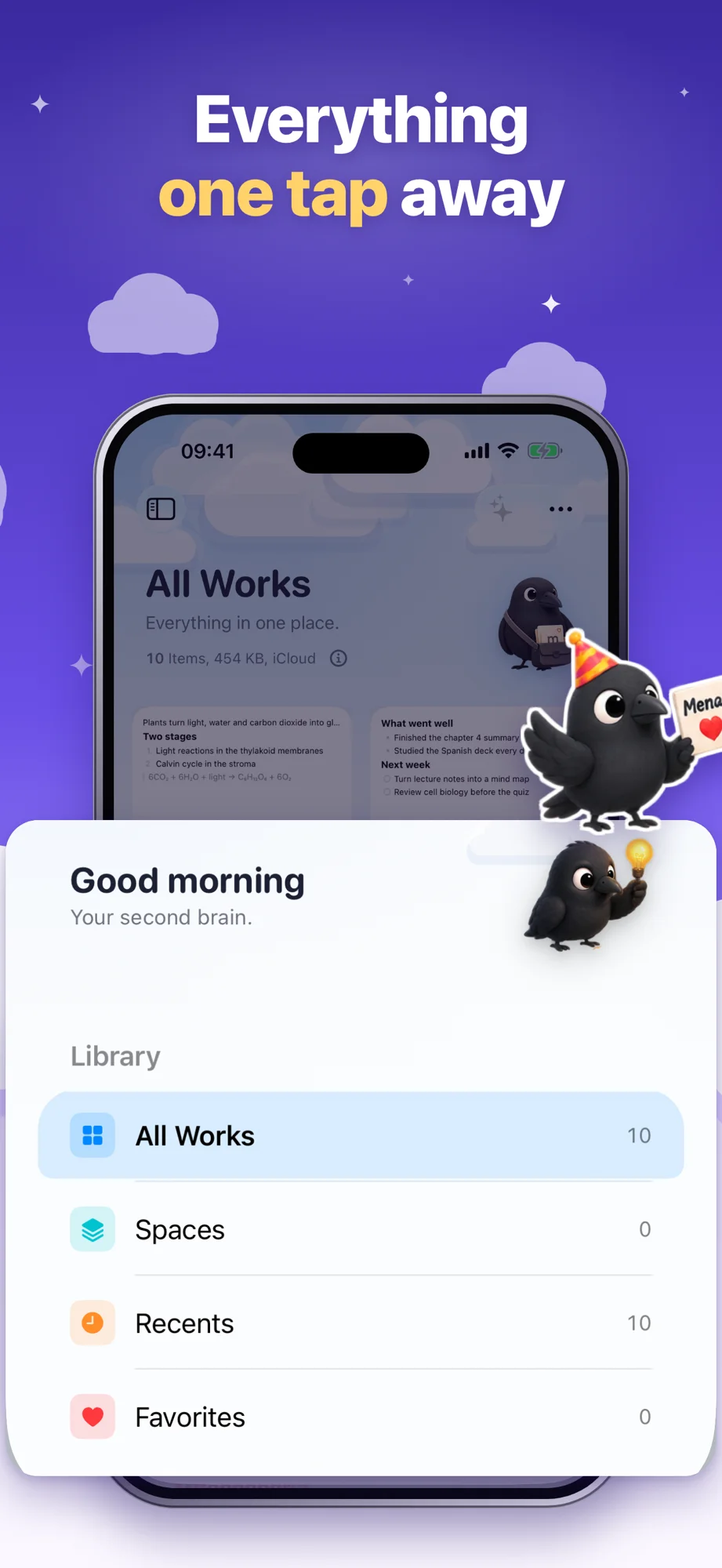
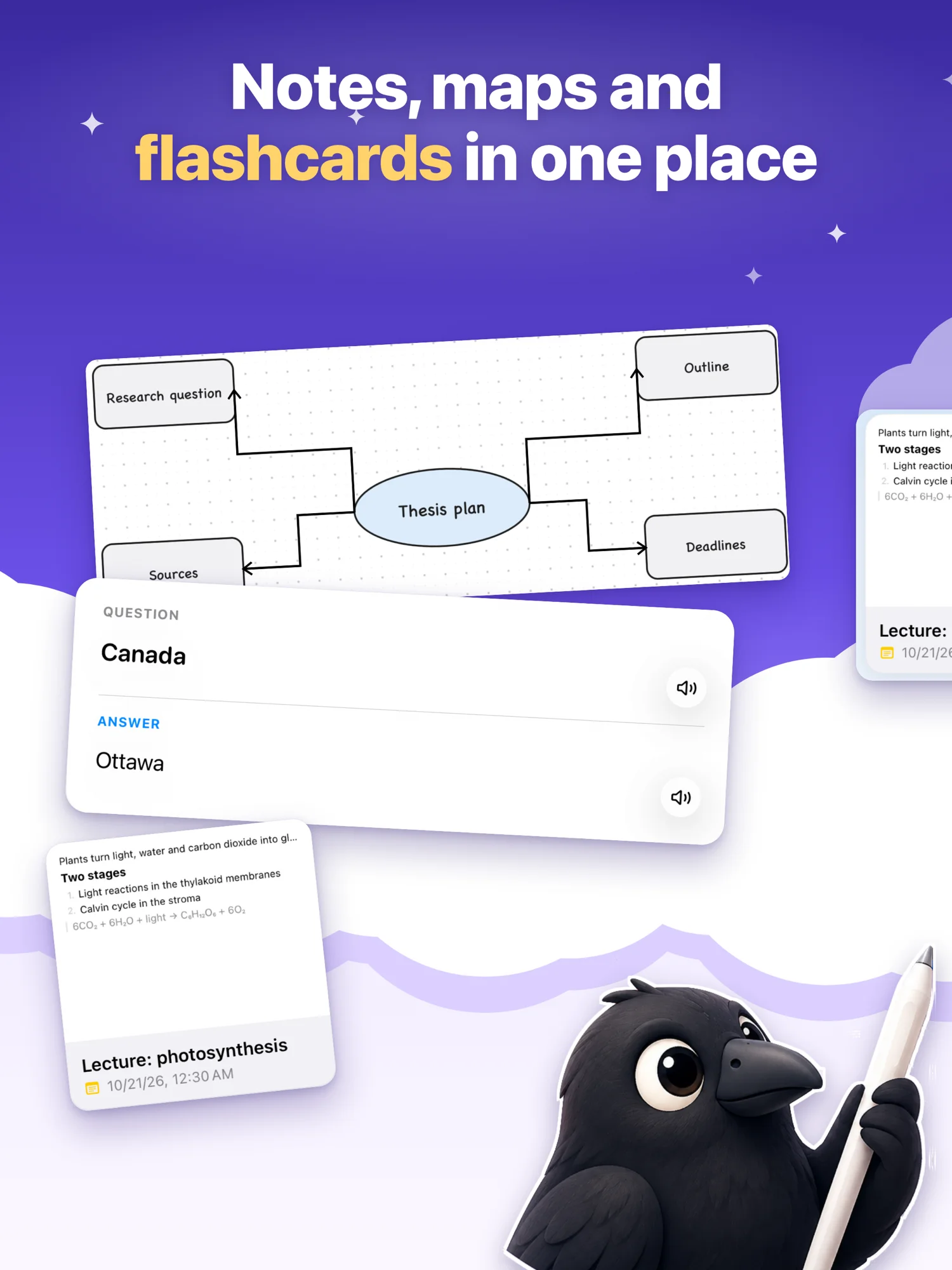
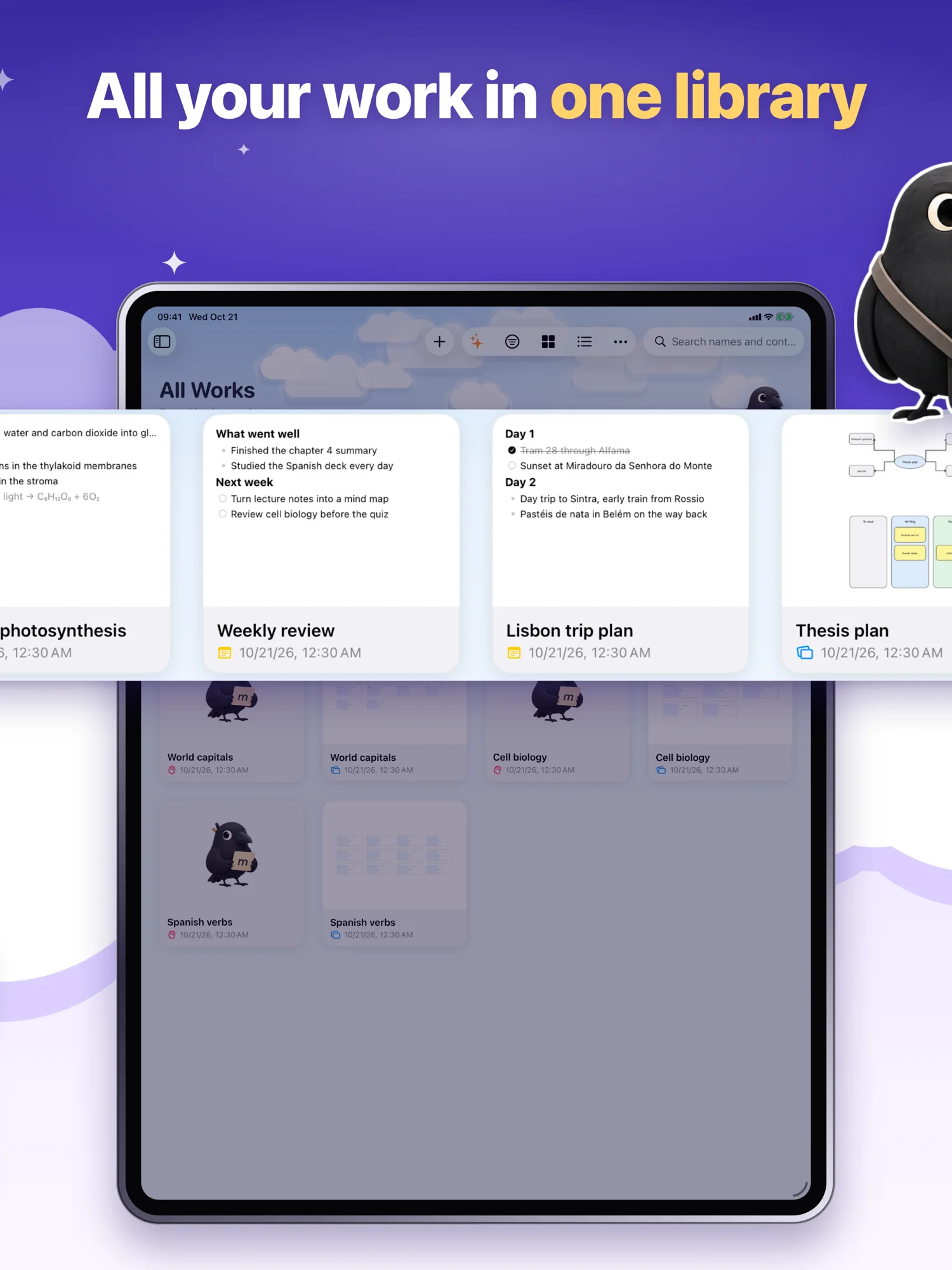
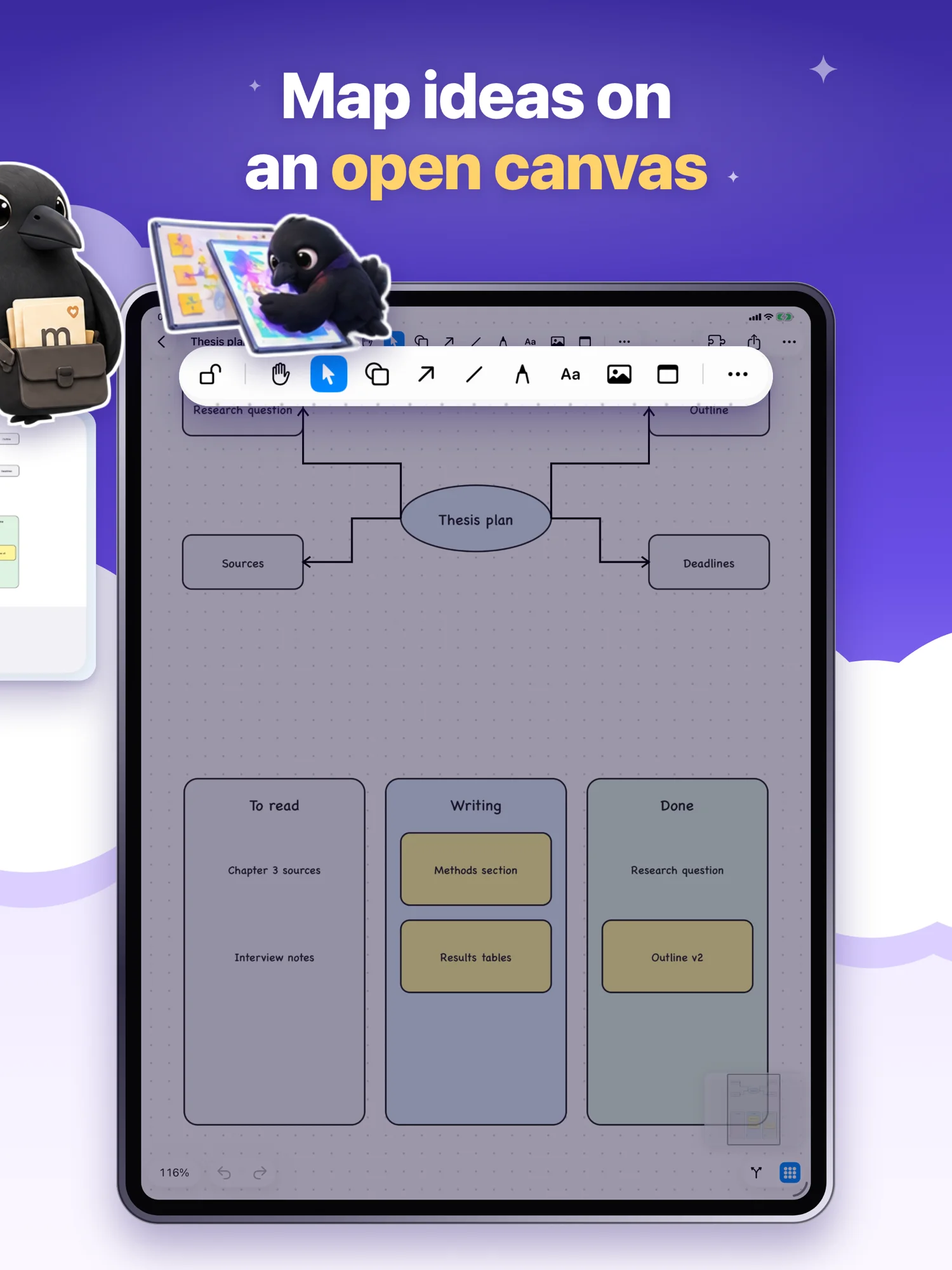
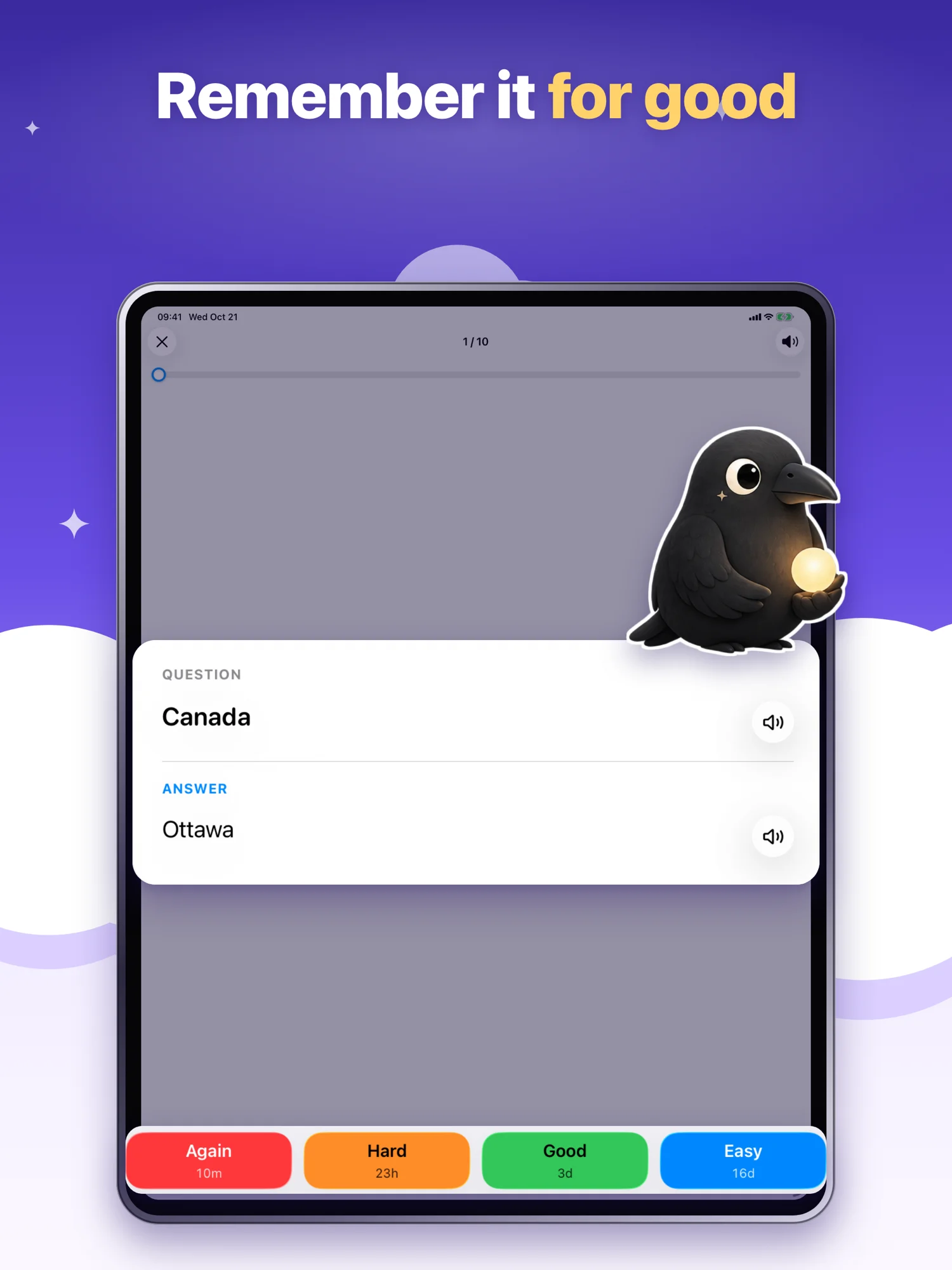
Screens from the current version on the App Store.
They run in your browser, with no sign-up.
Standard symbols joined by arrows, as PNG, SVG, PDF or Mermaid.
Fits a map image on one page or splits it across A4 or Letter pages.
Sorts every thought into Do now, Schedule, Someone else or Let go.
Shows the diagram as you type Mermaid, with SVG, PNG or PDF export.
An indented list becomes a tree with chances, payoffs and expected values.
Most charts need five: an oval for start and end, a rectangle for a step, a diamond for a decision, a parallelogram for input or output, and a note. They come from the ISO 5807 standard.
In the browser you made it in, on that device. To keep a copy elsewhere, download the SVG or PDF, or copy the chart as Mermaid text.
A mind map grows outward from one central topic. A concept map links ideas in any direction and labels each line with how they relate. In Mena, Child and Sibling grow a mind map and labelled connectors make a concept map.
Yes. The free mind map to PDF tool fits a PNG, JPG or SVG map on one page, or splits it across several A4 or Letter pages to tape together.
No. Boards sync across iPhone, iPad and Mac through your private iCloud, and no third-party server stores your content.
It lifts the free limits of 3 boards, 3 notes, 3 documents and 5 decks. Pro comes as a monthly or yearly plan or a one-time lifetime purchase, and one purchase covers iPhone, iPad and Mac.
Read, write and study