World clock
The time in any city, with the date, GMT offset and difference from you.
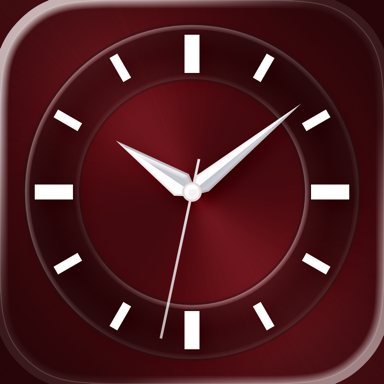
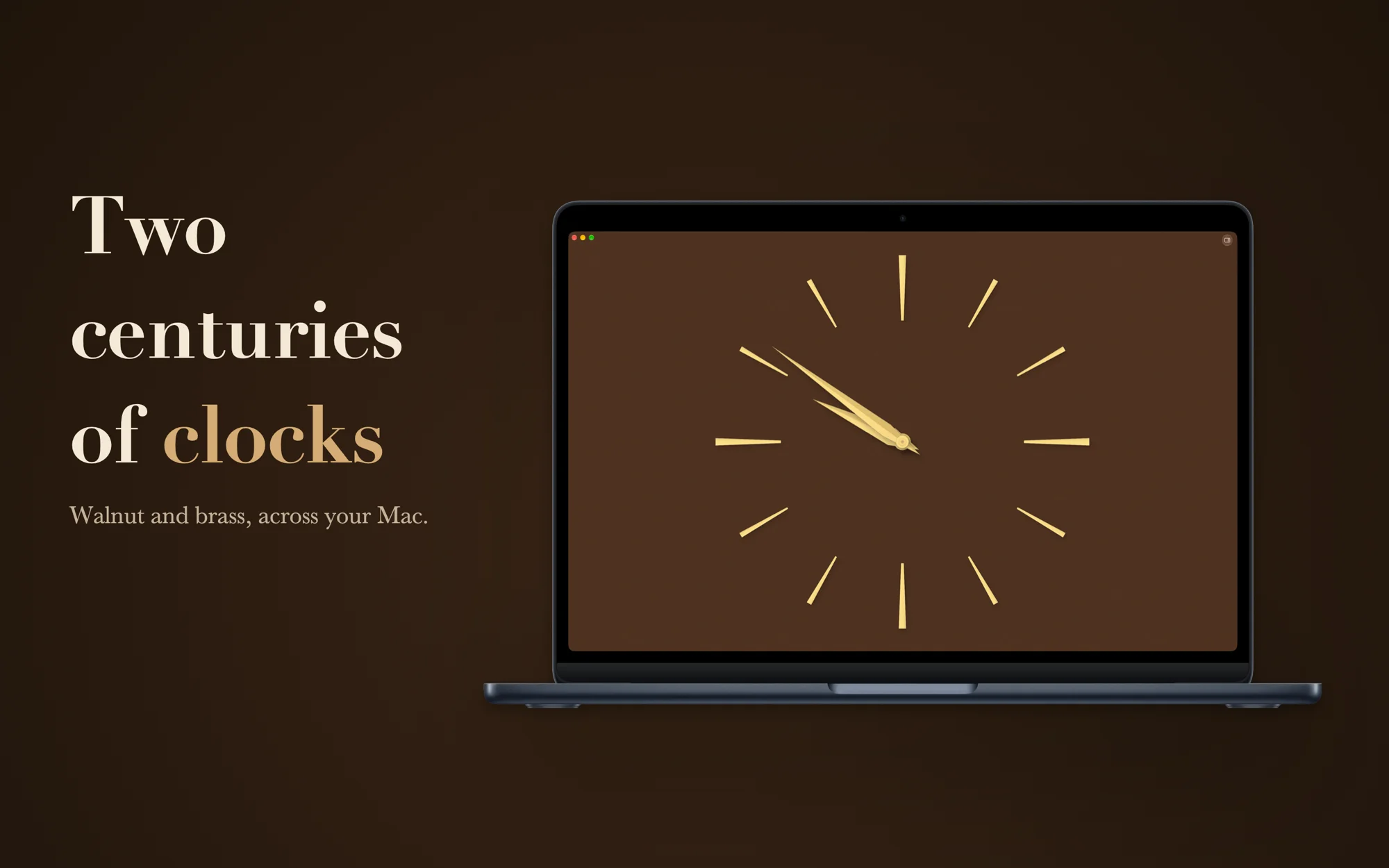
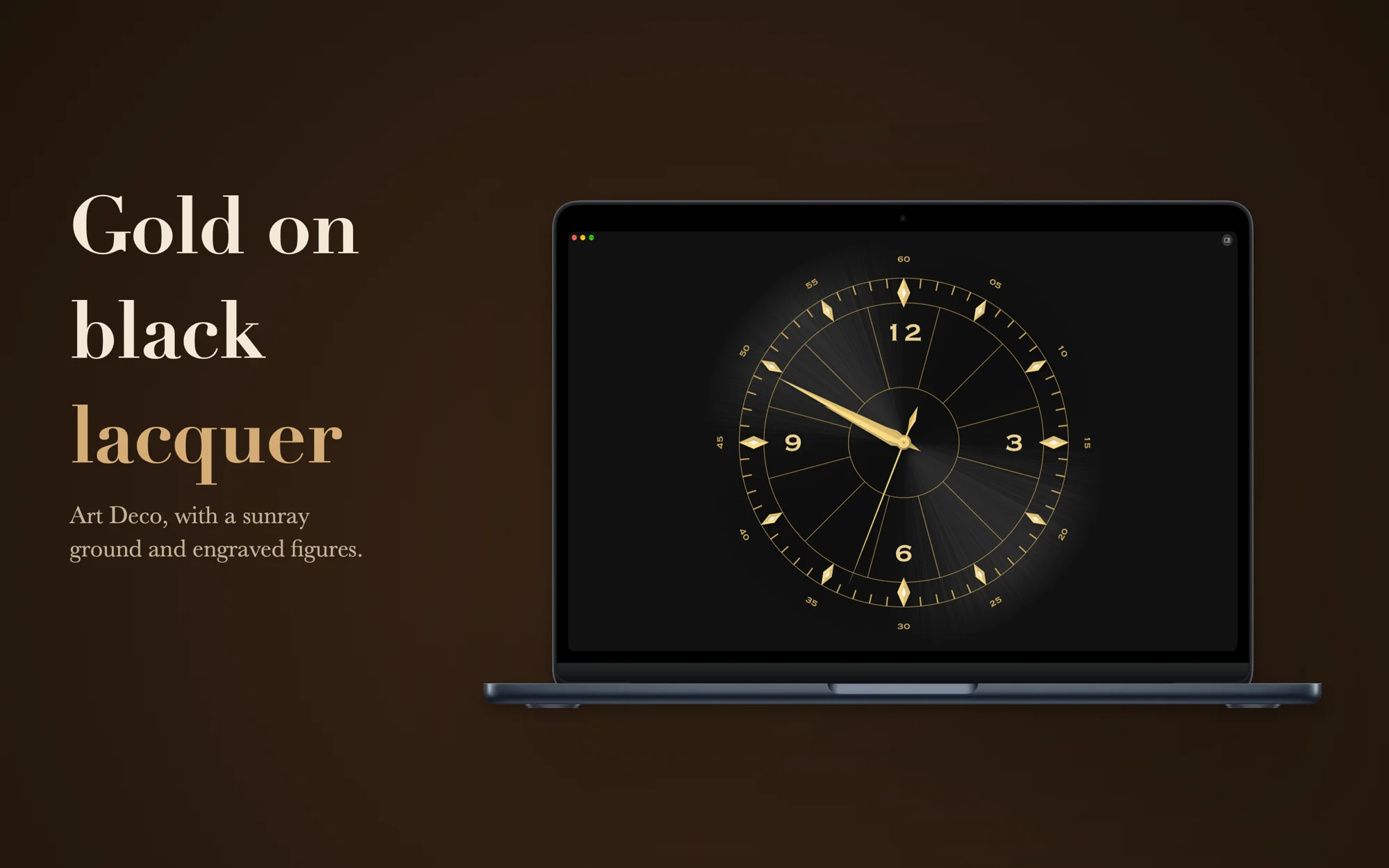
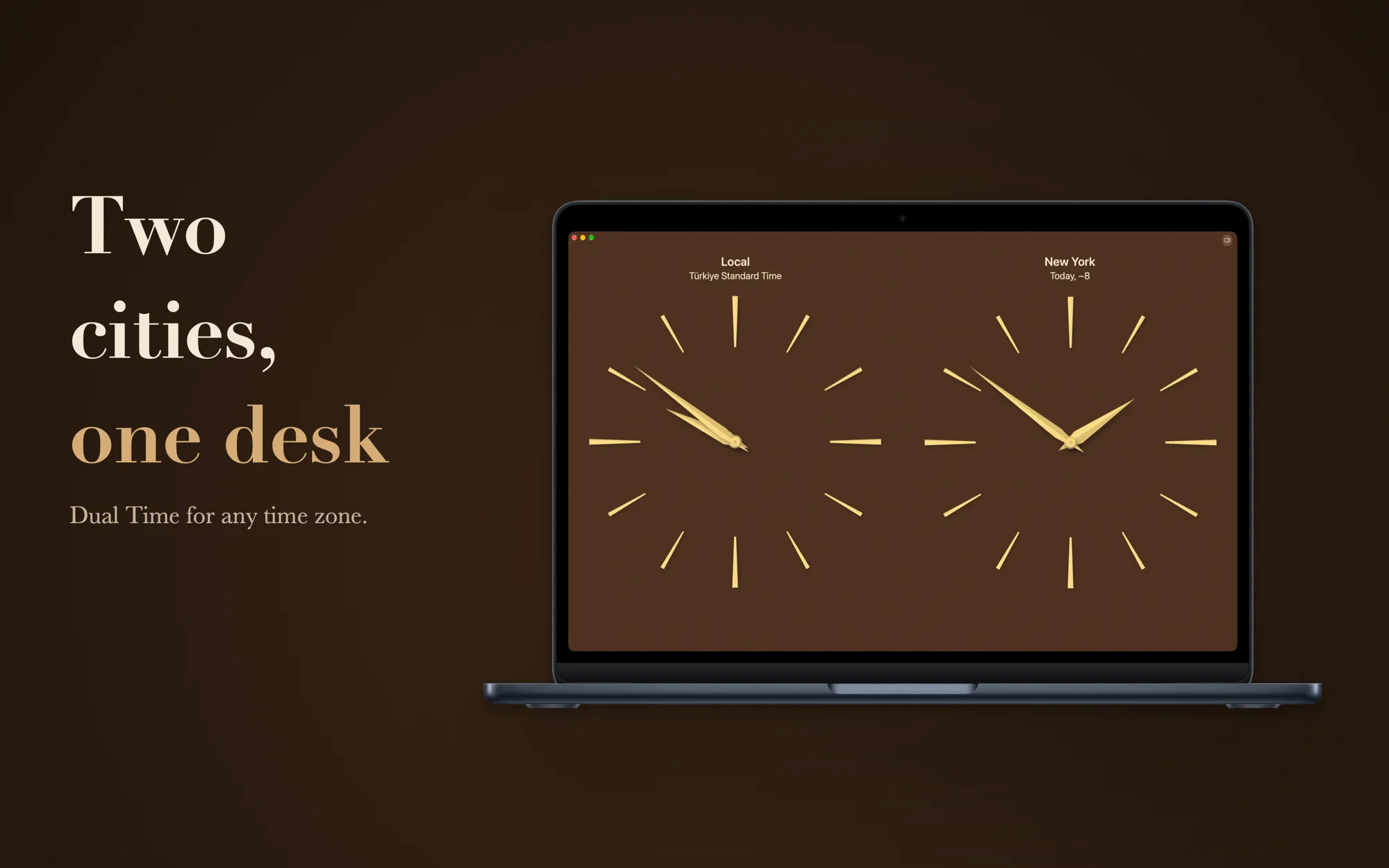
Lume Clock: Analog BedsideThe free world clock shows the current time in any city with the date, the GMT offset and how far ahead or behind you it is. Lume Clock, for iPhone, iPad and Mac, fills the screen with an analog watch dial. Dual Time puts two clocks side by side, each with its own city.
| Free tool | Lume Clock | |
|---|---|---|
| Runs on | Any browser, phone or computer | iPhone, iPad and Mac |
| Time zones | As many cities as you add, listed with offsets | Two clocks on screen with Dual Time |
| Display | Digital times in a list | A full-screen analog dial you can style |
| Night use | Not designed for it | Night mode, burn-in protection and screen on while charging |
| Price | Free, no sign-up | Free download; some dials and options need Lume Clock Pro, a one-time purchase |
The free world clock is enough when you need to check a time abroad or the gap before calling someone in another city.
Get Lume Clock when you want a clock that stays on the bedside or desk all day, with a second dial for the other city you follow.
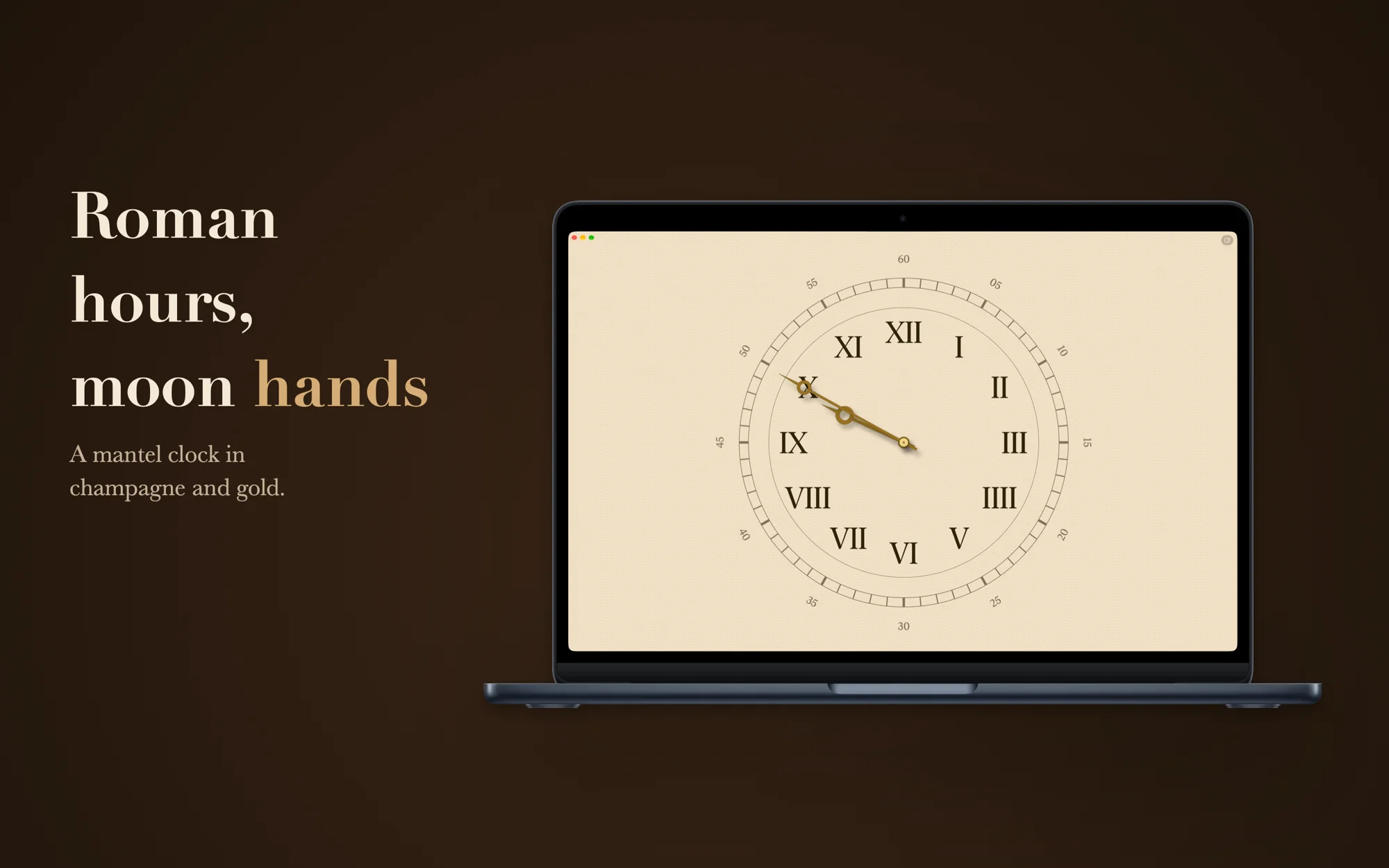
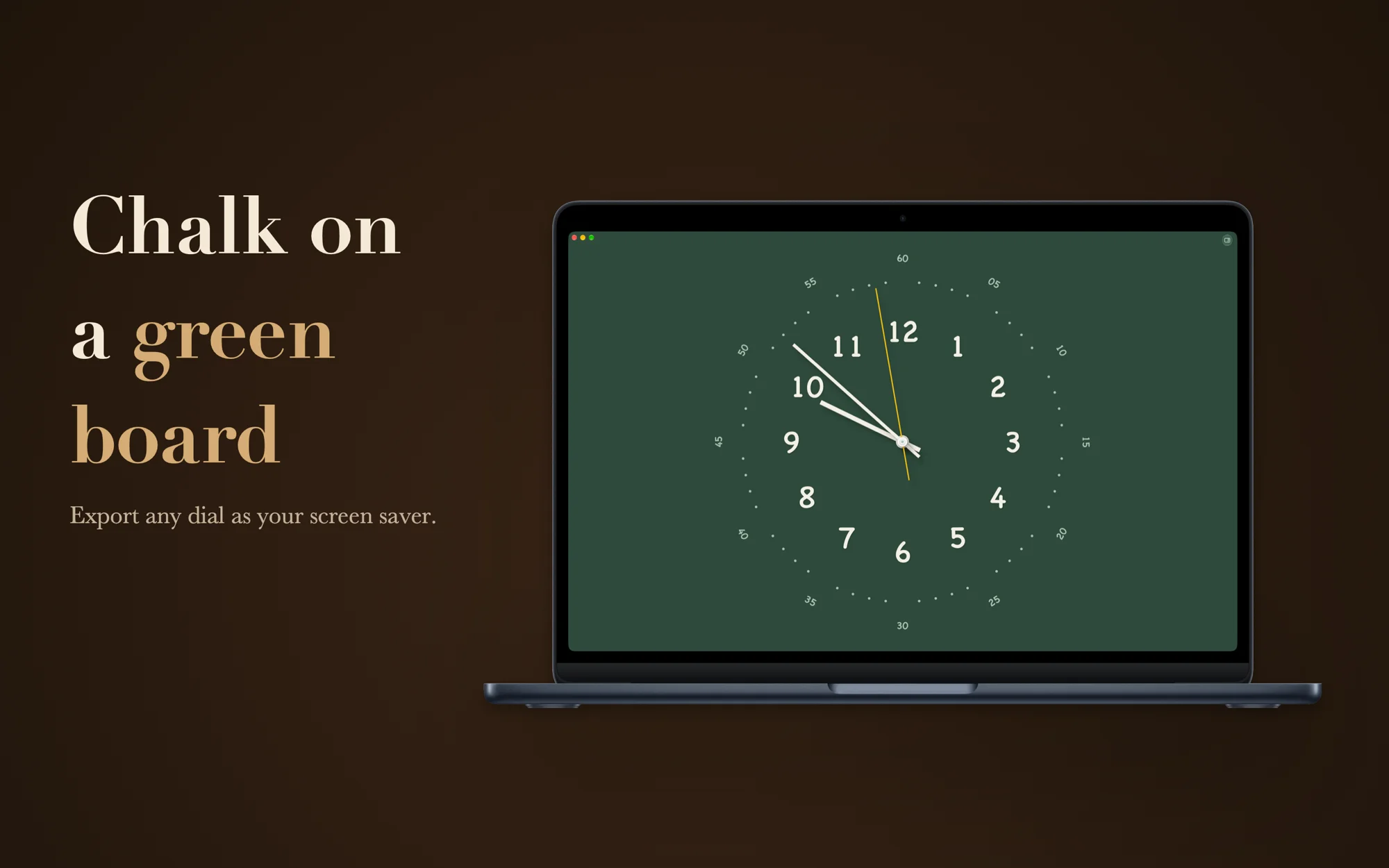
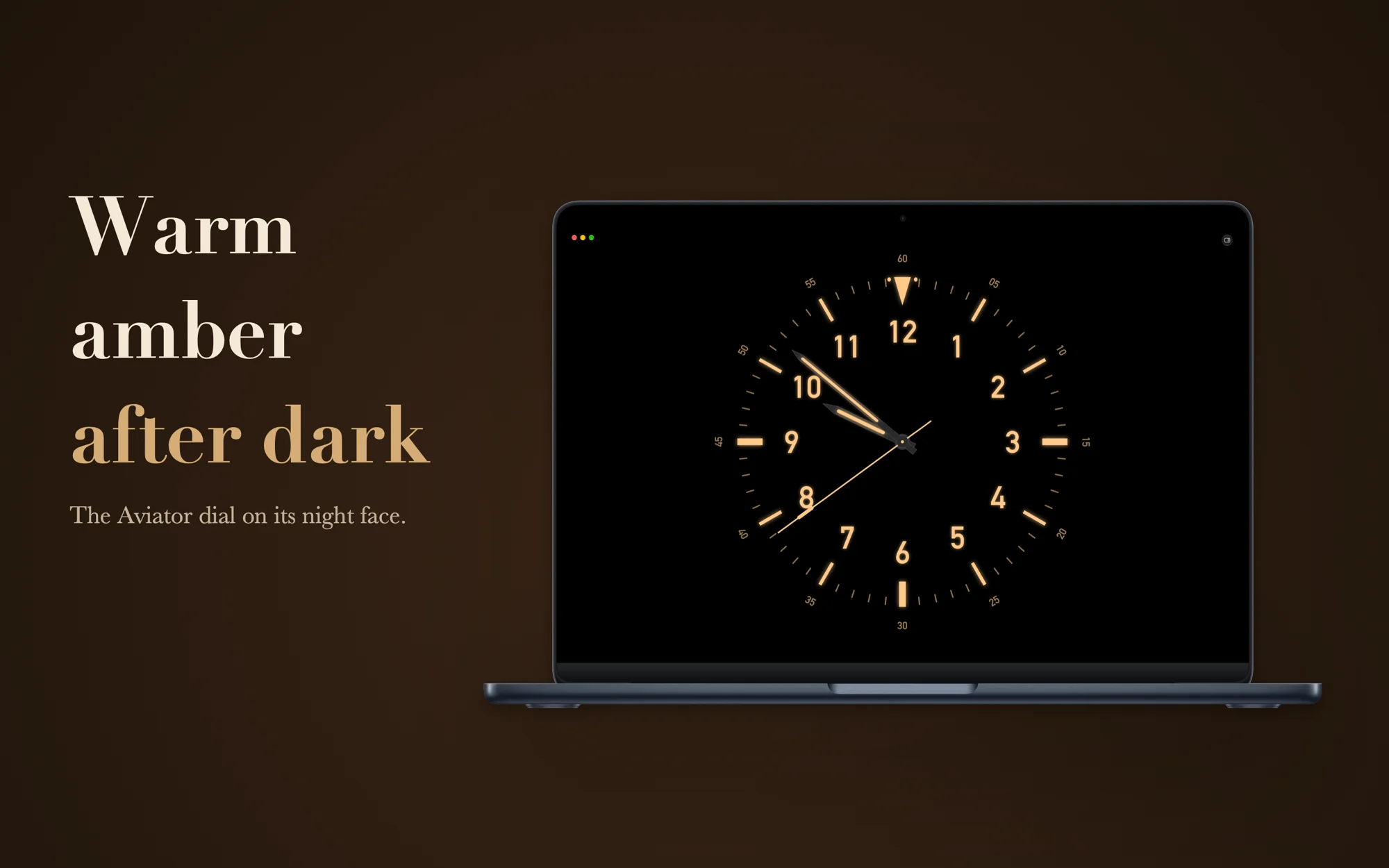
Screens from the current version on the App Store.
They run in your browser, with no sign-up.
The time in any city, with the date, GMT offset and difference from you.
Hundredths of a second, lap times and full screen.
Days, hours, minutes and seconds to any date, with a share link.
Minutes or a date, full screen, with a sound at zero.
It is as accurate as your device clock, which phones and computers set from the network. Offsets follow your browser's time zone rules, including daylight saving.
Yes, on this device only, in your browser's storage. Nothing is sent anywhere.
Yes. Dual Time puts two clocks on screen, each with its own city and dial, in any time zone.
Yes. Night mode follows the system, runs from sunset to sunrise or keeps your schedule, burn-in protection moves the dial slightly each minute, and the screen can stay on while charging.
No. It opens straight to the clock and works offline.
Plan, focus and wake up