
Video compressor
Shrinks a video to a size in MB, such as 20 MB for Discord or 25 MB for Gmail.
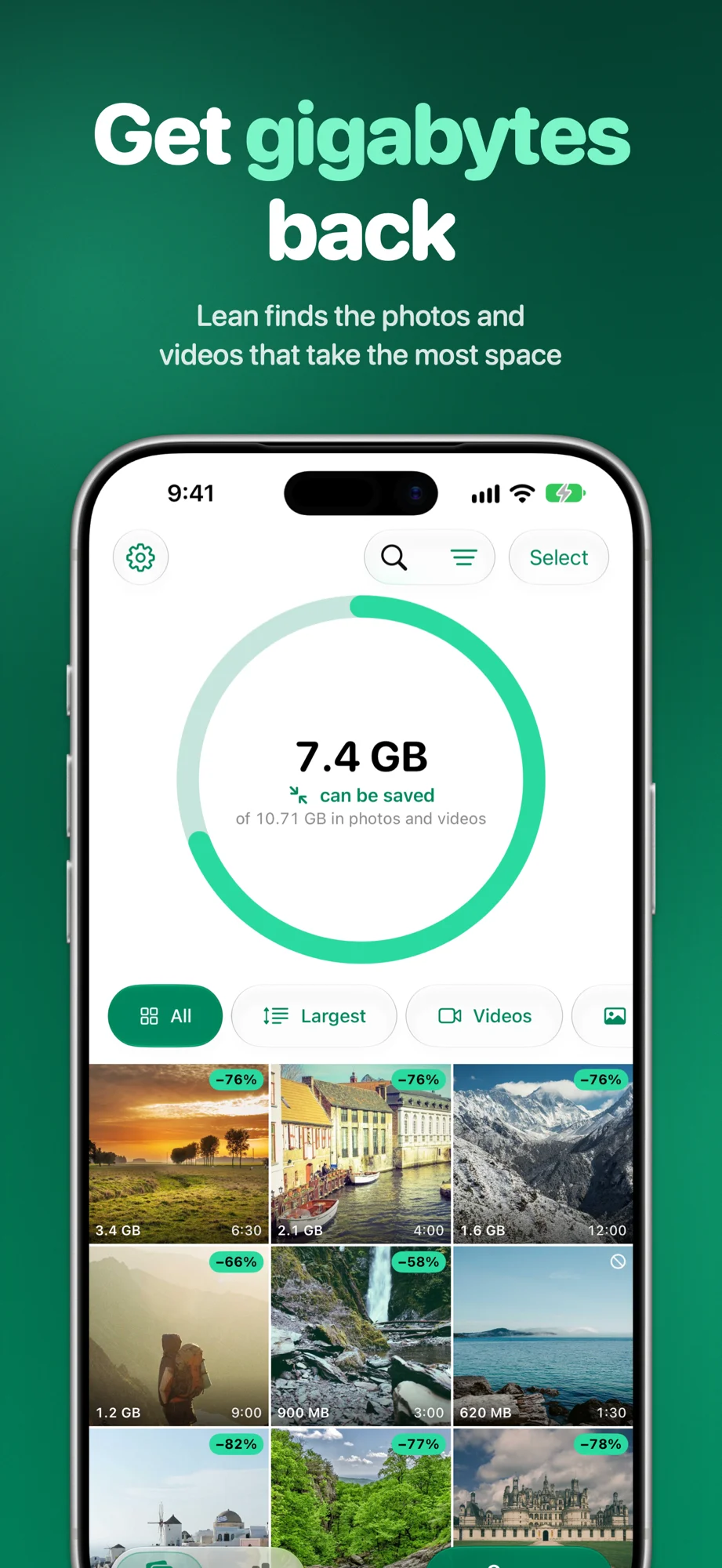
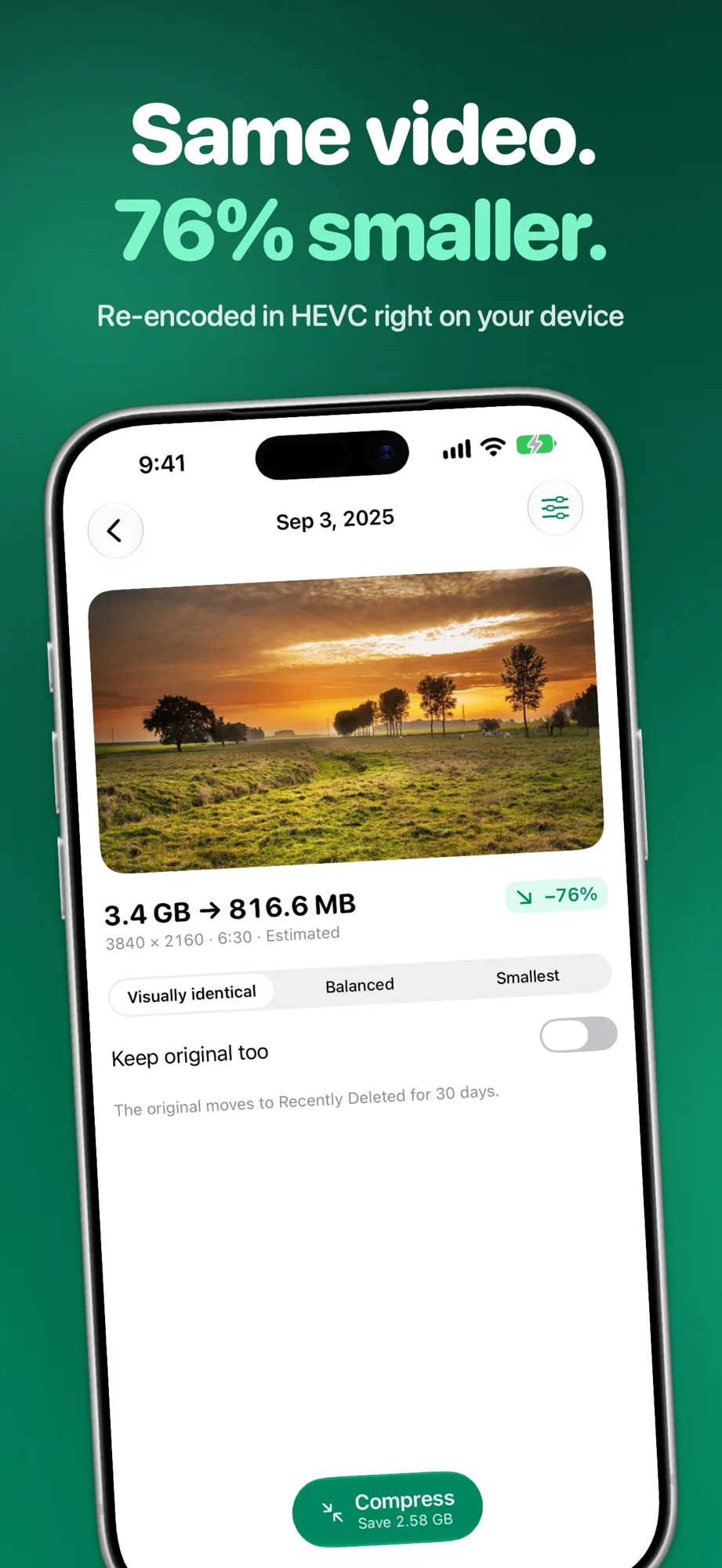
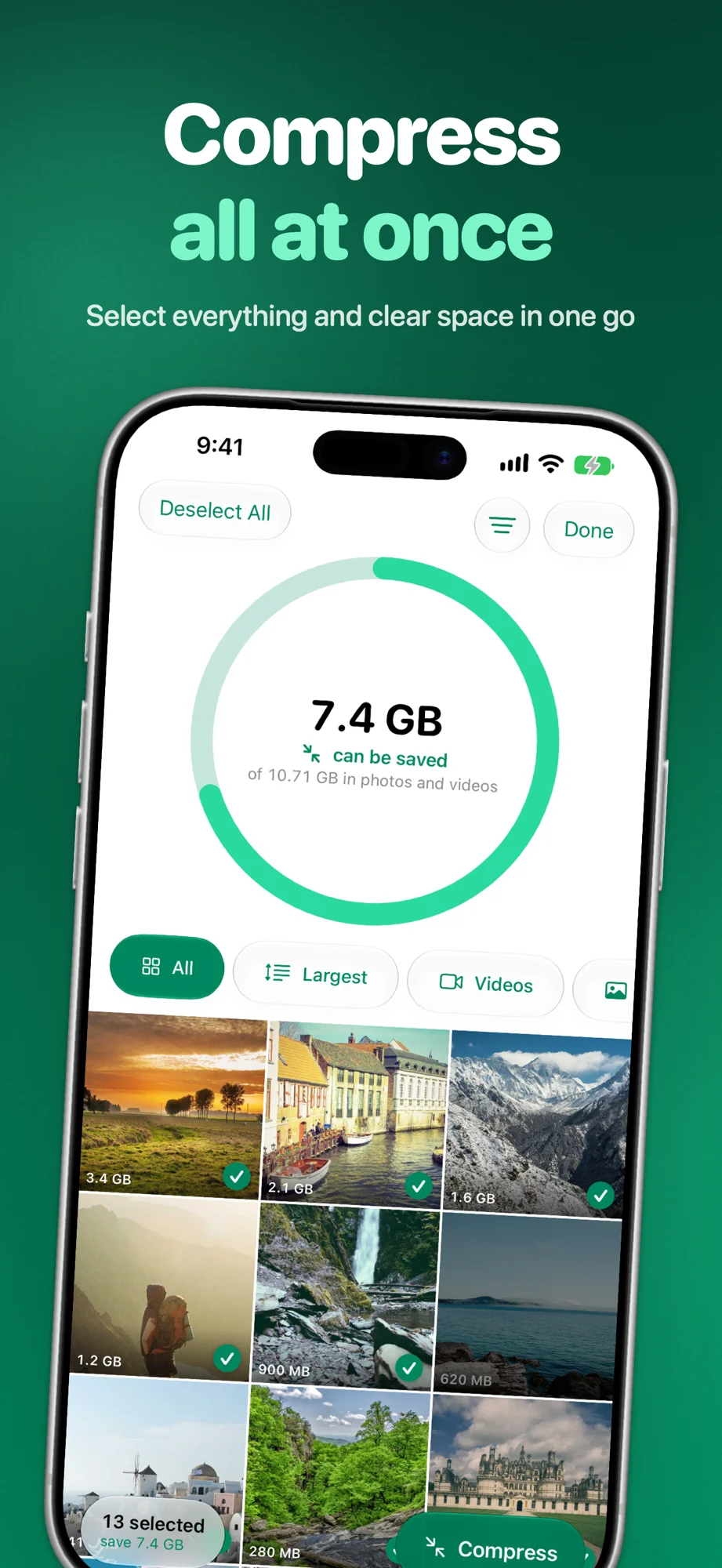
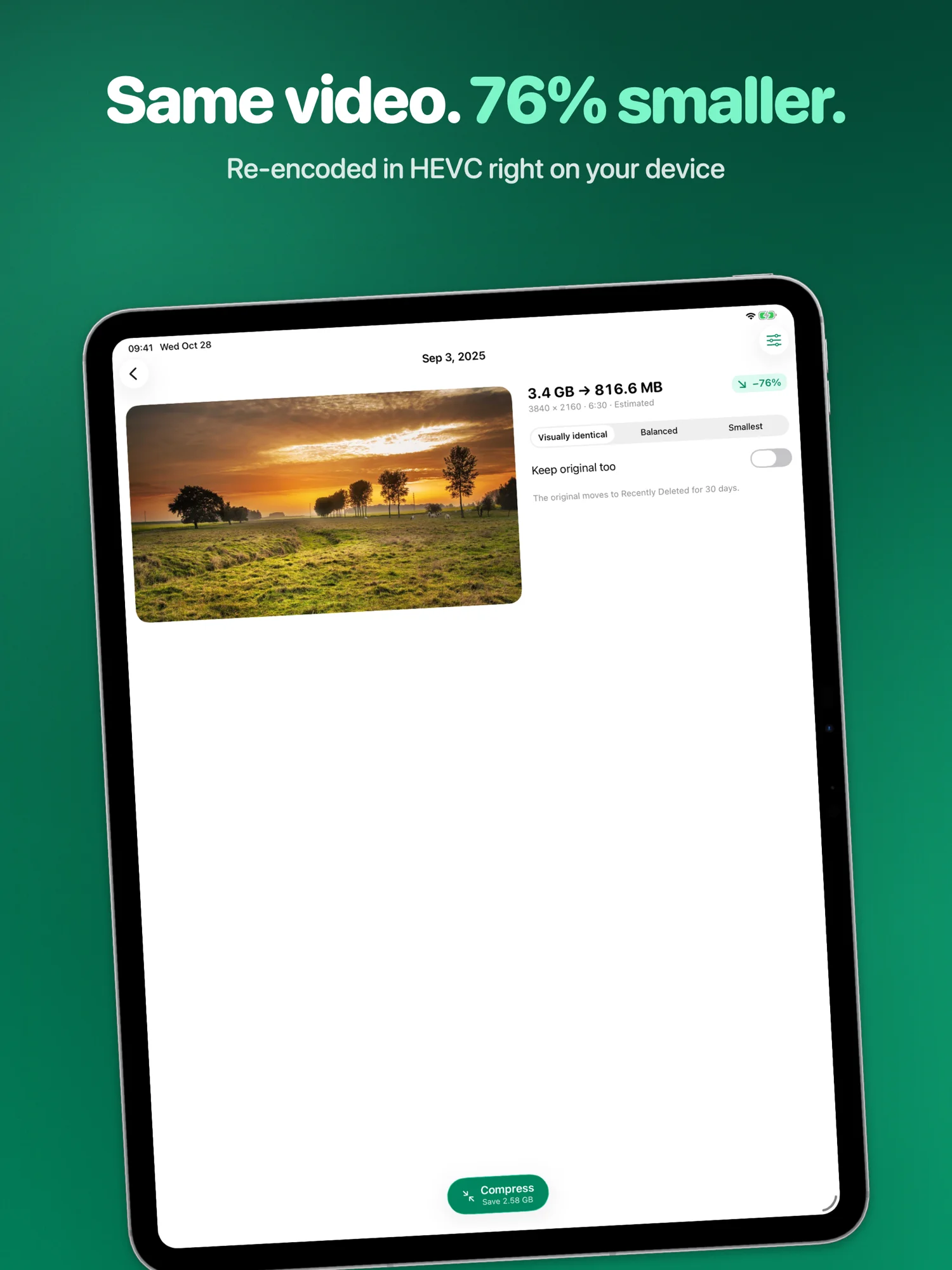
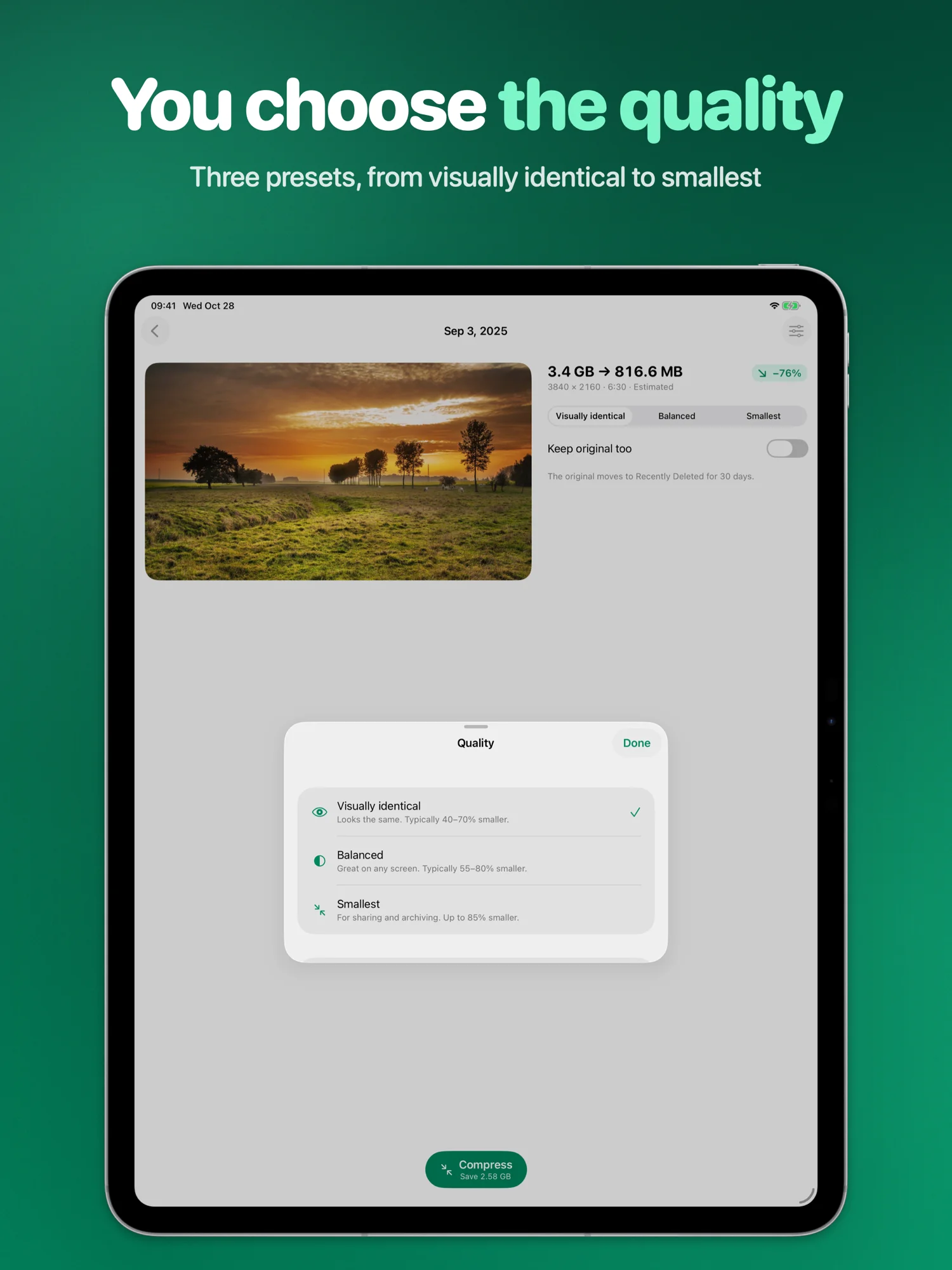
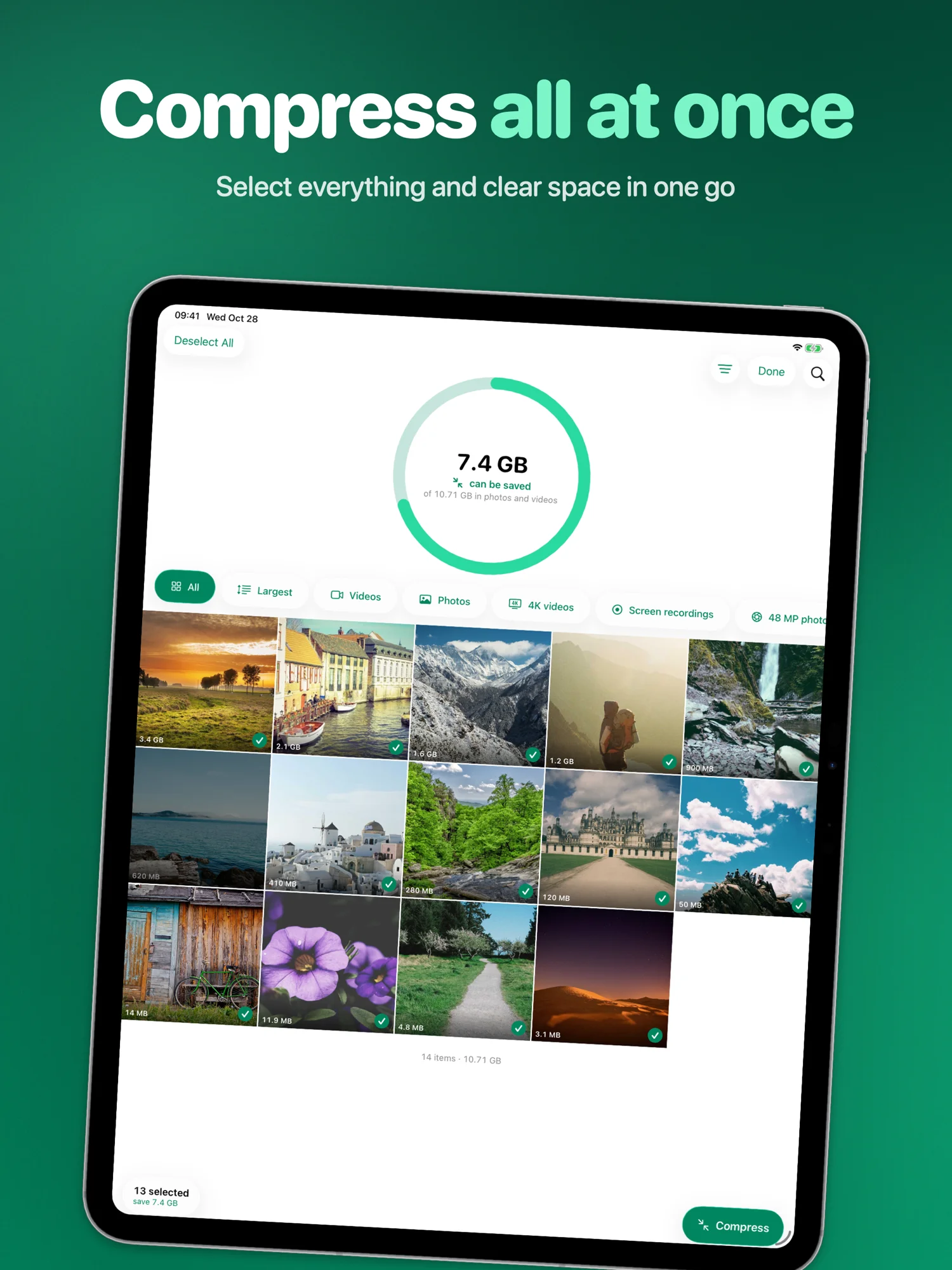
Lean: Video & Photo CompressorThe free video compressor takes one file and shrinks it to a size in MB or a quality level, in your browser, with nothing uploaded. Lean works on your whole iPhone or iPad library. It sorts photos and videos by size, re-encodes them on the device and puts each smaller copy back where the original was.
| Free tool | Lean | |
|---|---|---|
| Runs on | Any browser, phone or computer | iPhone and iPad with iOS 17 or later |
| Works on | One video you choose | Your whole photo and video library, sorted by size |
| Output | An H.264 MP4 to download | HEIC and HEVC copies put back in your library |
| Keeps | The rotation and frame rate of the clip | Date, location, favorite mark, albums, Live Photos and HDR |
| Originals | Stay where they are on your computer | Move to Recently Deleted for 30 days, or stay with Keep original too |
| Price | Free, no sign-up | Free download with 3 compressions a week; Lean Pro removes the limit |
Use the free compressor when one clip has to fit an email, a Discord message or an upload form today.
Get Lean when your iPhone storage is full and you want to keep every photo and video at a smaller size.
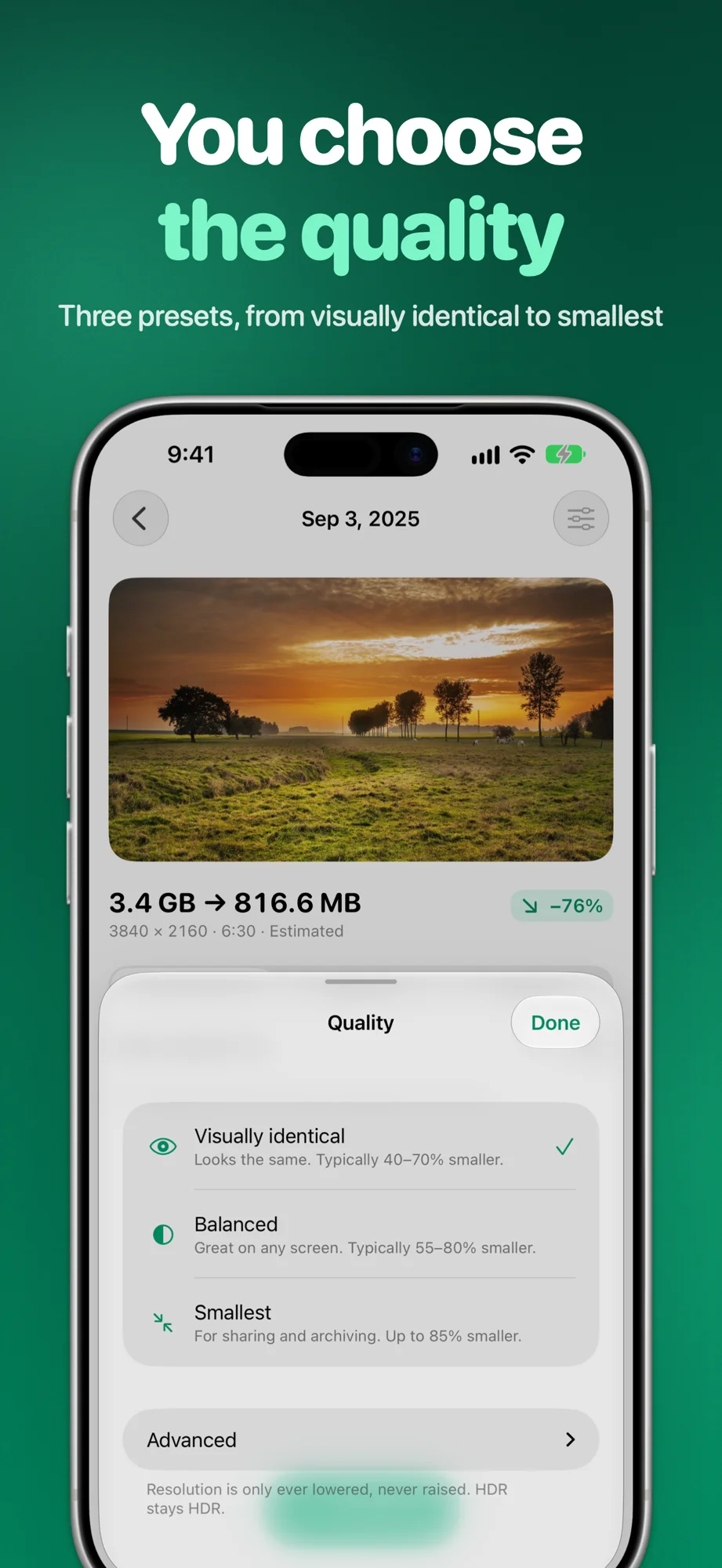
Screens from the current version on the App Store.
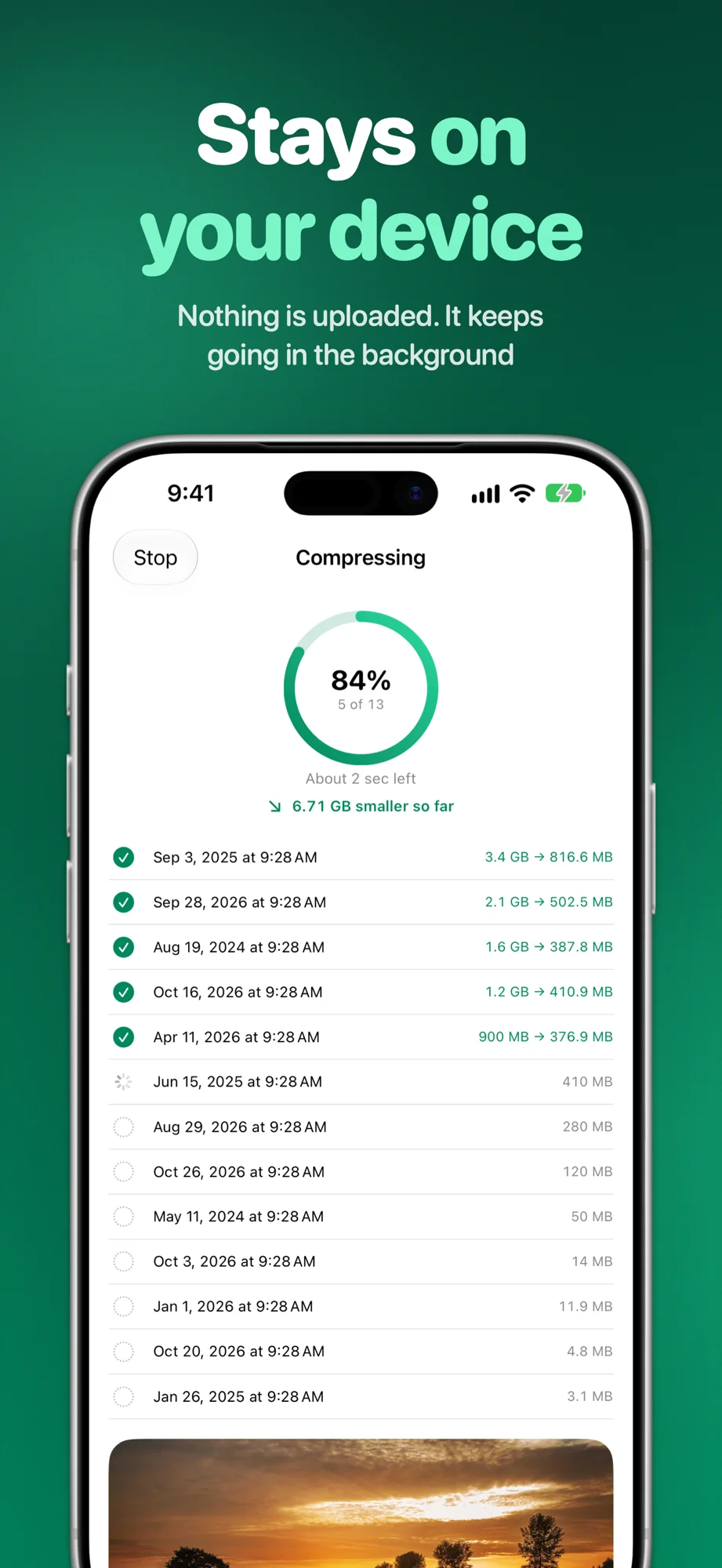
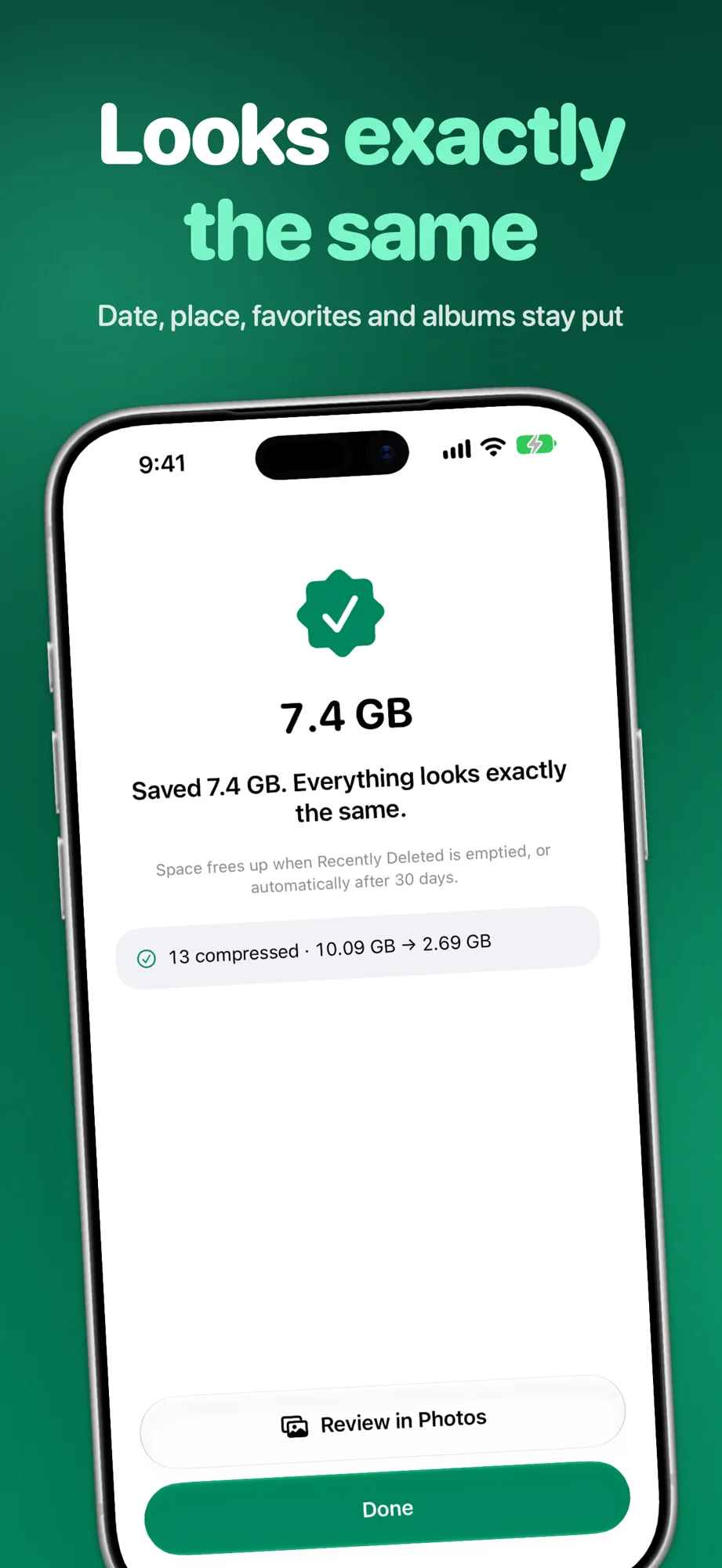
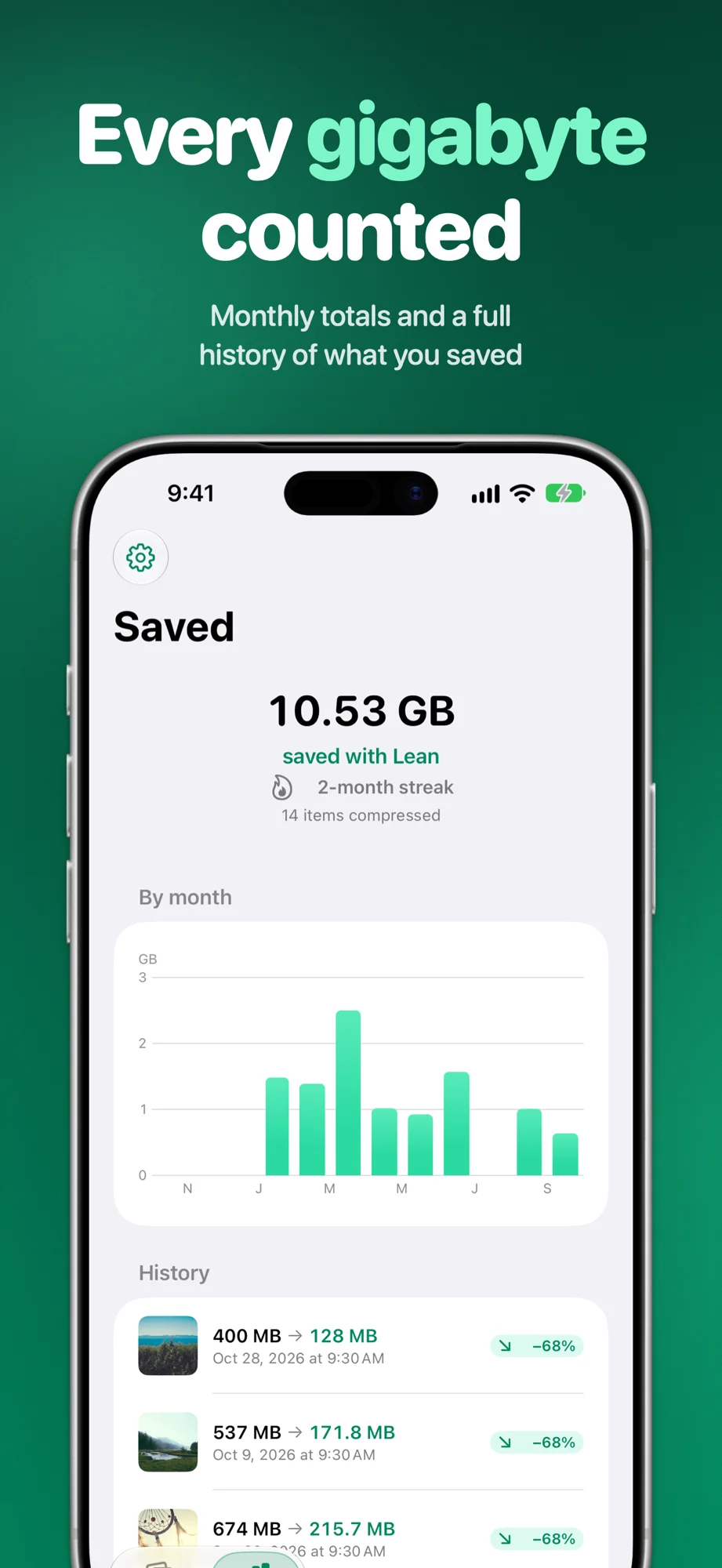
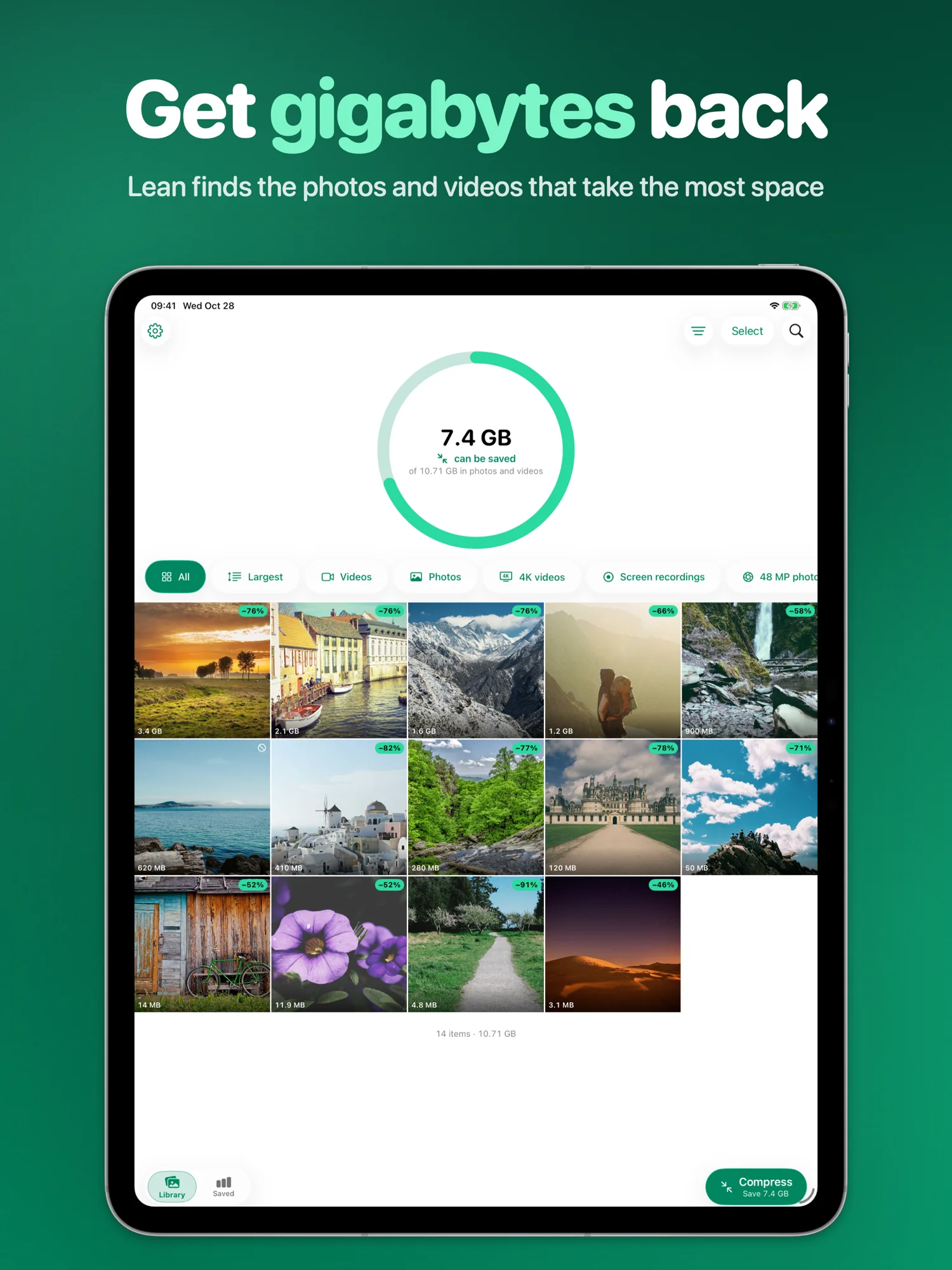
They run in your browser, with no sign-up.
Shrinks a video to a size in MB, such as 20 MB for Discord or 25 MB for Gmail.
File size from bitrate and length, or the bitrate that fits a limit.
Cuts the start and end off an MP4 or MOV without re-encoding.
Resizes images by pixels, percent or print size, in batches.
Turns JPG and PNG into WebP and shows the new size of each file.
Open the video compressor, pick the Gmail (25 MB) target and press Compress. If the estimate warns about a blocky picture, lower the resolution or trim the clip first, since a shorter video leaves more bitrate for each second.
No. The compressor reads and encodes the file inside your browser, and the result is saved straight to your device.
File size is roughly bitrate times length. Ten minutes in 10 MB leaves too few bits for moving pictures, so the tool stops and tells you the size to expect.
It replaces each item with a smaller copy that keeps the date, location, favorite mark and albums. iOS asks before the original moves to Recently Deleted, where it stays for 30 days, and Keep original too skips that step.
RAW, Portrait and animated photos, and Cinematic and slow-motion videos, because re-encoding them would lose something. Anything that would not come out at least 10% smaller is skipped too.
Lean is a free download with 3 compressions a week. Lean Pro removes the limit and comes as a weekly plan, a yearly plan with a 3-day free trial, or a one-time purchase.
Record, present and edit