Screen time calculator
Daily screen time as hours a week, days a year and years of waking life.
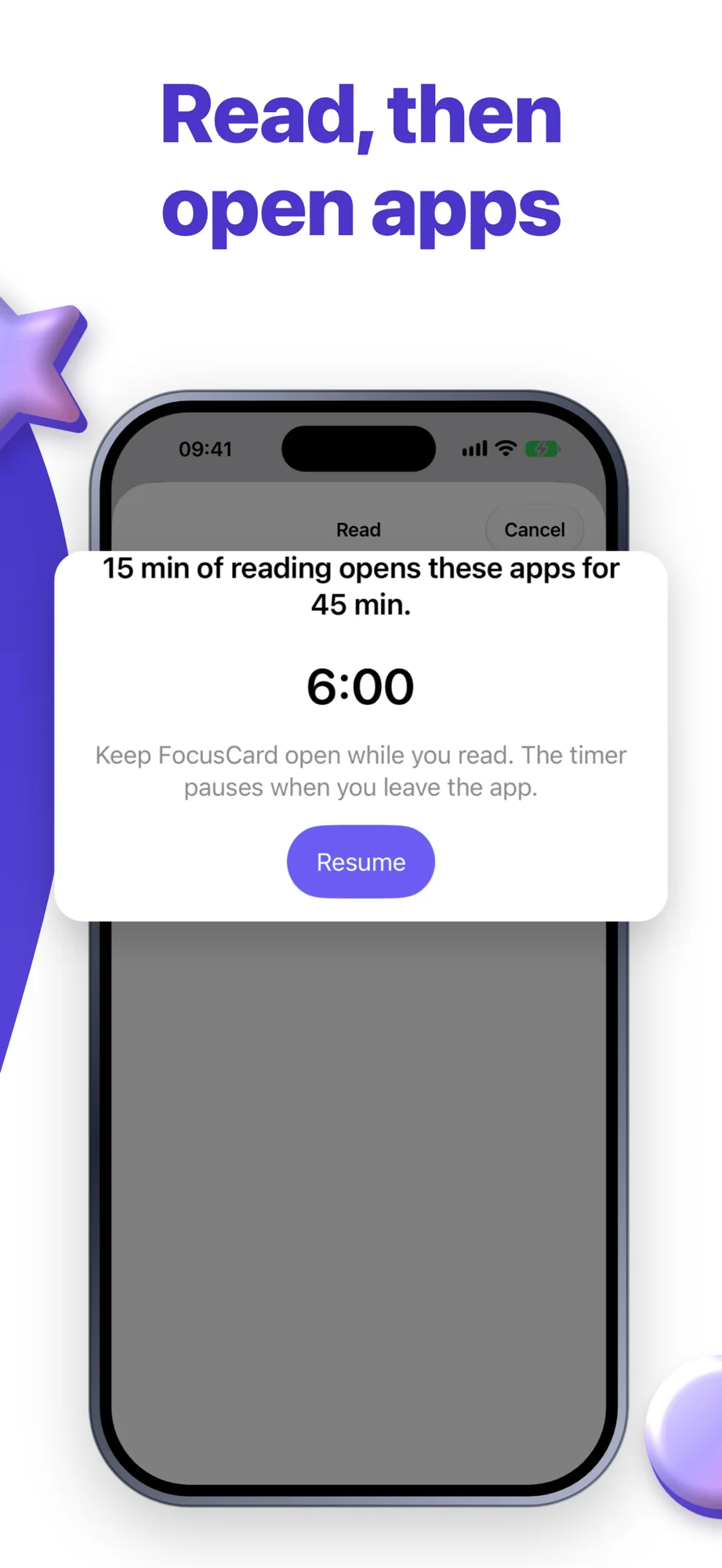
FocusCard: Earn Screen TimeThe free screen time calculator turns your daily average into hours a week, days a year and waking years, and shows what a small daily cut gives back. FocusCard, for iPhone, acts on that number. It closes the apps you choose until you walk, do push-ups or read, then opens them for a set time.
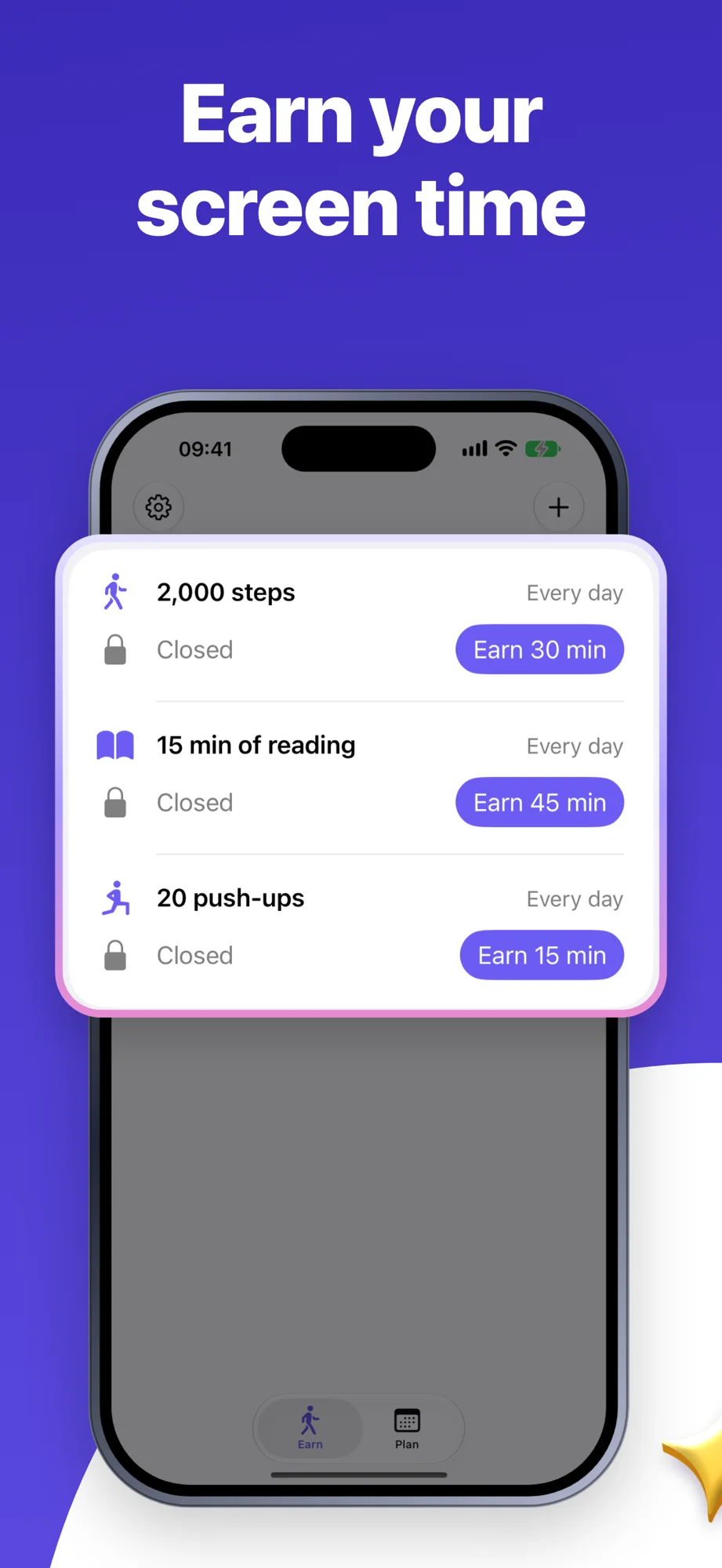
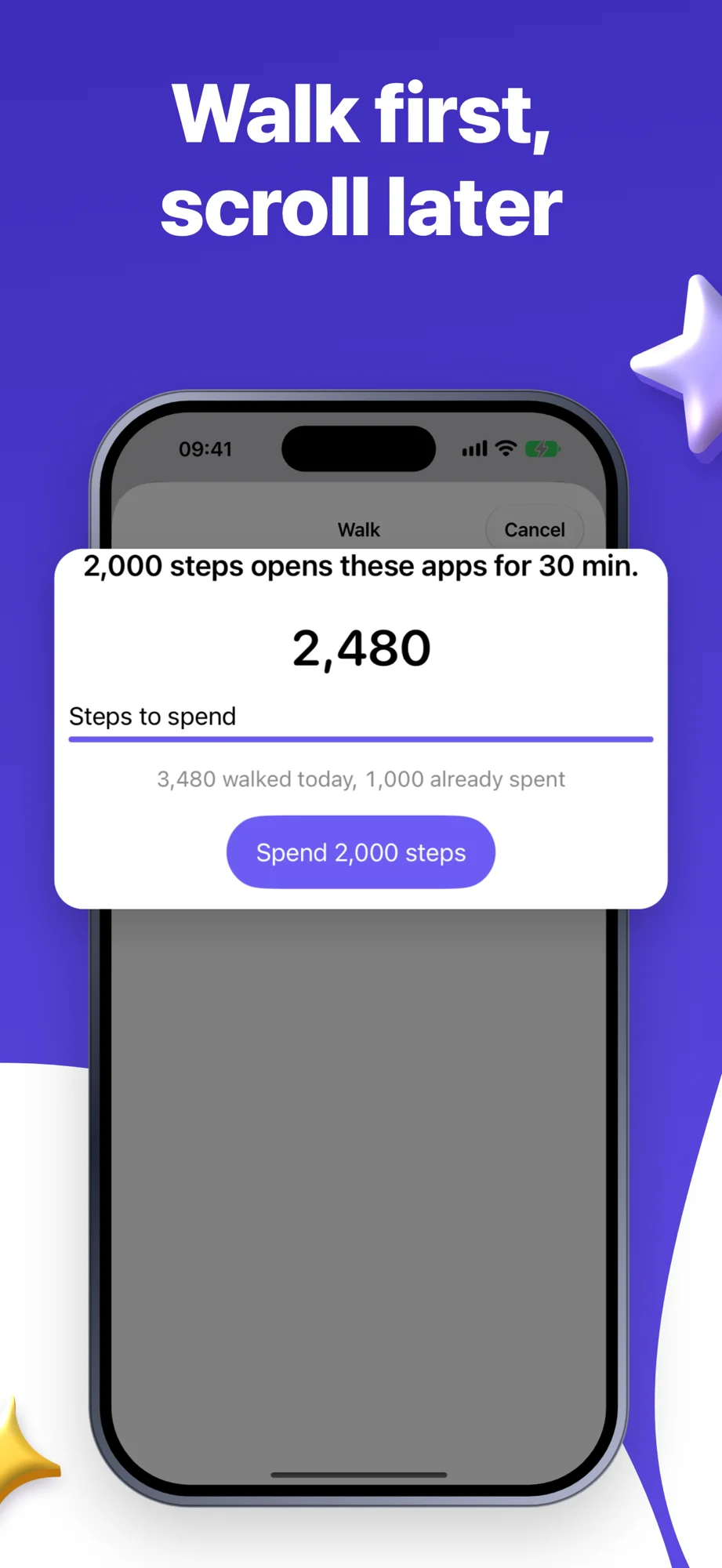
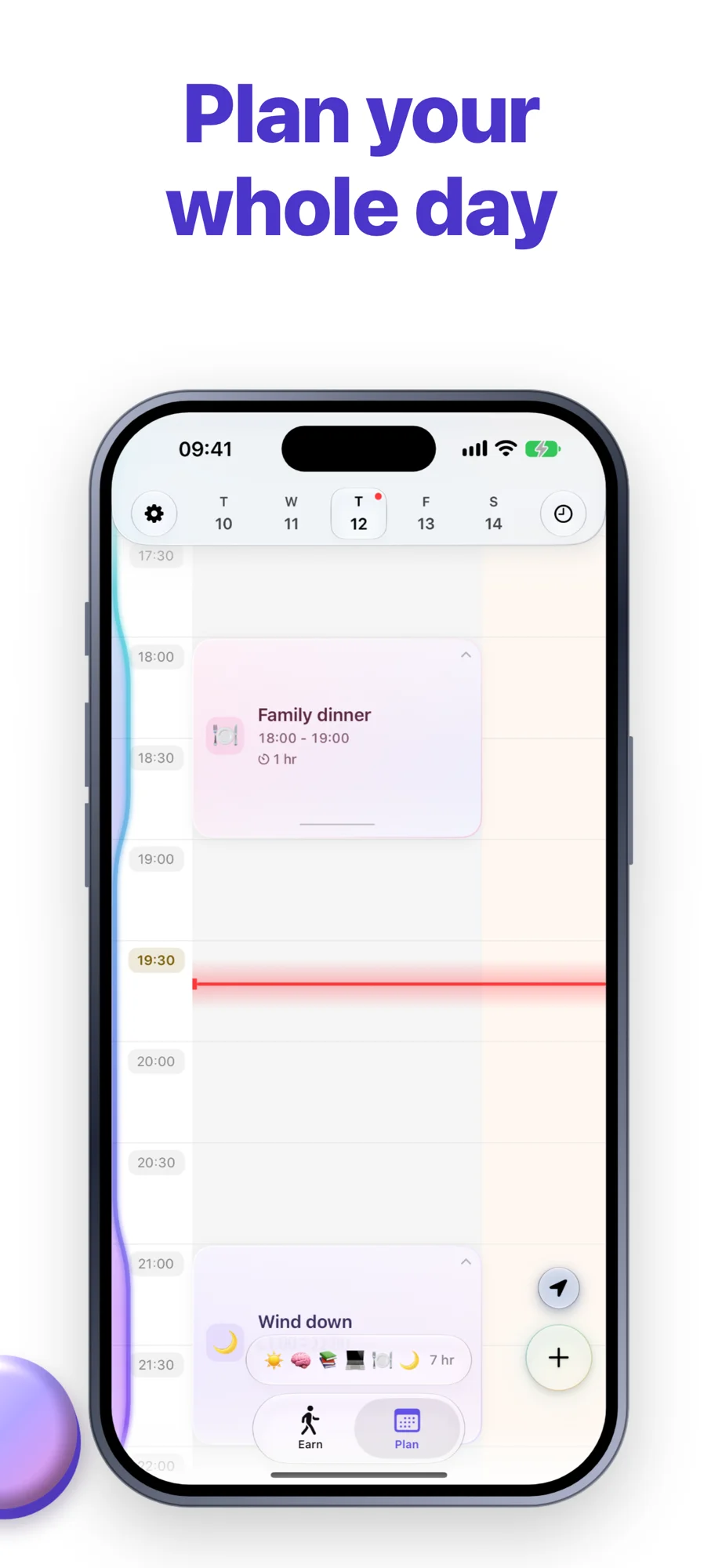
| Free tool | FocusCard | |
|---|---|---|
| Runs on | Any browser | iPhone |
| What it does | Shows what your screen time adds up to | Closes chosen apps until you earn time |
| Goals | None | Steps, push-ups or minutes of reading |
| Privacy | Nothing to sign up for | Apple Screen Time, no account, data stays on the device |
| Price | Free | Free download with one live rule; FocusCard Pro adds repeating rules, Daily Limit and the full card editor |
Use the calculator when you want to see the real size of your phone habit before you decide what to change.
Get FocusCard when you have seen the number and want the apps to stay shut until you have moved or read first.
Screens from the current version on the App Store.
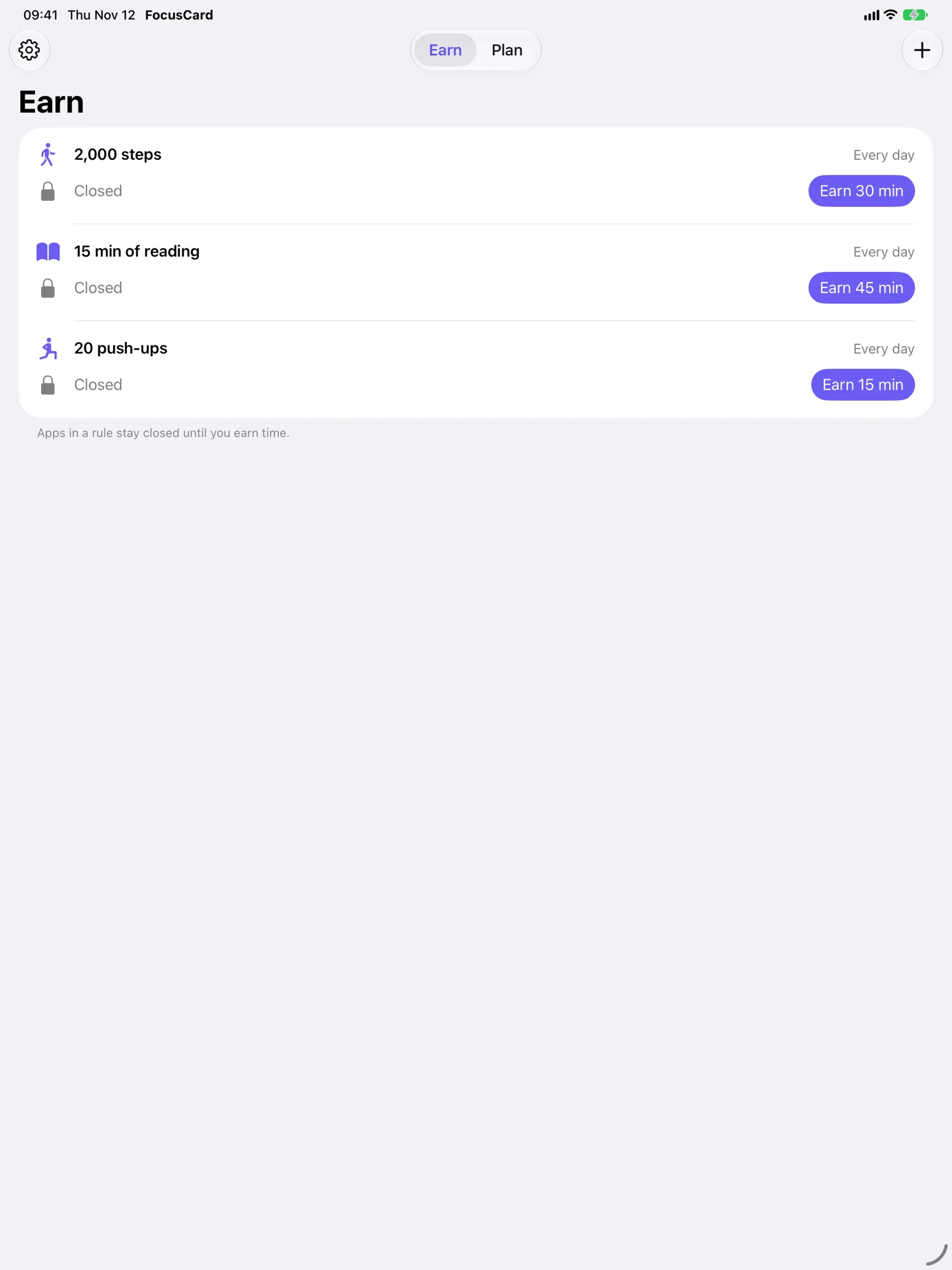
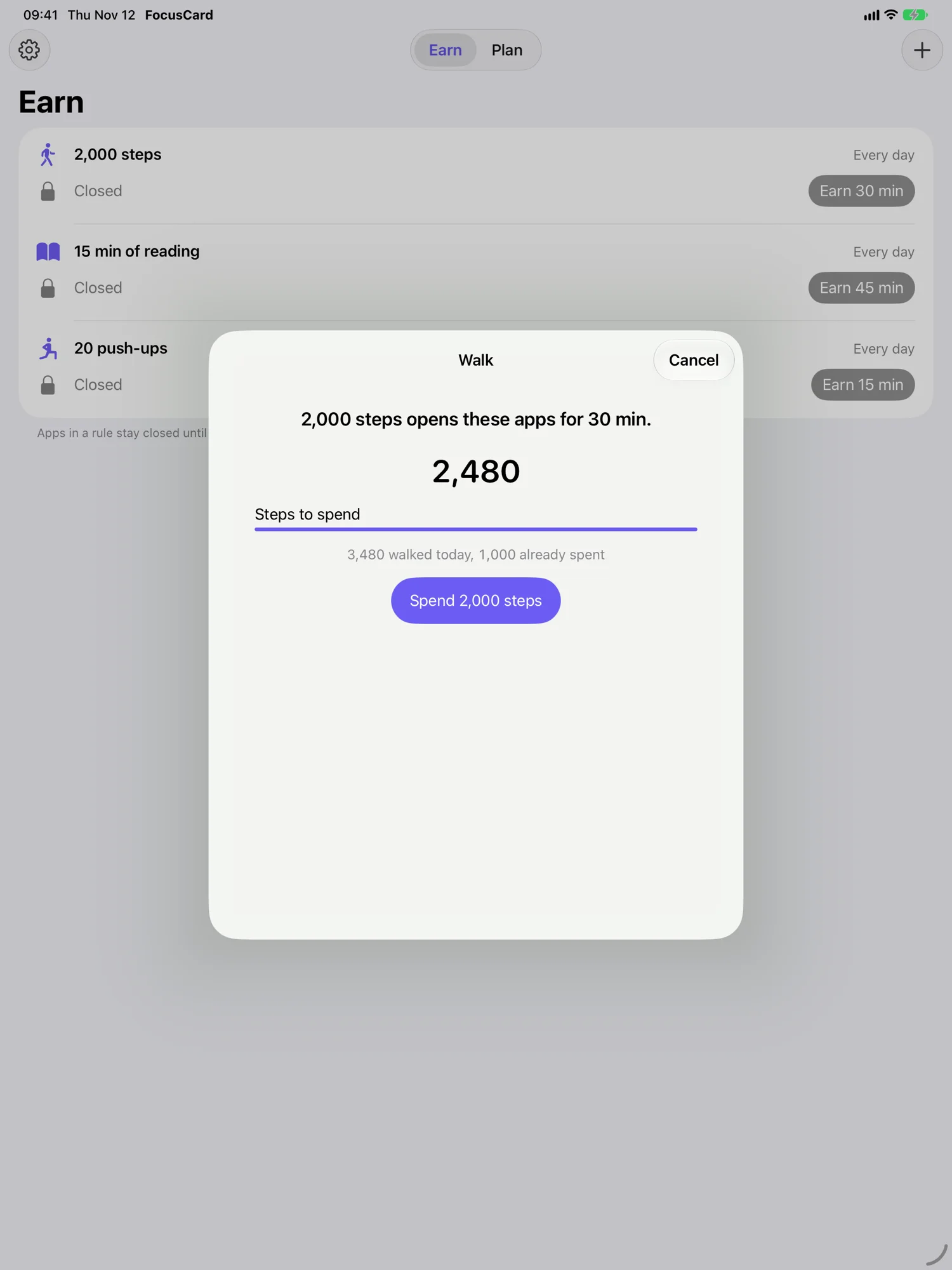
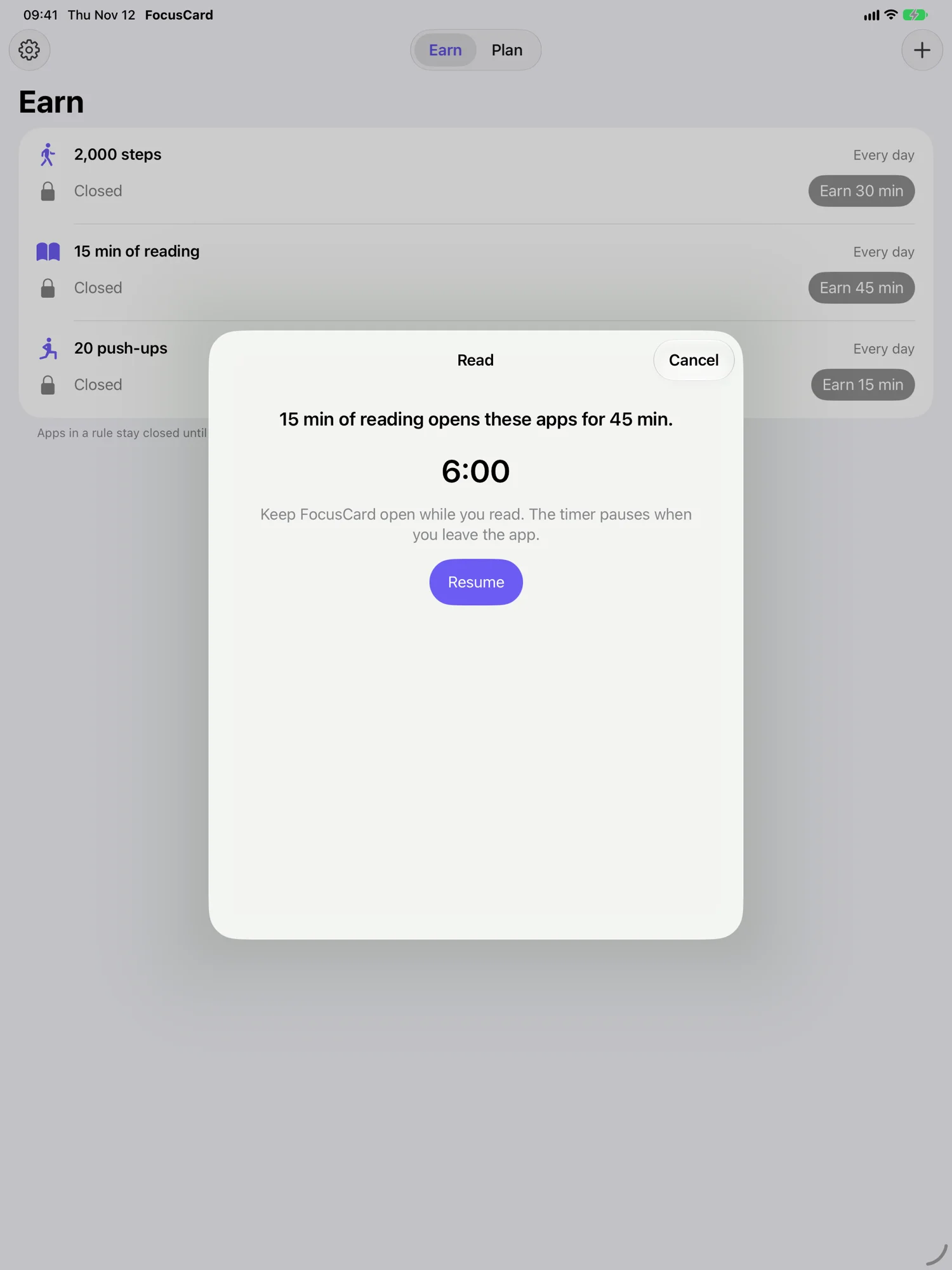
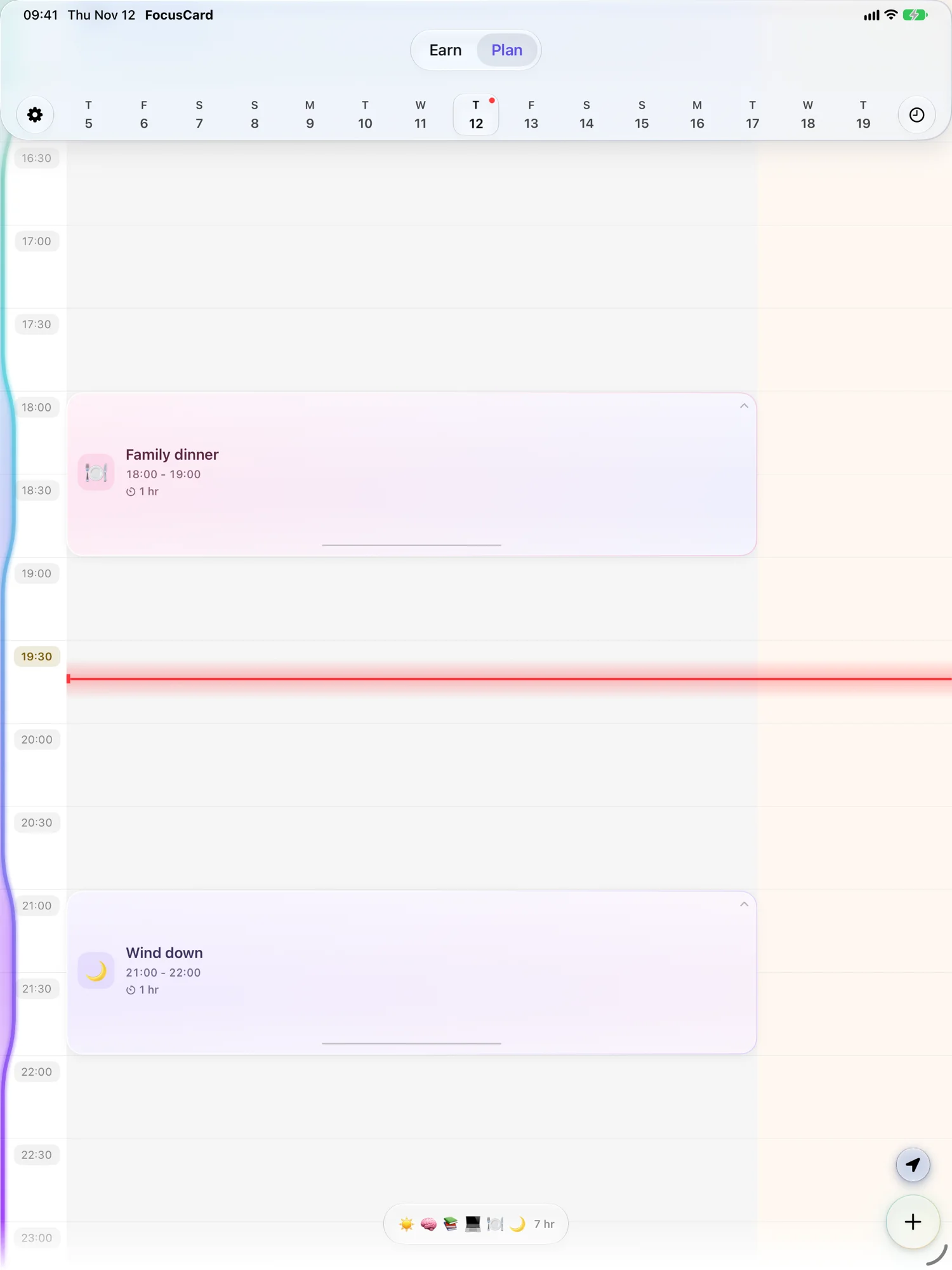
They run in your browser, with no sign-up.
Daily screen time as hours a week, days a year and years of waking life.
The 10-item Smartphone Addiction Scale short version, scored 10 to 60.
Focus rounds and breaks, with the clock time each round ends.
On iPhone, open Settings and then Screen Time. On Android, open Settings and then Digital Wellbeing. Enter the daily average.
A week is seven times the daily figure, a month is 30.44 days and a year 365 days. Waking years divide the total by the hours you are awake, which is 24 minus the sleep you entered.
No. It uses the 10-item Smartphone Addiction Scale short version, scored from 10 to 60 against its published cut-offs, as a screening.
Lay the iPhone face up on the floor under your chest and tap Start. Each time your chest comes down to the phone and you push back up, the proximity sensor counts one, with no camera involved.
No. It works through Apple Screen Time, and your steps, rules and app choices stay on your device.
Free keeps one rule or card live at a time, and it does not repeat. FocusCard Pro adds as many rules and cards as you need, daily repeats, Daily Limit and the full card editor, weekly, yearly or as a lifetime purchase.
Plan, focus and wake up
Free to download for iPhone and iPad.