Teleprompter script formatter
One sentence or phrase per line, short lines and [pause] marks.
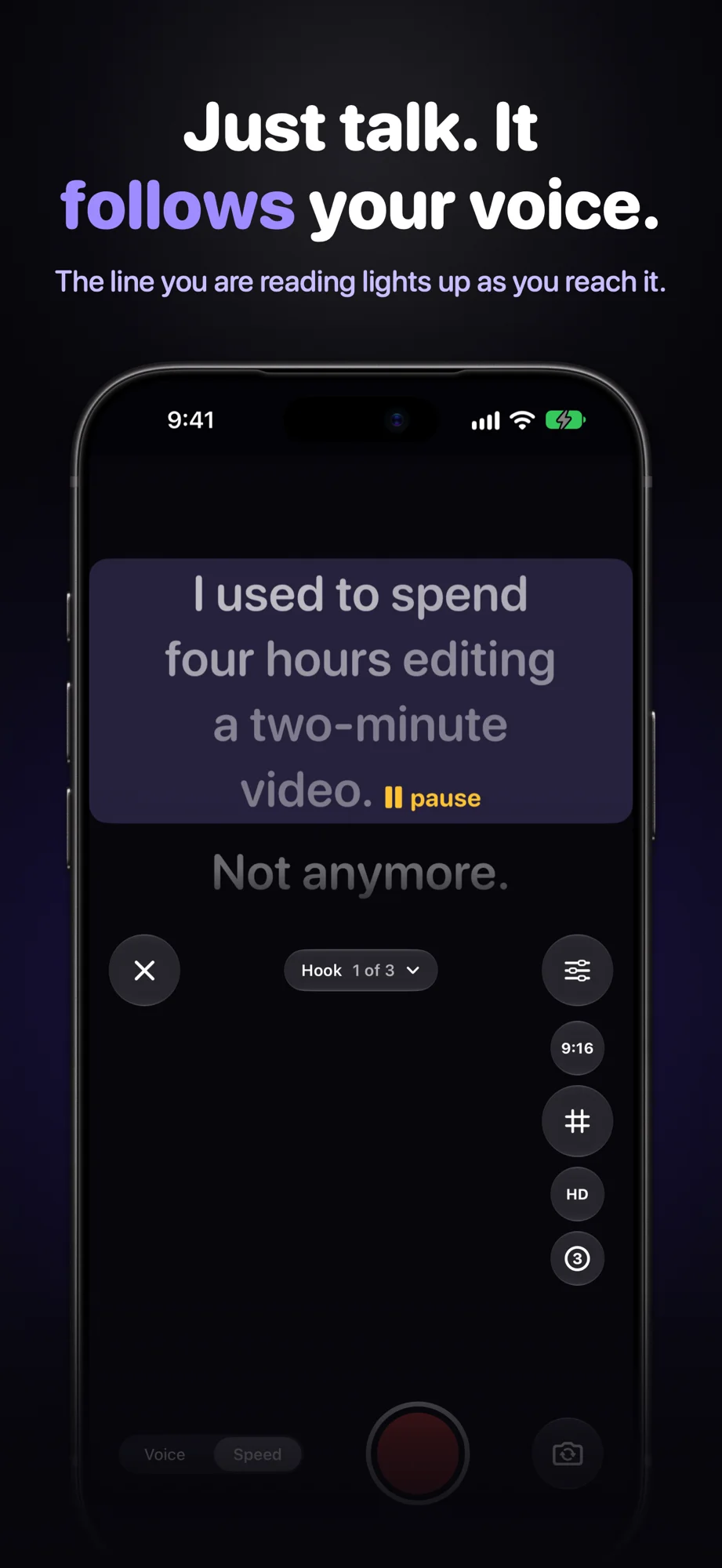
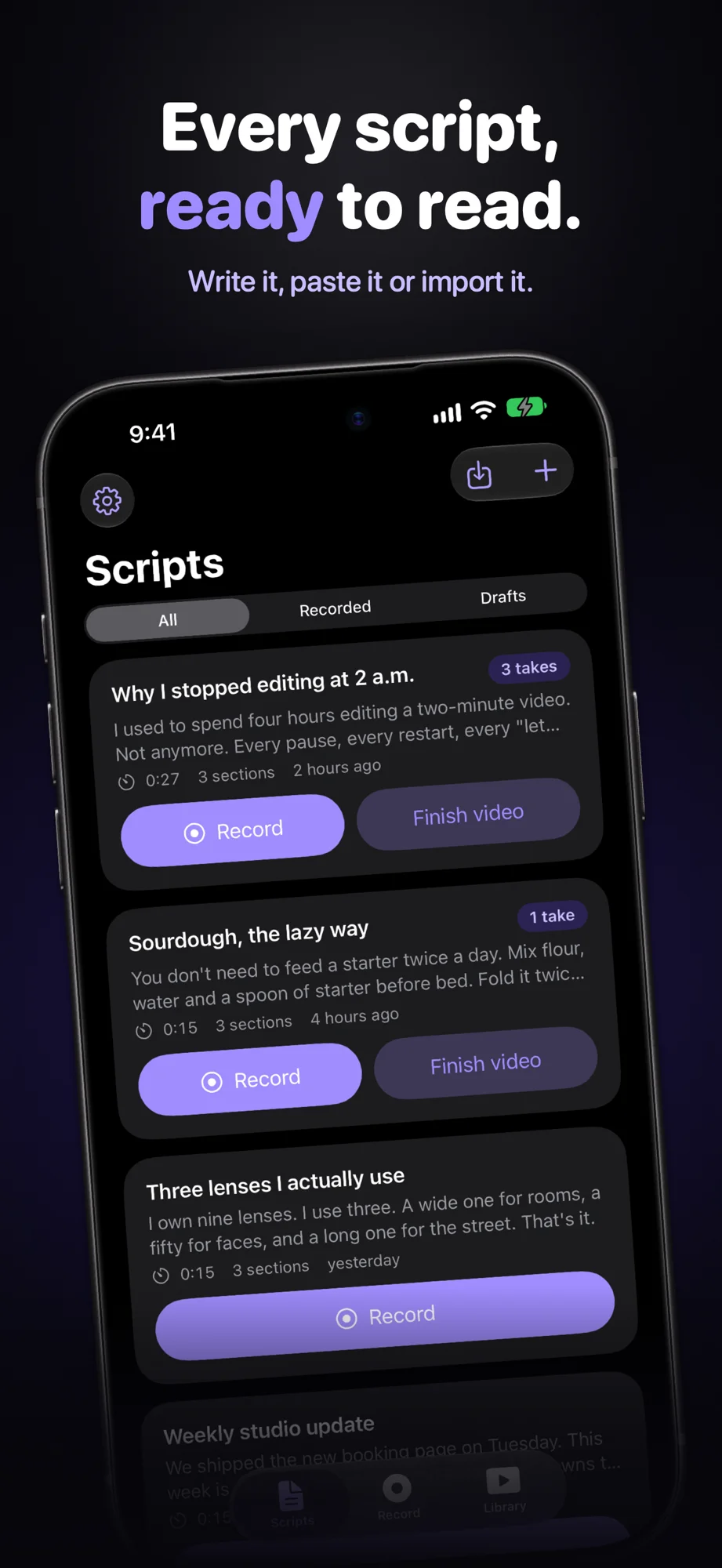
Cue: Teleprompter That ListensThe free teleprompter script formatter turns a script written for the page into short prompter lines, with pauses marked and stage notes taken out. Cue, for iPhone, iPad and Mac, is where you read those lines. It scrolls as you speak, waits when you stop and records the take under the camera.
| Free tool | Cue | |
|---|---|---|
| Runs on | Any browser | iPhone and iPad, plus a free Mac version |
| What it does | Prepares the script text | Shows the script while you speak and records you |
| Scrolling | None, it outputs text | Follows your voice, or a steady speed you set |
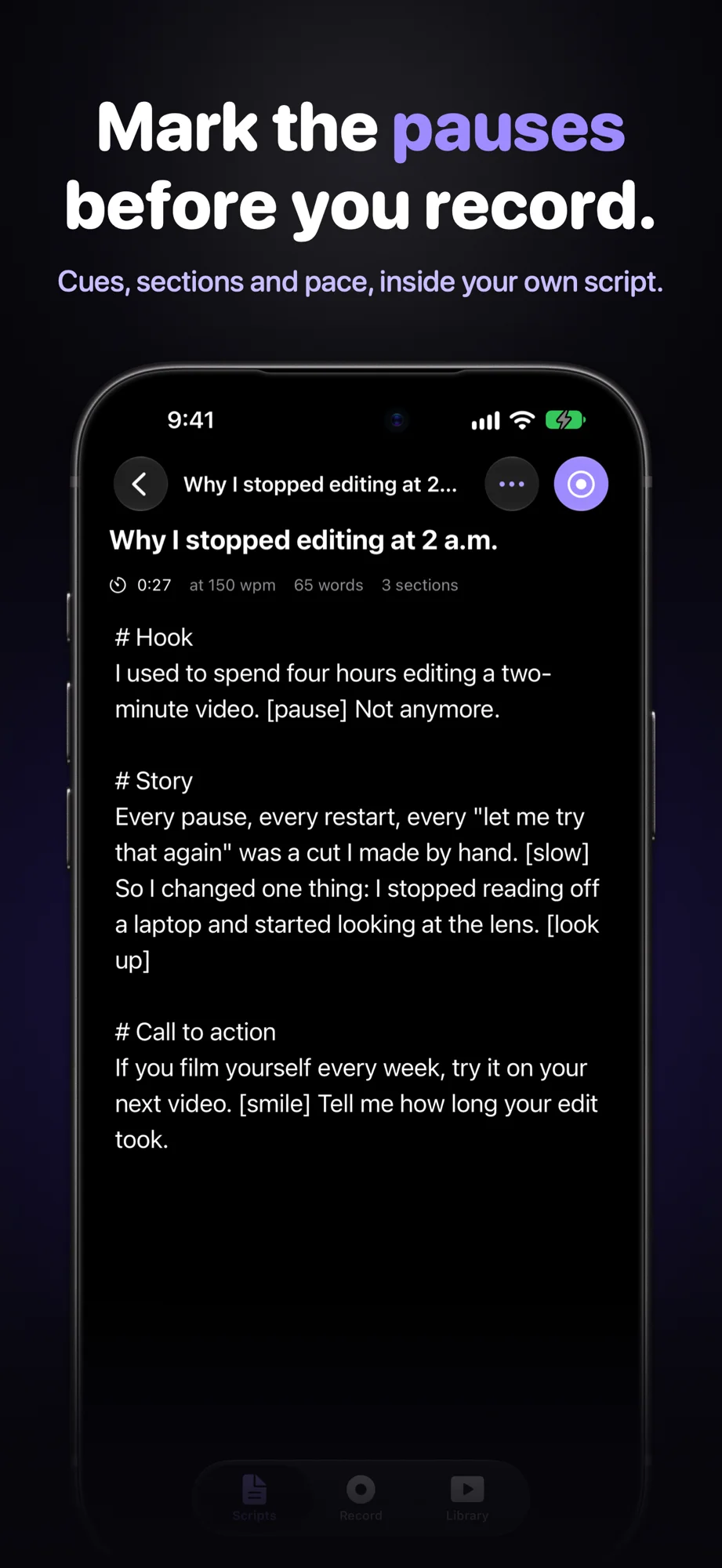
| Cue marks | Adds [pause] marks | Shows [pause], [smile] and [look up] as you read |
| Video | No | Section takes, auto-cut, captions and export to Photos |
| Price | Free, no sign-up | Free download; Cue Studio adds voice-follow scrolling, auto-cut, captions and 4K |
Use the formatter when you already have a prompter and only need the script broken into lines that are easy to read aloud.
Get Cue when you want the prompter itself on your phone, scrolling at your speaking pace and recording the video as you go.
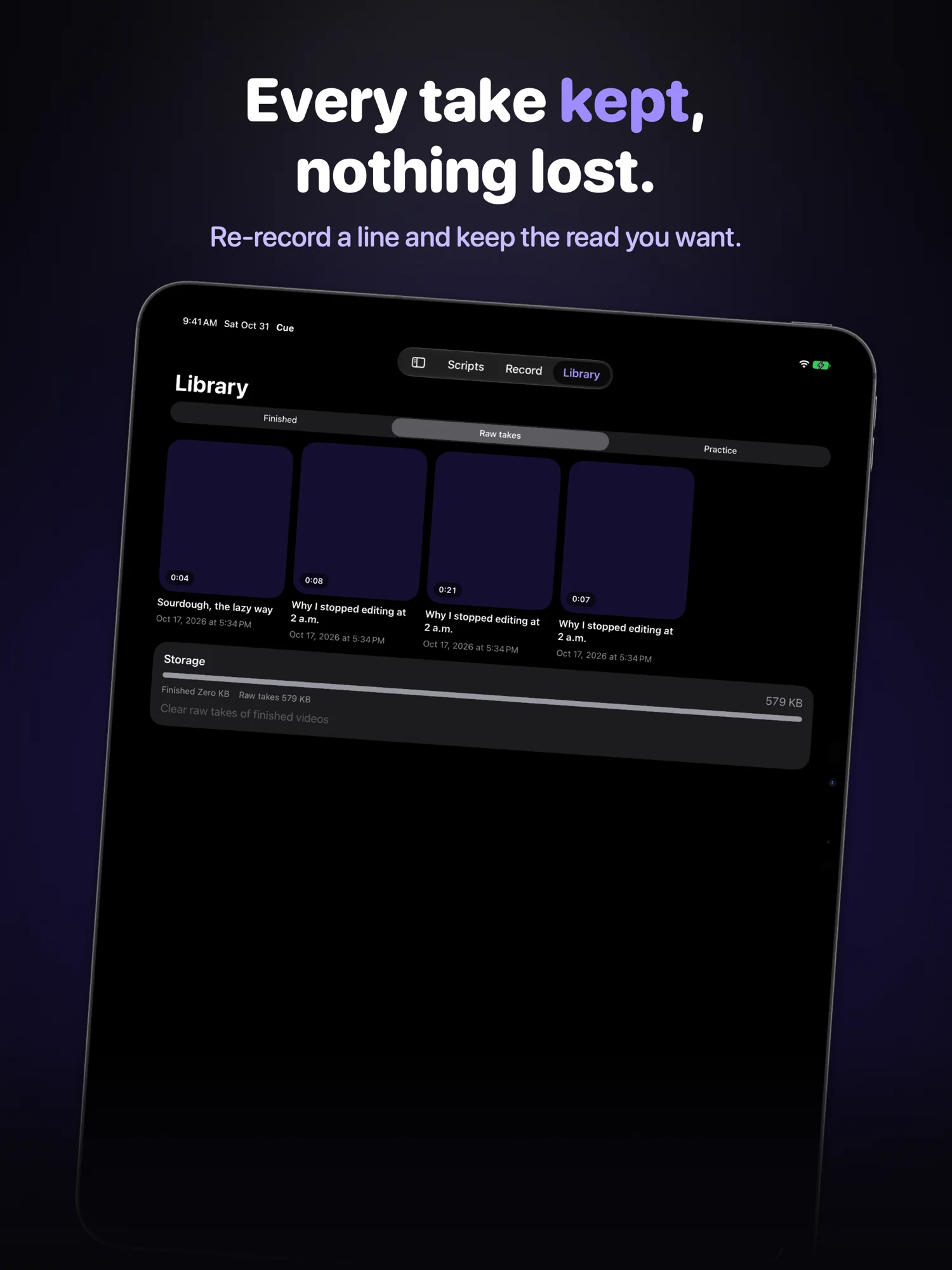
Screens from the current version on the App Store.
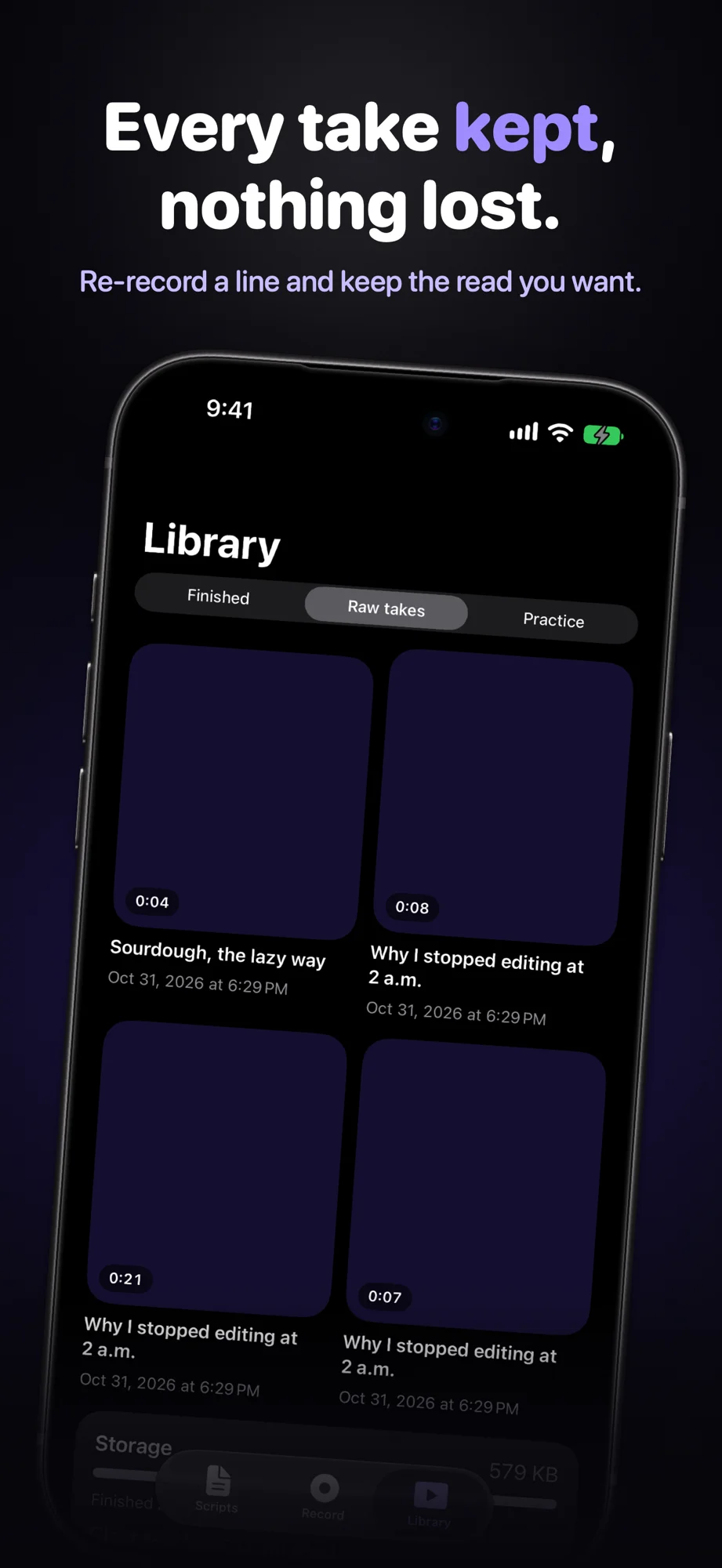
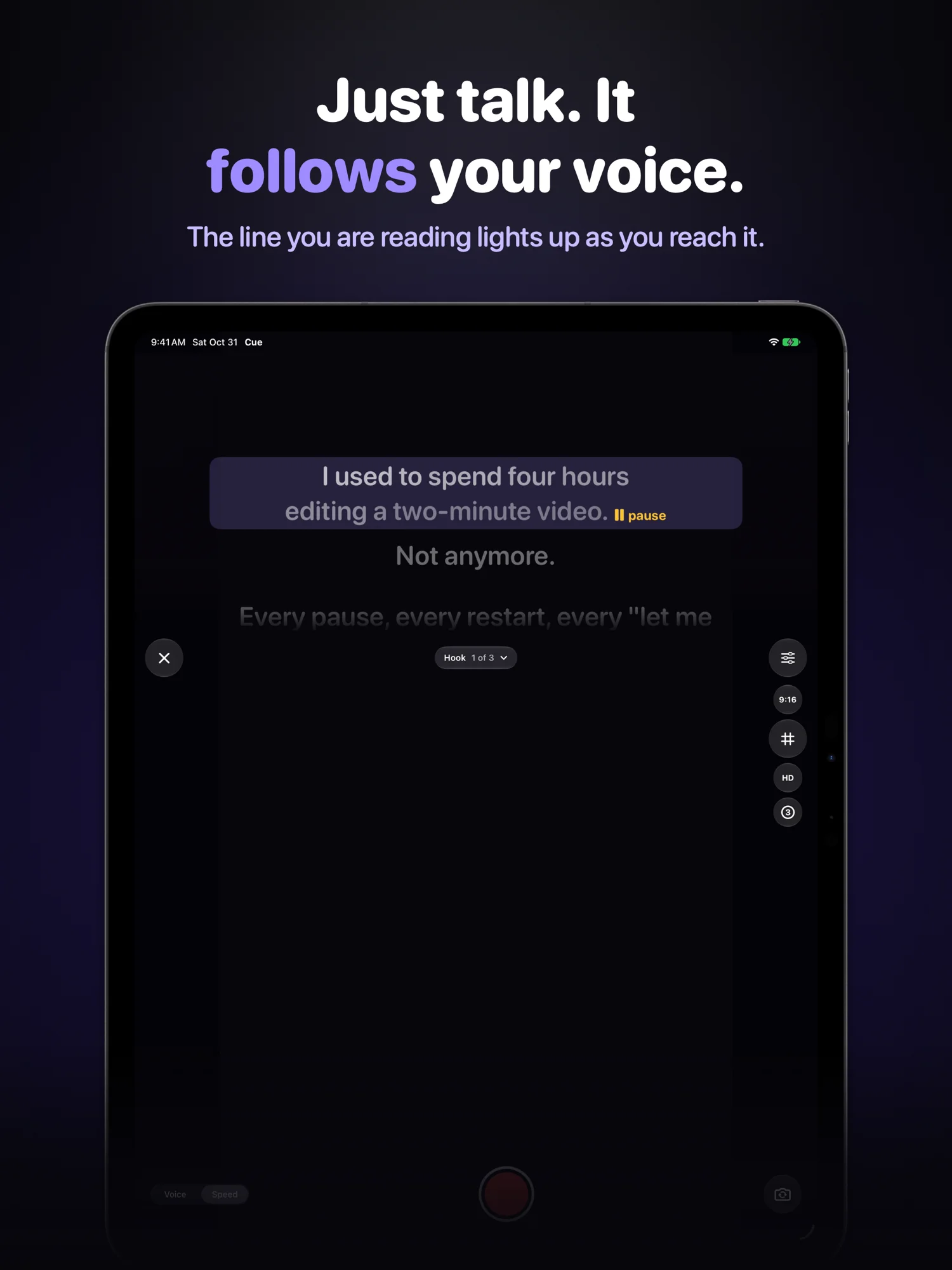
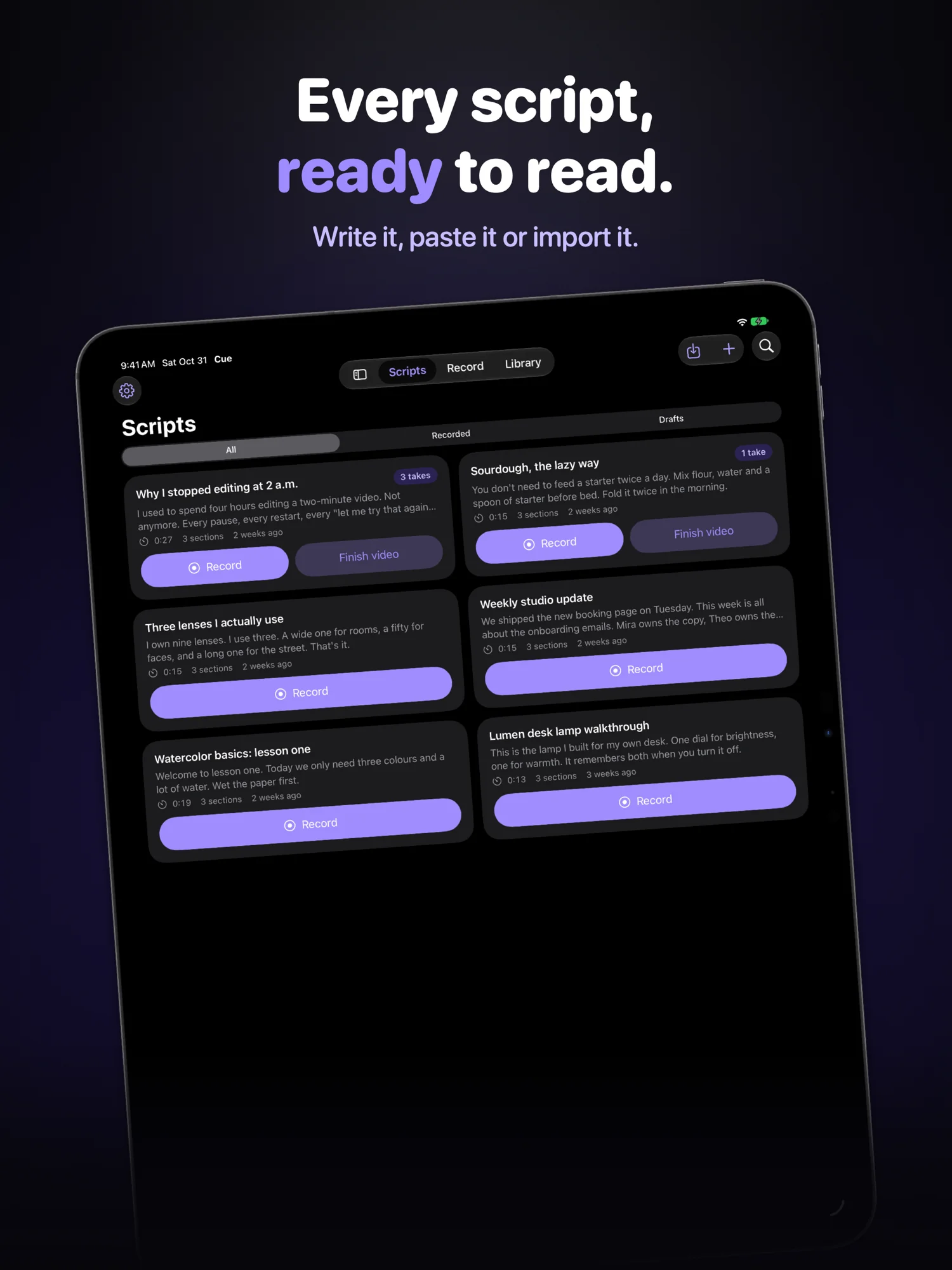
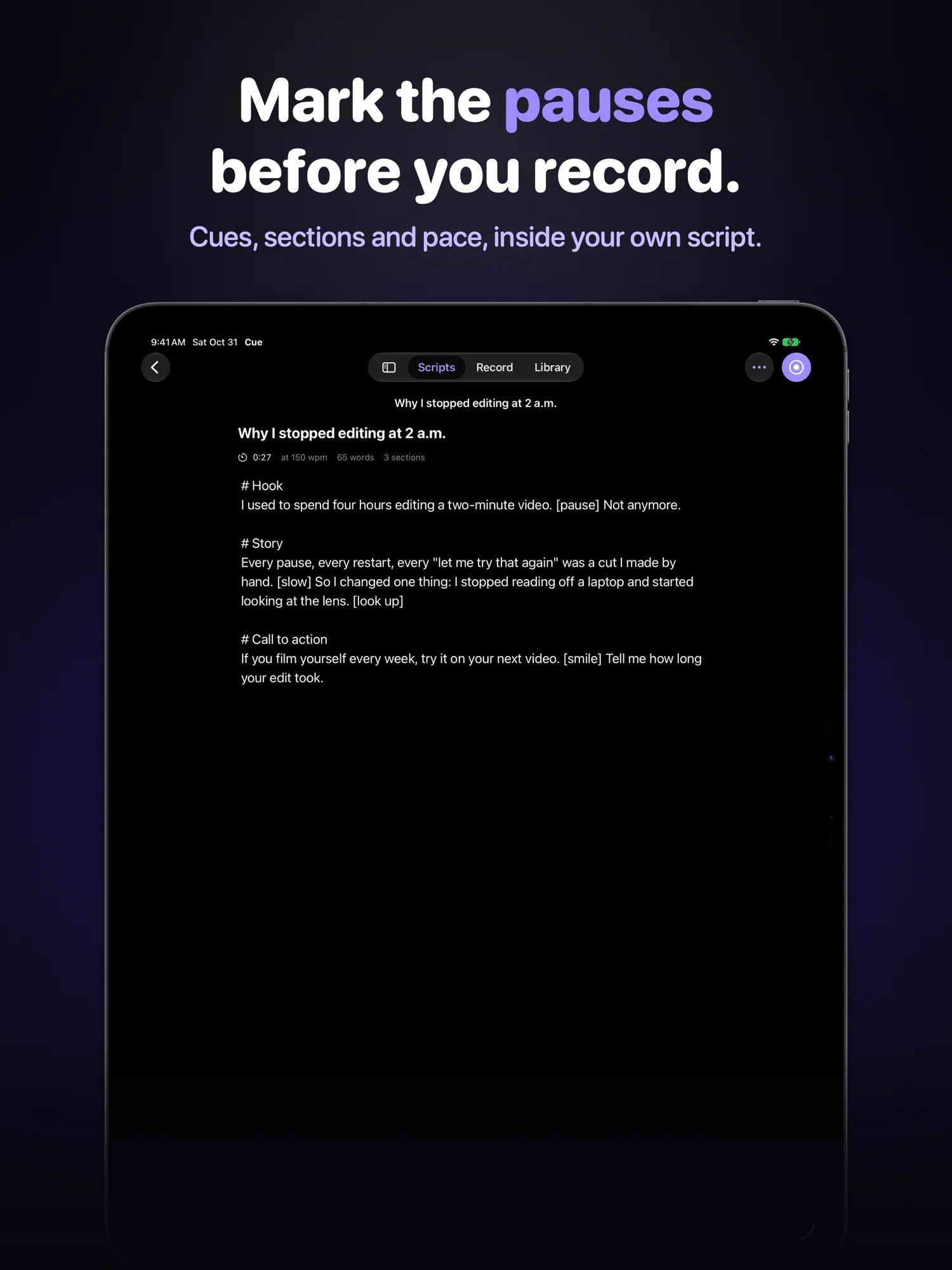
They run in your browser, with no sign-up.
One sentence or phrase per line, short lines and [pause] marks.
How many minutes a script takes to say at your pace.
Read a passage aloud and time your speaking rate.
Live input level and a five-second clip you can play back.
Short enough to read without moving your eyes across the screen. On a phone held near the lens, 30 to 40 characters a line works well; a wider screen can take more.
It is a note to yourself to stop for a breath or let a point land. It is not read out. The formatter can add it where your script has dots or spaced dashes, and Cue shows it on the line as you read.
It depends on how fast you talk. Measure your rate with the words per minute test, then paste the script into the speech time calculator to see its length at that pace.
Yes. Paste it or import it as text, Markdown, RTF or PDF. A line starting with # begins a new section, and markers like [pause], [smile] and [look up] stay in place.
No. Scripts, takes and videos stay on your device. Voice-follow uses speech recognized on the device.
Record, present and edit