Invoice number generator
A prefix, the year and a padded sequence, with the next numbers in order.
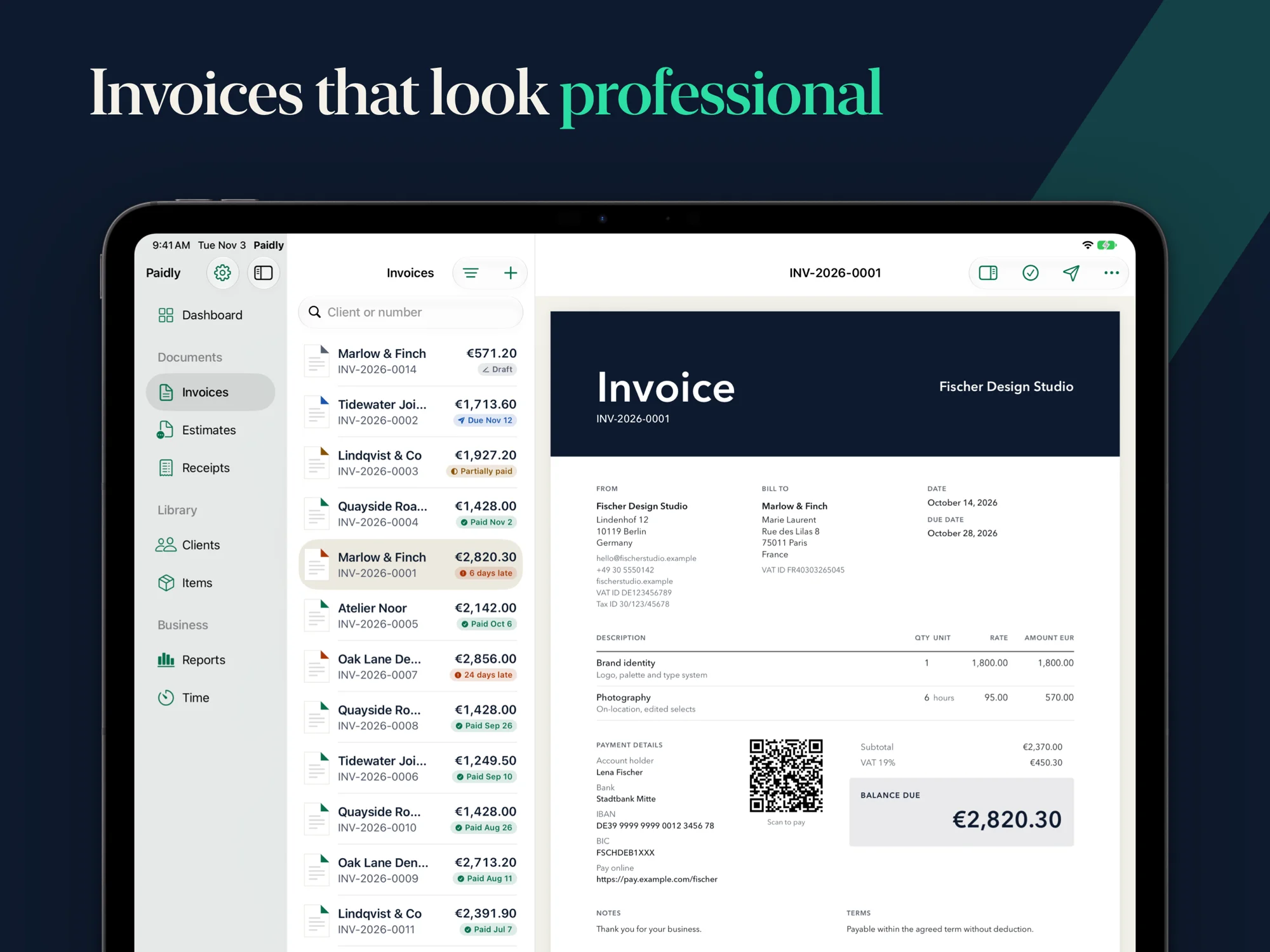
Paidly: Invoice MakerThe free invoice number generator builds a numbering format from a prefix, a date part and a padded sequence, then lists the next numbers to copy. It stores nothing. Paidly, for iPhone, iPad and Mac, keeps the series for you and turns each number into a finished invoice, estimate or receipt you can send as a PDF.
| Free tool | Paidly | |
|---|---|---|
| Runs on | Any browser, phone or computer | iPhone and iPad with iOS 17 or later, Mac with macOS 15 or later |
| Invoice numbers | Builds a format and lists the next numbers | Numbers each document in your series |
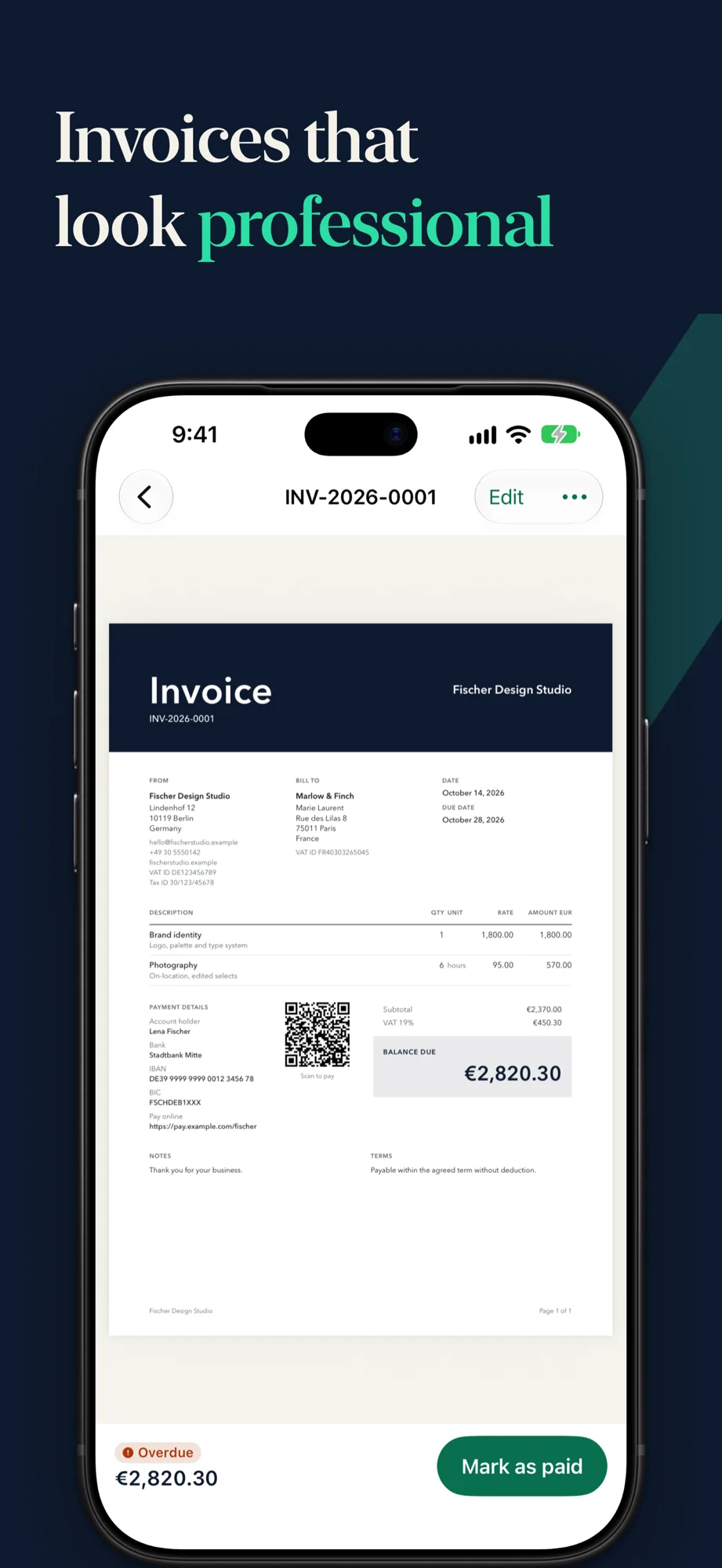
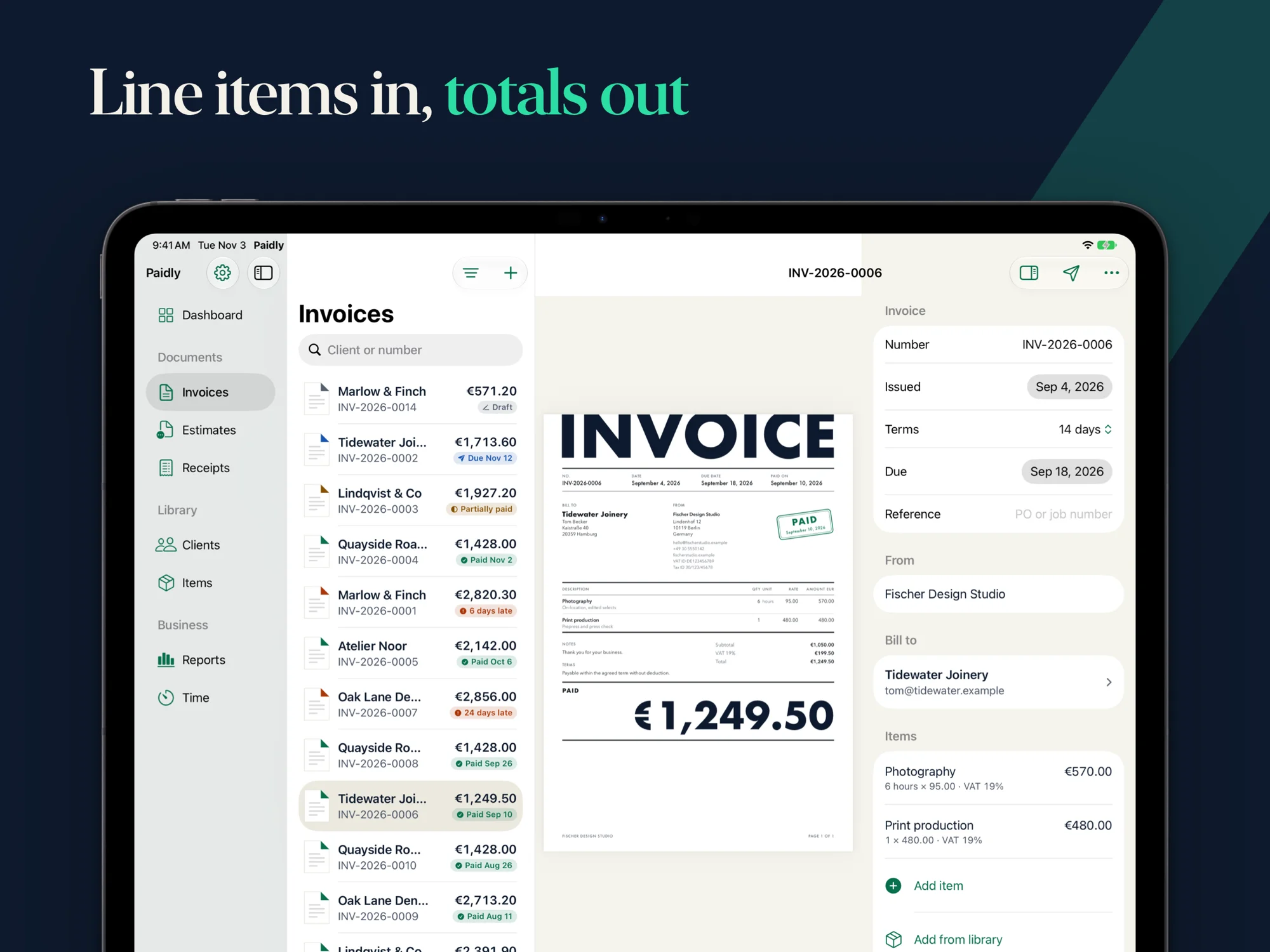
| Documents | None; you copy the number elsewhere | Invoices, estimates and receipts as PDFs |
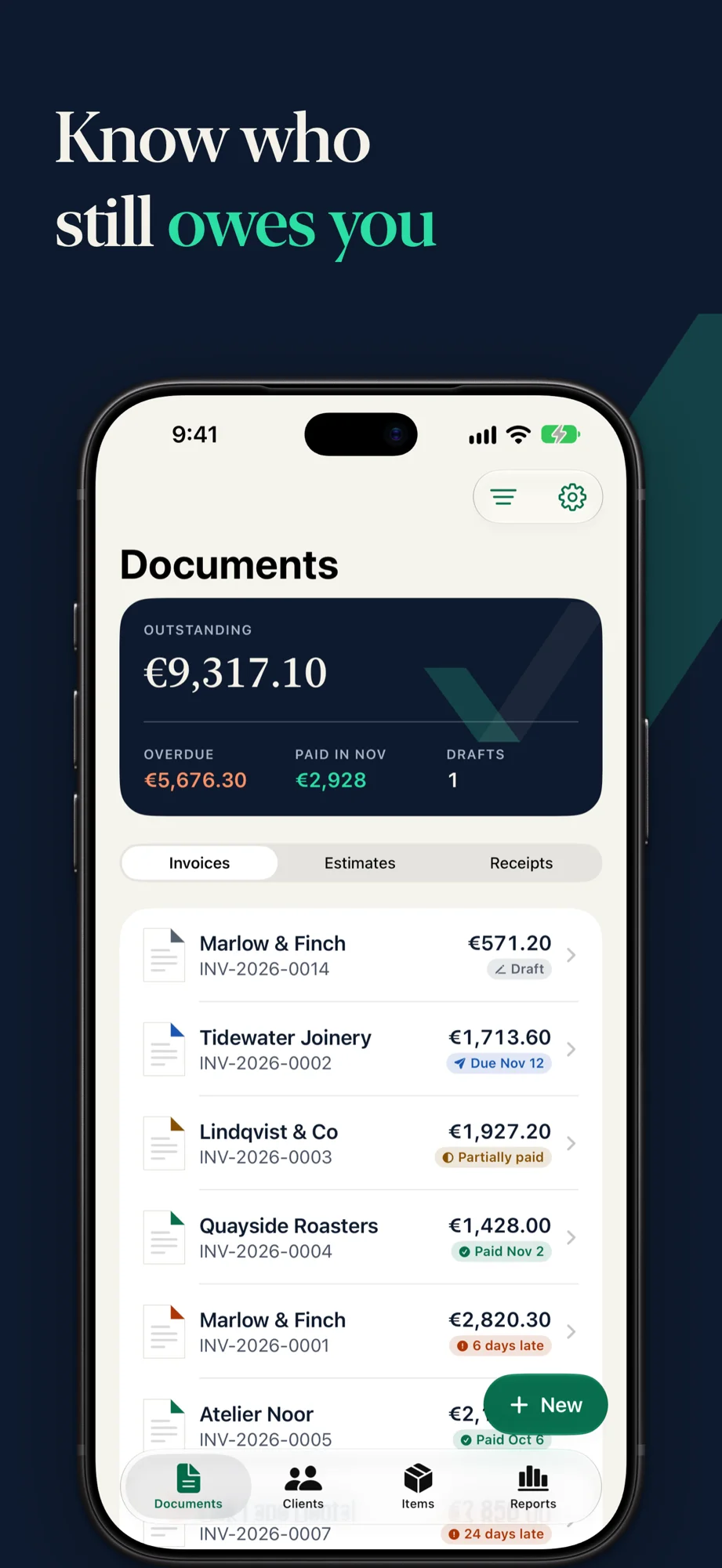
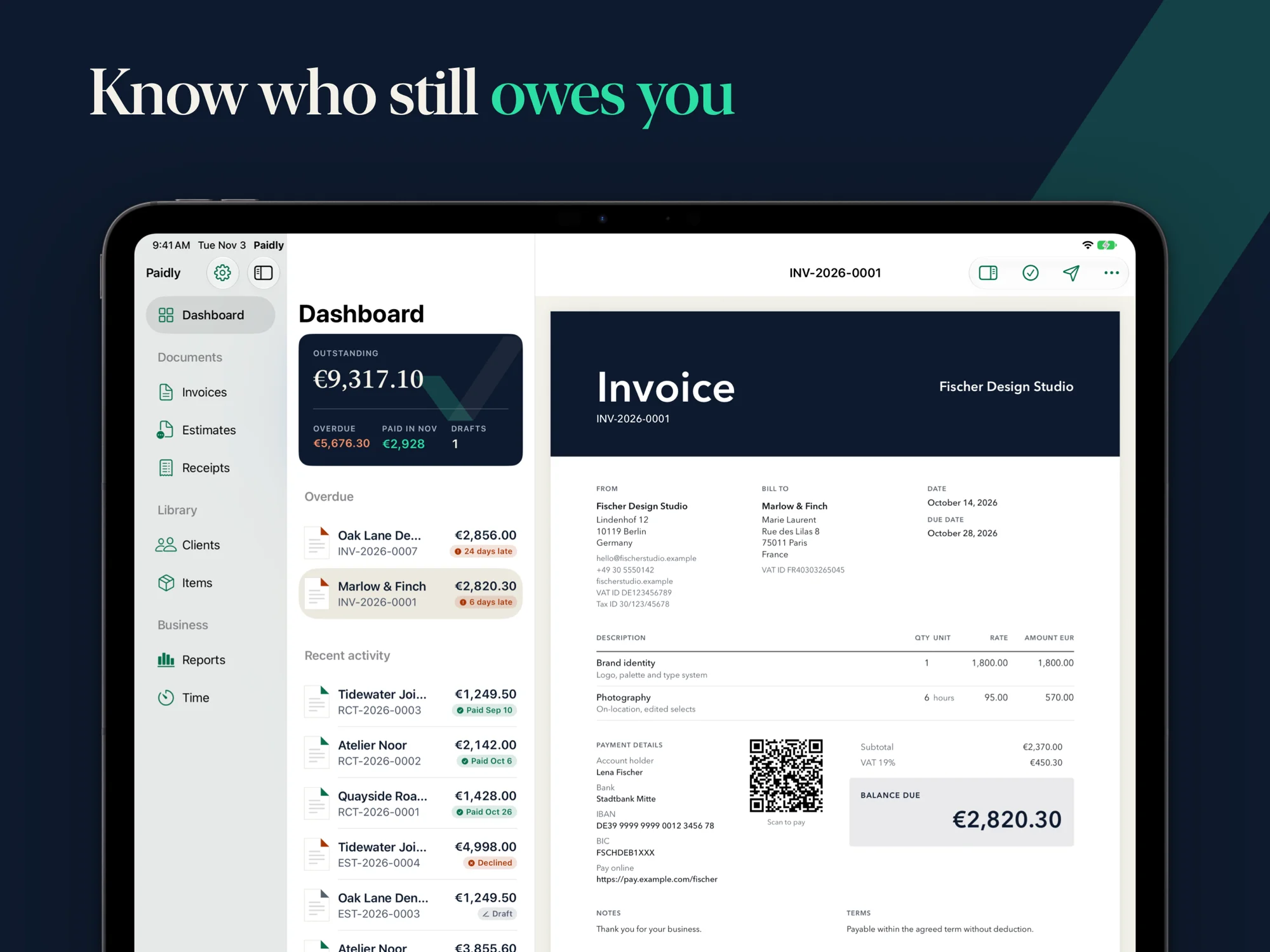
| Payments | Not tracked | Outstanding and overdue amounts, part payments, payment QR codes |
| Saved data | Nothing is stored | Clients, items and documents on your devices and in your iCloud |
| Price | Free, no sign-up | Free download with three sent documents a month; Paidly Pro unlocks unlimited sending and more |
The free generator is enough when you write invoices in a word processor or spreadsheet and only need a clean, consistent numbering format.
Get Paidly when you want the numbering, the document, the payment details and the list of who still owes you in one place.
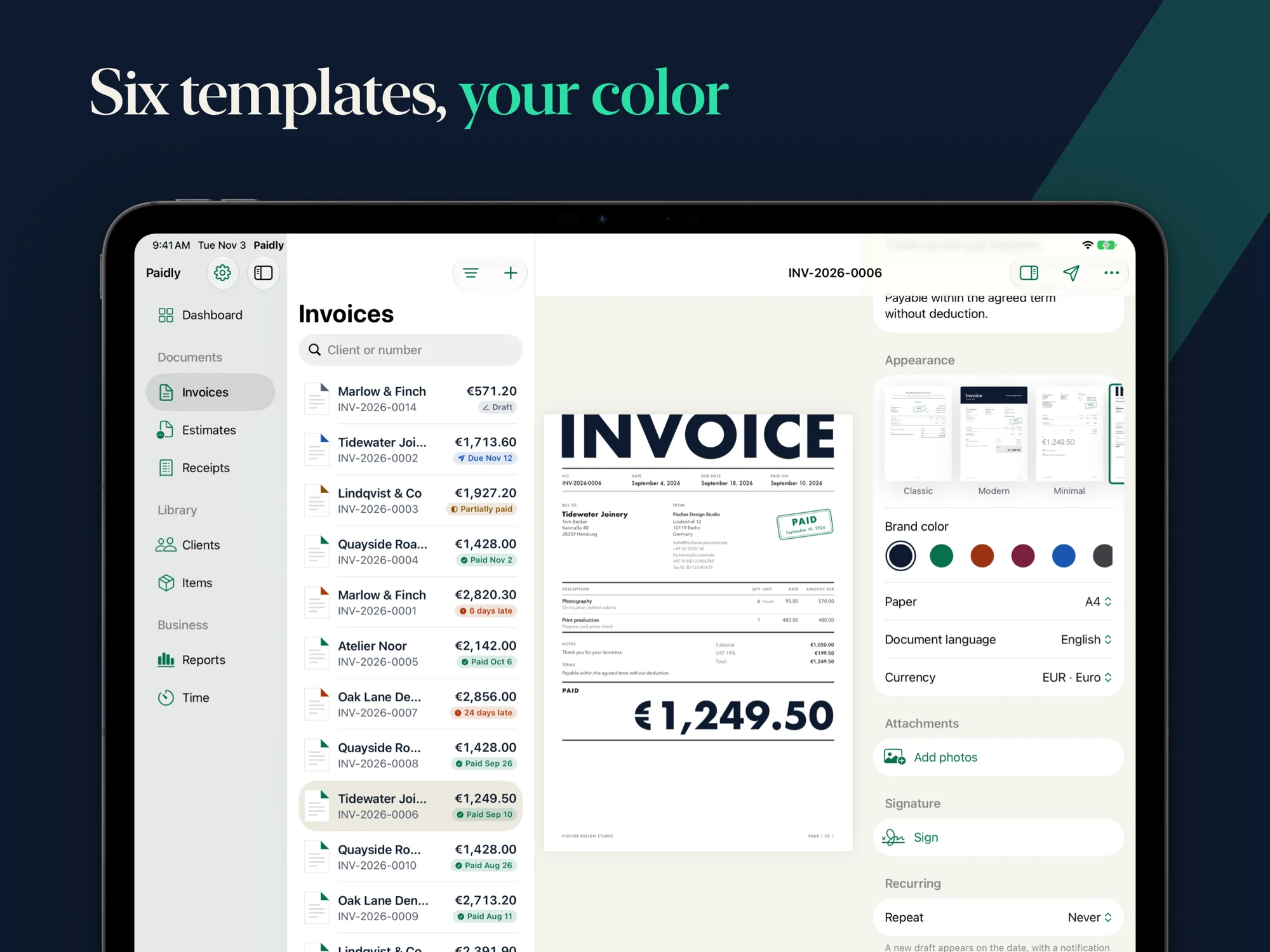
Screens from the current version on the App Store.
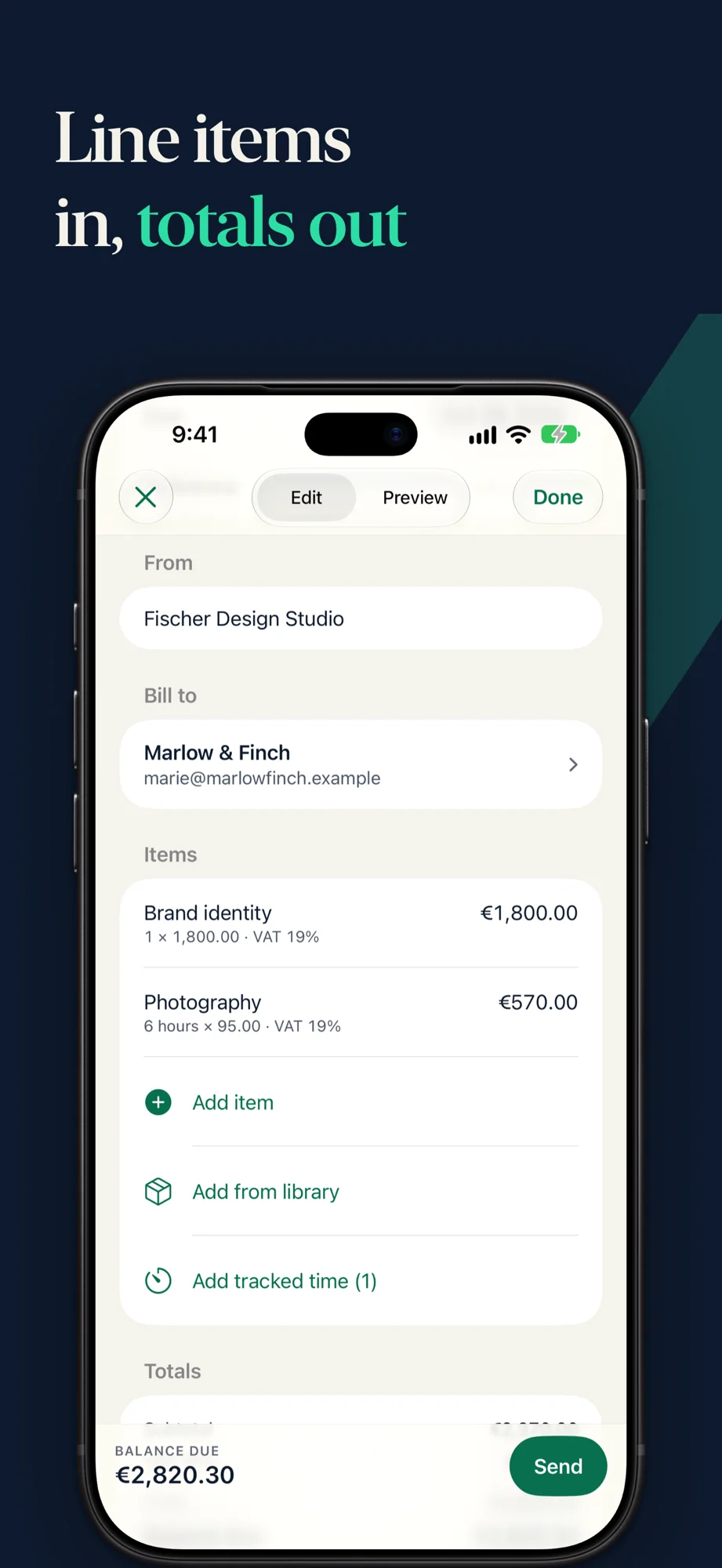
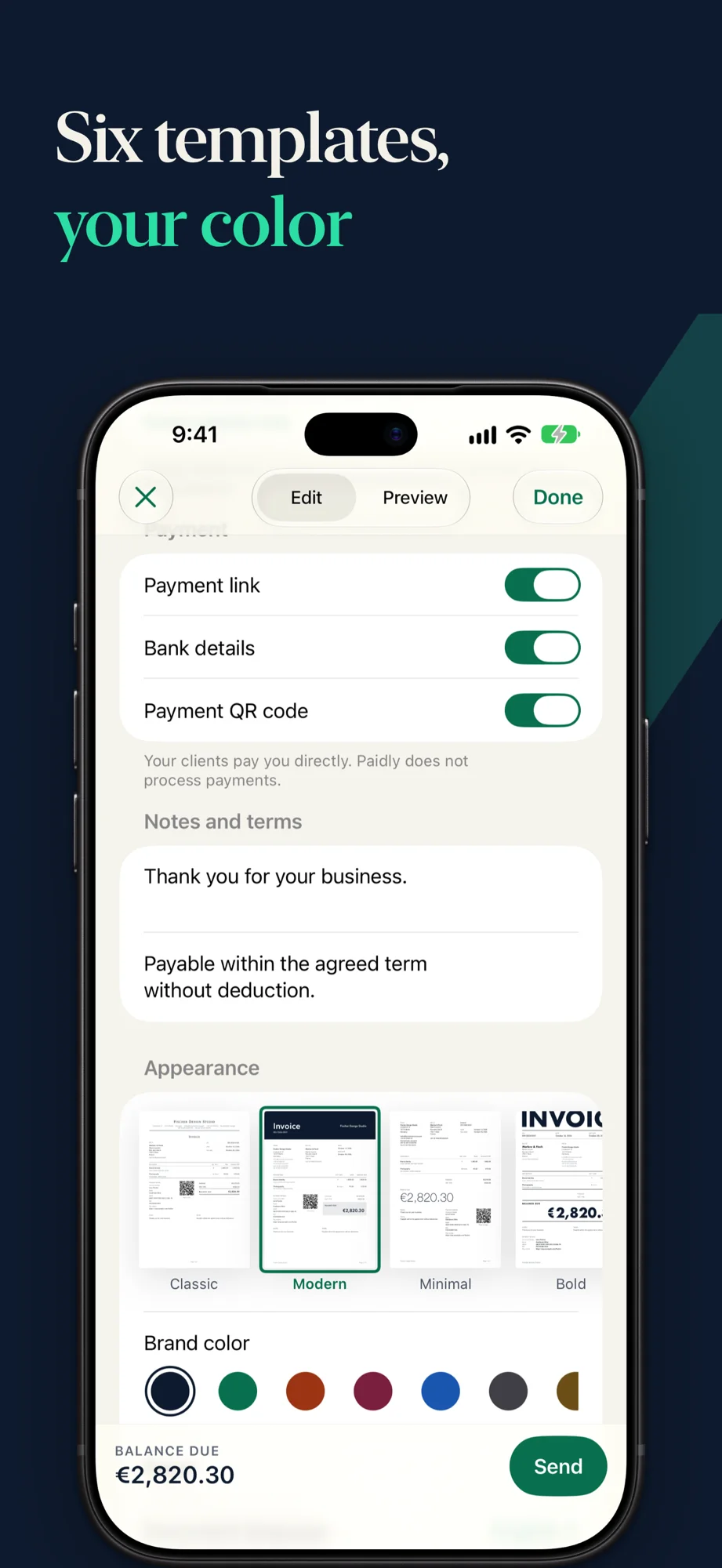
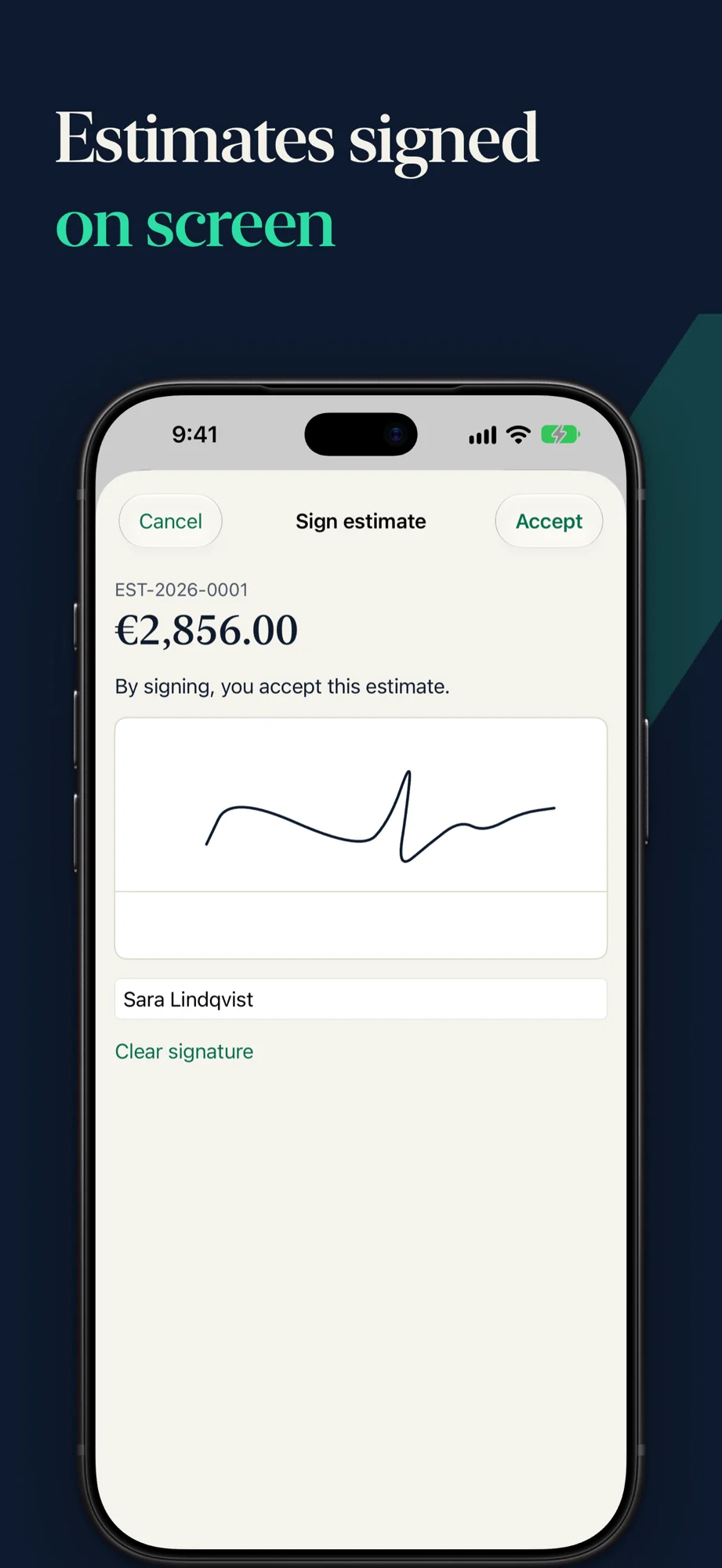
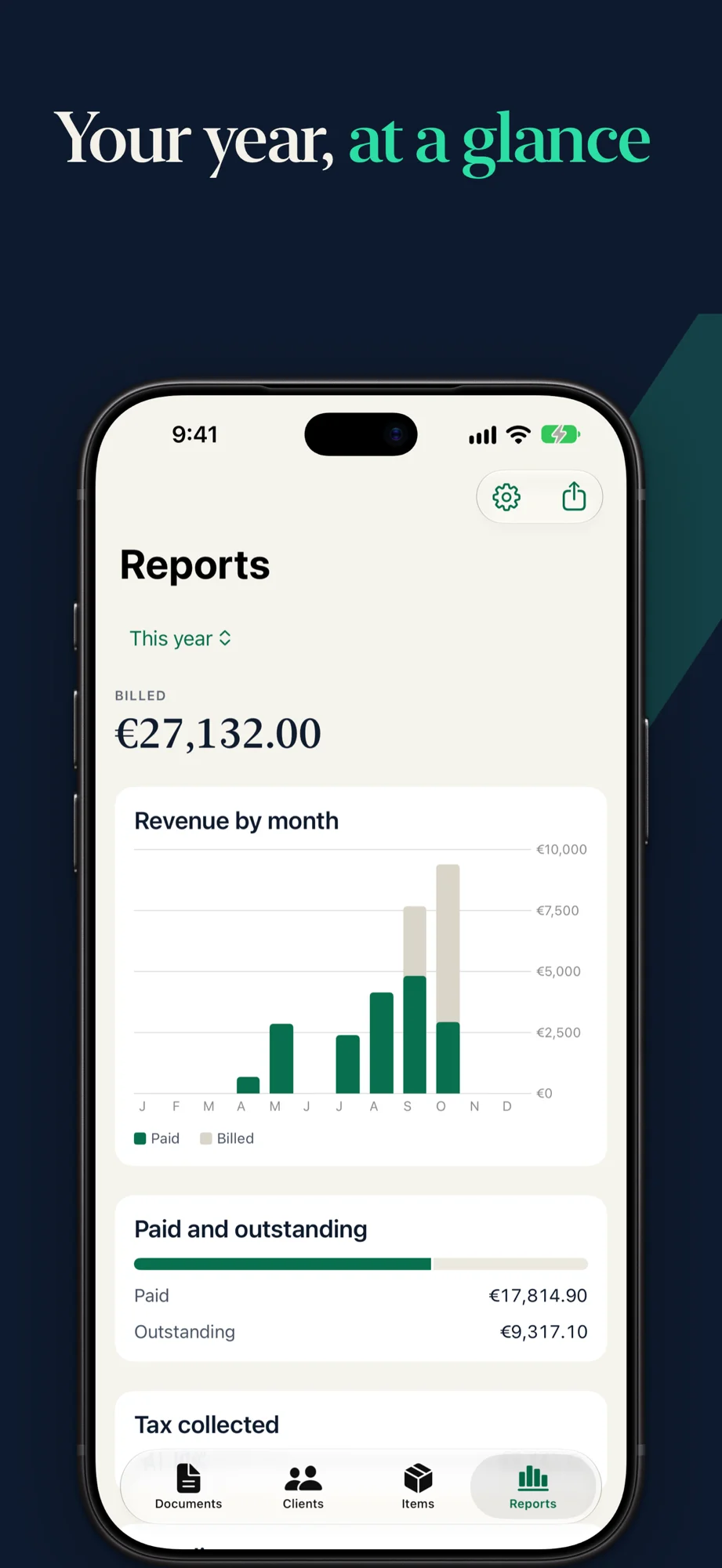
They run in your browser, with no sign-up.
A prefix, the year and a padded sequence, with the next numbers in order.
Adds tax to a net price or takes it out of a gross one, at any rate.
The due date from the invoice date and terms such as Net 30 or end of month.
Simple interest on an overdue invoice by the day, with the formula.
Start at any number, such as 0001 or 2026-001. What matters is that every later invoice follows in sequence without gaps you cannot explain.
You can if your tax rules allow it. Put the year in the number so 2026-0001 and 2027-0001 never clash.
Keep it on record and issue a credit note. Reusing or skipping numbers makes the series harder to follow for an accountant or tax office.
No. Clients pay you directly through your bank or your own payment link. Paidly prints those details on the document and can draw SEPA, Swiss QR-bill, PIX and UPI codes on the device.
Unlimited sending without the "Made with Paidly" footer, all six templates, signed estimates and conversion, payment QR codes, recurring invoices, reminders, reports and time tracking. It comes as a monthly plan, a yearly plan with a one-week free trial, or a one-time lifetime purchase.
Invoices, mileage and site work