
Battery runtime calculator
Hours from amp-hours, voltage, watts, usable capacity and inverter losses.
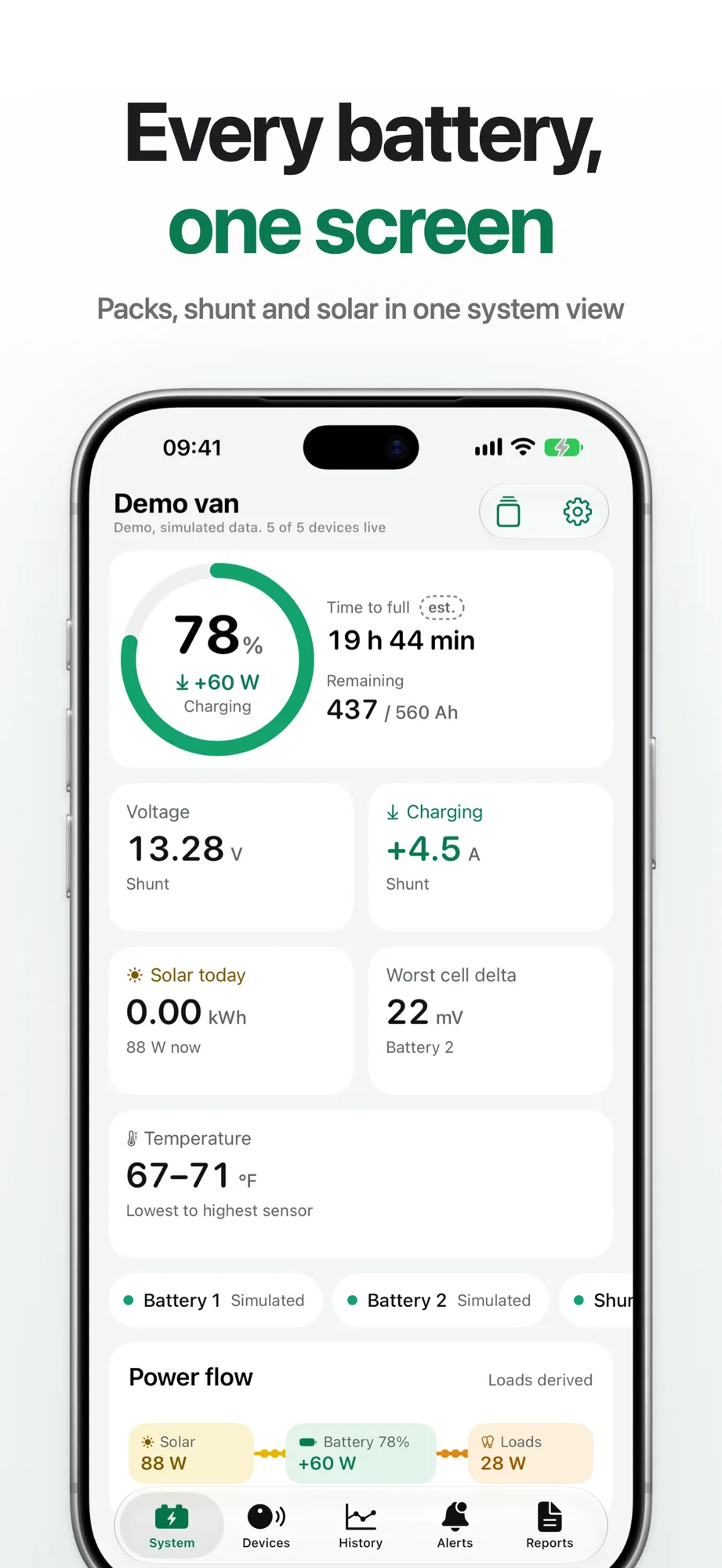
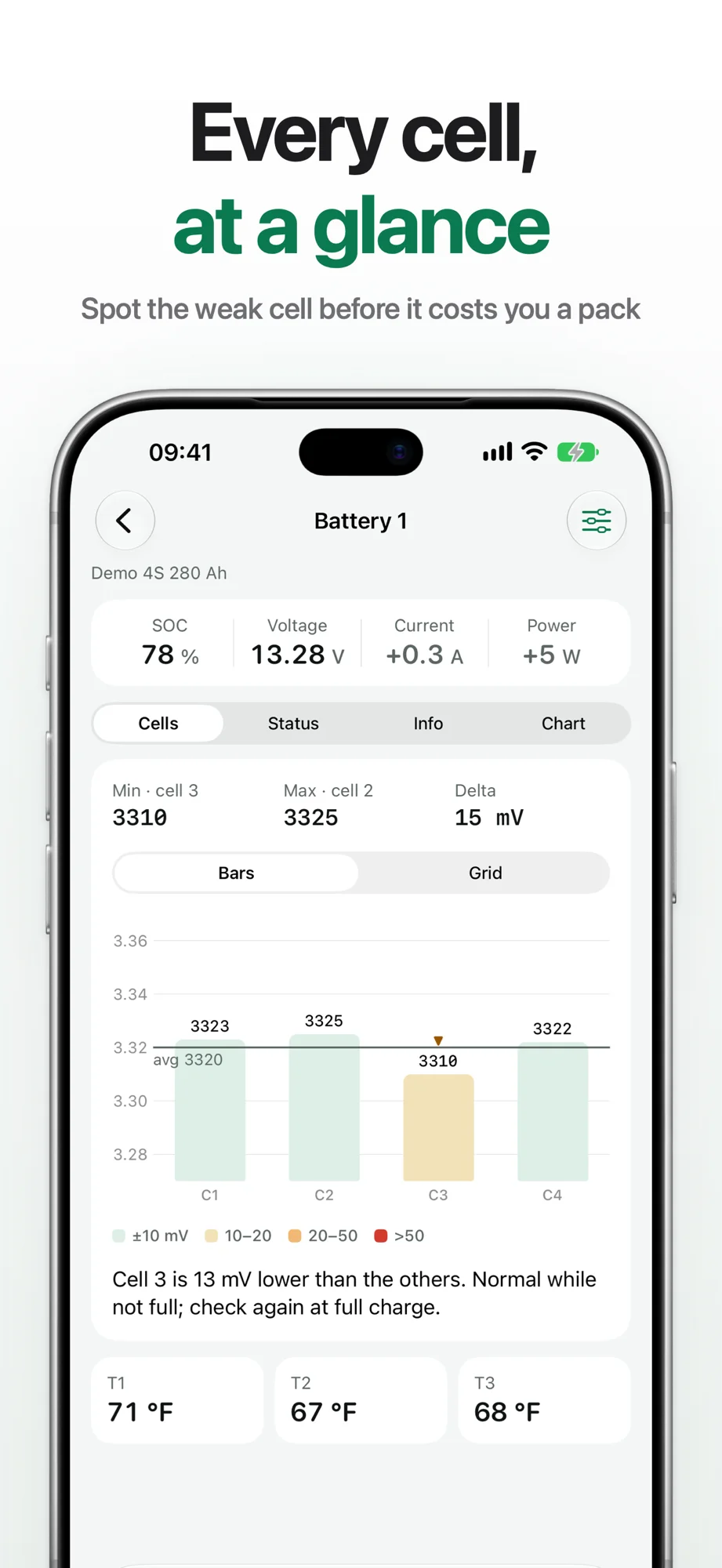
Amphour: LiFePO4 BMS MonitorThe free battery runtime calculator estimates hours from amp-hours, voltage, the watts you draw, usable capacity and inverter losses, and shows the formula. Amphour, for iPhone and iPad, reads your LiFePO4 battery's BMS over Bluetooth and shows the real state of charge, power in and out, each cell's voltage and the amp-hours left.
| Free tool | Amphour | |
|---|---|---|
| Runs on | Any browser | iPhone and iPad |
| Numbers come from | What you type | Your BMS and Victron devices, over Bluetooth |
| Cells | One battery as a whole | Every cell's voltage and the delta between them |
| History | None | Every second while connected, with CSV export |
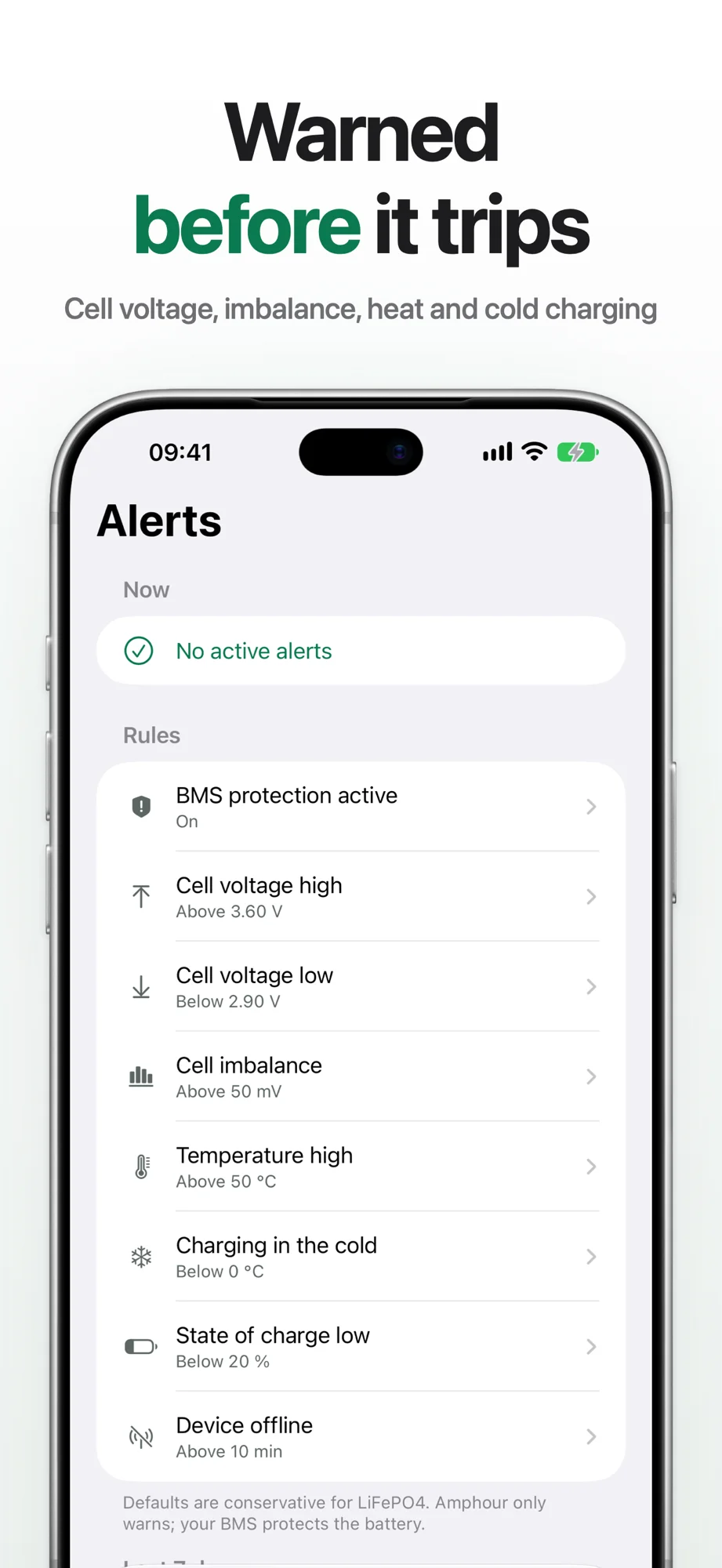
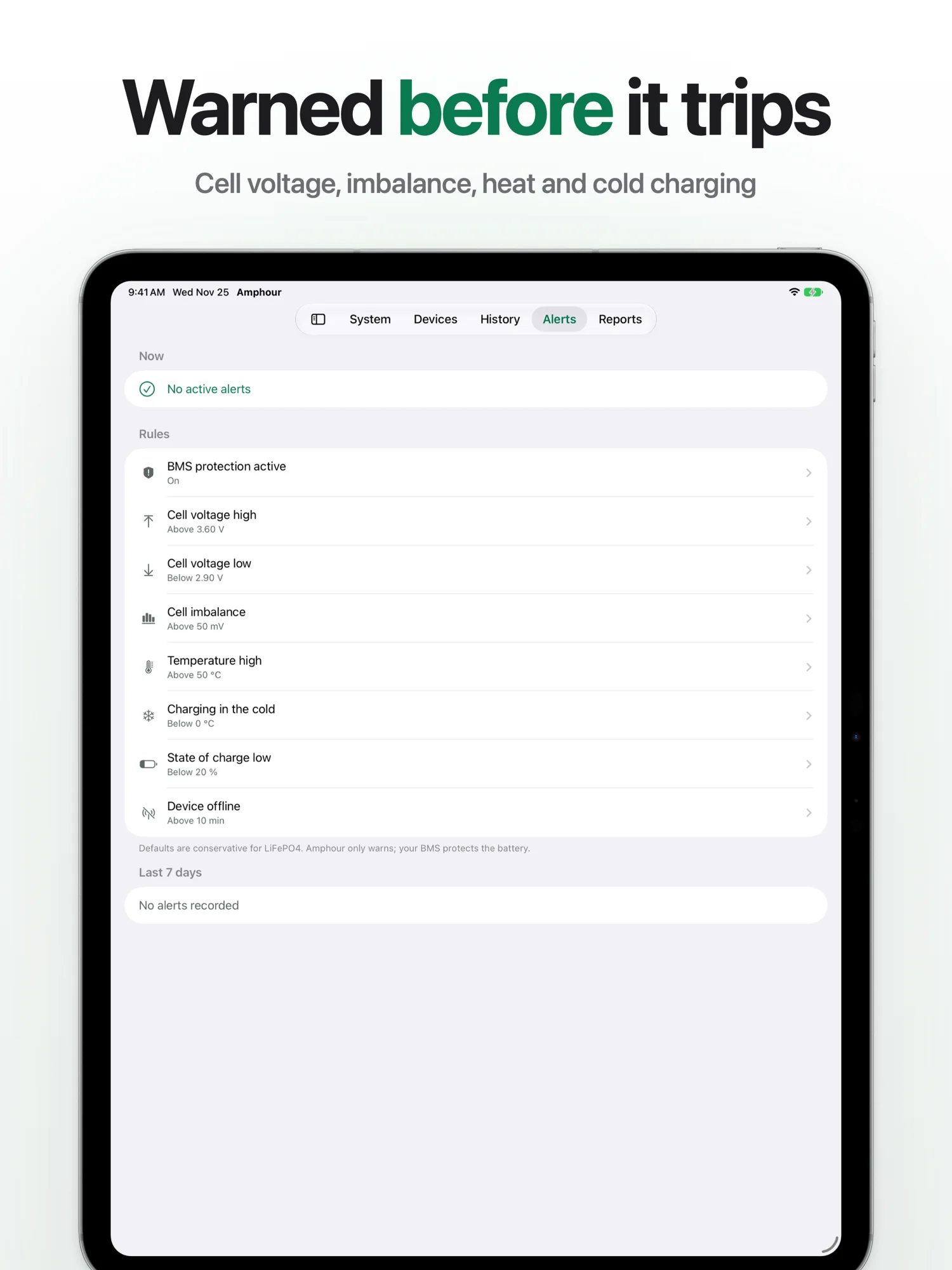
| Alerts | No | Cell voltage, imbalance, temperature, cold charging and low charge |
| Price | Free in the browser | Free download; Amphour Pro, yearly or one-time, adds every device, Victron, full history, reports and your own thresholds |
Use the free calculator when you are sizing a battery bank or planning how long a fridge, lights and a laptop will run off-grid.
Get Amphour when the battery is installed and you want to see what it is really doing, cell by cell, with a warning before a cell drifts out of range.
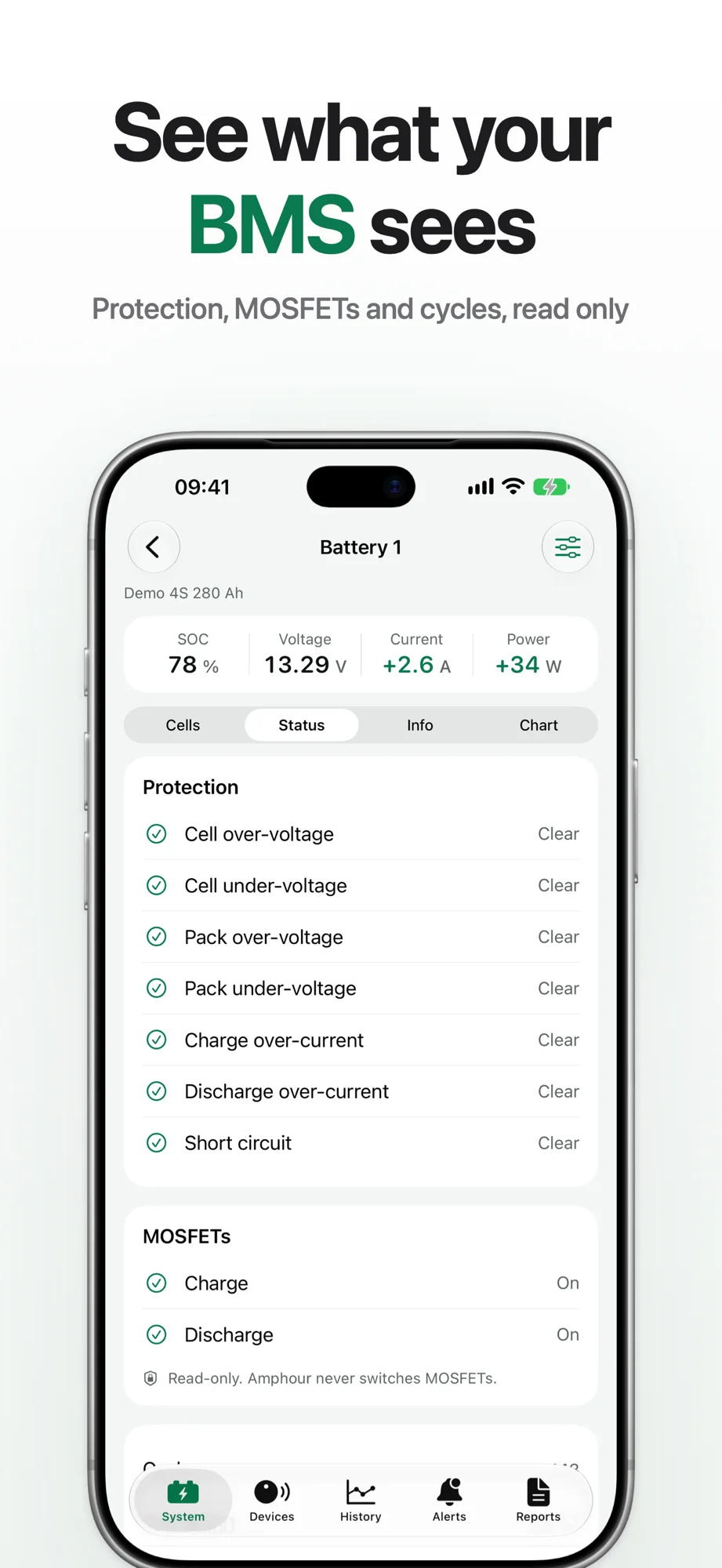
Screens from the current version on the App Store.
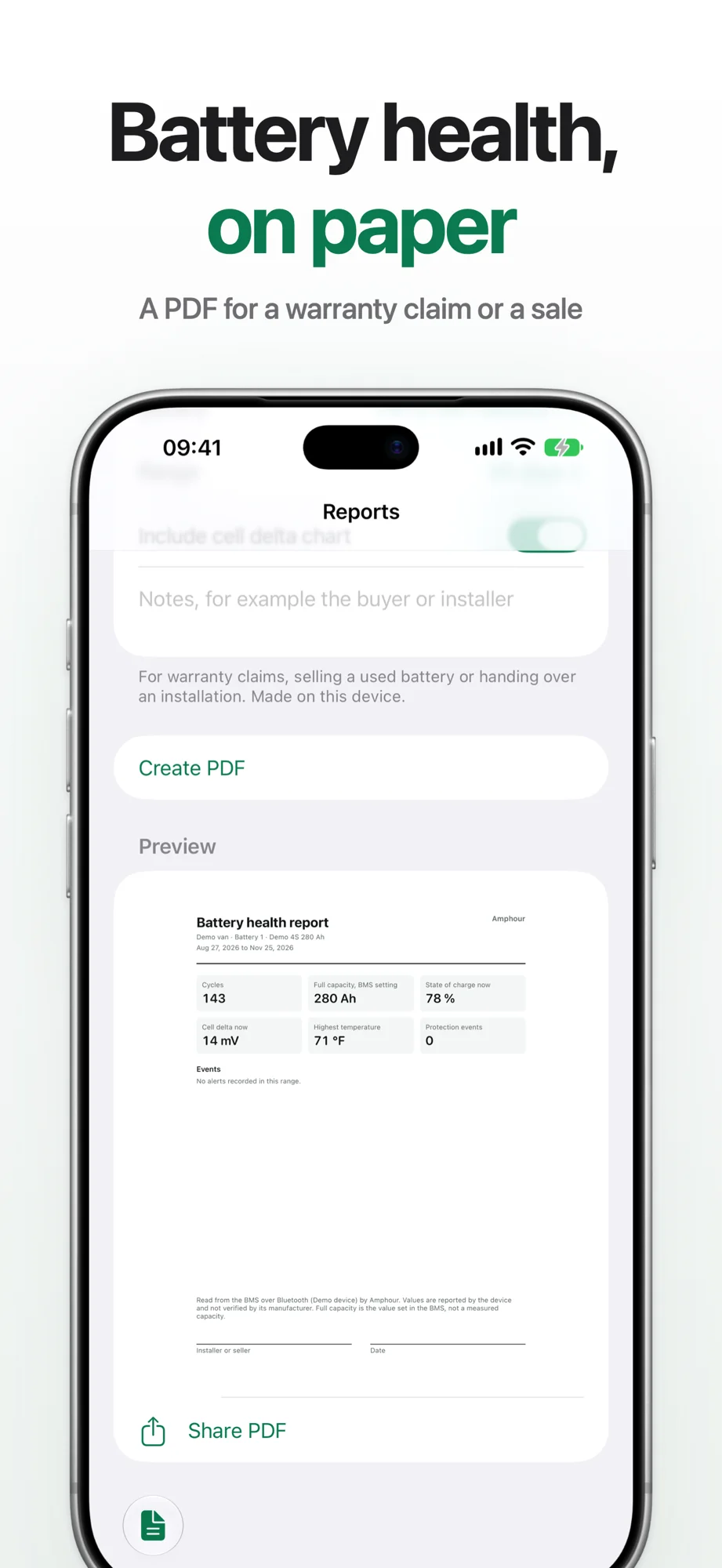
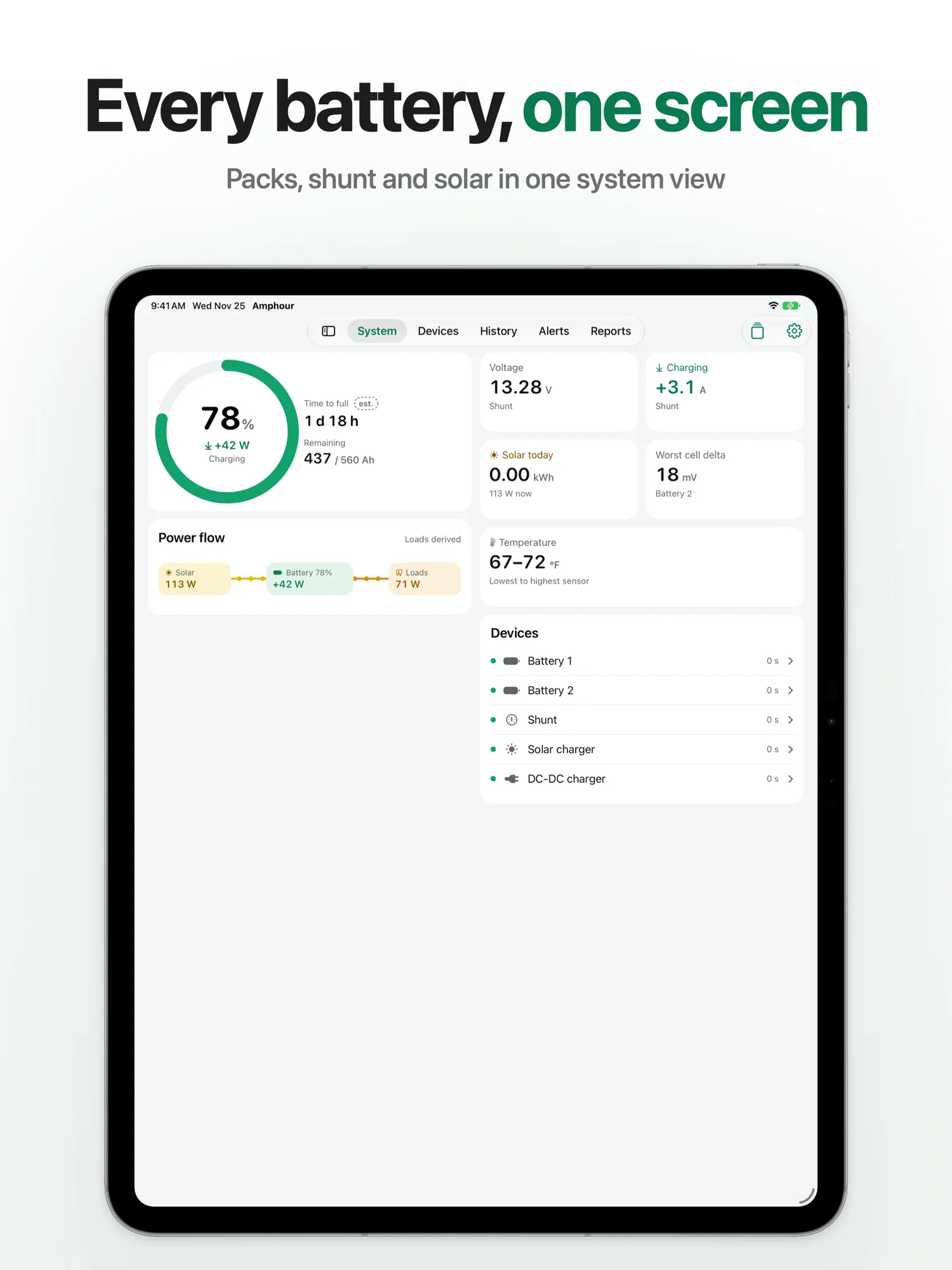
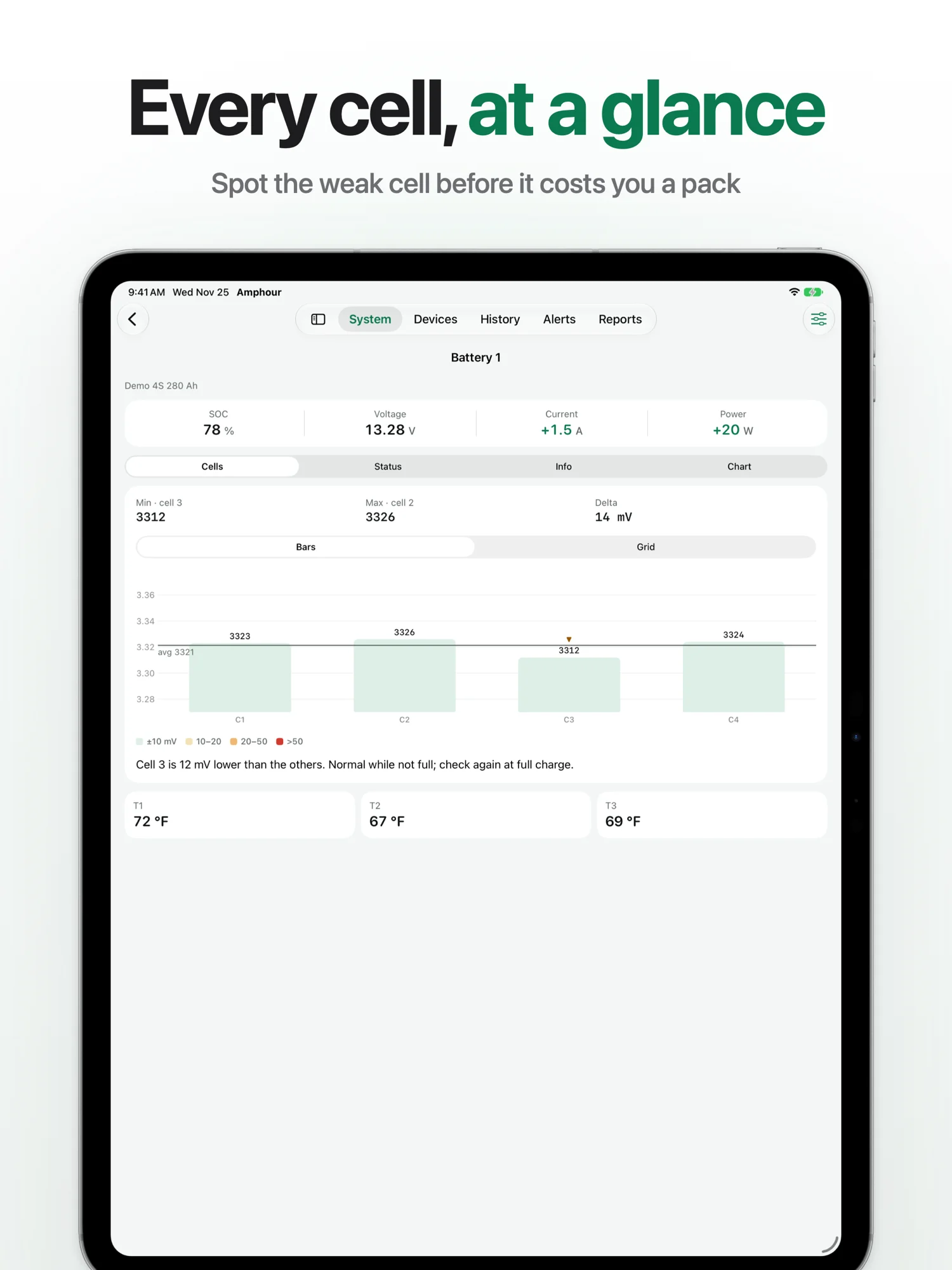
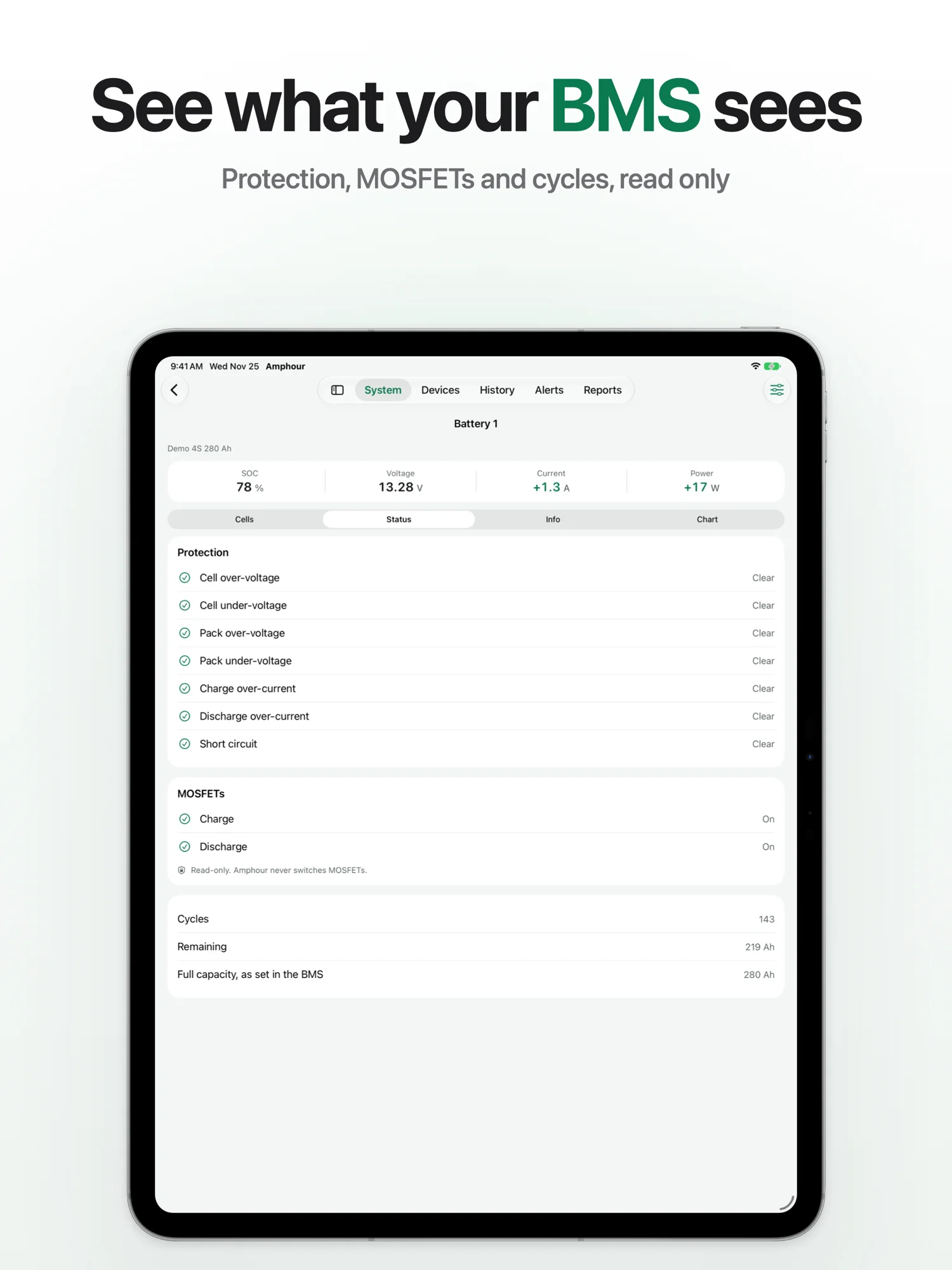
They run in your browser, with no sign-up.
Hours from amp-hours, voltage, watts, usable capacity and inverter losses.
Day length and solar noon for any place and date.
Turns a CSV export into JSON in the browser.
At 12.8 V a 100 Ah LiFePO4 battery stores 1,280 Wh. Using 90% of it, a 60 W load runs for about 19.2 hours and a 120 W load for about 9.6 hours.
LiFePO4 batteries are commonly run down to 10 to 20% left, which is why the calculator starts at 90%. Lead-acid and AGM batteries are usually kept above about half. The maker's datasheet is the final word.
Real loads change, cold weather lowers what a battery delivers, and an inverter loses some energy as heat. A monitor that reads the BMS shows what is really left.
No. Amphour is read only. It never changes settings, switches MOSFETs or updates firmware, so your BMS keeps protecting the battery.
JBD and Xiaoxiang smart BMS, checked on real hardware; Victron battery monitors and chargers with Instant Readout, checked by the community; and Daly smart BMS, still experimental. A demo system shows every screen without hardware.
Car, battery and books