Annual mileage calculator
Miles or km per year, month, week and day from two odometer readings.
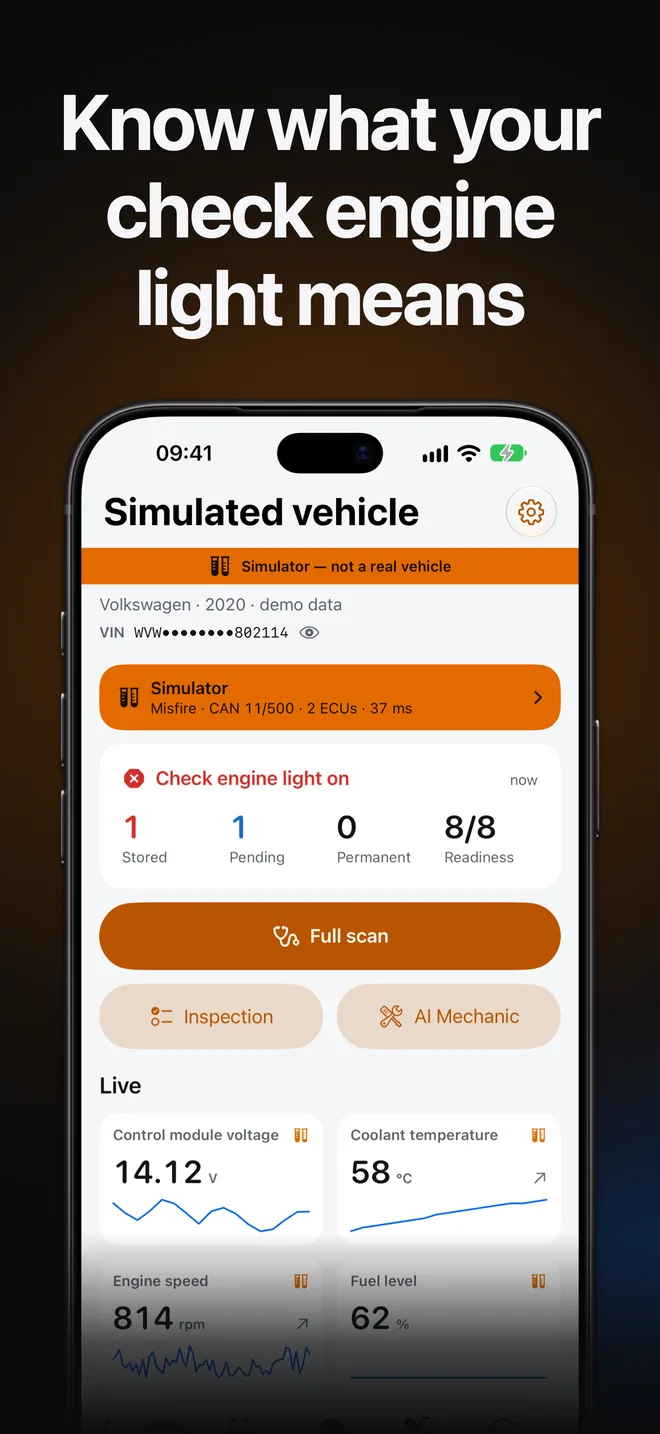
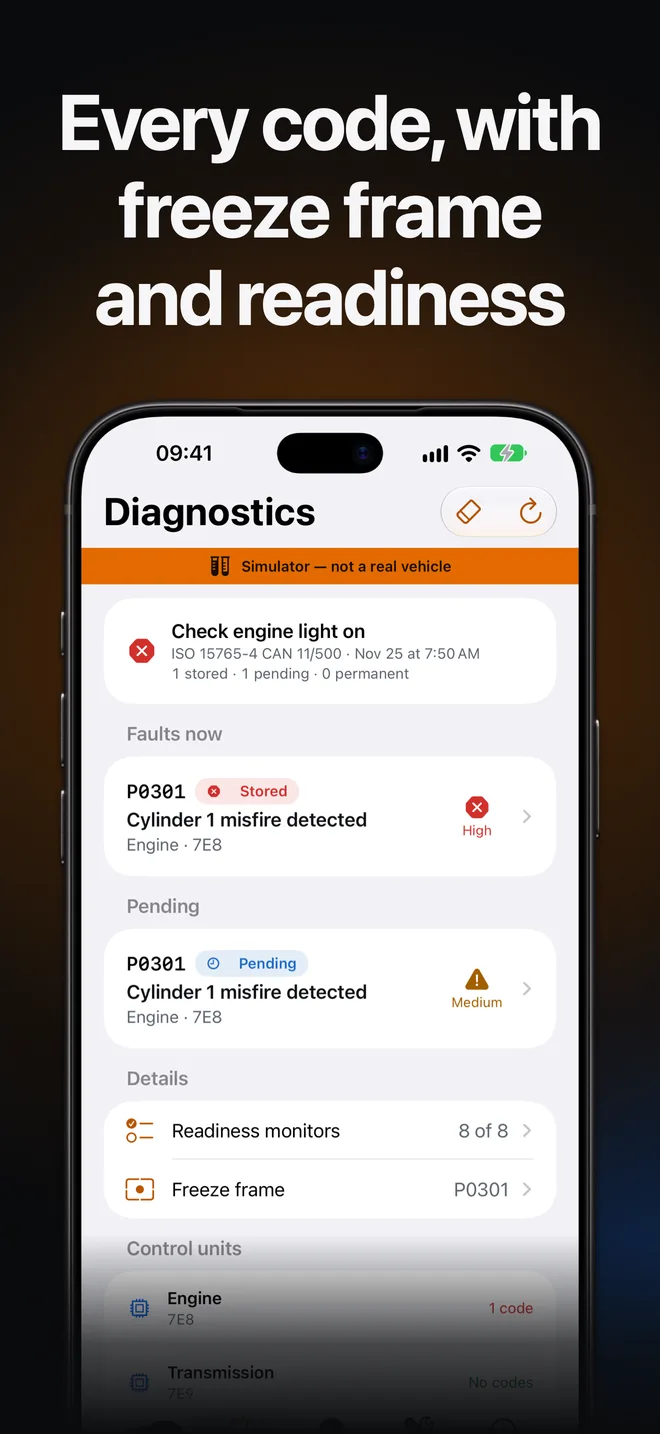
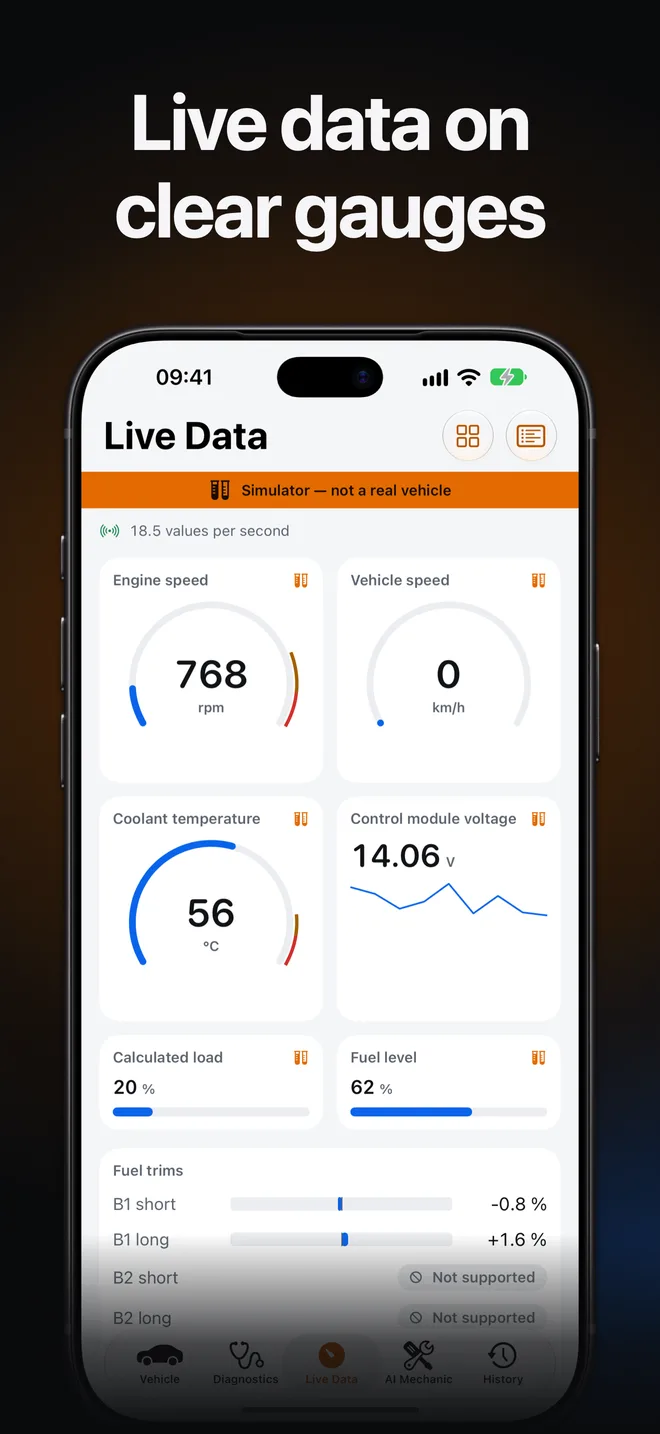
Hoodsight: OBD2 Car ScannerThe free annual mileage calculator takes two odometer readings and their dates and gives miles or kilometres per year, month, week and day. It trusts the numbers you type. Hoodsight, for iPhone and iPad, reads the car itself through an OBD-II adapter: fault codes, readiness monitors, live data, and the odometer where the car reports it.
| Free tool | Hoodsight | |
|---|---|---|
| Runs on | Any browser | iPhone and iPad, with an ELM327-compatible Bluetooth LE or Wi-Fi adapter |
| Data comes from | Readings you type | The car's engine and emissions control units |
| Odometer | A yearly rate from two readings | Compared with the ECU where the car reports it |
| Fault codes | No | Stored, pending and permanent, with freeze frame |
| Price | Free | Free download; Hoodsight Pro, monthly, yearly or lifetime, adds dashboards, unlimited safe clears and AI Mechanic questions |
Use the free calculator when you need a yearly mileage figure for an insurance quote, a lease or a tax log.
Get Hoodsight when a check engine light is on, or when you are about to buy a used car and want to see what its computers report.
Screens from the current version on the App Store.
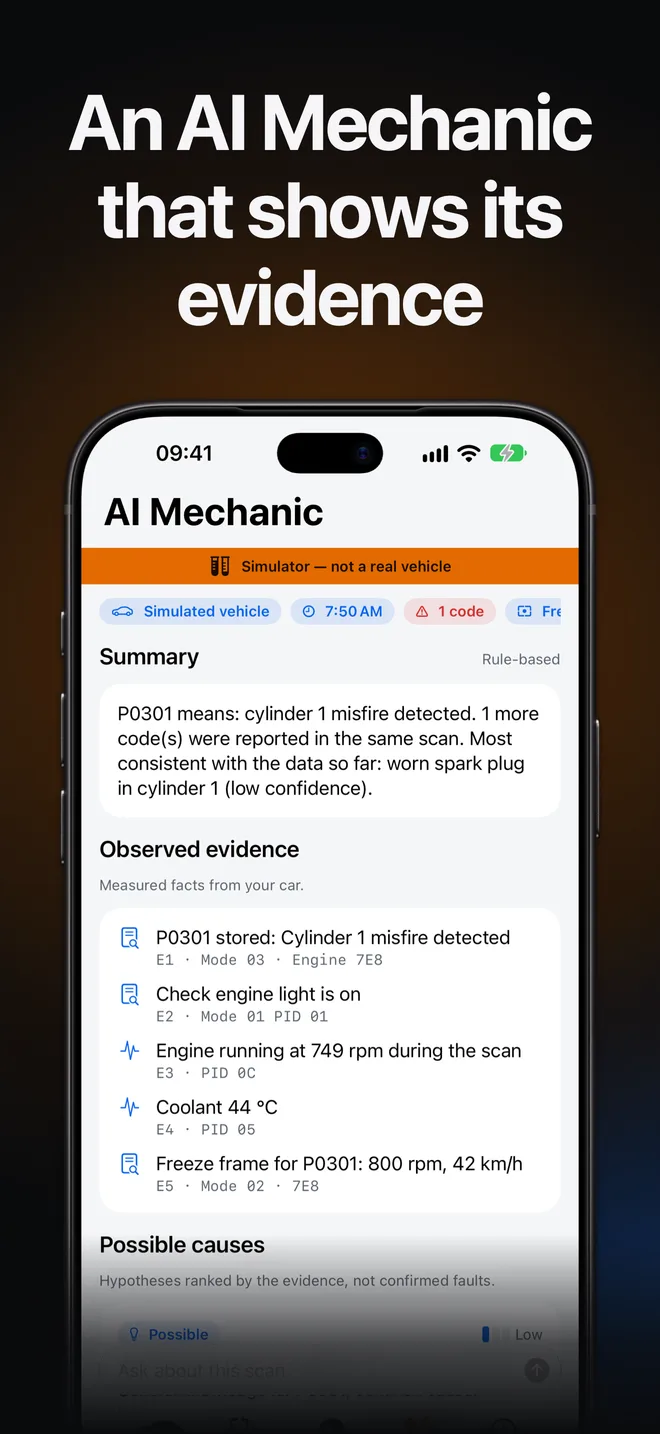
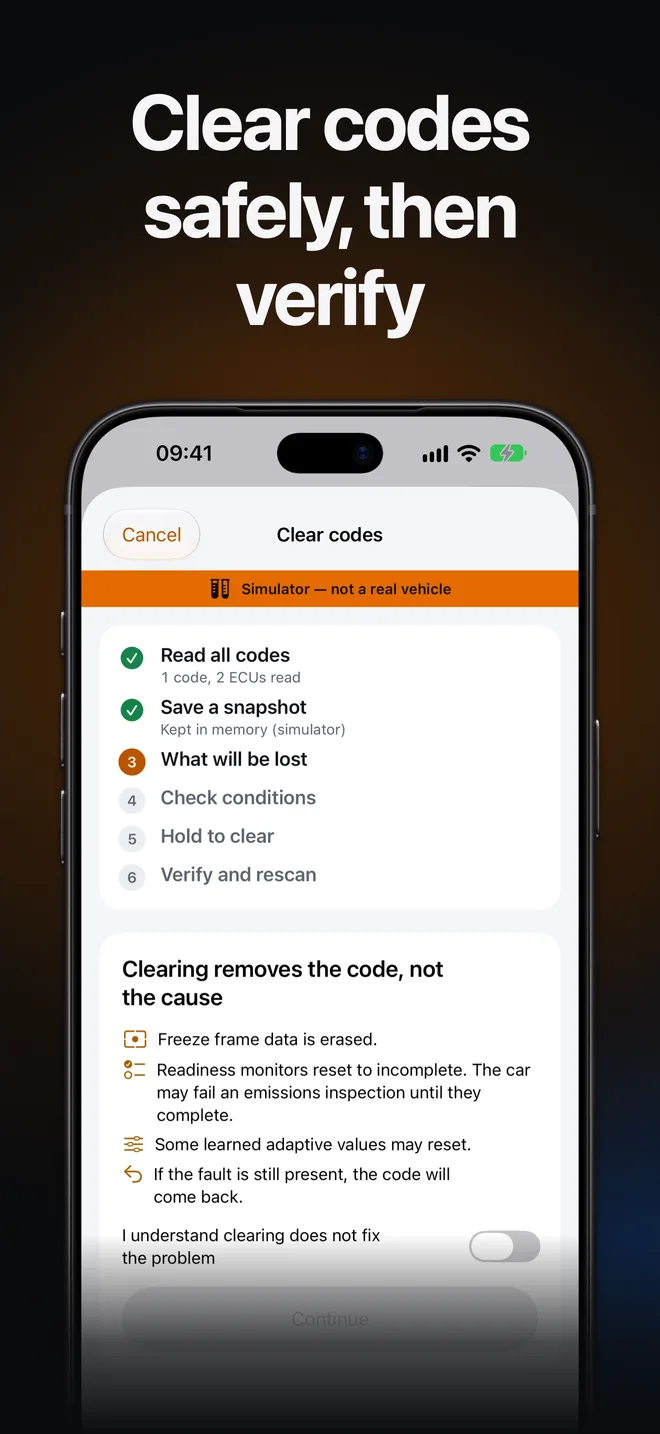
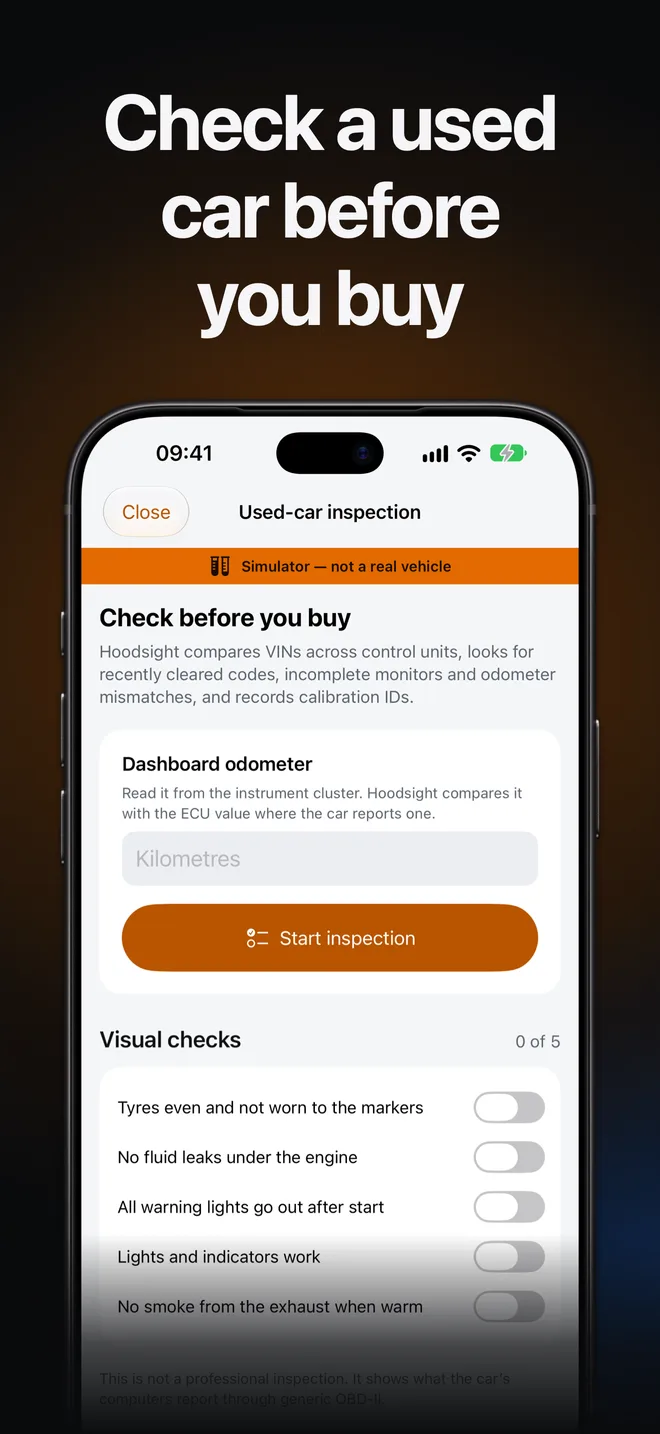
They run in your browser, with no sign-up.
Miles or km per year, month, week and day from two odometer readings.
Fuel, insurance, servicing, tax, parking and depreciation per mile or km.
A trip's fuel cost from distance, fuel economy and price.
Enter two odometer readings and the dates you took them. The calculator spreads the distance over the time between them and gives miles or kilometres per year, month, week and day.
No. It only works with the readings you enter. Hoodsight compares the dashboard reading with the ECU where the car reports it, and looks for recently cleared codes.
An ELM327-compatible OBD-II adapter that connects over Bluetooth LE or Wi-Fi. Classic Bluetooth adapters cannot work with iPhone or iPad.
No. Generic OBD-II reaches the engine and emissions control units. ABS, airbag and body modules are shown as not accessible.
No. It shows what the car's computers report. Use it only with the car parked, and have a qualified mechanic check the car before a repair or a purchase.
Car, battery and books